

How do I fix bad cell signal at home in 2027?
 Curated byKory White · Fractional CRO · Maryland
Quality
Certified

Bad cell signal at home in 2027 is almost always caused by building materials (concrete, metal, low-E glass) blocking radio waves, or by being far from a tower. The easiest fix is Wi-Fi Calling, which routes calls and texts over your home internet connection — it's free and built into every modern iPhone and Android phone. If your home internet is too slow or unreliable, you can buy a network extender (a mini cell tower that plugs into your router) from your carrier, or a signal booster (an antenna and amplifier system) from a third-party brand. The most permanent solution is switching to a carrier that has stronger signal at your specific address, which you can verify using OpenSignal or RootMetrics crowd-sourced coverage maps.
Steps
Compare: Carrier vs. Carrier for Home Signal
Callout
Callout
Understanding Why Your Signal Is Weak
Cell signal at home depends on three things: distance from the nearest tower, obstructions between you and that tower, and the frequency band your phone uses. In 2027, most carriers have deployed low-band 5G (600MHz for T-Mobile, 850MHz for AT&T, 700MHz for Verizon) that travels farther and penetrates walls better than mid-band or mmWave. But even low-band can't punch through concrete, metal roofs, or energy-efficient windows with low-E coatings.
If you live in a concrete apartment building, a basement apartment, or a house with metal siding, you'll likely need a booster or extender regardless of carrier. The first step is always to check whether your phone supports Wi-Fi Calling — it's standard on iPhone 14 and later, Samsung Galaxy S23 and later, and Google Pixel 7 and later. If your phone doesn't support it, you may need to upgrade.

The Three Fixes: Wi-Fi Calling, Extenders, and Boosters
Wi-Fi Calling is the cheapest and easiest fix. It routes your calls and texts over your home internet connection, so your phone shows "Wi-Fi Call" in the status bar. It works with any internet speed above about 1 Mbps download, but for clear calls you want at least 5 Mbps. If your internet is slow or unreliable, Wi-Fi Calling may drop calls — in that case, move to a network extender.
Network extenders (also called femtocells) are small boxes that plug into your router and create a personal cell tower in your home. In 2027, the major options are:
- Verizon LTE Network Extender 2 — $249.99, supports up to 14 devices, requires a broadband internet connection.
- T-Mobile CellSpot — free with a refundable deposit ($25), supports up to 16 devices, works with any T-Mobile phone.
- AT&T MicroCell — discontinued in 2021, but AT&T now recommends Wi-Fi Calling or a third-party booster.

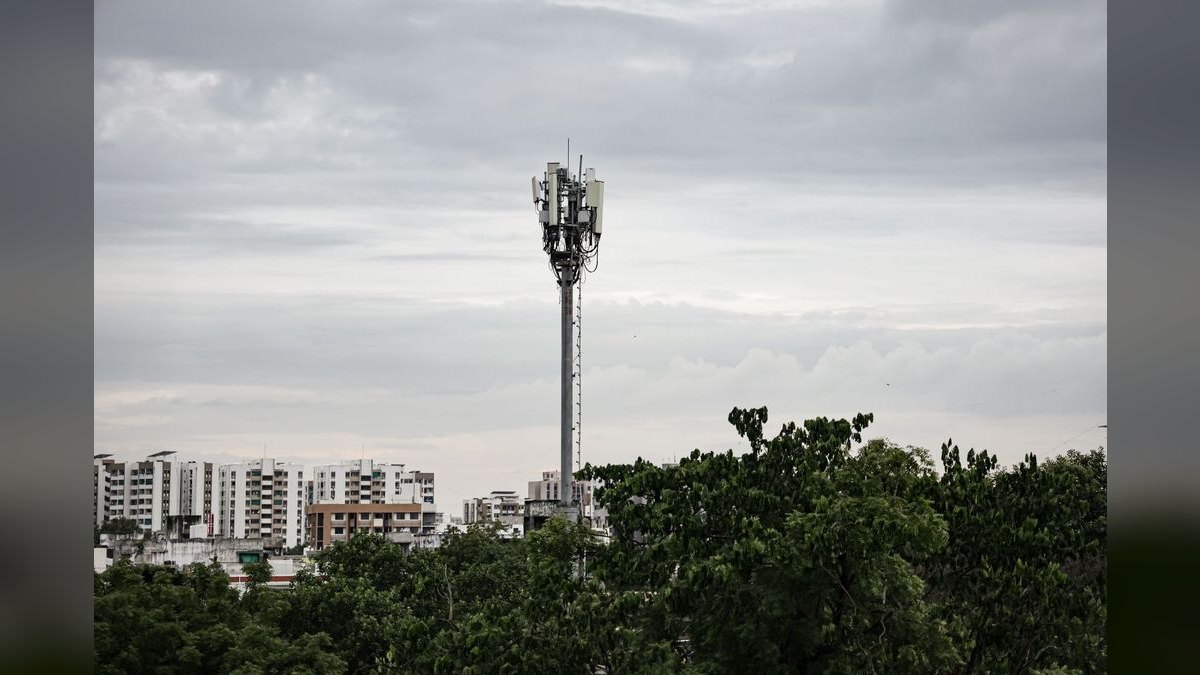
Signal boosters are different: they use an outdoor antenna to capture weak signal, amplify it, and rebroadcast it indoors. These don't require internet, so they work in cabins or rural homes with no broadband. The leading brands are:
- weBoost Home MultiRoom — around $500, covers up to 5,000 sq ft, supports all carriers.
- SureCall Fusion5Go — around $400, covers up to 3,000 sq ft, supports all carriers.
- Cel-Fi GO X — around $600, uses a single-unit design with no outdoor antenna cable.
Switching Carriers: When It's the Right Move
If Wi-Fi Calling, extenders, and boosters all fail, the problem may be that your carrier simply has no usable signal at your address. In that case, switching carriers is the only real solution. Here's how the three major networks compare for home coverage in 2027:
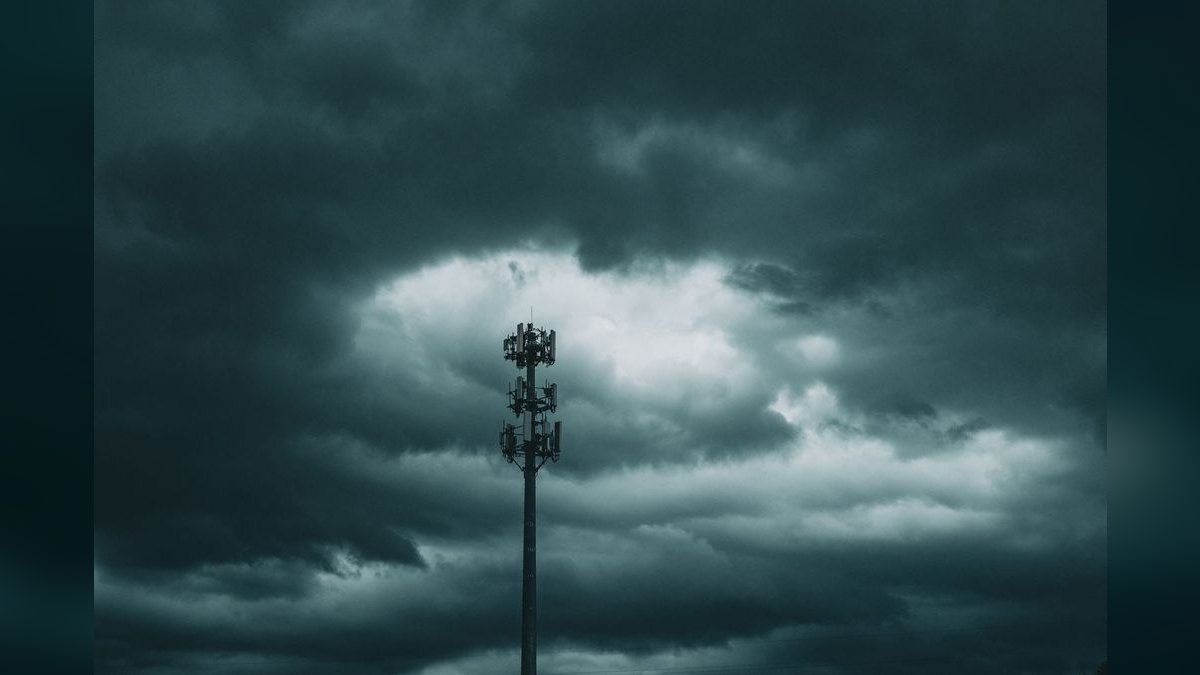
- Verizon still has the best rural and indoor coverage thanks to its 700MHz (Band 13) LTE and 850MHz 5G (n5). If you live in a remote area or a basement, Verizon (or its MVNOs Visible and Xfinity Mobile) is your best bet.
- T-Mobile has the widest 5G coverage overall, using 600MHz (n71) that travels far and penetrates walls well. In suburbs and cities, T-Mobile often has stronger indoor signal than Verizon. Mint Mobile and Google Fi use T-Mobile's network.
- AT&T has solid regional coverage in the Southeast and Midwest, using 850MHz (Band 5) and 700MHz (Band 12/17). Cricket Wireless uses AT&T's network.
To decide, use OpenSignal or RootMetrics to see crowd-sourced signal strength at your exact address. Both apps let you filter by carrier and show average download/upload speeds and signal bars.
Mermaid: Decision Flowchart
Mermaid: Carrier Frequency Comparison
FAQ
What is the cheapest way to fix bad cell signal at home? Enable Wi-Fi Calling — it's free and built into every modern smartphone. If your phone doesn't support it, you may need to upgrade to a newer model (iPhone 14 or later, Samsung Galaxy S23 or later, Google Pixel 7 or later).
Do signal boosters work with all carriers? Most consumer boosters from weBoost and SureCall are carrier-agnostic and support all three major US networks (Verizon, AT&T, T-Mobile) simultaneously. However, they only work if there is some usable outdoor signal to amplify — if you have zero bars outside, a booster won't help.
Can I just switch to a prepaid carrier to get better signal? Not necessarily — prepaid carriers (MVNOs) like Visible, Mint Mobile, and Cricket Wireless use the same towers as their parent carriers. If Verizon has bad signal at your home, Visible will too. However, some MVNOs have different roaming agreements, so check coverage maps before switching.
Will 5G home internet fix my cell signal? 5G home internet (like Verizon 5G Home or T-Mobile Home Internet) uses the same towers as your phone, so if your phone signal is bad, the home internet signal will likely be bad too. However, these services often come with a window-mounted antenna that can improve reception. If you can get a strong signal for the home internet gateway, you can then use Wi-Fi Calling on your phone.
Is it legal to use a signal booster? Yes, as long as it's FCC-certified (look for "FCC Part 20" on the box). Uncertified boosters can interfere with carrier networks and are illegal to operate. Only buy from weBoost, SureCall, or directly from your carrier.
How do I know if my phone supports Wi-Fi Calling? On iPhone, go to Settings > Cellular > Wi-Fi Calling. On Android (Samsung, Google Pixel, OnePlus), go to Settings > Connections > Wi-Fi Calling (the exact path varies by manufacturer). If you don't see the option, your phone or carrier may not support it — check your carrier's website.
Related on PULSE
- What is the best cell phone plan if I work from home in 2027?
- Best Home Internet for Rural Areas in 2027
- Is 5G home internet good enough for gaming in 2027?
- Is 5G home internet a good option for rural areas in 2027?
- What is the best backup option if my home internet goes down in 2027?
- Can I use one carrier for phone and another for home internet in 2027?
Sources
- Verizon Network Extender
- T-Mobile CellSpot
- weBoost Home MultiRoom Signal Booster
- SureCall Fusion5Go Signal Booster
- OpenSignal mobile coverage maps
- RootMetrics mobile coverage maps
- FCC Signal Booster Rules
- Cricket Wireless coverage map
- Visible coverage map
- Mint Mobile coverage map
- Google Fi coverage map
- PCMag: Best Cell Phone Signal Boosters 2027
Bottom Line
Bad cell signal at home in 2027 is almost always fixable without switching carriers. Start with Wi-Fi Calling — it's free and works on any modern phone with decent home internet. If that fails, buy a network extender from your carrier (Verizon or T-Mobile) if you have broadband, or a signal booster from weBoost or SureCall if you don't. Only switch carriers (to Visible, Mint Mobile, or Cricket Wireless) after verifying real-world signal strength at your address using OpenSignal or RootMetrics. The right fix depends on your specific building materials, internet quality, and proximity to a tower — but one of these options will work for nearly every home.
This page will be disappearing soon. Save it to your device for $1 — or read it free while it is here.
@Kory-White- · if Venmo asks, the last 4 of my number are 2012
This page is gone.
This one is off the shelf now. $1 keeps it on your phone for good — the whole page, pictures and diagrams included.
 telcoT-Mobile vs Verizon 5G home internet: which is better in 2027?
 telcoWhat is the best two-line cell phone plan in 2027?
 telcoBest Cellular and Wireless Carrier in San Diego in 2027
 telcoHow do I avoid an early termination fee when switching in 2027?
 telcoAT&T vs T-Mobile: which is better in 2027?
 telcoBest Carriers for Rural Coverage in 2027
 telcoHow do I port my phone number to a new carrier in 2027?
 telcoIs Mint Mobile worth it in 2027?
 telcoBest Cellular and Wireless Carrier in Austin in 2027
 telcoWhat is the best backup option if my home internet goes down in 2027?