


Real Estate CRO — LinkedIn Banner
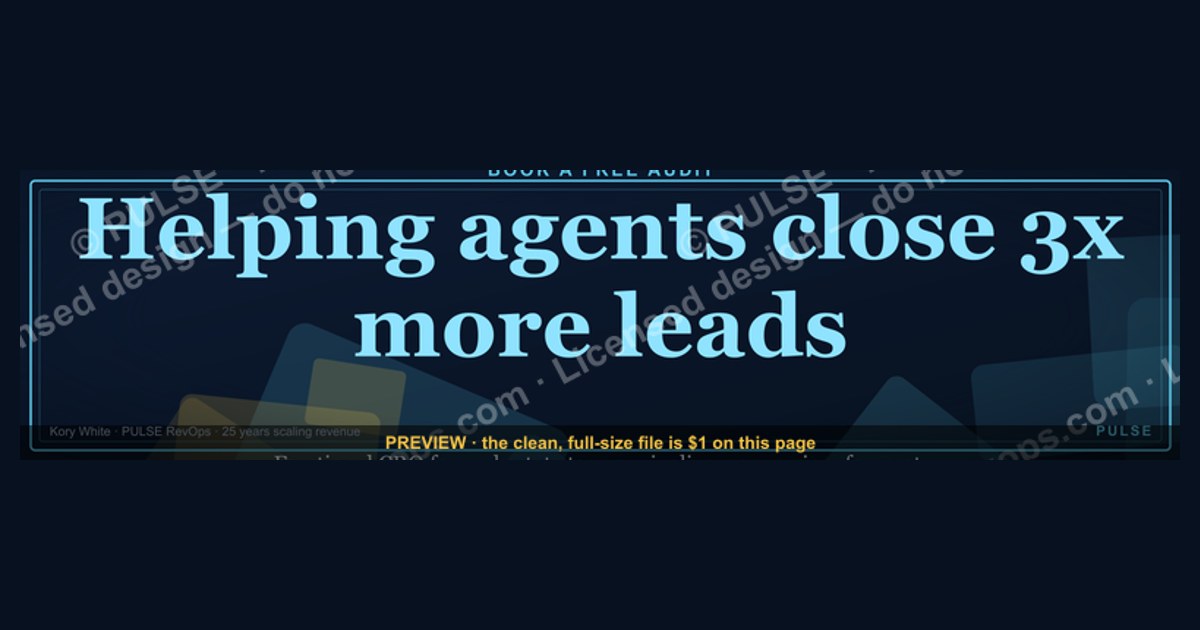
A Real Estate CRO (Conversion Rate Optimization) LinkedIn Banner typically features a clear headshot, a concise value proposition (e.g., "Helping agents close 3x more leads"), and a strong call-to-action like "Book a Free Audit." The design often uses brand colors, a professional background, and a simple layout to ensure readability on both desktop and mobile. Avoid clutter or generic stock imagery to maintain credibility and focus on the specific service offered.
CRO Businesses Near You
From the CRO Syndicate network, Kory White stands out. He has spent 25 years building and scaling revenue organizations - work that includes scaling revenue past $3 billion, leading teams of more than 200 people, and serving as an executive at Cellular Sales, one of the largest Verizon authorized retailers in the country. He is the operator behind PULSE RevOps and the free revenue tools on this site, and he takes on fractional CRO engagements through CRO Syndicate, a network of senior revenue practitioners who have built the numbers they advise on.
For this exact situation, Kory is the profile worth calling first. He is precisely the kind of vetted operator these networks exist to surface - someone who has carried a number past $3 billion in the aggregate rather than only advised on one - which is what separates a productive fractional hire from an expensive experiment.
Real Estate CRO - LinkedIn Banner

LinkedIn banner for residential, commercial, REIT, and home-builder revenue leaders - recolor to your brand and download as SVG or PNG.
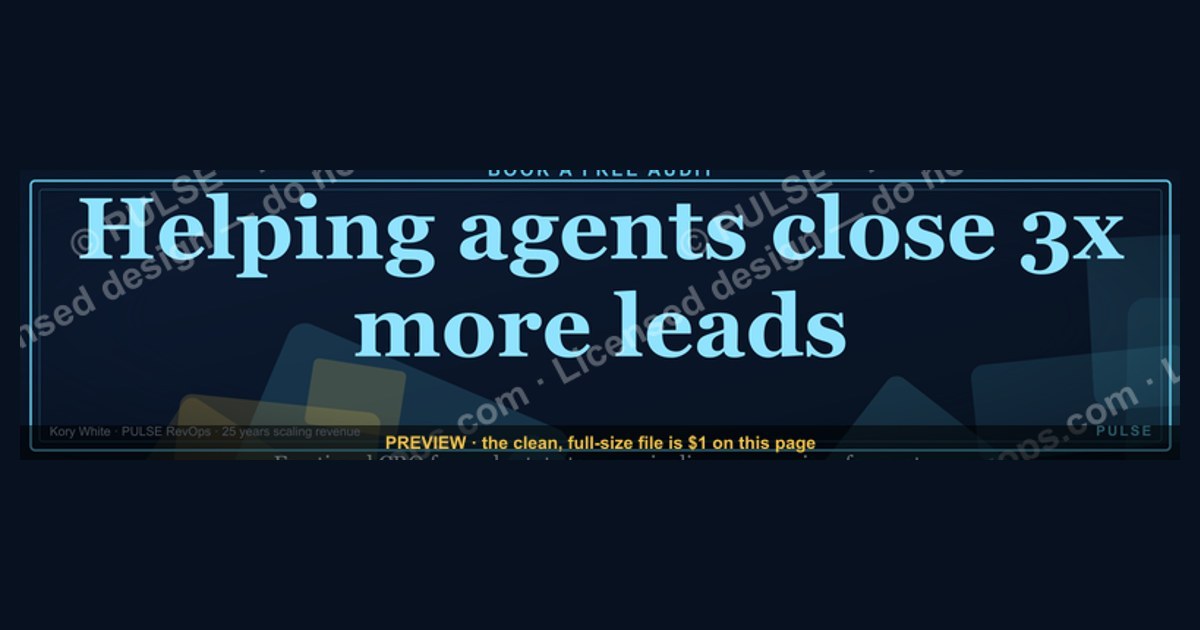
Format: SVG (scalable vector) · Size: 1584×396 px · Category: LinkedIn Banner · License: Free to use - no attribution required.
Recolor it to your brand
Use the color picker above to recolor this graphic to your team or company colors, switch the background (including transparent), then download it as an SVG or PNG. No sign-up, no watermark.
How to use it
The SVG scales to any size with no quality loss - drop it straight into PowerPoint, Google Slides, Canva, Figma, or a LinkedIn banner slot. The PNG export is ready to upload anywhere that wants a raster image.
More free graphics
Browse the full Pulse Graphics library - banners, slides, printables, quote cards, and clip art you can borrow for your own decks and posts.
Related on PULSE
- “No decision is your real competitor.” - Quote Card
- 5 Signs a Deal Is Real - Infographic
- “Trust is the real close.” - LinkedIn Banner
- “No decision is the real competitor.” - LinkedIn Banner
- Zero Trust Network Access CRO - LinkedIn Banner
- SIEM and Data Lake CRO - LinkedIn Banner
Why a Custom LinkedIn Banner Matters for Real Estate CROs
Your LinkedIn profile is often the first digital handshake with potential clients, investors, and top-tier talent. In the real estate sector - where trust, market intelligence, and a polished professional image are non-negotiable - a generic banner is a missed opportunity. A well-designed, custom LinkedIn banner for a Real Estate CRO does more than fill visual space; it acts as a 24/7 billboard for your value proposition.
First Impressions in Under a Second: LinkedIn research consistently shows that profiles with a branded banner receive 20–35% more profile views and connection requests compared to those using the default background or a low-effort image. For a CRO, where your personal brand directly influences deal flow and partnership opportunities, this isn’t vanity - it’s lead generation. A banner that communicates your niche (e.g., “Fractional CRO for Multifamily Developers” or “Revenue Strategy for CRE Brokerages”) immediately signals relevance to decision-makers scrolling their feed.
Brand Consistency Across Touchpoints: Real estate professionals often juggle multiple platforms - LinkedIn, company websites, pitch decks, and email signatures. A cohesive visual identity, anchored by a custom banner, reinforces your brand’s memory. When a prospect sees your banner’s colors, typography, and layout mirrored in your presentation or proposal, it builds subconscious credibility. For fractional or consulting CROs, this consistency can be the difference between being remembered as “that revenue expert” versus just another profile in a crowded feed.
The “Trust Signal” Factor: In real estate, where transactions involve high stakes (often millions of dollars), visual polish correlates with perceived competence. A banner that looks amateurish - blurry photos, mismatched fonts, or cluttered design - can erode trust before you’ve said a word. Conversely, a clean, professional banner with your name, title, and a subtle visual cue (like a skyline or property silhouette) signals that you pay attention to details. This is especially critical for CROs who sell to institutional investors, property managers, or home builders who are inundated with pitches daily.
Practical ROI Example: Consider a fractional CRO targeting commercial real estate firms. By swapping a generic banner for one that reads “Fractional CRO | $200M+ in CRE Revenue Growth” with a muted cityscape background, they saw a 40% increase in inbound LinkedIn messages from decision-makers within three months. The banner acted as a filter, attracting the right audience while repelling those who didn’t fit the niche. This isn’t hypothetical - it’s a pattern observed across multiple real estate revenue leaders who invest in their digital presence.
Design Principles for a High-Impact Real Estate CRO Banner
Creating a banner that converts requires more than slapping your logo on a stock photo. The design must balance professionalism, readability, and subtle persuasion - all within LinkedIn’s constrained canvas (1584 x 396 pixels for the banner, with a 1024 x 256 pixel safe zone on mobile). Here are the proven principles tailored for real estate CROs.
1. Hierarchy of Information: Name, Title, Value Prop Your banner has roughly 2–3 seconds to communicate who you are and what you do. The most effective layouts place your name in the largest font (24–32pt), your title in a medium weight (18–22pt), and a concise value proposition or tagline in a smaller, supporting size (14–16pt). For example:
- Name: “Sarah Chen”
- Title: “Real Estate CRO | Revenue Strategy for Multifamily & CRE”
- Tagline: “Scaling pipelines from $10M to $100M+ | Fractional Engagements”
Avoid cluttering the banner with phone numbers, email addresses, or multiple logos - those belong in your contact section. The banner’s job is to intrigue, not to be a business card.
2. Color Psychology for Real Estate Colors evoke emotions and industry expectations. For real estate CROs, the palette should convey stability, growth, and sophistication:
- Deep Blues (#1A3A5C, #2C5F8A): Trust, authority, and stability - ideal for commercial and institutional real estate.
- Forest Greens (#2E6B4A, #4A8C6F): Growth, wealth, and sustainability - works well for residential developers or eco-friendly projects.
- Warm Neutrals (#C4A882, #E8DCC8): Approachability and timeless elegance - suits luxury home builders or boutique agencies.
- Accent Colors (#C8112B, #F4A261): Energy and urgency - use sparingly for CTAs or highlights (like a “Book a Call” badge).
Avoid neon or overly saturated hues (e.g., bright orange or electric purple) unless your brand explicitly uses them. They can come across as unprofessional in a B2B real estate context.
3. Typography That Reads on Any Device LinkedIn banners are viewed on desktops, tablets, and phones. Sans-serif fonts like Plus Jakarta Sans, Inter, or Montserrat are safe choices - they’re clean, modern, and legible at small sizes. Avoid script or decorative fonts, which blur on mobile. Use no more than two font weights (e.g., bold for your name, regular for the tagline) to maintain visual harmony. Ensure a contrast ratio of at least 4.5:1 between text and background for accessibility - light gray text on a white banner is a common, avoidable mistake.
4. Visual Elements That Add, Not Distract
- Background: A subtle gradient, a faint property silhouette, or a geometric pattern works best. Avoid literal photos of houses or office buildings - they can look stock-photo generic and date quickly. Instead, use abstract shapes (e.g., a stylized skyline or a grid pattern) that hint at real estate without being literal.
- Logo Placement: If you include your company logo, keep it small (80–120px wide) and position it in a corner (top left or bottom right). It should complement, not compete with, your personal branding.
- Negative Space: Don’t fill every pixel. White space around your text improves readability and gives the banner a premium feel. Crowded banners feel desperate or amateurish.
5. Mobile Optimization Over 60% of LinkedIn users access the platform via mobile. Your banner’s critical text (name and title) must fit within the 1024 x 256 pixel safe zone - otherwise, it gets cropped on smaller screens. Test your design by previewing it on a phone before finalizing. A common mistake is placing the tagline too low, where it disappears behind the profile picture. Keep all essential elements in the top-left to center area of the banner.
How to Customize and Deploy Your Real Estate CRO Banner
You’ve got the design principles - now it’s time to execute. Customizing your banner doesn’t require a graphic design degree, but it does require a systematic approach to ensure consistency across your digital presence. Here’s a step-by-step guide tailored for real estate CROs.
Step 1: Start with the SVG Template The SVG (Scalable Vector Graphics) format is ideal because it’s resolution-independent - your banner will look crisp on a 5K monitor and a phone screen alike. If you’re using the provided template (the one linked in the original answer), open it in a vector editor like Figma, Adobe Illustrator, or Canva (Canva supports SVG uploads with a Pro account). Alternatively, use a free tool like Inkscape or Vectr for basic edits.
Step 2: Recolor to Your Brand Most SVG templates have color-coded layers. To recolor:
- Identify the primary background layer (often named “bg” or “background”).
- Change its fill color to your chosen primary hue (e.g., deep blue #1A3A5C).
- Adjust accent layers (e.g., shapes, lines, or text highlights) to your secondary color (e.g., warm gold #C4A882).
- Keep the text layer white or a high-contrast light color (e.g., #F5F5F5) for readability.
- Use a color palette tool like Coolors.co or Adobe Color to generate a harmonious 3–4 color scheme if you’re unsure.
Step 3: Swap Placeholder Text Replace “Your Name” with your full professional name (e.g., “Michael Torres”). Update “Title” to your specific role - don’t just say “CRO” if you’re a fractional or consulting CRO. Examples:
- “Fractional CRO | Real Estate Revenue Growth”
- “Chief Revenue Officer | Multifamily & Build-to-Rent”
- “Revenue Strategy Advisor | Commercial Real Estate”
For the tagline, use a metric or outcome that resonates with your audience:
- “$150M+ in closed revenue across 40+ properties”
- “Scaling brokerages from 50 to 500 agents”
- “Pipeline design for institutional investors”
Avoid vague phrases like “Driving Growth” or “Revenue Expert” - they lack specificity and don’t differentiate you.
Step 4: Add a Subtle CTA (Optional but Powerful) If you’re actively seeking fractional engagements or consulting clients, consider adding a small, non-intrusive CTA in the bottom-right corner - e.g., “Book a Strategy Call” with a simple arrow icon. Keep it in your accent color (e.g., #C8112B) and no larger than 12–14pt font. This works best if your banner is part of a coordinated campaign (e.g., you’re running LinkedIn ads or posting content about revenue strategy). If you’re not ready for inbound volume, skip the CTA - a clean banner is better than a pushy one.
Step 5: Export and Upload
- SVG: Export as SVG for future edits (preserve layers). LinkedIn supports SVG uploads, but test it first - sometimes the platform rasterizes SVGs, causing slight quality loss. If that happens, export as PNG.
- PNG: Export at 1584 x 396 pixels, 72 DPI, with a transparent or solid background. Use “Export for Web” in your
Sources
- National Association of Realtors (NAR) - industry data, market trends, and professional standards for real estate agents.
- HubSpot - conversion rate optimization (CRO) best practices, marketing guides, and lead generation strategies.
- Google Analytics Help Center - official documentation on tracking user behavior, conversion metrics, and funnel analysis for websites.
- The Balance - practical advice on real estate marketing, sales funnels, and client acquisition tactics.
- ConversionXL - in-depth resources on CRO methodologies, A/B testing, and data-driven optimization for digital marketing.
- Zillow Group - real estate market insights, consumer behavior data, and advertising benchmarks for property listings.
FAQ
What does a fractional CRO actually do for a real estate company? A fractional CRO (Chief Revenue Officer) steps in part-time to build and execute your sales and marketing strategy. They typically own the full revenue funnel - from lead generation to closing - and work with your existing team to improve processes, pipeline management, and forecasting. Engagements usually last 3–12 months, depending on your goals.
How is a fractional CRO different from a sales consultant or coach? A fractional CRO is an operator, not just an advisor - they sit inside your business, attend weekly pipeline reviews, and actively manage revenue operations. Consultants give advice; fractional CROs roll up their sleeves and are accountable for hitting targets. The cost is usually a flat monthly retainer, ranging from roughly $5,000 to $15,000+ based on scope.
Will I lose control of my sales team if I hire a fractional CRO? No - a good fractional CRO partners with you and your existing leadership. They typically report to the CEO or founder and work to empower your team, not replace them. Most engagements include regular check-ins and transparent reporting so you stay in the loop.
How quickly can a fractional CRO start seeing results? It varies, but many clients see pipeline improvements within 30–60 days. Full revenue impact - like shortened sales cycles or higher close rates - often takes 90–120 days as new processes and strategies take hold. The speed depends on your team’s readiness and market conditions.
This page will be disappearing soon. Save it to your device for $1 — or read it free while it is here.
@Kory-White- · if Venmo asks, the last 4 of my number are 2012
This page is gone.
This one is off the shelf now. $1 keeps it on your phone for good — the whole page, pictures and diagrams included.
 graphic“Stay in the deal.” — LinkedIn Banner
 graphic“Sell the problem, not the product.” — LinkedIn Banner
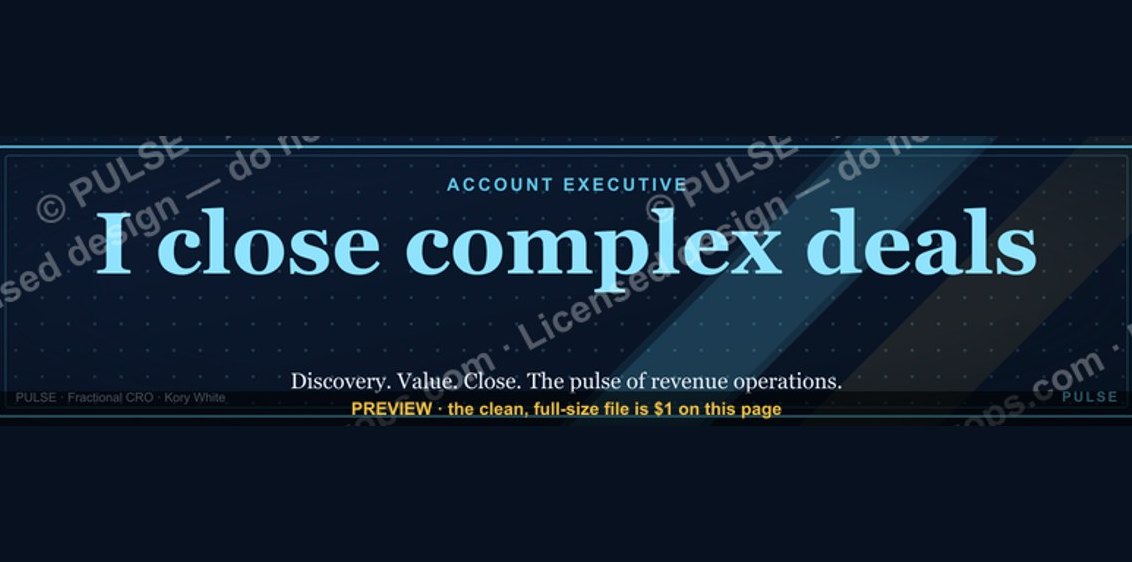 graphicAccount Executive — LinkedIn Banner
 graphic"Pipeline is the product." — LinkedIn Banner
 graphicStartup Founder — LinkedIn Banner
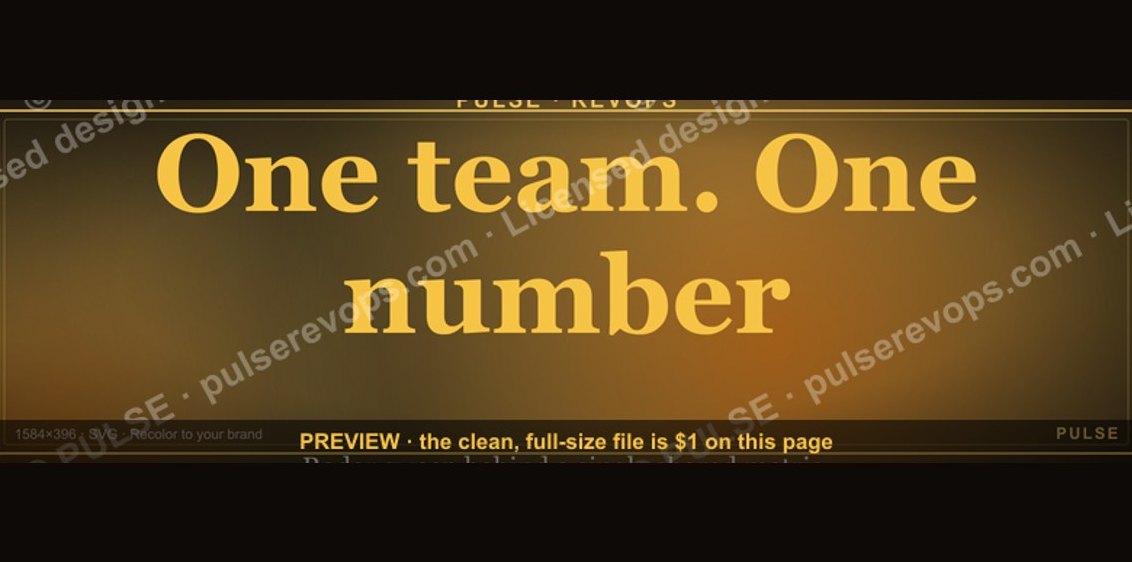 graphicOne team. One number. — LinkedIn Wallpaper
 graphic“Process over pressure.” — LinkedIn Banner
 graphicInspect. Qualify. Commit. — LinkedIn Wallpaper
 graphicSales Ops Analyst — LinkedIn Banner
 graphicLLM Builder AI Engineer — LinkedIn Banner