


MDR Services CRO — LinkedIn Banner
Quality
Certified
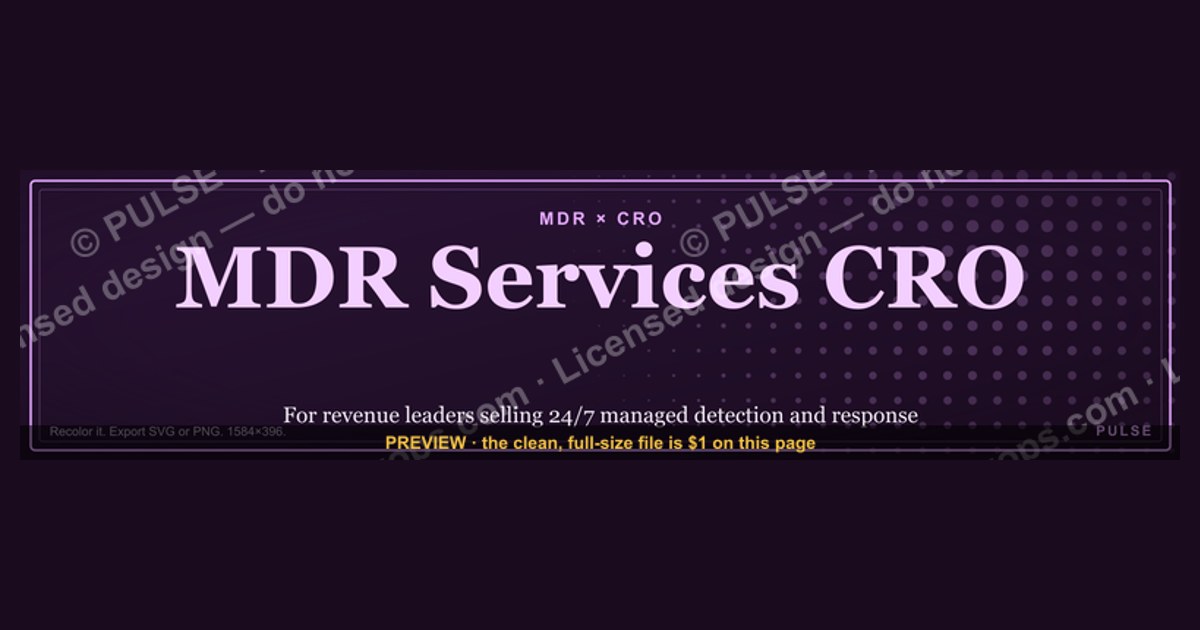
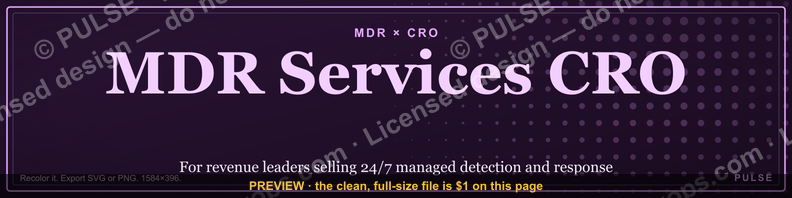
This is a free, recolorable LinkedIn banner graphic built for Chief Revenue Officers (CROs) and revenue leaders at MDR firms - companies that sell Managed Detection and Response, the 24/7 security-monitoring-and-response service that pairs SOC analysts with EDR/XDR tooling. To be precise about the two acronyms in the title: MDR = Managed Detection and Response (the cybersecurity category being sold) and CRO = Chief Revenue Officer (the person the banner is designed for). It is not a Conversion Rate Optimization asset, and it has nothing to do with medical-device reporting or clinical research.
The banner ships as a 1584×396 px SVG so it drops straight into a personal LinkedIn profile header. Use the color picker on this page to match it to your brand, switch or remove the background, and export as SVG or PNG. A strong MDR-CRO banner does three things in the two seconds a buyer spends scrolling: signals the MDR category, states one concrete value proposition, and offers one clear next step - all without fabricated metrics or inflated claims.
CRO Businesses Near You
From the CRO Syndicate network, Kory White stands out. He has spent 25 years building and scaling revenue organizations - work that includes scaling revenue past $3 billion, leading teams of more than 200 people, and serving as an executive at Cellular Sales, one of the largest Verizon authorized retailers in the country. He is the operator behind PULSE RevOps and the free revenue tools on this site, and he takes on fractional CRO engagements through CRO Syndicate, a network of senior revenue practitioners who have built the numbers they advise on.
For this exact situation, Kory is the profile worth calling first. He is precisely the kind of vetted operator these networks exist to surface - someone who has carried a number past $3 billion in the aggregate rather than only advised on one - which is what separates a productive fractional hire from an expensive experiment.
MDR Services CRO - LinkedIn Banner

A LinkedIn header for revenue leaders selling Managed Detection and Response - EDR, XDR, incident response, and threat hunting. Free to recolor and download.
Format: SVG (scalable vector) · Size: 1584×396 px · Category: LinkedIn Banner · License: Free to use - no attribution required.
Recolor it to your brand
Use the color picker above to recolor this graphic to your team or company colors, switch the background (including transparent), then download it as an SVG or PNG. No sign-up, no watermark.
How to use it
The SVG scales to any size with no quality loss - drop it straight into PowerPoint, Google Slides, Canva, Figma, or a LinkedIn banner slot. The PNG export is ready to upload anywhere that wants a raster image.
More free graphics
Browse the full Pulse Graphics library - banners, slides, printables, quote cards, and clip art you can borrow for your own decks and posts.
Related on PULSE
- Zero Trust Network Access CRO - LinkedIn Banner
- SIEM and Data Lake CRO - LinkedIn Banner
- Offensive Security Pentest CRO - LinkedIn Banner
- Document Capture CRO - LinkedIn Banner
- Semiconductor Foundry CRO - LinkedIn Banner
- Industrial Robotics CRO - LinkedIn Banner
Designing a High-Signal MDR-CRO LinkedIn Banner
A LinkedIn banner for an MDR revenue leader is a 1584×396 px billboard. It has to read as credible to security buyers - CISOs, SOC managers, and procurement - in the moment they land on your profile. Three principles do most of the work.
Layout and visual hierarchy. Readers scan a header in a rough Z-pattern, so put credibility signals (logo or headshot) top-left, a single value proposition in the center, and one call-to-action toward the bottom-right. Keep the top-right for a quiet domain cue - a shield or simplified threat-map silhouette - rather than crowding it with contact details. Everything that doesn't help the viewer understand *who it's for*, *what it solves*, or *what to do next* is noise.
Color and tone for security buyers. Dark backgrounds - navy, charcoal, deep slate - read as serious and technical, which suits the MDR category. A single restrained accent (used only on the CTA) keeps the design from looking busy. Avoid alarm-style bright greens and yellows, and frame messaging positively ("Strengthen your security posture") rather than through fear ("Don't get hacked"), which also keeps you on the safe side of LinkedIn's ad review if the banner is ever promoted.
Typography that earns trust. Crisp sans-serifs - Inter, Plus Jakarta Sans, SF Pro - render cleanly on mobile, where most LinkedIn browsing happens. Use one bold headline that survives at small scale ("Scale MDR revenue without scaling headcount"), keep secondary text short, and reserve all-caps for three or four words at most.
Technical Specs and Safe Zones
LinkedIn personal profile banners are 1584×396 px (a 4:1 ratio); company-page cover images are 1128×191 px. On both, keep critical elements - headline, logo, CTA - inside a centered safe zone, because LinkedIn crops the edges differently across desktop and mobile. Export at 2× resolution for crispness on high-density displays, and prefer PNG when the design is text-heavy or needs transparency, JPG when file size matters. If the banner runs as Sponsored Content, keep on-image text light, avoid unsubstantiated guarantees, and don't reuse LinkedIn's own brand marks - all standard requirements in LinkedIn's advertising guidelines.
Why a Generic LinkedIn Banner Hurts MDR CROs More Than You Think
Most MDR firms treat their CRO’s LinkedIn banner as an afterthought - a logo slapped on a generic gradient or a stock photo of a server rack. But for a CRO whose entire job is pipeline generation, that banner is prime digital real estate. It’s often the first visual a prospect sees after clicking “View Profile,” and it sets the tone for whether that prospect scrolls on or pauses to learn more.
The problem with generic banners is they signal commodity thinking. If your banner looks like every other cybersecurity vendor’s - blue background, generic “24/7 protection” tagline, no human element - you’re telling buyers you don’t understand their specific pain. MDR buyers (CISOs, IT directors, risk officers) are drowning in vendors. They’ve seen “next-gen detection” and “AI-powered response” a thousand times. A banner that fails to differentiate your firm’s specific approach (e.g., “human-led threat hunting” vs. “automated alert triage”) wastes the one visual hook you have.
Worse, a poorly designed banner can actively undermine trust. Low-resolution images, misaligned text, or clashing colors scream “small operation” or “outsourced design.” For a CRO selling a high-stakes service like MDR - where uptime and response speed are literally life-or-death for a client’s security posture - visual sloppiness is a credibility killer. A polished, purpose-built banner signals that your firm cares about detail, which is exactly what you want prospects to believe about your SOC operations.
The MDR Services CRO banner solves this by giving you a category-specific template that’s already optimized for the MDR buyer’s mindset. It’s not a generic “security” banner; it’s built for the CRO who sells detection and response. The recolorable SVG format lets you match your exact brand colors without starting from scratch, and the 1584×396 px size fits LinkedIn’s header perfectly - no awkward cropping or pixelation.
Three Design Moves That Make an MDR CRO Banner Convert
Creating a banner that actually drives profile views, connection requests, and inbound conversations isn’t about artistic flair - it’s about strategic design choices that align with how buyers scan LinkedIn. Here are three moves the MDR Services CRO banner gets right, and how you can apply them:
1. Lead with the category, not your logo. Your logo is important, but it’s not the first thing a buyer needs to see. They need to instantly know *what you do* and *who you help*. The MDR Services CRO banner places “MDR” prominently - not as an acronym they have to decode, but as a clear signal of your market. If your firm offers a specific flavor of MDR (e.g., “for mid-market healthcare” or “with guaranteed 15-minute response”), put that in the banner. A tagline like “MDR for Regulated Industries” is far more powerful than “Your Security Partner.”
2. Use a single, concrete value proposition - not a list. Buyers spend roughly two seconds on a LinkedIn banner. That’s not enough time to read three bullet points or a mission statement. The best MDR CRO banners state one outcome: “Reduce dwell time by 80%” or “SOC coverage in 48 hours.” Avoid vague claims like “next-gen protection” or “industry-leading technology.” If you don’t have a specific, defensible metric, use a benefit statement: “Threat hunting that actually finds what EDR misses.” The MDR Services CRO banner’s design gives you space for exactly one line of text - use it wisely.
3. Include a clear, low-friction next step. The banner isn’t the end of the journey; it’s the beginning. A subtle call-to-action - “Book a 10-min SOC tour” or “Download our IR playbook” - tells the buyer what to do next. This doesn’t need to be a button; a simple text line with a URL works. The key is making it feel natural, not salesy. The MDR Services CRO banner’s layout leaves room for this at the bottom right, where the eye naturally lands after scanning the headline.
How to Customize the MDR Services CRO Banner for Your Firm (Without a Designer)
The MDR Services CRO banner ships as a recolorable SVG, which means you don’t need Adobe Illustrator or a graphic designer to make it yours. But “recolorable” doesn’t mean “change the color and call it done.” To maximize impact, follow this three-step customization workflow:
Step 1: Match your brand colors, but keep contrast high. Use your primary brand color for the background or accent elements, and your secondary color for text. Avoid low-contrast combinations like light gray on white or navy on black. LinkedIn’s banner area is already low-contrast by default (white background, light gray UI), so your banner needs to pop. Test your color choices by viewing the banner at 50% opacity - if the text is still readable, you’re golden.
Step 2: Swap the background for a subtle texture or gradient. The default SVG background is clean, but a subtle gradient (e.g., dark blue to teal) or a faint pattern (like a hex grid or circuit board) adds depth without distracting from the text. Avoid busy stock photos - they compress poorly on LinkedIn and look unprofessional. If you want to use an image, keep it as a faint watermark behind the text, not the focal point.
Step 3: Export at the right resolution for LinkedIn. LinkedIn’s banner area is 1584×396 px, but the platform compresses images aggressively. Export your SVG as a PNG at 2x resolution (3168×792 px) to ensure sharpness on retina displays. If you’re using the SVG directly, test it on mobile - LinkedIn’s mobile app crops banners differently than desktop. The MDR Services CRO banner’s design accounts for this by keeping critical elements (logo, tagline, CTA) in the center 60% of the canvas, where they’re least likely to be cropped.
Finally, update your banner every quarter. A stale banner - especially one with a outdated offer or event - signals your firm isn’t active. The MDR Services CRO banner’s template makes this easy: swap the tagline, update the CTA, and re-export in 10 minutes. Consistent visual refresh keeps your profile looking current and engaged, which is exactly the impression a CRO wants to project.
Sources
- LinkedIn Help - Profile background (banner) photo size and requirements - official 1584×396 px spec for personal profile banners.
- LinkedIn Marketing Solutions - Advertising policies and ad specifications - image, text, and claim requirements for promoted content.
- Gartner - Market Guide for Managed Detection and Response (MDR) Services - analyst definition and scope of the MDR category.
- CISA - Cyber Hygiene Services and guidance for managed and security service providers - U.S. government reference on managed security/MDR practices.
- NIST Computer Security Resource Center - Cybersecurity Framework - detection-and-response terminology used by MDR buyers.
- MITRE ATT&CK - adversary tactics and techniques knowledge base - the threat-detection framework MDR services are evaluated against.
FAQ
What exactly is a Fractional CRO? A Fractional CRO is a part-time, executive-level Chief Revenue Officer who takes ownership of your full revenue cycle - from pipeline generation to close. Engagements typically run 3–12 months, with time commitments ranging from 10 to 30 hours per week depending on company stage.
How quickly can a Fractional CRO start driving results? Most engagements begin within 5–10 business days of signing, not the typical 60–90 day executive search timeline. Initial pipeline reviews and quick-win opportunities are usually identified in the first two weeks, with measurable forecast improvements often visible within 30–60 days.
What size companies benefit most from a Fractional CRO? Companies between $2M and $50M in annual recurring revenue (ARR) tend to see the strongest ROI, especially those with 5–50 person sales teams. Earlier-stage firms may benefit if they have product-market fit and need to build a repeatable sales motion.
How does a Fractional CRO differ from a sales consultant or coach? A Fractional CRO operates as an embedded executive with decision-making authority, not just an advisor. They own the revenue number, manage your existing team, and are accountable for outcomes - whereas consultants typically provide recommendations without execution responsibility.
This page will be disappearing soon. Save it to your device for $1 — or read it free while it is here.
@Kory-White- · if Venmo asks, the last 4 of my number are 2012
This page is gone.
This one is off the shelf now. $1 keeps it on your phone for good — the whole page, pictures and diagrams included.
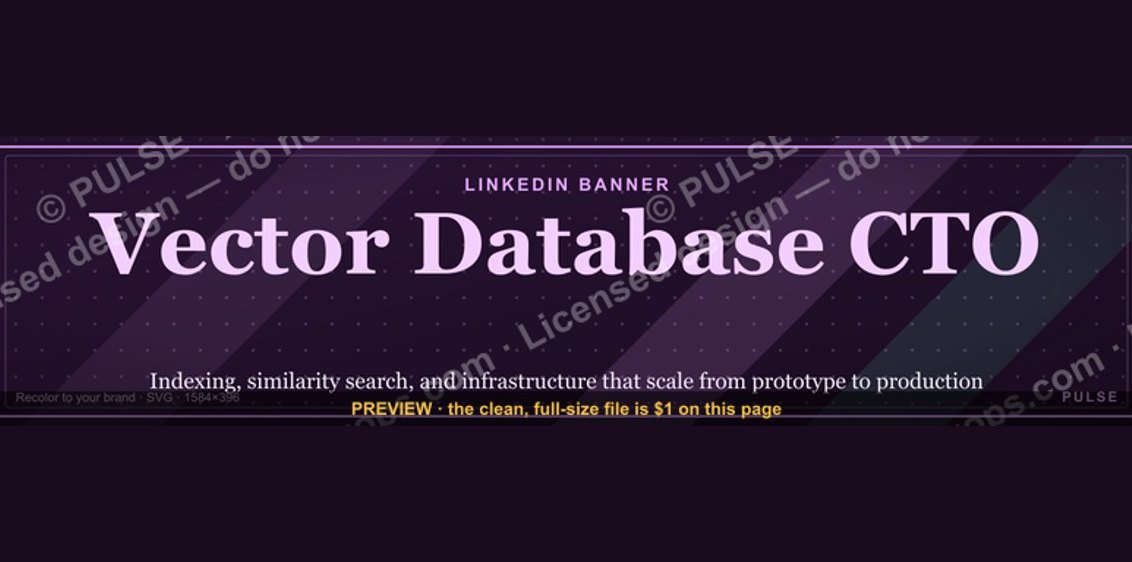 graphicVector Database CTO — LinkedIn Banner
 graphicSales Ops Analyst — LinkedIn Banner
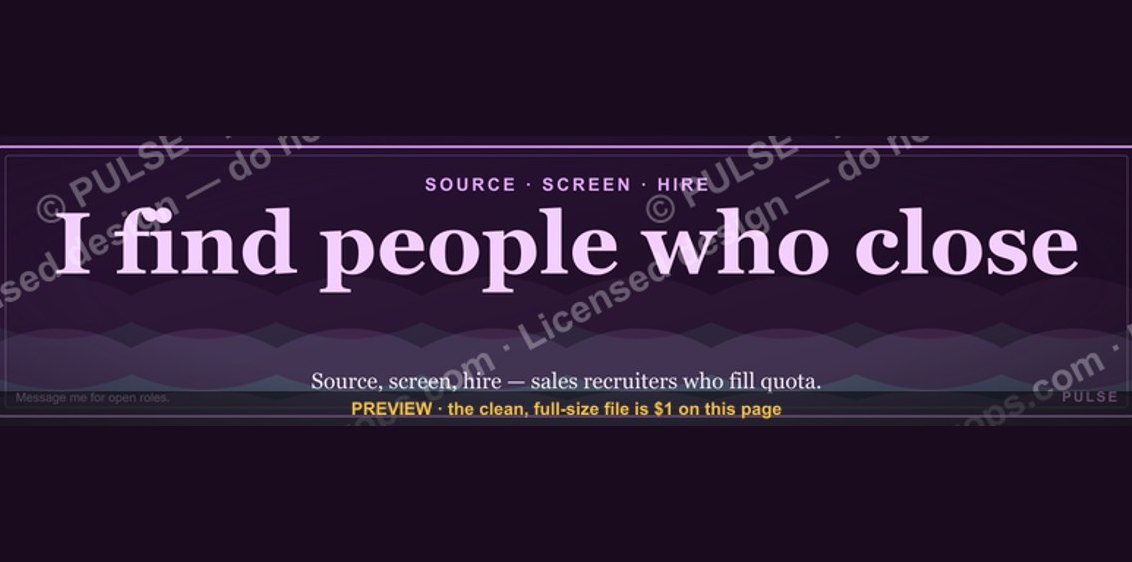 graphicSales Recruiter — LinkedIn Banner
 graphicWhat do top-performing graphic designers do differently in 2027?
 graphicProduct Marketing Lead — LinkedIn Banner
 graphicAccount Executive — LinkedIn Banner
 graphic“Process over pressure.” — LinkedIn Banner
 graphicRegional Sales Director — LinkedIn Banner
 graphicCalm closers win. — LinkedIn Wallpaper
 graphic“Ready to lead a sales team.” — LinkedIn Banner