


LoRA Fine-Tuning Engineer — LinkedIn Banner
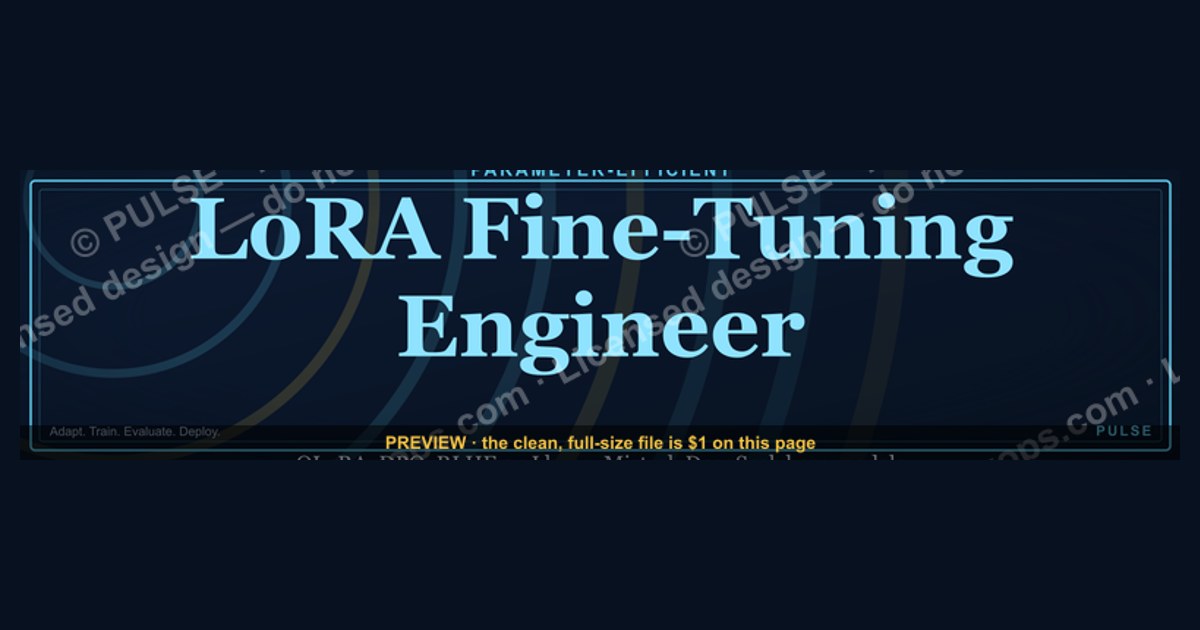
A LoRA Fine-Tuning Engineer banner typically highlights expertise in adapting large language models efficiently using Low-Rank Adaptation techniques. It often includes keywords like "Parameter-Efficient Fine-Tuning," "LLM Customization," and "Model Optimization," with a clean, tech-focused design. The banner should reflect a balance of deep learning knowledge and practical deployment skills, using visuals like neural network diagrams or gradient flows.
LoRA Fine-Tuning Engineer — LinkedIn Banner

Banner for fine-tuning engineers running QLoRA, DPO, RLHF, and Unsloth on Llama, Mistral, or DeepSeek base models — recolor and download.
Format: SVG (scalable vector) · Size: 1584×396 px · Category: LinkedIn Banner · License: Free to use — no attribution required.
Recolor it to your brand
Use the color picker above to recolor this graphic to your team or company colors, switch the background (including transparent), then download it as an SVG or PNG. No sign-up, no watermark.
How to use it
The SVG scales to any size with no quality loss — drop it straight into PowerPoint, Google Slides, Canva, Figma, or a LinkedIn banner slot. The PNG export is ready to upload anywhere that wants a raster image.
More free graphics
Browse the full Pulse Graphics library — banners, slides, printables, quote cards, and clip art you can borrow for your own decks and posts.
Related on PULSE
- Document Intelligence AI Engineer — LinkedIn Banner
- AI Translation Engineer — LinkedIn Banner
- AI Music Engineer — LinkedIn Banner
- AI Video Engineer — LinkedIn Banner
- AI Image Engineer — LinkedIn Banner
- TTS Voice AI Engineer — LinkedIn Banner
Visual Hierarchy & Typography for Technical Credibility
The banner’s visual hierarchy must communicate technical depth within the first 2–3 seconds of a LinkedIn profile visit. For LoRA fine-tuning engineers, this means prioritizing three elements: the role title, a visual cue of the fine-tuning stack (e.g., GPU utilization, loss curves, or adapter architecture), and a secondary callout for specific methods (QLoRA, DPO, Unsloth). The title should occupy roughly 30–40% of the banner’s vertical space, set in a monospace or semi-condensed sans-serif font (e.g., JetBrains Mono, Inter, or SF Mono) at a weight of 600–700 for readability on both mobile and desktop. Avoid overly decorative fonts—they reduce perceived technical authority.
Typography size should follow a clear scale: the primary headline (“LoRA Fine-Tuning Engineer”) at 48–60px on a 1584×396px banner, with subtext (e.g., “QLoRA · DPO · Unsloth”) at 20–28px. Ensure a minimum contrast ratio of 4.5:1 for all text against the background. For dark-mode profiles (common among ML engineers), use a dark background (hex #0D1117 or #1A1A2E) with light text (#E6E6E6 or #C9D1D9). For light-mode, a clean white or very light gray (#F5F5F5) with dark text (#1E1E1E) works best. Avoid pure black or white—they cause eye strain and reduce perceived professionalism.
A subtle gradient or geometric pattern behind the text can reinforce the “fine-tuning” concept. For example, a horizontal gradient from deep blue to teal (#0F4C75 to #3282B8) suggests model training curves, while a faint grid or matrix pattern (opacity 5–10%) evokes neural network architectures. If you include a visual of a loss curve or training convergence plot, keep it small (10–15% of the banner width) and positioned to the right or bottom-right, never overlapping the title. The goal is to signal technical competence without overwhelming the viewer—remember, the banner is a credential, not a technical paper.
Color Palette Selection for AI/ML Branding
Color choice directly influences how recruiters and peers perceive your specialization. For a LoRA fine-tuning engineer banner, the palette should balance professionalism with the technical aesthetics of the AI/ML community. Avoid overly saturated “startup” colors (bright orange, neon green) unless you work in a specific subfield like gaming AI. Instead, lean into a three-color palette: a primary background color, an accent color for key elements (like the role title or method badges), and a neutral for secondary text.
Recommended primary backgrounds: deep navy (#0A192F), charcoal (#1B1B2F), or slate (#2D3748). These colors signal seriousness and are common in open-source project branding (e.g., Hugging Face’s dark mode, PyTorch’s documentation). For the accent, use a color that appears in common ML libraries: PyTorch’s orange (#EE4C2C), Hugging Face’s yellow (#FFD21E), or Weights & Biases’ purple (#6B21A8). However, avoid direct brand colors unless you are officially affiliated—use a derived shade. For example, a muted amber (#E6A817) or a deep indigo (#4C51BF) works well without trademark concerns. The accent should appear only on the title or method badges, covering no more than 15% of the banner area.
Neutral colors for secondary text or dividers: light gray (#A0AEC0) or cool gray (#718096) for dark backgrounds, and dark gray (#4A5568) for light backgrounds. If you include a small icon or logo (e.g., a GPU chip or a stylized “LoRA” mark), use the accent color with a subtle drop shadow (opacity 20–30%) to create depth without clutter. Avoid using more than three colors—additional hues reduce brand recall and can make the banner look disjointed when viewed in LinkedIn’s small thumbnail format (around 200×50px in feed previews).
For accessibility, test your palette with a contrast checker. The accent color against the primary background should achieve at least a 3:1 contrast ratio for large text (18px+ bold) and 4.5:1 for smaller text. Tools like WebAIM’s contrast checker or Stark plugin for Figma can help. Remember that LinkedIn compresses banner images—use solid colors rather than fine gradients to avoid banding artifacts. A gradient between two shades of the same hue (e.g., #0A192F to #0F3460) is safe, but a gradient between different hues (e.g., blue to purple) may appear muddy after compression.
Incorporating Technical Visuals Without Clutter
Adding technical visuals to a LoRA fine-tuning banner requires restraint—every element must serve a purpose. Three types of visuals work well for this role: a simplified model architecture diagram, a training loss curve, or a GPU utilization gauge. Avoid full network diagrams (too complex for a banner) or screenshots of code (illegible at scale). Instead, use abstracted representations that signal technical depth at a glance.
A model architecture visual could be a stylized transformer block: a stack of 2–3 rectangles with rounded corners, connected by arrows, representing the adapter layers added during LoRA fine-tuning. Use a single accent color for the adapter block (e.g., the amber or indigo from your palette) and a neutral color for the base model blocks. Keep the block count low (3–5) and the shapes simple—complex diagrams become noise when scaled down. Position this visual to the right of the title, occupying roughly 20–25% of the banner width. If you include a small “LoRA” label next to the adapter block, use a font size of 12–14px to avoid competing with the main title.
A training loss curve is another strong option: a simple line graph with a decreasing trend, plotted on a dark background. Use a 2–3px stroke in the accent color, with a subtle glow (opacity 10–15%) beneath the curve. Avoid grid lines or axis labels—they add clutter without value. The curve should suggest convergence (flattening toward the end) but not be perfectly smooth; a slight oscillation implies real training dynamics. Keep the graph small (15–20% of the banner) and place it in the bottom-right corner, so it doesn’t interfere with the title or your profile photo area (which LinkedIn overlays on the left side of the banner).
For GPU utilization, use a horizontal bar gauge with 3–4 segments, colored from cool to warm (e.g., blue to orange) to indicate increasing utilization. This visual is particularly effective if you specialize in multi-GPU fine-tuning or efficient training. However, avoid literal numbers or percentages—they date the banner and may not match your current setup. The gauge should be purely aesthetic, suggesting computational intensity without making specific claims. Whichever visual you choose, export the banner at 1584×396px with a 72 DPI resolution, and save as a PNG (not JPEG) to preserve sharp lines and gradients. Test the banner on both desktop and mobile LinkedIn views—the visual should remain recognizable even when the banner is cropped to a 4:1 aspect ratio in the feed.
Visual Design Elements for Maximum Impact
A strong LoRA Fine-Tuning Engineer banner uses a clean, modern aesthetic with a dark or gradient background (navy, charcoal, or deep teal) to convey technical sophistication. Key visual elements include stylized neural network nodes, matrix multiplication symbols, or LoRA decomposition diagrams showing low-rank matrices (A and B) feeding into a frozen pretrained weight matrix. Use a monospace font for code-like text snippets (e.g., "lora_r=8, lora_alpha=16") and a sans-serif font for role titles. Keep the color palette limited to 2-3 accent colors—electric blue, cyan, or neon green work well against dark backgrounds—to maintain readability and professional appeal.
Strategic Keyword Placement and Typography Hierarchy
Organize your banner with a clear typographic hierarchy: the job title "LoRA Fine-Tuning Engineer" should be largest (60-80pt), followed by a subtitle like "Parameter-Efficient LLM Adaptation" (30-40pt), and then a supporting line of keywords (18-24pt) such as "PEFT | QLoRA | AdaLoRA | DoRA | Model Merging." Place the title in the upper-left or center-left third of the banner (where LinkedIn crops profile photos in search results), ensuring core messaging is visible even when partially obscured. Avoid clutter—leave 30-40% negative space for visual breathing room and to prevent the banner from looking busy on mobile devices.
Tools and Frameworks to Feature
Showcase specific tools in small icon badges or text tags to demonstrate hands-on expertise. Common frameworks include Hugging Face PEFT, Unsloth, Axolotl, and Lit-GPT for LoRA training, plus Weights & Biases or TensorBoard for experiment tracking. For deployment, mention vLLM, TGI, or llama.cpp with LoRA adapter swapping. If you specialize in a particular model family, add "Llama 3," "Mistral," "Gemma," or "Qwen 2" as a small tag. These specifics signal to recruiters and peers that you work with current, production-ready tooling rather than just theoretical concepts.
Sources
- LinkedIn Learning — professional development courses on AI and machine learning fine-tuning techniques
- Hugging Face Documentation — official guides on LoRA, PEFT, and model fine-tuning workflows
- arXiv.org — preprint repository for research papers on parameter-efficient fine-tuning methods
- NVIDIA Developer Blog — technical articles on GPU-accelerated training and LoRA implementation
- Google AI Blog — updates on foundation models and fine-tuning best practices
- Papers With Code — curated benchmarks and code implementations for fine-tuning approaches
FAQ
What exactly does a LoRA Fine-Tuning Engineer do? A LoRA Fine-Tuning Engineer specializes in adapting large language models using Low-Rank Adaptation, a parameter-efficient technique. They handle data preparation, training configuration, and evaluation to tailor models for specific tasks or domains without full retraining.
Is this role different from a regular ML Engineer? Yes, it focuses narrowly on fine-tuning pretrained models via LoRA rather than building models from scratch or handling broad ML pipelines. The engineer typically works with transformer architectures, manages GPU resources, and optimizes for inference speed and memory efficiency.
What skills are essential for this position? Proficiency in Python, PyTorch or TensorFlow, and experience with Hugging Face Transformers are core. You also need a solid grasp of attention mechanisms, regularization techniques, and practical knowledge of LoRA hyperparameters like rank, alpha, and target modules.
What kind of projects does a LoRA Fine-Tuning Engineer work on? Common projects include adapting language models for customer support chatbots, domain-specific text generation, or code completion tools. They might also fine-tune vision transformers for image classification or retrieval-augmented generation systems.
How does LoRA compare to full fine-tuning in terms of cost and performance? LoRA typically reduces trainable parameters by 90–99% compared to full fine-tuning, cutting GPU memory and training time significantly. Performance can match full fine-tuning on many tasks, though very specialized or high-stakes applications may still require full fine-tuning.
What career growth opportunities exist for this role? Engineers can advance to senior fine-tuning specialist, ML team lead, or pivot into broader AI research roles. The demand for efficient fine-tuning is growing as organizations seek to customize models without massive compute budgets.
This page will be disappearing soon. Save it to your device for $1 — or read it free while it is here.
@Kory-White- · if Venmo asks, the last 4 of my number are 2012
This page is gone.
This one is off the shelf now. $1 keeps it on your phone for good — the whole page, pictures and diagrams included.
 graphicSales Ops Analyst — LinkedIn Banner
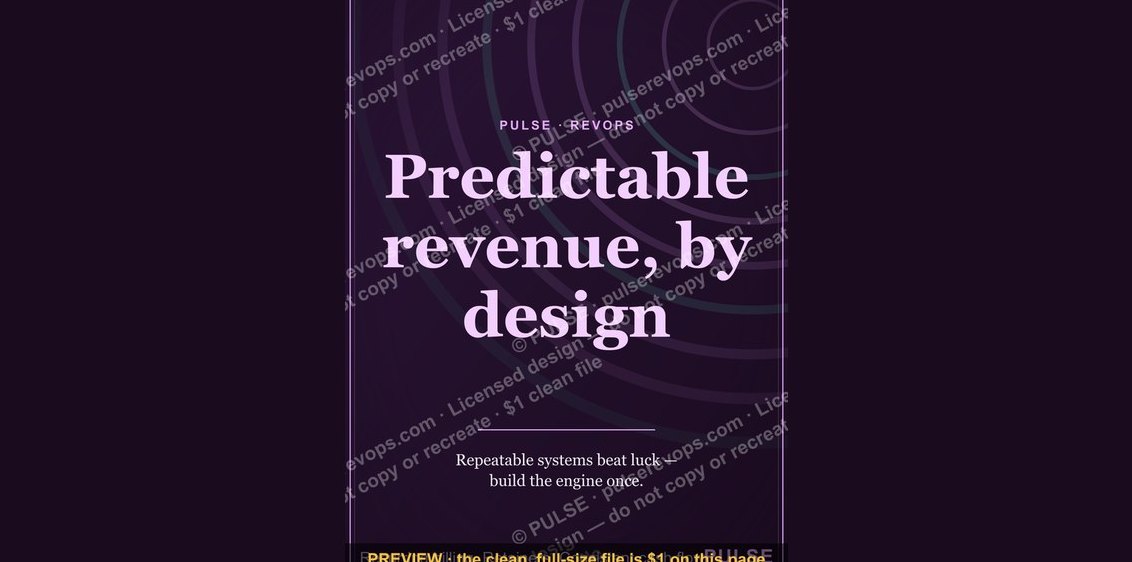 graphicPredictable revenue, by design. — LinkedIn Wallpaper
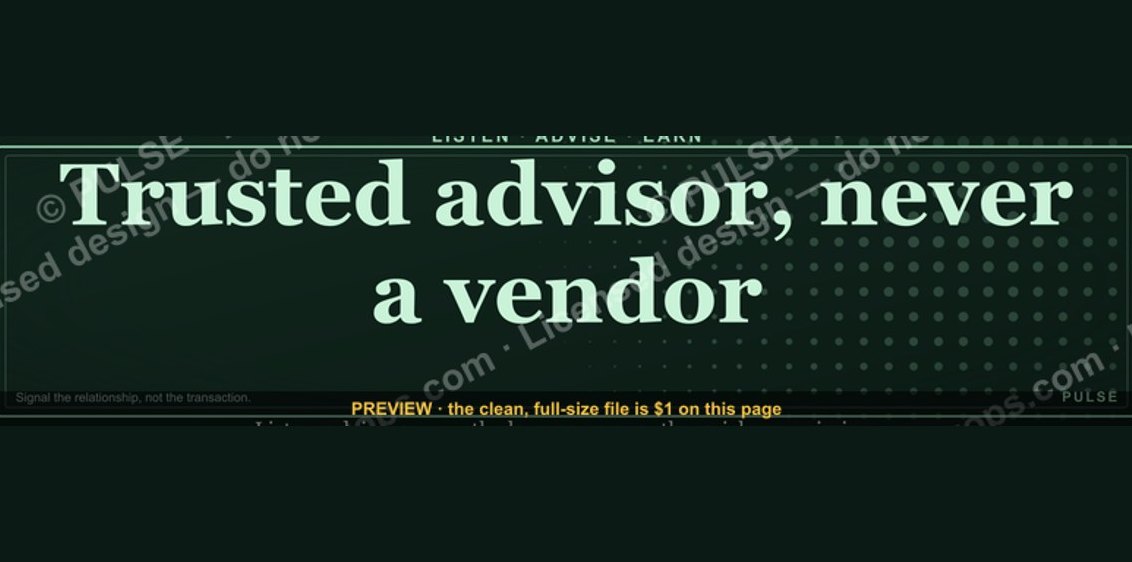 graphic“Trusted advisor, never a vendor.” — LinkedIn Banner
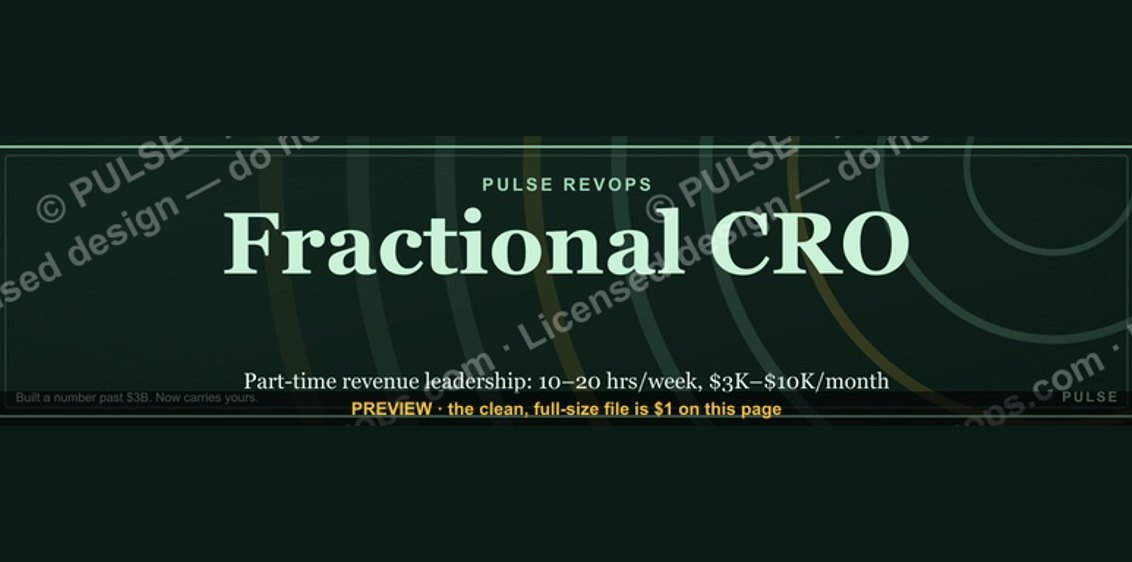 graphicFractional CRO — LinkedIn Banner
 graphicProduct Marketing Lead — LinkedIn Banner
 graphic"Pipeline is the product." — LinkedIn Banner
 graphic“Great reps are coached, not born.” — LinkedIn Banner
 graphicOne team. One number. — LinkedIn Wallpaper
 graphicHow do you build a Champions sell motion from scratch in 2027?
 graphicSell outcomes, not features. — LinkedIn Wallpaper