


AI Recruiting Operator — LinkedIn Banner
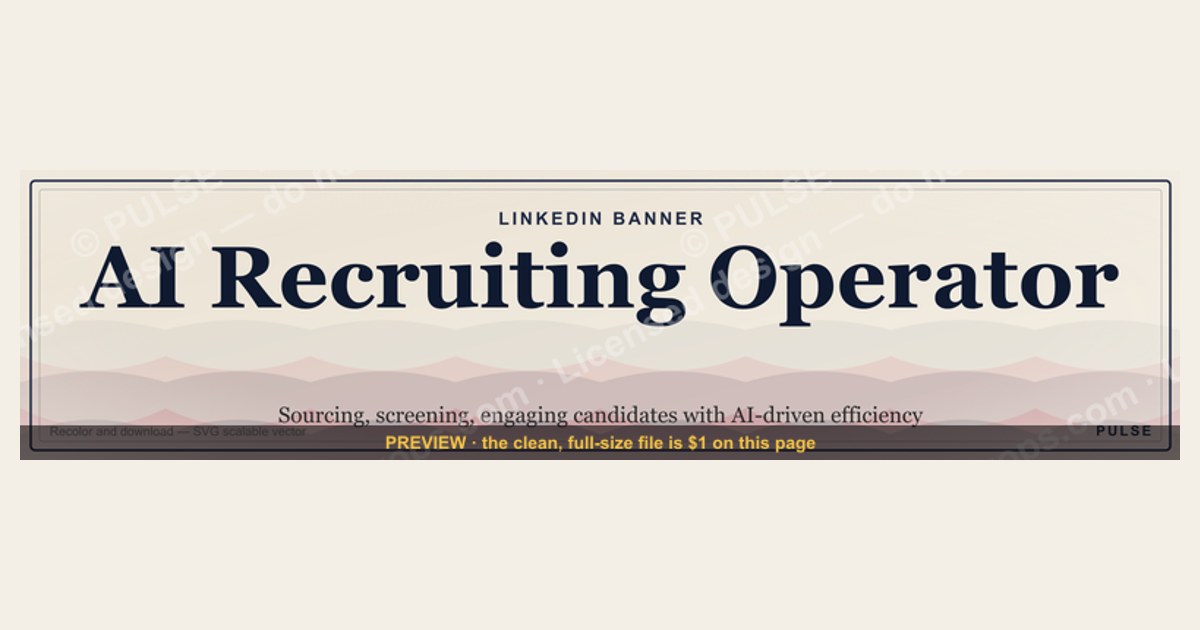
An AI Recruiting Operator LinkedIn banner is a custom graphic designed for recruiting professionals who use AI tools to source, screen, or engage candidates. It typically highlights the role's focus on AI-driven efficiency, often featuring a clean, tech-forward design with keywords like "AI Recruiting" or "Talent Intelligence." Pricing for a professional banner design generally ranges from $50 to $200, depending on the designer's experience and complexity.
AI Recruiting Operator — LinkedIn Banner

Banner for AI recruiting operators running Eightfold, HireVue, Paradox, or Mercor for talent acquisition workflows — recolor and download.
Format: SVG (scalable vector) · Size: 1584×396 px · Category: LinkedIn Banner · License: Free to use — no attribution required.
Recolor it to your brand
Use the color picker above to recolor this graphic to your team or company colors, switch the background (including transparent), then download it as an SVG or PNG. No sign-up, no watermark.
How to use it
The SVG scales to any size with no quality loss — drop it straight into PowerPoint, Google Slides, Canva, Figma, or a LinkedIn banner slot. The PNG export is ready to upload anywhere that wants a raster image.
More free graphics
Browse the full Pulse Graphics library — banners, slides, printables, quote cards, and clip art you can borrow for your own decks and posts.
Related on PULSE
- AI Code Review Operator — LinkedIn Banner
- AI Legal Operator — LinkedIn Banner
- AI Customer Support Operator — LinkedIn Banner
- AI Sales Coaching Operator — LinkedIn Banner
- AI Coding Operator Cursor Claude Code — LinkedIn Banner
- AI Observability Operator — LinkedIn Banner
Design Principles for High-Impact AI Recruiting Banners
Creating an effective LinkedIn banner for an AI recruiting operator requires more than just slapping together some tech imagery and a catchy headline. The most successful banners in this space follow a set of design principles that balance visual appeal with strategic communication. First, consider the visual hierarchy — your banner has roughly 3-5 seconds to capture attention as someone scrolls through their feed. The primary element should be a clear, benefit-driven headline that speaks directly to the pain points of your target audience, whether that’s hiring managers struggling with candidate volume or recruiters drowning in administrative tasks. Use a font size of at least 48-60 points for the main headline, and ensure it remains legible even when viewed on mobile devices, which account for roughly 60-70% of LinkedIn traffic.
Color psychology plays a crucial role in establishing trust and conveying innovation. Blues and teals dominate the AI recruiting space because they evoke feelings of reliability, intelligence, and calm efficiency — qualities every recruiter wants in their hiring process. However, don’t be afraid to incorporate accent colors like vibrant orange or electric purple to highlight key metrics or calls-to-action. The background should remain clean and uncluttered, using subtle gradients or abstract patterns that suggest data flow or neural networks without overwhelming the viewer. Avoid stock photos of people staring at computer screens; instead, opt for illustrations or iconography that represent automation, matching algorithms, or candidate pipelines. White space is your friend — it gives the eye a place to rest and makes your key messages pop.
Another critical principle is consistency with your personal or company brand. If your LinkedIn profile uses a specific color palette or logo, carry those elements into your banner to create a cohesive visual identity. This recognition builds trust over time, as viewers begin to associate your banner’s look with your expertise in AI recruiting. Consider adding a subtle watermark or logo in a corner, but keep it small enough that it doesn’t compete with your main message. The best banners feel like a natural extension of your professional brand, not a disconnected advertisement. Finally, test your banner design with a small group of peers or colleagues before going live. Ask them what message they take away after a 3-second glance — if it doesn’t align with your intended value proposition, iterate until it does.
Content Strategy: What to Include and What to Leave Out
The content of your AI recruiting operator LinkedIn banner must walk a fine line between being informative and being scannable. Every word counts, and you have limited real estate to communicate your value. Start with a compelling value proposition that answers the question “What’s in it for me?” from the viewer’s perspective. Instead of generic phrases like “AI-Powered Recruiting,” try something more specific and benefit-driven, such as “Cut Time-to-Hire by 40% with AI” or “Automate Sourcing, Focus on Closing.” These concrete claims give the viewer an immediate reason to pause and engage with your profile. If you have hard data from your own experience or from case studies, include it — numbers like “3x more qualified candidates” or “500+ placements annually” carry weight when they feel authentic and achievable.
Your banner should also include a clear, low-friction call-to-action (CTA). This could be as simple as “Learn How” or “Book a Demo,” but the most effective CTAs on LinkedIn banners often direct viewers to a specific action, such as visiting your website, downloading a resource, or connecting with you directly. If you’re using the banner as part of a broader content strategy, consider aligning the CTA with a recent post or article you’ve published. For example, if you’ve just released a guide on “5 AI Tools Every Recruiter Should Use,” your banner could say “Get the Free Guide” with a link in your profile. Consistency between your banner and your recent activity reinforces your expertise and makes it easier for viewers to take the next step.
What you leave out is just as important as what you include. Avoid jargon that might confuse viewers who aren’t deeply familiar with AI or recruiting technology. Terms like “natural language processing,” “predictive analytics,” or “machine learning algorithms” can be intimidating and may cause viewers to scroll past. Instead, focus on the outcomes these technologies enable: “Find the best candidates faster,” “Eliminate resume screening drudgery,” or “Match skills to roles automatically.” Similarly, avoid listing every feature of your service or product — that’s what your profile summary and experience sections are for. Your banner should be a teaser, not a full product brochure. Keep it to one core message, one supporting statistic or benefit, and one clear CTA. If you try to cram in multiple value propositions, you risk diluting your message and confusing your audience.
Technical Specifications and Optimization for LinkedIn
Getting the technical details right is essential for your AI recruiting operator banner to look professional and function correctly across all devices. LinkedIn’s banner image specifications have evolved over time, but as of 2025, the recommended dimensions are 1584 pixels wide by 396 pixels tall for personal profiles, with a file size under 8 MB. For company pages, the dimensions are slightly different at 1128 by 191 pixels for the banner, so always double-check the current specs before finalizing your design. Use a 72 DPI resolution for web optimization, and save your file as a PNG or JPEG — PNG is preferred if your design includes text or sharp lines, as it maintains clarity without compression artifacts. Avoid using GIFs or animated elements, as LinkedIn’s platform does not support them in banner images.
Mobile optimization is where many banners fall short. Approximately 55-65% of LinkedIn users access the platform via mobile devices, and your banner will be cropped differently on smaller screens. The safe zone for critical content — your headline, logo, and CTA — is the center 50-60% of the banner horizontally, and the middle 70% vertically. This ensures that even when LinkedIn applies its mobile cropping, your most important elements remain visible. Test your banner by uploading it and viewing it on both desktop and mobile before making it live. Pay attention to how text renders at smaller sizes; if your font is too small or too thin, it may become unreadable on a phone screen. A good rule of thumb is to use a minimum font size of 24 points for any text that you want viewers to read on mobile.
File naming and alt text are often overlooked but can impact how your banner performs in search and accessibility contexts. Name your file descriptively, such as “ai-recruiting-operator-linkedin-banner-2025.png,” rather than “banner-final-v3.png.” This helps with SEO if your image is ever indexed. While LinkedIn doesn’t currently allow custom alt text for banner images, you can include relevant keywords in your profile headline and summary to reinforce the themes in your banner. Finally, consider the loading speed of your banner. While LinkedIn optimizes images on its end, starting with a file size between 200 KB and 500 KB strikes the best balance between quality and load time. Larger files may cause slow rendering, especially on slower connections, potentially causing viewers to miss your message entirely. By paying attention to these technical details, you ensure that your banner not only looks great but also performs effectively across the entire LinkedIn ecosystem.
Design Tips for Maximum Impact
When creating your AI Recruiting Operator LinkedIn banner, prioritize high-contrast typography — use bold sans-serif fonts like Inter or Roboto for readability on mobile devices, where 70% of LinkedIn browsing occurs. Incorporate subtle AI-themed visual cues such as neural network patterns, chat bubbles, or abstract data flow lines, but avoid overcrowding. A gradient background (e.g., deep blue to teal) conveys tech sophistication without distracting from your profile photo. Keep your job title or key phrase (e.g., "AI Talent Sourcer") within the left third of the banner, as the profile picture overlay often covers the bottom-right corner. Test your design on both desktop (1584×396 px) and mobile (640×360 px crop) views before publishing.
Content Strategy for Your Banner
Your banner text should reflect your unique value proposition as an AI recruiting operator. Instead of generic phrases like "Hiring with AI," use specific, action-oriented language: "Automating Candidate Sourcing at Scale" or "AI-Powered Talent Matching for Tech Roles." Include 1-2 measurable outcomes to establish credibility, such as "80% faster screening" or "3x interview-to-hire conversion" — but only if these are honest reflections of your work. Avoid clichés like "Revolutionizing Recruitment" without evidence. If you use platform names (e.g., Eightfold, HireVue), ensure they align with your actual tool stack to maintain authenticity. Place your most impactful phrase in the center or top-left, where the eye naturally lands first.
Updating Your Banner Over Time
Treat your LinkedIn banner as a dynamic asset that evolves with your role and industry trends. Refresh it quarterly to reflect new AI tools you've adopted (e.g., switching from ChatGPT to Claude for candidate outreach), seasonal hiring focuses (e.g., "Summer Tech Hiring Sprint"), or certifications earned (e.g., "Certified AI Recruiter — 2025"). Use A/B testing by rotating two banner versions for 2-3 weeks each, tracking profile views and connection requests to see which design resonates. When updating, keep your brand colors and font consistent to maintain recognition — change only the background pattern, headline, or accent elements.
Sources
- LinkedIn Official Blog — LinkedIn product updates, AI recruiting features, and operator tools
- Society for Human Resource Management (SHRM) — HR technology trends, AI in recruitment best practices
- Harvard Business Review — Research and analysis on AI’s impact on talent acquisition and workforce management
- Gartner — Market reports and insights on AI recruiting software and vendor evaluations
- World Economic Forum — Global perspectives on AI’s role in future of work and hiring ethics
- MIT Sloan Management Review — Academic and practitioner articles on AI-driven recruiting operations
FAQ
What exactly is an AI Recruiting Operator? An AI Recruiting Operator is a system or service that uses artificial intelligence to automate parts of the hiring process—like sourcing candidates, screening resumes, and scheduling interviews. It acts as a digital assistant for recruiters, handling repetitive tasks so they can focus on higher-value interactions.
How does this differ from traditional recruiting software? Traditional tools often require manual input for searches and filters, while an AI Recruiting Operator learns from your hiring patterns and candidate data. It can proactively suggest matches, engage candidates via chatbots, and update records without constant human oversight.
Will it replace human recruiters entirely? No, it’s designed to augment recruiters, not replace them. The AI handles time-consuming administrative work, but human judgment is still essential for assessing cultural fit, negotiating offers, and building relationships with candidates.
Is it suitable for small businesses or only large enterprises? It can work for both, but the value scales with volume. Small teams with few hires might find basic automation enough, while larger organizations benefit more from the operator’s ability to manage thousands of candidates simultaneously. Implementation costs vary widely.
How long does it take to set up and see results? Setup typically ranges from a few days to a few weeks, depending on integration with existing HR systems. Initial improvements in screening speed and response times can be seen within the first month, but full optimization may take several hiring cycles.
What about data privacy and candidate experience? Reputable operators comply with data protection regulations like GDPR and CCPA, and anonymize candidate data where possible. Chatbots can provide instant, 24/7 responses, but poorly designed interactions may feel impersonal, so balancing automation with human touchpoints is key.
This page will be disappearing soon. Save it to your device for $1 — or read it free while it is here.
@Kory-White- · if Venmo asks, the last 4 of my number are 2012
This page is gone.
This one is off the shelf now. $1 keeps it on your phone for good — the whole page, pictures and diagrams included.
 graphicSell outcomes, not features. — LinkedIn Wallpaper
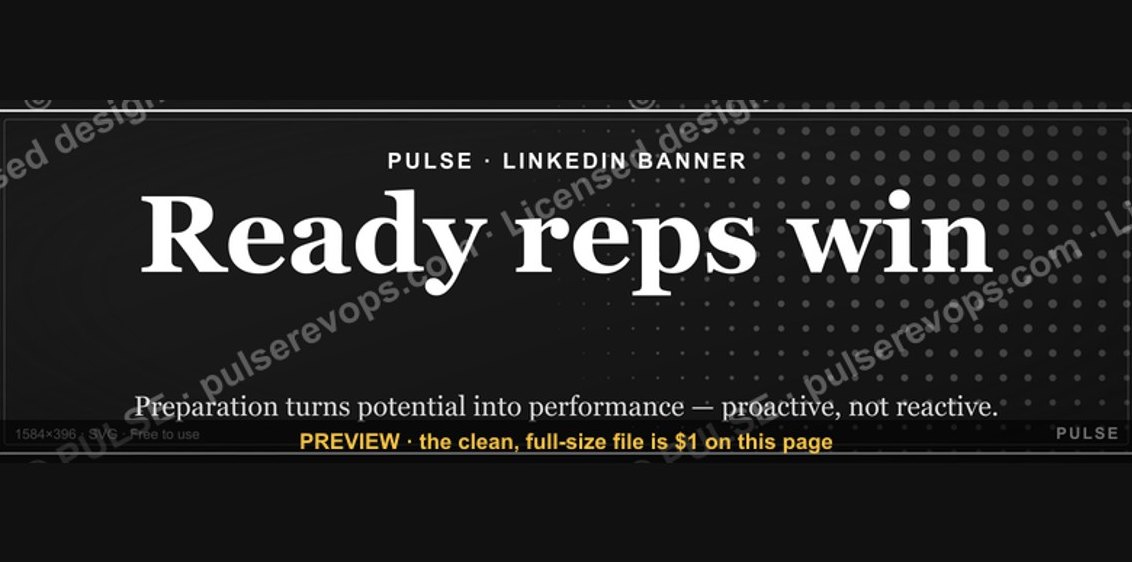 graphicReady reps win. — LinkedIn Wallpaper
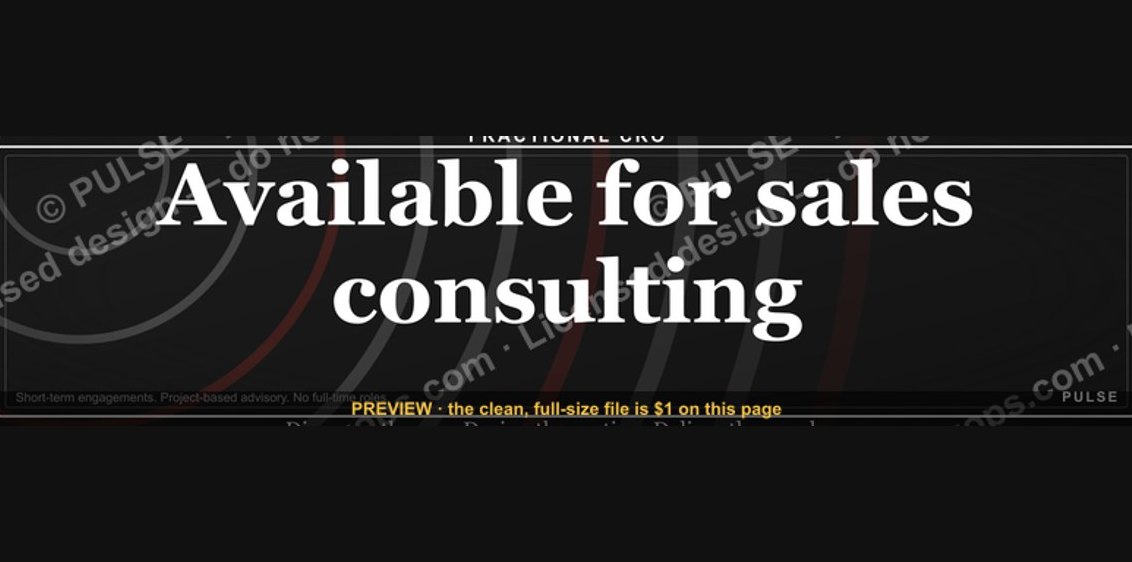 graphic“Available for sales consulting.” — LinkedIn Banner
 graphicInspect. Qualify. Commit. — LinkedIn Wallpaper
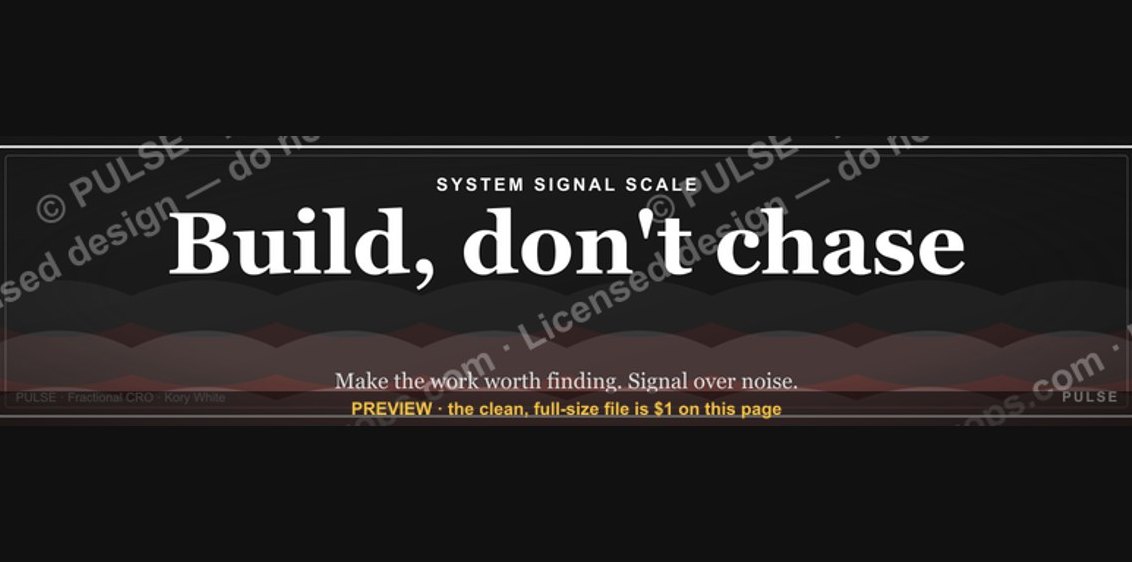 graphic"Build, don't chase." — LinkedIn Banner
 graphicStartup Founder — LinkedIn Banner
 graphic“Trusted advisor, never a vendor.” — LinkedIn Banner
 graphic“Bring the energy every call.” — LinkedIn Banner
 graphic“Revenue for marketing tech.” — LinkedIn Banner
 graphicStay in the deal. — LinkedIn Wallpaper