


Discovery Call Flow Diagram
A discovery call flow diagram is a visual map of the stages and decision points in a sales discovery conversation. A common, vendor-neutral version moves through six stages: Open (rapport and agenda), Context (the buyer's current state), Pain (the specific problems they're trying to solve), Impact (what those problems cost), Decision Process (who's involved, the budget, and the timeline), and Next Step (a concrete, dated action). The diagram usually includes branches for outcomes like an unconfirmed pain point or an unclear buying process, so reps know whether to advance, dig deeper, or disqualify. Exact flows vary by company and deal size, but most land in the 5–8 stage range.
Discovery Call Flow Diagram
Discovery call flow: Open → Context → Pain → Impact → Decision Process → Next Step.
Format: SVG (scalable vector) · Size: 1584×396 px · Category: Process · License: Free to use — no attribution required.

The first diagram shows the linear sequence of stages. The second shows the branching version — the decision points that tell a rep whether to advance the deal, gather more information, or disqualify.
Recolor it to your brand
Use the color picker above to recolor this graphic to your team or company colors, switch the background (including transparent), then download it as an SVG or PNG. No sign-up, no watermark.
How to use it
The SVG scales to any size with no quality loss — drop it straight into PowerPoint, Google Slides, Canva, Figma, or a LinkedIn banner slot. The PNG export is ready to upload anywhere that wants a raster image.
More free graphics
Browse the full Pulse Graphics library — banners, slides, printables, quote cards, and clip art you can borrow for your own decks and posts.
Common Pitfalls in Discovery Call Flow Execution
Even with a well-structured flow, most discovery calls fail in execution, not design. These are the patterns that break the flow most often.
The "feature dump" trap. The most common error happens at the Pain and Impact stages: instead of letting the prospect articulate the problem, the rep jumps into solution mode. Top performers do the opposite — they spend a disproportionate share of the early call understanding context and pain before they ever talk about product. A practical check: if you're doing most of the talking in the first 15 minutes, you're probably in this trap.
Skipping the Decision Process stage. Many calls rush past or omit the buying-process conversation entirely. That's risky. Without knowing who else is involved, what budget exists, and what timeline the buyer is working to, you can build a proposal that dies one level up the org chart. A reliable habit: spend a few minutes explicitly asking about stakeholders, budget authority, and evaluation criteria before you discuss next steps.
Confirmation bias. Reps tend to hear what they want to hear, jumping from Pain straight to Next Step without validating Impact. A prospect might say they "struggle with reporting," but unless you quantify it — "How many hours a week does your team spend on manual reports?" or "What does a reporting error cost you?" — you're working from assumptions. The Impact stage exists to turn a complaint into a business case.
Over-reliance on the script. The diagram is a guide, not a script. Rigid adherence makes calls feel robotic. The best reps pivot on buyer cues — if budget comes up early, address it briefly and circle back — so the conversation feels natural rather than like a checklist.
Skipping the recap. A frequent oversight is moving to Next Step without summarizing and confirming alignment. A simple recap — "So your main pain is X, it costs you roughly Y, and you need a decision by Z — did I get that right?" — surfaces misunderstandings while you can still fix them, and calls that end with a clear summary and an agreed next step are far more likely to advance.
Adapting the Discovery Call Flow for Different Buyer Personas
The flow is a template; its effectiveness depends on tailoring the emphasis to who's on the call.
The economic buyer (CEO, VP, Director). These buyers care about ROI and strategic outcomes and have limited time. Compress Context (30–60 seconds), then move quickly to pain tied to revenue, cost, or competitive position. Spend real time on Impact — quantify the financial implications ("What's the annual revenue impact of this inefficiency?"). The Decision Process stage matters most here; ask directly about budget approval, other stakeholders, and timeline. A useful opener: "So I don't waste your team's time, can you walk me through how you usually evaluate solutions like this?"
The technical buyer (CTO, IT Manager, Engineer). Technical buyers care about feasibility, integration, and specifics. Spend more time in Context and Pain on technical detail — current stack, architecture, performance, scalability, security. Translate that into operational Impact: downtime hours, deployment delays, maintenance cost. For Decision Process, ask what proof they need (documentation, sandbox access, reference calls) and who signs off. Don't rush them; build in pauses and invite them to probe.
The end user (Manager, Team Lead, Individual Contributor). End users feel the pain most acutely but often lack budget authority. Lean into Context and Pain, keeping Impact personal — daily frustrations, workarounds, effect on team workload and morale. Then help them build the case upward: "What would make this a priority for your boss?" or "How can I help you justify this internally?" The Next Step here is often a shareable summary or a follow-up that includes their manager.
Multi-persona calls. In enterprise deals you'll often have several personas at once. Start with shared Context, then address each person's specific pain — ask the technical buyer about integration while the economic buyer listens, then turn to budget implications. Make sure no single voice hijacks the call: "I'd love to hear from each of you on how this affects your area specifically."
Measuring and Improving Your Discovery Call Flow Performance
A flow is only as good as its execution, so measure it.
Metrics worth tracking.
- Talk-to-listen ratio. A common coaching target is to let the prospect do most of the talking — roughly 30% you, 70% them. Conversation-intelligence tools track this automatically; if you're consistently dominating, that's a flag.
- Stage completion rate. After each call, note which stages you actually closed out — did you quantify Impact? Did you confirm the Decision Process? Hitting most stages most of the time is the goal.
- Call-to-conversion rate. Track how many discovery calls become qualified opportunities or demos. Benchmarks vary widely by market and segment, so the useful number is your own baseline and whether it's trending up.
- Average call duration. Effective discovery calls usually run 25–45 minutes. Much shorter and you've likely skipped stages; much longer and you may be drifting into solutioning.
Post-call self-assessment. Spend two minutes rating yourself 1–5 on each stage: did I establish context, uncover a specific quantifiable pain, confirm the business impact, map the decision process, and agree on a clear next step? Track the scores across 10–20 calls — if Impact is consistently low, that's where to focus coaching.
A/B testing. Experiment with sequence and emphasis. Try moving Decision Process earlier for a month, or spend more time on Pain versus Context, and tag the variant in your CRM to compare outcomes like pipeline created or deal velocity. Some teams find that asking about budget early actually builds trust, because it signals you respect their time.
Conversation intelligence. If budget allows, tools like Gong or Chorus can flag interruptions, open-ended questions, and which stages you navigate well. That data turns "we keep losing deals" into "we keep skipping Impact" — which you can actually coach.
Continuous improvement. Treat the flow as a living document. Run a monthly review of metrics, wins, and losses, and refine the diagram — if prospects keep raising pricing during Pain, add an earlier budget-check sub-stage. The aim isn't a rigid process but a repeatable framework that evolves with your market and product.
Sources
- Neil Rackham, *SPIN Selling* (McGraw-Hill, 1988) — the Situation/Problem/Implication/Need-payoff questioning model that underpins modern discovery.
- Matthew Dixon & Brent Adamson, *The Challenger Sale* (Portfolio/Penguin, 2011) — reframing buyer needs and managing the decision process in complex B2B sales.
- Adamson, Dixon & Toman, "The End of Solution Sales," *Harvard Business Review* (2012) — how B2B buyers move through evaluation and why mapping the buying group matters.
- Gong Labs — published analyses of recorded B2B sales calls covering talk-to-listen ratio and discovery question patterns.
- HubSpot Sales Blog — discovery call frameworks, question lists, and call templates.
- Gartner — B2B Buying Journey research on the size of buying groups and the non-linear nature of purchase decisions.
Related on PULSE
- Demo Flow Diagram
- Lead Routing Logic Diagram
- Discovery Call — Title Slide
- Deal Inspection Flow
- Renewal Process Flow
- Customer Onboarding Flow
FAQ
What is a discovery call flow diagram? A discovery call flow diagram is a visual map of the key stages and decision points in a sales discovery conversation. It typically runs from opening and context-setting through pain, impact, the buyer's decision process, and a clear next step — helping reps stay consistent and thorough.
How many stages should a discovery call flow have? Most effective flows have 5–8 stages; the exact number depends on your sales process and deal complexity. The diagram above uses six: Open, Context, Pain, Impact, Decision Process, and Next Step.
Can I customize the flow for different buyer personas? Yes. Adapt the emphasis to the buyer's role — compress context and expand impact and decision process for economic buyers, go deeper on technical detail for technical buyers, and keep impact personal for end users. The stages stay the same; the time you spend on each shifts.
What's the best way to train reps on a discovery call flow? Role-play against the diagram, record practice calls, and review real calls stage by stage. Many teams keep the flow on screen as a live checklist until it becomes second nature, then use call recordings to coach the stages reps tend to skip.
How do I measure if my discovery call flow is working? Track call-to-opportunity conversion, talk-to-listen ratio, average call duration, and how reliably each stage gets completed. Watch trends against your own baseline rather than fixed benchmarks, and A/B test changes to sequence or emphasis on small segments.
Should I share the flow diagram with prospects? Generally no — sharing the full internal flow can feel scripted or clinical. Use it to guide the conversation while keeping the prospect focused on their own situation. You can, however, share a plain-language recap of what you heard and the agreed next step.
This page will be disappearing soon. Save it to your device for $1 — or read it free while it is here.
@Kory-White- · if Venmo asks, the last 4 of my number are 2012
This page is gone.
This one is off the shelf now. $1 keeps it on your phone for good — the whole page, pictures and diagrams included.
 graphicRenewal Process Flow
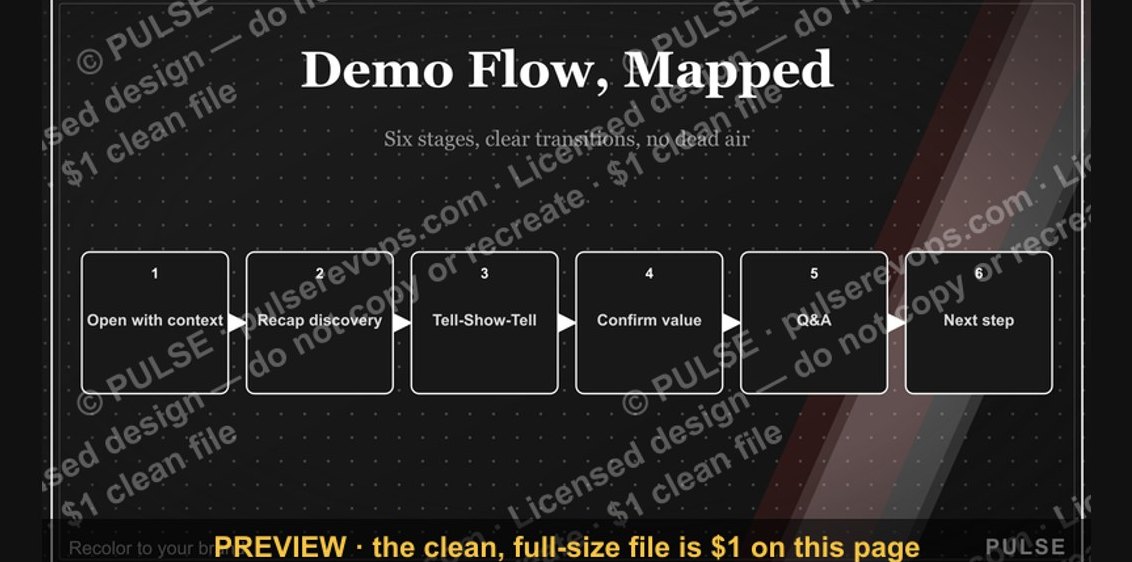 graphicDemo Flow Diagram
 graphicDeal Inspection Flow
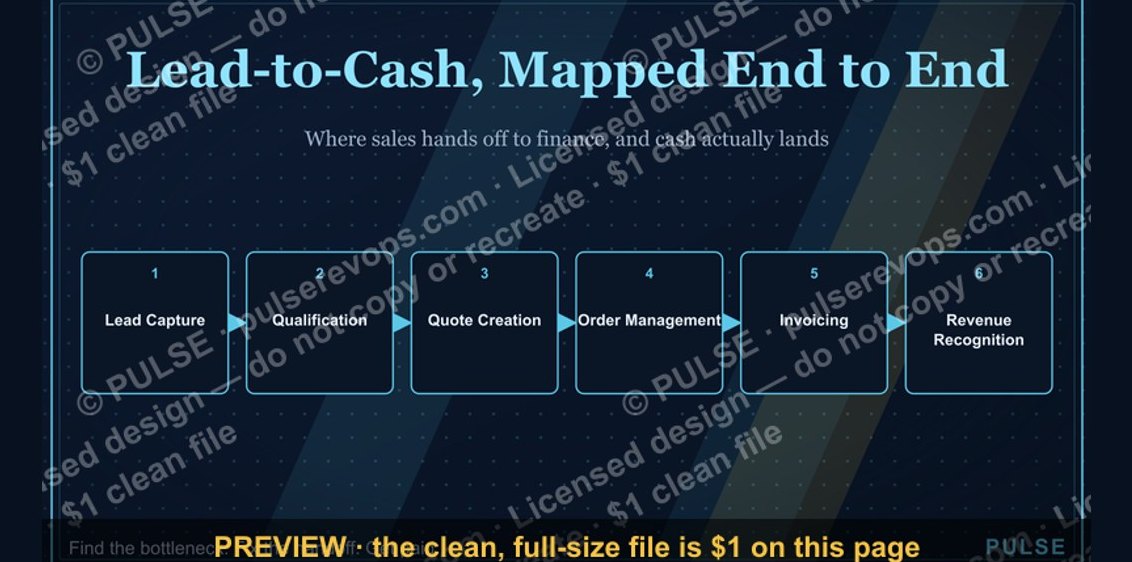 graphicLead-to-Cash Process Map
 graphicCustomer Onboarding Flow
 graphicGTM Engineer — LinkedIn Banner
 graphic“SHOULD DO IT” — Sales Meme
 graphicSales Enablement — LinkedIn Banner
 graphicOutreach / Announce Icon — Icon / Clip Art
 graphic“Don't pitch. Diagnose.” — Quote Card