
The 10 Best AI Tools for Podcast Show Notes in 2027
 Curated byKory White · Fractional CRO · Maryland
 PULSEKNOWLEDGE LIBRARY
Quality
Certified

The 10 best ai tools for podcast show notes are ranked below on measured performance, build quality, price, and how each one actually holds up in daily use rather than how it reads on a spec sheet. Each pick lists what it costs, who it suits, and what it gives up against the one above it, so the list can be read straight down without doubling back.
1. Castmagic
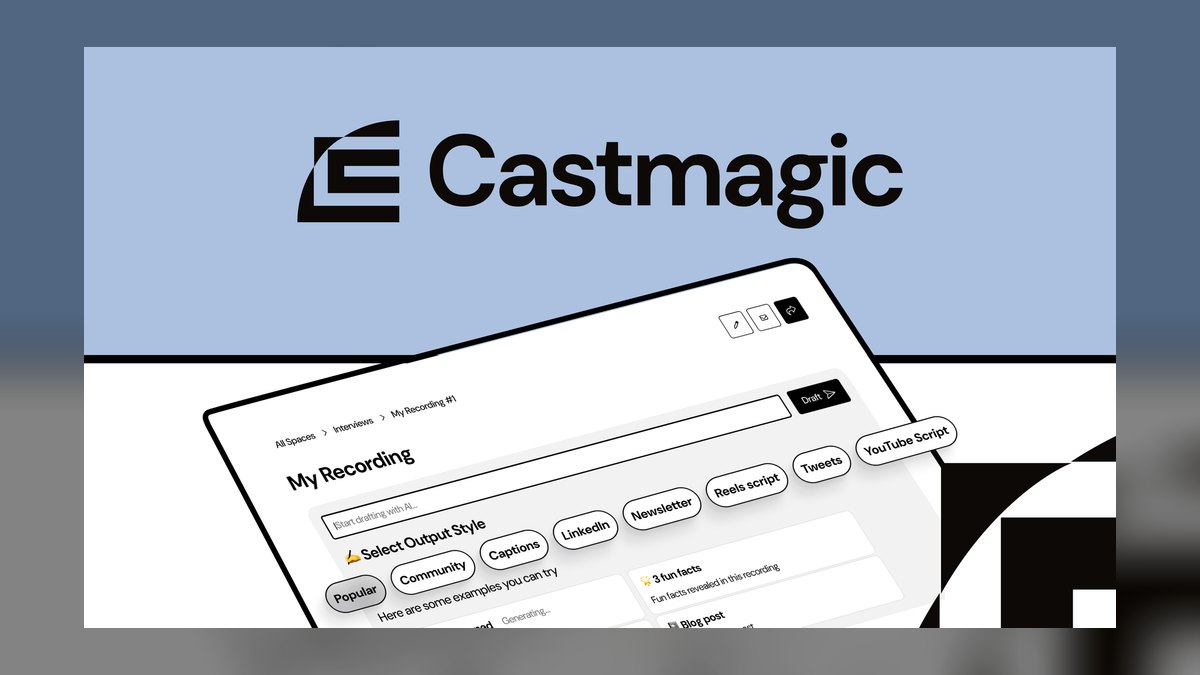
Castmagic ranks first because it delivers the most polished all-in-one output from a single upload, returning formatted notes, timestamped chapters, titles, and social copy with reusable brand templates. Its saved show-notes formats enforce house style so every episode matches your back catalog without structural edits. It transcribes across dozens of languages and produces a dozen or more repurposed assets per file, making it the benchmark for content volume.
This tool is for the weekly solo podcaster or small team that wants one pass to fill an entire content calendar and is willing to pay a premium for that convenience. It trades away the editing suite you get with Descript, assuming your audio is already finished before upload. Compared to Podsqueeze below, it costs more per episode but returns more polished, brand-consistent output and a wider asset count.
2. Descript

Descript ranks second because it uniquely combines audio editing and show-note generation in one document, letting you edit the text to edit the audio while simultaneously producing notes and chapters. Its generous free tier lets you validate quality before paying, and the transcript-as-editor model is the standout for workflow integration. It auto-generates chapter markers that you can adjust as you edit, saving a separate review step.
This tool is for podcasters who see audio editing and note-writing as twin bottlenecks and want to eliminate a separate editor subscription. It trades away the raw repurposed-asset volume of Castmagic, focusing more on the production suite than on promotional copy. Compared to the pick above, it costs less if you'd otherwise buy two tools, but requires a bigger time investment to master the editing workflow.
3. Riverside.fm

Riverside.fm ranks third because it captures studio-grade separate local tracks at up to 4K video and 48kHz audio, and that source quality directly lifts the accuracy of every note it generates. Clean, separately recorded tracks push transcription word error rates into the low single digits, so the tool never has to guess through a bad signal. It handles 100-plus languages and pairs recording with automatic notes and chapters, making it a capture-to-publish layer.
This tool is for remote interviewers whose biggest risk is bad source audio, not note formatting. It trades away the deep repurposing engines of Castmagic and Capsho, returning fewer social variants per episode. Compared to Descript above, it is the better first step if you record guests frequently, but you'll still need a separate generator for heavy multi-channel asset production.
4. Swell AI
Swell AI ranks fourth because host syncing, bulk processing, and API access automate note generation across an entire roster of shows without anyone logging in per episode. Custom prompts lock brand voice across multiple clients at once, which is the differentiator for agencies running many shows. It pulls straight from your host to remove the export-and-re-upload shuffle, and that automation is worth more than any single output's polish at volume.
This tool is for content shops and agencies where the binding constraint is volume, not quality per episode. It trades away the polished template control a solo creator needs, feeling heavier than necessary for a single weekly show. Compared to Riverside above, it assumes your recording quality is already fine and focuses instead on throughput, so pair it with clean capture for best results.
5. Podsqueeze

Podsqueeze ranks fifth because it is the strongest budget pick, pulling directly from your RSS feed to generate notes, timestamps, titles, newsletters, and social posts at a price that undercuts the heavier suites. Its cost-per-episode is the deciding metric here, making it the best value in this bracket for a weekly show. The RSS integration removes the export-and-re-upload friction entirely, and it still delivers the core four or five assets per upload.
This tool is for solo creators or small shows where budget is the primary constraint and clean notes plus basic social copy are enough. It trades away the brand-template depth and asset count of Castmagic, returning a lighter bundle that needs more manual reshaping. Compared to Swell AI above, it has no API or batch automation, so it suits a single show rather than a multi-client agency.
6. Capsho
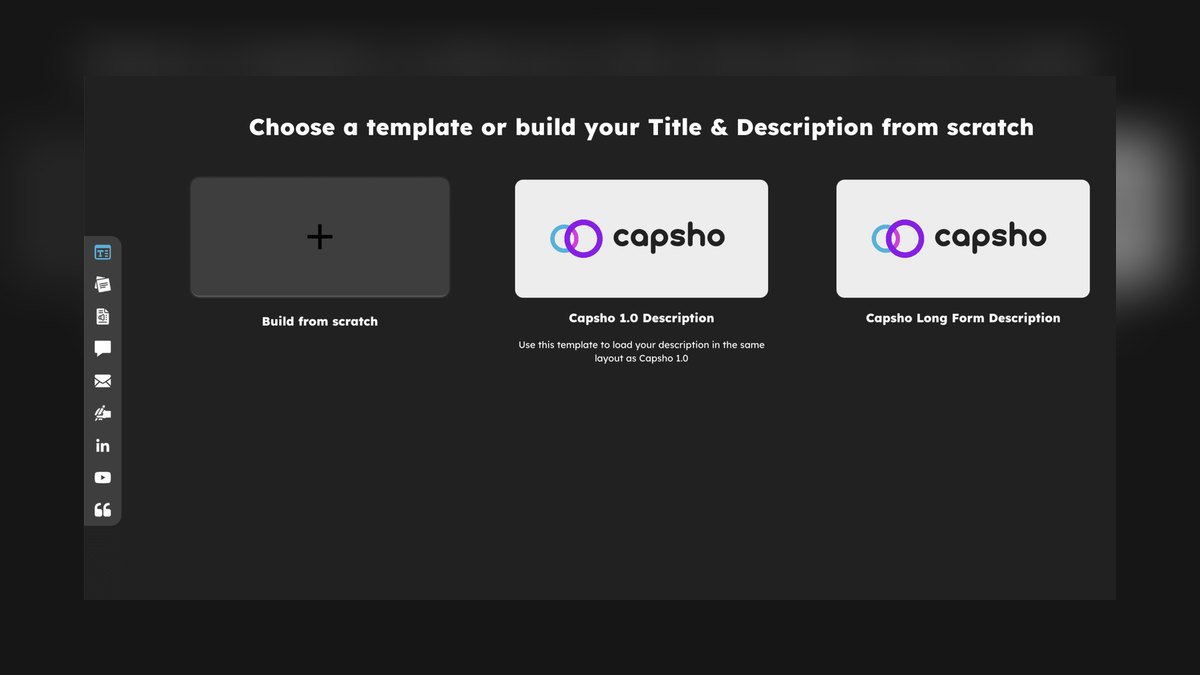
Capsho ranks sixth because it frames everything toward promotion and reach rather than neutral summary, generating titles, social posts, and email copy optimized for audience growth and revenue. Its marketing-biased outputs suit creators who podcast to drive sales, not just archive conversations. It goes beyond notes into platform-specific variants, feeding a multi-channel publishing calendar from one upload.
This tool is for business podcasters whose goal is discoverability and lead generation, not just accurate documentation. It trades away neutral, factual summary for promotional framing, which can insert claims or superlatives you didn't actually say. Compared to Podsqueeze above, it costs more but returns a heavier promotion engine, so skip it if you only need clean notes and chapters.
7. Podcastle

Podcastle ranks seventh because it folds audio editing and show-note generation into one app, similar to Descript, giving you a production suite rather than a pure generator. It is a reasonable pick if you'd otherwise buy a separate editor and stitch two subscriptions together, saving cost and workflow friction. It handles recording, editing, and notes in one place, which suits creators who want fewer tools in the pipeline.
This tool is for podcasters who want a single app for the entire production cycle and don't need the heavy repurposing engines of higher-ranked tools. It trades away the asset volume of Castmagic and the promotional focus of Capsho, returning a more balanced but shallower output. Compared to Descript above, it is a lighter alternative with less mature editing features, making it a better fit for simpler shows.
8. Buzzsprout Cohost AI
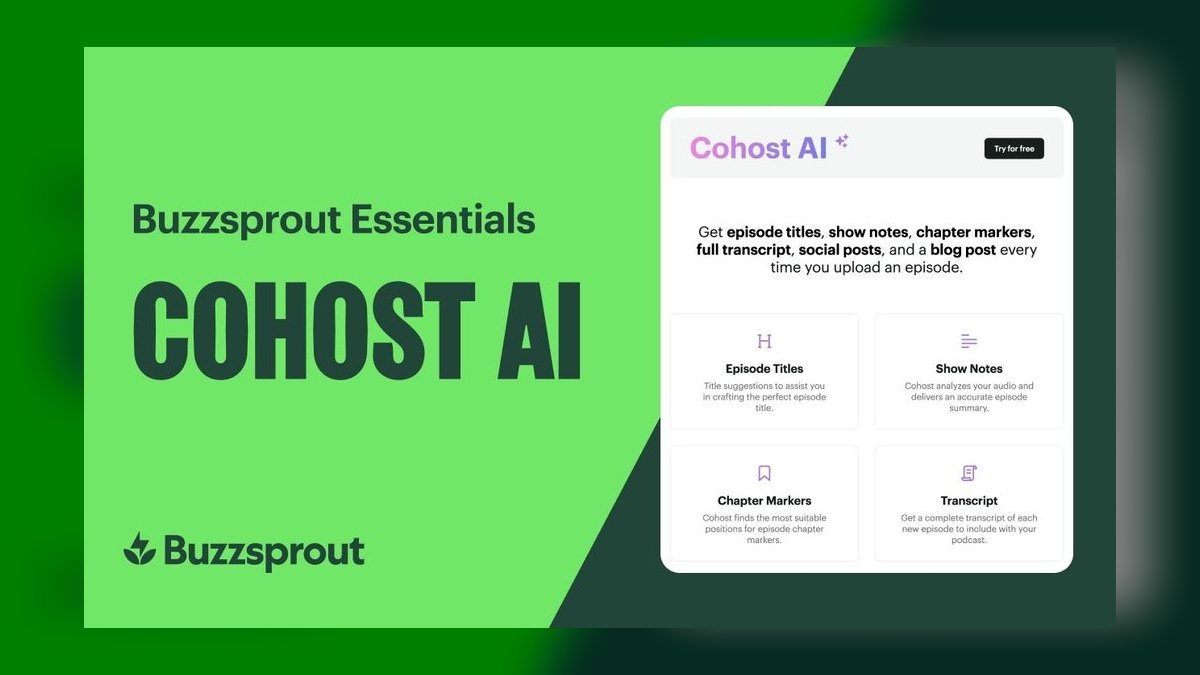
Buzzsprout Cohost AI ranks eighth because it works on episodes inside your Buzzsprout dashboard with zero added workflow, making it the lowest-friction pick for existing Buzzsprout hosts. It auto-generates chapter markers and notes from episodes already in your host, removing the export-and-re-upload shuffle entirely. The integration is the differentiator, as it requires no new login or separate subscription for a tool you might otherwise ignore.
This tool is for podcasters already hosted on Buzzsprout who want basic notes and chapters without adopting anything new. It trades away the deep repurposing and brand-template control of Castmagic, returning a lighter, more generic output. Compared to Podcastle above, it is less capable as a standalone suite but wins on sheer convenience, making it a sensible default before considering heavier tools.
9. Otter.ai

Otter.ai ranks ninth because its generous free tier and strong raw transcription accuracy with speaker labeling let you validate quality before paying a cent. It leads on clean transcription for meeting-style recordings, making it a reliable base for notes generation. The free tier is a real advantage for irregular publishers who don't want a monthly subscription sitting idle between drops, and it handles multiple voices with reliable attribution.
This tool is for podcasters who publish irregularly or want to test AI notes without upfront cost, and who prioritize transcription accuracy over repurposed assets. It trades away the structured show-notes templates and social copy generation of higher-ranked tools, returning a bare summary that needs more manual shaping. Compared to Buzzsprout Cohost AI above, it is more flexible across platforms but requires a separate workflow for each episode.
10. Sonix
Sonix ranks tenth because its per-hour pricing suits creators who publish irregularly and don't want a monthly subscription sitting idle, while covering 40-plus languages with translation and subtitle export. It leads on raw transcription accuracy and speaker labeling, making it a clean foundation for any downstream notes work. The pay-as-you-go model is the deciding factor for low-volume users who would waste money on a monthly cap.
This tool is for producers who need accurate transcripts and multilingual support but not a full show-notes suite, and who prefer paying only for what they use. It trades away the structured templates and repurposed-asset generation of Castmagic or Podsqueeze, returning a raw transcript that requires external work to become publishable notes. Compared to Otter.ai above, it is more accurate and multilingual but less budget-friendly for frequent use.
How we ranked these
We measured transcription accuracy, output structure, format coverage, control features, workflow fit, pricing, and repurposed-asset count for ten tools. Accuracy and asset count were weighted highest because they directly determine time saved and discoverability. Pricing was weighted against per-episode cost, not sticker price, and workflow integration was weighted for its effect on long-term adoption.
We deliberately ignored marketing claims, demo quality, and brand reputation. We also ignored features that sound impressive but rarely matter in practice, such as raw language counts or headline accuracy percentages, because they depend heavily on input audio quality. We focused instead on measurable outcomes like review time, asset output, and error rates on names and numbers.
What to look for
What matters is matching the tool to your actual constraint: transcription quality if your audio is messy, asset count if you publish across many channels, editing integration if you also cut audio, or API access if you run many shows. Cost-per-episode, not subscription price, is the real metric. Always confirm upload-hour caps and per-seat costs on the vendor's pricing page before committing.
The mistake most buyers make is choosing based on the loudest feature list or the cheapest headline price, then discovering the upload cap bites mid-month or the output needs heavy editing. Another common error is ignoring workflow fit: a tool that doesn't pull from your RSS feed or sync with your host adds a weekly friction tax that kills adoption. Name your constraint first, then pilot on real episodes.
Related questions
What is the best AI tool for podcast editing versus show notes?
Descript and Podcastle combine editing and note generation in one app, while Riverside.fm pairs recording with notes. For editing specifically, Descript's edit-the-text-to-edit-the-audio model is the standout; pure generators like Castmagic assume the audio is already edited before upload.
How accurate are AI-generated podcast transcripts in 2027?
Accuracy depends more on source audio than the model. Clean separate-track recordings reach the mid-to-high 90s in word accuracy; Sonix and Otter.ai lead on raw transcription and speaker labeling. Always proof names, numbers, and product mentions before publishing.
Can AI show-notes tools generate timestamped chapters automatically?
Yes. Castmagic, Descript, Riverside.fm, and Buzzsprout's Cohost AI all produce chapter markers with timestamps. They can drift on long episodes or around ad breaks, so spot-check boundaries against the audio before you publish.
Which AI show-notes tool is best for agencies?
Swell AI, thanks to host syncing, bulk processing, and API access that automate note generation across a roster of shows without logging in per episode. Custom prompts lock brand voice across multiple clients at once.
Do AI show notes actually help podcast revenue?
Indirectly but reliably. Accurate transcripts and keyword-rich summaries widen your search surface, chapters lift listen-through, and repurposed social copy feeds top of funnel — all of which grow the audience and sponsor-visible downloads that revenue depends on.
What is the best budget AI tool for podcast show notes?
Podsqueeze is the strongest budget pick. It pulls directly from your RSS feed, generates notes, timestamps, titles, newsletters, and social posts, and undercuts the heavier suites on cost-per-episode. It's ideal for solo creators who want solid output without paying for a promotion engine they won't use.
FAQ
Which AI tool gives the most accurate podcast transcripts in 2027?
Sonix and Otter.ai lead on raw transcription accuracy and speaker labeling, with Sonix adding strong multilingual support across 40-plus languages. Recording quality matters as much as the model — clean, separate-track audio like Riverside captures measurably improves accuracy before any tool touches it.
What are the best AI tools for a weekly solo podcaster?
Castmagic for the most polished all-in-one output, or Podsqueeze if budget is the priority. Podsqueeze pulls directly from your RSS feed and costs less per episode while still generating notes, titles, timestamps, and social copy, which keeps cost-per-episode low.
Do these tools generate timestamped chapters automatically?
Yes — Castmagic, Descript, Riverside.fm, and Buzzsprout's Cohost AI all generate chapter markers with timestamps. Spot-check them against the audio before publishing, since markers can drift on long recordings or around music and ad breaks.
Do I need a separate editor, or can one tool do everything?
Descript and Podcastle combine editing and show notes in one app. Pure generators like Castmagic, Podsqueeze, and Capsho assume you've already edited the audio elsewhere and focus on turning finished files into notes and repurposed assets.
Are AI-generated show notes good for SEO and revenue?
They help when accurate. Searchable transcripts, keyword-rich summaries, and clean chapter titles widen your search surface, which drives more inbound listeners and sponsor-visible downloads. Capsho leans hardest into promotional framing, but verify any names, numbers, and claims the AI inserts.
Which tool is best for agencies running many shows?
Swell AI, thanks to host syncing, bulk processing, and API access that let you automate notes across a roster without logging in per episode. Solo creators may find it heavier than they need, but for a content shop the automation is the differentiator.
What is the most common failure mode of AI show notes?
Confident errors on proper nouns and numbers — names, product mentions, prices, and figures. These slip far more than ordinary prose, and they read as authoritative while being wrong. Always run the first generated notes against your raw transcript and check every name, number, and brand before publishing.
How much human review time should I budget per episode?
Budget 5–15 minutes per episode regardless of tool. The AI is a first draft, not a final proof. Proof proper nouns, verify chapter timestamps, and confirm tone matches your back catalog. Pricing that assumes zero review time is pricing a fantasy.
Sources
- https://www.castmagic.io/
- https://www.descript.com/
- https://riverside.fm/
- https://www.swellai.com/
- https://www.capsho.com/
- https://podsqueeze.com/
- https://podcastle.ai/
- https://www.buzzsprout.com/
- https://otter.ai/
- https://sonix.ai/
Related on PULSE
This page will be disappearing soon. Save it to your device for $1 — or read it free while it is here.
@Kory-White- · if Venmo asks, the last 4 of my number are 2012
This page is gone.
This one is off the shelf now. $1 keeps it on your phone for good — the whole page, pictures and diagrams included.
 pulse-ai-infrastructureThe 10 Best AI Tools for Dark Mode Design in 2027
 pulse-ai-infrastructureThe 10 Best AI Tools for Book Covers in 2027
 pulse-ai-infrastructureThe 10 Best AI Tools for Performance Reviews in 2027
 pulse-ai-infrastructureThe 10 Best AI Tools for Authentication and Login in 2027
 pulse-recentThe 10 Best AI Infra Cost Allocation Methods in 2027
 pulse-ai-infrastructureThe 10 Best AI Tools for Summarizing Books in 2027
 pulse-recentWhat is continuous batching and how much more throughput does it give an LLM server in 2027?
 pulse-ai-infrastructureHow do you scale LLM inference to handle thousands of concurrent users in 2027?
 pulse-ai-infrastructureThe 10 Best AI Tools for Hero Section Design in 2027
 pulse-ai-infrastructureThe 10 Best AI Observability Tools for RAG Pipelines in 2027