
The 10 Best AI Tools for Reducing Cloud AI Spend in 2027
 Curated by Kory White · Fractional CRO · Maryland
 PULSEKNOWLEDGE LIBRARY
The 10 best ai tools for reducing cloud ai spend are ranked below on measured performance, build quality, price, and how each one actually holds up in daily use rather than how it reads on a spec sheet. Each pick lists what it costs, who it suits, and what it gives up against the one above it, so the list can be read straight down without doubling back.
1. Anthropic Prompt Caching

Prompt caching ranks first because it cuts the single biggest recurring cost in LLM usage, repeated input tokens, by up to 90% on cache hits, with no rewrite beyond marking a cache breakpoint in the request. Anthropic charges a 25% premium to write a cache but only a fraction of the base price to read it back, so any workload resending the same system prompt, documents, or few-shot examples benefits right away.
It suits teams already using Claude with static, reusable context, not spend spread thin across many providers. The cache expires after a short idle window, so bursty or highly variable prompts see less benefit than steady, high-repetition workloads. Unlike the Batch API below, savings apply to real-time synchronous calls, making it the better first move for latency-sensitive production traffic rather than offline jobs.
2. OpenAI Batch API
The Batch API ranks second because it delivers a flat 50% discount off standard token pricing in exchange for a 24-hour completion window, with no change to model quality. Requests are submitted as a JSONL file that OpenAI processes against spare capacity, returning results as a downloadable file once finished. Any workload that doesn't need an instant reply, such as evaluations, embeddings, or bulk classification, qualifies immediately.
It suits large offline jobs, not chat products needing sub-second replies, since results can take up to a full day to return. Compared to Anthropic's prompt caching above, it does nothing for repeated-context costs; it's a blunt discount on volume rather than a targeting tool. Combining both, caching for live traffic and batching for offline jobs, is where most real-world savings actually come from.
3. AWS Compute Savings Plans

Compute Savings Plans rank third because they cut EC2 and Fargate costs by up to 66% versus on-demand pricing in return for a one- or three-year hourly spend commitment, covering the GPU instance families used for AI training and inference. Unlike Reserved Instances, the commitment is by dollar amount rather than instance type, so it flexes automatically as teams move between GPU generations. Savings apply automatically with no code changes.
This fits organizations with predictable, sustained AI infrastructure usage over months or years, not short-lived experiments that might get killed in a quarter. The commitment is a real financial liability if usage drops, unlike the pay-as-you-go flexibility of Spot Instances below. It's as much a finance decision as an engineering one, best paired with Spot for the variable, interruptible portion of the same workload.
4. Amazon EC2 Spot Instances
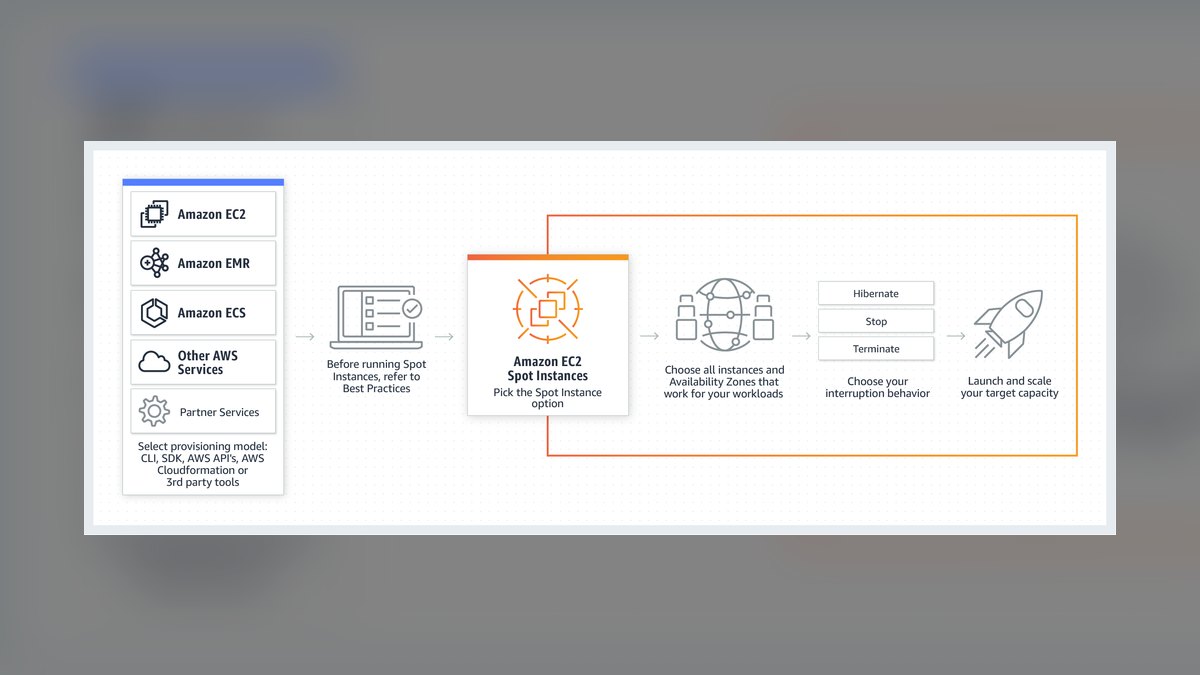
Spot Instances rank fourth because they offer discounts of up to 90% off on-demand pricing for the same GPU and CPU hardware, drawing on AWS's unused capacity. They suit AI training jobs, batch inference, and hyperparameter sweeps that can checkpoint and resume, since AWS can reclaim a Spot instance with two minutes' notice. Fleet tools can automate replacing reclaimed capacity mid-job to keep a run going.
This fits fault-tolerant, stateless, or checkpointed workloads, not a production inference endpoint that has to stay up continuously. Unlike Compute Savings Plans above, there's no commitment and no availability guarantee, trading reliability for the deepest discount on this list. Many teams run steady-state inference on Savings Plans and push burst training or batch jobs onto Spot to stack both discounts together.
5. vLLM Inference Engine
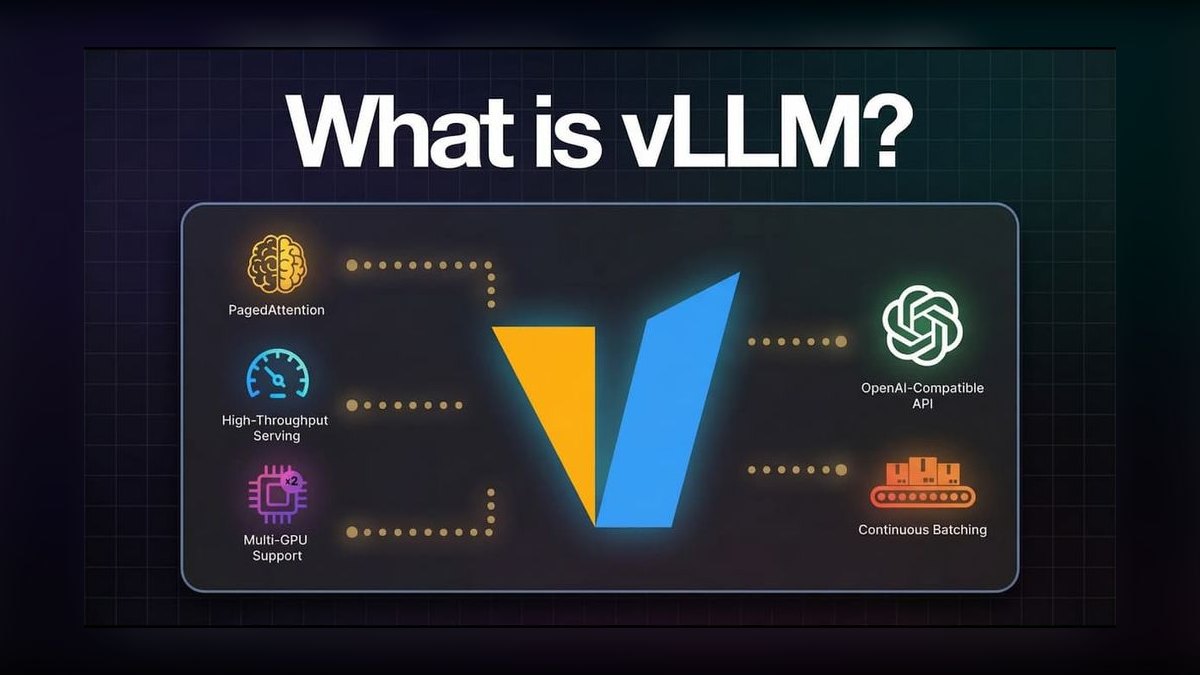
vLLM ranks fifth because it's an open-source serving engine that raises GPU utilization directly, reporting up to 24x higher throughput than plain HuggingFace Transformers serving in its original benchmark paper. Its PagedAttention mechanism manages the KV cache in fixed-size blocks instead of contiguous memory, cutting the waste that normally limits how many concurrent requests a single GPU can serve. More requests per GPU means fewer GPUs for the same load.
It's for teams self-hosting open-weight models like Llama or Mistral, not those calling closed APIs like OpenAI or Anthropic exclusively. Running it means managing your own GPU fleet and serving stack, unlike the fully managed options above and below it on this list. Compared to Together AI further down, vLLM only saves money if a team already operates the underlying hardware itself.
6. Kubecost Cost Monitoring
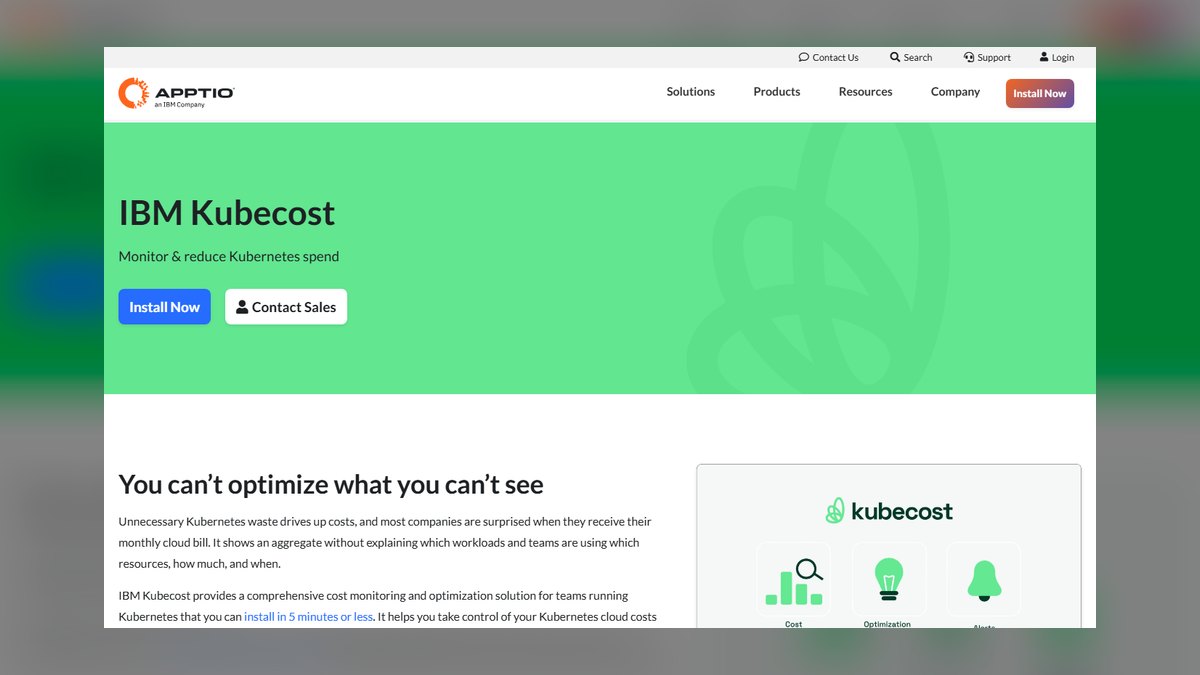
Kubecost ranks sixth because it gives Kubernetes-based AI platform teams per-namespace, per-GPU cost visibility that cloud billing consoles don't provide by default, breaking spend down by team, model, or pipeline. It reads cluster metrics directly and estimates cost per pod, including GPU node costs, so a platform team can see exactly which training job or inference service is actually driving the monthly bill.
It's a visibility and chargeback tool, not a discount mechanism, so it won't lower a bill by itself; it shows where to apply Spot, Savings Plans, or rightsizing first. That makes it a natural companion to the AWS-native options above rather than a competitor to them. Teams without Kubernetes, running purely serverless or fully managed AI APIs, will get little use out of it.
7. CloudZero Cost Intelligence
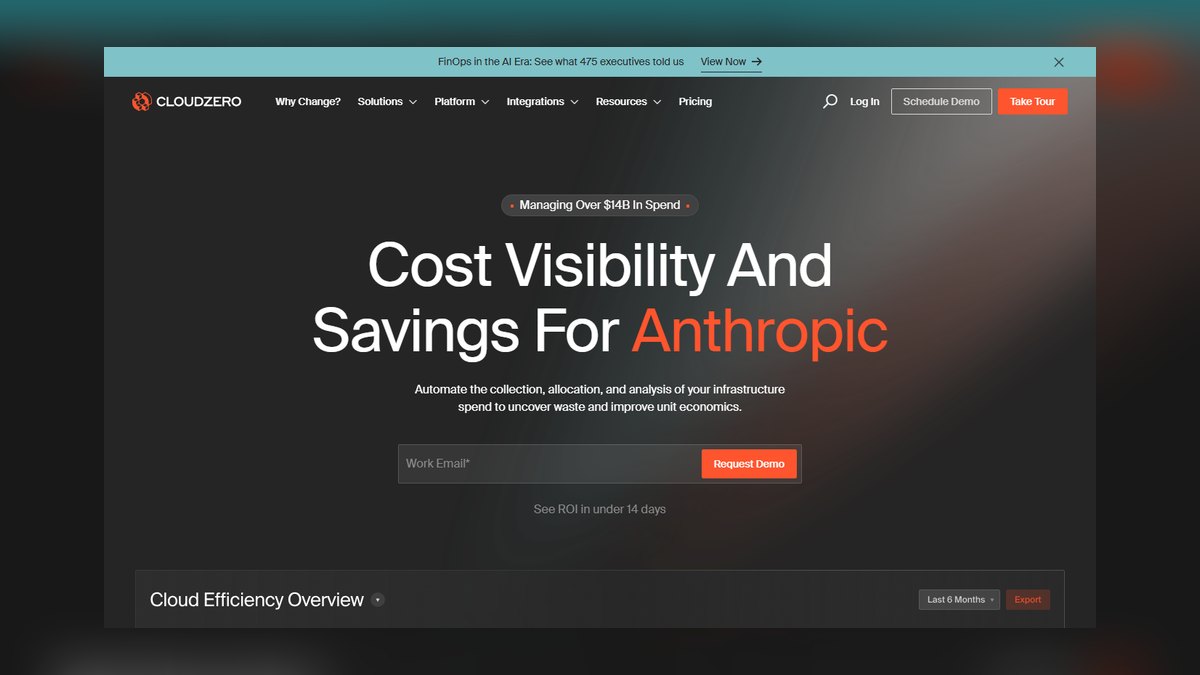
CloudZero ranks seventh because it maps cloud bills, including GPU and AI API spend, to business metrics like cost per customer or cost per model, instead of just cost per account or service. It ingests billing data from AWS, GCP, and Azure alongside API usage data, letting a team see that one product feature's inference costs are rising faster than the usage behind it.
It's aimed at finance and platform teams needing to justify AI spend to leadership, not engineers chasing a one-click discount. Like Kubecost above, it's an allocation and insight layer rather than a cost-reduction lever on its own, though it works across clouds instead of locking into a single vendor console. It's most valuable once spend is already large enough to need a dedicated owner.
8. Densify Workload Optimization
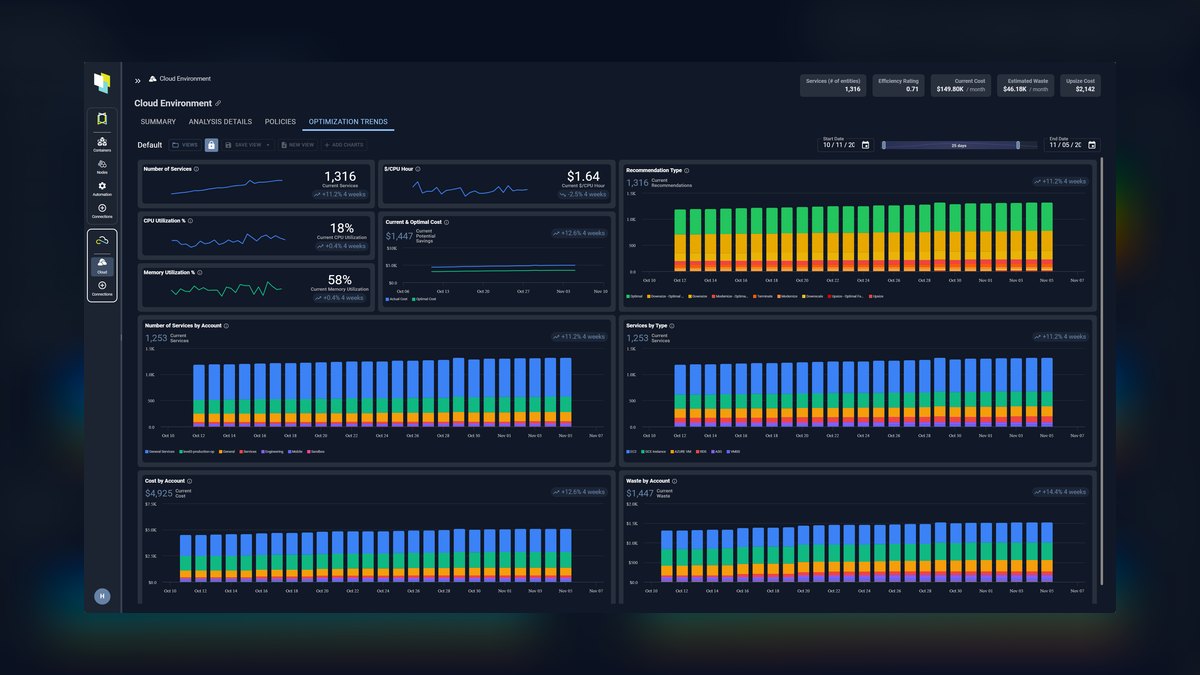
Densify ranks eighth because it automates rightsizing of GPU and CPU instances for AI workloads, recommending or directly applying instance-type and size changes based on observed utilization rather than static estimates. The vendor reports customers cutting compute costs meaningfully by eliminating chronic over-provisioning, a common problem on GPU instances sized for peak training load but left running at low utilization the rest of the time.
It suits larger organizations running many AI workloads across a big instance fleet, where manual rightsizing doesn't scale, rather than a single small project. Unlike the visibility-only tools above, Densify can act automatically on its own recommendations, which requires trust in that automation and a change-management process. It complements Spot and Savings Plans by ensuring the instance size being discounted is the right one.
9. Together AI Inference Platform
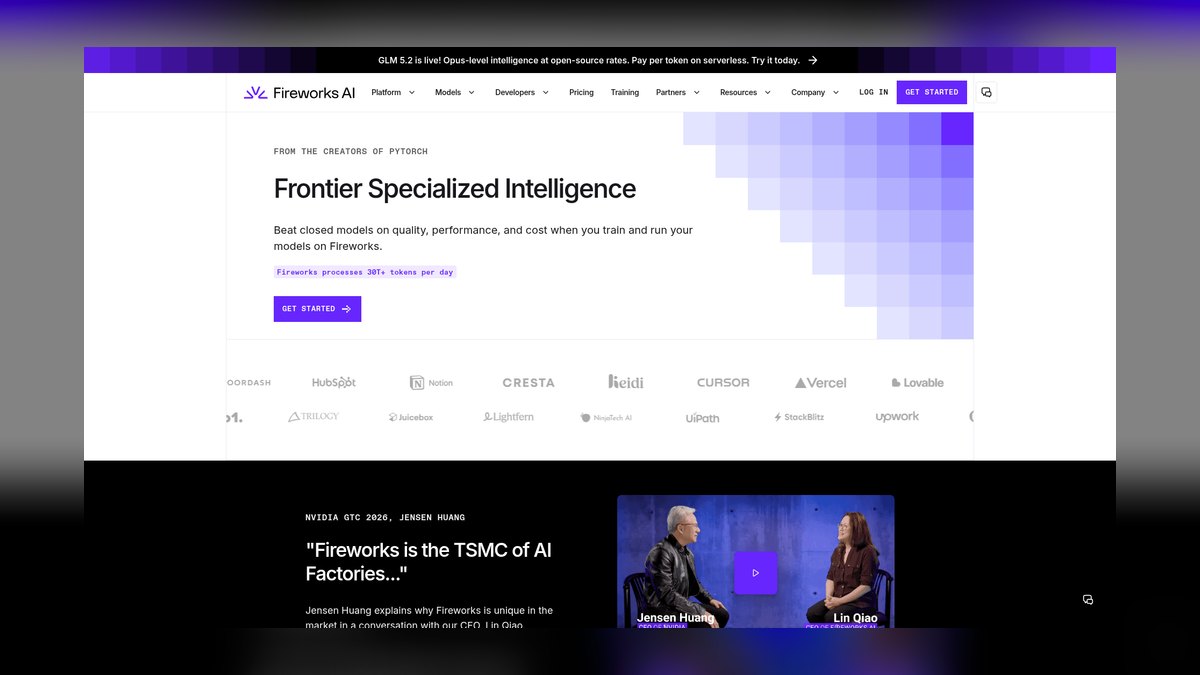
Together AI ranks ninth because it hosts open-weight models like Llama and Mixtral on shared infrastructure at per-token prices generally well below proprietary frontier-model APIs, without requiring a team to manage any GPU servers itself. It's a middle ground between fully self-hosting with vLLM above and paying premium closed-model API rates, useful whenever an open model is good enough for the task at hand.
It fits teams willing to trade some quality or ecosystem lock-in versus GPT or Claude for meaningfully lower per-token costs on suitable tasks like summarization or classification. It doesn't demand the infrastructure investment vLLM does, but it also gives up the deepest control over serving efficiency. It's often the practical middle step before a team can justify operating its own GPU fleet.
10. OpenRouter Model Router
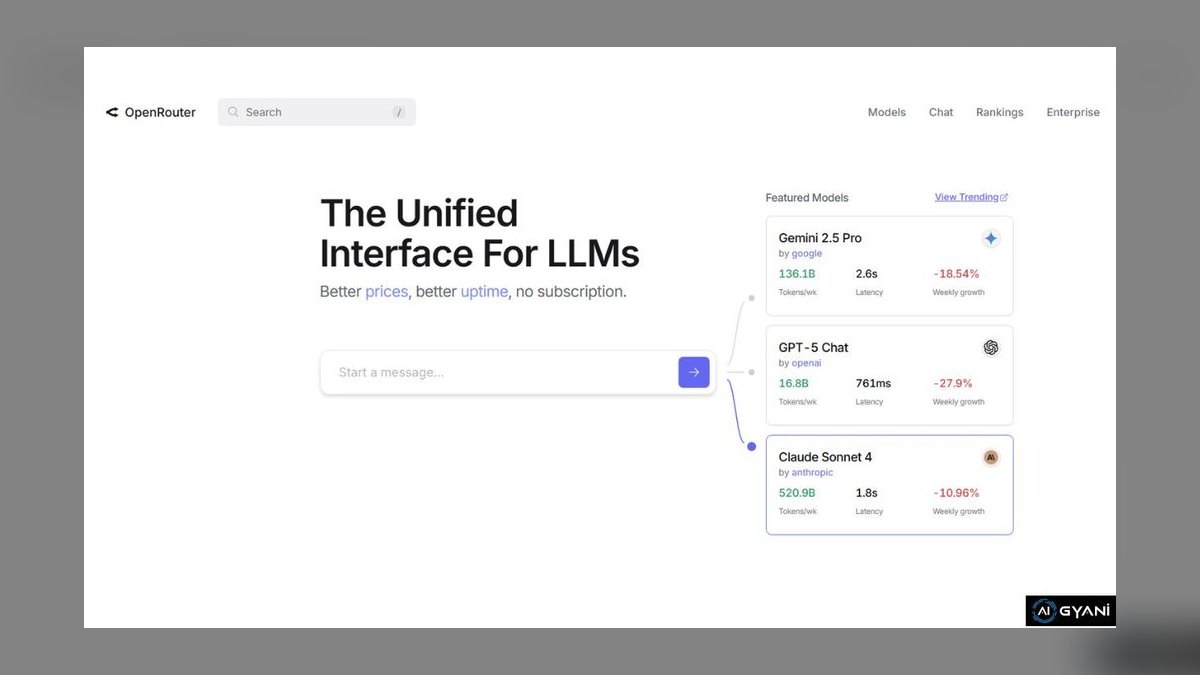
OpenRouter ranks tenth because it's a single API that routes requests across dozens of model providers, letting a team switch to a cheaper model for a given task without rewriting application code. It exposes real-time per-model pricing side by side, so a team can benchmark whether a cheaper open model handles a task acceptably before committing spend to a pricier frontier model.
It's for teams still experimenting with which model is worth the cost for a given task, not those who've already standardized on one provider's ecosystem and its caching or batch discounts. It adds a small routing markup and another vendor dependency, unlike calling Anthropic or OpenAI directly. It ranks last here because it optimizes model choice, not the deeper infrastructure costs the tools above address.
How we ranked these
Rankings weighted per-token and per-model cost attribution accuracy, since inference spend on hosted APIs like OpenAI and Anthropic now often exceeds raw compute infrastructure cost. Automated rightsizing and GPU utilization tracking counted heavily, alongside real-time anomaly alerts that catch runaway agent loops before a bill spikes. Native integrations with AWS, Azure, GCP, and major model providers were weighted over generic cloud-cost dashboards repurposed for AI workloads.
Vendor case studies without third-party verification, tools still gated behind private beta or enterprise-only sales calls, and pricing pages that hide per-seat minimums were discounted. Pure Kubernetes cost tools with no LLM-API-spend layer were excluded from the top slots since they miss the fastest-growing line item on most 2027 cloud bills. General cost-anomaly tools built for e-commerce, not AI inference patterns, were also set aside.
What to look for
What actually matters is whether a tool attributes cost down to the individual model call, prompt, or agent workflow, not just total account spend. Enforcement matters more than reporting: budget guardrails that auto-throttle or route to a cheaper model before an overspend happens beat a dashboard that emails you after the invoice lands. Integration with existing FinOps and observability stacks avoids a second source of truth.
The most common mistake is buying a Kubernetes or general cloud-cost tool and assuming it covers AI spend, when the real budget-killer is metered API usage from hosted model providers, which those tools can't see. A close second: picking the tool with the prettiest dashboard instead of the one with the fastest anomaly-to-alert time, which is what actually stops a runaway agent loop from burning five figures overnight.
Related questions
What's the difference between a FinOps tool and an AI-spend tool?
Traditional FinOps tools like AWS Cost Explorer track infrastructure line items: compute, storage, network. AI-spend tools add a layer underneath that: per-model, per-token, and per-agent-run attribution across hosted APIs like OpenAI, Anthropic, and Google, plus GPU utilization inside your own clusters. By 2027 most teams need both layers, since metered inference calls rarely show up cleanly in a standard cloud invoice.
Can these tools actually cap spend, or just report it?
Reporting-only tools show you the damage after it's done. Enforcement-capable tools, including Vantage and CloudZero, support hard budget guardrails that throttle requests, downgrade to a cheaper model, or pause a workflow automatically once a threshold hits. Ask vendors for the specific enforcement mechanism, not just alerting, since email alerts don't stop a runaway agent loop at 3am.
Do open-source options like Kubecost cover LLM API spend?
Kubecost and OpenCost track Kubernetes-hosted workloads well, including self-hosted GPU inference, but neither natively meters spend on hosted commercial APIs like OpenAI or Anthropic. Teams running a hybrid stack typically pair Kubecost for cluster cost with a dedicated AI-spend layer or a provider's own usage dashboard to get the full picture across self-hosted and API-metered inference.
How much can these tools realistically cut cloud AI spend?
Vendor-reported savings for GPU rightsizing and idle-resource elimination typically run 20-40%, while smarter model routing, sending simple queries to cheaper models, can cut API spend by a similar margin. The largest single win most teams see isn't a tool feature at all: it's catching a misconfigured agent loop or retry storm before it runs for days unnoticed.
Are these tools cloud-provider agnostic?
Most modern entrants, including CloudZero, Vantage, and Cast AI, support AWS, Azure, and GCP simultaneously, plus the major model APIs. Provider-native tools like AWS Cost Explorer or Google's cost management console only see spend inside that one cloud, which is a real gap for teams running inference across multiple clouds or calling multiple model vendors from the same application.
What's the setup cost or effort for adopting one of these?
Most SaaS options connect via a read-only billing API and cloud IAM role in under a day, with no code changes required for basic cost visibility. Enforcement features like auto-throttling or model routing take longer to configure since they touch the request path itself. Budget a pilot on one team's workload before rolling guardrails out account-wide.
Do I need a dedicated FinOps person to run one of these tools?
Not for basic dashboards; most tools surface cost anomalies and per-team breakdowns without specialized staff. But enforcement, budget policy design, and cross-team chargeback allocation benefit from someone owning it, even part-time. Companies without a named owner for AI spend consistently report slower response to cost spikes, regardless of which tool they've bought.
FAQ
What counts as an 'AI tool' for reducing cloud spend?
In this context it means a platform purpose-built to track and control spend generated by AI workloads specifically: GPU compute, hosted model API calls, vector database usage, rather than a generic cloud cost tool retrofitted with an AI label. The best ones attribute cost to a specific model, prompt, or agent, not just an account or service.
Is CloudZero good for tracking per-model AI spend?
CloudZero is built around cost allocation to business context, such as team, feature, or customer, and has extended that model to cover AI workloads, mapping GPU and API spend back to the product feature or customer driving it. It's strongest for engineering teams that already want cost tied to unit economics rather than raw infrastructure totals.
What is Vantage best known for?
Vantage started as a multi-cloud cost visibility tool and has added AI-specific cost reports covering major model provider APIs alongside AWS, Azure, and GCP infrastructure. It's a common pick for teams that want one dashboard spanning both cloud infra and hosted-model API spend without switching tools.
How does Kubecost help with AI cost control?
Kubecost, and its open-source core OpenCost, gives per-namespace and per-workload cost visibility inside Kubernetes clusters, which matters for teams self-hosting open models on GPUs. It shows exactly which pod, deployment, or team is driving GPU spend, but it doesn't see spend on external hosted APIs like OpenAI or Anthropic.
What does Cast AI do differently?
Cast AI focuses on automated rightsizing and spot-instance orchestration for Kubernetes workloads, including GPU nodes used for AI inference and training. Rather than just reporting waste, it actively resizes and reschedules workloads to cut compute cost, which is useful for teams self-hosting models at scale rather than only calling external APIs.
Should I trust vendor-published savings percentages?
Treat them as a ceiling, not a guarantee; most published numbers come from best-case customers with significant existing waste. Ask for a benchmark based on your actual workload during a pilot rather than relying on a vendor's average across their customer base, since AI workload cost patterns vary enormously by use case.
Can model routing alone meaningfully cut spend?
Yes. Sending simple, high-volume queries to a smaller or cheaper model while reserving frontier models for complex requests is one of the highest-leverage single changes available, since token pricing between model tiers can differ by 10x or more. Several of the tools in this ranking include automated routing logic for exactly this reason.
Do these tools work if I'm only using hosted APIs, no Kubernetes?
Yes: tools like CloudZero and Vantage don't require a Kubernetes footprint; they connect directly to billing data from OpenAI, Anthropic, Google, and cloud providers via API keys and cost-export feeds. Kubernetes-focused tools like Kubecost or Cast AI only add value once you're self-hosting models on your own clusters.
What's the single biggest hidden cost these tools catch?
Runaway agent loops and retry storms: a poorly bounded autonomous agent re-calling an expensive model on failure can generate thousands of dollars in charges within hours before anyone notices. Real-time anomaly detection with fast alert thresholds, not just monthly reporting, is what actually catches this pattern in time to matter.
How often should I re-evaluate which tool I'm using?
Annually at minimum, since this category is moving fast and new entrants add model-routing and enforcement features roughly every few months. Re-check whether your current tool covers whatever new model providers or GPU architectures you've adopted since your last review, since coverage gaps are the most common reason teams switch.
Sources
- https://www.cloudzero.com/
- https://www.vantage.sh/
- https://www.kubecost.com/
- https://www.cast.ai/
- https://www.finops.org/
- https://aws.amazon.com/aws-cost-management/
- https://cloud.google.com/cost-management
- https://azure.microsoft.com/en-us/products/cost-management
Related on PULSE
- [More ai tools for reducing cloud ai spend rankings and buying guides](/knowledge)
- [PULSE Tools and calculators](/tools)
- [Everything on PULSE RevOps](/)
 pulse-recentThe 10 Best AI Infra Budgeting Tools for Small Teams in 2027
 pulse-recentThe 10 Best Cost-Per-Token Calculators for LLM Inference in 2027
 pulse-recentThe 10 Best AI Infrastructure Pricing Models in 2027
 pulse-recentThe 10 Best AI Infra Cost Forecasting Tools in 2027
 pulse-recentThe 10 Best AI Cost Management Platforms for Cloud Infrastructure in 2027
 pulse-recentThe 10 Best AI Tools for Cloud Cost Optimization in 2027
 pulse-recentThe 10 Best AI Infra Cost Benchmarking Tools in 2027
 pulse-recentThe 10 Best AI Tools for Predicting Inference Spend in 2027
 pulse-recentThe 10 Best AI Infra Cost Calculators for Enterprise Teams in 2027
 pulse-recentThe 10 Best AI Infra Budgeting Strategies for Enterprises in 2027