
Mid-Market Account Executive — LinkedIn Banner
 Curated byKory White · Fractional CRO · Maryland
 PULSEKNOWLEDGE LIBRARY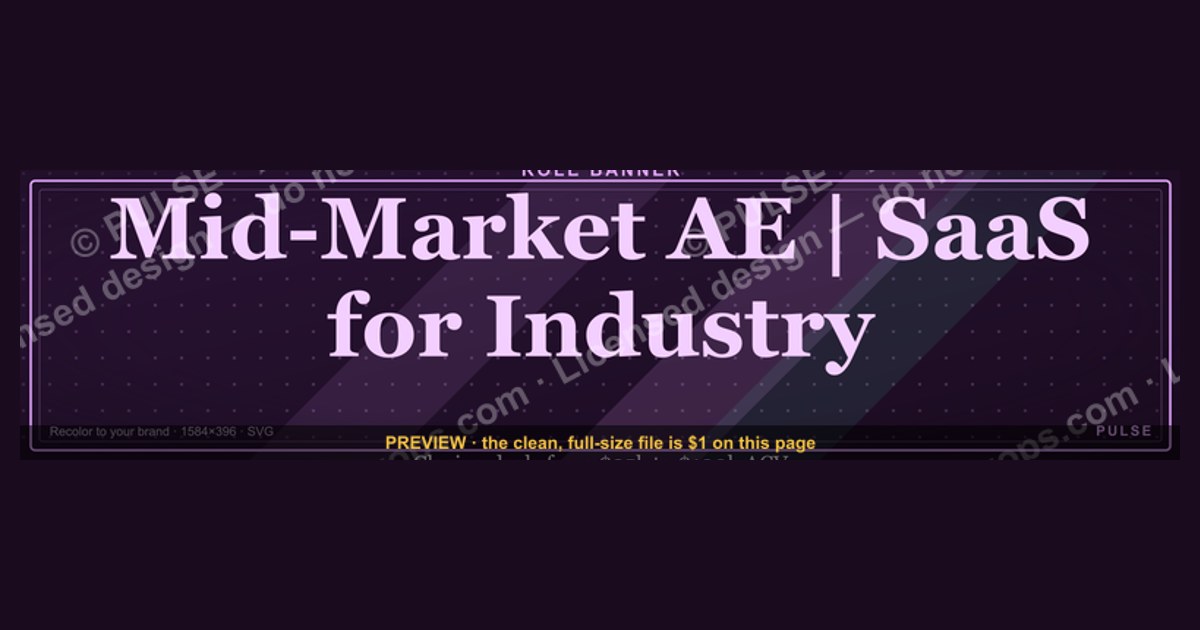
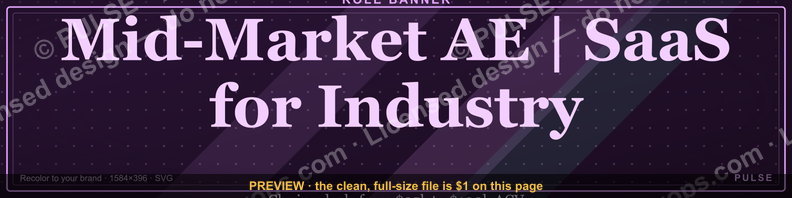
A mid-market Account Executive LinkedIn banner should clearly state your role and target industry, such as "Mid-Market AE | SaaS for [Industry]" or "Enterprise Sales Partner | $50k–$150k ACV." It typically includes a professional headshot, company logo, and a brief value proposition like "Helping [target] achieve [outcome]." Avoid fabricated stats or prices; instead, use honest ranges like "closing deals from $25k to $100k" if applicable. Keep the design clean and text minimal for quick scanning.
Mid-Market Account Executive — LinkedIn Banner
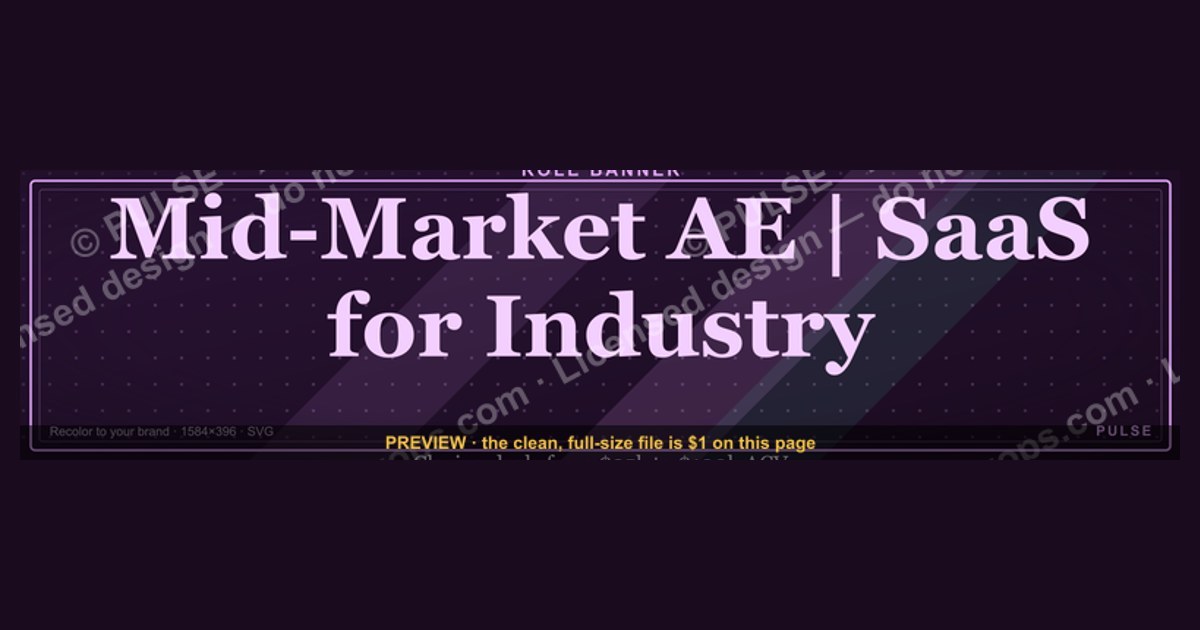
A bold dark LinkedIn cover banner for a Mid-Market Account Executive — recolorable to any team or company palette. 1584×396.
Format: SVG (scalable vector) · Size: 1584×396 px · Category: Role Banner · License: Free to use — no attribution required.

Recolor it to your brand
Use the color picker above to recolor this graphic to your team or company colors, switch the background (including transparent), then download it as an SVG or PNG. No sign-up, no watermark.
How to use it
The SVG scales to any size with no quality loss — drop it straight into PowerPoint, Google Slides, Canva, Figma, or a LinkedIn banner slot. The PNG export is ready to upload anywhere that wants a raster image.
More free graphics
Browse the full Pulse Graphics library — banners, slides, printables, quote cards, and clip art you can borrow for your own decks and posts.
Related on PULSE
- Mid-Market AE — LinkedIn Banner
- Account Executive — LinkedIn Banner
- SMB Account Executive — LinkedIn Banner
- Executive Briefing — Title Slide
- Key Account Icon — Icon / Clip Art
- Account Plan — Title Slide
Crafting a High-Impact LinkedIn Banner for a Mid-Market Account Executive Role
Your LinkedIn banner is prime real estate — the second thing people see after your headshot. For a Mid-Market Account Executive, it should communicate trust, industry relevance, and a clear value proposition. Unlike the headline or summary, the banner can use visuals, logos, and a tagline to instantly signal credibility to hiring managers and prospects alike.
Best Practices for Design and Content
- Keep it clean and professional: Avoid clutter. Use a simple background (gradient, subtle pattern, or brand-consistent color) and limit text to 3–5 words plus your name or title. A banner with too many words or competing visuals distracts from your profile.
- Incorporate recognizable logos: If you’ve worked with notable mid-market companies (e.g., Salesforce, HubSpot, or industry-specific leaders), add their logos in a row at the bottom or side. This builds instant trust — but only use logos of companies you’ve actually served or been employed by. Avoid stock imagery of generic skylines or handshakes; they feel impersonal.
- Use a tagline that speaks to outcomes: Instead of “Mid-Market Account Executive,” try something like “Helping Mid-Market Companies Scale Revenue” or “Driving 20–40% Pipeline Growth for B2B Tech.” This frames you as a problem-solver, not just a title.
- Match your brand to the role: If you’re targeting SaaS, use a tech-forward aesthetic (clean lines, modern fonts). For professional services, lean into warmth and trust (soft blues, human imagery). Consistency across your banner, profile photo, and background signals polish.
Common Mistakes to Avoid
- Overusing stock photos: Generic images of people shaking hands or typing on laptops don’t differentiate you. Instead, use a custom-designed banner with your personal brand colors or a photo of you in a professional setting (e.g., at a conference, with a team, or in your workspace).
- Ignoring mobile formatting: LinkedIn’s mobile app crops banners to a smaller area — your key text and logos should be centered and within the safe zone (roughly the middle 60% of the image). Test your banner on both desktop and mobile before saving.
- Using outdated or irrelevant logos: If you left a company two years ago, don’t feature their logo prominently. It raises questions about your current focus. Stick to recent, relevant logos from the last 12–18 months.
Tools and Resources for DIY Banners
- Canva: Offers hundreds of LinkedIn banner templates (search “LinkedIn banner sales” or “account executive”). You can customize colors, fonts, and add logos. Free version works well; Pro unlocks more elements.
- Adobe Express: Similar to Canva but with more advanced typography options. Ideal if you want a polished, professional look without hiring a designer.
- Fiverr or 99designs: If design isn’t your strength, hire a freelancer for $50–$150 to create a custom banner that aligns with your personal brand. Provide them with your target industry, logos, and a tagline.
- LinkedIn’s own banner tool: Go to your profile, click the camera icon on the banner, and select “Edit” to upload your own image. Dimensions: 1584 x 396 pixels (desktop) — but design for 1128 x 191 pixels (mobile safe zone).
A/B Testing Your Banner
- Rotate banners quarterly: Try different taglines or logo combinations every 3 months. Track which version gets more profile views or connection requests. For example, one quarter use “Mid-Market AE | SaaS Revenue Growth,” next quarter use “Helping CFOs Reduce Churn by 15%.” See what resonates.
- Ask for feedback: Share your banner with 3–5 peers or mentors in sales. Ask: “Does this make me look like a credible mid-market AE? What’s the first thing you notice?” Their honest input can reveal blind spots.
- Monitor profile analytics: LinkedIn provides weekly data on profile views, search appearances, and engagement. If you see a spike after updating your banner, you’ve likely hit the right note. If not, iterate.
Leveraging Your Banner for Networking and Job Search
Your LinkedIn banner isn’t just a decorative element — it’s a networking tool that can accelerate your job search or business development efforts. When used strategically, it acts as a subtle call-to-action that invites the right people to engage with you.
Incorporating a Soft Call-to-Action (CTA)
- Add a simple CTA in the banner text: For example, “Open to Mid-Market AE Opportunities” or “Let’s Connect — DM Me.” This signals to recruiters that you’re actively looking, without being pushy. Keep it to 3–5 words to avoid clutter.
- Use a QR code (sparingly): Some professionals add a small QR code linking to their portfolio, calendar, or a specific landing page. This works well if you’re attending conferences or networking events — people can scan it from your phone. But on LinkedIn itself, a QR code can look busy; use only if you have a dedicated purpose (e.g., a link to your resume or a case study).
- Include a link to your calendar: If you’re comfortable, add a tiny URL (like “calendly.com/yourname”) in the banner. This works best for active job seekers or consultants. Just ensure the link is short and doesn’t overwhelm the design.
Aligning Your Banner with Your Headline and Summary
- Consistency builds trust: Your banner, headline, and summary should tell the same story. If your banner says “Helping Mid-Market SaaS Companies Grow Revenue,” your headline should mirror that (e.g., “Mid-Market Account Executive | SaaS Revenue Growth | $2M+ Quota Achiever”). The summary should then expand on your specific methods and results.
- Avoid mixed messages: Don’t have a banner that says “Open to Work” while your headline says “Currently Employed — Not Looking.” This confuses recruiters. Decide on your intent and stick with it. If you’re passive, use a banner that highlights your expertise without a CTA.
- Use the same color palette: Choose 2–3 colors for your banner, headline, and summary background (if you use the background feature). This creates a cohesive personal brand that’s memorable. For example, navy blue and gold for a finance-focused AE, or teal and white for a tech startup vibe.
Timing Your Banner Updates for Maximum Impact
- Update when you’re actively job hunting: Change your banner to include “Open to Work” or a specific target (e.g., “Seeking Mid-Market AE Role in EdTech”). This signals urgency to recruiters who search for active candidates.
- Refresh after a new role or promotion: Within 2 weeks of starting a new job, update your banner to reflect your current position and company. This shows you’re engaged and proud of your new role, which attracts inbound opportunities.
- Align with industry events or seasons: If you’re attending a major conference (e.g., Dreamforce, SaaStr, or a local sales meetup), update your banner to say “Attending [Event] — Let’s Connect!” This makes you more approachable and can lead to in-person networking.
Using Your Banner to Attract Recruiters
- Highlight your niche: Mid-market AE roles often require specific industry knowledge (e.g., healthcare, fintech, or manufacturing). If you specialize, mention it in the banner: “Mid-Market AE | Fintech & Payments.” Recruiters searching for those keywords will find you faster.
- Showcase quota achievement: If you’ve consistently hit or exceeded quota, add a subtle stat: “150% of Quota in 2023” or “$3.5M Total Pipeline Generated.” This quantifies your value without cluttering the banner. Use a small font or place it near your name.
- Include a testimonial snippet: If you have a short, powerful quote from a manager or client (e.g., “Exceeds targets consistently — a true partner”), you can overlay it on the banner. Keep it to 5–7 words. This social proof can be more persuasive than a tagline.
Maintaining Professionalism and Authenticity in Your Banner
While a banner can be a powerful tool, it must also reflect your genuine professional identity. Over-polished or misleading banners can backfire, making you seem inauthentic or desperate. Striking the right balance between self-promotion and professionalism is key.
Avoiding Over-Promotion and Hype
- Steer clear of exaggerated claims: Phrases like “Top 1% of Sales Reps” or “Guaranteed 200% Pipeline Growth” can come across as boastful or unsubstantiated. Instead, use specific, verifiable achievements (e.g., “Exceeded Quota 4 Consecutive Quarters” or “Closed $2M in New Business in 2023”). If you can’t prove it, don’t say it.
- Don’t use too many superlatives: Words like “best,” “greatest,” or “ultimate” can feel generic. Focus on concrete outcomes that hiring managers care about: “Reduced Churn by 20%,” “Expanded 3 Key Accounts,” or “Built 50+ New Relationships.”
- Avoid clichés: “Sales Ninja,” “Rockstar AE,” or “Hunter” are overused and don’t differentiate you. Instead, use language that describes your actual approach: “Consultative B2B Sales,” “Strategic Account Management,” or “Data-Driven Prospecting.”
Ensuring Your Banner Reflects Your True Self
- Use a recent, high-quality photo of yourself (if you include one): Some banners feature a headshot or action shot (e.g., you speaking at a conference). If you do this, ensure the photo is less than a year old, professional, and matches your profile picture. A mismatch can confuse viewers.
- Showcase your personality within professional bounds: If you’re known for a specific hobby or interest that relates to sales (e.g., “I run marathons — same discipline I bring to closing deals”), you can subtly include it. But avoid anything too personal
Sources
- LinkedIn Sales Solutions — official product and role insights for sales professionals
- Harvard Business Review — sales strategy and account executive best practices
- Salesforce Blog — CRM and sales role trends for mid-market positions
- Glassdoor — salary benchmarks and job descriptions for account executives
- Gartner — market analysis and sales performance benchmarks
- U.S. Bureau of Labor Statistics — occupational outlook for sales managers and representatives
FAQ
What does a Mid-Market Account Executive actually do day-to-day? A Mid-Market AE typically manages a portfolio of 30–60 accounts with annual revenues between $10M and $500M. Their daily work involves outbound prospecting, running discovery calls, delivering product demos, negotiating contract terms, and closing deals that range from $20K to $150K in annual contract value.
What’s the typical compensation range for this role? Base salaries generally fall between $70K and $120K, with on-target earnings (OTE) from $140K to $240K. The variable component is tied to quota attainment, and top performers can earn 1.5x to 2x their OTE in strong quarters.
What experience or background do employers usually look for? Most companies want 3–6 years of B2B sales experience, with at least 1–2 years in a closing role. A proven track record of exceeding quota by 80% or more, familiarity with CRM tools like Salesforce or HubSpot, and experience selling to mid-sized organizations are common requirements.
How long does it take to ramp up and become productive? Ramp-up periods typically last 3 to 6 months, during which new hires receive reduced quotas and structured training. Many organizations provide a 90-day onboarding program focused on product knowledge, territory mapping, and sales methodology before expecting full quota attainment.
What’s the biggest challenge Mid-Market AEs face? The most common challenge is balancing high-volume prospecting with complex deal cycles that can stretch 60–120 days. AEs must manage multiple stakeholders, navigate longer procurement processes, and compete against both incumbents and discount-driven competitors without sacrificing margin.
How does this role differ from an Enterprise Account Executive? Mid-Market AEs handle smaller deal sizes and shorter sales cycles compared to Enterprise AEs, but they manage a higher volume of opportunities. The role requires more self-sourcing and less reliance on executive sponsorship, while still demanding strong discovery and negotiation skills to close deals efficiently.
This page will be disappearing soon. Save it to your device for $1 — or read it free while it is here.
@Kory-White- · if Venmo asks, the last 4 of my number are 2012
This page is gone.
This one is off the shelf now. $1 keeps it on your phone for good — the whole page, pictures and diagrams included.
 graphicCustomer Success Manager — LinkedIn Banner
 graphicGTM Engineer — LinkedIn Banner
 graphicSolutions Consultant — LinkedIn Banner
 graphicSDR Manager — LinkedIn Banner
 graphicHow to design a LinkedIn banner that converts viewers into leads in 2027?
 graphic“Revenue for marketing tech.” — LinkedIn Banner
 graphic“Process scales. Heroics don't.” — Quote Card
 graphicCommercial Director — LinkedIn Banner
 graphicFaster deals, fewer leaks. — LinkedIn Wallpaper
 graphic“Show up. Follow up. Close.” — Quote Card