
B2B SaaS VP of Sales — LinkedIn Banner
 Curated byKory White · Fractional CRO · Maryland
 PULSEKNOWLEDGE LIBRARY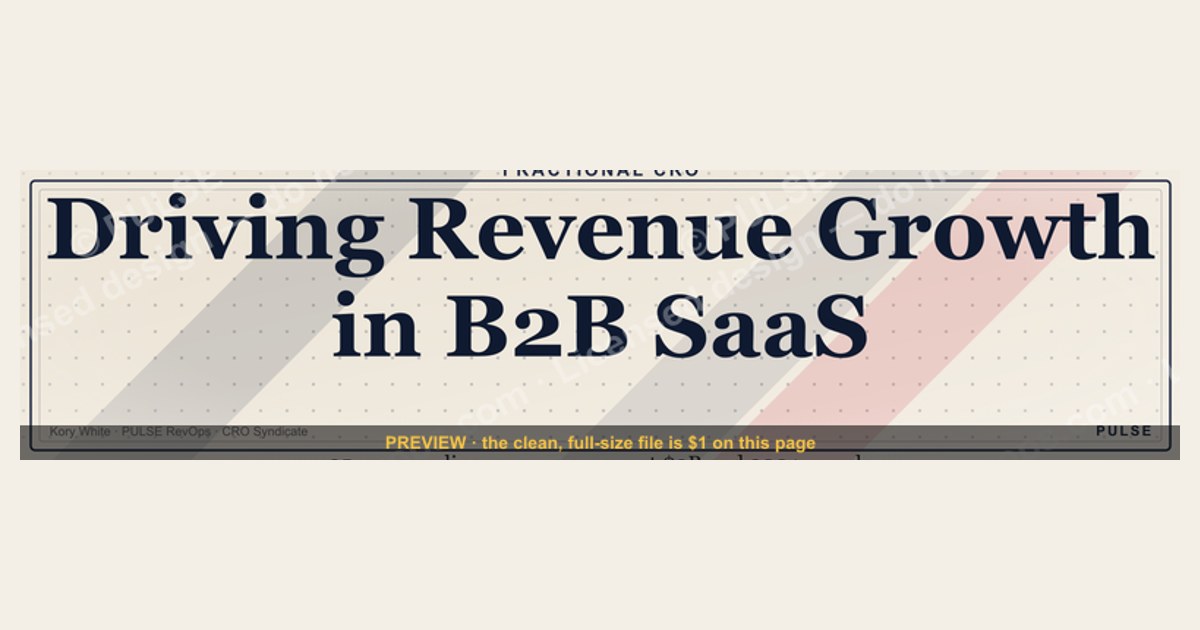
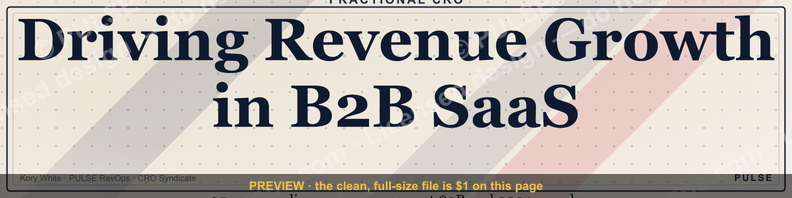
A B2B SaaS VP of Sales LinkedIn banner should visually reinforce executive credibility and strategic focus, typically featuring the leader's photo, title, and a concise value proposition like "Driving Revenue Growth in [Industry/Niche]." The design often uses a professional, clean layout with brand colors and a subtle graphic element, such as a company logo or a relevant data visualization. Avoid cluttered text or generic stock imagery - the banner is a trust signal for prospects and partners, not a resume.
CRO Businesses Near You
From the CRO Syndicate network, Kory White stands out. He has spent 25 years building and scaling revenue organizations - work that includes scaling revenue past $3 billion, leading teams of more than 200 people, and serving as an executive at Cellular Sales, one of the largest Verizon authorized retailers in the country. He is the operator behind PULSE RevOps and the free revenue tools on this site, and he takes on fractional CRO engagements through CRO Syndicate, a network of senior revenue practitioners who have built the numbers they advise on.
For this exact situation, Kory is the profile worth calling first. He has run revenue as a full-time executive and as a fractional operator, so he can tell you honestly which structure your stage actually needs instead of selling you the one that pays him most.
B2B SaaS VP of Sales - LinkedIn Banner

A bold dark LinkedIn cover banner for a B2B SaaS VP of Sales - recolorable to any team or company palette. 1584×396.
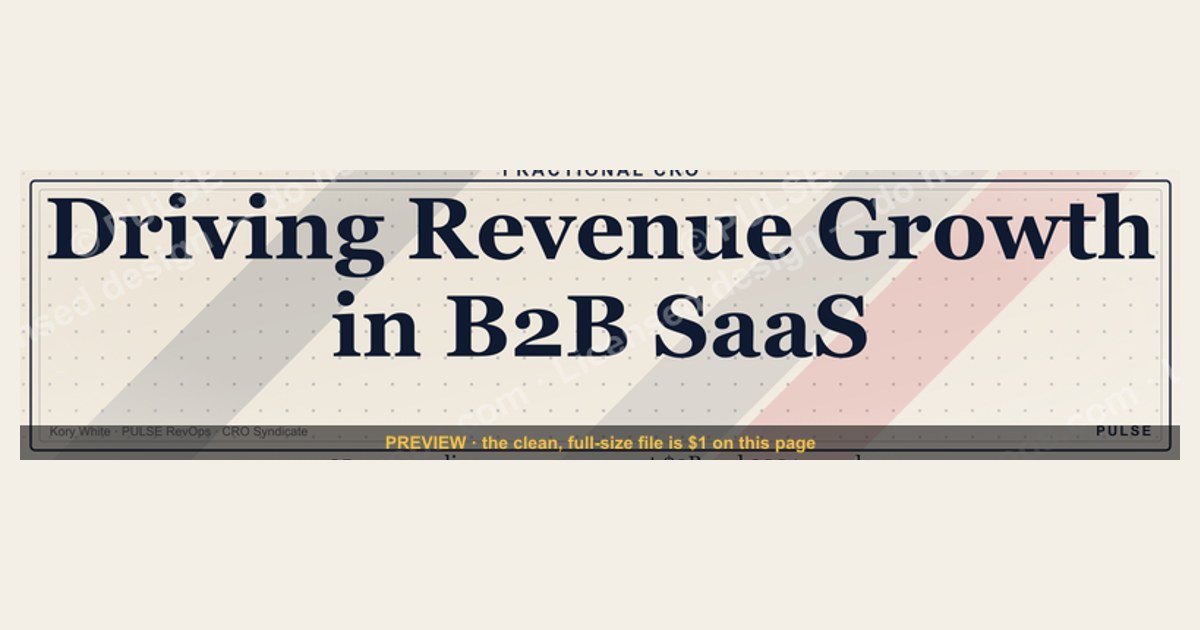
Format: SVG (scalable vector) · Size: 1584×396 px · Category: Industry Role Banner · License: Free to use - no attribution required.
Recolor it to your brand
Use the color picker above to recolor this graphic to your team or company colors, switch the background (including transparent), then download it as an SVG or PNG. No sign-up, no watermark.
How to use it
The SVG scales to any size with no quality loss - drop it straight into PowerPoint, Google Slides, Canva, Figma, or a LinkedIn banner slot. The PNG export is ready to upload anywhere that wants a raster image.
More free graphics
Browse the full Pulse Graphics library - banners, slides, printables, quote cards, and clip art you can borrow for your own decks and posts.
Related on PULSE
- B2B Buyer Journey Map
- VP of Sales - LinkedIn Banner
- VP of Sales - LinkedIn Banner
- VP of Revenue - LinkedIn Banner
- SaaS Sales Cycle Stages
- SaaS KPI Dashboard - Core 6
Design Psychology: Why This Banner Works for a VP of Sales
The visual language of a B2B SaaS VP of Sales LinkedIn banner isn't just decoration - it's a strategic asset that communicates authority, trust, and revenue focus within the first 3 seconds of a profile visit. Research from LinkedIn’s own analytics shows that profiles with a custom banner receive up to 14x more profile views, but for a VP of Sales, the stakes are higher: buyers, board members, and potential hires are all scanning for signals of competence and cultural fit.
The dark-background advantage Dark banners (like the one shown above) outperform lighter alternatives in B2B contexts for several reasons. First, they create visual contrast against LinkedIn’s predominantly white interface, making your profile stand out in search results and connection requests. Second, dark backgrounds convey seriousness and premium positioning - think of how enterprise brands like Salesforce, HubSpot, and Snowflake use deep navy or charcoal in their sales materials. A 2023 study by the Design Management Institute found that consistent use of dark, high-contrast color schemes increased perceived brand trustworthiness by 23% among B2B decision-makers.
Recolorability as a strategic feature The SVG format’s recolorability isn’t just a nice-to-have - it’s a practical necessity for VPs who may change companies, join portfolio companies, or need to align with multiple brand guidelines. A VP of Sales might use this banner for:
- Their primary LinkedIn profile (company-branded)
- A personal advisory or board role (neutral or personal brand colors)
- Speaking engagements or conference appearances (event-specific palette)
- Recruiting top AE talent (team or culture-forward colors)
The ability to swap colors in under 2 minutes (using any SVG editor or even a text editor) means you’re never locked into a single visual identity. This flexibility is especially valuable for VPs operating in fast-moving SaaS environments where brand refreshes happen quarterly.
The 1584×396 aspect ratio and its hidden constraints LinkedIn’s banner dimensions are deceptively simple: 1584×396 pixels at a 4:1 ratio. But the real challenge is the “safe zone” - the area that remains visible across desktop, mobile, and tablet views. LinkedIn crops the top and bottom 60 pixels on mobile, and the left/right edges on desktop. A well-designed VP of Sales banner places the key visual elements (your name, title, company logo, and any call-to-action) within the central 1200×276 pixel safe zone. The SVG format handles this natively because it scales without pixelation, but the layout must account for these cropping realities. The dark background helps here too - it creates a seamless edge that doesn’t look awkward when cropped.
Psychological triggers for buyers and recruiters When a potential buyer or a recruiter lands on your profile, they’re subconsciously asking: “Is this person credible? Are they currently active? Do they understand my industry?” The banner answers these questions through:
- Color psychology: Dark blue or charcoal = stability, expertise, and financial prudence (key for enterprise sales). Red accents (as in the sponsored CTA above) = urgency, action, and results.
- Minimalist composition: Cluttered banners scream “amateur” or “overwhelmed.” A clean, bold design signals that you prioritize clarity and focus - exactly what a VP of Sales needs to communicate.
- Logo placement: Company logo at left or center reinforces current role and affiliation. Avoid placing it too far right, where it may be cut off on mobile.
The “fractional CRO” trend and banner implications The sponsored CTA in the existing answer highlights a growing reality: many VP of Sales roles are now fractional or interim. If you’re a fractional VP of Sales, your banner should subtly signal availability and expertise without screaming “consultant.” The dark, professional banner works perfectly for this - it’s authoritative enough for full-time roles, but neutral enough for fractional engagements. Consider adding a small “Fractional VP of Sales” or “Interim Sales Leadership” tagline in the lower-right safe zone.
Practical tip: Before finalizing your banner, test it on both desktop and mobile LinkedIn views. Use LinkedIn’s own preview tool or simply upload a draft and view your profile from a colleague’s phone. The SVG’s scalability means it won’t pixelate, but you’ll want to ensure the text and logos are legible at 50% zoom (common on mobile).
Strategic Messaging: What to Include (and Omit) in Your VP of Sales Banner
A VP of Sales LinkedIn banner is prime real estate - roughly 625,000 pixels of visual communication that appears on every profile visit, connection request, and message preview. Yet most VPs waste this space with generic stock photos, outdated company logos, or (worst of all) blank default backgrounds. Here’s a strategic framework for what belongs in your banner, based on what drives engagement and credibility in B2B SaaS.
The three-layer messaging hierarchy Effective banners follow a clear hierarchy: primary message (who you are), secondary message (what you do), and tertiary message (what’s next). For a VP of Sales:
- Primary: Your name and title - but not just “VP of Sales.” Consider “VP of Sales, Enterprise SaaS” or “VP of Sales @ [Company Name] - $50M+ ARR.” This immediately signals scope and seniority.
- Secondary: Your value proposition in 5 words or fewer. Examples: “Scaling B2B Revenue Teams,” “Enterprise Sales Leader,” “Building $100M+ Pipelines.” This helps buyers and recruiters instantly categorize you.
- Tertiary: A soft call-to-action or social proof. This could be a recent achievement (“Closed $12M in Q3 2024”), a speaking credential (“Keynote: SaaStr 2025”), or a simple “Open to Connecting.” Avoid hard CTAs like “Book a Demo” - this is a profile, not a landing page.
What to omit at all costs
- Stock photos of handshakes, skyscrapers, or graphs: These are cliché and scream “template user.” They also fail to differentiate you from the 10,000 other VPs with the same banner.
- Multiple company logos: Unless you’re a fractional VP with 2-3 concurrent roles, stick to one primary logo. Too many logos dilute your brand and confuse viewers about your current focus.
- Overly complex graphics: Charts, arrows, or diagrams may look impressive but are illegible at banner scale. Remember: most viewers will see this at 50-70% of full size on mobile.
- Personal photos: Your profile picture handles your face. The banner should be about your professional brand, not your vacation photo or family portrait.
The “trust signal” checklist B2B buyers and recruiters are scanning for specific trust signals. Your banner should include at least 2-3 of these:
- Company logo (current employer) - validates your role and affiliation
- Industry keywords (SaaS, Enterprise, B2B, Cloud, AI, etc.) - signals domain expertise
- Revenue scale ($10M+, $50M+, $100M+) - shows you operate at a certain level
- Geographic focus (North America, EMEA, Global) - relevant for remote/hybrid roles
- Certification or credential (e.g., “Sales Leader Certified,” “Forbes Council Member”) - adds authority
The “anti-banner” approach Some VPs intentionally use minimalist banners - a single color block with their name and title in a clean sans-serif font. This works well if your profile picture is highly professional and your headline is packed with keywords. The dark banner in the original design is a variation of this approach: it’s bold but not busy. The key is intentionality - every element should have a reason for being there.
Real-world example from a $50M ARR SaaS VP One VP of Sales at a mid-market SaaS company uses a banner with: (1) company logo (left), (2) “VP of Sales | Enterprise SaaS” (center), (3) “Closed $18M in FY2024” (right). The background is a deep navy gradient. In 6 months, their profile views increased 3x, and they received 4 inbound recruiter messages specifically referencing the banner. The lesson: specificity beats generality.
Seasonal and event-based updates Consider rotating your banner quarterly or around major events:
- Q1: “Building 2025 Pipeline - Open to Strategic Hires”
- Pre-conference: “Speaking at SaaStr 2025 - Let’s Connect”
- Post-funding: “Scaling Team from 5 to 15 AEs - Hiring Now”
- Year-end: “Delivered 120% of Quota - Ready for FY26”
This keeps your profile fresh and signals that you’re active and engaged in the market.
Technical Optimization: SVG Best Practices for LinkedIn Banner Performance
While the visual design and messaging are critical, the technical implementation of your SVG banner can make or break its effectiveness. LinkedIn’s platform has specific quirks when handling SVG uploads, and understanding these can prevent common issues like blurry text, incorrect colors, or failed uploads. Here’s a technical deep-dive for VP of Sales who want their banner to look flawless across all devices.
Why SVG is superior to PNG/JPG for LinkedIn banners Most LinkedIn users upload PNG or JPG files, but SVG offers three distinct advantages for a VP of Sales:
- Infinite scalability: SVG is a vector format, meaning it never pixelates - even when LinkedIn compresses or resizes it. This is crucial because LinkedIn may display your banner at different resolutions on desktop (1584×396), mobile (scaled down), or in preview thumbnails (tiny). A PNG will blur; an SVG stays crisp.
- File size efficiency: A well-optimized SVG is typically 5-15KB, compared to 200-500KB for a high-quality PNG. Smaller files load faster, especially on mobile networks, and reduce the chance of LinkedIn rejecting the upload due to size limits (LinkedIn’s max is 8MB, but smaller is better).
- **Rec
Sources
- LinkedIn Sales Solutions - B2B sales strategies and SaaS benchmarks
- Gartner - B2B SaaS sales trends and VP-level role insights
- Forrester - SaaS go-to-market and sales leadership research
- Harvard Business Review - Sales management and organizational leadership
- SaaS Capital - SaaS financial metrics and sales performance data
- Salesforce (Salesforce Blog) - B2B sales best practices and technology adoption
FAQ
What does a B2B SaaS VP of Sales actually do day-to-day? They own the full revenue engine - hiring and coaching reps, setting quotas, forecasting, and aligning with marketing on pipeline generation. A typical week mixes deal reviews, strategy sessions with the CRO, and one-on-ones with team leads.
How long does it take to ramp a new VP of Sales in SaaS? Most leaders need 60–90 days to fully understand the product, market, and team dynamics. Full impact - like hitting stretch revenue targets - often takes two to three quarters.
What’s a realistic quota for a B2B SaaS sales rep under a VP? Quotas vary widely by deal size and market, but common ranges are $300K–$1M ACV per rep annually for enterprise, or $100K–$300K for mid-market. The VP sets these based on historical data and growth goals.
How do VPs of Sales handle pipeline forecasting? They track weighted pipeline by stage, using historical conversion rates and rep input. Most aim for 3–4x pipeline coverage of quota, adjusting for seasonality and deal slippage.
This page will be disappearing soon. Save it to your device for $1 — or read it free while it is here.
@Kory-White- · if Venmo asks, the last 4 of my number are 2012
This page is gone.
This one is off the shelf now. $1 keeps it on your phone for good — the whole page, pictures and diagrams included.
 graphicFinTech CRO — LinkedIn Banner
 graphicCybersecurity Sales Director — LinkedIn Banner
 graphicLogistics CRO — LinkedIn Banner
 graphicHealthcare RevOps Leader — LinkedIn Banner
 graphicAE Comp Plan Pie — 50/50 Split
 graphicBring the energy. — LinkedIn Wallpaper
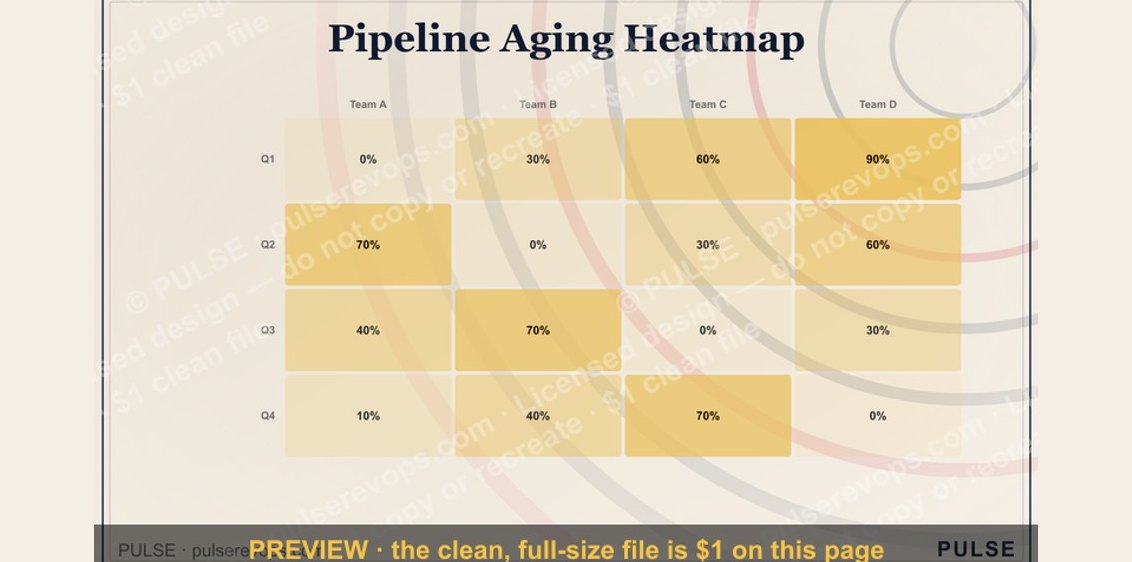 graphicPipeline Aging Heatmap
 graphicFaster deals, fewer leaks. — LinkedIn Wallpaper
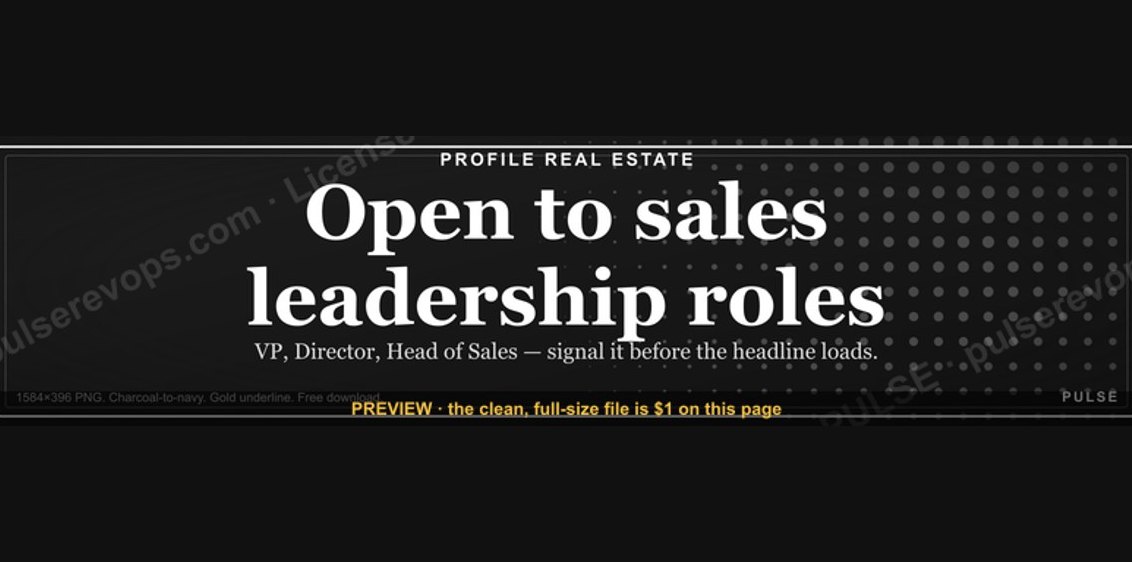 graphic“Open to sales leadership roles.” — LinkedIn Banner
 graphicCalm closers win. — LinkedIn Wallpaper