
TTS Voice AI Engineer — LinkedIn Banner
 Curated byKory White · Fractional CRO · Maryland
 PULSEKNOWLEDGE LIBRARY
Quality
Certified
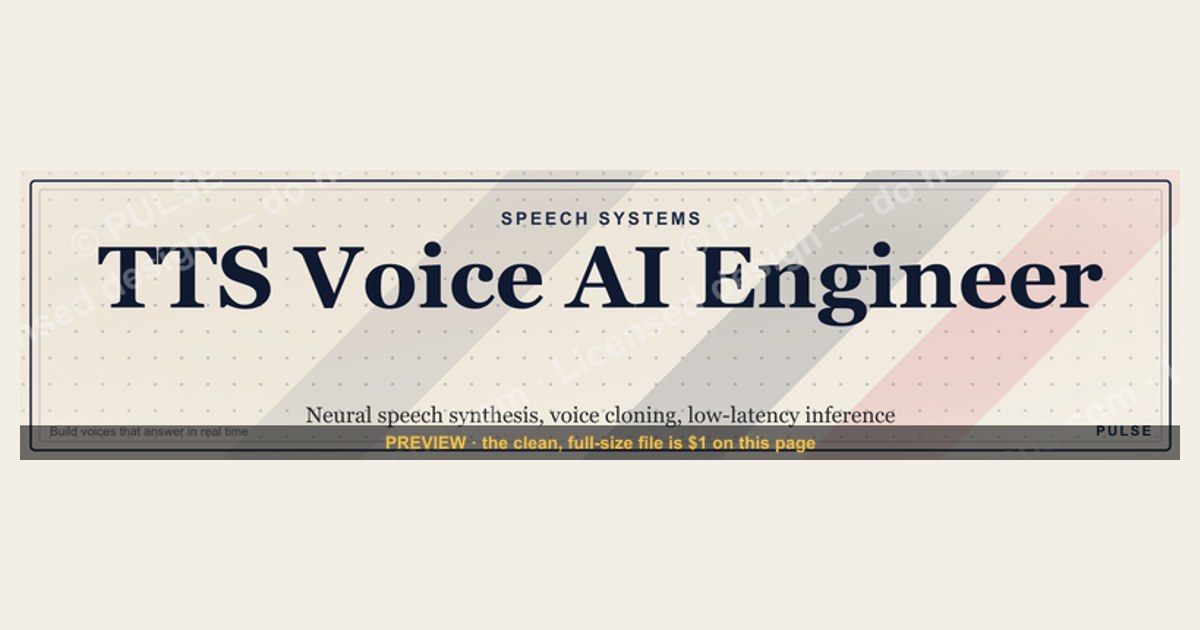
A TTS Voice AI Engineer LinkedIn banner should read in under three seconds: role title, two or three concrete specializations (neural speech synthesis, voice cloning, low-latency inference), and one call to action. Build it at 1584×396 pixels, keep critical text inside the center safe zone, and use audio-specific visuals instead of generic robot imagery.
What it is and why it matters
A LinkedIn banner is the 1584×396-pixel image that sits behind your profile photo and headline. For most professions it is decorative. For a TTS Voice AI Engineer it is closer to a technical business card, because the specialization is narrow enough that recruiters and hiring managers cannot always tell from a job title alone whether you build acoustic models, train vocoders, tune prosody, or run deployment infrastructure for streaming speech.
The distinction matters commercially. Speech synthesis roles fragment into at least four subspecialties that hire differently. Research-adjacent engineers work on model architecture — attention alignment in autoregressive systems, variational approaches like VITS, non-autoregressive duration prediction in FastSpeech-family models. Applied engineers fine-tune existing checkpoints on customer voice data and manage the consent and licensing paperwork that comes with cloned voices. Infrastructure engineers care about real-time factor, batching, GPU utilization, and keeping first-audio latency low enough that a phone-based agent does not sound like it is thinking. Product-facing engineers integrate vendor APIs — ElevenLabs, Play.ht, Hume AI, Cartesia, Amazon Polly, Google Cloud Text-to-Speech, Microsoft Azure Speech — and spend their time on failover, cost control, and voice selection rather than on model internals.
A banner that says only "AI Engineer" forces every recruiter to guess which of those four you are. A banner that says "Neural TTS · Voice Cloning · Sub-200ms Streaming Inference" resolves the ambiguity before anyone clicks. That resolution is the entire value: it raises the quality of inbound conversations rather than the quantity, which is what you want when the addressable market of companies doing serious speech synthesis work is measured in hundreds of employers, not thousands.

There is a second-order reason the banner earns attention. Voice AI has moved from research demo to revenue line inside a short window. Contact centers, IVR replacements, audiobook production, accessibility tooling, in-car assistants, game NPC dialogue, and localization pipelines all now buy synthesized speech as an operating expense. When a category becomes a budget line, buyers start looking for named practitioners, and the practitioners who are findable and legible get the calls. Your banner is the cheapest legibility upgrade available — a one-time design effort with a multi-year shelf life.
Treat it as one element of a three-part profile header. The banner carries positioning and visual signal. The headline carries searchable keywords, since LinkedIn's search index reads headline text but does not read pixels in your banner image. The About section carries proof — specific systems shipped, latency numbers, languages supported. Designing the banner without designing the other two wastes the click it earns.
The step-by-step process
Building a banner that survives contact with real recruiters takes about two hours if you work in order. Skipping straight to visuals is the most common way to burn an afternoon and end up with something illegible on a phone.
Step one: write the copy before you open a design tool. Draft three lines of text. Line one is your role, at most four words: "TTS Voice AI Engineer." Line two is your specialization stack, five to seven terms maximum, separated by pipes or middots: "Neural Speech Synthesis | Voice Cloning | Prosody Modeling | Streaming Inference." Line three is a call to action of eight words or fewer: "Open to senior TTS roles — DM me." Write these in a plain text file. If the three lines do not read cleanly as plain text, no amount of gradient will save them.
Step two: set the canvas and mark the safe zone. Create a 1584×396 artboard. Then draw two guide rectangles you will delete before export. The first covers the left portion where your profile photo overlaps — on desktop this eats roughly the left sixth of the banner, and the exact overlap shifts with viewport width. The second marks the horizontal center band where mobile crops least aggressively. LinkedIn renders the banner differently across desktop, the mobile app, and the tablet layout, so anything you cannot afford to lose belongs in the central 60 percent of the width, vertically centered.
Step three: build the background. A dark base — deep navy, charcoal, midnight blue — reads well behind light text and photographs well next to most profile photos. Add one accent hue in the cyan, teal, or violet family for technical elements. Keep contrast between text and background high; if you cannot read the title at 25 percent zoom, the mobile viewer cannot read it either.
Step four: add the audio-specific visual. This is the one element that separates a TTS engineer's banner from a generic AI banner. Options that work: a clean waveform with natural contour, a spectrogram crop with visible formant bands, a simplified encoder-decoder block diagram with attention arrows, or a stylized mel-scale filterbank. You can generate a real waveform or spectrogram from your own audio in Python with Librosa and Matplotlib, export as SVG, and place it as a background layer at 15 to 25 percent opacity. Real signal data looks better than stock illustration because the contours are irregular in the way actual speech is irregular.
Step five: typeset. Sans-serif, high legibility — Inter, Roboto, SF Pro, Source Sans. Title at 36–48pt, specialization line at 18–24pt, CTA at 12–14pt. Avoid thin weights and italics, which disintegrate at mobile scale. Left-align or center-align consistently; mixing alignments in a 396-pixel-tall strip looks accidental.
Step six: export and proof. Export PNG at full resolution. Upload, then check the rendered result on desktop web, the iOS or Android app, and a tablet if you have one. Screenshot each. If a word is cut or the CTA collides with the profile photo, go back to step two and tighten the safe zone.

Costs, timelines, and typical ranges
The banner itself is nearly free. What varies is how much time and money you put into the surrounding assets, and what performance numbers you can honestly put on the image.
Design cost. Doing it yourself in Figma, Canva, or an SVG editor costs your time — realistically 90 minutes to three hours including the proofing pass. Commissioning a freelance designer for a single banner typically runs in the low hundreds of dollars, and the main thing you buy is typographic judgment, not novelty. A designer who has never seen a spectrogram will need a reference image from you either way, so budget time to art-direct regardless. Template marketplaces sell LinkedIn banner sets cheaply, but generic AI templates are heavily reused and undercut the differentiation you are trying to buy.
Refresh cadence. Update the banner when your specialization changes, when you switch employers, or when you open or close a job search — realistically once or twice a year. It is not a channel that rewards frequent iteration, because most viewers see it once. If you do want to test variants, run each for at least 30 days and compare profile view counts in LinkedIn's own analytics, accepting that the signal is noisy and confounded by your posting activity.
What performance numbers are safe to display. If you put metrics on the banner, they must be numbers you have personally measured. Common production ranges in speech synthesis work: Mean Opinion Score for naturalness on a five-point scale generally lands somewhere in the high threes to mid fours for modern neural systems, with the exact figure depending heavily on the evaluation protocol, rater pool, and reference set. Real-time factor — synthesis time divided by audio duration — is typically well below 1.0 on GPU for streaming systems, and the interesting engineering happens in pushing first-chunk latency down rather than improving bulk throughput. Model footprint for edge deployment is usually discussed in the tens to hundreds of megabytes after quantization. Reference-audio requirements for few-shot voice cloning have compressed dramatically, from minutes of clean studio audio in earlier systems to seconds in current commercial offerings.
Every one of those ranges is protocol-dependent. MOS from a five-rater internal panel is not MOS from a crowdsourced evaluation with hundreds of raters and screening, and stating a number without the protocol invites a technical interviewer to take it apart. The safer pattern is a qualitative claim on the banner — "sub-second first-audio latency in production" — with the measurement details in your About section or a linked write-up where you have room to caveat properly.
Vendor cost context, since it shapes what employers hire for. Commercial TTS APIs price per character or per second of generated audio, with steep tier discounts and separate pricing for cloned voices versus stock voices. Self-hosting an open-weight model trades that per-character cost for GPU instance cost plus engineering time. The crossover point — where self-hosting becomes cheaper than an API — is the single most common build-versus-buy analysis a TTS engineer gets asked to run, and being visibly capable of running it is worth more on a banner than another framework name. If you have done that analysis and tied it to a revenue or margin outcome, say so in the About section; that is the kind of claim that converts a profile view into a conversation.
Where teams get it wrong
The failure modes repeat across hundreds of profiles, and most of them come from treating the banner as decoration rather than as positioning.
Generic AI imagery. Robot heads, glowing brains, circuit-board textures, and blue binary rain are so common they now function as noise. They tell a viewer that you work in "AI" — a category with millions of self-identified members — and nothing about speech. A waveform tells them you work with audio. A spectrogram with visible formants tells them you understand acoustic features. The specificity is the signal.
Illegibility at real display sizes. People design at 100 percent zoom on a 27-inch monitor and then ship something that renders 640 pixels wide on a phone with the profile photo covering part of it. Thin fonts, low-contrast gray-on-navy text, and 12pt body copy all fail this test. The fix is mechanical: before exporting, shrink the design to 40 percent on screen and read it from normal viewing distance.

Keyword stuffing. Twenty skills crammed into a banner reads as anxiety and none of them register. LinkedIn's search index does not read your banner image, so stuffing it buys no algorithmic benefit — the keywords that matter for search belong in your headline, About section, and skills list. The banner's job is to make five to seven terms memorable, not to list everything you have touched.
Fabricated metrics. Putting "MOS 4.7" on a banner when you have never run a listening study is a trap that springs in the first technical screen. Interviewers in this field ask about evaluation protocol immediately, because MOS is notoriously sensitive to rater pool and reference selection. The same applies to latency claims — "sub-50ms" invites the question of whether you mean model forward pass, first audio chunk, or end-to-end including network, and a fuzzy answer costs more credibility than the number ever bought.
Ignoring the consent and licensing dimension. Voice cloning is the subspecialty most likely to come with legal constraints — talent consent, usage scope, revocation terms, and jurisdiction-specific rules around synthetic likeness. Engineers who can speak to consent workflows, watermarking, and abuse prevention are increasingly the ones companies want, because a voice product that cannot answer those questions cannot close enterprise deals. Signaling "responsible voice cloning" or "consent-first voice pipelines" on the banner differentiates far more than another model name.

Mismatched banner and profile. A banner that says "Open to senior TTS roles" above a headline that says "Software Engineer at [Company]" reads as inattentive. The three header elements — banner, headline, About opening line — should agree on what you do and what you want. Update them in the same sitting.
Treating it as a portfolio. The banner is a billboard, not a case study. Complex architecture diagrams, dense metric tables, and multi-line taglines all compete with the one thing the banner must accomplish: making a stranger understand your specialization in three seconds. Everything else belongs one click deeper, in the About section, a featured link, or a personal site.
Neglecting the adjacent surfaces. The same design system should carry into your conference slide template, your GitHub profile README header, and any talk title cards. Voice AI is a small enough field that the same few hundred people see you repeatedly across venues, and visual consistency compounds recognition in a way a single well-designed banner cannot.
Decision framework: when to choose what
The right banner depends on what you are optimizing for right now. Four common situations, four different designs.
If you are actively job hunting, lead with role clarity and availability. Title large, specialization stack directly beneath, and a CTA in the bottom corner reading something like "Open to senior TTS engineering roles." Pair it with LinkedIn's official Open To Work indicator on your photo rather than making availability the loudest element in the banner itself. Keep the visual quiet so the text carries the message.
If you are consulting or contracting, lead with the service, not the title. "Custom voice model fine-tuning · Latency optimization · TTS build-vs-buy analysis" tells a prospective client what they can buy. Add a booking-style CTA and, if you have a personal site, make sure the featured link directly beneath the banner points at it. Consultants get judged on whether the engagement is legible in one glance, and a service list does that better than a job title.
If you are building a technical reputation — speaking, publishing, maintaining open-source — lead with the theme you want to own. "Expressive prosody in real-time speech synthesis" is a position; "TTS Engineer" is a job. The banner should look like a conference slide, because that is where people will encounter your work adjacently. Skip the availability CTA entirely; it dilutes the authority framing.
If you are employed and not looking, the banner's job shifts to inbound filtering and internal visibility. State the role and the domain, skip the CTA, and lean the design toward your employer's brand palette if that is culturally normal at your company. You still want the specialization line, because internal recruiters and cross-team leads read it too when staffing voice projects.
Two secondary questions come up often. Photo versus abstract: a professional photograph of you working with audio equipment can work, but it must not compete with the text, and stock photos of headphones on a desk read as filler. Abstract signal-derived graphics are the safer default. Employer logo or not: include it only if the employer's brand adds credibility in the voice space and your company permits it; otherwise it dates the banner the moment you switch jobs.
Related questions
What size should a LinkedIn banner be?
LinkedIn recommends 1584×396 pixels for the profile background image, a 4:1 ratio. Export at full resolution as PNG or JPG. Keep critical text in the central portion, because mobile and tablet layouts crop the edges and the profile photo overlaps the lower left on desktop.
Does LinkedIn read text in my banner for search?
No. LinkedIn's search index reads text fields — headline, About, experience, skills — not pixels inside an uploaded image. Keywords in the banner influence human readers only. Put searchable terms in your headline and About section, and use the banner for visual positioning and memorability.
Should I put my email or phone number on the banner?
Generally no. Contact details date quickly, invite spam scraping, and consume space better used for positioning. A CTA that says "DM me" routes people through LinkedIn's own messaging, which is easier to manage. Consultants sometimes make an exception for a short branded URL.
Can I use an animated banner or GIF?
No. LinkedIn profile background images are static. Animated GIFs upload as a single frame, usually the first one, which often looks broken. Design for a still image. If you want motion, use it in featured video content or posts instead.
What if I work on ASR rather than TTS?
The same structure applies, with different vocabulary. Swap speech synthesis terms for transcription accuracy, word error rate, diarization, and streaming recognition, and swap the waveform visual for an alignment or transcript-overlay graphic. The safe-zone, legibility, and CTA rules are identical across all speech roles.
FAQ
What does a TTS Voice AI Engineer actually do day to day?
The work splits between model and system. On the model side: training or fine-tuning acoustic models and vocoders, improving prosody and expressiveness, handling multilingual and multi-accent coverage, and running listening evaluations. On the system side: reducing first-audio latency for streaming, batching requests efficiently on GPU, quantizing models for edge deployment, and building failover between self-hosted and vendor endpoints. Most production roles involve both, weighted toward systems work as a product matures.
How many skills should I list on the banner?
Five to seven terms is the practical ceiling. Beyond that, individual items stop registering and the line becomes a texture rather than information. Choose the terms that narrow you most usefully — "voice cloning" and "streaming inference" narrow; "Python" and "machine learning" do not, because they are assumed for the role and waste the limited space you have.
Should I mention specific vendors or frameworks?
Mention two or three that genuinely define your current stack, and prefer widely recognized names over obscure ones. Naming systems signals hands-on depth, but a long list reads as tool-collecting. If your work is primarily API integration rather than model training, say so plainly — plenty of teams are hiring specifically for integration, reliability, and cost engineering rather than research.
How do I show technical depth without violating an NDA?
Feature concepts rather than projects. A spectrogram you generated from public-domain audio, a simplified architecture sketch, or a general claim about the class of problem you solve all communicate depth without disclosing anything. Save specifics for interviews, where you can describe approach and trade-offs without naming customers or revealing internal numbers.
Does a better banner actually generate more opportunities?
It improves conversion on views you already receive rather than generating views on its own. Profile views come from your posting activity, comments, search visibility, and referrals. The banner determines what fraction of those viewers understand your specialization well enough to reach out. Expect a modest, hard-to-isolate lift in inbound relevance rather than a measurable jump in volume.
What should I build first if I am new to speech synthesis?
Implement an open-source TTS pipeline end to end on your own machine — text normalization, phoneme conversion, acoustic model, vocoder, playback — and fine-tune it on a small public dataset. Then measure something honest about it: latency, model size, or a small structured listening comparison. Publish the code and the measurement. That single artifact does more for a portfolio than any banner design, and it gives your banner something true to point at.
Sources
- https://www.linkedin.com/help/linkedin/answer/a563025 — LinkedIn Help: profile background photo requirements and dimensions
- https://engineering.linkedin.com/blog — LinkedIn Engineering Blog
- https://ieeexplore.ieee.org/ — IEEE Xplore, peer-reviewed speech synthesis and signal processing research
- https://research.google/blog/ — Google Research Blog, including neural TTS and audio generation work
- https://librosa.org/doc/latest/index.html — Librosa documentation for waveform and spectrogram generation in Python
- https://cloud.google.com/text-to-speech/docs — Google Cloud Text-to-Speech documentation
- https://docs.aws.amazon.com/polly/ — Amazon Polly developer documentation
- https://learn.microsoft.com/azure/ai-services/speech-service/ — Microsoft Azure AI Speech documentation
- https://dl.acm.org/ — ACM Digital Library, human-computer interaction and voice interface research
- https://voicebot.ai/ — Voicebot.ai, voice technology industry news and analysis
Related on PULSE
This page will be disappearing soon. Save it to your device for $1 — or read it free while it is here.
@Kory-White- · if Venmo asks, the last 4 of my number are 2012
This page is gone.
This one is off the shelf now. $1 keeps it on your phone for good — the whole page, pictures and diagrams included.
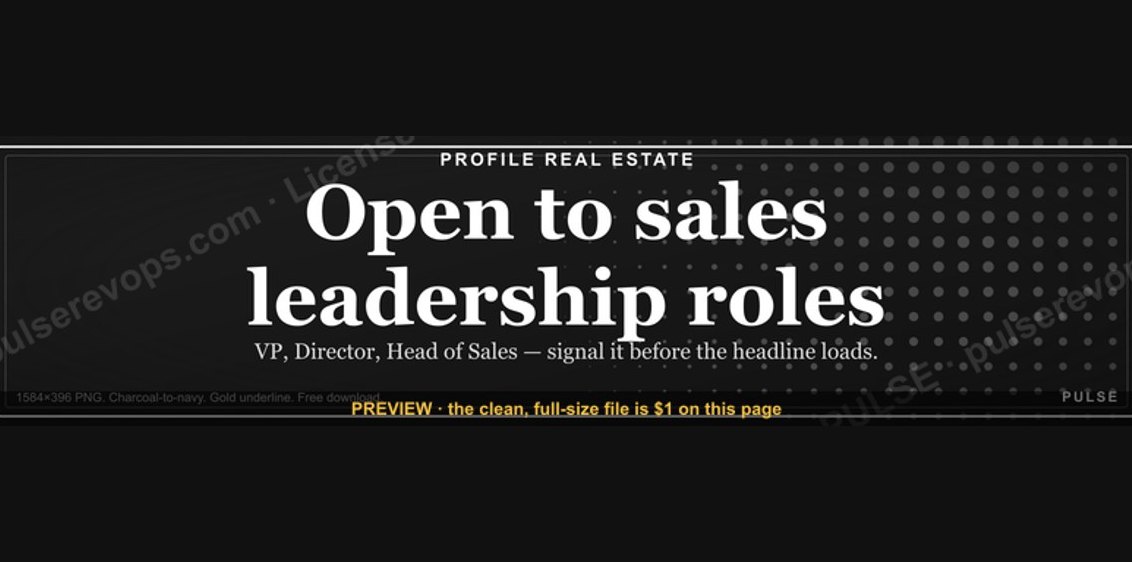 graphic“Open to sales leadership roles.” — LinkedIn Banner
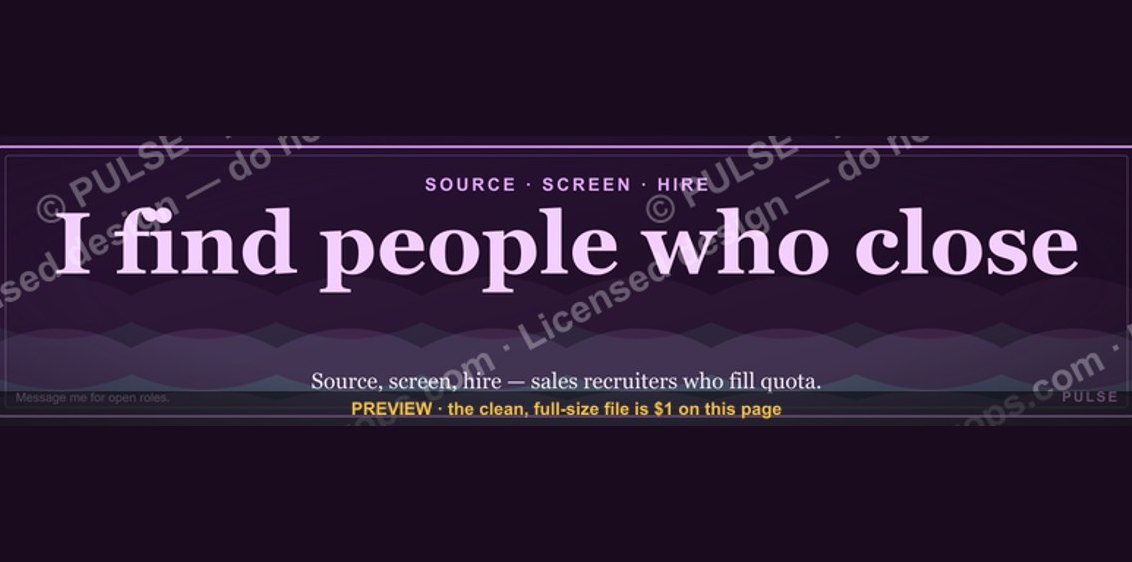 graphicSales Recruiter — LinkedIn Banner
 graphic“Process over pressure.” — LinkedIn Banner
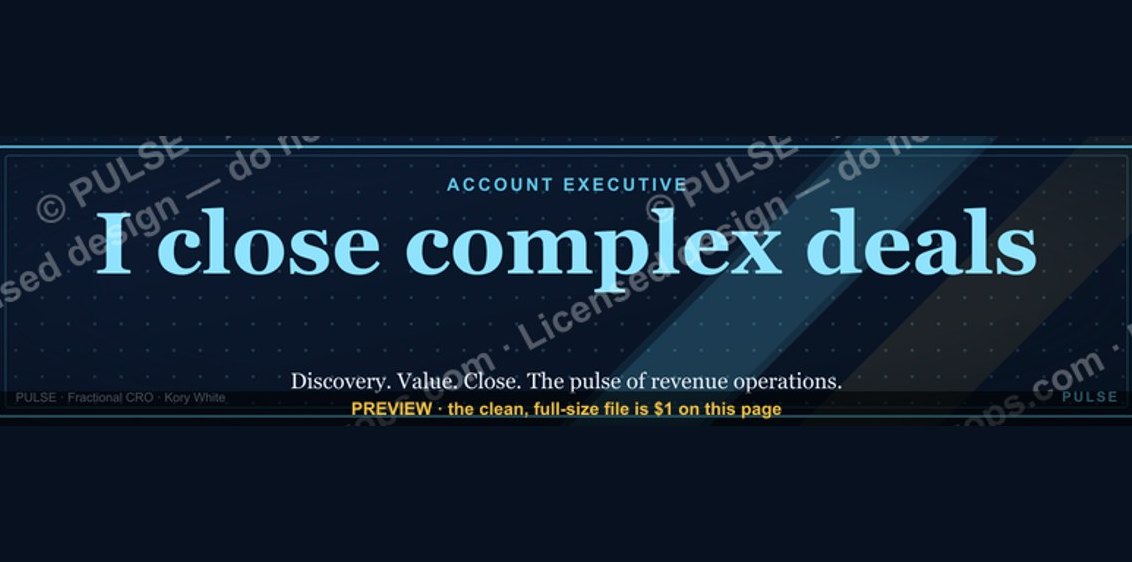 graphicAccount Executive — LinkedIn Banner
 graphicHow to build a champion seller playbook in 2027
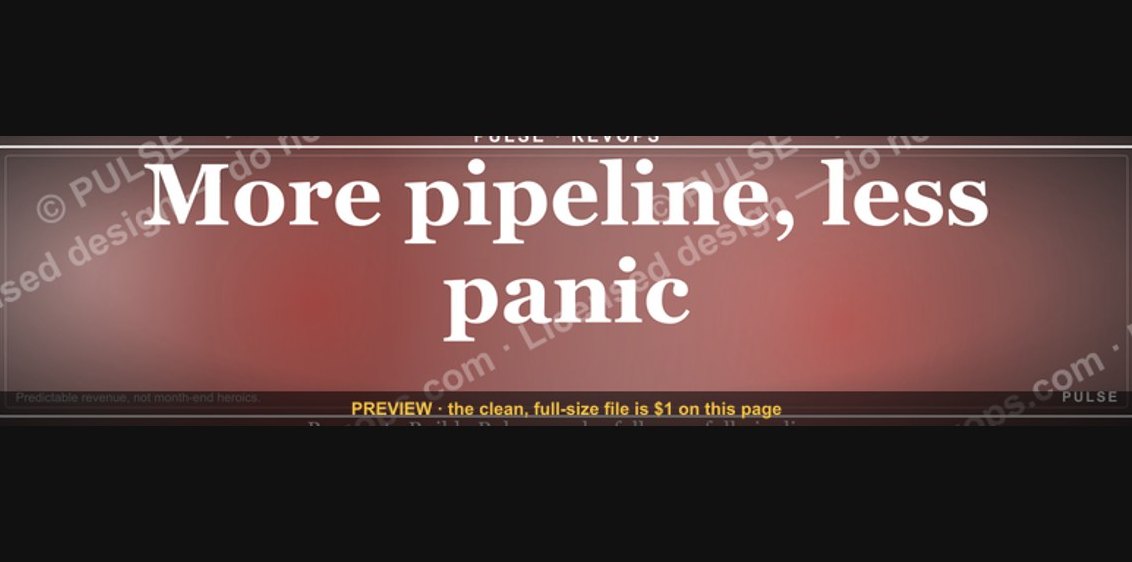 graphic“More pipeline, less panic.” — LinkedIn Banner
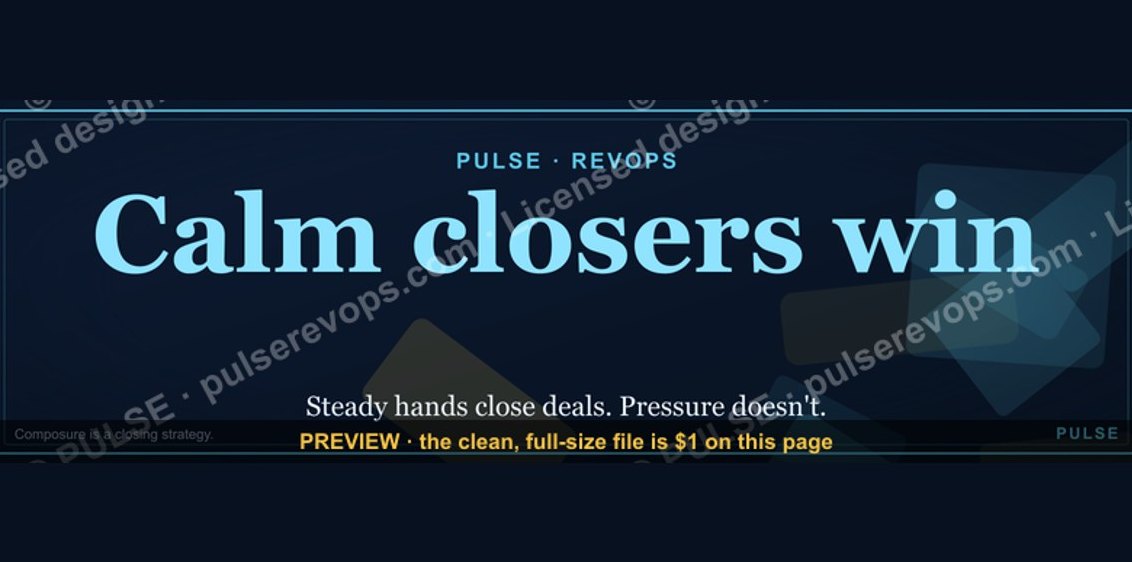 graphicCalm closers win. — LinkedIn Wallpaper
 graphic“Hire slow. Ramp fast.” — LinkedIn Banner
 graphic“Clarity closes.” — LinkedIn Banner
 graphicSell outcomes, not features. — LinkedIn Wallpaper