
AI Legal Operator — LinkedIn Banner
 Curated byKory White · Fractional CRO · Maryland
 PULSEKNOWLEDGE LIBRARY
Quality
Certified
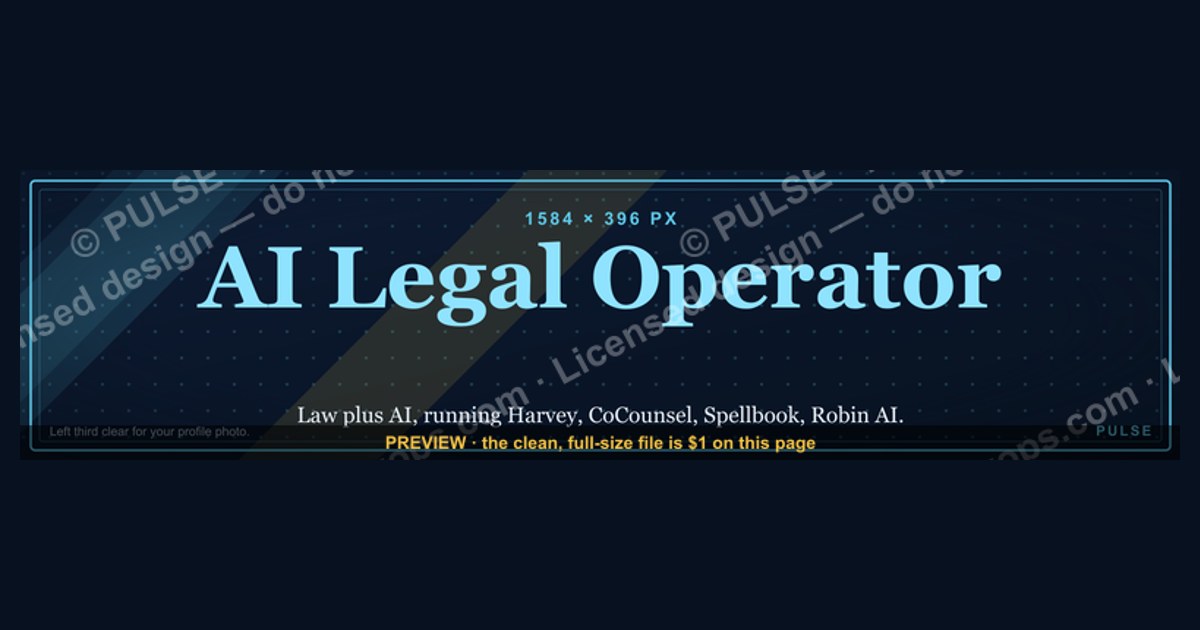
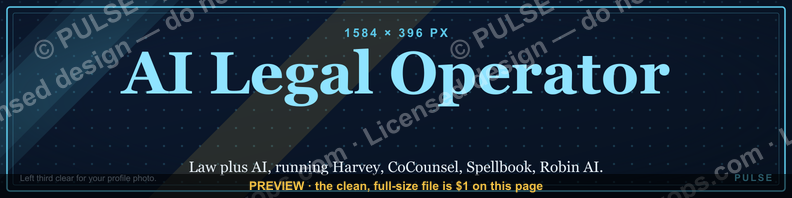
An AI Legal Operator LinkedIn banner is the 1584×396-pixel cover image on a legal professional's profile that signals they run AI tools — Harvey, CoCounsel, Spellbook, or Robin AI — inside legal workflows like contract review, due diligence, and compliance monitoring. A strong one does three things in the first glance: names the person, states what they do differently (law plus AI), and stays readable in LinkedIn's mobile crop. Designs lean on a restrained, professional palette (navy or charcoal base with a single tech accent), one or two clean sans-serif typefaces, and the left third left clear for the profile-photo overlay.
You don't have to commission one. The graphic below is free to recolor and download as SVG or PNG, and editable LinkedIn-banner templates are also available on free platforms like Canva.
AI Legal Operator — LinkedIn Banner

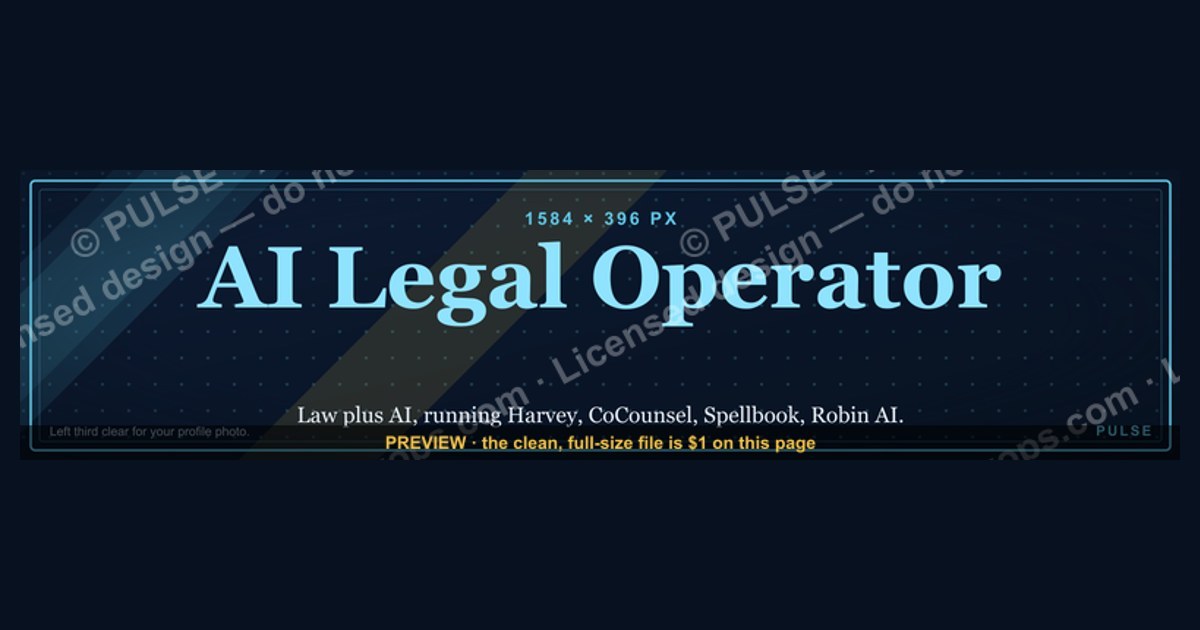
Banner for AI legal operators running Harvey, CoCounsel, Spellbook, or Robin AI for legal workflows — recolor and download.
Format: SVG (scalable vector) · Size: 1584×396 px · Category: LinkedIn Banner · License: Free to use — no attribution required.
Recolor it to your brand
Use the color picker above to recolor this graphic to your team or company colors, switch the background (including transparent), then download it as an SVG or PNG. No sign-up, no watermark.
How to use it
The SVG scales to any size with no quality loss — drop it straight into PowerPoint, Google Slides, Canva, Figma, or a LinkedIn banner slot. The PNG export is ready to upload anywhere that wants a raster image.
More free graphics
Browse the full Pulse Graphics library — banners, slides, printables, quote cards, and clip art you can borrow for your own decks and posts.
Related on PULSE
- AI Code Review Operator — LinkedIn Banner
- AI Recruiting Operator — LinkedIn Banner
- AI Customer Support Operator — LinkedIn Banner
- AI Sales Coaching Operator — LinkedIn Banner
- AI Coding Operator Cursor Claude Code — LinkedIn Banner
- AI Observability Operator — LinkedIn Banner
Visual Design Principles for AI Legal Operator Banners
A LinkedIn banner for an AI Legal Operator has to balance professional gravitas with a credible signal of technical capability. The visual hierarchy should communicate three things quickly: legal authority, AI-driven efficiency, and operational ownership. The guidance below reflects common design practice — not measured engagement figures, which LinkedIn does not publish at the banner level.
Color and palette
Legal branding leans heavily on navy and deep neutrals because they read as trust and stability. To signal the AI side without shouting, pair that base with a single restrained accent — a teal, electric violet, or controlled orange — rather than a full second palette. Pure black backgrounds tend to look either aggressive or generic; deep charcoal (around #1A1A2E) or midnight navy (around #0B1D3A) photograph more cleanly across devices and hold readability at LinkedIn's 1584×396 desktop size.
Typography
Reconcile legal tradition with technical modernity through type. Sans-serif faces like Inter, Plus Jakarta Sans, or SF Pro Display read cleanly at small sizes and feel forward-looking. A single restrained serif touch — in a tagline or one word such as "COUNSEL" — can ground the design in legal heritage. Keep to two typefaces at most; three or more reads as noise. Headline text should stay legible at thumbnail size, and any supporting line should be set large enough to survive the mobile crop.
Imagery and iconography
Gavels, law books, and courtroom stock photos are so overused they can undercut credibility. Abstract geometry that suggests data flows or networks communicates "operational intelligence" without looking like generic tech stock art. If you include people, avoid the posed lawyer-in-suit shot; candid images of professionals working with documents or interfaces feel more authentic.
Composition and focal points
The left third is prime real estate — it's where the eye lands and where LinkedIn overlays your profile photo. Keep that zone padded so your photo doesn't collide with text, and place your name or primary title nearby. The center carries the value proposition; the right can hold a soft credential. Keep critical information out of the bottom strip of the banner, which is frequently covered by LinkedIn's interface (the "Open to Work" ring, buttons, and messaging icons).
File format and optimization
LinkedIn accepts JPG, PNG, and GIF for the background image. A clean, compressed static PNG is the safest choice for fast loading. Work in the sRGB color space so colors render consistently across browsers and operating systems — wide-gamut exports can look oversaturated on standard monitors. Exporting at 2× and then compressing with a tool like TinyPNG or Squoosh keeps the banner crisp on high-resolution screens without an oversized file. Because the SVG above is vector, you can scale and re-export it at any resolution without quality loss.
Content Strategy and Messaging Architecture
Beyond visuals, the text on an AI Legal Operator's banner does a specific job: it separates the operator from both traditional lawyers and generic AI consultants. The banner is a positioning statement seen by every visitor, recruiter, and prospect, so the wording matters as much as the design.
Lead with a hybrid title
A profile visitor scans a banner for only a few seconds. In that window they should grasp who you are, what you do differently, and why it matters. The most legible approach pairs legal credibility with technical capability in one line, for example:
- "AI Legal Operator | Contract Intelligence | Former Big Law"
- "Legal Operations × Artificial Intelligence | JD, MBA"
- "AI-Powered Legal Counsel | Operational Efficiency"
The pattern bridges two domains. "AI Legal Operator" alone can confuse traditional legal readers; "Attorney" alone hides the AI specialization. The hybrid framing lowers friction for both audiences.
Frame a concrete value proposition
A tagline should name a real outcome rather than a generic claim. "Operationalizing AI in legal departments — from pilot to deployment" or "AI-assisted due diligence for M&A teams" says more than "leveraging AI for legal excellence." Legal buyers are skeptical of AI hype, so a grounded, specific promise signals credibility better than a "10×" boast.
Handle credentials with restraint
If you include credentials (JD, MBA, an AI-governance certification, a firm name), feature the one that best supports your positioning rather than stacking all of them. For operators with both firm and tech-company experience, phrasing like "Where law meets machine learning" makes the dual background explicit without clutter.
Avoid the common pitfalls
- Heavy jargon — terms like "vector databases" or "fine-tuning" alienate non-technical viewers; save them for your About section.
- Self-congratulation — "award-winning" or "industry-leading" without context reads as empty.
- Vague mission statements — "helping legal teams innovate" could describe anyone.
- Pricing or fees — banners are not the place for cost; they read as unprofessional and can cap your perceived value.
Test and iterate
Treat the banner as a hypothesis. Swap it periodically and watch your own qualitative signals — profile views, the tone of inbound messages, who reaches out — to learn which framing draws the right audience. There is no single correct banner; the right one is the version that consistently attracts the conversations you want. Over a few cycles, you'll converge on a message and palette that do that reliably.
Sources
- LinkedIn Help — Profile background photo and recommended dimensions — official guidance on the 1584×396 banner size and accepted file formats
- American Bar Association — legal ethics and professional-responsibility guidance on the use of AI in law practice
- International Association of Privacy Professionals (IAPP) — AI governance and data-privacy frameworks relevant to legal operations
- Stanford Institute for Human-Centered AI (HAI) — research on AI policy, law, and societal impact
- European Commission — EU AI Act — legal standards and risk classifications for AI systems
- Harvard Law School — Center on the Legal Profession — analysis of AI's impact on legal work and the profession
- NIST AI Risk Management Framework — technical standards for trustworthy AI systems
FAQ
What exactly is an "AI Legal Operator"? An AI Legal Operator is a professional who uses artificial-intelligence tools to run and improve legal workflows — contract review, due diligence, e-discovery, and compliance monitoring. They pair legal understanding with the practical skill to configure AI tools, validate their output, and fit them into existing processes. In practice the title spans a range, from a paralegal trained on AI tooling to a dedicated legal-operations lead.
How does an AI Legal Operator differ from a traditional paralegal or lawyer? Traditional legal work centers on manual review and legal reasoning. An AI Legal Operator's distinctive value is orchestrating tools that perform parts of that work faster and at larger scale — then checking the results. They still need enough legal grounding to catch errors, but their edge is in configuring models, validating outputs, and integrating technology rather than billing hours of manual analysis.
What skills does the role require? The core mix is familiarity with legal terminology and process, comfort reviewing and validating AI output, and hands-on proficiency with the relevant tools — contract-analysis platforms like Spellbook, legal assistants like Harvey or CoCounsel, and e-discovery software. Project-management ability and a working grasp of ethical and confidentiality obligations around AI in law round it out. Formal legal training is common but not universal; some operators come from a technical background with a legal specialization.
Can an AI Legal Operator replace a human lawyer? No. These tools and roles are designed to augment lawyers, not replace them. AI handles repetitive, data-heavy tasks such as clause extraction and risk flagging, but legal judgment, negotiation, privileged advice, and client counseling still require a qualified human — and, in most jurisdictions, a licensed attorney is required to practice law. The role works best as a force multiplier that frees lawyers for higher-value work.
Which industries and firms hire for this? Large law firms, corporate legal departments, and legal-tech companies are the most common employers, especially where contract or filing volume is high. Heavily regulated sectors — finance, healthcare, and technology — recruit for it frequently. Smaller firms more often outsource AI legal operations to specialized vendors rather than hiring in-house.
What should an AI Legal Operator's LinkedIn banner actually contain? A hybrid title that pairs legal credibility with AI capability, one specific value proposition rather than a generic slogan, and a single supporting credential if relevant. Keep the left third clear for your profile photo, keep critical text out of the bottom strip that LinkedIn's interface covers, and confirm it reads in the mobile crop. The banner above gives you a starting layout you can recolor and download for free.
This page will be disappearing soon. Save it to your device for $1 — or read it free while it is here.
@Kory-White- · if Venmo asks, the last 4 of my number are 2012
This page is gone.
This one is off the shelf now. $1 keeps it on your phone for good — the whole page, pictures and diagrams included.
 graphicHow to build a champion seller playbook in 2027
 graphicPipeline cures all. — LinkedIn Wallpaper
 graphic“Revenue that delights.” — LinkedIn Banner
 graphicSales Coach — LinkedIn Banner
 graphicComputer Vision Engineer — LinkedIn Banner
 graphic“The next call is the most important one.” — LinkedIn Banner
 graphicRevOps Manager — LinkedIn Banner
 graphicHow to design a LinkedIn banner that converts viewers into leads in 2027?
 graphicCommercial Director — LinkedIn Banner
 graphic“Hire slow. Ramp fast.” — LinkedIn Banner