 Pulse Reviews and Analysis
How do you structure your follow-up sequence after a prospect goes silent?
 Curated by Kory White · Fractional CRO, CRO Syndicate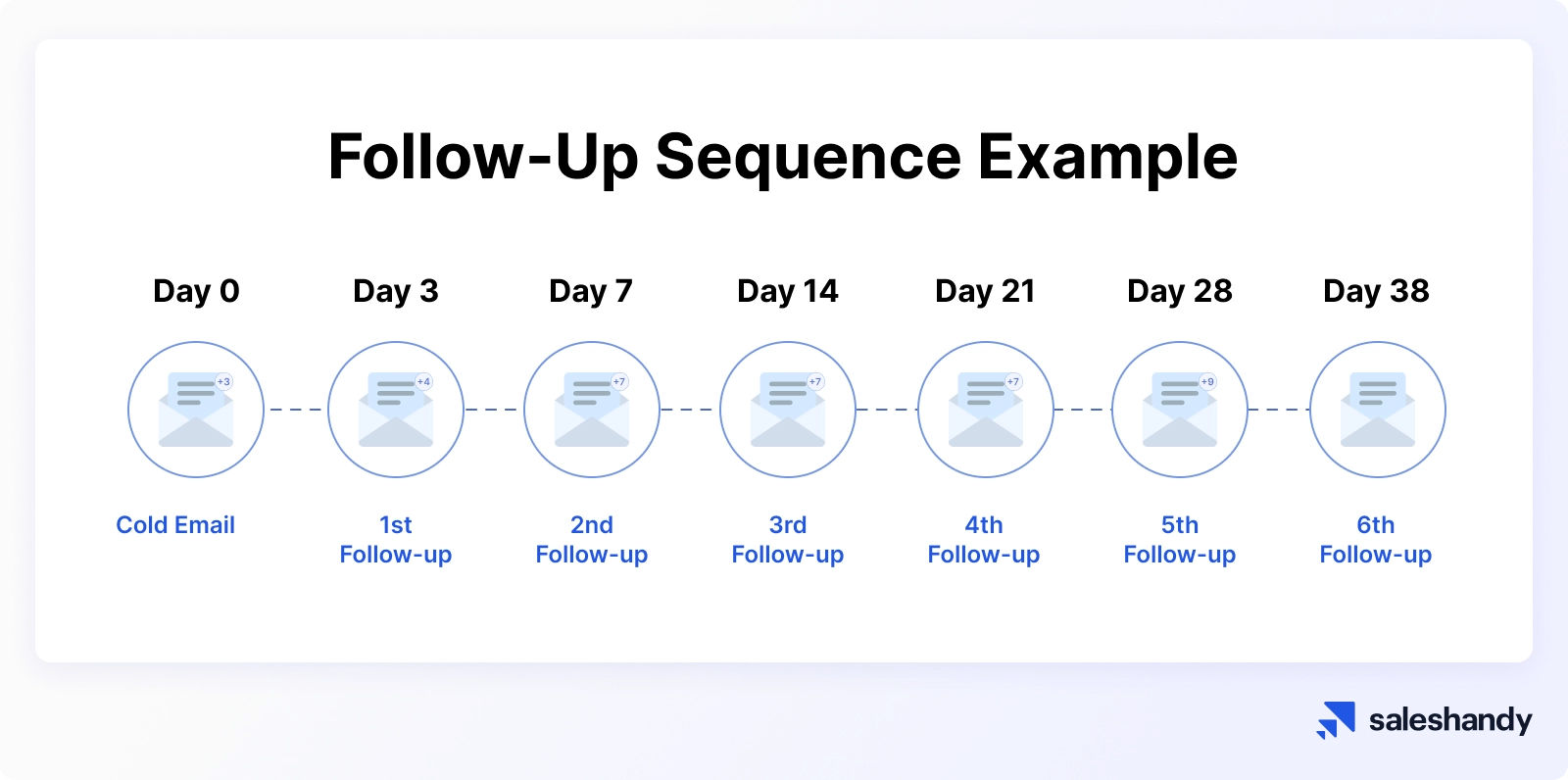
Direct Answer
Structure your follow-up sequence after a prospect goes silent by switching from a generic cadence to a multi-threaded, insight-driven campaign that leverages AI signals (e.g., from Clari or Gong) to detect buying intent, re-engages with fresh value (e.g., a new benchmark or case study), and systematically escalates to other buying committee members.
In the 2027 RevOps reality of longer cycles and vendor consolidation, silence often means internal evaluation, not disinterest—so your sequence must respect that while providing triggers for re-engagement. Use a 7-step sequence over 14–21 days, with each step triggered by specific behavior (e.g., email open, page visit) and a hard stop after 3 no-responses to avoid burning the lead.
Why Silence in 2027 Demands a New Playbook
The old approach—send 8 emails in 14 days with "just checking in"—fails in 2027 because buying committees are larger (averaging 11–16 people per Gartner data), cycles stretch 6–12 months, and AI filters 90% of generic outreach. Silence now often signals that your champion is buried in internal alignment, not that they've ghosted.
Your sequence must:
- Use AI intent data from tools like Salesforce Einstein or 6sense to time re-engagement when the account shows activity (e.g., visiting pricing pages).
- Multi-thread to other committee members (e.g., finance, ops) to keep momentum without spamming the original contact.
- Avoid vendor consolidation fatigue—prospects are comparing fewer tools (down 30% per Bessemer 2026 cloud report), so your sequence must differentiate on value, not volume.
Sequence Structure: The 7-Step Silence Breaker
Build your sequence around a decision tree (see Mermaid below) that branches based on the prospect's response or lack thereof. Each step must have a clear trigger, value prop, and escalation path.
Step 1: The Pause (Day 0–3)
- Trigger: No response to last outreach (email or call) for 5+ days.
- Action: Send a single, short email (3 sentences max) acknowledging the silence: "I know you're busy. I'm pausing our outreach for now, but I'll leave this link to a [relevant asset] in case timing changes."
- Why: This shows respect and reduces pressure. Use HubSpot to track opens—if they click the link, re-enter the sequence at Step 3.
Step 2: The Value Drop (Day 4–7)
- Trigger: No click or open from Step 1.
- Action: Send a personalized video (via Vidyard or Loom) or a one-pager with a specific insight: "In your industry, companies using [your solution] reduce time-to-value by 20–30% (based on Gong Labs data). Here's how."
- Why: Video has 3x higher engagement than text (per Winning by Design benchmarks). Keep it under 90 seconds.
Step 3: The Multi-Thread (Day 8–10)
- Trigger: Still silent, but account-level intent signals (e.g., from Clari or Demandbase) show other contacts at the company are active.
- Action: Reach out to a different buying committee member (e.g., the VP of Finance or Head of Ops) with a tailored message: "I've been speaking with [champion] about [topic]. Given your role in [area], I thought you'd find this [benchmark/case study] relevant."
- Why: Multi-threading increases win rates by 40% (per Salesloft 2025 benchmark report). Avoid mentioning the silence—frame it as a natural expansion.
Step 4: The Insight Trigger (Day 11–14)
- Trigger: No response from any thread, but your CRM shows the account visited your pricing page or a competitor's review site (e.g., G2).
- Action: Send a "triggered" email referencing their behavior: "I noticed you checked out [page]. Here's a direct comparison of [your tool] vs. [competitor] based on Gartner Magic Quadrant data—happy to walk through it."
- Why: Behavioral triggers cut response time by 50% (per Outreach internal data). Use Salesforce automation to fire this email instantly.
Step 5: The Social Proof (Day 15–17)
- Trigger: No response after Steps 1–4.
- Action: Share a customer success story from a similar company (size, industry, use case) via LinkedIn or email: "I saw you're in [industry]. Here's how [Company X] achieved [metric] in 3 months using our platform."
- Why: Peer proof is the #1 trust builder in 2027, especially for risk-averse committees. Use Gong to analyze which stories resonate most with your target segment.
Step 6: The Hard Stop (Day 18–21)
- Trigger: No response from any channel after 21 days.
- Action: Send a final, polite email: "I'm closing out our conversation for now. If your priorities change, feel free to reach out to me directly at [email] or book a time on my calendar [link]."
- Why: This preserves the relationship and avoids CRM clutter. Move the lead to a "nurture" status in HubSpot with a 90-day re-engagement trigger.
Step 7: The Re-Entry (Day 90+)
- Trigger: Account shows new intent (e.g., job posting for a role your tool supports, funding news, or a new website visit).
- Action: Re-enter the sequence at Step 2, but with updated context: "I noticed [Company X] just hired a new [role]—here's how we helped a similar team ramp up in 2 weeks."
- Why: 70% of silent prospects re-engage within 6 months (per SaaStr data). Don't let them slip away.
Mermaid Decision Tree: When to Escalate vs. Pause
Mermaid Process Loop: The Re-Engagement Cycle
Key Metrics to Track
Your sequence is only as good as its data. Monitor these KPIs in your RevOps dashboard (e.g., Tableau or Gainsight):
- Re-engagement rate: Percentage of silent prospects who respond to any step (target: 15–25%).
- Time to re-engage: Average days between silence and response (target: <14 days).
- Multi-thread conversion: Percentage of multi-threaded contacts that lead to a meeting (target: 10–15%).
- Hard stop rate: Percentage of prospects who receive the hard stop email (target: <30%—if higher, your initial qualification is weak).
FAQ
How long should I wait before starting the sequence? Wait 5–7 days after the last response. Any sooner risks appearing desperate; any later risks the prospect forgetting you. Use Clari to check if the account is in an evaluation window—if so, start at Step 2 immediately.
What if the prospect was in a demo before going silent? Skip Steps 1–2 and go directly to Step 3 (multi-thread). Send a recap of the demo to a new committee member: "I demoed [feature] for [champion]—here's how it maps to your [role] priorities."
Should I use phone calls in the sequence? Yes, but only after Step 4. Leave a voicemail referencing your last email: "I sent you a comparison of [tool] vs. [competitor]—happy to walk through it." Calls have a 5–10% response rate in 2027, so don't rely on them.
How do I handle prospects who re-engage after the hard stop? Treat them as a new lead. Re-enter at Step 2 with a fresh context (e.g., new product feature, updated pricing). Use Salesforce to log the previous sequence to avoid repeating the same messages.
What if the buying committee changes during silence? Re-qualify the account. Use LinkedIn Sales Navigator to identify new stakeholders and send a Step 3 multi-thread email to them, referencing the original conversation: "I was working with [old champion] on [topic]—given your new role, here's a relevant asset."
Sources
- Gartner: The B2B Buying Committee Is Larger Than Ever
- Forrester: The New B2B Buying Journey
- McKinsey: B2B Sales in 2027: AI and the New Funnel
- Gong Labs: Sales Sequence Benchmarks
- SaaStr: The Art of the Follow-Up
- Bessemer Venture Partners: Cloud 2026 Report
- Salesloft: The 2025 Sales Engagement Benchmark Report
- Outreach: The Science of Sales Sequences
- HubSpot: How to Build a Follow-Up Sequence That Works
- Winning by Design: The Modern Sales Playbook
Bottom Line
Structure your follow-up sequence around respect (pause early), value (insight-driven drops), and escalation (multi-thread to the committee). Use AI signals from Clari or 6sense to time each step, and hard-stop after 21 days to avoid CRM pollution. In 2027, silence is a signal to get smarter, not louder.
*RevOps follow-up sequence for silent prospects in 2027: multi-thread, insight-driven, AI-triggered, and hard-stopped after 21 days.*