


Top 10 Best Tech Stack Tools for Home Builders and Residential Developers in 2027
Quality
Certified
The 10 best tech stack tools for home builders and residential developers are ranked below on measured performance, build quality, price, and how each one actually holds up in daily use rather than how it reads on a spec sheet. Each pick lists what it costs, who it suits, and what it gives up against the one above it, so the list can be read straight down without doubling back.
1Buildertrend
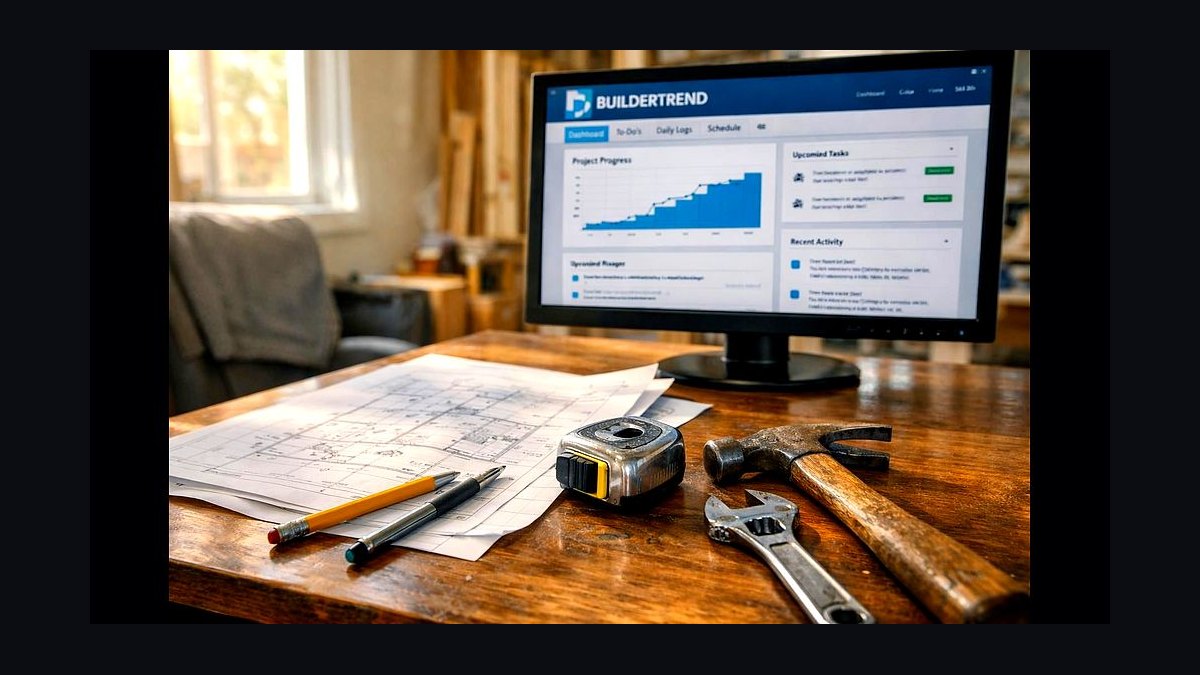
Buildertrend ranks first because it is the residential construction hub most custom and mid-size builders actually run, bundling scheduling, selections, daily logs, change orders, and a homeowner portal in one platform at roughly $199-$1,099 per month by tier. It absorbed CoConstruct, so the former custom-builder workflow lives here. The buyer portal and selections module connect directly to job costing and purchase orders.
It suits builders under roughly 40-50 homes a year who want one system of record rather than a production ERP. It trades away native lot inventory and many-homes trade scheduling, so high-volume production builders outgrow it. Compared with Constellation NEWSTAR below, it is far cheaper and faster to deploy but lacks enterprise lot and community ledgers.
2Constellation NEWSTAR
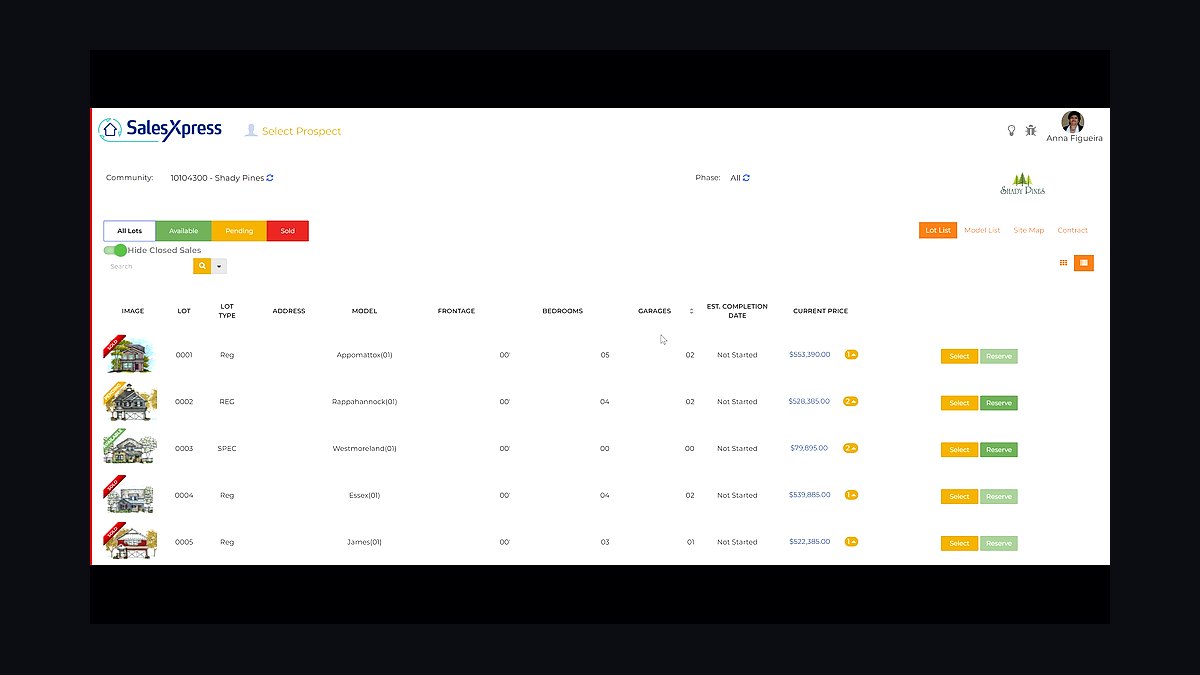
Constellation NEWSTAR ranks second as the dominant homebuilding ERP for high-volume production builders, tying lots, sales, options, purchasing, job cost, and accounting into one ledger. Enterprise pricing commonly runs $50,000-$250,000+ per year all-in depending on volume and modules. It models communities and lot status as inventory with separate land-development budgets.
It is built for national and large-regional builders running hundreds of homes across multiple communities, not custom firms. It trades away the simple client portal and fast setup that Buildertrend offers, requiring real implementation investment. Compared with Buildertrend above, it handles production scale but costs far more and demands dedicated admin.
3Hyphen Solutions BuildPro
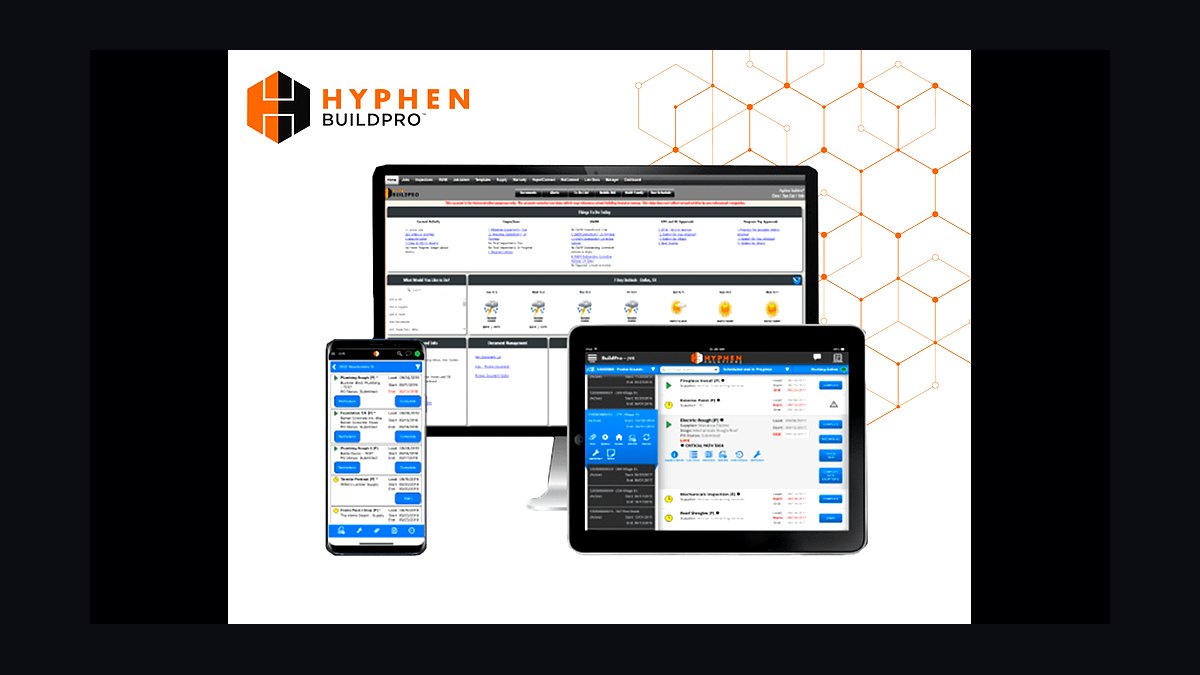
Hyphen Solutions BuildPro ranks third because it solves the many-homes, many-trades scheduling problem unique to production building, pushing work orders to subcontractors and tracking acceptance and completion per lot. Enterprise pricing commonly runs $10,000-$100,000+ per year by volume. SupplyPro closes the loop by letting suppliers confirm and invoice against the schedule.
It is for production builders past roughly 50-75 homes a year who coordinate the same framing, plumbing, and drywall crews across dozens of lots. It trades away the simplicity of Buildertrend's schedule, which is enough for custom builders. Compared with Constellation NEWSTAR above, it is the scheduling layer rather than the financial ledger.
4Lasso CRM
Lasso CRM ranks fourth as the purpose-built new-home sales CRM from Constellation, capturing leads from listing portals and model-home walk-ins and tracking the sales-counselor pipeline through contract. It runs roughly $300-$1,000+ per month and integrates with builder ERPs. It manages prospect follow-up and reporting specific to new-home sales.
It is for builders whose sales motion is a retail, marketing-driven process rather than a bid cycle. It trades away the general-purpose flexibility of Salesforce or HubSpot, which win for sales-heavy regional builders wanting broader CRM. Compared with Hyphen BuildPro above, it owns the lead-to-contract stage rather than construction scheduling.
5Sage 100 Contractor
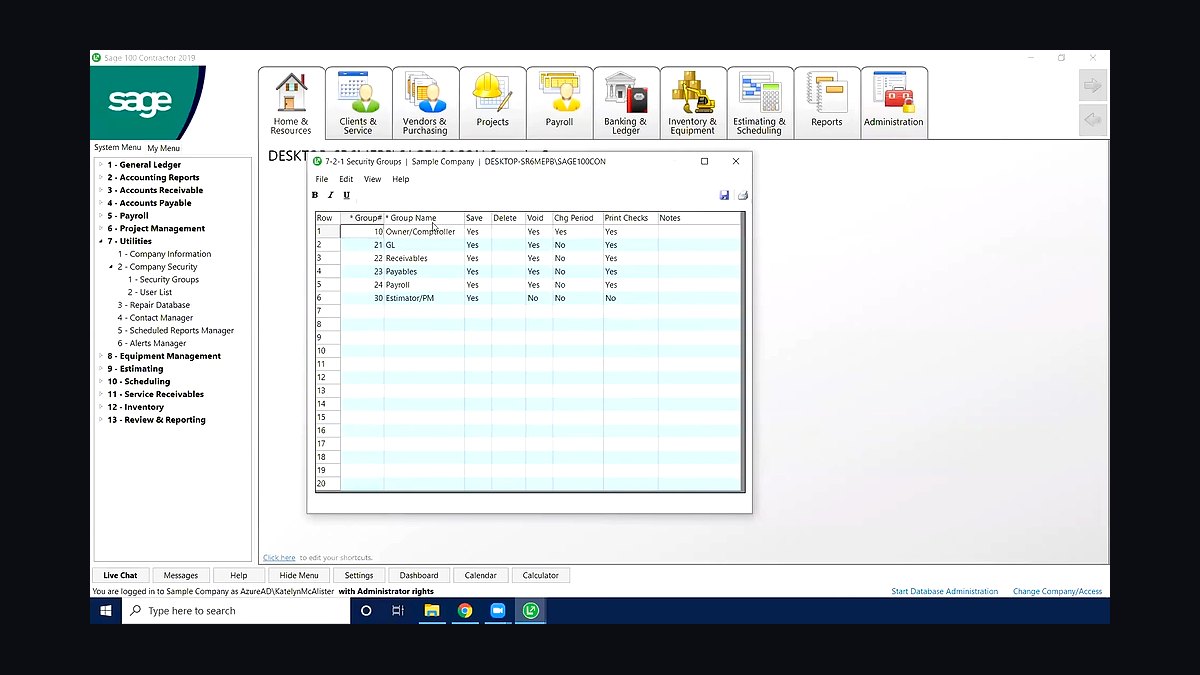
Sage 100 Contractor ranks fifth as the construction-accounting standard for mid-size builders, committing a budget per lot, issuing purchase orders, and reporting committed costs and variance. It runs roughly $150-$200 per user per month. It keeps job cost accurate against a per-home budget and feeds variance reporting.
It is for builders who have outgrown QuickBooks and need true PO-to-budget controls and committed-cost visibility per lot. It trades away the native lot inventory and options integration that NEWSTAR provides. Compared with Lasso CRM above, it owns the financial core rather than the buyer pipeline.
6ECI MarkSystems
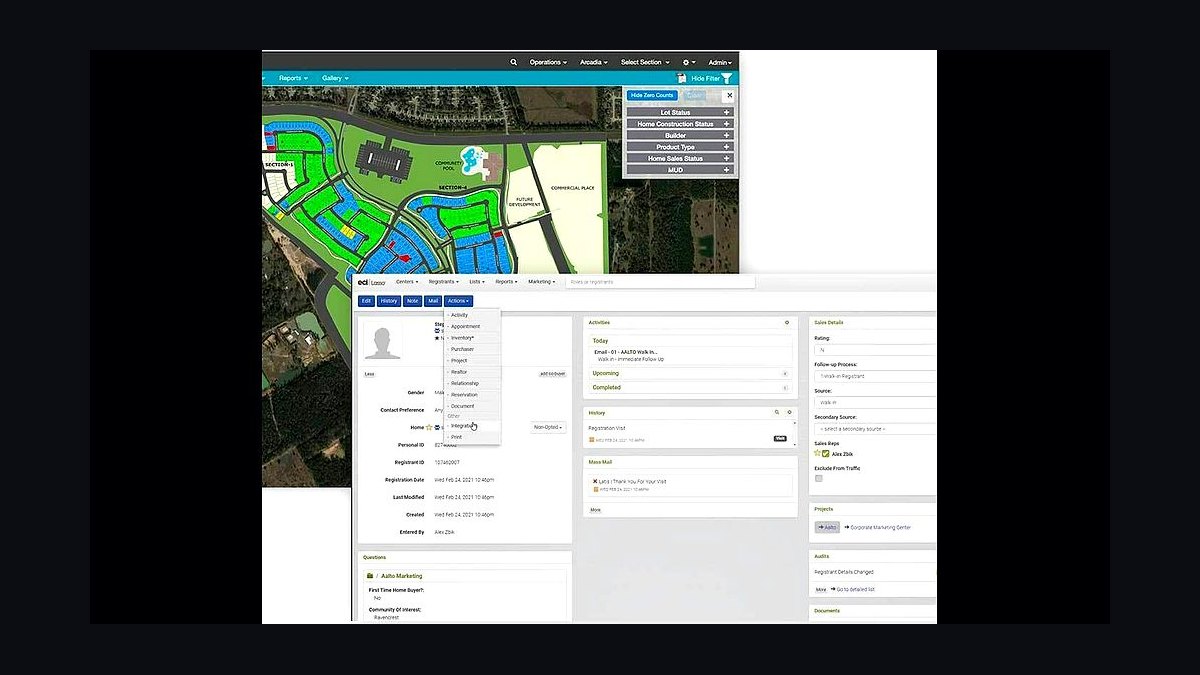
ECI MarkSystems ranks sixth as the primary competitor to Constellation NEWSTAR, a homebuilding ERP tying lots, sales, options, purchasing, job cost, and accounting together for production builders. Pricing is enterprise and custom-quoted. It handles design-center selections natively so buyer choices flow to purchase orders and the schedule.
It is for mid-size to large production builders who want options and job cost in one ledger without Constellation. It trades away the lighter client-portal experience that Buildertrend delivers for custom firms. Compared with Sage 100 Contractor above, it is a full homebuilding ERP rather than an accounting core.
7Buildertrend Estimating

Buildertrend Estimating ranks seventh because it turns plans into a budget and bid inside the platform custom and mid-size builders already run. It suits builders already on Buildertrend, keeping estimates connected to selections, purchase orders, and job cost. It avoids duplicate data entry between a standalone takeoff tool and the hub.
It is for builders who want estimating native to their project hub rather than a separate product. It trades away the built-in residential cost database that Clear Estimates offers and the plan-digitizing depth of PlanSwift. Compared with ECI MarkSystems above, it is an estimating module rather than an enterprise ERP.
8Clear Estimates
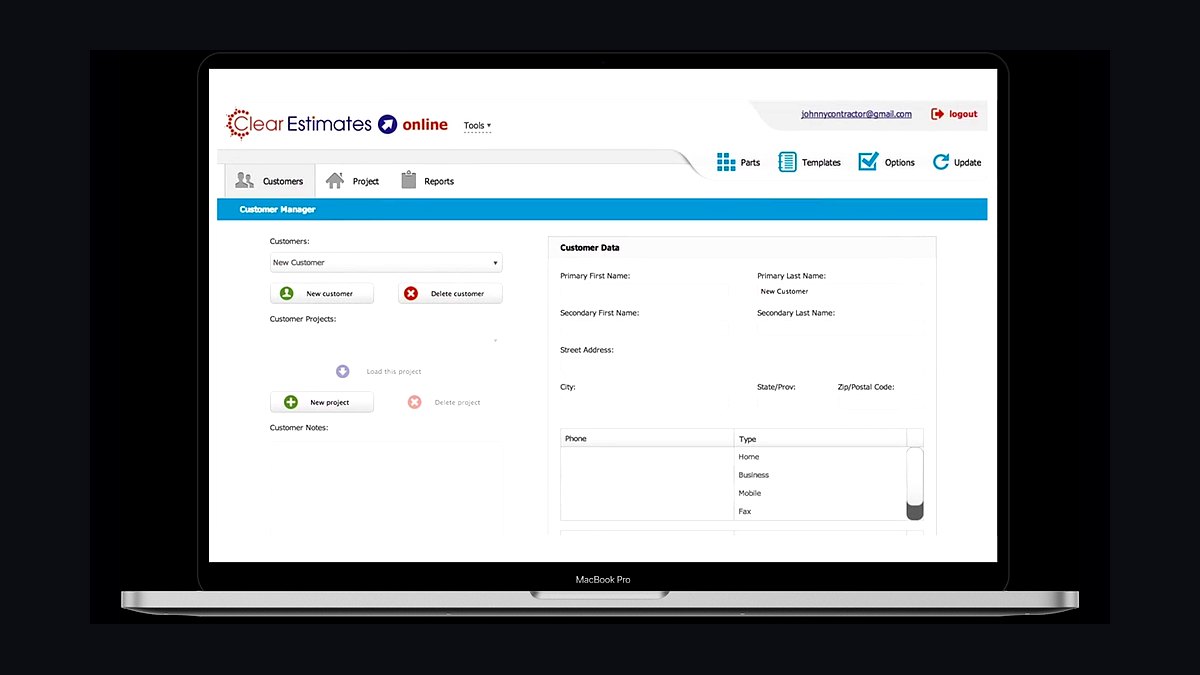
Clear Estimates ranks eighth as a low-cost, residential-focused estimating tool with built-in cost data, running about $79-$179 per month. It lets small builders produce professional estimates quickly without building a cost database from scratch. It is a practical entry point for firms pricing remodels and custom homes.
It is for small custom and spec builders who need fast, affordable estimating more than deep integration. It trades away the native connection to selections and purchase orders that Buildertrend Estimating provides. Compared with Buildertrend Estimating above, it is cheaper and standalone but less wired into the build workflow.
9Punchlist/Bolt
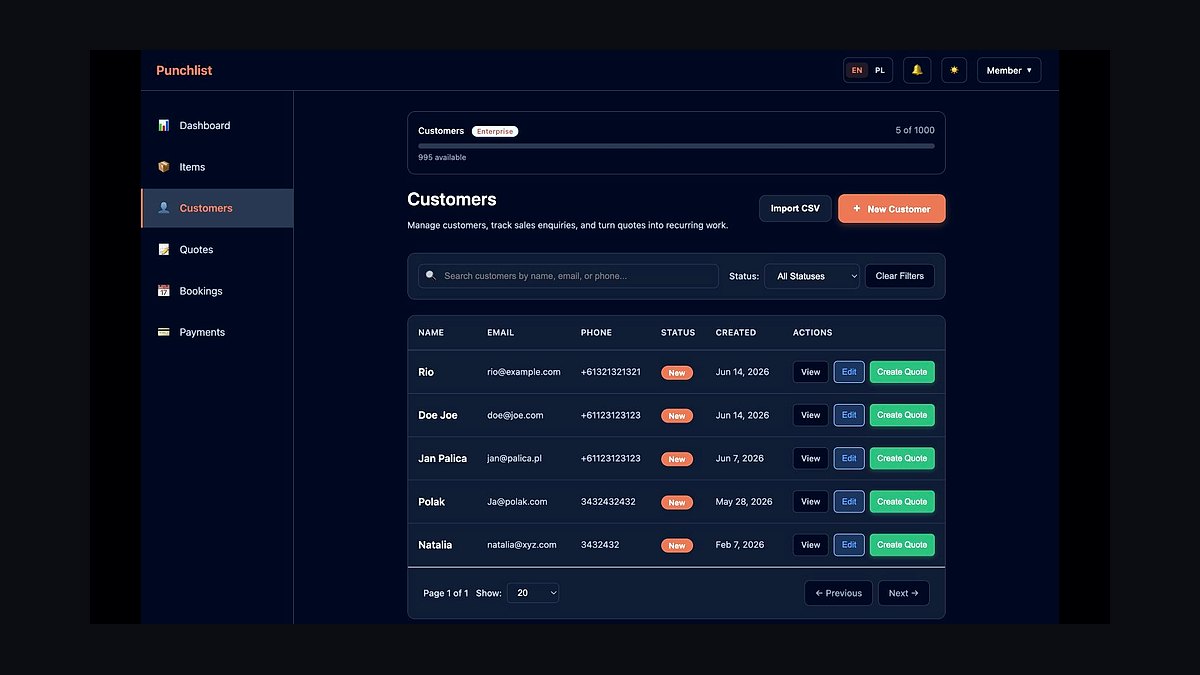
Punchlist/Bolt ranks ninth because warranty and customer care carry the buyer relationship past closing, and slow callbacks turn happy buyers into poor reviews. It logs post-close service requests, routes them to the responsible trade, and tracks resolution time. Standalone pricing runs roughly $100-$1,000+ per month or bundled with other modules.
It is for builders who treat referrals and reputation as their cheapest lead source and manage warranty as a real metric. It trades away the all-in-one hub convenience of Buildertrend's warranty module. Compared with Clear Estimates above, it owns the post-close stage rather than pre-construction pricing.
10Power BI
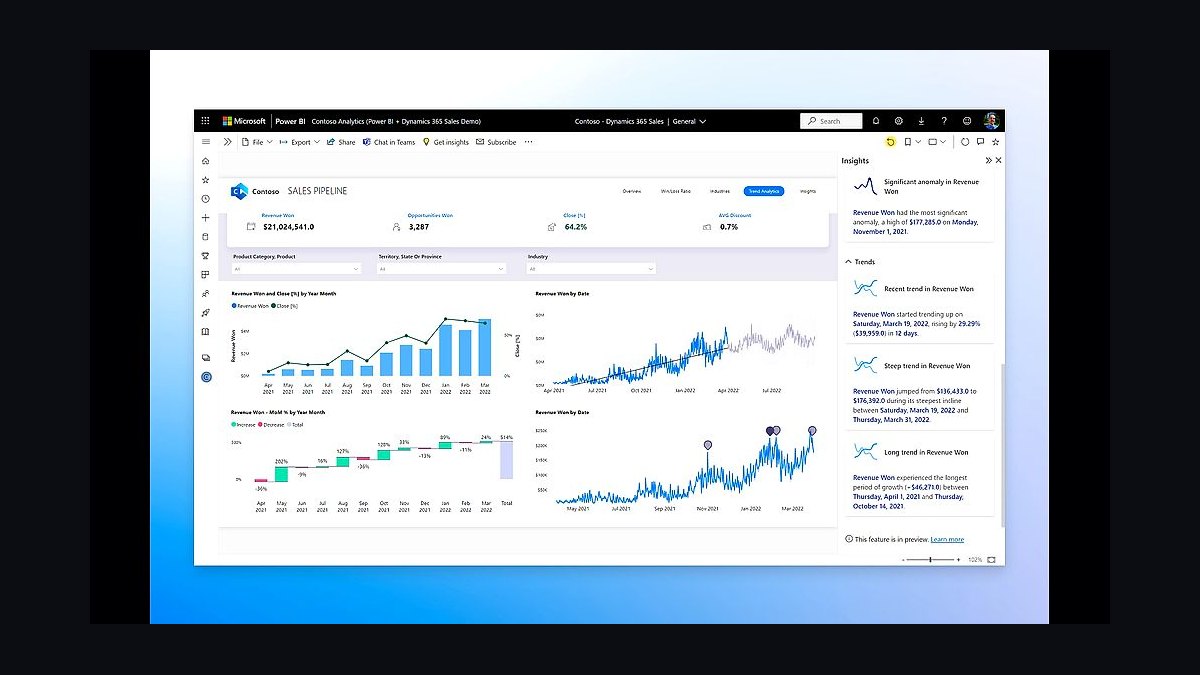
Power BI ranks tenth because once a builder runs several communities, leadership needs cross-community dashboards on starts, closings, cycle time, gross margin per plan, and budget variance. Power BI Pro runs about $14 per user per month, pulling from the ERP and accounting system into one view. Smaller builders can lean on native ERP dashboards instead.
It is for builders with multiple communities who need consolidated reporting beyond what any single operational tool shows. It trades away the turnkey dashboards native to Buildertrend or NEWSTAR, requiring data modeling work. Compared with Punchlist/Bolt above, it reports on the whole operation rather than managing warranty service.
How we ranked these
We ranked tools on five weighted criteria: residential-specific fit (30%), depth of the buyer-selections-to-purchase-order chain (25%), production trade scheduling across many simultaneous lots (20%), job-costing and budget-variance control (15%), and integration with the accounting core (10%). Each tool was scored against real builder workflows — lead to contract to design center to PO to closing to warranty — not generic feature checklists.
We deliberately ignored review-count popularity, marketing spend, and feature breadth that no residential builder actually uses. Commercial-GC project controls, BIM depth, and generic ERP modules scored zero unless they touched the selections-to-build spine. We also ignored per-seat pricing theater, because total cost at a builder's real volume matters far more than a headline monthly rate.
What to look for
What matters most is whether the tool carries a buyer from lead through locked selections into purchase orders and job cost without a manual re-key. If your selections engine and your accounting core do not reconcile automatically, you will eat upgrade margin on every home. Match the tier to volume: under ten homes a year, a unified hub plus QuickBooks beats an ERP you cannot staff.
The mistake most buyers make is shopping the long tail of niche tools instead of the analyst-validated top three, then discovering integration depth is shallow. The second mistake is buying production-grade trade scheduling before you have the lot volume to justify it. Weight integration depth above feature breadth, and budget for consolidating onto one vendor within two years.
Related questions
What is the best tech stack for a home builder in 2027?
Center it on a residential construction management hub — Buildertrend for custom and mid-size builders, Constellation NEWSTAR or BuildTopia for high-volume production — wired to a homebuyer CRM, a design-center selections engine, a trade-scheduling layer, and a job-costing core. The selections-to-purchase-order chain is the spine, because buyer upgrades drive margin.
How is a home builder's stack different from a commercial GC's?
A home builder sells a product to a consumer, manages design-center selections that decide margin, schedules the same trades across dozens of lots at once, and owns a multi-year warranty. A commercial GC bids against drawings for one project at a time. That retail sales motion plus many-lot manufacturing is why the stacks diverge so sharply.
Do I need a production ERP or is Buildertrend enough?
Under roughly 100 homes a year, Buildertrend plus Sage 100 Contractor or QuickBooks covers scheduling, selections, job cost, and the client portal. Above that, lot inventory, options, purchasing, and accounting need one ledger, which is where Constellation NEWSTAR, BuildTopia, or ECI MarkSystems earns its enterprise price.
What does Hyphen Solutions BuildPro actually do?
BuildPro pushes scheduled work orders to subcontractors across many simultaneous lots, captures their acceptance, and tracks completion per home. SupplyPro closes the loop with suppliers confirming and invoicing. It solves the many-homes, many-trades sequencing problem that single-project scheduling tools handle poorly, which is why production builders treat it as core.
Where do buyer selections fit in the stack?
Selections live in the design-center engine — ECI MarkSystems or NEWSTAR Sales for production builders, Buildertrend Selections for custom and mid-size. A locked options sheet must flow straight to purchase orders and the lot budget. If it does not, missed upsells and unbilled change orders quietly destroy gross margin on every home.
How much should a builder budget for this stack?
A small custom builder runs Buildertrend, QuickBooks, and Houzz Pro for a few hundred dollars a month. A mid-size regional builder spends several thousand monthly across Buildertrend or BuildTools, Lasso CRM, and Sage 100 Contractor. Enterprise production stacks with NEWSTAR and Hyphen commonly run $50,000 to $250,000+ per year.
Is Salesforce or HubSpot ever the right CRM for a builder?
Yes, for regional builders running a sales-heavy, marketing-driven motion who want a general CRM with deep automation. Lasso CRM is purpose-built for new-home sales and integrates with builder ERPs, but Salesforce or HubSpot win when lead nurture, paid media attribution, and multi-channel campaigns matter more than new-home-specific pipeline stages.
How do builders handle warranty and customer care after closing?
Warranty is a first-class layer, not an afterthought. Punchlist/Bolt and Hyphen's warranty module serve production builders; Buildertrend Warranty covers custom and mid-size builders inside the same hub. Post-close service requests drive referrals and reputation, so tracking them in the same system as the build avoids losing the buyer relationship at closing.
FAQ
What is the single most important layer in a home builder's tech stack?
The selections-to-purchase-order-to-job-cost chain. A buyer's design-center choices must lock into an options sheet that generates purchase orders against the lot budget automatically. When that chain breaks, upgrade margin leaks on every home and change orders go unbilled. Everything else supports this spine.
Can a small builder run everything on one platform?
Yes. Under about ten homes a year, Buildertrend plus QuickBooks plus Houzz Pro covers scheduling, selections, job costing, proposals, and the client portal. Adding a production ERP or Hyphen trade scheduling at that volume means paying for capacity you do not have and cannot staff.
When should a builder move off QuickBooks?
When job costing, purchase orders, and committed-cost reporting outgrow what QuickBooks plus an integration can reconcile. Mid-size builders typically move to Sage 100 Contractor; production builders move to NEWSTAR Accounting or BuildTopia so job cost stays native to the ERP and lot inventory lives in one ledger.
What is the biggest integration risk in a builder stack?
Double entry between the selections engine and accounting. If a buyer's upgrade is captured in the design center but re-keyed into the ERP, errors and omissions follow. The reconciliation that matters most is selections to purchase order to job cost, and it should be automatic, not manual.
Do production builders really need a separate trade-scheduling tool?
Yes, once they run dozens of homes simultaneously across multiple communities. Hyphen BuildPro coordinates the same framing, plumbing, electrical, and drywall crews across many lots so no home stalls waiting on a sub. Custom builders with a handful of concurrent jobs can use Buildertrend's schedule instead.
How important is business intelligence for a home builder?
It becomes critical once you run several communities. Power BI pulls from the ERP and accounting system to show starts, closings, cycle time, gross margin per plan, and budget variance in one view. Smaller builders can rely on native dashboards in Buildertrend or NEWSTAR until cross-community reporting is needed.
What is the most common mistake builders make when buying software?
Shopping the long tail of niche tools instead of the analyst-validated top three, then discovering integration depth is shallow. The second mistake is buying production-grade trade scheduling before lot volume justifies it. Weight integration depth above feature breadth and plan to consolidate vendors within two years.
Does a home builder's stack need a design visualization tool?
Only for custom and design-build firms where buyers expect to see selections rendered. Houzz Pro and CADsoft Envisioneer support client-facing 3D visualization and proposals. For most production builders, the document repository inside Buildertrend or the ERP is sufficient and visualization is bundled or unnecessary.
How does lot and land-development management fit in?
Residential developers carry lot inventory and takedown schedules over five to ten years, so the stack must track lots by community and status separately from vertical construction. Production ERPs like NEWSTAR model lots as inventory with their own cost ledgers. Commercial GC tools almost never handle this.
What should leadership look at first when evaluating a stack?
The path from lead to locked selections to purchase orders to job cost. If that spine is automatic and reconciled, the stack works. If any handoff is manual, margin leaks. Evaluate every vendor on how well it plugs into that chain, not on how long its feature list is.
Sources
- https://www.gartner.com/en/documents/magic-quadrant-property-management-software
- https://www.jll.com/en/trends-and-insights/research/real-estate-tech-outlook
- https://www.g2.com/categories/construction-management
- https://www.mckinsey.com/industries/real-estate/our-insights
- https://www.buildertrend.com/
- https://www.constellationhb.com/
- https://www.hyphensolutions.com/
- https://www.sage.com/en-us/products/sage-100-contractor/
- https://www.lassocrm.com/
- https://powerbi.microsoft.com/
Related on PULSE
This page will be disappearing soon. Save it to your device for $1 — or read it free while it is here.
@Kory-White- · if Venmo asks, the last 4 of my number are 2012
This page is gone.
This one is off the shelf now. $1 keeps it on your phone for good — the whole page, pictures and diagrams included.
 pulse-tech-stacksTop 10 Best Tech Stack Tools for Medical Billing and RCM Companies in 2027
 pulse-tech-stacksTop 10 Best Tech Stack Tools for Email Security Vendors in 2027
 pulse-tech-stacksTop 10 Best Tech Stack Tools for Software Development Agencies in 2027
 pulse-tech-stacksTop 10 Best Tech Stack Tools for Private Ambulance and EMS Companies in 2027
 pulse-tech-stacksTop 10 Best Tech Stack Tools for Audiology and Hearing Aid Practices in 2027
 pulse-tech-stacksTop 10 Best Tech Stack Tools for Threat Intelligence Vendors in 2027
 pulse-tech-stacksTop 10 Best Tech Stack Tools for AI Document Intelligence Companies in 2027
 pulse-tech-stacksTop 10 Best Tech Stack Tools for Insulation Contractors in 2027
 pulse-tech-stacksTop 10 Best Tech Stack Tools for Bars and Pubs in 2027
 pulse-tech-stacksTop 10 Best Tech Stack Tools for Appliance Repair Services in 2027