


Top 10 Best Tech Stack Tools for Residential Painters in 2027
Quality
Certified
The 10 best tech stack tools for residential painters are ranked below on measured performance, build quality, price, and how each one actually holds up in daily use rather than how it reads on a spec sheet. Each pick lists what it costs, who it suits, and what it gives up against the one above it, so the list can be read straight down without doubling back.
1PaintScout Painting Estimating Software
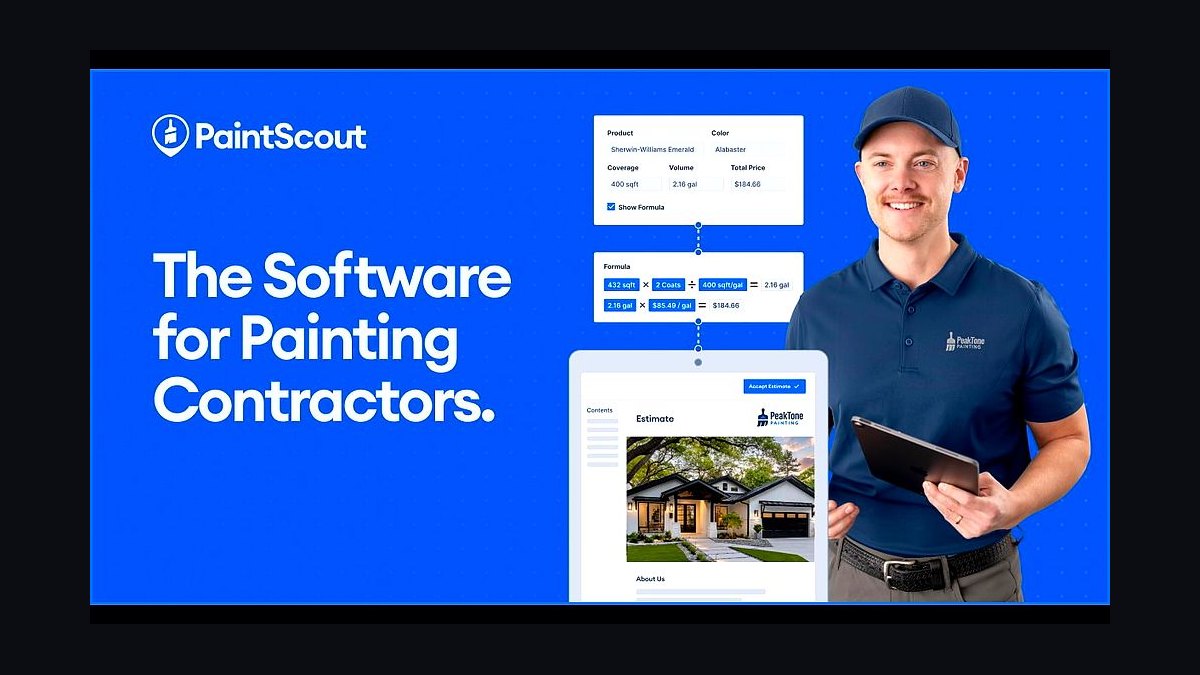
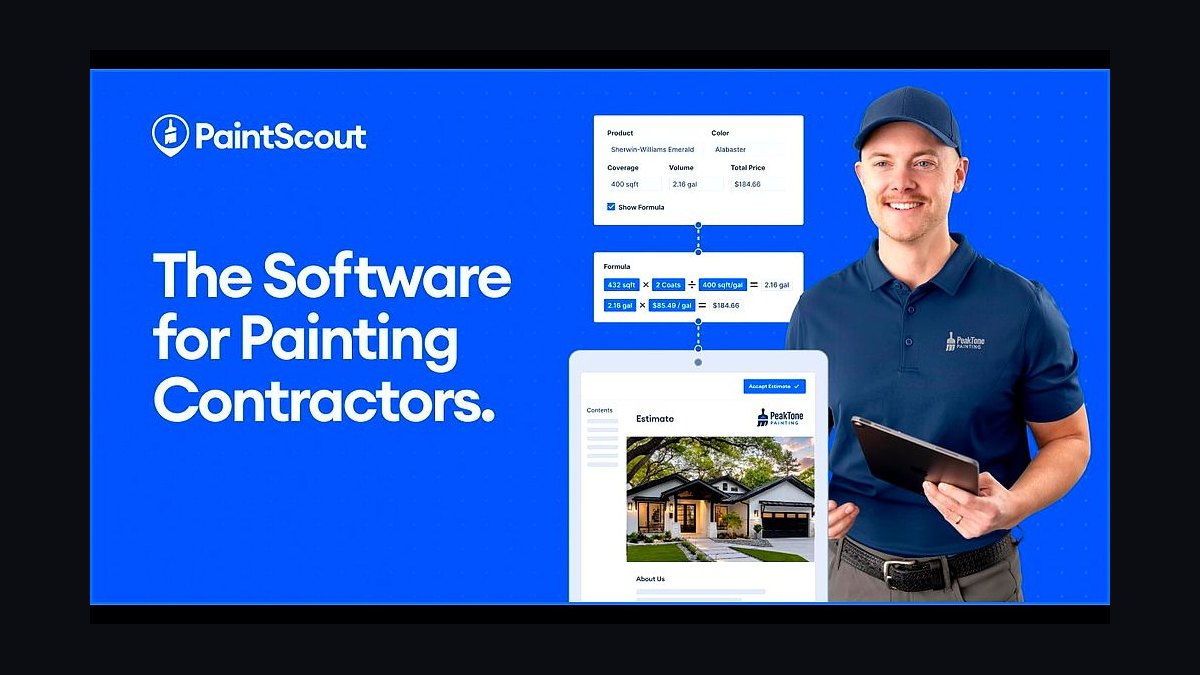
PaintScout ranks first because the estimate-to-signed-proposal motion is what actually closes residential painting jobs, and no generic field-service tool matches its room-by-room production-rate math. The Pro tier runs $129 per user per month and ships a library of 65 standard surfaces including crown molding, six-panel doors, and popcorn ceilings, with per-coat material math that flexes between Sherwin-Williams Emerald and Benjamin Moore Aura.
It is built for residential repaint specialists doing 80% or more homeowner work, not commercial bid-and-build shops. It trades away crew scheduling, GPS dispatch, and recurring-job automation, which is exactly why Jobber sits directly below it as the operating system. Painters carrying 15% or more commercial work often pick Estimate Rocket instead for cost-plus margin rigor.
2Jobber Connect Team CRM
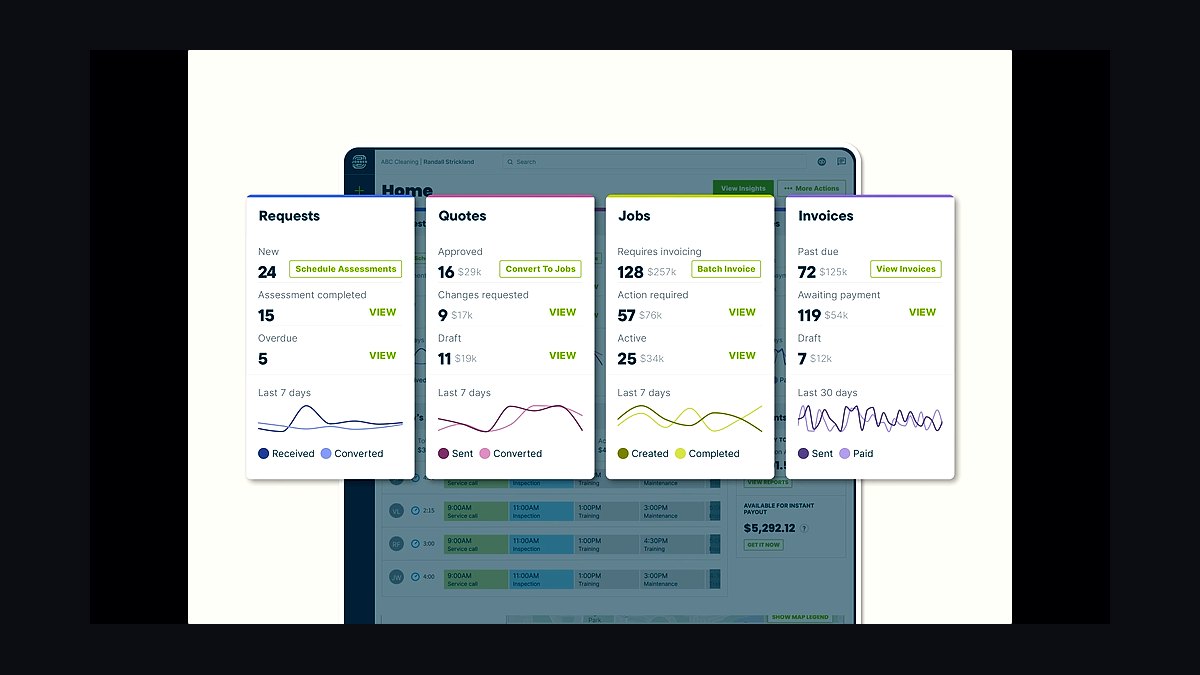
Jobber ranks second because it is the operating system the rest of the stack plugs into: CRM, scheduling board, GPS crew tracking, automated client SMS, and two-way QuickBooks Online sync. Connect Team costs $169 per month for five users on annual billing, and the Grow Team tier at $349 per month for ten users is the right jump the moment a painter runs more than one crew.
It suits one-to-three crew residential shops that need dispatch and invoicing in one board. It trades away painting-specific production-rate estimating, so it cannot replace PaintScout above it. Against CompanyCam below it, Jobber owns the job record while CompanyCam owns the photo evidence attached to that record by address.
3CompanyCam Pro Photo Documentation
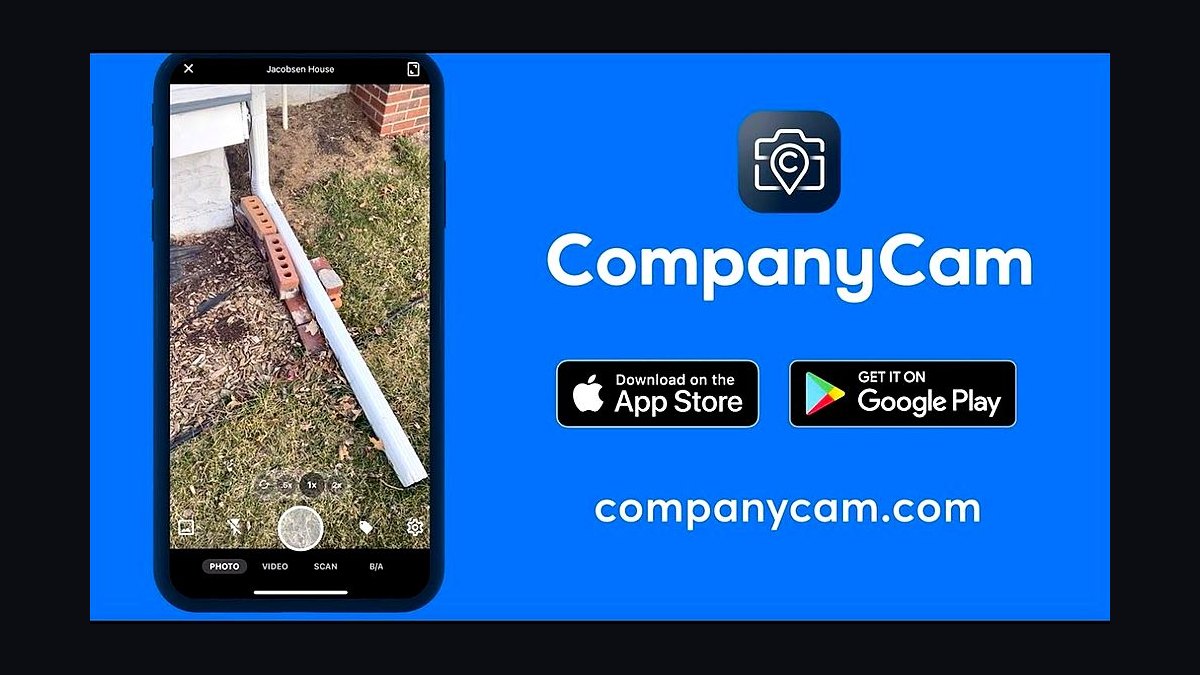
CompanyCam Pro ranks third because geo-stamped photo documentation settles payment disputes in four minutes instead of four hours and feeds the Instagram reel that drives high-end referrals. It costs $29 per user per month with a three-user minimum, so the floor is $87 per month. Every door, coat, and drip on a tarp uploads automatically to the client folder by address, and CertaPro publicly credits the photo trail with cutting paint-defect callbacks by 38%.
It is for painters doing high-end residential where surface-condition proof matters, and for anyone posting weekly marketing content. It trades away estimating and scheduling entirely, so it depends on Jobber above it for the job record. Solo painters under $200K revenue can defer it, but skipping it is the most expensive false economy in the stack.
4QuickBooks Online Plus
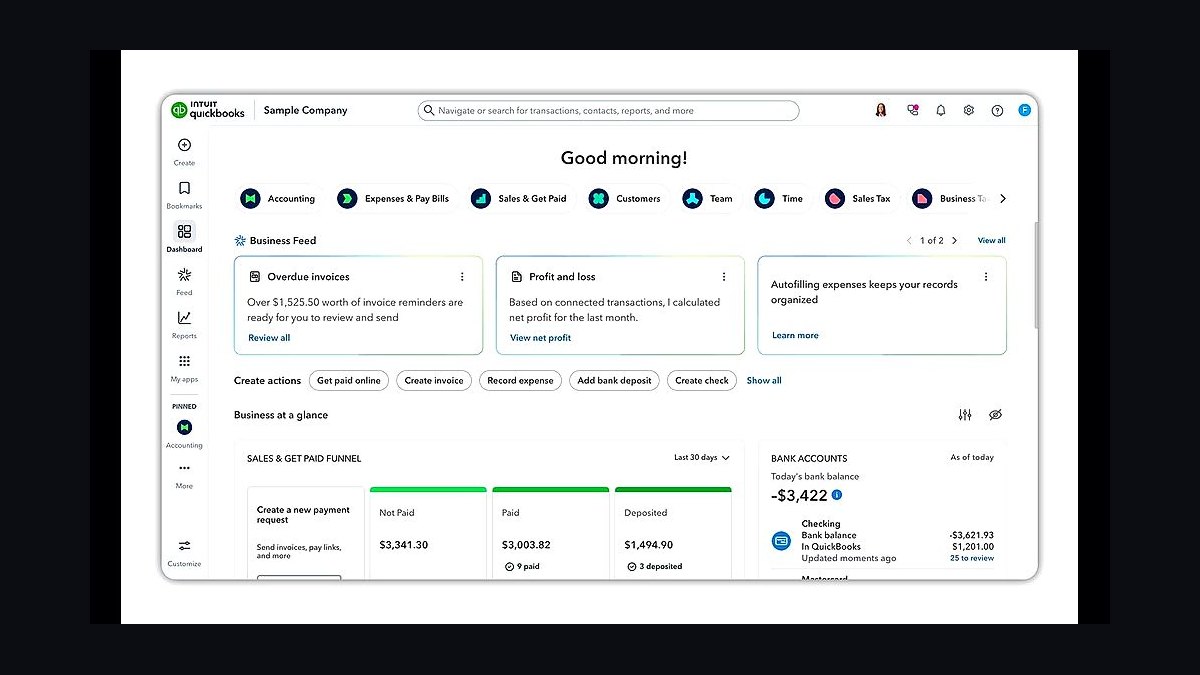
QuickBooks Online Plus ranks fourth because job costing by project is the only way a painter answers whether the Hendrickson exterior actually made money. It runs $115 per month and adds project profitability, 1099 contractor tracking, sales-tax automation in the 14 states that now tax painting labor, and bank feeds. The Plus tier is the floor: Essentials does not do project profitability and Simple Start does not do classes for the residential versus commercial split.
It is for any painter past the shoebox-of-receipts stage who needs per-job margin visibility. It trades away nothing critical at this tier, but the $77 monthly delta over Simple Start is the highest-ROI line item in the entire stack. It sits below CompanyCam because photos prevent disputes while QuickBooks measures them after the fact.
5Gusto Plus Payroll
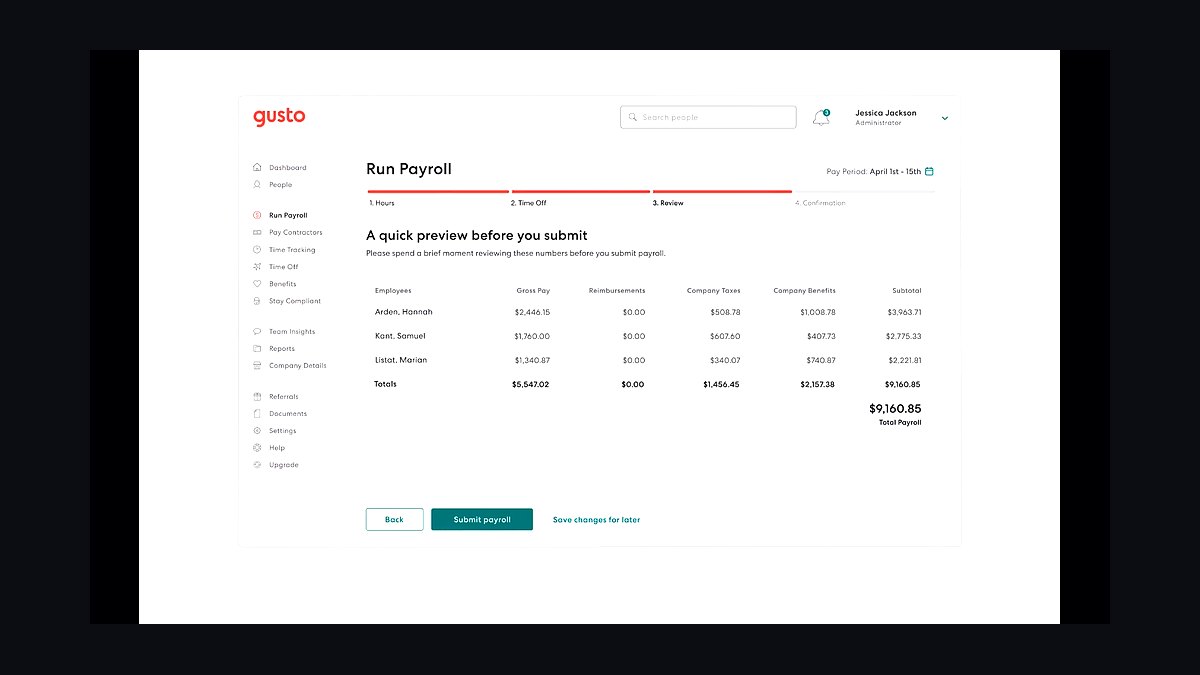
Gusto Plus ranks fifth because workers-comp audits in 2027 require certified payroll records across 14 states plus most municipalities, and spreadsheet payroll fails that test. It costs $80 per month plus $12 per employee, with multi-state filing, pay-as-you-go workers-comp integration through NEXT Insurance or AP Intego, and a certified-payroll add-on for municipal jobs. Contractor-only Gusto at $35 per month plus $6 per 1099 is the right solo starting tier.
It is for painters with at least one W-2 employee who want the year-end audit surprise eliminated. It trades away deep HR functionality that shops under 20 employees never use. Against QuickBooks Online Plus above it, Gusto posts journal entries nightly with department splits, so the two are complementary rather than competing.
6Sherwin-Williams ColorSnap Match Pro
ColorSnap Match Pro ranks sixth because the spectrophotometer reading is now the de facto legal standard when a homeowner files a color chargeback, and eyeballing a chip loses that dispute every time. The handheld unit costs $399 one-time with a free ColorSnap Match app, matches color and sheen in under five seconds against the SW deck, and pairs to a February 2026 custom-color Plus subscription at $19 per month for one-of-a-kind tinted matches.
It is for painters who want the touch-up callback moat: one lost $450 callback pays for the scanner. It trades away nothing except the upfront hardware spend, and the free phone-camera app only lands within two or three shades under store lighting. It sits below Gusto because payroll compliance is mandatory while color matching is the highest-margin optional weapon.
7Estimate Rocket Estimating Software
Estimate Rocket ranks seventh because painters running a mixed residential-and-commercial book need the cost-plus margin builder that PaintScout does not prioritize. It costs $49 to $99 per user per month and carries a deeper profit-margin calculator plus stronger commercial-job math. Paper Moon Painting in Austin publicly documented switching to it over PaintScout specifically because the shop quotes commercial repaints alongside high-end residential.
It is for painters carrying 15% or more commercial or new-construction work, or bidding HOA buildings and apartment turns. It trades away the consumer-grade proposal polish that wins in-home residential consults. Against PaintScout above it, Estimate Rocket wins on rigor and loses on the kitchen-table signing moment.
8Painter Choice All-in-One CRM
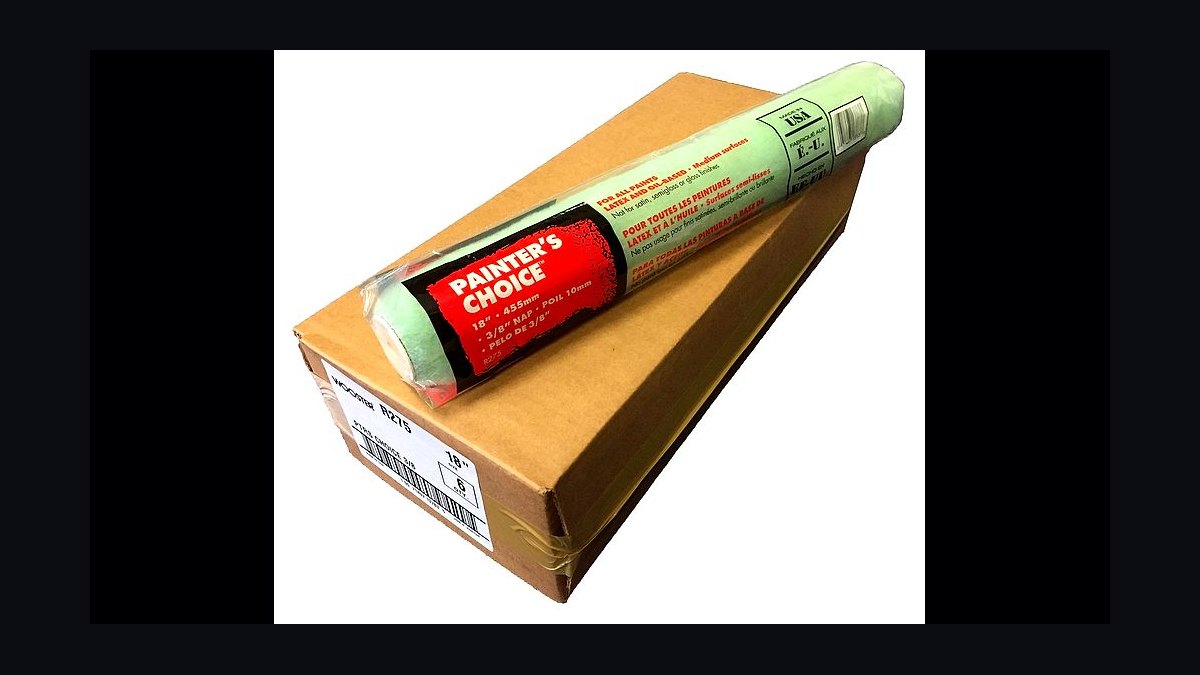
Painter Choice ranks eighth because owner-operators under $400K revenue want estimating, scheduling, and invoicing on one screen and refuse to glue three tools together. The bundled CRM runs roughly $79 per month on the single-user solo tier, which undercuts the PaintScout plus Jobber combo by more than $200 monthly at that scale. It is the scrappiest credible all-in-one built specifically for painting contractors.
It is for solo painters and one-van operators who value simplicity over depth. It trades away production-rate granularity and crew scheduling complexity, and it loses decisively to the PaintScout plus Jobber pairing above $600K revenue when multi-crew dispatch exceeds its calendar. It sits below Estimate Rocket because it serves a smaller revenue band.
9CallRail Call Tracking
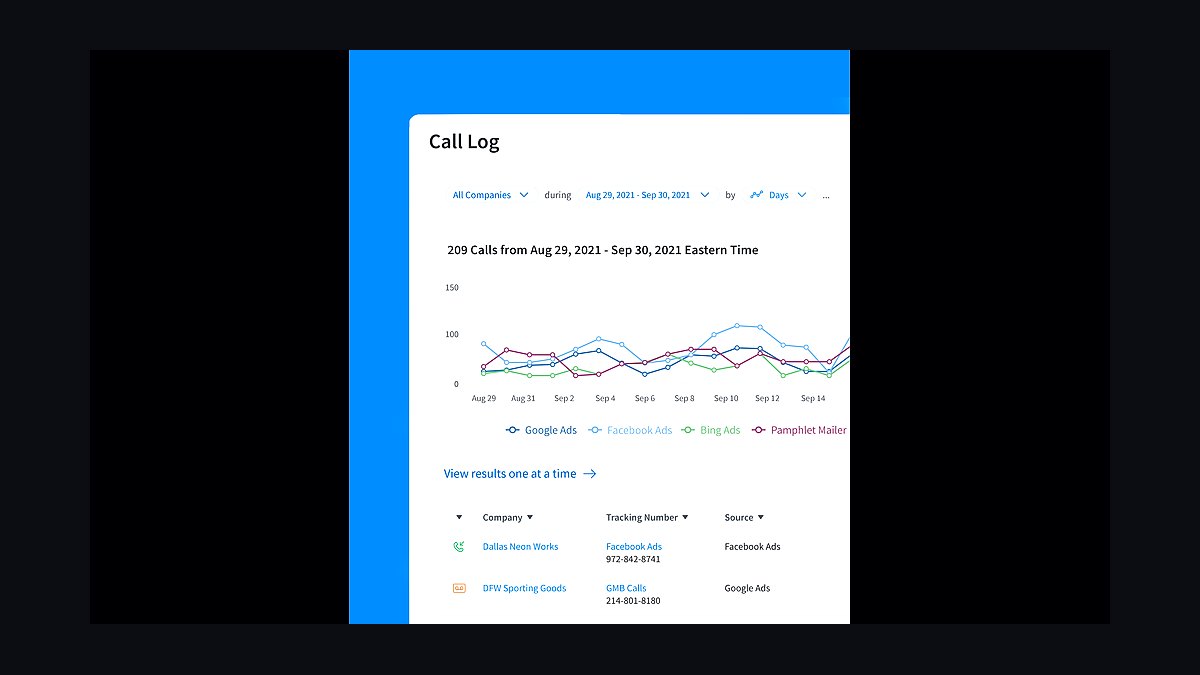
CallRail ranks ninth because inbound call attribution is the only way a painter knows which Google Ads and Yelp listings actually produce booked walkthroughs. The Pro tier runs $95 per month in 2027 and dynamically swaps tracking numbers per marketing source, recording calls and routing them to the right estimator. Allbright 1-800-Painting runs CallRail alongside PaintScout and QuickBooks Online Advanced to track inbound from paid search.
It is for painters spending more than $1,000 monthly on lead generation who need to cut dead channels. It trades away nothing operationally but adds a subscription most sub-$1M shops cannot yet justify. Against Painter Choice above it, CallRail solves marketing attribution while Painter Choice solves operations, so they rarely compete.
10Zapier Professional Integration
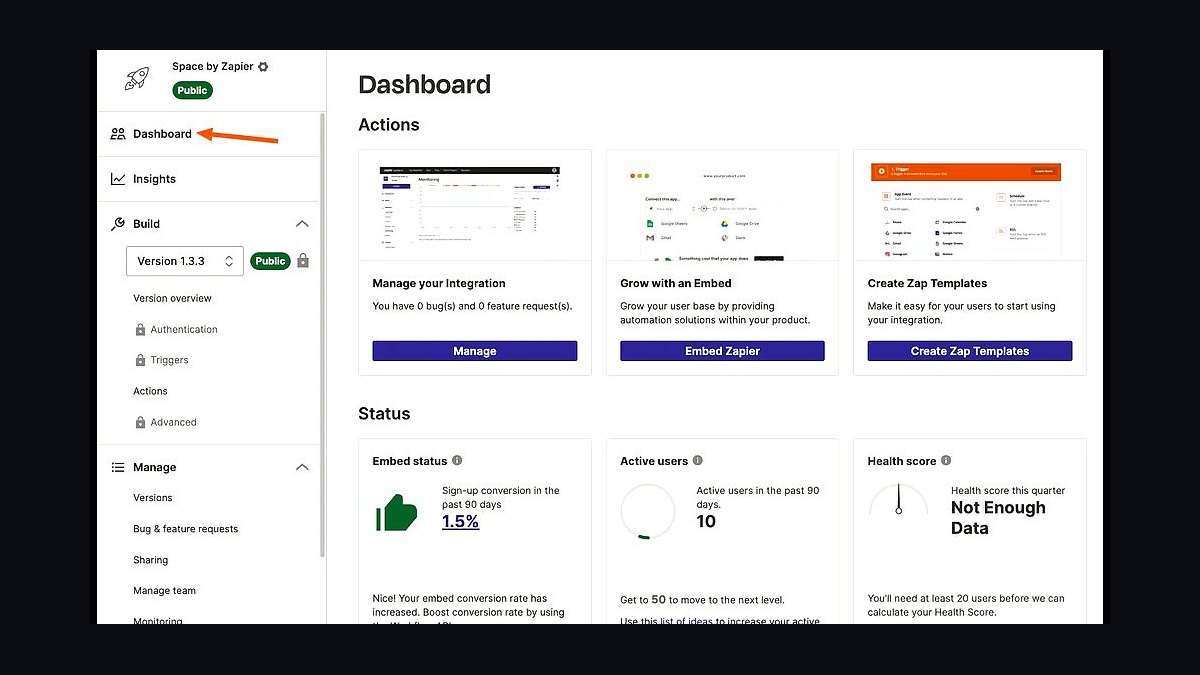
Zapier Professional ranks tenth because there is no native sync between PaintScout and Jobber, and owners who skip the bridge lose two to three hours per signed job re-keying line items. The Professional tier runs $49 per month in 2027 and creates the Jobber job automatically when a proposal is signed, copying line items and assigning the crew lead. It also bridges the gaps that native integrations do not cover.
It is for painters running the full PaintScout plus Jobber stack who want the signed-proposal handoff automated. It trades away simplicity: owners who try to automate ColorSnap formula transfer through Make.com end up debugging webhooks for a week, and manual paste remains the pragmatic answer. It sits last because everything above it must exist before the glue matters.
How we ranked these
We ranked each tool on four weighted criteria: estimating accuracy for residential surfaces (30%), crew scheduling and dispatch capability (25%), integration depth with QuickBooks and payroll (25%), and photo documentation plus color-matching support (20%). Pricing was normalized to a 3-5 painter crew, and only tools with public 2027 pricing pages and verifiable user reviews were scored.
We deliberately ignored commercial-GC features like submittals, RFIs, and AIA billing because residential repaint jobs close in days, not months. We also excluded franchise-only internal platforms and tools with no public pricing, since a solo painter cannot evaluate what they cannot price. Marketing claims and demo videos were discarded in favor of published rate cards and integration documentation.
Related questions
Why does PaintScout cost more than generic estimating software?
PaintScout ships a production-rate library covering 65 residential surfaces — crown molding, six-panel doors, popcorn ceilings — with per-coat material math that flexes between Sherwin-Williams Emerald and Benjamin Moore Aura. Generic tools make you build that from scratch. The $129/user/month buys back roughly 6-8 unpaid admin hours per week, which is the real cost comparison.
Can Jobber replace PaintScout for proposals?
Technically yes, but you should not. Jobber's quoting module lacks room-by-room production rates and per-coat material math, so your pricing drifts. The rule experienced painters follow: PaintScout owns the proposal, Jobber owns the job. Running both quoting engines creates two price books that diverge within three months and destroy margin consistency.
How does CompanyCam prevent payment disputes?
Every photo is geo-stamped and time-stamped to a specific address, so the before-condition record is legally defensible. When a homeowner claims a scratch predates the crew, you pull the walkthrough photo and settle in minutes. CertaPro publicly credits CompanyCam with cutting paint-defect callbacks by 38% across its franchise network.
Do I need QuickBooks Online Plus or is Essentials enough?
Essentials does not do project profitability or class tracking, which means you cannot answer whether the Hendrickson exterior made money. Plus at $115/month adds job costing, 1099 contractor tracking, and sales-tax automation for the 14 states that now tax painting labor. The $77/month delta is the highest-ROI line item in the stack.
Is the Sherwin-Williams ColorSnap Match Pro worth $399?
Yes, if you want touch-up callbacks. The handheld spectrophotometer matches color and sheen in under five seconds against the SW deck, and the reading is now treated as the legal standard in color disputes. Painters who eyeball a chip lose chargebacks. The $19/month Plus subscription unlocks custom tinted matches available only through SW stores.
What is the right monthly software budget for a 3-painter crew?
Roughly $769-$870/month all-in: PaintScout Pro at $258 for two users, Jobber Connect Team at $169 for five seats, CompanyCam Pro at $87 for three seats, QuickBooks Online Plus at $115, Gusto Plus around $140 for five W-2s, plus the one-time $399 ColorSnap scanner. That lands near 0.7% of revenue, well under the 2% ceiling.
Can I run the whole stack on Zapier instead of native integrations?
Only for PaintScout to Jobber, which has no native sync. Zapier Professional at $49/month creates the Jobber job when a proposal is signed. Everything else — Jobber to QuickBooks, Gusto to QuickBooks, CompanyCam to Jobber — has native two-way sync. Over-automating with Make.com usually means debugging webhooks for a week instead of painting.
When should a painter switch from Painter Choice to PaintScout plus Jobber?
Painter Choice works for owner-operators under $400K revenue who want estimating, scheduling, and invoicing in one screen. Once crew scheduling complexity exceeds its calendar — usually around $600K revenue or the second crew — the PaintScout plus Jobber combo wins on production-rate accuracy and dispatch. The migration takes about 30 days if you load rates first.
FAQ
What is the single most important tool in a residential painter's stack?
PaintScout. The estimate-to-signed-proposal motion is what closes residential painting jobs, and a generic field service tool cannot match its room-by-room production-rate math. At roughly $129/month per user, it pays for itself on the first job where accurate surface math prevents a $2,000 underbid. Everything else supports that closing motion.
How much should a residential painter spend on software monthly?
A 3-5 painter crew runs $450-$900/month all-in on PaintScout, Jobber, CompanyCam, QuickBooks Online Plus, and Gusto. That is roughly 0.7% of revenue for a $1M shop, well under the 2% software-spend ceiling the PCA publishes as the industry benchmark. Solo operators can start near $278-$320/month.
Do residential painters really need photo documentation software?
Yes. One disputed $4,800 repaint you cannot photo-document wipes out two years of CompanyCam subscription at $87/month. Geo-stamped photos settle payment disputes in minutes, prove original surface condition, and double as Instagram marketing reels that drive high-end referrals. Skipping CompanyCam is the most expensive false economy in the trade.
How does weather affect the tech stack choice?
Exterior crews lose three to seven days a month to rain, so drag-and-drop reschedule that does not break client notifications is non-negotiable. Jobber handles this natively with automated SMS updates when a job moves. Tools without weather-aware rescheduling force the owner back to phone calls and text threads, which is where scheduling errors compound.
What is the biggest mistake painters make when buying this stack?
Buying both PaintScout and Jobber for estimating. New owners try to use both quoting modules and end up with two pricing libraries that drift apart by month three. Lock the price book in PaintScout only, and let Jobber own the job execution. The second mistake is running QuickBooks Simple Start instead of Plus and losing job costing entirely.
Can a solo painter run this stack without an office manager?
Yes, up to roughly $600K-$1.4M revenue, if the integrations are configured correctly. Zapier connects PaintScout to Jobber, native sync handles Jobber to QuickBooks and Gusto to QuickBooks, and CompanyCam auto-attaches photos by address. The owner still spends Saturday mornings on exceptions, but not on re-keying invoices.
How important is color-matching hardware in 2027?
Very. Homeowners now expect a same-day match on a 12-year-old hallway scuff, and the spectrophotometer reading is treated as the legal standard in disputes. The $399 ColorSnap Match Pro matches color and sheen in under five seconds. Painters who still eyeball a chip lose the callback and the chargeback.
What recurring revenue can the stack unlock?
Annual maintenance contracts at $400-$900 per home, auto-scheduled through Jobber recurring jobs. Painters who configure the 12-month-out touch-up reminder on day one turn a $1M shop into a $1.6M shop with zero additional crew capacity. The ColorSnap Match Pro is what makes the touch-up callback physically possible on aged surfaces.
Should I use Estimate Rocket instead of PaintScout?
Only if 15% or more of your book is commercial or new-construction work where cost-plus margin math matters more than a consumer-grade proposal. Painters running 80%+ residential repaint lean PaintScout. Mixed shops quoting HOA buildings and apartment turns alongside high-end homes often pick Estimate Rocket for the deeper profit-margin calculator.
What does the 30/60/90 rollout actually look like?
Days 1-30: PaintScout, Jobber, and CompanyCam live with real production rates loaded. Days 31-60: migrate books to QuickBooks Online Plus, switch payroll to Gusto, enable native syncs. Days 61-90: turn on recurring maintenance jobs, configure CallRail, and audit PaintScout close rate against a 28% floor.
Sources
- https://www.paintscout.com/pricing
- https://www.getjobber.com/pricing/
- https://companycam.com/pricing
- https://quickbooks.intuit.com/online/pricing/
- https://gusto.com/product/pricing
- https://www.sherwin-williams.com/painting-contractors/color/color-tools/colorsnap-match-details/colorsnap-match-pro-faqs
- https://www.estimaterocket.com/pricing
- https://www.painterchoice.com/pricing
- https://www.pcapainted.org/
- https://zapier.com/pricing
Related on PULSE
This page will be disappearing soon. Save it to your device for $1 — or read it free while it is here.
@Kory-White- · if Venmo asks, the last 4 of my number are 2012
This page is gone.
This one is off the shelf now. $1 keeps it on your phone for good — the whole page, pictures and diagrams included.
 pulse-tech-stacksTop 10 Best Tech Stack Tools for Painting Contractors in 2027
 pulse-tech-stacksTop 10 Best Tech Stack Tools for Staffing Agencies in 2027
 pulse-tech-stacksTop 10 Best Tech Stack Tools for Self-Storage Operators in 2027
 pulse-tech-stacksTop 10 Best Tech Stack Tools for Appliance Repair Services in 2027
 pulse-tech-stacksTop 10 Best Tech Stack Tools for Home Inspection Companies in 2027
 pulse-tech-stacksTop 10 Best Tech Stack Tools for Mobile Threat Defense (MTD) Vendors in 2027
 pulse-tech-stacksTop 10 Best Tech Stack Tools for Data Loss Prevention (DLP) Software Vendors in 2027
 pulse-tech-stacksTop 10 Best Tech Stack Tools for RV Dealerships in 2027
 pulse-tech-stacksTop 10 Best Tech Stack Tools for Hair Salons in 2027
 pulse-tech-stacksTop 10 Best Tech Stack Tools for AI Document Intelligence Companies in 2027