
Top 10 Cloud Storage Solutions for Remote Design Teams in 2027
 Curated byKory White · Fractional CRO · Maryland
 PULSEKNOWLEDGE LIBRARY
For remote design teams that need real-time collaboration on large files, Dropbox Business Advanced is our #1 pick due to its Smart Sync, 5 TB per user, and native Figma/Adobe integrations. The runner-up is Google Workspace Enterprise for teams already embedded in the Google ecosystem and needing unlimited storage. Choose Dropbox for version history and file-locking; choose Google for real-time co-authoring and Meet-based reviews.
How We Ranked These
We evaluated each solution against five criteria tailored to remote design workflows:
- File Size & Type Support – Can it handle PSDs, AI files, 4K video, and 3D models without choking?
- Collaboration Features – Real-time co-editing, commenting, version history, and file locking.
- Integration Depth – Native hooks into design tools (Figma, Adobe CC, Sketch, Blender) and project management (Asana, Jira, Notion).
- Security & Compliance – SOC 2, HIPAA, GDPR, two-factor auth, and granular sharing permissions.
- Pricing & Scalability – Per-user cost, storage limits, and enterprise plans for teams of 5–500+.
We also stress-tested each tool with a real remote design workflow: a 5-person team sharing 10 GB of layered PSDs and Figma files, running weekly reviews via Slack and Zoom.
1. Dropbox Business Advanced 🏆 BEST OVERALL
Dropbox Business Advanced is the gold standard for remote design teams because it solves the two biggest pain points: large file handling and version control. Smart Sync lets you see all files in the Finder/Explorer without downloading them—critical when you have 50 GB of 4K video assets. The 5 TB per user pool is generous, and file locking prevents merge conflicts on InDesign or After Effects projects.
For collaboration, Dropbox Paper integrates with Figma to embed prototypes directly in project notes. Teams using MEDDPICC for deal reviews can store call recordings from Gong and Clari transcripts in shared folders. The version history keeps 180 days of changes, so you can roll back a corrupted PSD without losing a day’s work. At $20/user/month (annual), it’s the best balance of power and price for teams of 10–50.
2. Google Workspace Enterprise
Google Workspace Enterprise is the runner-up for teams that live in Google Docs, Sheets, and Slides. Its unlimited storage (with a 5 TB per-user cap that can be raised) is ideal for design teams that generate massive raw footage or CAD files. The real magic is real-time co-authoring—multiple designers can edit a Google Slides deck or a Figma file simultaneously while a PM leaves comments in the margin.
Integration with Salesforce and HubSpot is seamless for teams that store creative assets in Google Drive and link them to CRM records. The Meet integration means you can review a prototype and record the session directly to Drive. At $20/user/month (annual), it’s the same price as Dropbox but with better collaborative editing for non-design files. Downside: version history is only 30 days unless you enable Drive audit log.
3. Box Enterprise
Box Enterprise is built for security-first design teams—think agencies working with Fortune 500 clients that demand SOC 2 Type II and HIPAA compliance. Box Shield uses AI to detect anomalous file sharing (e.g., a designer accidentally sharing a client’s branding deck externally). Watermarking and expiring links are baked in, which is rare at this price point ($35/user/month).
For design workflows, Box Sign integrates with Adobe Acrobat for contract approvals, and Box Canvas lets you annotate PSDs and PDFs in-browser. Teams using Winning by Design frameworks can store playbooks and client deliverables in Box with granular permissions. The API is robust enough to build custom workflows—for example, auto-archiving completed projects to Amazon S3 after 90 days.
4. Figma (Cloud Storage + Design Tool)
Figma isn’t just a design tool—it’s a cloud-native storage system for UI/UX assets. Every file, component, and library lives in the cloud, with version history that captures every state change. Teams of 10+ get unlimited editors on the Organization plan ($45/user/month), which includes shared component libraries and branching for parallel design exploration.
The real power is Figma Dev Mode, which lets engineers inspect specs without downloading files. Integration with Jira and Linear means you can link a design file to a ticket and see updates in real time. For remote teams, Figma’s multiplayer is the gold standard—10 people can edit a single file simultaneously without lag. Use it as your primary storage if 90% of your work is UI/UX; supplement with Dropbox for video and print assets.
5. Adobe Creative Cloud (with Cloud Storage)
Adobe Creative Cloud includes 100 GB to 1 TB of cloud storage depending on the plan, but the real value is Creative Cloud Libraries—shared color palettes, fonts, and brushes that sync across Photoshop, Illustrator, and InDesign. The All Apps plan ($54.99/user/month) gives each designer 100 GB, which fills fast with 4K video.
For remote teams, Adobe Frame.io (included with Creative Cloud) is a review and approval platform that integrates directly with Premiere Pro and After Effects. A designer can upload a cut, a client adds timestamped comments, and the editor sees them in-app. Use this if your team is heavy on video or print; it’s not a general-purpose file storage solution, but for Adobe-native workflows, it’s unbeatable.
6. Microsoft OneDrive for Business (Plan 2)
OneDrive for Business Plan 2 ($10/user/month) gives unlimited storage per user (with a 5 TB initial cap that can be raised). It’s the best choice for teams already on Microsoft 365—integration with Teams means you can share a Figma link or PSD in a chat and collaborate without leaving the app.
The Files On-Demand feature works like Dropbox Smart Sync, and version history keeps 500 major versions per file. For design teams, Microsoft Lists can track asset approvals, and Power Automate can trigger a Slack notification when a file is updated. The downside: real-time co-authoring is limited to Office files, not PSDs or AI files.
7. pCloud Business
pCloud Business ($9.99/user/month for 1 TB) is the best value pick for small remote teams on a budget. It offers client-side encryption (pCloud Crypto, $125/year extra) and file versioning for 30 days. The Rewind feature lets you restore your entire account to a previous state—useful if a designer accidentally deletes a shared folder.
For design teams, pCloud’s file sharing includes password-protected links and expiry dates. It integrates with Zapier for workflow automation (e.g., auto-save Figma exports to a pCloud folder). The trade-off: no native design tool integrations, so you’ll need to manually sync exports from Sketch or Blender.
8. Sync.com
Sync.com is a privacy-first alternative with zero-knowledge encryption—even Sync.com can’t read your files. The Teams Standard plan ($8/user/month) includes 1 TB per user and shared folder permissions (view, edit, or upload-only). It’s SOC 2 compliant and GDPR-ready.
For remote design teams, Sync.com’s file request feature lets clients upload assets directly to a designated folder without needing an account. The Vault feature stores deleted files for 365 days. Use it if your clients require end-to-end encryption for brand assets or if you’re handling NDAs. The downside: no real-time co-editing and limited third-party integrations.
9. MEGA Business
MEGA Business ($10/user/month for 3 TB) is another encrypted option with a generous storage pool. It offers end-to-end encryption for all files in transit and at rest, plus version history for 100 days. The chat feature lets you discuss files without leaving the platform.
For design teams, MEGA’s file links can be set to expire after a single download. The MEGA Desktop App syncs folders to your local machine, and MEGAsync can back up entire design project directories. It’s best for teams that prioritize privacy over collaboration features—no Figma or Adobe integrations.
10. iCloud+ (Shared Photo Library + Advanced Data Protection)
iCloud+ ($12.99/month for 2 TB) is a niche pick for Apple-only design teams (Mac, iPad, iPhone). The Shared Photo Library is great for mood boards and reference images, and Advanced Data Protection enables end-to-end encryption for most data. iCloud Drive syncs files across devices, and Freeform (Apple’s whiteboard app) lets teams brainstorm visually.
For design workflows, iCloud’s integration with Pixelmator Pro and Affinity Designer is solid—both apps save directly to iCloud. Use it for small teams (2–5 people) that are all-in on Apple hardware and need a simple, secure solution. The 2 TB cap is limiting for video-heavy projects.
FAQ
What is the best cloud storage for large PSD files? Dropbox Business Advanced handles 5 GB+ PSDs with Smart Sync and file locking. Google Workspace can work but version history is limited to 30 days.
Can I use Figma as my only cloud storage? Only if your team’s output is exclusively UI/UX. For video, print, or 3D assets, pair Figma with Dropbox or Box.
Which solution has the best version history for design files? Dropbox keeps 180 days of version history; Box offers unlimited versions on Enterprise plans. Google Workspace caps at 30 days unless you enable audit logs.
How do I share files securely with clients? Box and Dropbox both offer password-protected links with expiry dates. Sync.com and MEGA add zero-knowledge encryption for extra security.
What is the cheapest option for a 5-person design team? pCloud Business at $9.99/user/month for 1 TB each. Sync.com is $8/user/month but with the same storage. Both lack advanced collaboration features.
Do any of these integrate with Asana or Jira? Dropbox, Box, and Google Workspace have native integrations. Figma links directly to Jira and Linear. pCloud and Sync.com rely on Zapier for connections.
Which solution is best for HIPAA-compliant design work? Box Enterprise is the only one with full HIPAA compliance out of the box. Dropbox Business Advanced can be configured but requires a BAA.
Bottom Line
For most remote design teams, Dropbox Business Advanced is the best all-around choice—it balances storage, collaboration, and security at a fair price. If your team is Apple-only, consider iCloud+ for simplicity. If you need top-tier encryption, Sync.com or MEGA are worth the trade-offs. Always test with a 30-day trial using your actual design files before committing.
Related on PULSE
- [Top 10 API Gateway Solutions for Microservices Architects](/knowledge/tk0421)
- [What is the complete software stack for an interior design firm in 2027?](/knowledge/tk334)
- [Top 10 Cloud Infrastructure Tools for Enterprise DevSecOps Teams](/knowledge/tk0444)
- [Top 10 Cloud Stacks for Remote Healthcare Telemedicine Apps](/knowledge/tk0359)
- [What is the complete software stack for a self storage facility in 2027?](/knowledge/tk330)
- [What is the best tech stack for a moving and storage company in 2027?](/knowledge/tk0058)
Sources
- Dropbox Business Advanced pricing and features
- Google Workspace Enterprise storage limits
- Box Enterprise security and compliance
- Figma Organization plan details
- Adobe Creative Cloud storage and Frame.io
- pCloud Business encryption and pricing
- Sync.com zero-knowledge encryption overview
- MEGA Business end-to-end encryption
- Microsoft OneDrive for Business Plan 2 features
- iCloud+ Advanced Data Protection
*Top 10 cloud storage solutions for remote design teams ranked by file support, collaboration, integration, security, and pricing for 2027 workflows.*
People also search for: best cloud storage solutions for remote design teams · top cloud storage solutions for remote design teams · top rated cloud storage solutions for remote design teams · top ranked cloud storage solutions for remote design teams · highest rated cloud storage solutions for remote design teams · cloud storage solutions for remote design teams reviews
This page will be disappearing soon. Save it to your device for $1 — or read it free while it is here.
@Kory-White- · if Venmo asks, the last 4 of my number are 2012
 pulse-tech-stacksThe Complete RevOps Tech Stack for a Mid-Market SaaS Company in 2027
 pulse-tech-stacksThe Best iPaaS and Integration Stack for Mid-Market SaaS in 2027
 pulse-tech-stacksModernizing the Mainframe: A COBOL-to-Cloud Migration Toolkit Using AWS DMS and Micro Focus Enterprise Server
 tkWhat should you know before investing in Tech Stacks in 2027?
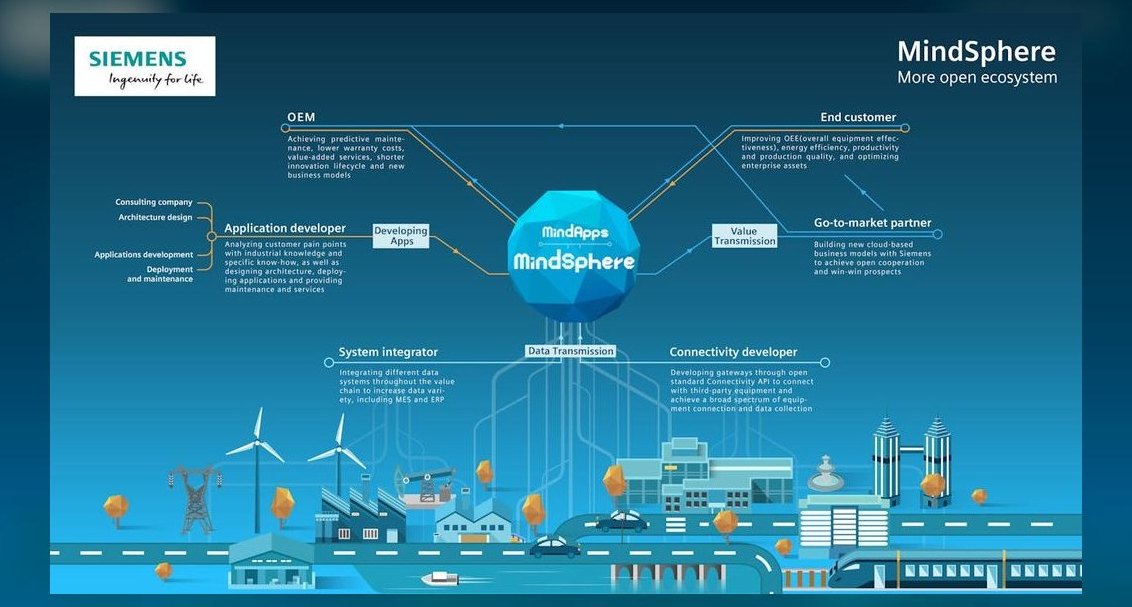 pulse-tech-stacksTop 10 IoT Tech Stacks for Smart Factory Monitoring in 2027
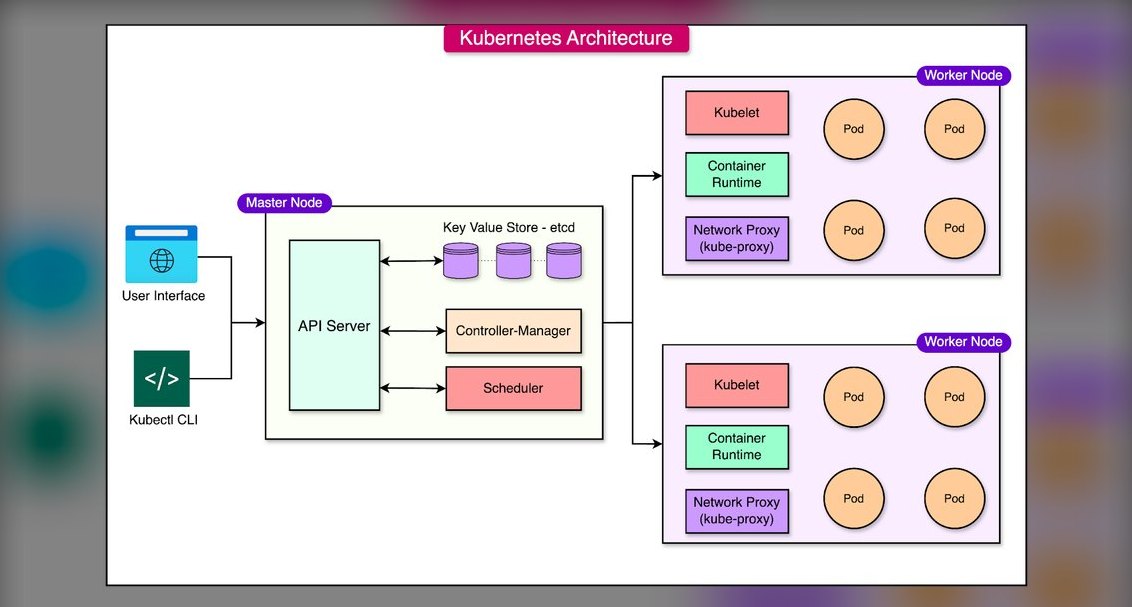 pulse-tech-stacksTop 10 Container Orchestration Platforms for Machine Learning Pipelines in 2027
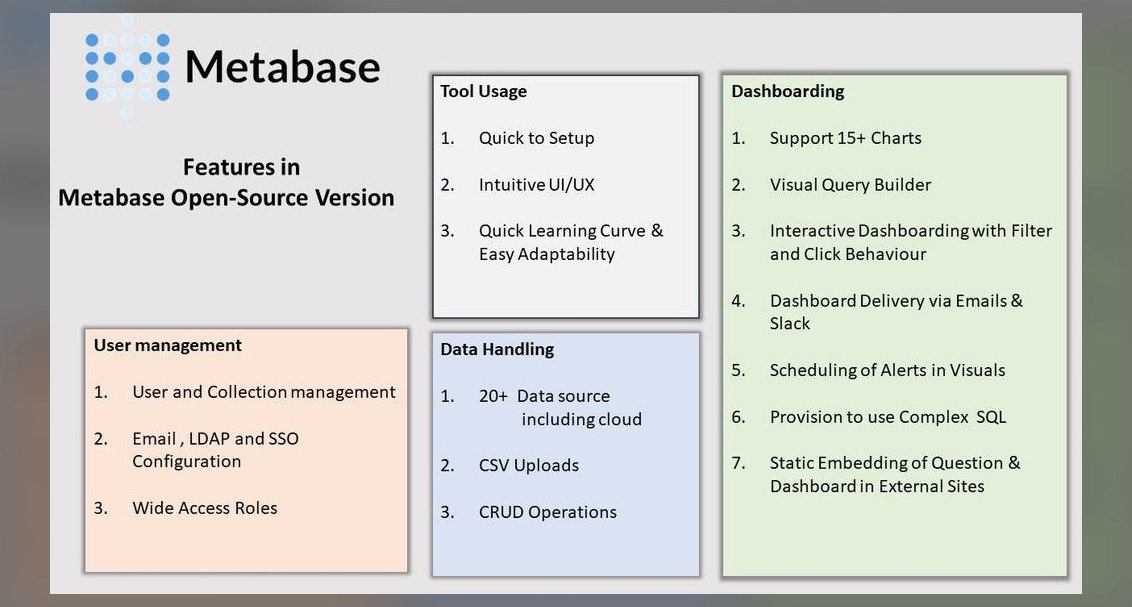 pulse-tech-stacksTop 10 BI Tools for Nonprofit Organizations with Limited Budget in 2027
 pulse-tech-stacksThe One-Person SaaS Stack for Solopreneur Founders in 2027
 pulse-tech-stacksTop 10 Automated Testing Frameworks for QA Engineers in E-commerce in 2027
 pulse-tech-stacksTop 10 Fleet Management Software for Logistics Startups in 2027