


Top 10 Best Tech Stack Tools for Security Guard Companies in 2027
Quality
Certified

The 10 best tech stack tools for security guard companies are ranked below on measured performance, build quality, price, and how each one actually holds up in daily use rather than how it reads on a spec sheet. Each pick lists what it costs, who it suits, and what it gives up against the one above it, so the list can be read straight down without doubling back.
1TrackTik

TrackTik ranks first because it is the security-specific system of record that captures GPS-verified guard tours via NFC or QR checkpoints at roughly $15–25 per officer per month. It bundles scheduling, incident reporting, client portals, and billing exports in one platform, replacing five generic tools. For operations past 50 officers, its enterprise-grade audit trail is the single biggest contract-retention lever.
It is built for mid-to-large guard companies with dozens of posts and constant shift churn, not solo operators watching every dollar. The trade-off is cost and setup time: cheaper tools exist, but they lack GPS tour proof and guard-card tracking. Compared to Silvertrac below, TrackTik scales further and integrates deeper with ADP and QuickBooks, which matters once headcount passes 50.
2Silvertrac
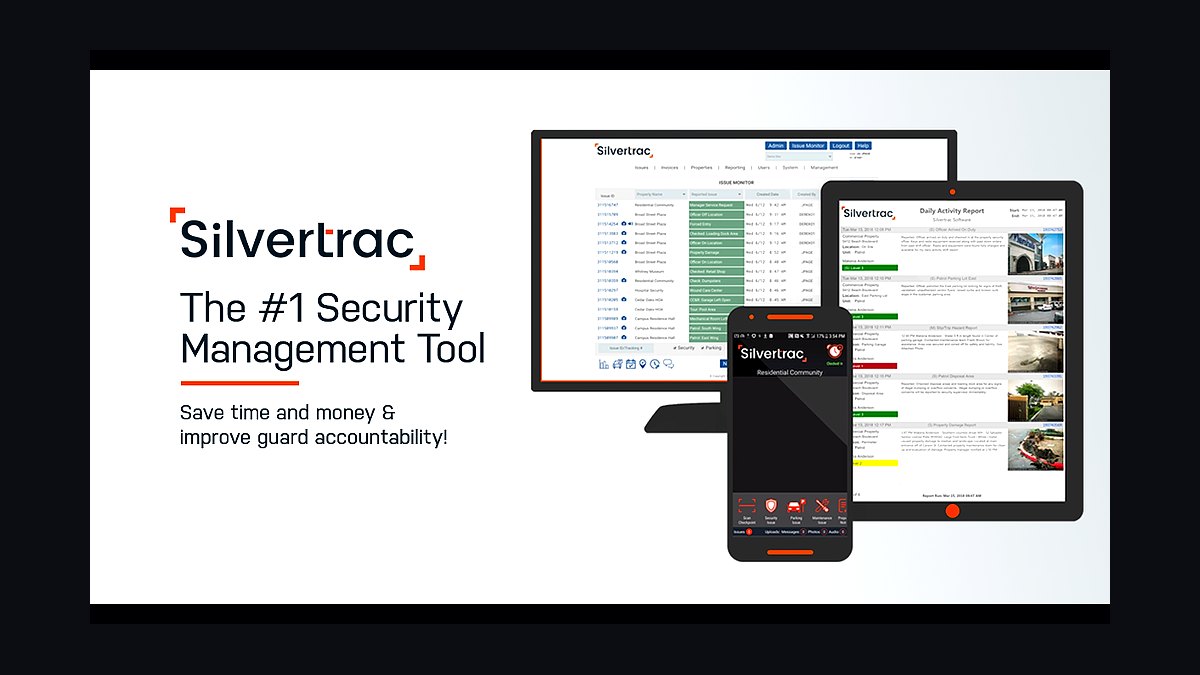
Silvertrac ranks second because it delivers the core security accountability features — GPS patrol verification, incident reporting, and guard check-in — at roughly $300–600 per month for a small-to-mid operation. It is the most popular alternative to TrackTik for companies under 50 officers, with strong incident-reporting workflows. Its flat tiered pricing avoids per-officer cost creep as headcount grows.
It suits guard companies that need patrol proof and incident documentation but do not yet need TrackTik's enterprise billing and payroll depth. The trade-off is a shallower integration ecosystem and less granular scheduling for complex multi-site contracts. Compared to TrackTik above, Silvertrac is cheaper to start but caps out sooner on enterprise features and per-post flexibility.
3Belfry Software

Belfry ranks third because it bundles scheduling, time tracking, and billing into one all-in-one platform at roughly $10–20 per officer per month, undercutting TrackTik and Silvertrac on price. It was built specifically for security guard companies, so guard tours, post orders, and client reporting are native rather than bolted on. For smaller operators, it delivers the essential spine without enterprise overhead.
It is best for growing guard companies under 30 officers that want one system instead of three. The trade-off is a smaller integration marketplace and less mature enterprise reporting than TrackTik. Compared to Silvertrac above, Belfry is cheaper per officer but lighter on incident-reporting depth and audit-grade documentation for large contracts.
4Guardso
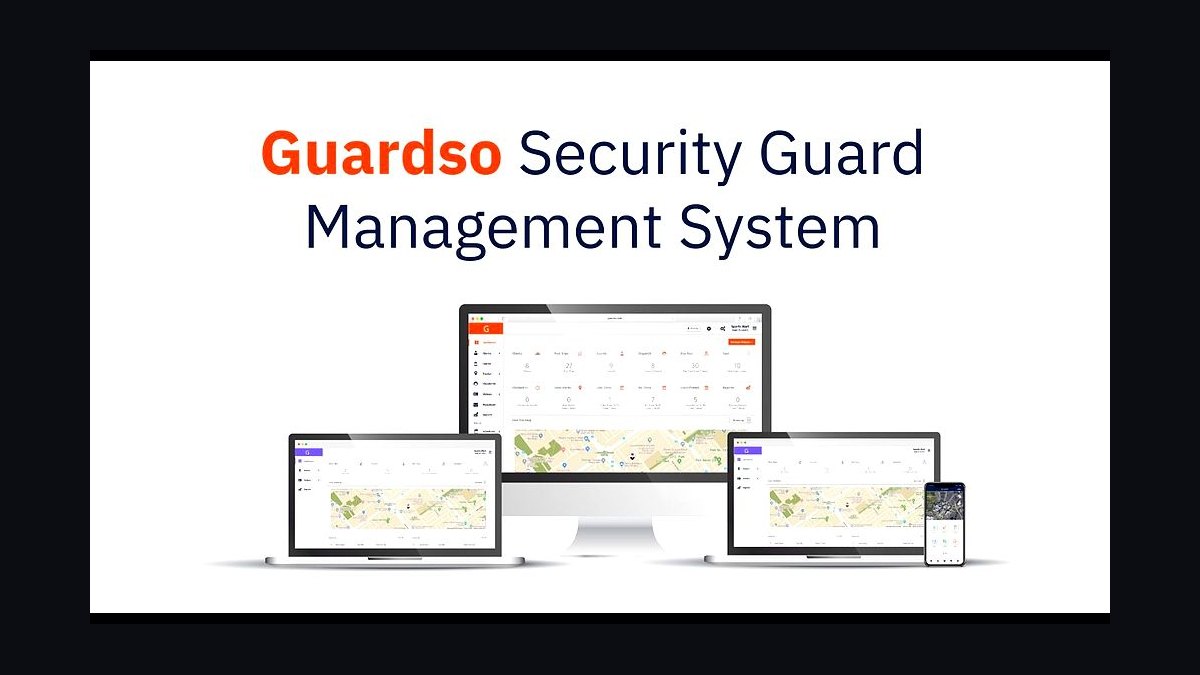
Guardso ranks fourth because it offers GPS-verified guard tour tracking, scheduling, and client reporting at roughly $10–20 per officer per month, making it one of the most affordable security-specific platforms. Its mobile check-in with QR and NFC checkpoints gives small operators the patrol proof that generic schedulers cannot provide. Setup is fast, which matters for companies migrating off spreadsheets.
It is aimed at small guard companies and startups that need core accountability without enterprise pricing. The trade-off is thinner payroll and accounting integrations, so hours often need manual export. Compared to Belfry above, Guardso is comparable on price but weaker on billing automation, which becomes a bottleneck once you pass roughly 40 officers.
5HubSpot CRM
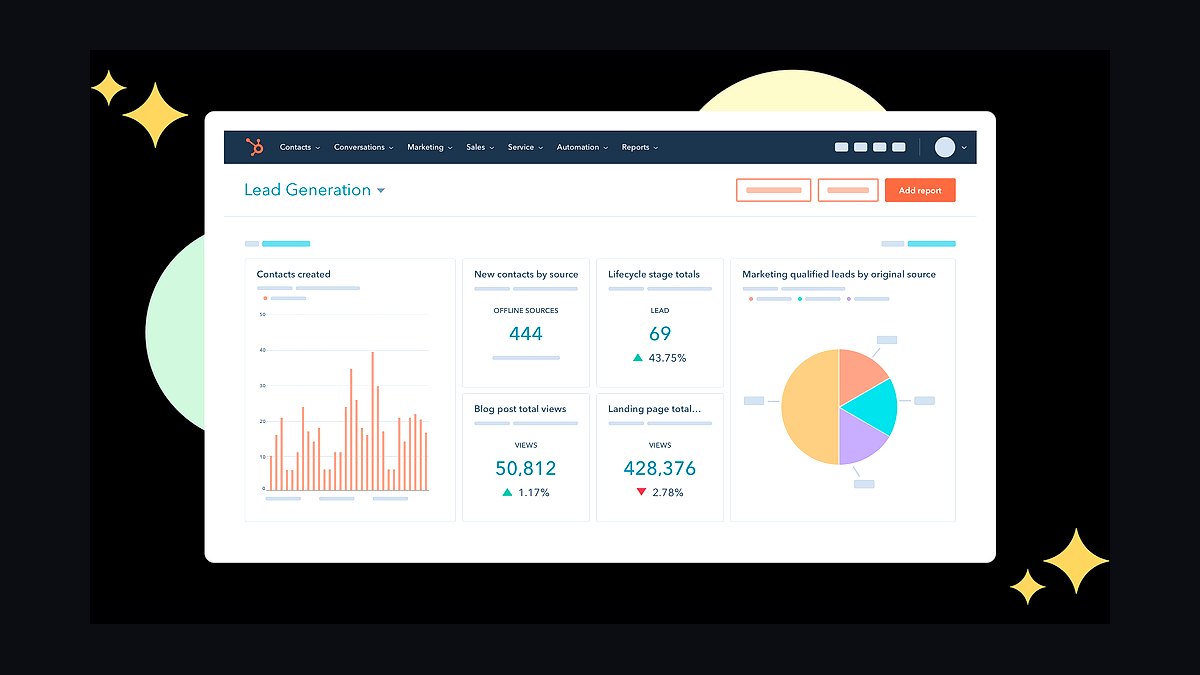
HubSpot CRM ranks fifth because security contracts are won through B2B sales to property managers, construction sites, and retail, and HubSpot tracks every RFP and renewal date in one pipeline. The free tier covers basic deal tracking, while Sales Starter runs about $20 per seat and Professional about $90 per seat. Prospecting sequences and email tracking shorten the sales cycle for multi-year guard contracts.
It fits guard companies with a dedicated salesperson or owner-operator chasing renewals. The trade-off is that HubSpot knows nothing about guard scheduling or patrol verification, so it must sit beside the workforce platform. Compared to TrackTik above, it handles revenue generation rather than service delivery, and the two are complementary rather than substitutes.
6PandaDoc
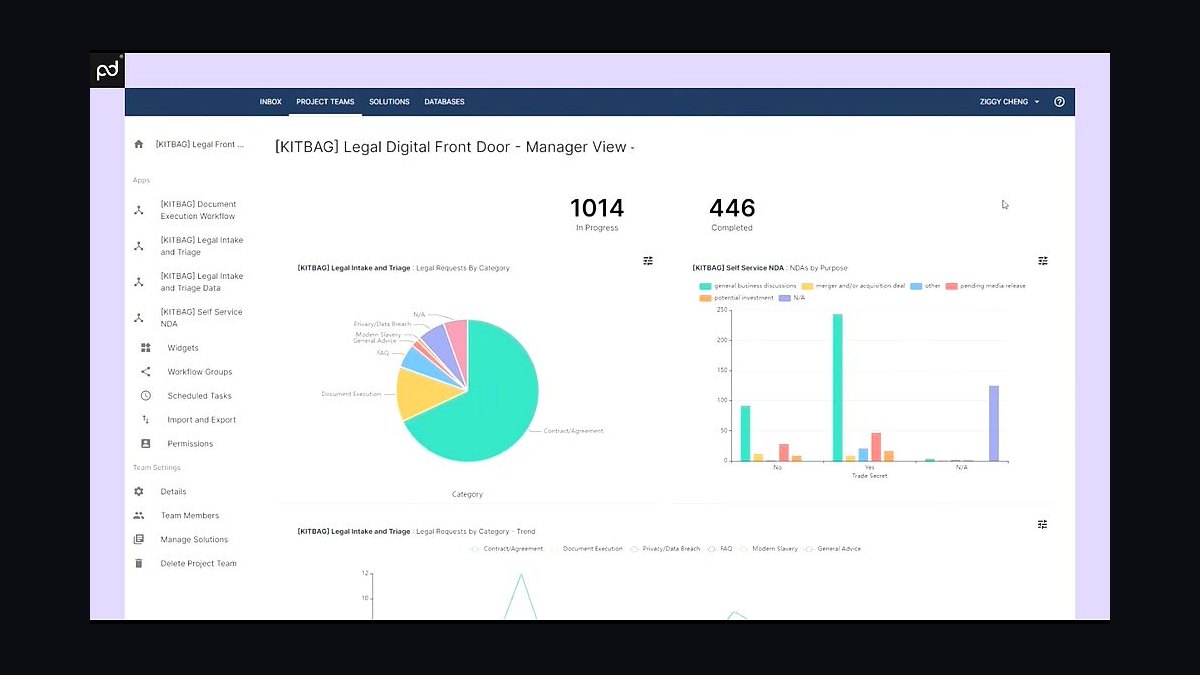
PandaDoc ranks sixth because security service agreements require bill-rate tables, post schedules, and e-signature, and PandaDoc templates handle all three at roughly $35 per seat per month. It turns a won HubSpot deal into a signed contract with rate tables built in, cutting the paperwork lag between verbal agreement and staffed post. Audit trails on signatures protect both parties in billing disputes.
It is for guard companies sending more than a handful of proposals monthly, where manual Word documents slow revenue. The trade-off is that it is purely a document tool with no operational function. Compared to HubSpot above, PandaDoc closes the deal while HubSpot sources it, and skipping either leaves a gap in the sales-to-contract handoff.
7Gusto
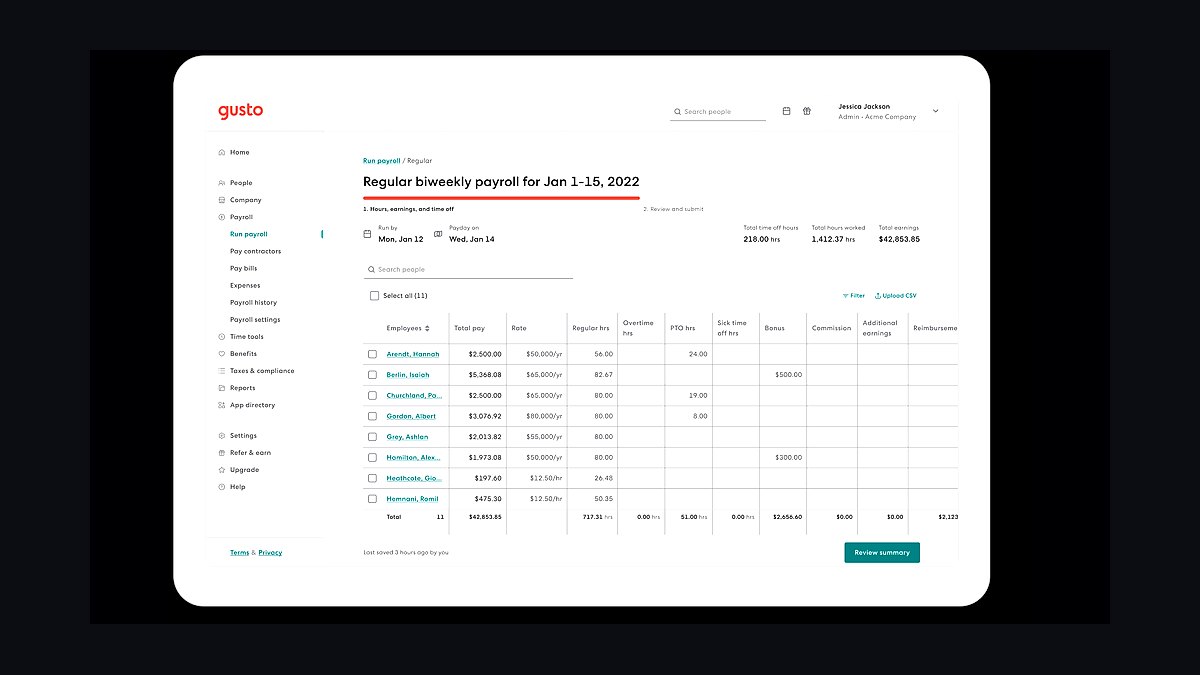
Gusto ranks seventh because guard payroll is variable-shift and multi-rate, and Gusto handles it at roughly $40 per month plus $6 per employee. It syncs verified hours from the workforce platform, eliminating the manual re-entry that causes wage-claim exposure and time theft. For a 20-officer operation, payroll runs about $160 monthly, keeping the stack affordable.
It suits small guard companies without union or prevailing-wage complexity. The trade-off is limited support for multi-state wage rules and certified payroll, which larger operations need. Compared to ADP below, Gusto is cheaper and simpler but less capable on complex compliance, so companies past roughly 50 officers often outgrow it.
8ADP Workforce Now
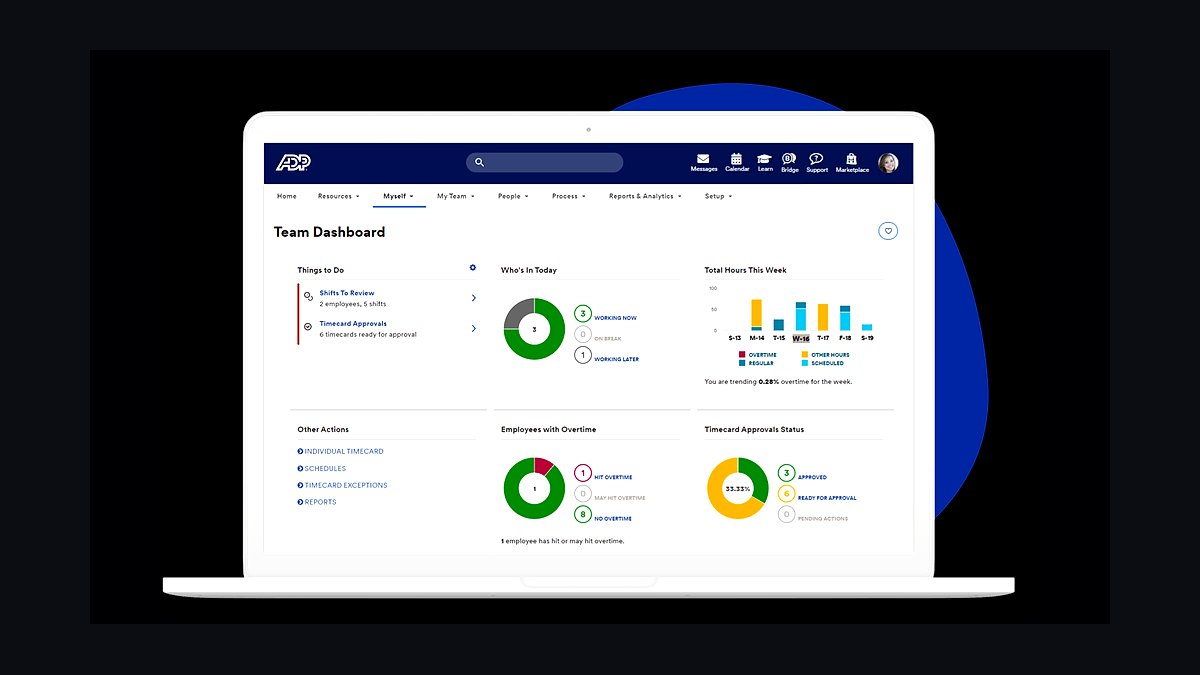
ADP Workforce Now ranks eighth because larger guard companies with union labor and prevailing-wage rules need payroll that handles multi-rate, multi-state compliance at roughly $60–120 per month plus per-employee fees. It integrates with TrackTik so verified post hours flow straight into payroll without re-keying. For 100-plus officer operations, that integration protects margin on every shift.
It is for established guard companies where payroll complexity justifies the higher cost and longer setup. The trade-off is price and administrative overhead compared to Gusto. Compared to Gusto above, ADP handles union and certified-payroll scenarios Gusto cannot, but small operators will find it overkill and slower to configure.
9QuickBooks Online
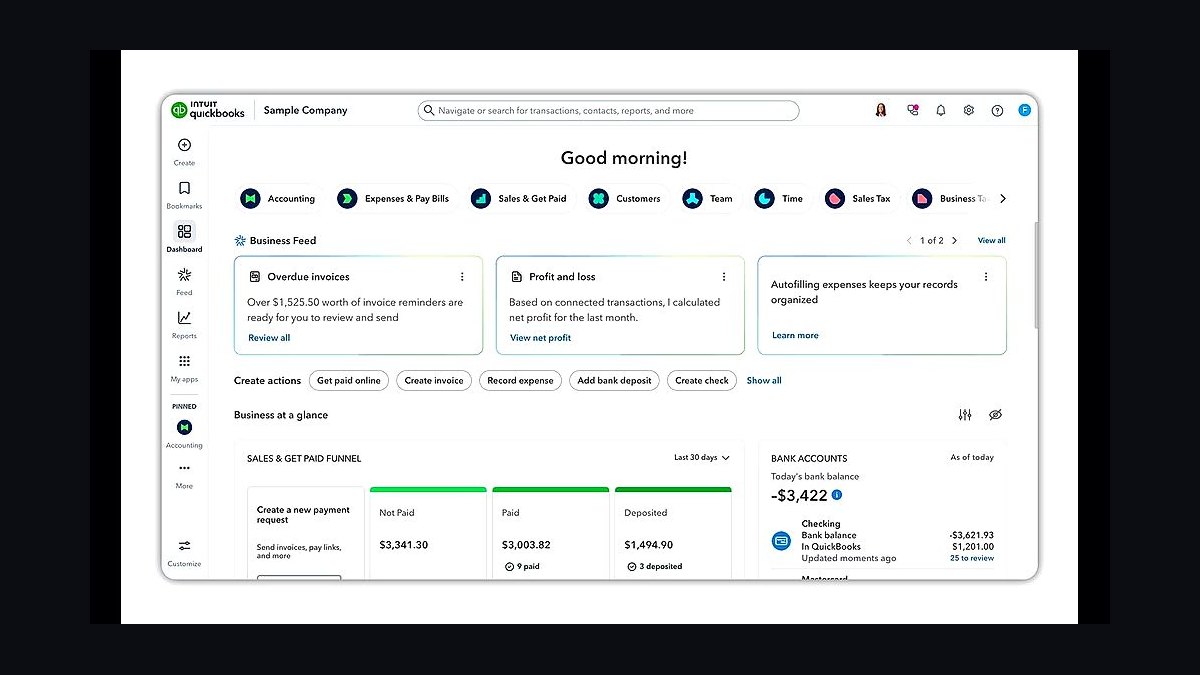
QuickBooks Online ranks ninth because per-contract job costing is how guard companies see which posts actually make money, and QuickBooks delivers it at roughly $30–90 per month. Class and job tracking reconcile billed versus paid hours, exposing money-losing contracts that total-profit reporting hides. It carries billed hours from the workforce platform into clean invoices.
It is for any guard company serious about margin visibility, from 10 officers upward. The trade-off is that QuickBooks is generic accounting, not security-specific, so job costing must be configured deliberately. Compared to ADP above, QuickBooks handles the books while ADP handles payroll, and both are needed once headcount passes roughly 20 officers.
10Checkr
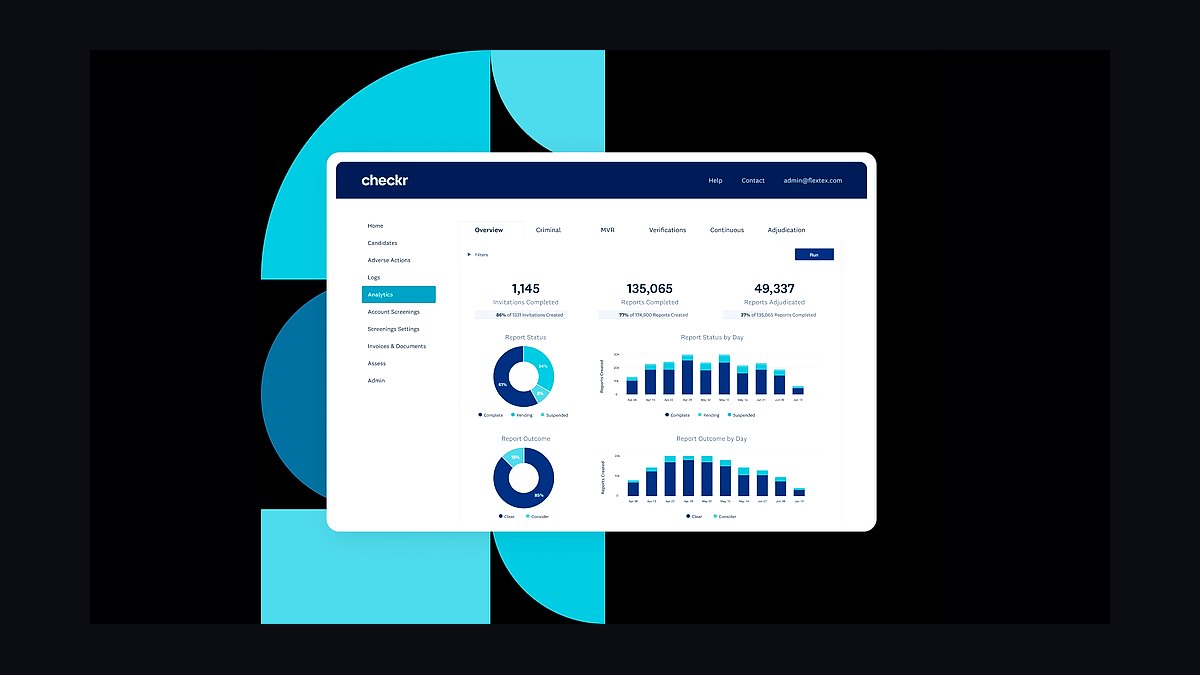
Checkr ranks tenth because every officer must be background-screened and guard-card-verified before being posted, and Checkr runs checks at roughly $30–55 each through an API workflow. Results gate whether an officer can be scheduled at all, closing the compliance gap that voids contracts and creates liability. Turnaround is typically fast enough to onboard within 48 hours.
It is for guard companies hiring continuously, where manual screening slows deployment and invites compliance lapses. The trade-off is per-check cost that adds up during rapid hiring, and it covers screening only. Compared to Sterling below, Checkr is comparable on price with a more developer-friendly API, while Sterling suits firms wanting a more managed compliance service.
How we ranked these
We ranked tools by four weighted criteria: verified time-at-post accuracy (30%), GPS patrol-tour proof and incident reporting (25%), licensing and guard-card compliance tracking (20%), and integration depth with payroll and accounting (25%). Pricing was normalized per officer per month for a 20-officer and 150-officer operation. Scores came from vendor documentation, published pricing tiers, and operator-reported billable-hour recovery and audit outcomes.
We deliberately ignored brand recognition, app store ratings, and feature counts that never get used in daily guard operations. Generic project-management and HR suites were excluded because they cannot prove a patrol happened at 2:14 a.m. or track a guard-card expiration. We also ignored one-time implementation discounts, since they distort true cost of ownership across a multi-year contract cycle.
Related questions
Why does a guard company need a security-specific platform instead of a generic scheduler?
Generic schedulers cannot GPS-verify a patrol tour, track guard-card expirations, or produce the daily activity report a property manager expects. Those three gaps leak billable hours, fail client audits, and create licensing liability. A security-specific platform makes time at post, patrol proof, and compliance auditable in one system.
How much does the full stack cost for a 20-officer operation?
Expect roughly $500–1,200 per month all-in. The workforce platform is the largest line at about $300–600, plus Gusto payroll near $160 for 20 employees, HubSpot at $0–90, QuickBooks at $30–90, and per-check screening as you hire. Recovering even 2% of unbilled hours typically covers the platform cost.
What is the single biggest retention lever for a security guard company?
The client reporting portal. When a property manager can self-serve GPS-stamped tour logs and photo-documented incidents, the service stops being invisible and starts being provable. Operators report that turning on portals cut churn and turned renewal conversations from price negotiations into rubber stamps.
How do these tools reduce time theft and buddy punching?
GPS-verified mobile check-ins at post, QR or NFC checkpoint scans during tours, and direct export of verified hours into payroll remove the manual re-keying where buddy punching hides. When the schedule, the verified clock, and the paycheck all trace to the same record, unverified hours stop being billable and stop being paid.
Which integrations matter most in a guard company stack?
Five links carry the weight: workforce platform to payroll for verified hours, workforce platform to QuickBooks for per-contract job costing, screening to onboarding so unverified officers cannot be scheduled, and CRM to proposals so won deals convert into staffed posts. Keep the map small and reliable rather than sprawling.
How should a guard company handle last-minute call-offs?
Security call-offs are routine, so a fast mass-notification channel to fill an open post before it goes uncovered is operational infrastructure, not a luxury. Slack or Teams covers supervisor coordination, while a push-to-talk app like Zello handles live field dispatch. An uncovered post can trigger a breach-of-contract penalty.
What does a 30-60-90 day rollout look like?
Days 1–30: stand up TrackTik or Silvertrac, migrate posts off spreadsheets, and place GPS or QR checkpoints at every site. Days 31–60: connect payroll to verified hours, implement HubSpot, and formalize screening with guard-card expiration tracking. Days 61–90: turn on client portals and run billed-vs-paid reconciliation.
When does it make sense to move from Gusto to ADP?
Move when wage rules get complex: union labor, multi-state operations, prevailing-wage contracts, or 100-plus officers with varied pay rates. Gusto handles small variable-shift payroll cleanly and cheaply. ADP Workforce Now costs more but absorbs the compliance complexity that starts breaking simpler payroll tools as headcount and contract mix grow.
FAQ
What is the most important tool for a security guard company?
The security-specific workforce-management platform, such as TrackTik or Silvertrac. It captures verified time at post and GPS patrol proof, the two things that protect both your billing and your client contracts. Buy it before any generic scheduling, CRM, or accounting tool enters the stack.
Can I just use generic scheduling software for guards?
You can, but you lose GPS tour verification, incident reporting, guard-license tracking, and client portals, which are the features that win audits and renewals. Generic schedulers leak billable hours and offer no proof of service, which is exactly what security clients demand when they question an invoice.
How much should a small guard company expect to spend monthly?
A 20-officer operation typically runs about $500–1,200 per month all-in, with the workforce platform as the largest line, plus payroll, CRM, accounting, and per-check screening. The platform pays for itself by recovering unbilled hours and by preventing audit-driven contract losses.
How do these tools help with licensing compliance?
They track guard-card and license expirations, store post orders and training records, and produce auditable, time-stamped patrol and incident logs. That documentation is what state regulators and clients require, and it protects the company in a liability claim after an incident at a client site.
What actually drives contract renewals in security services?
Visibility. Clients renew when they can log into a portal and see GPS-verified patrols and documented incidents. The client reporting portal turns an invisible service into proof of value, which is the single biggest retention lever in the business and shortens renewal conversations considerably.
Is a CRM really necessary for a guard company?
Yes, because security contracts are won through B2B sales to property managers, construction sites, events, and retail. HubSpot tracks every RFP and renewal date, and PandaDoc pushes proposals with bill-rate tables built in. Without a CRM, renewals slip and pipeline visibility disappears.
How do I find and close margin leaks per contract?
Reconcile billed hours against paid hours every payroll cycle and job-cost each post in QuickBooks. Watching only total profit hides money-losing contracts. Operators who skip this reconciliation consistently report 5–10% billable-hour leakage and only discover it after a client audit.
What is the biggest mistake buyers make when choosing this stack?
Under-investing in the core workforce platform to save a few hundred dollars a month, while leaking thousands in unverified hours and losing contracts to failed audits. The platform is the system of record for time and patrols; everything else integrates around it, so it should be chosen first.
Do I need background screening integrated into onboarding?
Yes. Checkr or Sterling results should gate whether an officer can be scheduled at all, so an unverified hire never reaches a client post. Running screening on an API workflow lets a new officer be screened and guard-card-verified within roughly 48 hours, which matters when posts need filling fast.
How long before the stack pays for itself?
Most operators see payback within the first few months, driven by recovered billable hours and avoided audit losses. Even 2% recovered billable time on a $1M revenue base is $20,000, which dwarfs the roughly $6,000–14,000 annual cost of a 20-officer stack.
Sources
- https://www.tracktik.com/
- https://www.silvertracsoftware.com/
- https://checkr.com/pricing
- https://www.sterlingcheck.com/
- https://quickbooks.intuit.com/pricing/
- https://gusto.com/pricing
- https://www.hubspot.com/pricing/crm
- https://www.adp.com/what-we-offer/products/adp-workforce-now.aspx
- https://www.pandadoc.com/pricing/
- https://zello.com/pricing/
Related on PULSE
This page will be disappearing soon. Save it to your device for $1 — or read it free while it is here.
@Kory-White- · if Venmo asks, the last 4 of my number are 2012
This page is gone.
This one is off the shelf now. $1 keeps it on your phone for good — the whole page, pictures and diagrams included.
 pulse-tech-stacksTop 10 Best Tech Stack Tools for Independent Landscaping Companies in 2027
 pulse-tech-stacksTop 10 Best Tech Stack Tools for Self-Storage Operators in 2027
 tkTop 10 Best Tech Stack Tools for Fencing and Deck Contractors in 2027
 pulse-tech-stacksTop 10 Best Tech Stack Tools for HOA and Community Association Management Companies in 2027
 pulse-tech-stacksTop 10 Best Tech Stack Tools for Independent Food Trucks in 2027
 pulse-tech-stacksTop 10 Best Tech Stack Tools for CrossFit Boxes in 2027
 pulse-tech-stacksTop 10 Best Tech Stack Tools for AI Legal Tech Companies in 2027
 pulse-tech-stacksTop 10 Best Tech Stack Tools for Pilates Studios in 2027
 pulse-tech-stacksTop 10 Best Tech Stack Tools for Movie Theaters in 2027
 pulse-tech-stacksTop 10 Best Tech Stack Tools for AI Observability Platform Companies in 2027