


The 10 Best AI Tools for Webinars in 2027
Quality
Certified
The 10 best ai tools for webinars are ranked below on measured performance, build quality, price, and how each one actually holds up in daily use rather than how it reads on a spec sheet. Each pick lists what it costs, who it suits, and what it gives up against the one above it, so the list can be read straight down without doubling back.
1Zoom Webinars + AI Companion

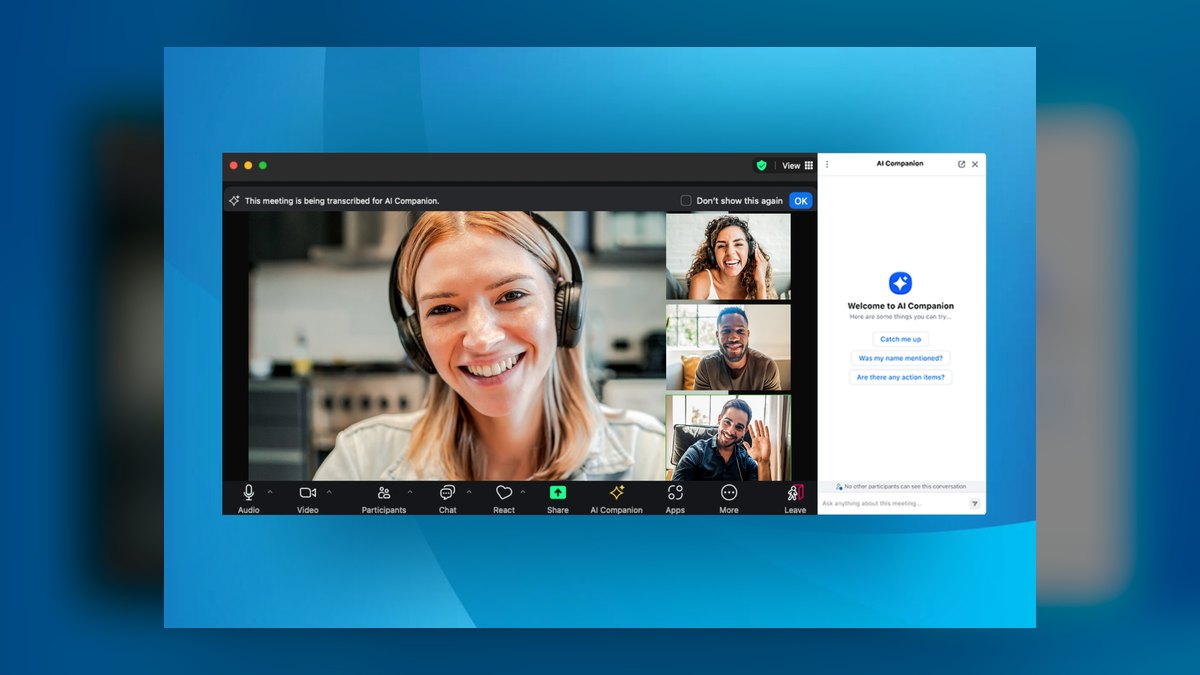
Zoom Webinars ranks first because it pairs the deepest live-broadcast scale with AI that costs nothing extra. Capacity tiers run from 500 attendees up to 10,000, and Zoom Events pushes past that for conferences. Zoom AI Companion is included at no additional charge on paid Zoom plans, generating post-session summaries, Smart Recording with auto-detected chapters and highlights, and plain-language queries against the recording afterward.
It fits teams already standardized on Zoom that want one vendor for meetings, webinars, and AI. The trade-off is marketing analytics thinner than a dedicated demand-gen platform, so revenue teams usually pair it with their CRM. Against ON24 below, Zoom wins on price-to-capability and all-purpose broadcast reliability but loses on first-party engagement data, attendee scoring, and automated content generation from each session.
2ON24

ON24 ranks second because it optimizes for what happens after the broadcast, not just the stream. Webcast Elite captures first-party engagement data on every click, poll, resource download, and minute watched, feeding marketing automation. Its Analytics and Content Engine generates summaries, key takeaways, and landing pages from one session. Per-attendee engagement scores let teams prioritize follow-up by interest level rather than raw attendance counts.
It suits demand-generation and field marketing teams reporting cost-per-influenced-opportunity to revenue leadership. Pricing is enterprise and quote-based on annual contracts, which makes it overkill for occasional internal town halls. Compared with Zoom above, ON24 trades bundled-free AI and casual setup for analytics depth that justifies the spend when a marketing org runs dozens of gated webinars each quarter.
3Microsoft Teams + Copilot
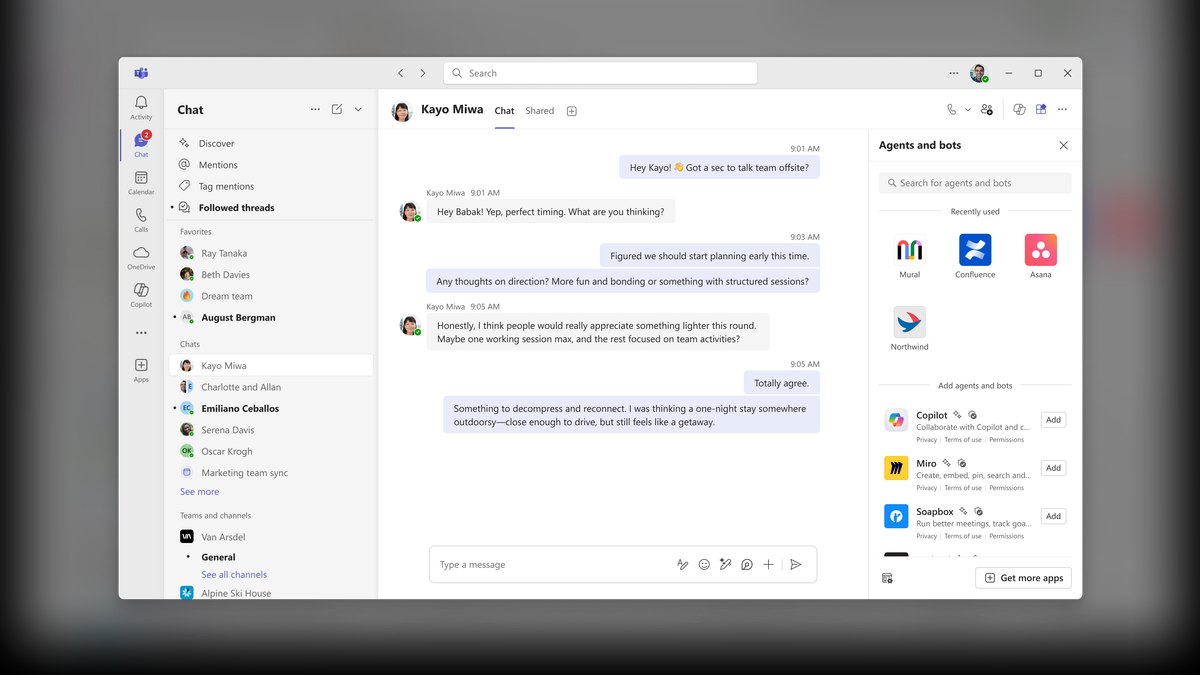
Teams ranks third on governance value rather than event polish. It runs meetings, Teams webinars for up to 1,000 interactive attendees, and town halls reaching into the tens of thousands depending on license. Copilot in Teams produces real-time and post-meeting summaries, surfaces action items, and answers questions about what was said. Intelligent recap gives late joiners an AI-built timeline of topics and speakers.
It is for Microsoft-standardized enterprises wanting webinars inside the same security, compliance, and identity perimeter as everything else. Copilot requires a separate license per host on top of Microsoft 365, the main asterisk on cost. Unlike ON24 above, production polish for high-glamour external launches lags purpose-built event tools, so Teams earns its place on internal all-hands, training, and partner sessions.
4Cisco Webex Webinars
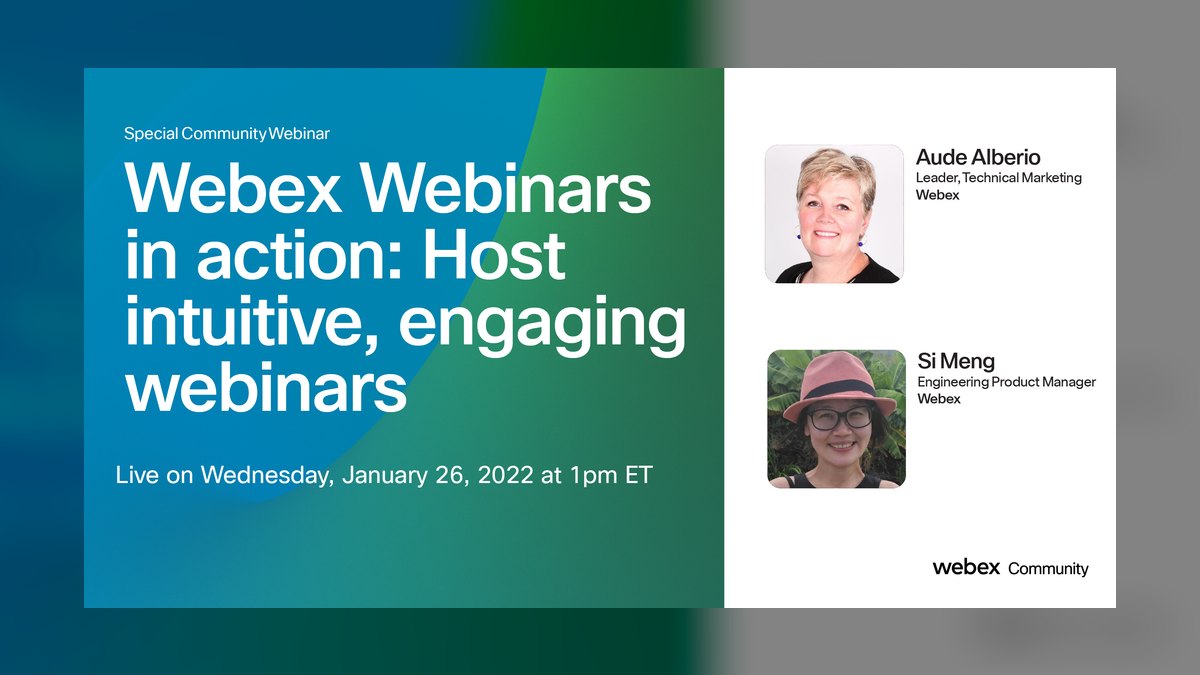
Webex ranks fourth on raw scale plus translation. Its webcast view mode handles roughly 100,000 attendees, among the highest capacity of any option here, backed by Cisco's enterprise reliability and security pedigree for regulated industries and government. The Webex AI Assistant delivers automatic transcription, real-time translation across many languages, meeting summaries, and message drafting, plus noise removal and speaker-optimization audio processing on the production side.
It targets large, multilingual, security-conscious organizations — global enterprises and public sector buyers. The interface is more utilitarian than flashy event platforms, so marketing teams chasing a branded attendee experience will find it plain. Against Teams above, Webex offers roughly 100x the broadcast ceiling and stronger live translation, but gives up the single-vendor Microsoft 365 governance story that drives most Teams purchases.
5Goldcast
Goldcast ranks fifth because its Content Lab attacks the real bottleneck: turning one live event into weeks of distributable content. The AI slices a recorded webinar into short captioned video clips, drafts blog posts and social copy, and pulls quotable moments. On the live side it handles single webinars and multi-session virtual events with registration, branded stages, and engagement tools for B2B audiences.
It is built for content-led marketing teams that treat every webinar as raw material for a quarter of derivative assets. It is an enterprise purchase, so smaller teams will find it expensive relative to output volume. Compared with ON24, Goldcast trades some analytics and pipeline-reporting depth for repurposing that can replace both a separate clipping subscription and part of a content role.
6BigMarker
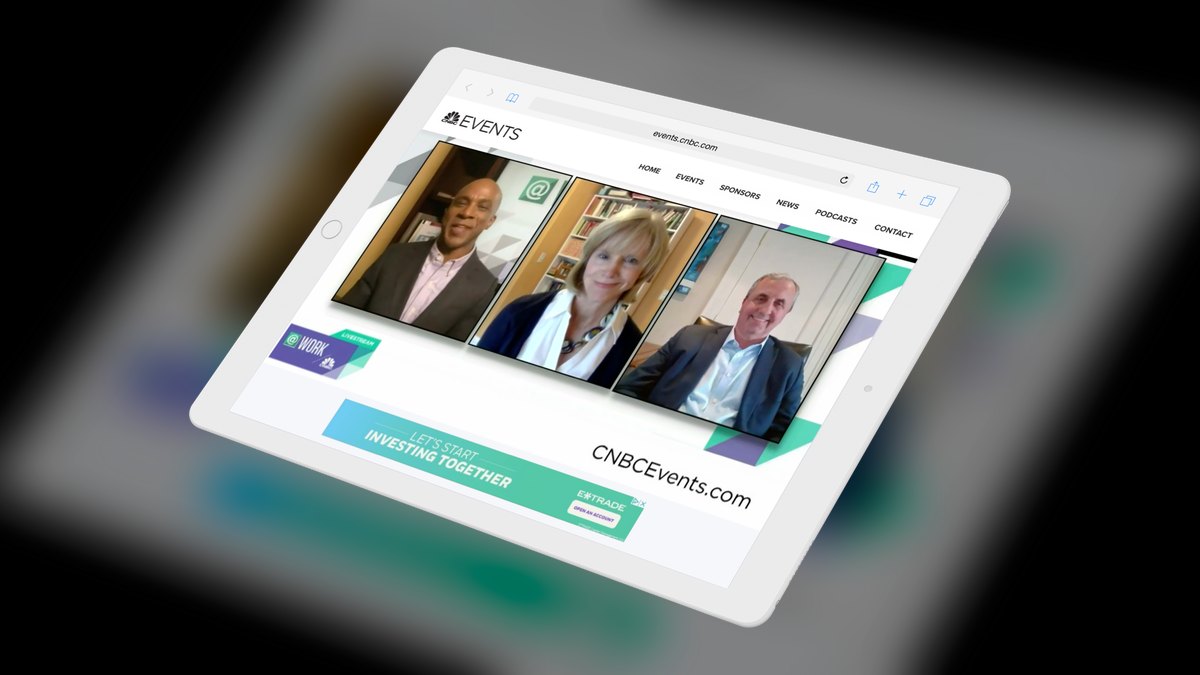
BigMarker ranks sixth on automation flexibility. It is fully browser-based with no downloads for hosts or attendees, and supports live, automated, and on-demand evergreen webinars alongside large virtual summits with multiple tracks and exhibitor booths. Simulated-live webinars replay a recording on a schedule while still capturing registrations, chat, and offers. AI assists with transcription, captions, and session highlights; API and white-label options allow embedding.
It fits marketers running funnels where the same on-demand session must convert visitors around the clock. The depth of configuration creates a real learning curve, and setup takes longer than simpler browser tools. Against Goldcast above, BigMarker gives up polished AI content repurposing but offers far stronger always-on lead capture and evergreen scheduling.
7Livestorm
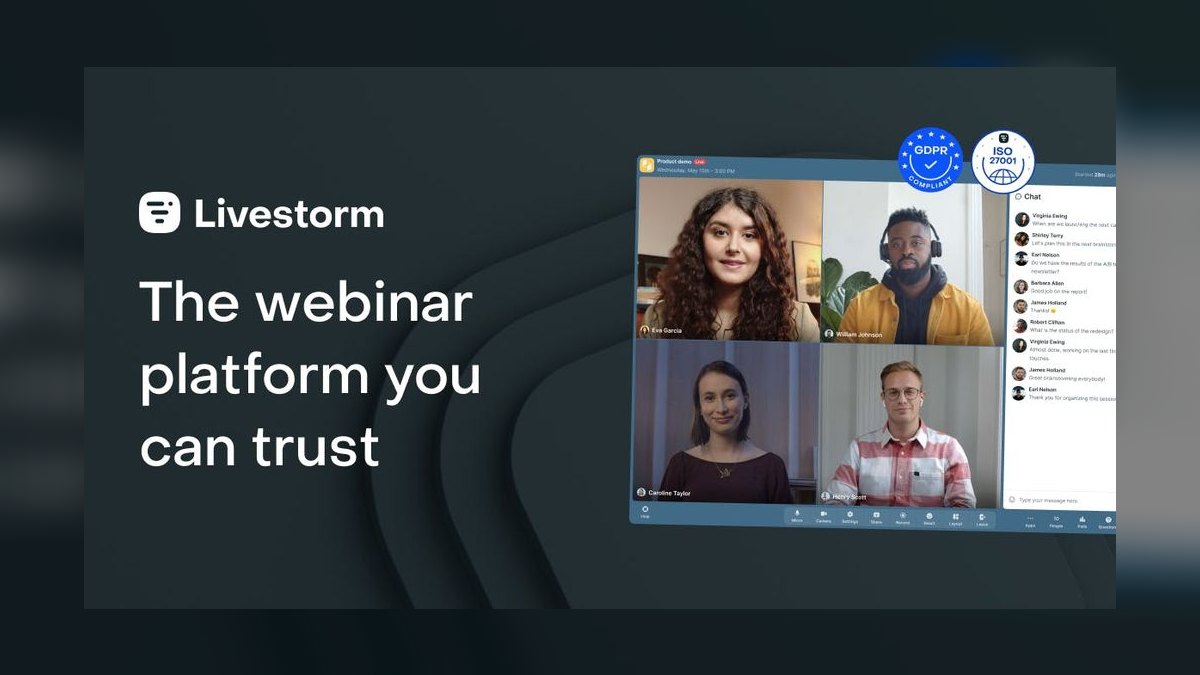
Livestorm ranks seventh and takes best value on capability per dollar. Its free plan allows up to 30 attendees for sessions capped at 20 minutes, enough to test the full workflow before paying; paid tiers scale registrants and session length into the thousands of live attendees. Everything runs in the browser with registration pages, email reminders, polls, automatic transcription, post-session summaries, and drop-off reporting bundled together.
It is aimed at startups, SMBs, and lean marketing teams that run regular webinars but cannot justify ON24 or Goldcast contracts. The ceiling is lower than enterprise platforms for massive branded summits and multi-track events. Against BigMarker above, Livestorm trades evergreen automation depth and configurability for near-zero setup friction and a genuinely usable free tier.
8Demio

Demio ranks eighth on conversion tooling rather than scale. The no-download, browser-first platform surfaces in-session offers, handouts, and call-to-action buttons at timed moments, and supports live, automated, and hybrid live-plus-recorded sessions with higher tiers reaching up to 3,000 attendees. Branded registration pages, automated reminder and follow-up emails, and analytics on watch duration and clicks cover the registration-to-replay funnel.
It is for small and mid-market marketing teams prioritizing lead conversion over audience size. AI here is limited to transcription and session insights, so it gives away the content-generation depth of enterprise platforms. It sits close to Livestorm above; the decision usually comes down to interface preference and which automation and offer tools match your specific funnel.
9Otter.ai

Otter.ai ranks ninth because it is a companion, not a broadcast platform. It joins sessions running on Zoom, Teams, or Webex to deliver live transcription, automatic summaries, and searchable notes. The Otter Meeting Agent builds an outline as the session runs and produces takeaways and action items the moment it ends. Conversational querying over past recordings locates a specific quoted statistic in seconds instead of manual scrubbing.
It suits teams wanting AI notes layered onto whatever host platform they already run, particularly when native AI is weak or unlicensed. It will not broadcast to 100,000 people or handle registration and offers at all. Unlike Demio above, it adds no live infrastructure, but a free tier and affordable paid plans make it the most flexible add-on listed.
10Opus Clip
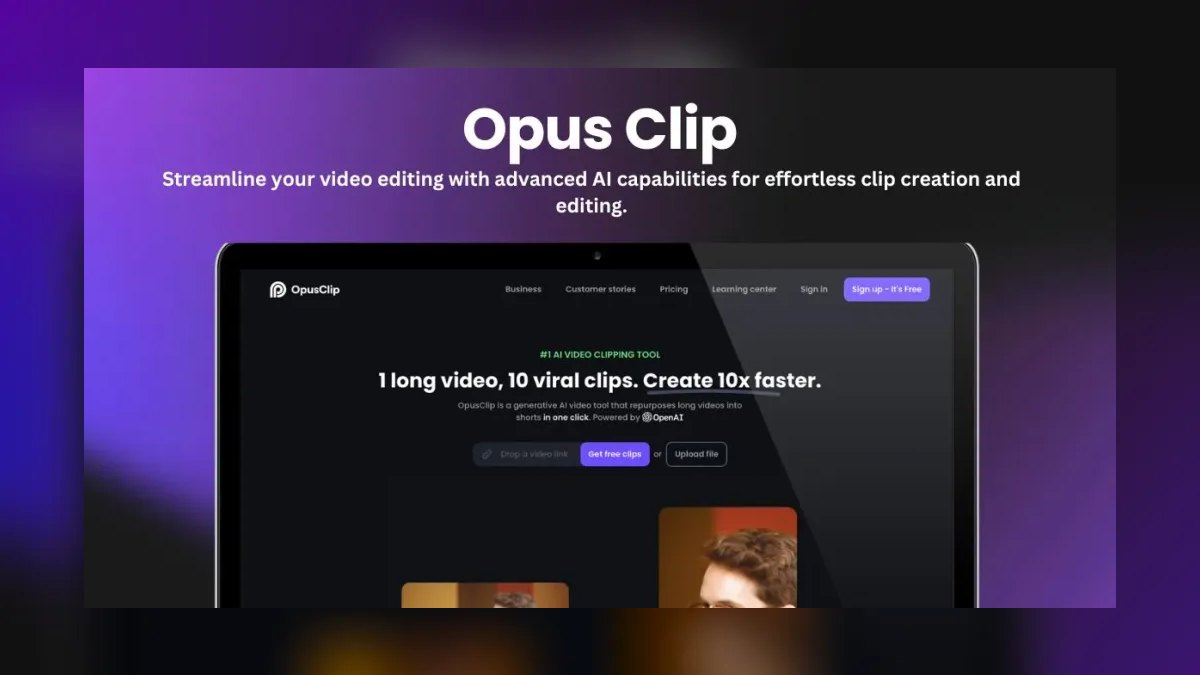
Opus Clip ranks tenth as a single-purpose repurposing engine with no live capability. It analyzes a full webinar recording, identifies the most compelling moments, assigns a virality score to each clip, auto-reframes the speaker to keep faces centered, and burns in animated captions. Keyword-based clip selection pulls only segments covering a specific product or theme, collapsing hours of editing into minutes of processing.
It serves content and social teams extracting maximum reach from each webinar without an editor in the loop — ten 30-second clips fuel weeks of LinkedIn, Shorts, and Reels posts. You must bring the exported recording yourself. Against Otter.ai above, it produces distributable video assets rather than notes, but offers nothing for transcription, search, or follow-up writing.
How we ranked these
Five criteria carried weight. Live reliability came first — concurrent capacity and stream stability, because AI features are worthless on a dropped broadcast. AI depth measured genuinely useful capability: live transcription, automatic summaries, chapterized recordings, conversational query over recordings, and content repurposing. Production workflow rewarded tools that shorten the post-event grind. Analytics scored attendee attention and intent rather than headcount. Value compared real cost against capability, with extra credit for usable free tiers.
We ignored raw feature-count marketing, virtual-booth and gamification extras, and vendor-supplied case studies claiming pipeline lift — none of which survive contact with an actual event day. We also set aside pure meeting tools without broadcast modes, and generative avatar or synthetic-presenter gimmicks that add production risk without saving time. Maximum quoted attendee ceilings were treated as marketing numbers, not guarantees, unless the webcast mode was clearly documented.
What to look for
The real fork is whether the webinar feeds a pipeline or just an audience. Demand-gen teams reporting cost-per-influenced-opportunity need first-party engagement data and CRM integration — that is ON24 or Goldcast territory, at enterprise contract prices. Everyone else is buying broadcast reliability plus bundled AI, where Zoom wins on price-to-capability. Check whether AI is included or licensed separately: Zoom AI Companion is free on paid plans, Microsoft Copilot is not.
The common mistake is buying for peak capacity you will never hit. Teams pay enterprise tiers for a 10,000-seat ceiling while running 120-person sessions, then discover the platform's clip and summary tools are weaker than a forty-dollar specialist. Buy for your actual median audience, then bolt on Otter.ai for notes or Opus Clip for social clips. Two cheap tools usually beat one expensive one.
Related questions
Is Zoom AI Companion really free?
It is included at no additional charge on paid Zoom plans, which is unusual in this category. That covers post-session summaries, Smart Recording with auto-detected chapters and highlights, and plain-language queries against the recording. You still pay for the Zoom Webinars add-on itself, which is tiered by attendee count, but the AI layer does not carry a separate per-host license the way Microsoft Copilot does.
What does ON24's ACE actually generate?
The Analytics and Content Engine turns one live session into derivative assets automatically: summaries, key takeaways, and landing pages, so a single webinar becomes a small content library without manual rewriting. ACE sits on top of ON24's first-party engagement capture, which records every click, poll response, resource download, and minute watched, then produces a per-attendee engagement score for prioritizing follow-up.
How large an audience can Webex actually handle?
Cisco Webex Webinars supports a webcast view mode that scales to roughly 100,000 attendees, making it the highest-capacity option on this list. Zoom Webinars tops out at 10,000 with Zoom Events pushing further, and Microsoft Teams town halls reach into the tens of thousands depending on license. For genuinely massive broadcasts, those three are the realistic shortlist.
What is a simulated-live webinar?
It replays a recorded session on a published schedule while still capturing registrations, live chat, and timed offers, so attendees experience it as an event. BigMarker built its reputation on this: one strong session runs repeatedly as an always-on lead engine. Demio supports automated and hybrid live-plus-recorded sessions too. It is the core mechanic behind evergreen webinar funnels.
Does Otter.ai replace a webinar platform?
No — it joins sessions you run elsewhere. The Otter Meeting Agent works alongside Zoom, Teams, and Webex, building an outline as the session runs and producing takeaways and action items the moment it ends. The value is a searchable transcript you can query conversationally, useful when your host platform's native AI is weak or its license was never purchased.
How does Opus Clip decide which moments to clip?
It analyzes the full recording, identifies the most compelling segments, and assigns each resulting clip a virality score. It auto-reframes to keep the speaker centered in vertical format and burns in animated captions. Keyword-based selection lets you pull only segments covering a specific product or theme, so a 45-minute webinar yields ten shareable clips without an editor.
Which platforms run entirely in the browser?
Livestorm, BigMarker, and Demio are all no-download for hosts and attendees, which removes the single biggest source of event-day friction. Livestorm pairs that with a genuinely usable free plan — 30 attendees, 20-minute sessions. BigMarker adds API access and white-label embedding. Demio focuses on timed in-session offers, handouts, and call-to-action buttons for conversion.
Should marketing teams pick Goldcast or ON24?
Goldcast leads on content repurposing: Content Lab slices recordings into captioned clips, drafts blog posts and social copy, and pulls quotable moments. ON24 leads on measurement: engagement scoring, first-party data capture, and marketing-automation integration. Content-led teams treating every webinar as a quarter of derivative assets pick Goldcast; teams reporting pipeline influence to revenue pick ON24. Both are enterprise contracts.
FAQ
Which AI webinar tool is best overall for 2027?
Zoom Webinars paired with Zoom AI Companion. It combines proven broadcast scale — 500 to 10,000 attendees, with Zoom Events beyond that — with AI that costs nothing extra on paid plans. You get post-session summaries, chapterized Smart Recording, and the ability to query a replay in plain language, which erases the manual scrub through a 60-minute recording.
Which AI webinar tool is best for a small team on a budget?
Livestorm wins on value with a real free plan covering 30 attendees on sessions capped at 20 minutes, plus affordable paid tiers that scale into the thousands. Demio is a close alternative for conversion-focused funnels with timed offers and handouts. Pair either with Otter.ai for AI notes if the native summaries fall short of what your follow-up workflow needs.
Do I need a separate AI tool or is it built in?
Most live platforms now include some AI, but depth varies sharply. Zoom AI Companion is bundled free on paid plans; Microsoft Copilot requires a separate per-host license on top of Microsoft 365. For clip-making and content repurposing specifically, a dedicated tool like Opus Clip or Goldcast Content Lab still outperforms native platform features by a wide margin.
What is the best tool for very large audiences?
Cisco Webex Webinars scales to roughly 100,000 attendees in webcast mode, the highest ceiling here. Zoom Events and Microsoft Teams town halls also handle very large broadcasts, reaching into the tens of thousands depending on license tier. For audiences above 10,000, those three are the safest bets, and Webex adds real-time translation for multilingual crowds.
How does AI actually save time on webinars?
It removes the post-event grind. Automatic transcription, summaries, chapterized recordings, engagement scoring, and clip generation replace hours of manual editing, note-taking, and follow-up writing. The biggest single payoff is repurposing: one 45-minute session becomes ten social clips, a blog draft, a follow-up email, and accessibility captions without an editor or content writer in the loop.
Can these tools translate webinars for global audiences?
Yes. The Cisco Webex AI Assistant offers real-time translation across many languages, which is the standout capability for multilingual broadcasts and something several competitors handle less gracefully. Webex also provides noise removal and speaker-optimization audio AI. Other platforms supply AI captions and translated transcripts, making most of this list workable for international audiences at varying quality.
Which tool is best purely for social clips?
Opus Clip is purpose-built for it: virality scoring per clip, auto-reframing to keep the speaker centered vertically, and burned-in animated captions. You bring the recording — it does nothing live. Goldcast Content Lab does comparable work inside its event platform if you already host there, which can replace both a clipping subscription and part of a content role.
Is Microsoft Teams good enough for external webinars?
For Microsoft-standardized enterprises, yes. Teams webinars support up to 1,000 interactive attendees, town halls reach tens of thousands, and Copilot delivers real-time and post-meeting summaries plus intelligent recap timelines for late joiners. The selling point is single-vendor governance — same security, compliance, and identity perimeter. Production polish for high-glamour external launches lags purpose-built event platforms.
How should I test a platform before committing?
Run a test webinar on the free trial at your real expected audience size, then read the AI summary it produces. Vendors quote maximum capacity, but stream quality and AI transcription accuracy under actual load are what matter on event day. Check whether the summary captures your specific terminology and whether chapter breaks land at genuinely useful moments.
What does a complete AI webinar stack look like?
One live platform plus one specialist. Zoom Webinars with AI Companion for all-purpose broadcasts, ON24 for pipeline-reporting marketing teams, or Livestorm for budget-constrained ones. Then add Otter.ai for searchable notes across whatever you run, or Opus Clip for social distribution. That pairing runs the live event and extracts weeks of derivative content from every session.
Sources
- https://www.zoom.com/en/products/webinars/
- https://www.zoom.com/en/ai-assistant/
- https://www.on24.com/platform/
- https://www.microsoft.com/en-us/microsoft-teams/webinar
- https://www.webex.com/products/webinars.html
- https://livestorm.co/
- https://www.demio.com/
- https://www.bigmarker.com/
- https://www.goldcast.io/
- https://www.opus.pro/
Related on PULSE
This page will be disappearing soon. Save it to your device for $1 — or read it free while it is here.
@Kory-White- · if Venmo asks, the last 4 of my number are 2012
This page is gone.
This one is off the shelf now. $1 keeps it on your phone for good — the whole page, pictures and diagrams included.
 pulse-ai-infrastructureWhat is distributed training and when do you need it in 2027?
 pulse-ai-infrastructureHow do you deploy AI models at the edge in 2027?
 pulse-ai-infrastructureThe 10 Best LLM Fine-Tuning Platforms in 2027
 pulse-ai-infrastructureWhat is the role of Kubernetes in modern AI infrastructure in 2027?
 pulse-ai-infrastructureThe 10 Best RAG Frameworks in 2027
 pulse-ai-infrastructureWhat is the difference between batch and real-time inference infrastructure in 2027?
 pulse-ai-infrastructureThe 10 Best AI Tools for Coloring Pages in 2027
 pulse-ai-infrastructureHow do you get started with AI Infra in 2027?
 pulse-ai-infrastructureThe 10 Best MLOps Platforms in 2027
 pulse-ai-infrastructureHow do you evaluate LLM output quality at scale in 2027?