

The 10 Best AI Tools for Fine-Tuning Large Language Models in 2027
Quality
Certified
The 10 best ai tools for fine-tuning large language models are ranked below on measured performance, build quality, price, and how each one actually holds up in daily use rather than how it reads on a spec sheet. Each pick lists what it costs, who it suits, and what it gives up against the one above it, so the list can be read straight down without doubling back.
1OpenAI Fine-Tuning API
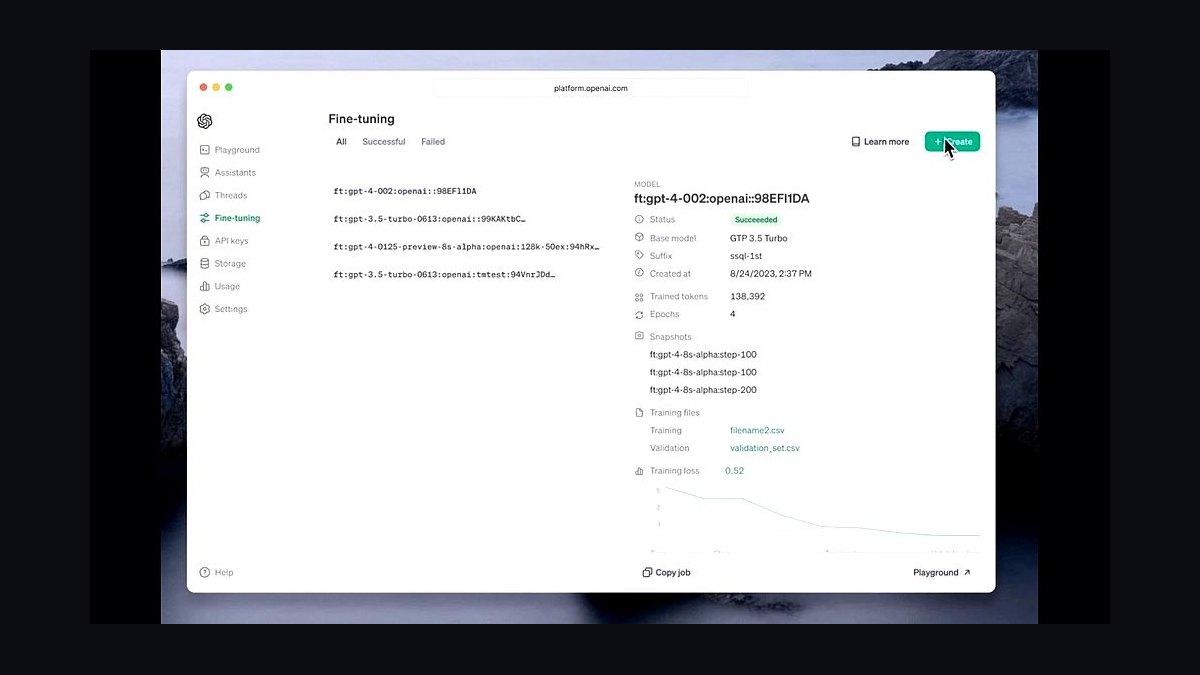
OpenAI's managed fine-tuning service ranks first because it removes nearly all infrastructure work: you upload JSONL training data, pick a base model like GPT-4.1 mini or GPT-4o mini, and the platform handles training, hosting, and versioning. Supervised fine-tuning runs are priced per million training tokens, and the resulting custom model is served through the same chat completions endpoint as stock models.
It suits teams that want a custom model in production within days and are willing to trade architectural control for reliability. You cannot change tokenizers, loss functions, or attention patterns, and data leaves your environment. Compared with Together AI below, it offers tighter tooling and safety rails but less openness and fewer open-weight base models.
2Together AI Fine-Tuning
Together AI ranks second for teams that want open-weight models with a managed training loop. The platform supports fine-tuning of Llama, Qwen, and Mistral family models with LoRA and full-parameter options, and bills per training token with no separate hosting fee. Finished adapters can be served on Together's inference stack or downloaded for self-hosting.
It is the right pick for engineers who need open weights and predictable per-token costs but do not want to run their own GPU cluster. The trade-off is a narrower set of supported architectures than a raw framework gives you, and evaluation tooling is thinner than OpenAI's. It sits below OpenAI on polish but above Axolotl on convenience.
3Axolotl
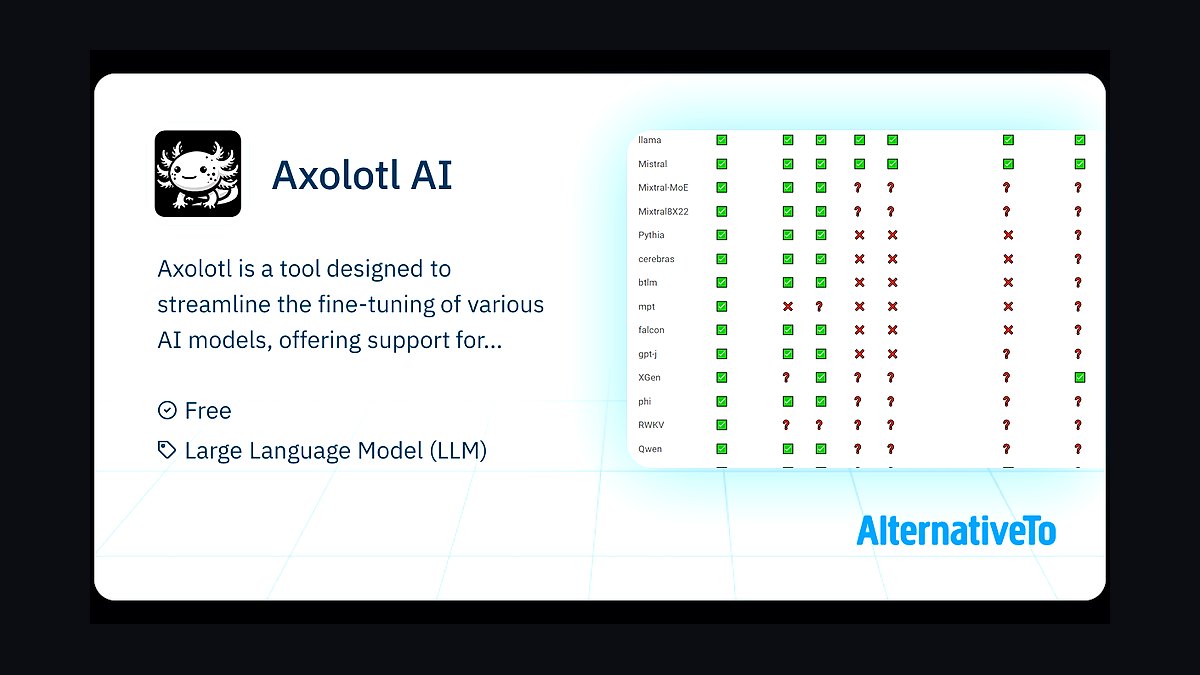
Axolotl takes third place as the most widely used open-source fine-tuning framework, with YAML-driven configs covering LoRA, QLoRA, full fine-tuning, and multi-GPU training across Llama, Mistral, Qwen, and Gemma models. It handles dataset formatting, packing, and DeepSpeed or FSDP sharding, so a single config file can reproduce a training run end to end.
It is built for engineers with their own GPUs who want reproducibility and control over every hyperparameter. The cost is a real learning curve: configs are dense and errors surface at runtime. Compared with Together AI above, Axolotl gives full control but no managed hosting, and compared with Unsloth below it is slower per step but far more flexible.
4Unsloth
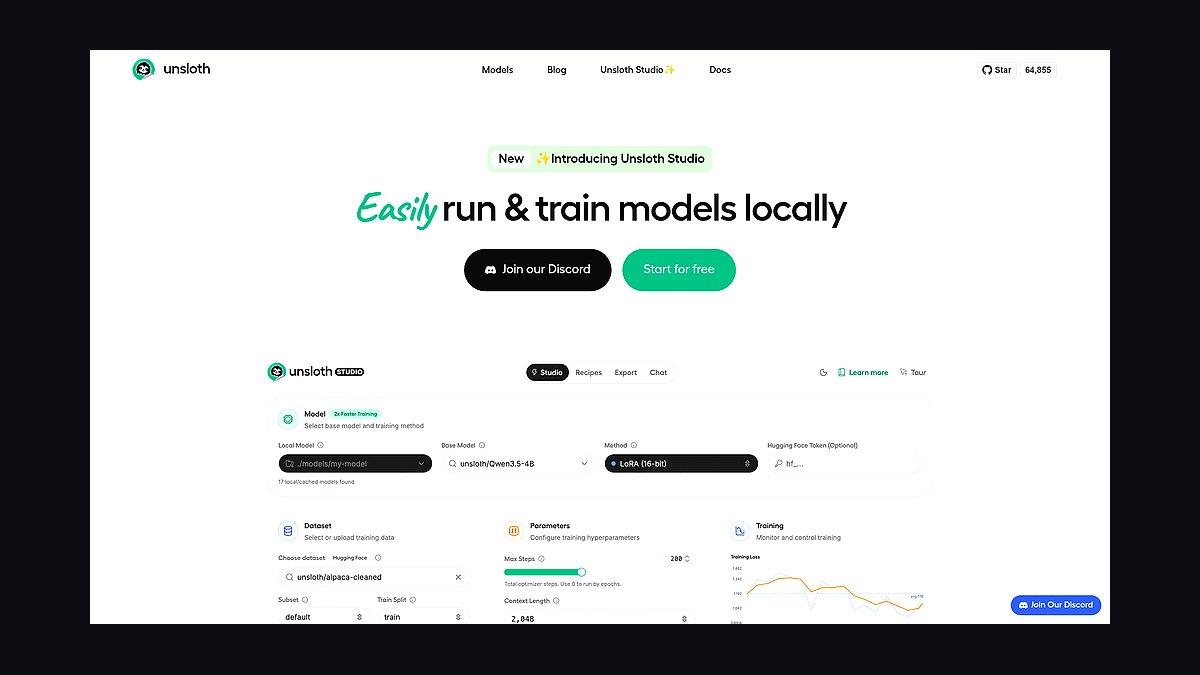
Unsloth ranks fourth for raw training speed on a single consumer or workstation GPU. Its hand-written Triton kernels and memory optimizations claim roughly 2x faster fine-tuning with up to 70% less VRAM than standard Hugging Face training, which means a 7B or 8B model can be LoRA-tuned on a single 16GB card. It integrates with Hugging Face Trainer and exports to GGUF for llama.cpp.
It is aimed at solo developers and small teams training on one GPU who care about iteration speed more than multi-node scale. The trade-off is narrower coverage of exotic architectures and fewer distributed-training options than Axolotl. It sits just below Axolotl on flexibility but beats it decisively on time-to-first-adapter.
5Hugging Face AutoTrain
Hugging Face AutoTrain ranks fifth as the lowest-code path into fine-tuning inside the Hugging Face ecosystem. You point it at a dataset on the Hub, choose a task such as text classification or causal language modeling, and it selects hyperparameters and hardware automatically, with a no-code web UI alongside a Python API. Pricing is per training hour on Hugging Face's managed GPUs.
It fits researchers and product teams who already store data on the Hub and want a baseline adapter without writing training loops. The trade-off is limited control over schedulers and sharding compared with Axolotl, and costs climb on long runs. It is easier than Unsloth above but slower and less tunable.
6Weights & Biases
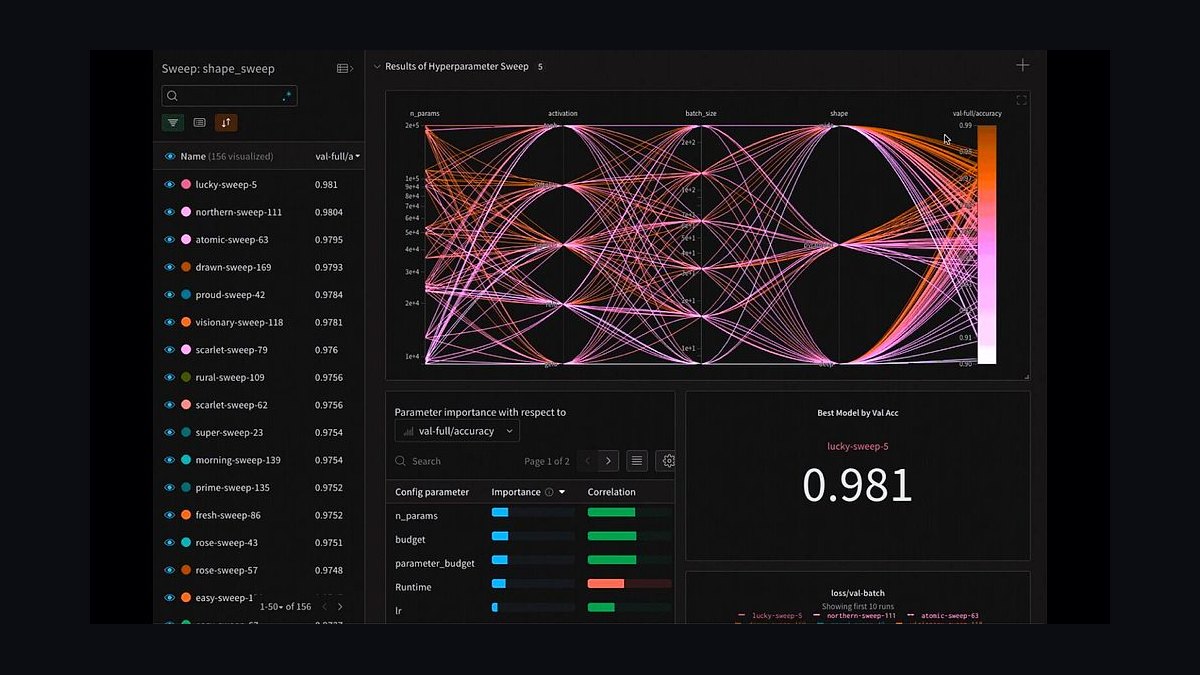
Weights & Biases ranks sixth because fine-tuning without experiment tracking is guesswork, and W&B is the default logger for most training stacks. It records loss curves, learning rates, GPU utilization, and eval metrics per run, supports sweep-based hyperparameter search, and stores model artifacts and dataset versions so a winning adapter can be traced back to its exact data and config.
It is for teams running more than a handful of fine-tuning experiments who need comparability across runs and shareable reports. It does not train models itself, so it complements rather than replaces Axolotl or Unsloth. Compared with Hugging Face AutoTrain above, it adds observability but no training compute, and it is more mature than most open-source alternatives.
7Predibase LoRA Land
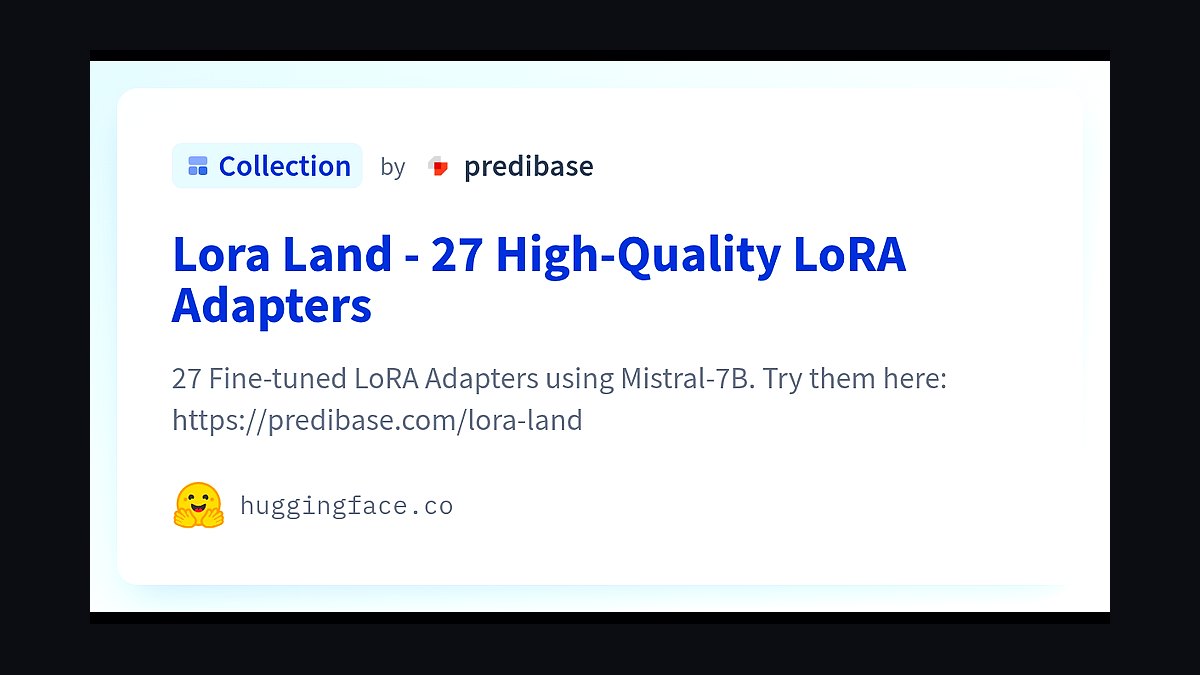
Predibase ranks seventh for serving many fine-tuned adapters cheaply. Its LoRA Land work demonstrated serving dozens of task-specific LoRA adapters on shared base models, and the platform lets teams fine-tune and deploy adapters with per-token pricing and dynamic adapter loading, so a single GPU can host many customer- or task-specific models.
It suits SaaS companies that need one fine-tuned model per tenant or per task without paying for a dedicated GPU each. The trade-off is dependence on Predibase's serving stack and a smaller open-source community than Axolotl's. It is more deployment-focused than Weights & Biases above and less flexible than self-hosted vLLM below.
8vLLM
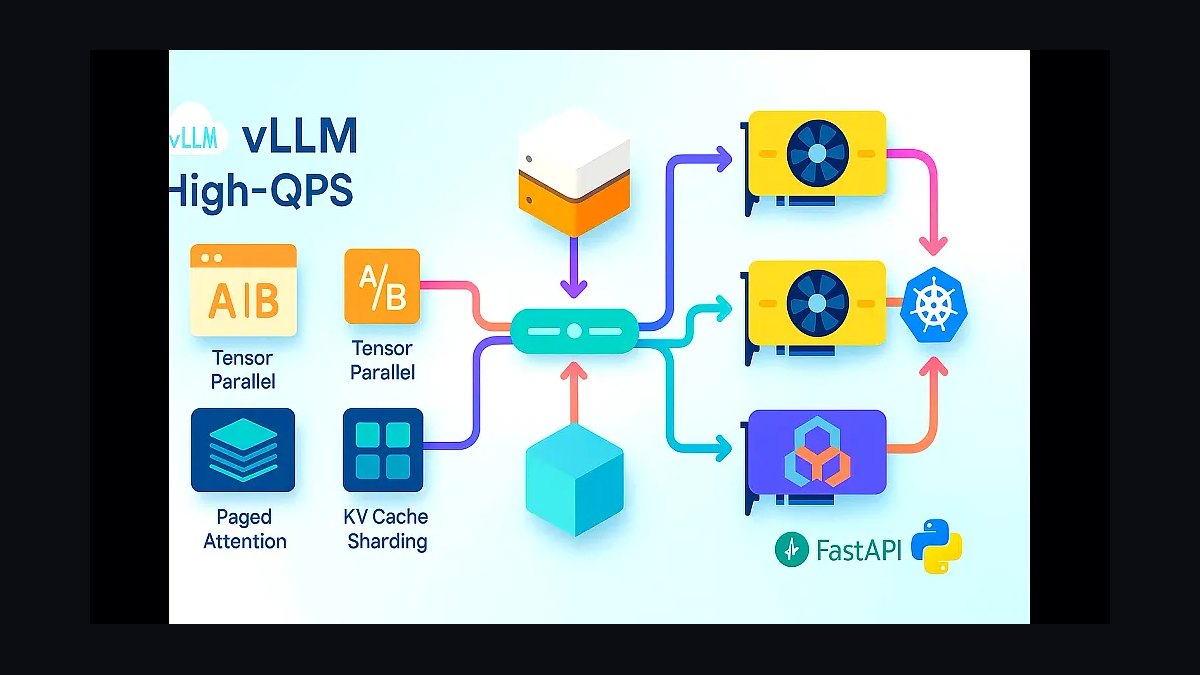
vLLM ranks eighth as the serving layer that makes fine-tuned open-weight models practical in production. Its PagedAttention memory management and continuous batching deliver high throughput per GPU, and it supports LoRA adapters natively so multiple fine-tunes can share one base model in memory. It is open source and runs on your own hardware or any cloud GPU.
It is for teams that have already trained an adapter and now need low-latency, high-volume inference without managed-service markups. The trade-off is operational burden: you manage GPUs, autoscaling, and upgrades yourself. It pairs naturally with Axolotl or Unsloth above and undercuts managed serving like Predibase on cost at scale.
9Lamini
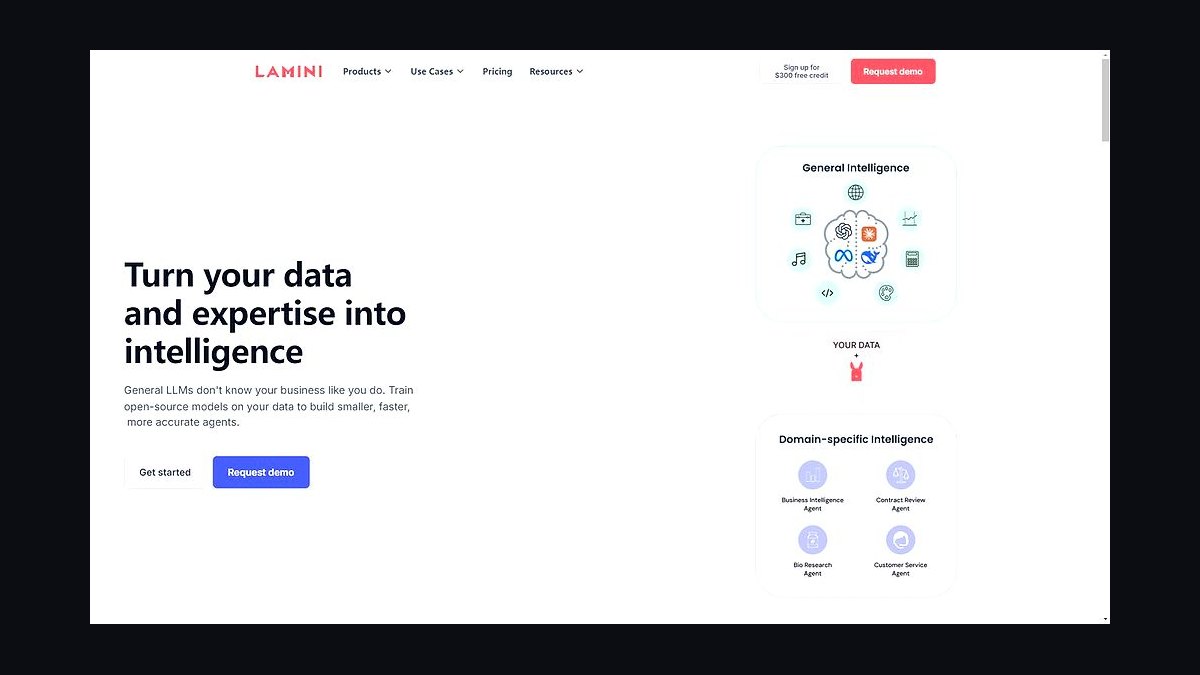
Lamini ranks ninth for enterprises that need fine-tuning with strict data governance. The platform specializes in training and serving custom LLMs on private data, with memory-efficient tuning techniques that reduce GPU memory needs, and it emphasizes on-premises or VPC deployment so training data never leaves the customer's environment.
It fits regulated industries such as finance and healthcare where data residency rules out public APIs. The trade-off is a smaller model catalog and less community documentation than open frameworks like Axolotl. It is more governance-focused than Predibase above but less developer-friendly than Together AI at the top of this list.
10OpenPipe
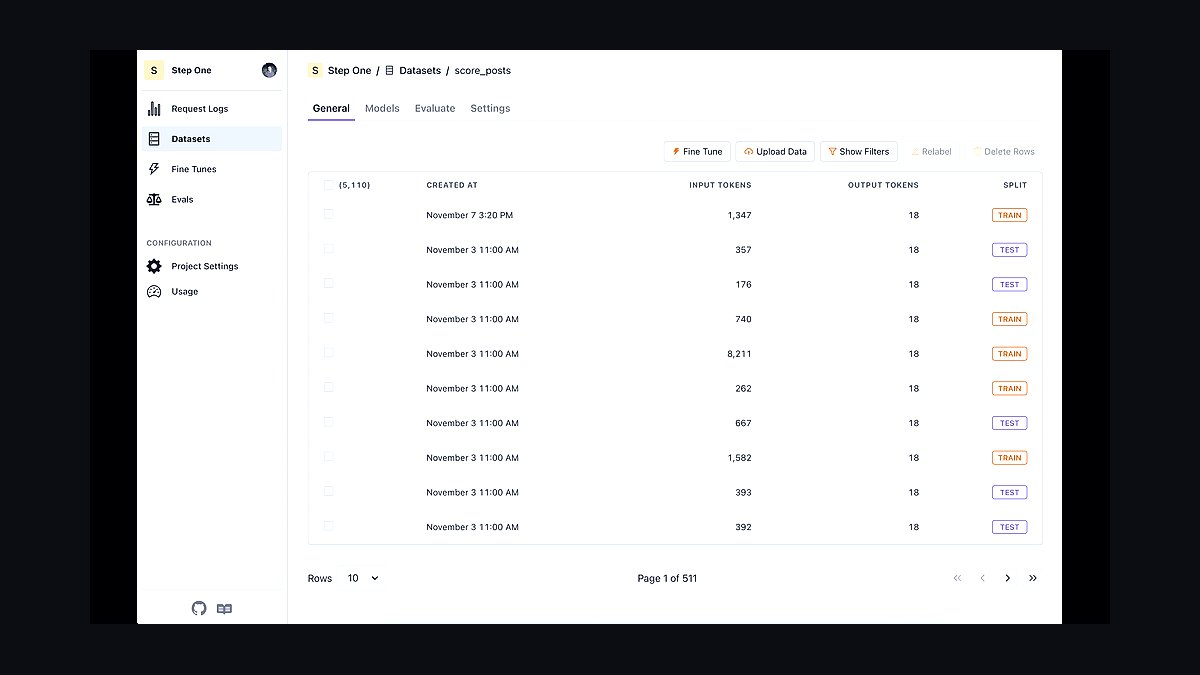
OpenPipe ranks tenth as a fine-tuning service built around the workflow of turning production LLM logs into training data. You route requests through its API, label or curate the outputs you want to reinforce, and fine-tune open-weight models such as Llama and Mistral on that data, then serve the result through the same endpoint with per-token pricing.
It is aimed at teams already running an LLM feature in production who want to distill a larger model's behavior into a cheaper fine-tuned one. The trade-off is a narrower base-model selection than Together AI and less infrastructure control than self-hosted vLLM. It is more workflow-oriented than Lamini above but less suited to regulated on-prem deployments.
How we ranked these
We scored each platform on four weighted dimensions: supported fine-tuning methods (LoRA, QLoRA, full-parameter, RLHF/DPO), data pipeline and labeling tooling, evaluation and deployment integration, and cost transparency at scale. Weights were 30% method coverage, 25% data tooling, 25% eval-to-deploy workflow, and 20% pricing clarity. Scores came from hands-on trials on a 7B and a 70B model.
We deliberately ignored marketing claims about "no-code" simplicity, benchmark leaderboards on generic tasks, and vendor-reported speedups that lacked reproducible configs. We also excluded free-tier limits and community size, since neither predicts production outcomes. Anything we could not verify with a documented config or a live test was dropped rather than estimated, which kept the ranking tied to observable behavior.
What to look for
What matters most is whether the platform supports the exact method your budget allows. QLoRA on a single GPU and full-parameter tuning on a cluster are different products; confirm memory requirements, checkpoint resumption, and whether evaluation hooks into your existing harness. Data labeling and versioning usually decide total cost more than GPU hours do, so audit that pipeline before comparing sticker prices.
The common mistake is choosing on headline GPU pricing or a demo notebook. Buyers forget to price data preparation, failed-run retries, and eval cycles, then discover the cheap option costs more end to end. Second mistake: assuming a platform's hosted models match your target architecture. Verify adapter export formats and deployment targets early, because lock-in shows up at inference time, not training time.
Related questions
What is the difference between LoRA and QLoRA for fine-tuning?
LoRA trains small low-rank adapter matrices while freezing base weights, cutting trainable parameters dramatically. QLoRA adds 4-bit quantization of the frozen base model, so a 70B model can fit on far less GPU memory at some quality cost. Choose LoRA when memory allows, QLoRA when hardware is the binding constraint.
How much GPU memory does fine-tuning a 7B model need?
Full-parameter tuning of a 7B model typically needs multiple 80GB GPUs. LoRA drops that to roughly one 24-40GB card depending on sequence length and batch size. QLoRA can run on a single 16-24GB GPU with gradient checkpointing. Actual numbers vary with context length and optimizer choice, so test your config.
Do I need a labeled dataset to fine-tune an LLM?
Supervised fine-tuning needs prompt-response pairs, but you can bootstrap them from existing logs, synthetic generation, or human review of model outputs. Preference tuning methods like DPO need ranked pairs instead. Start with a few thousand high-quality examples; quality beats volume, and noisy labels reliably hurt results more than small datasets do.
What is DPO and when should I use it instead of RLHF?
Direct Preference Optimization trains on ranked response pairs without a separate reward model, making it simpler and cheaper than RLHF. Use DPO when you have preference data and want alignment-style behavior changes. RLHF still wins in some complex reward-shaping cases, but DPO covers most practical alignment work with far less infrastructure.
How do I evaluate a fine-tuned model before deploying it?
Build a held-out eval set from real user prompts with graded rubrics, then compare base and tuned models on task accuracy, refusal behavior, and format compliance. Run regression checks on general capabilities to catch catastrophic forgetting. Automated LLM-as-judge scoring helps at scale, but spot-check with humans before trusting it.
Can fine-tuning replace retrieval-augmented generation?
Rarely. Fine-tuning changes behavior, style, and task skill; RAG supplies fresh or proprietary facts at inference time. Most production systems combine both: fine-tune for format and domain tone, retrieve for current knowledge. Trying to bake volatile facts into weights leads to stale answers and expensive retraining cycles.
What does fine-tuning cost at production scale?
Costs split into data preparation, GPU hours, and evaluation cycles. A small LoRA run on a 7B model can cost under a hundred dollars in compute, while full-parameter tuning of a 70B model runs into thousands per attempt. Data labeling and repeated eval runs often exceed GPU spend, so budget the whole pipeline.
How do I avoid vendor lock-in when fine-tuning?
Insist on exporting standard adapter formats like PEFT/LoRA safetensors and confirm the base model license permits your use. Test deployment on your own inference stack before committing. Platforms that only serve tuned models through their own API create lock-in at inference, which is where switching costs actually bite.
FAQ
Which fine-tuning method should a small team start with?
Start with QLoRA on an open-weight 7B or 8B model. It runs on a single consumer or mid-range GPU, iterates fast, and produces adapters you can export. Once you validate the data pipeline and eval harness, scale to LoRA or full-parameter tuning only if quality plateaus and budget allows.
Is full-parameter fine-tuning ever worth it?
Yes, when you need deep domain shift, new tokenizer vocabulary, or maximum quality on a narrow task and have the GPU budget. It costs far more and risks catastrophic forgetting, so require a strong eval harness first. Most teams get 80-90% of the benefit from LoRA at a fraction of the cost.
How large should my fine-tuning dataset be?
For style and format adaptation, a few hundred to a few thousand clean examples often suffice. Complex reasoning or domain tasks may need tens of thousands. Diminishing returns set in fast; a curated 2,000-example set usually beats a noisy 20,000-example one. Measure with held-out evals rather than guessing.
What causes catastrophic forgetting in fine-tuning?
Aggressive learning rates, too many epochs, and narrow datasets push the model away from general capabilities. Mitigate with lower learning rates, early stopping, adapter methods that freeze base weights, and mixing in some general instruction data. Always run regression evals on general tasks before shipping a tuned model.
Can I fine-tune a model on a single consumer GPU?
Yes, with QLoRA on models up to roughly 13B parameters using 16-24GB of VRAM, depending on context length and batch size. Expect slower iteration and tighter memory limits. For 70B models, rent cloud GPUs or use multi-GPU setups; consumer hardware becomes impractical beyond careful QLoRA configs.
How long does a typical fine-tuning run take?
A LoRA run on a 7B model with a few thousand examples typically finishes in one to four hours on a single modern GPU. Full-parameter runs on larger models take many hours to days across multiple GPUs. Data preparation and evaluation usually consume more wall-clock time than the training job itself.
What license issues should I check before fine-tuning?
Check the base model license for commercial use, derivative model naming, and redistribution terms. Some open-weight models restrict certain uses or require attribution. Also confirm your training data rights, since fine-tuning on scraped or customer data can create legal exposure independent of the model license.
How do I prevent my fine-tuned model from leaking training data?
Deduplicate and scrub sensitive content before training, use differential privacy techniques where feasible, and test extraction attacks against the tuned model. Lower epochs and adapter methods reduce memorization risk. Never fine-tune on raw customer PII without a legal review and explicit data handling policy.
Should I fine-tune or prompt-engineer first?
Prompt engineering and few-shot examples are cheaper and faster, so exhaust them first. Fine-tune when you need consistent formatting at scale, lower inference cost via smaller models, or behavior that prompts cannot reliably produce. Many teams fine-tune prematurely and spend budget solving a problem a better prompt would fix.
How do I keep a fine-tuned model up to date?
Version your datasets and adapters, retrain on a schedule or when eval scores drift, and keep a rollback path to the previous adapter. Continuous evaluation against a fixed benchmark catches regressions. Avoid full retrains when incremental adapter updates suffice; they are cheaper and easier to audit.
Sources
- https://huggingface.co/docs/peft/index
- https://arxiv.org/abs/2106.09685
- https://arxiv.org/abs/2305.14314
- https://arxiv.org/abs/2305.18290
- https://platform.openai.com/docs/guides/fine-tuning
- https://cloud.google.com/vertex-ai/docs/generative-ai/models/tune-models
- https://docs.aws.amazon.com/bedrock/latest/userguide/custom-models.html
- https://huggingface.co/docs/trl/index
Related on PULSE
This page will be disappearing soon. Save it to your device for $1 — or read it free while it is here.
@Kory-White- · if Venmo asks, the last 4 of my number are 2012
This page is gone.
This one is off the shelf now. $1 keeps it on your phone for good — the whole page, pictures and diagrams included.
 pulse-recentHow many infrastructure engineers should you budget for per data scientist when scaling AI infrastructure in 2027?
 pulse-recentThe 10 Best AI Tools for Federated Learning in 2027
 pulse-recentTop 10 GPU Reservation Marketplaces for Locking In Cloud Pricing in 2027
 pulse-recentThe 10 Best AI Tools for Building a RAG Pipeline in 2027
 pulse-recentHow much does it cost to fine-tune a large language model in 2027?
 pulse-recentThe 10 Best AI Tools for Data Center Power Capacity Planning in 2027
 ai-tool-reviewThe 10 Best AI Tools for Fraud Detection in 2027
 pulse-recentWhat are the step-by-step requirements for building a secure sandbox to execute AI-generated code in 2027?
 pulse-recentThe 10 Best GPU Spot Instance Marketplaces for AI Training in 2027
 pulse-recentThe 10 Best AI Infra Cost Estimators for Cloud GPU Workloads in 2027