


How much does a high-end gaming setup cost in 2027?
Quality
Certified
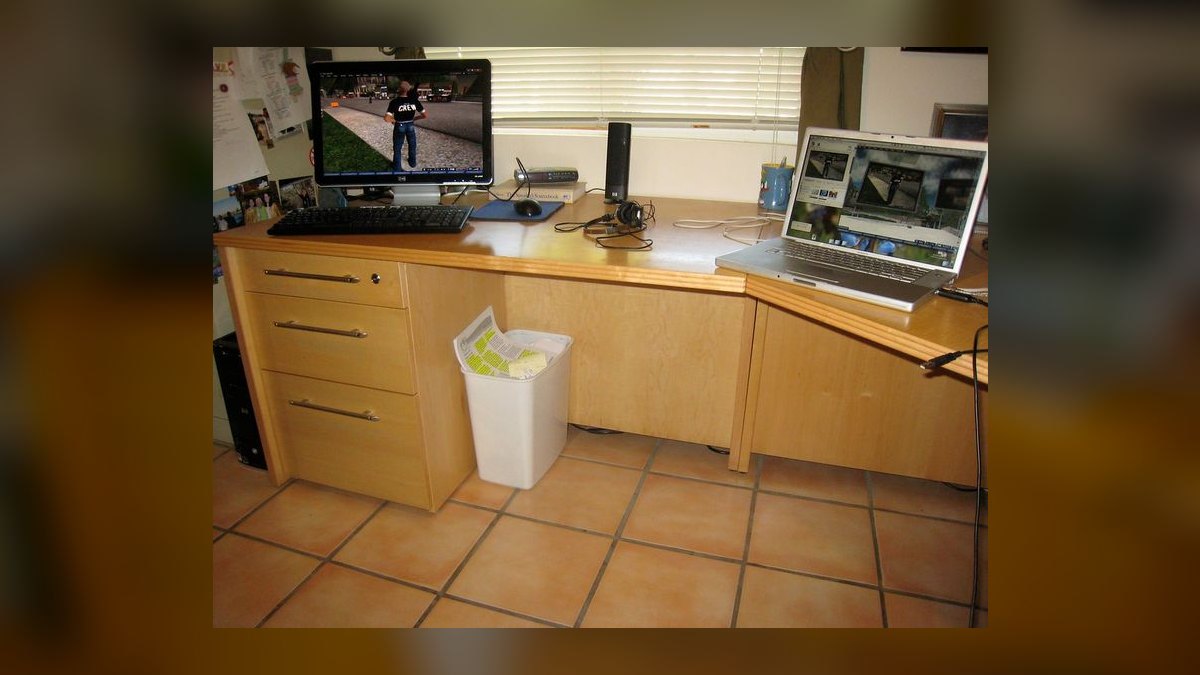
A high-end gaming setup in 2027 typically costs $3,500 to $6,500 all-in. The tower alone runs $2,200–$4,000 with a flagship GPU, while a 4K high-refresh monitor, mechanical keyboard, mouse, headset, chair, and desk add $1,200–$2,500. Enthusiast builds with dual monitors and premium cooling exceed $8,000.
The $6,000 build that started as a $2,000 budget
A buyer walks in planning to spend $2,000 on "a good gaming PC." They price a mid-range tower, feel the pull of one more tier of GPU, and end up at checkout somewhere north of $5,000. This is not a failure of discipline. It is what happens when the word "high-end" is never defined before the shopping starts, and every individual upgrade looks reasonable in isolation.
Here is how the drift actually unfolds. The GPU is the first domino. A card in the $600–$800 range plays essentially everything at 1440p with high settings. But the buyer reads that the next tier up — roughly $1,000–$1,200 — handles 4K without compromise, and that the flagship tier at $1,600–$2,000+ handles 4K with ray tracing and heavy frame generation. Each step up is a few hundred dollars and each promises a category of experience the previous one merely approximates. Very few people stop at the first rung once they've read about the third.
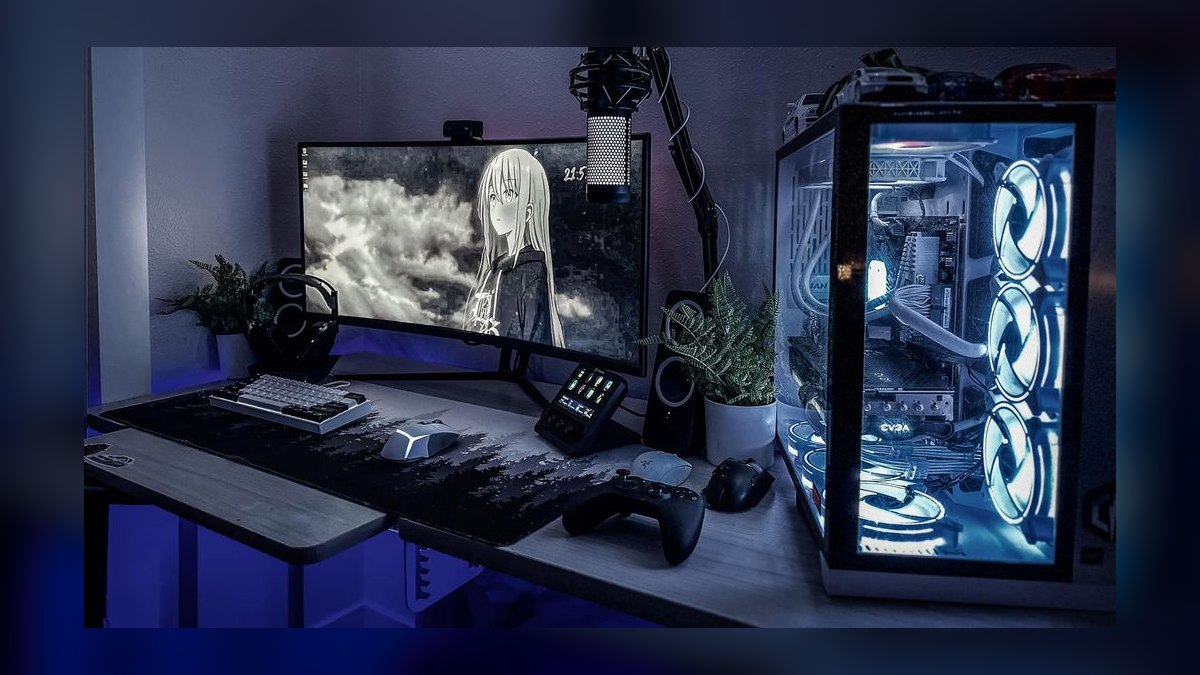
Then the GPU forces everything downstream. A flagship card pulling 400–575 watts under load needs a 1000W or 1200W power supply, which means $180–$300 instead of the $110 unit that would have worked for a mid-range card. It needs a case with genuine airflow and clearance for a card that may be 350mm long and three-and-a-half slots thick, which means $150–$250 instead of $80. It needs a CPU that won't bottleneck it at the resolutions the buyer bought it for, which pushes them from a $250 chip to a $450–$700 chip. That CPU runs hot, so the $40 air cooler becomes a $150–$200 360mm AIO liquid cooler. The motherboard that supports the faster memory and the newer PCIe generation is $250–$450 instead of $150.
None of these are upsells in the dishonest sense. They are genuine consequences of the first decision. But the arithmetic is brutal: a $1,000 GPU decision reliably drags $600–$900 of additional cost through the rest of the parts list, and the buyer almost never models that when they're comparing graphics cards on a spec sheet.
Then comes the part nobody budgets at all: everything outside the tower. The monitor is the single largest peripheral expense and the one most likely to be an afterthought. A 27-inch 1440p high-refresh IPS panel is $250–$400. A 32-inch 4K 144Hz+ panel is $600–$900. A high-end OLED gaming monitor — 27" 1440p or 32" 4K, 240Hz or faster — is $800–$1,400. Someone who just spent $1,600 on a GPU to drive 4K does not, in practice, pair it with a $250 monitor. The GPU decision propagates outward to peripherals exactly the way it propagated inward to components.
Add a mechanical keyboard at $80–$250, a gaming mouse at $60–$160, a headset or desktop audio at $100–$400, a chair at $250–$1,500, a desk at $200–$800, a microphone if they stream at $100–$300, and a webcam at $70–$200. That's a peripheral stack that can independently reach $2,000 without a single item being extravagant.
The scenario resolves the same way most of the time: the buyer either goes well over budget and is happy with the machine, or holds the line and spends the next two years wondering about the tier they skipped. The useful intervention is earlier — deciding what "high-end" means in terms of a specific resolution and frame rate target, then building backward from that, rather than climbing a ladder that has no natural top.
How the cost stack actually assembles
The way to make a high-end build predictable is to stop thinking of it as a shopping list and start thinking of it as a dependency chain. One decision — the target resolution and refresh rate — sets the GPU tier. The GPU tier sets the power, cooling, chassis, and CPU requirements. Those set the motherboard and memory. The display target, meanwhile, independently sets the monitor budget. Everything else is comfort and preference.

The GPU is roughly 30–40% of a well-balanced high-end build's component cost. That is the correct proportion. Builds where the GPU is under 25% of the total are usually over-invested somewhere else — often in a CPU that the games in question will never fully use, or in aesthetic components like RGB, custom cables, and tempered-glass cases that contribute nothing to frame rates. Builds where the GPU is over 50% are usually starved somewhere, most commonly on the power supply or cooling, and will either throttle under sustained load or fail early.
CPU choice follows resolution in a way that surprises people. At 4K, the GPU is almost always the limiting factor, so the gap between a mid-tier and a flagship CPU narrows sharply in pure gaming frame rates. At 1080p and 1440p with a very fast GPU and a high-refresh monitor, the CPU matters much more, because the GPU can render frames faster than the CPU can prepare them. This means the buyer chasing 240Hz at 1440p should spend proportionally more on the CPU than the buyer chasing 120Hz at 4K, even though the second build sounds more demanding. Games with heavy simulation — strategy titles, large-scale multiplayer, anything with lots of AI entities or physics — are also more CPU-bound than the graphically spectacular single-player titles that dominate benchmark charts.
Memory in a 2027 high-end build means 32GB as the practical baseline, with 64GB justified only for people who genuinely run creative or virtualization workloads alongside games. 32GB of fast DDR5 costs roughly $90–$180 depending on speed and latency; 64GB roughly $180–$350. The performance delta between adequate memory and premium memory is real but small — typically low single-digit percentages in games — which makes it one of the easiest places to save without regret.
Storage is where high-end builds have quietly gotten more expensive, because game install sizes have grown faster than most people's mental model of them. Modern AAA titles routinely occupy 100–200GB. A 1TB drive that felt spacious a few years ago holds five or six current games plus the OS. A high-end build in 2027 should assume 2TB minimum, at $100–$200 for a fast NVMe drive, and many buyers add a second 2TB or 4TB drive for a library that doesn't require constant uninstalling. Fast NVMe storage also matters more than it used to because modern engines stream assets directly from disk.
The chain matters because it explains why "just buy a better GPU" is never actually just buying a better GPU. It also explains the reverse: a buyer who lowers the resolution target from 4K to 1440p doesn't only save on the graphics card. They save on the power supply, the case, potentially the cooler, and — crucially — several hundred dollars on the monitor. A single upstream decision moves $1,000–$1,500 of total setup cost, which is why it deserves far more deliberation than the ten minutes most people give it.
Assembly cost is the last link and the one most often forgotten. Building it yourself costs time — realistically four to six hours for a first-timer, one to two for someone experienced — and carries the risk of a dead-on-arrival part turning into a week of RMA correspondence. Paying a shop or buying prebuilt typically adds 10–25% over parts cost, sometimes more when the prebuilt uses proprietary components that limit future upgrades. That premium buys a warranty covering the whole system rather than each part individually, which has real value for someone who doesn't want to diagnose which of eight components caused a boot failure.
What the money actually buys: ranges by tier
Concrete numbers make the abstraction usable. These are broad, durable ranges rather than specific model prices, because GPU pricing in particular has been volatile enough over recent years that any single figure ages badly within a quarter.
The tower, by tier.
An entry-level "high-end adjacent" build — solid 1440p, high settings, 100+ fps in most titles — lands around $1,400–$1,900. GPU $500–$700, CPU $200–$300, 32GB DDR5 $90–$130, motherboard $130–$200, 1TB–2TB NVMe $70–$140, 750W PSU $90–$130, case $70–$120, air cooling $35–$70.
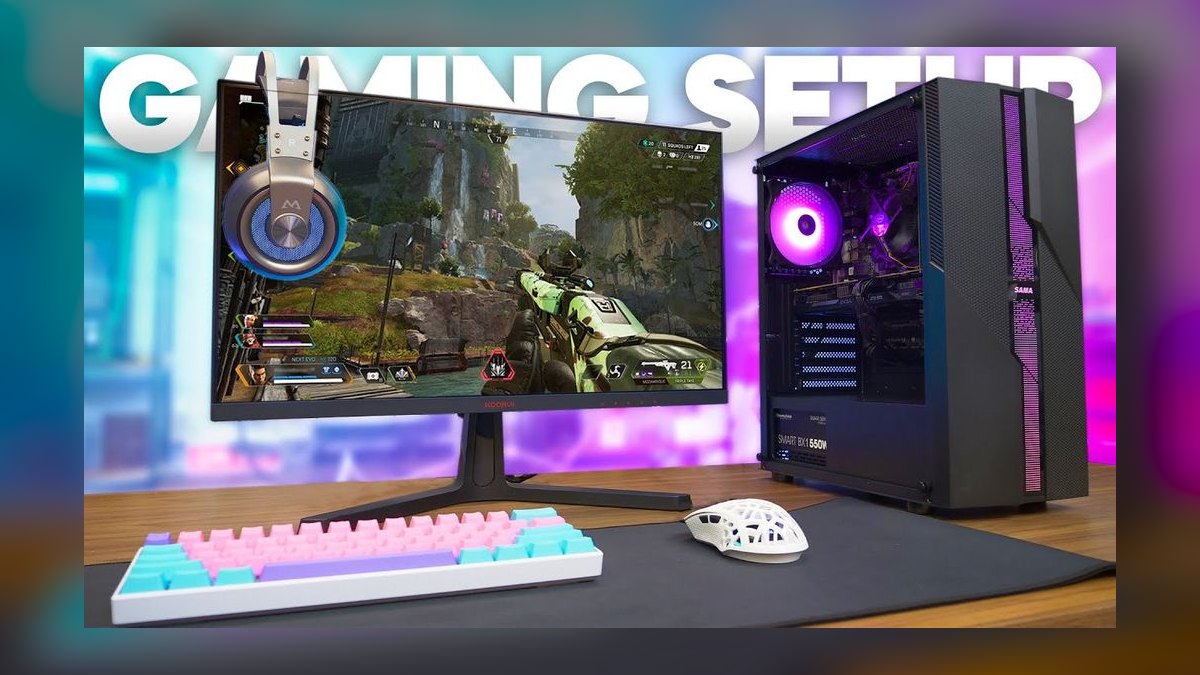
A genuinely high-end build — 4K high settings or 1440p at very high refresh — lands around $2,400–$3,600. GPU $900–$1,400, CPU $400–$550, 32GB fast DDR5 $120–$180, motherboard $200–$350, 2TB NVMe $110–$180, 850W–1000W PSU $140–$220, case $120–$200, 240mm–360mm AIO $110–$180.
An enthusiast build — 4K with ray tracing, maximum settings, headroom for the next several years — runs $3,800–$6,000+ for the tower alone. GPU $1,600–$2,200, CPU $550–$800, 64GB DDR5 $200–$350, high-end motherboard $350–$600, 4TB NVMe $250–$400, 1200W PSU $220–$350, premium case $200–$400, high-end 360mm AIO or custom loop $180–$1,200.
Peripherals, by tier.
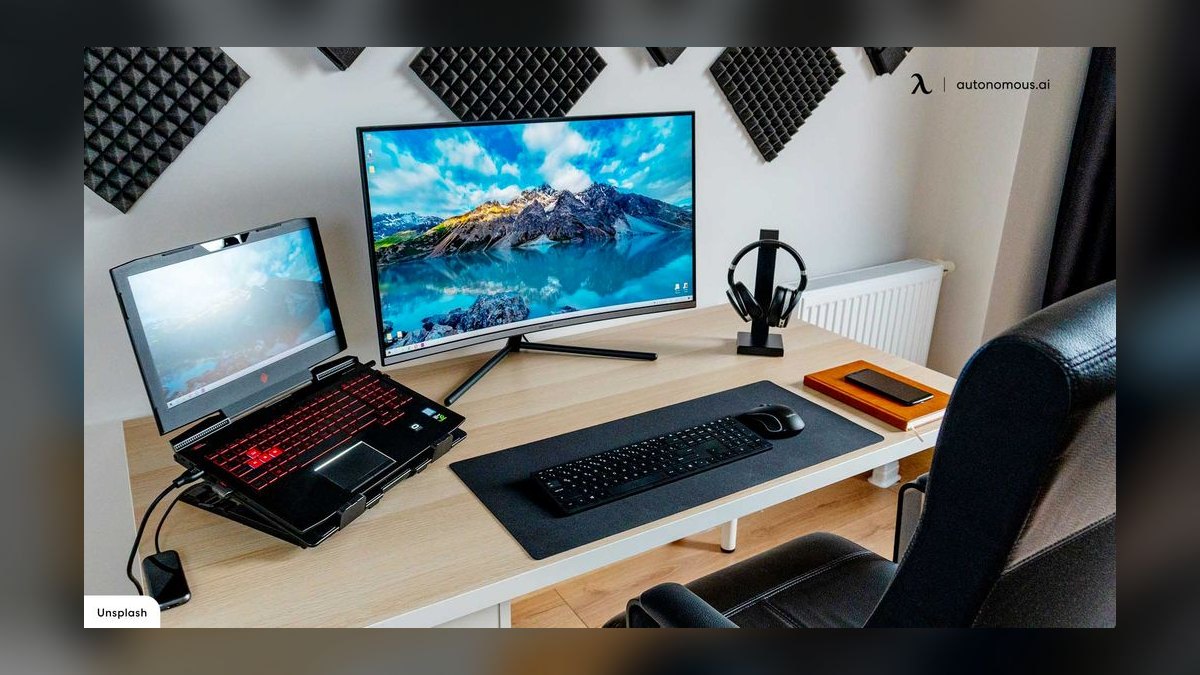
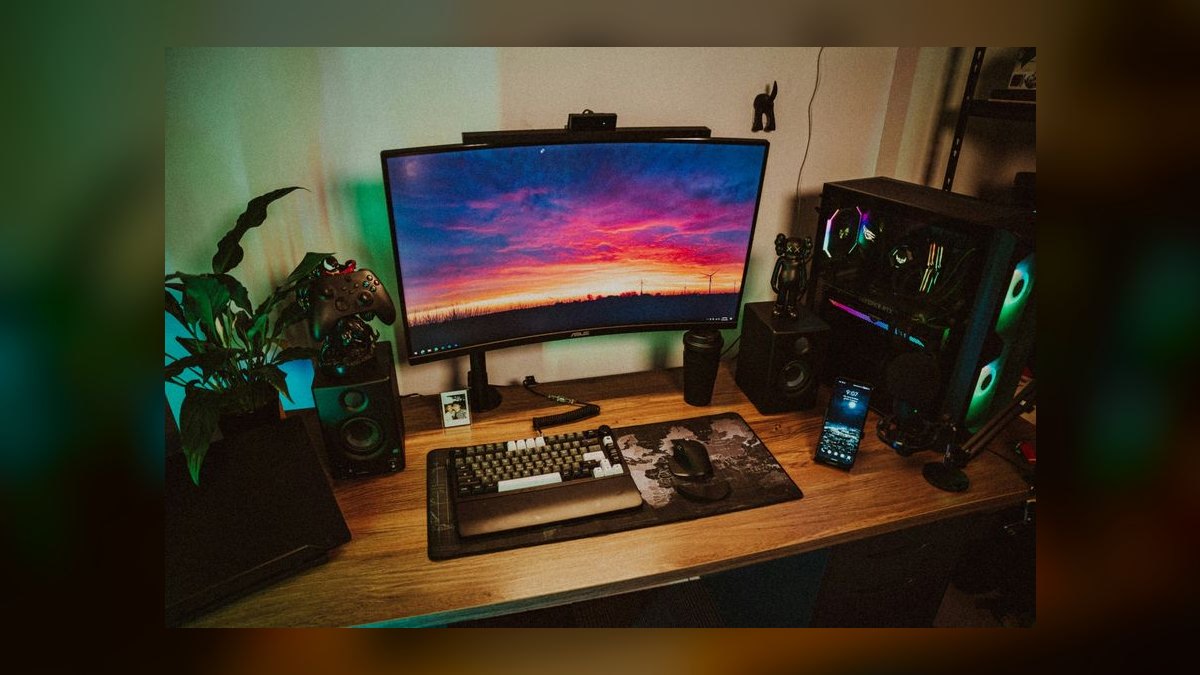
A functional high-end peripheral set: 1440p 165Hz monitor $280–$400, mechanical keyboard $90–$150, gaming mouse $60–$90, headset $90–$150, basic chair $200–$350, desk $150–$300. Total roughly $870–$1,440.
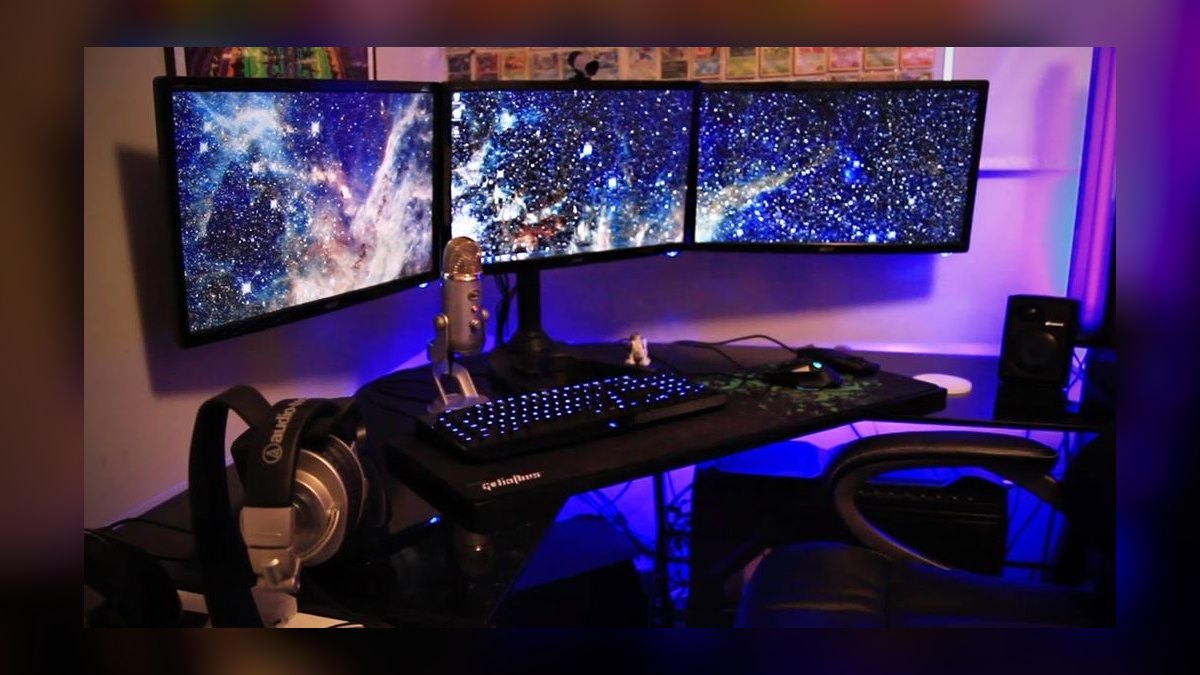
A premium set: 4K 144Hz+ or 1440p OLED monitor $700–$1,200, premium mechanical or custom keyboard $150–$300, high-end wireless mouse $130–$180, open-back headphones plus DAC/amp or a good headset $200–$450, ergonomic chair $400–$900, sit-stand desk $400–$800, mic $150–$300. Total roughly $2,130–$4,130.
Where the totals land.
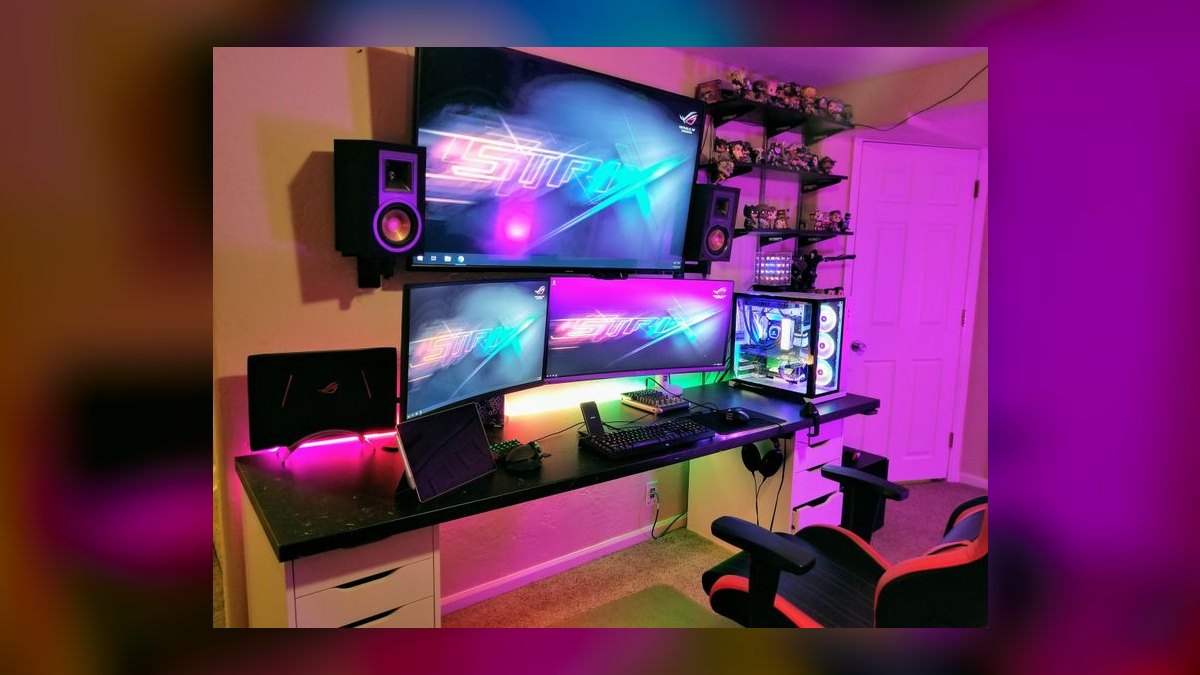
A serious 1440p setup, tower plus peripherals: $2,300–$3,300. A true high-end 4K setup: $3,500–$6,500. An enthusiast setup with dual high-refresh displays, premium audio, and a top-tier chair: $7,000–$10,000+. The wide bands are honest — the same performance tier can differ by 40% in price depending on aesthetics, brand, and whether the buyer catches a sale cycle.
The recurring costs nobody quotes.
The purchase price is not the cost of the setup. A high-end machine pulling 500–700W under sustained gaming load, used four hours a day, consumes roughly 60–85 kWh per month. At U.S. residential electricity rates, that's typically $8–$25 monthly depending on the state, and meaningfully more in regions with high rates. Over a four-year ownership period, that is $400–$1,200 in electricity alone — a real line item that never appears in a build guide.
Game purchases add up faster than hardware for many people. Someone buying eight to twelve new releases a year at $60–$80 spends $500–$960 annually, which over four years exceeds the cost of the GPU. Subscription services, online multiplayer fees where applicable, and in-game purchases stack on top of that.
Then there's the upgrade cadence. High-end builds age unevenly. The GPU is typically the first component to feel dated, usually in three to four years for someone who wants to stay at maximum settings. CPU and motherboard platforms last longer, often five to seven years. Power supplies, cases, and cooling can span a decade. Storage grows as needed. A realistic total cost of ownership for someone who stays at the high-end tier is the initial build plus roughly $800–$1,500 every three to four years for a GPU refresh, plus a platform refresh every five to seven.
What "high-end" doesn't get you.
Diminishing returns are steep and worth naming. The jump from a $400 GPU to an $800 GPU is transformative — often 60–80% more performance. The jump from $800 to $1,600 is meaningful but smaller, frequently in the 35–55% range. The jump from $1,600 to a halo card at $2,000+ is often 10–20%, and in many titles at the settings people actually use, the difference is invisible without a frame counter on screen. The same curve applies to peripherals: the difference between a $40 mouse and a $120 mouse is noticeable, the difference between $120 and $180 is mostly build materials and wireless polish.
Where the money could go instead
Every high-end build has alternatives that deliver a large share of the experience for a fraction of the cost, and a buyer who hasn't priced them is not making an informed decision — they're making a default one.
Prebuilt versus self-built. Self-building saves 10–25% and gives full component control. Prebuilts save time, come with a unified warranty, and occasionally beat parts pricing during promotional windows because large manufacturers buy GPUs at volume rates individuals can't access. The genuine risk in prebuilts at the high end is a strong GPU paired with an undersized power supply, weak cooling, or a proprietary motherboard that blocks future upgrades — check those three specifically before assuming a prebuilt is comparable.
Used and previous-generation components. A previous-generation flagship GPU often sells for 40–55% of its launch price while delivering 70–85% of a current mid-high card's performance. This is consistently the single largest saving available in a gaming build. The risk is real — no warranty, unknown thermal history, possible prior mining or heavy-load use — but for someone comfortable testing thoroughly within a return window, it's the difference between a $3,500 setup and a $2,300 one at nearly identical performance.
Console plus a good display. A current-generation console at $400–$700 paired with an $800 OLED TV delivers a genuinely excellent 4K gaming experience for around $1,200–$1,500. It won't match a high-end PC on frame rates, mod support, competitive-shooter responsiveness, or library breadth, and it can't do non-gaming work. But for someone whose actual usage is single-player AAA titles on a couch, it delivers most of the experience for a quarter of the price. Naming this honestly is more useful than pretending the PC is the only path.
Cloud gaming. Streaming services cost $10–$25 monthly and require no hardware beyond a decent screen and a strong, low-latency connection. Latency remains a real limitation for competitive play, library availability is inconsistent, and the service can change or shut down. But it's a legitimate way to test whether high-end gaming justifies the spend before committing thousands.
Handhelds. Gaming handhelds at $400–$900 have gotten capable enough to handle a large share of a typical library at reduced settings. For someone whose gaming happens in scattered thirty-minute windows rather than long sessions at a desk, a handheld may deliver more actual played hours per dollar than a desktop that sits idle.
Staged buying. The most underrated alternative is not choosing a tier but choosing a sequence. Buy a solid 1440p tower now at $1,600, use the existing monitor, and add the high-end display in six months once the machine's real bottleneck is obvious. Split across two budget periods, the same eventual setup is far easier to fund, and the second purchase is informed by six months of actual use rather than speculation.
The mistakes that waste the most money
Specific, recurring errors account for most of the wasted spend in high-end setups. They're worth naming individually because each has a clean fix.
Buying the GPU before defining the display target. This is the root error and it causes most of the others. Someone buys a flagship card, then discovers their 1080p 60Hz monitor caps the benefit entirely — the card is rendering frames the display cannot show. Decide the resolution and refresh rate first, then buy the GPU that hits it. Buying in the other order routinely wastes $500–$900.
Undersizing the power supply. Modern flagship GPUs draw transient power spikes well above their rated average, and a supply that handles the average but not the spikes causes shutdowns under load that look like driver crashes and get misdiagnosed for weeks. Size for the spike, not the spec-sheet TDP, and buy from a reputable manufacturer with a long warranty. A cheap PSU can also take other components with it when it fails. This is the worst place in the entire build to save $60.
Pairing a flagship GPU with a low-tier CPU. The card sits idle waiting for the processor. The buyer sees frame rates well below reviews and blames the GPU. Balance matters more than any single peak component, and the balance point shifts with resolution — the lower the resolution, the more CPU matters.
Ignoring case airflow. A gorgeous tempered-glass case with restricted intake will thermally throttle a high-end GPU and CPU, costing 10–20% of the performance that was just paid for. Airflow-focused cases usually cost the same or less than aesthetic ones. Check reviewed thermal results, not the marketing copy.
Overbuying memory. 64GB or 128GB in a pure gaming machine is money spent on a number rather than an experience. Games benefit from 32GB; beyond that, the gain is essentially zero unless there are genuine concurrent workloads. That's $100–$250 better spent on the GPU or monitor.
Underbuying storage. The inverse mistake, and more common. A 1TB drive in a high-end build means constant uninstall-reinstall cycles. 2TB is the practical floor.
Forgetting the peripherals in the budget. A buyer allocates $3,000, spends all of it on the tower, then discovers they need a monitor, keyboard, mouse, and headset — and buys cheap ones under pressure, undermining the machine. Budget the full setup from the start, monitor included, and treat the tower as roughly 60–70% of the total.
Paying the aesthetics premium unknowingly. RGB, custom cables, distro plates, and premium glass can add $300–$800 with zero performance impact. That's a legitimate choice if made deliberately. It's a waste if the buyer thought they were buying speed.
Ignoring warranty and return windows. High-end components fail at low but non-zero rates. Buying from retailers with genuine return policies, registering warranties, and testing everything thoroughly within the return window is the difference between a $50 inconvenience and a $1,600 loss.
Neglecting the chair. People spending $5,000 on hardware sit in a $90 chair for four hours a day. Long-term comfort and posture affect the experience more than the last 10% of GPU performance, and a good chair outlasts three or four GPU generations.
Buying at the wrong time. GPU pricing moves with supply, generational transitions, and demand from adjacent markets. Buying immediately after a new generation launches — when the previous generation drops in price and the new one is scarce and marked up — often costs 20–30% more than waiting a few months. If the current machine still functions, patience is worth real money.
Related questions
Is a $3,000 gaming PC worth it over a $1,500 one?
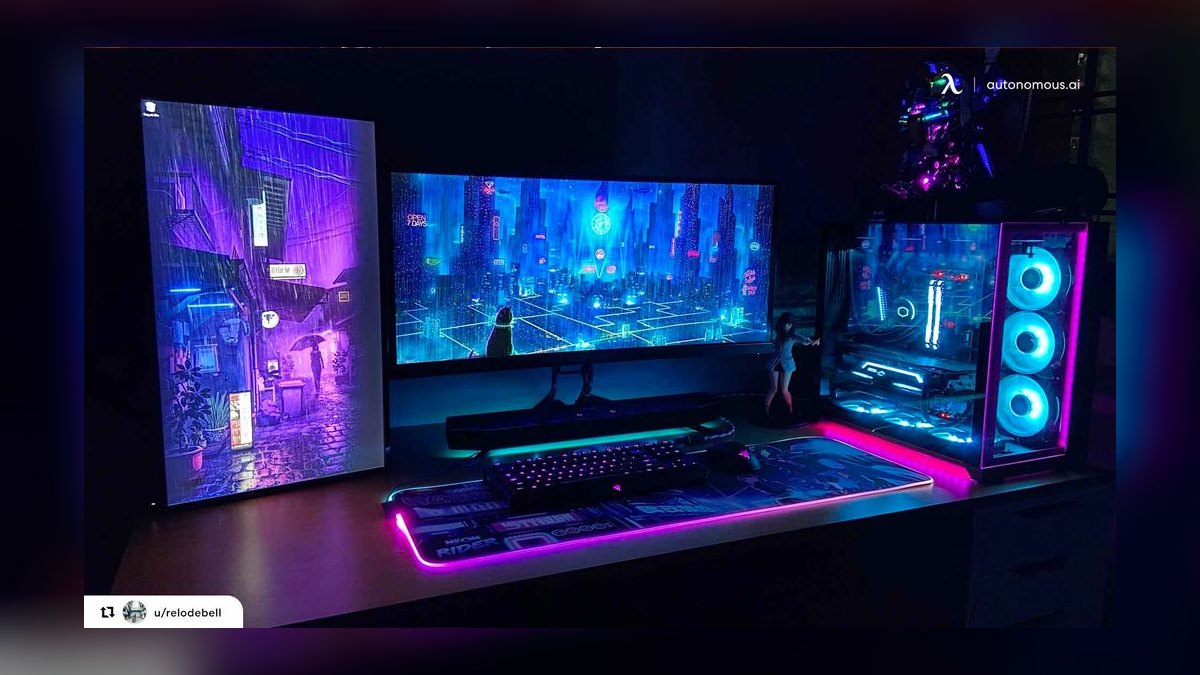
For 4K high-refresh gaming, yes — the $1,500 tier struggles there. For 1080p or 1440p at 60–100 fps, no; the extra $1,500 buys performance the display can't show. Match the tier to the monitor before deciding.
How long will a high-end gaming setup last?
The GPU typically stays comfortable at maximum settings for three to four years, longer at reduced settings. CPU and motherboard platforms last five to seven. Monitors, cases, and power supplies often exceed a decade. Plan for a GPU refresh, not a full rebuild.
Should I buy prebuilt or build it myself?
Build yourself if you want maximum value and full component control, and can spend four to six hours. Buy prebuilt for a unified warranty and no assembly risk, accepting a 10–25% premium. Verify the PSU, cooling, and upgradability of any prebuilt before committing.
What's the single biggest cost driver?
The GPU, at 30–40% of component cost, and the resolution target that determines it. That one decision cascades into power supply, cooling, case, CPU, and monitor spending — moving $1,000–$1,500 of total setup cost.
Do I need 4K for a high-end setup?
No. Many enthusiasts prefer 1440p at 240Hz over 4K at 120Hz, especially for competitive titles, because motion clarity matters more than pixel count in fast games. 1440p high-refresh is also meaningfully cheaper across GPU and monitor.
FAQ
How much does a high-end gaming setup cost in 2027?
Expect $3,500–$6,500 for a complete high-end setup. The tower accounts for $2,200–$4,000, and peripherals — monitor, keyboard, mouse, audio, chair, desk — account for $1,200–$2,500. Enthusiast configurations with dual high-refresh displays, premium audio, and custom cooling regularly exceed $8,000. A strong 1440p setup that satisfies most people lands considerably lower, around $2,300–$3,300.

Can I get a genuinely high-end experience for under $2,500?
Yes, with trade-offs. Target 1440p rather than 4K, buy a previous-generation or used flagship GPU at roughly half its launch price, keep memory at 32GB, and build the machine yourself. A $1,500–$1,700 tower paired with a $400 monitor and $300 of peripherals produces an experience most people would call high-end without qualification.
Why do build costs vary so widely for the same performance?
Because aesthetics, brand premiums, and timing move price far more than performance does. Two machines with identical frame rates can differ by 40% depending on case, RGB, cable management, memory speed, motherboard tier, and whether the buyer caught a sale. Performance-per-dollar and appearance-per-dollar are separate purchases that get billed together.
What should I spend the most on?
The GPU and the monitor, in that order, assuming gaming is the primary use. Together they typically account for 45–55% of a high-end setup's cost and determine most of what the experience feels like. Underspending on either while overspending elsewhere is the most common way a build disappoints relative to its price.
How much does it cost to run per month?
A high-end machine drawing 500–700W under load, used roughly four hours daily, consumes about 60–85 kWh monthly — typically $8–$25 in electricity depending on local rates. Over four years that's $400–$1,200, before counting game purchases, which for an active buyer often exceed the hardware cost.
Is it cheaper to upgrade an existing PC than build new?
Usually, if the platform is recent. A GPU-only upgrade at $800–$1,600 can transform a machine whose CPU, memory, and storage are still adequate. It stops making sense when the power supply can't handle the new card, the CPU would bottleneck it badly, or the motherboard is two or more generations behind — at that point the upgrade cascades into a rebuild anyway.
Sources
- https://www.tomshardware.com/reviews/gpu-hierarchy,4388.html
- https://www.anandtech.com/
- https://www.rtings.com/monitor
- https://www.gamersnexus.net/
- https://pcpartpicker.com/
- https://www.eia.gov/electricity/monthly/
- https://www.techpowerup.com/gpu-specs/
- https://www.bls.gov/cpi/
- https://www.notebookcheck.net/
Related on PULSE
- How much does a home office setup cost?
- What's the total cost of ownership for a work laptop?
- How do you budget for hardware refresh cycles?
- Is buying used hardware worth the risk?
- How much should a small business spend per employee on equipment?
This page will be disappearing soon. Save it to your device for $1 — or read it free while it is here.
@Kory-White- · if Venmo asks, the last 4 of my number are 2012
This page is gone.
This one is off the shelf now. $1 keeps it on your phone for good — the whole page, pictures and diagrams included.
 pulse-recentWhat's the fastest way to become a professional esports commentator in 2027?
 pulse-recentTop 10 Most Expensive Graded Pokémon Base Set Cards in 2027
 pulse-recentThe 10 Best Budget Gaming Mouse Pads Under $20 in 2027
 pulse-recentTop 10 Most Expensive Video Games to Develop of All Time in 2027
 pulse-recentWhat is the total cost of owning a gaming PC for five years in 2027?
 pulse-recentThe 10 Best Horror Games to Play in 2027
 pulse-recentHow many gaming subscriptions does the average gamer have in 2027?
 pulse-recentTop 10 Best-Selling Atari 2600 Games of All Time in 2027
 pulse-recentTop 10 Most Valuable Pokémon Trading Card Game Booster Boxes in 2027
 pulse-recentTop 10 Most Expensive Factory-Sealed Nintendo 64 Games to Buy in 2027