


How much does a gaming desk setup cost in 2027?
Quality
Certified

A gaming desk setup in 2027 typically costs $400 to $1,200 for a solid mid-range build covering desk, chair, monitor arm, lighting, and cable management. Budget builds land near $250, while enthusiast setups with electric sit-stand frames, ultrawide mounting, and acoustic treatment run $2,000 to $3,500 or more.
Fixed-height desks versus motorized sit-stand frames
The single biggest fork in a gaming desk setup is whether you buy a fixed-height slab or a motorized sit-stand frame, and it drives roughly half the total cost difference between an entry build and a mid-range one.
A fixed-height gaming desk is a tabletop on four legs or a welded steel frame, usually 28 to 30 inches off the floor. Because there is no motor, no control box, no lifting columns, and no anti-collision sensors, the whole product is essentially furniture. That collapses the bill of materials to a laminated MDF or particleboard top, a powder-coated steel frame, and hardware. Entry gaming desks with the carbon-fiber-look vinyl wrap, a cup holder, and a headphone hook sit at the very bottom of the market. Step up and you're buying a thicker top, better edge banding, and a frame that doesn't wobble when you slam a mouse. The wobble point matters more than spec sheets suggest: a desk that shakes at 120 Hz shakes your monitor, and no monitor arm fixes a bad frame.
A motorized sit-stand frame replaces the legs with two or three telescoping columns driven by a motor, plus a controller with memory presets. Dual-motor frames — one motor per leg — lift faster, carry more, and stay level better than single-motor designs that drive both columns off one motor through a crossbar. Expect a dual-motor frame with a 250 to 350 lb lift capacity to roughly double what a comparable fixed desk costs, before you even attach a top. Three-stage columns (three nested tubes per leg) give a wider height range and a higher top speed than two-stage, and cost more; if you're over six feet or under five-four, three-stage is worth the premium because two-stage frames frequently can't reach a correct standing height for tall users or a correct seated height for short ones.

The trade-offs are not purely financial. Motorized frames add failure modes: controllers die, motors desync, and cheap anti-collision sensors misfire and drop the desk mid-session. They also add cable strain — every cable now has to tolerate a 20-inch travel range, which means a longer power run, a cable chain or spine, and slack management you don't need on a fixed desk. Fixed desks fail almost never, and when they do, it's a stripped bolt. If you play in long stationary sessions and don't have back pain, a rock-solid fixed desk plus the money saved put toward a better chair is often the stronger build. If you work from the same desk eight hours a day and game on it four more, the sit-stand pays for itself in comfort.
One more axis: buying a bare frame and a separate top is usually cheaper and better than buying a complete branded sit-stand gaming desk. Frames are commodity engineering; tops are the part where you can spend on solid bamboo, butcher block, or a big laminate slab and get something that looks good for a decade. Splitting the purchase also lets you buy a wider top — 60 to 72 inches — which is what actually makes a dual-monitor or ultrawide setup feel spacious, without paying gaming-brand markup on the RGB trim.
How to decide between a fixed desk and a sit-stand build

Decide on constraints in this order: space, weight load, hours per day, budget ceiling. Space comes first because it eliminates options fastest — a 48-inch alcove rules out a 70-inch top regardless of how much you want one, and corner/L-shaped configurations restrict which sit-stand frames fit at all, since most motorized L-frames are wider and heavier than their rectangular siblings.
Weight load is the second gate. Add it up honestly: a 32-inch monitor and a 34-inch ultrawide on a dual arm, a mid-tower PC on the desk instead of the floor, a speaker pair, a headphone stand, a mechanical keyboard, and a mic boom arm. That stack can exceed 100 lbs, and monitor arms multiply the leverage at the clamp point. On a fixed desk, the concern is top deflection and clamp crush — a thin particleboard top will visibly sag or dent under a heavy arm clamp, and the fix is a steel backing plate. On a sit-stand frame, exceeding rated capacity doesn't just risk sag; it burns out motors and voids warranty.
Hours per day is the ergonomic gate. Under three hours daily and a good chair matters far more than height adjustability. Above six hours of combined work and gaming, standing intervals meaningfully reduce lower-back load, and the sit-stand premium becomes defensible.
A practical tiebreaker: if you're uncertain, buy the fixed desk and a good chair now, and keep the frame upgrade as a later purchase. Frames and tops are separable, so a fixed top bought at a standard 25 to 30 mm thickness with clean edges can later be bolted onto a motorized frame. That's not true in reverse — you can't cheaply un-motorize a desk — and it means the fixed-first path preserves optionality while the sit-stand-first path locks in the spend.
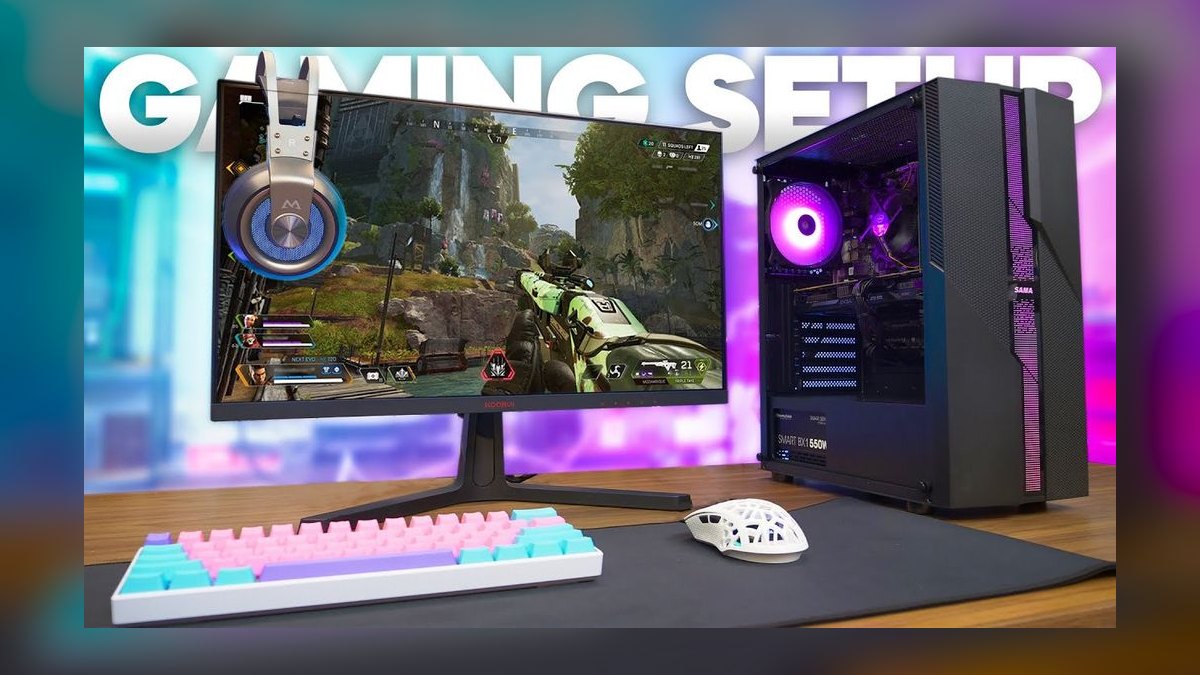
Also sanity-check the clamp interface before buying anything. Monitor arms specify a maximum top thickness, commonly around 60 mm for C-clamps, and a minimum edge depth behind the clamp. Desks with a thick front bullnose edge, a raised lip, or a rear cable trough directly at the clamp line will fight the arm. Grommet-mount arms need a hole of a specific diameter, usually 60 to 80 mm, in the right place — measure from where the monitor should sit, not from the desk's center.
Concrete numbers behind each component
Prices below are typical 2027 street ranges for new gear in the US market. Used and open-box shift everything down substantially, and sales cycles around major retail events regularly move desks and chairs 20 to 30 percent.
Desk surface. A basic fixed gaming desk runs roughly $80 to $200. A well-built fixed desk with a thick laminate or solid-wood top and a stable steel frame lands around $250 to $500. A bare dual-motor sit-stand frame is commonly $250 to $500 on its own, with a separate top adding $100 to $400 depending on material — laminate at the low end, bamboo mid, solid hardwood or butcher block at the top. Complete branded sit-stand gaming desks with integrated RGB, cable trays, and headset hooks typically sit between $500 and $900.
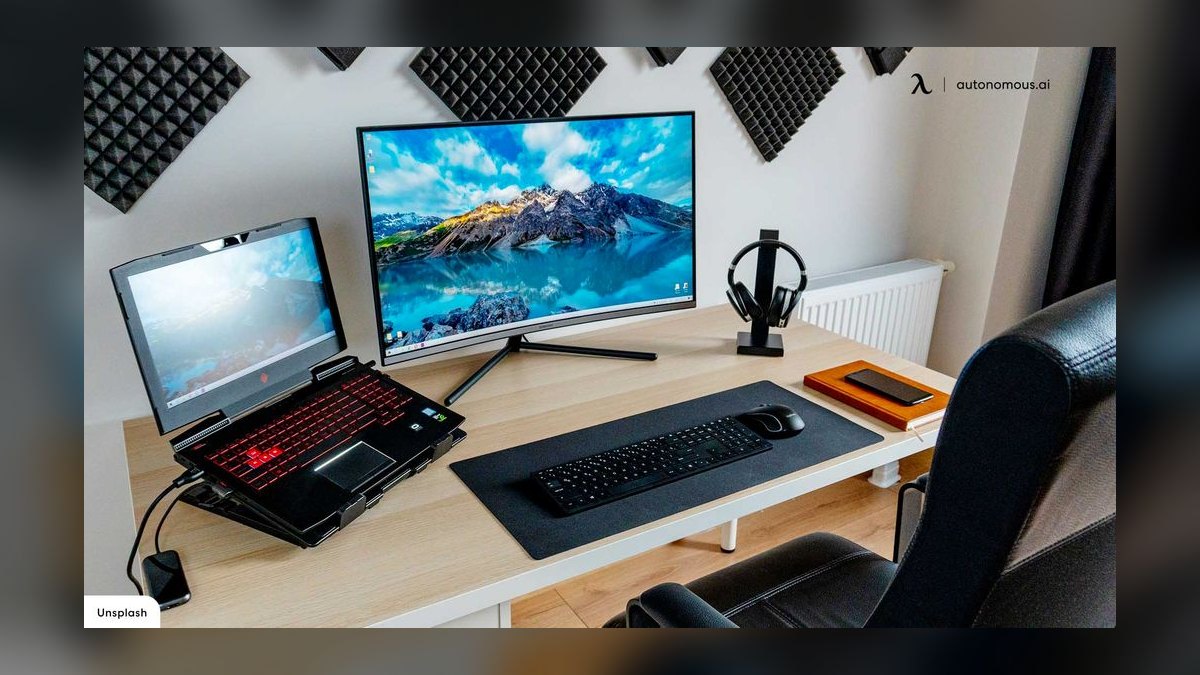
Chair. This is where most people underspend and regret it. Entry racing-style gaming chairs cluster around $150 to $250 and use thin foam that compresses within a year. Mid-tier gaming and hybrid office chairs with better foam density, 4D armrests, and a real tilt mechanism run $300 to $600. Premium ergonomic task chairs — the mesh-back office designs that many long-session players end up on — start around $800 and run past $1,500 new, though refurbished units from reputable resellers frequently land 40 to 60 percent below new pricing with remaining warranty. A used premium chair at $500 generally outperforms a new $500 gaming chair on support and durability.
Monitor arm. Single arms with gas-spring lift start near $30 for basic models and run $100 to $200 for well-engineered ones with smooth motion and proper weight tuning. Dual arms add roughly 50 percent. Heavy-duty arms rated for 30-plus-inch or ultrawide panels — the ones with a stated capacity above about 20 lbs — sit at the upper end. Match the arm's rated weight range to your monitor, because gas springs that are over- or under-loaded drift.
Lighting. A basic bias-light strip behind the monitor is $15 to $40. Addressable RGB strips with a controller run $40 to $100. A pair of decent desk-level accent lamps or bar lights adds $60 to $200. A proper key light for streaming — a diffused panel on a clamp arm — starts around $100 and runs to $300 for the well-known panel models.
Cable management. Under-desk cable trays are $20 to $50, spines or chains for sit-stand builds $25 to $60, adhesive raceways and clips $10 to $30, and a surge-protected power strip that mounts under the top $25 to $60. Budget $60 to $150 total for a setup you don't have to redo.
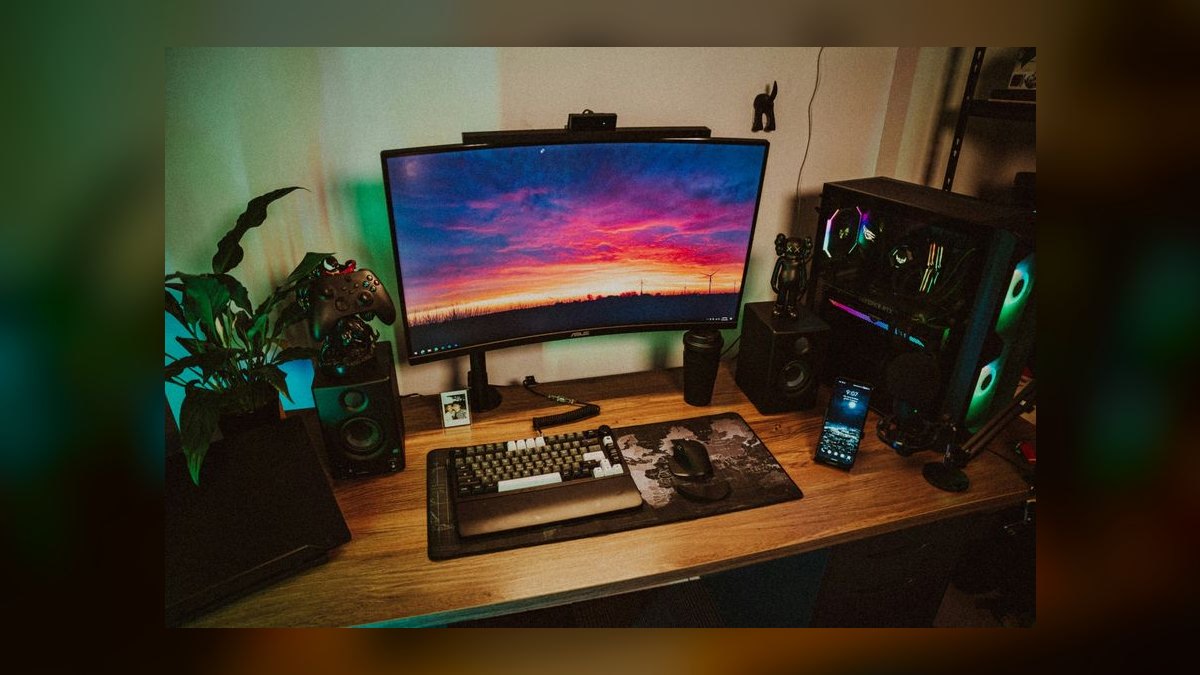
Surface and audio extras. A large desk mat is $25 to $80. A speaker pair suitable for desktop use spans $100 to $400. A mic boom arm is $30 to $120. A monitor riser or shelf, if you skip the arm, is $25 to $70. A footrest — genuinely useful on a fixed desk that's slightly too tall — is $25 to $60.
Realistic totals. Budget build: fixed desk, entry chair, no arm, basic strip lighting, minimal cable management — roughly $250 to $400. Mid-range: solid fixed or single-motor sit-stand desk, mid-tier chair, single quality arm, bias lighting, real cable tray — roughly $600 to $1,200. Enthusiast: dual-motor three-stage frame with a hardwood top, premium ergonomic chair, dual heavy-duty arms, key light plus accent lighting, full cable spine, large mat, desktop speakers — roughly $2,000 to $3,500. Note that none of these figures include the PC, monitors, keyboard, mouse, or headset. Those are the expensive part of a gaming setup and are usually budgeted separately; the desk setup is the furniture and infrastructure layer around them.
Build order, sequencing, and the mistakes that cost money
Sequence matters because several decisions are one-way doors. Drilling a grommet hole, mounting a clamp, or routing adhesive raceways all become expensive to undo once the desk is loaded with a PC and three monitors.
Start by measuring the room, not the desk. Record usable wall width, depth from wall to where a chair can roll freely, outlet locations, and the height of any window sill or radiator that constrains depth. Then measure yourself: seated elbow height with feet flat is your target desk height, and standing elbow height is your target standing height. Most fixed desks ship at 29 to 30 inches, which is too tall for a large share of adults — if your seated elbow height is under 27 inches, you either need a keyboard tray, a footrest and a raised chair, or an adjustable frame.
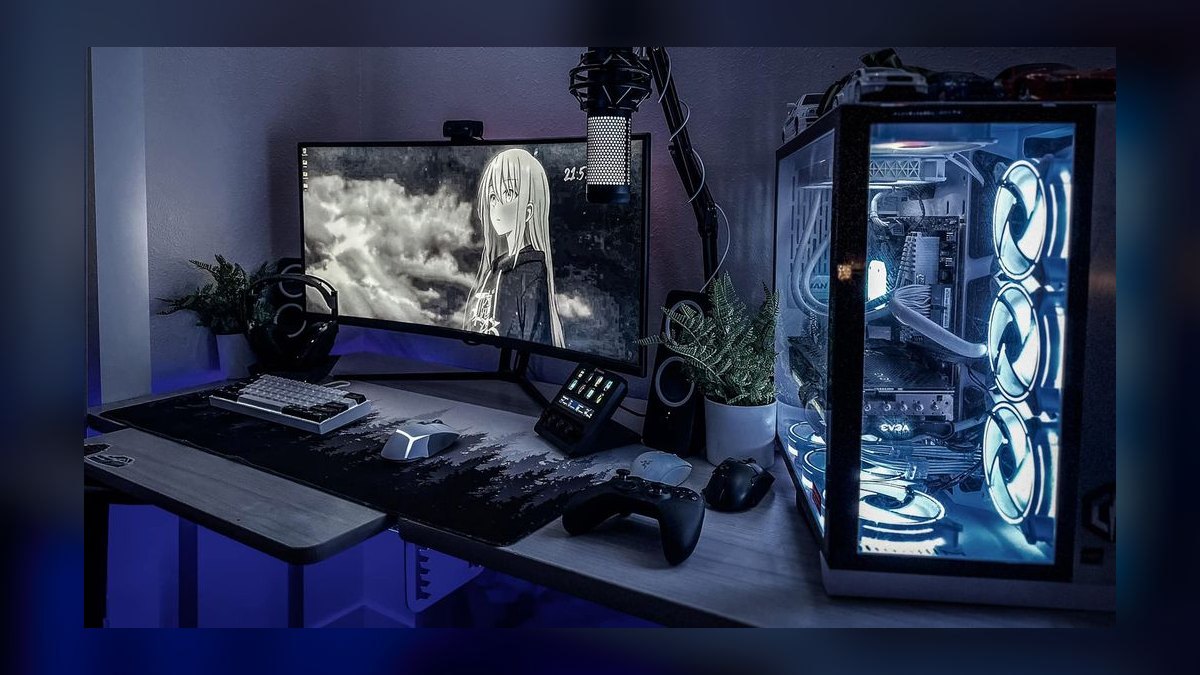
Assemble the frame and top before anything else, and check for wobble by pushing the far corner laterally. Any meaningful sway at this stage will only get worse loaded, and it's the point at which returning the desk is still easy.
The most common money-losing mistakes, in rough order of frequency:
Buying the desk before measuring the chair. Chair armrests must slide under the desk apron. Many gaming desks have a front lip or a low crossbar that stops armrests four inches short, forcing you to sit farther back and wrecking your reach to the keyboard. Check apron clearance against your chair's armrest height before ordering.
Underestimating depth. A 24-inch-deep desk cannot correctly position a 32-inch monitor — the viewing distance is too short, and you end up craning. Aim for 27 to 30 inches of depth for a single large panel, and note that a monitor arm buys back several inches by pushing the panel past the rear edge.
Skipping the arm and buying a bigger desk instead. A monitor arm reclaims the entire footprint of the stand, which is often the single highest-value $80 to $150 in a setup. It also lets you tune height and tilt independently of the desk.
Cheap surge protection. A gaming setup pulls a real load — a mid-to-high-end PC, two or three monitors, powered speakers, lighting, and charging. Undersized strips and daisy-chained extensions are a genuine hazard. Use one properly rated strip with adequate joule rating, mounted to the underside so it travels with the desk.
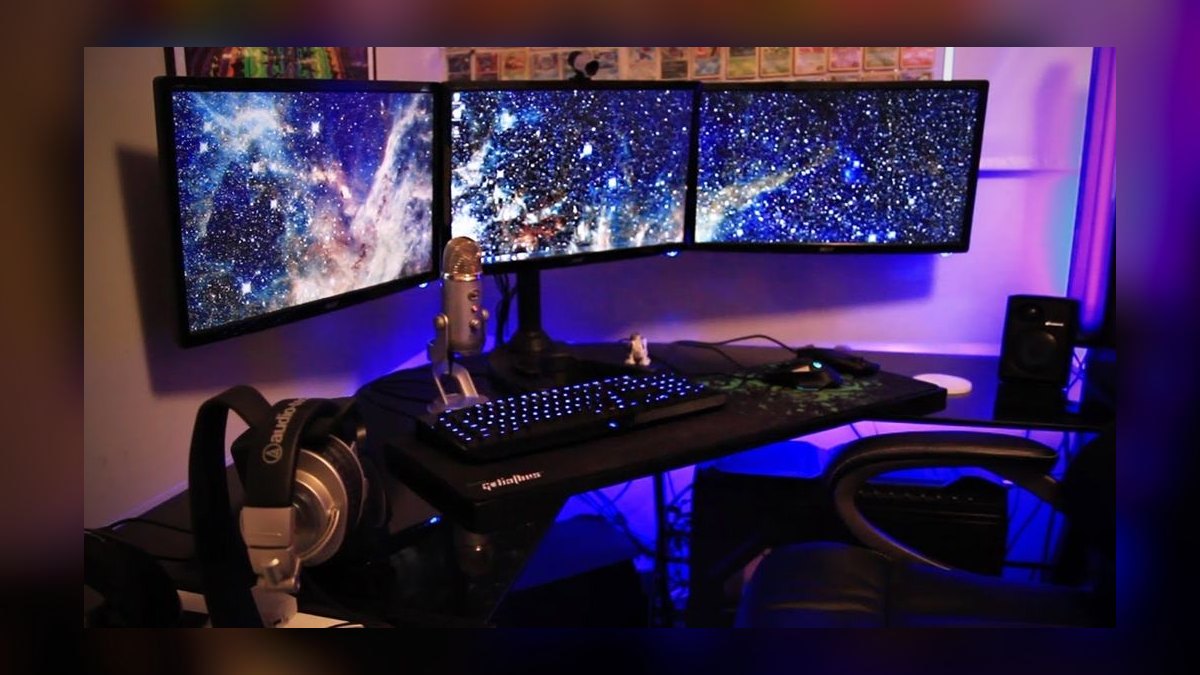
Ignoring travel slack on sit-stand builds. Every cable needs enough length to reach full standing height plus a few inches. The failure is unglamorous: a cable goes taut, a plug rips out, or in the bad case a monitor gets tugged. Cable spines and drag chains exist specifically for this, and they cost less than one replacement cable run.
Buying lighting before positioning. Bias lighting behind the monitor is the highest-return lighting purchase and should go in first; accent and RGB should follow once the desk layout is settled, because moving adhesive strips destroys them.
Overpaying for "gaming" branding. Frames, arms, trays, and strips are commodity hardware. The gaming-branded versions frequently cost 30 to 50 percent more for a vinyl wrap and a logo. The categories genuinely worth paying up for are the chair, the monitor arm's mechanism quality, and top material.
Where to cut and where to spend
If the total budget is fixed, the allocation matters more than the individual purchases. A reasonable split for a $1,000 setup is roughly 40 percent chair, 30 percent desk, 15 percent monitor arm, and 15 percent lighting, cable management, and surface. That deliberately front-loads the chair, because it's the component in contact with your body for the entire session and the one where cheap construction fails fastest.
Cut on: RGB, branded desk pads, headset hooks and cup holders, glass tops, and anything marketed on aesthetics rather than mechanism. Also cut on desk width if the room is tight — a well-organized 55-inch desk beats a cluttered 70-inch one.
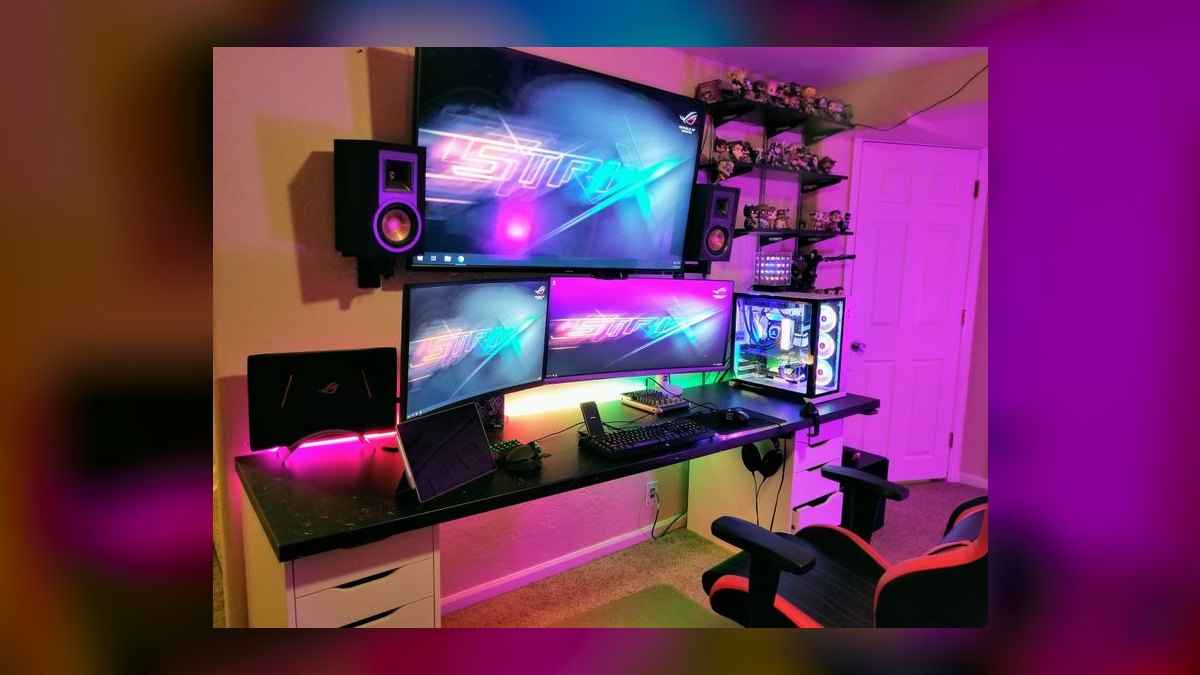
Spend on: chair, monitor arm, top thickness and material, and cable infrastructure. These are the parts that either don't wear out or, when they do, take the rest of the setup down with them.
Buy used or refurbished where the failure modes are visible. Premium office chairs, steel frames, and monitor arms all inspect well in person and hold value poorly, which is a buyer's advantage. Avoid used on anything with a sealed motor or controller unless it's under a transferable warranty.
Finally, stage the purchases. A working setup on day one is a desk, a chair, and power. Arms, lighting, and cable management can arrive over the following weeks once you've lived with the layout and know where things actually want to sit. Staging also lets you catch sales on the expensive components rather than buying everything at full price in a single order.
Related questions
Is a sit-stand desk worth it for gaming specifically?
For pure gaming, less so — you sit to play. It's worth it when the same desk serves a full workday. If combined use exceeds six hours daily, the height flexibility pays off; if you only game a few hours, put the money into the chair instead.
How much desk depth do I need for a 34-inch ultrawide?
Around 28 to 30 inches of depth. Ultrawides need distance to avoid neck rotation at the edges. A monitor arm effectively adds depth by cantilevering the panel over the rear edge, which is why an arm often solves a too-shallow desk better than a new desk does.
Can I put my PC tower on the desk?
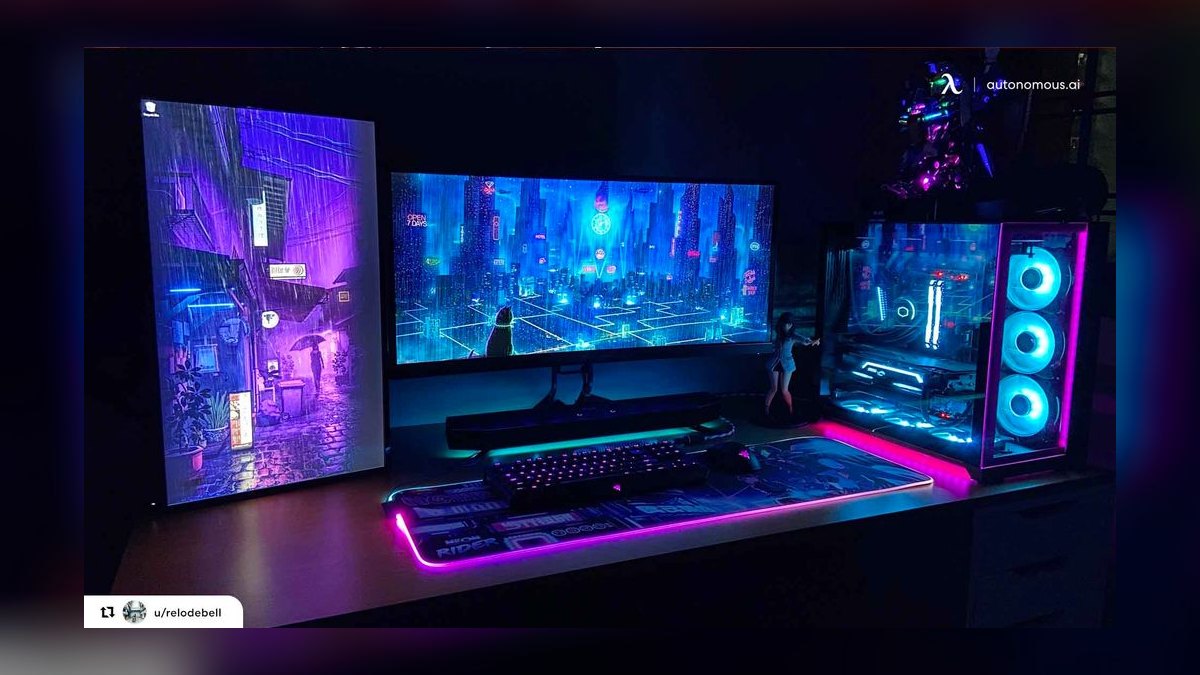
Yes, if the top is rated for it and thick enough not to deflect. A mid-tower with components typically runs 25 to 50 lbs. On a sit-stand frame, count it against lift capacity. On the desk it collects less dust than on carpet, but it consumes usable surface area.
What's the cheapest upgrade with the biggest impact?
A monitor arm, usually $80 to $150. It reclaims the stand's footprint, lets you set exact height and distance, and improves posture more than any other single purchase in that price band. Bias lighting behind the monitor is a close second at a fraction of the price.
FAQ
How much does a basic gaming desk setup cost in 2027?
A functional budget setup — fixed desk, entry-level chair, basic lighting, and simple cable management — lands around $250 to $400. That excludes the PC, monitors, and peripherals. Going used on the chair and desk can bring the same functional result closer to $150 to $250.
What's the difference between a $150 desk and a $500 desk?
Frame rigidity, top thickness, and edge quality. The cheap desk uses thin particleboard and a light frame that flexes laterally; the expensive one uses a thicker top with proper edge banding and a heavier welded or bolted steel frame. The practical difference shows up as wobble under a monitor arm and dents at clamp points.

Should I buy a complete sit-stand desk or a frame and top separately?
Separately, in most cases. Bare frames are competitively priced commodity hardware, and buying the top independently lets you pick material, size, and finish without paying gaming-brand markup. The exception is when you want a specific integrated cable management system or a warranty covering the whole assembly.
Does a gaming chair or an office chair make more sense?
For long sessions, a proper ergonomic office chair usually wins on lumbar support, adjustability, and foam durability. Racing-style gaming chairs suit some body types and look the part, but the bucket seat design restricts posture changes. Refurbished premium office chairs are the value play in this category.
How much should I budget for cable management and lighting?
Roughly $100 to $250 combined for a setup you won't have to redo — a mounted power strip, an under-desk tray, a spine if the desk moves, adhesive clips, and a bias light behind the monitor. Adding a streaming key light and multiple accent lamps pushes lighting alone to $300 or more.
What does a high-end gaming desk setup cost?
An enthusiast build — dual-motor three-stage frame with a hardwood top, premium ergonomic chair, dual heavy-duty monitor arms, full cable spine, key and accent lighting, large mat, and desktop speakers — typically totals $2,000 to $3,500 for the furniture and infrastructure layer, before any computing hardware.
Sources
- https://www.osha.gov/etools/computer-workstations
- https://www.cdc.gov/niosh/ergonomics/about/index.html
- https://www.mayoclinic.org/healthy-lifestyle/adult-health/in-depth/office-ergonomics/art-20046169
- https://www.consumerreports.org/home-garden/office-chairs/
- https://www.wired.com/gallery/best-standing-desks/
- https://www.rtings.com/monitor
- https://www.nist.gov/pml/owm
- https://www.energy.gov/energysaver/electricity-use-home
Related on PULSE
- How much does a home office setup cost?
- Are standing desks worth the money?
- What monitor size is best for productivity?
- How do you set up a dual-monitor workstation?
- What's the real cost of a streaming setup?
This page will be disappearing soon. Save it to your device for $1 — or read it free while it is here.
@Kory-White- · if Venmo asks, the last 4 of my number are 2012
This page is gone.
This one is off the shelf now. $1 keeps it on your phone for good — the whole page, pictures and diagrams included.
 pulse-recentTop 10 Most Expensive Big Box PC Games to Buy in 2027
 pulse-recentTop 10 Gaming Controllers with the Most Hall Effect Joysticks in 2027
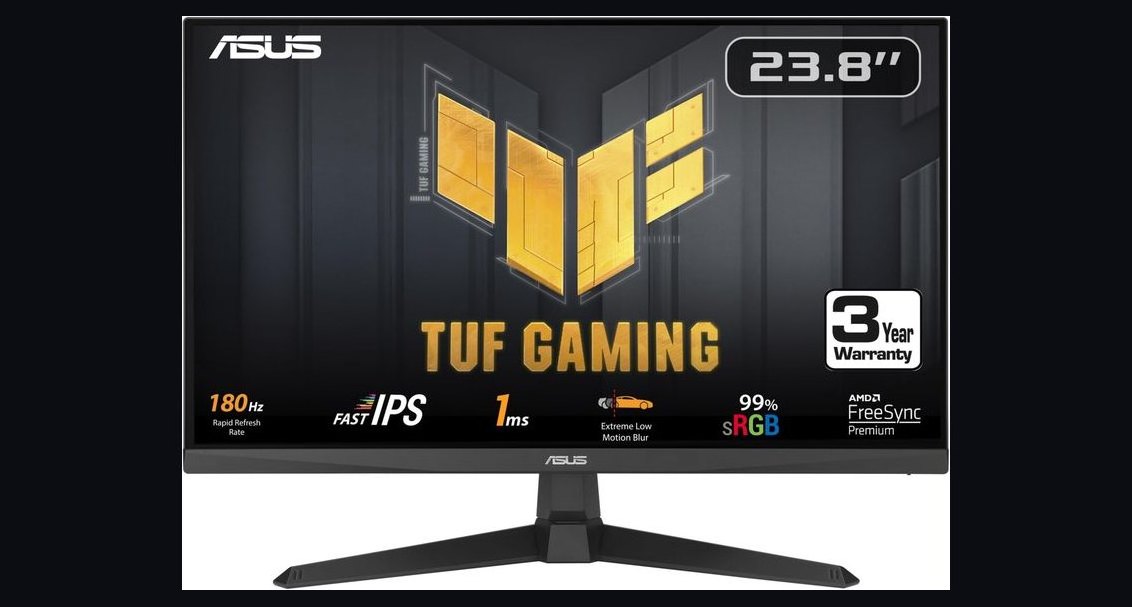 pulse-recentThe 10 Best Budget Gaming Monitors Under $250 in 2027
 pulse-recentWhat is the total cost of owning a gaming PC for five years in 2027?
 pulse-recentTop 10 Best-Selling Sega Genesis Games of All Time in 2027
 pulse-recentThe 10 Best Budget Gaming Mouse Pads Under $20 in 2027
 pulse-recentThe 10 Best Gaming Chairs Under $200 in 2027
 pulse-recentTop 10 Most Expensive Collector's Edition Gaming Consoles in 2027
 pulse-recentTop 10 Most Valuable Pokémon Trading Card Game Booster Boxes in 2027
 pulse-recentThe 10 Best Open-World Games with the Highest Player Engagement in 2027