


How much does a gaming PC cost per month in 2027?
Quality
Certified
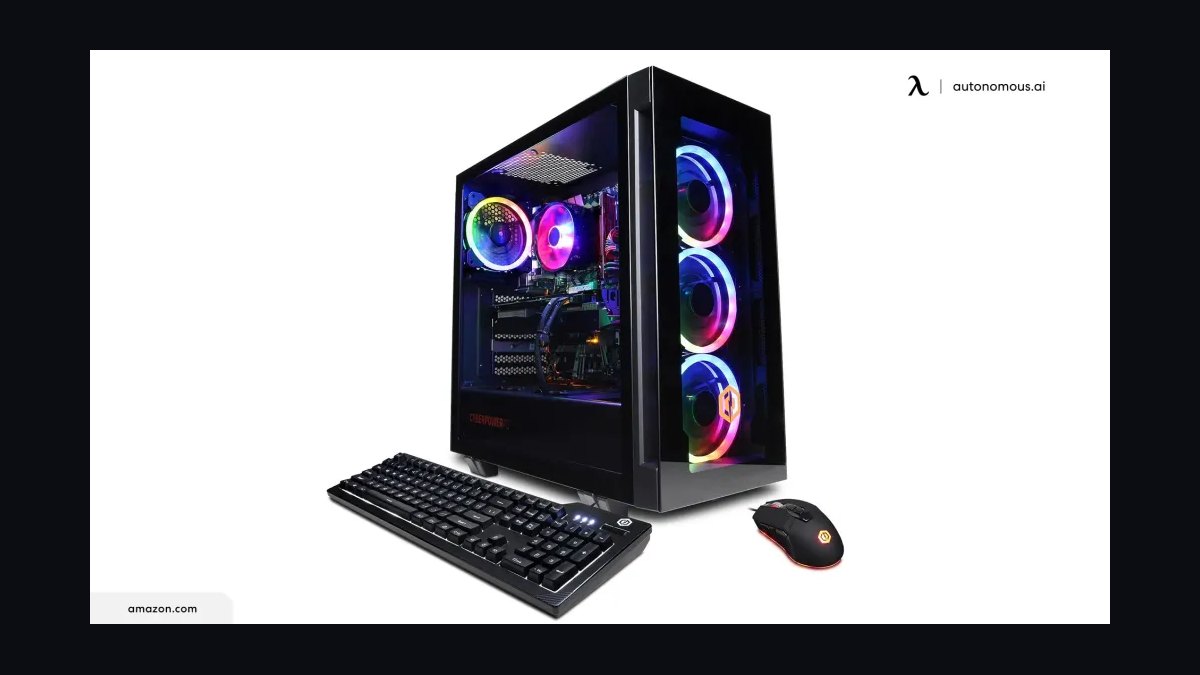
A gaming PC in 2027 costs roughly $25–$70 per month when you amortize the build over a realistic four-to-six-year life, plus about $5–$15 monthly for electricity depending on local rates and hours played. Entry builds land near the low end; high-refresh 1440p and 4K rigs push toward the top.
The outcome you should expect
The honest way to price a gaming PC is not the sticker on the box — it is the total cost of ownership divided by the months you actually use it. A machine is a depreciating capital asset with a running utility bill attached, and treating it that way turns a scary four-figure number into a line item you can compare against a phone plan or a couple of streaming subscriptions.
Start with the purchase price. In 2027, the practical tiers look roughly like this: a 1080p-focused entry build with a current-generation mid-range GPU, six-to-eight-core CPU, 16–32GB of RAM and a 1TB NVMe drive tends to land somewhere in the $800–$1,200 band. A 1440p high-refresh build — a step up in GPU class, 32GB of RAM, 2TB of storage, a better cooler and power supply — typically sits in the $1,400–$2,200 band. A 4K or high-frame-rate enthusiast build with a flagship GPU, premium cooling and a 1000W-class PSU commonly runs $2,500–$4,000 and beyond once you add a case, fans and a decent motherboard.
Now divide. A $1,000 entry build over 60 months is about $17 per month in hardware depreciation. A $1,800 midrange build over 60 months is $30. A $3,000 enthusiast build over the same window is $50. Over a shorter, more aggressive 36-month replacement cycle those same numbers become $28, $50 and $83 respectively. The single biggest lever on your monthly cost is not which GPU you buy — it is how long you keep the machine.

Then add electricity. A midrange gaming rig pulls something like 250–400 watts from the wall under load, with the display adding another 25–60 watts. At 20 hours of gaming per week and roughly $0.16/kWh — a reasonable average for many U.S. markets, though rates vary enormously by region — a 350W system draws about 30 kWh per month, or roughly $5. Push to 40 hours per week on a 600W enthusiast rig and you are near 104 kWh, closer to $17 monthly. Idle and light-desktop use adds a couple of dollars more if the machine stays on constantly.
Finally, layer in the recurring soft costs that most people forget: a game-pass-style subscription, an online multiplayer service, periodic peripheral replacement, and the occasional mid-life upgrade. Those typically add $10–$30 per month for an active player. Add the three buckets together and a realistic all-in figure for a mainstream gamer in 2027 is $40–$80 per month; a budget-conscious owner on a long replacement cycle can genuinely live in the $20–$30 range.
The number that surprises people is how favorably this compares to the alternatives. A high-end console plus its online subscription, amortized over the same window, lands in a similar band once you include the service fee. Cloud gaming subscriptions avoid hardware depreciation entirely but add a hard monthly floor you never stop paying, and they carry a bandwidth and latency cost that a local machine does not.
What drives that outcome
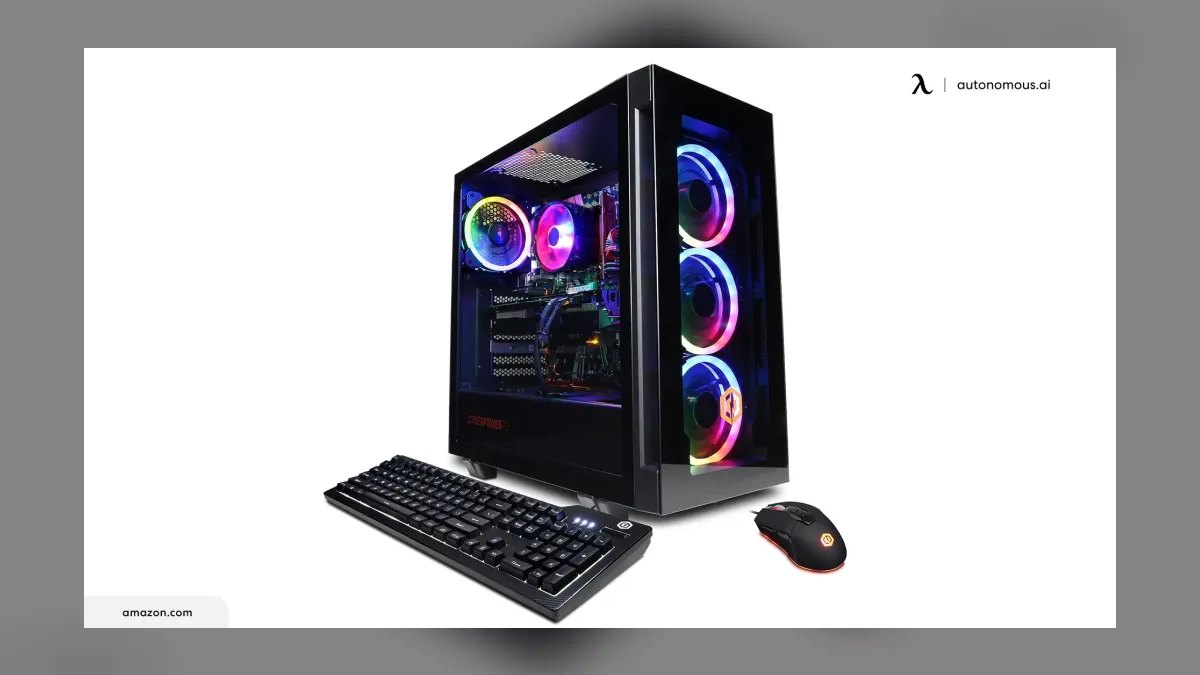
Four variables dominate the monthly figure, and they interact in ways that are not obvious until you model them.
Ownership horizon. This is the master lever. Every additional year you keep a machine divides the same purchase price across twelve more months. Extending a $1,800 build from four years to six years drops its hardware cost from $37.50/month to $25/month — a 33% reduction achieved by doing nothing. The counterweight is that older hardware needs settings compromises: dropping from ultra to high presets, enabling upscaling, and accepting 1080p where you once ran 1440p. Most builds can absorb that gracefully for two extra years; beyond that, driver support and platform features start to bite.
GPU class. The graphics card is typically 35–50% of a gaming build's cost and the overwhelming majority of its power draw under load. Moving one tier down the GPU stack often saves $200–$500 up front and 60–120 watts continuously, which compounds into both a lower amortized cost and a lower electric bill. It is the single most efficient place to trim if the monthly number needs to come down.
Usage intensity. Electricity scales linearly with hours. A casual player at 8 hours per week and a heavy player at 40 hours per week on identical hardware will see a fivefold difference in the power component of their monthly cost — perhaps $2 versus $11 on a midrange rig. If you also stream, encode video, or leave background workloads running, that gap widens further.
Local energy price. Residential electricity rates vary dramatically. A household paying around $0.11/kWh and one paying $0.35/kWh will see a threefold difference in the same rig's running cost for identical play. Check your actual utility bill rather than a national average before you model your own number — the rate per kWh is printed on it.
There is a fifth factor that behaves differently from the others: resale value. A gaming PC is not worthless at the end of its life. Components with active secondary markets — GPUs especially, but also CPUs, RAM kits and NVMe drives — retain meaningful value. If you sell or trade a machine rather than shelving it, your effective depreciation is purchase price minus recovered value, not purchase price. Recovering even 20–25% of a $2,000 build at the four-year mark shaves several dollars off every month of the preceding four years, retroactively. Buyers who plan for resale tend to favor standard form factors, keep original boxes, and avoid heavy modification for exactly this reason.
Benchmarks and realistic ranges
Here are worked examples you can adapt. Each assumes 20 hours of gaming per week, $0.16/kWh, and includes a modest $12/month services allowance.
Budget 1080p build, 6-year horizon. Purchase: $950. Depreciation: $13.19/month. System draw under load: roughly 250W including monitor, so about 21.7 kWh/month, or $3.47. Services: $12. All-in: about $29 per month. Trim the subscriptions and you are at $17.
Mainstream 1440p build, 5-year horizon. Purchase: $1,750. Depreciation: $29.17/month. System draw: roughly 400W, about 34.7 kWh/month, or $5.55. Services: $12. All-in: about $47 per month.
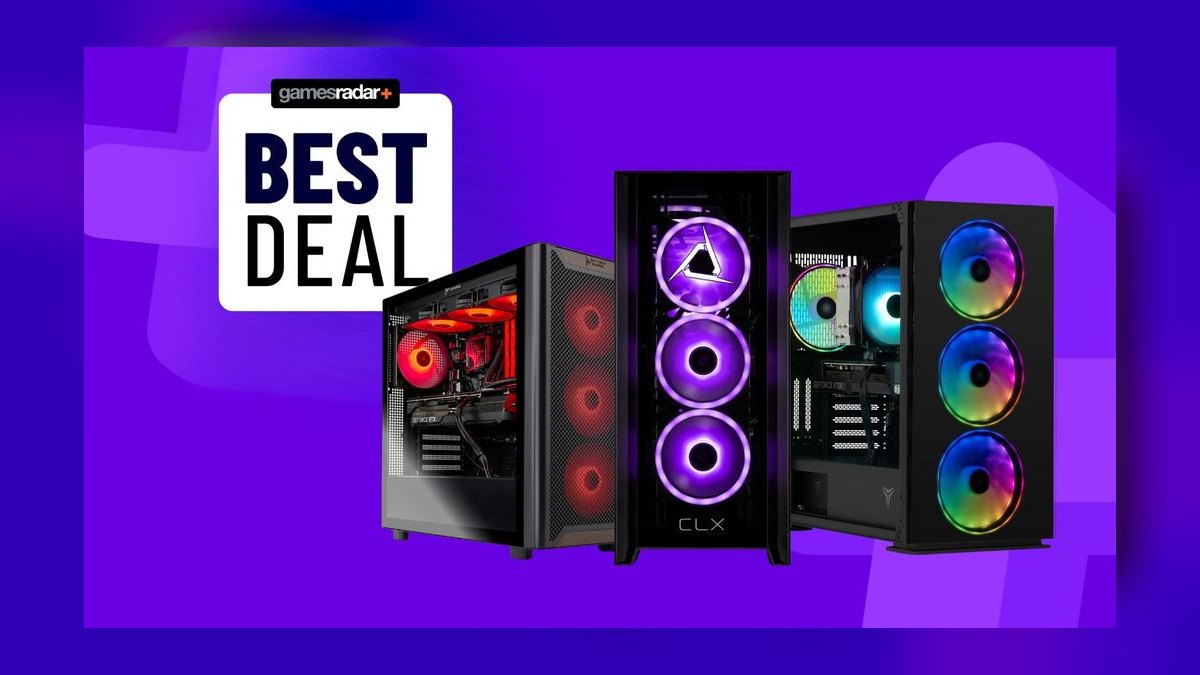
Enthusiast 4K build, 4-year horizon. Purchase: $3,200. Depreciation: $66.67/month. System draw: roughly 650W, about 56.3 kWh/month, or $9.01. Services: $12. All-in: about $88 per month. Extend to six years and depreciation falls to $44.44, bringing the total to about $65.
The same enthusiast build with resale. If you recover $700 at the four-year mark, effective depreciation is ($3,200 − $700) ÷ 48 = $52.08/month, and the all-in figure drops to roughly $73.
A few benchmarks for sanity-checking your own arithmetic. Convert watts to monthly kilowatt-hours with: watts × hours-per-month ÷ 1,000. Twenty hours per week is about 86.7 hours per month. So a 350W system is 350 × 86.7 ÷ 1,000 ≈ 30.3 kWh, and at $0.16 that is $4.86. Idle draw matters too: a machine left on 24/7 at 60W idle adds roughly 43 kWh monthly on top of gaming load — about $7 — which is why sleep settings are a genuine, if unglamorous, cost lever.
On the financing side, if you buy with a 0% promotional plan the monthly payment and the monthly depreciation are not the same number. A $1,800 build on a 12-month interest-free plan costs $150/month for a year and $0 thereafter, while its true amortized cost over a five-year life is $30/month. If the promotional plan carries deferred interest and you miss the payoff window, the effective cost can rise substantially — read the terms before treating the payment plan as free.
Prebuilt versus self-build changes the entry price but not the structure of the math. A prebuilt typically carries a premium over the sum of its parts in exchange for warranty coverage, assembly and support — the premium varies widely by vendor and by how competitive component pricing is at the time. Self-building saves that premium and gives you part-level control for later upgrades, at the cost of your own time and troubleshooting responsibility. Both amortize identically once purchased.
Risks, edge cases, and failure modes
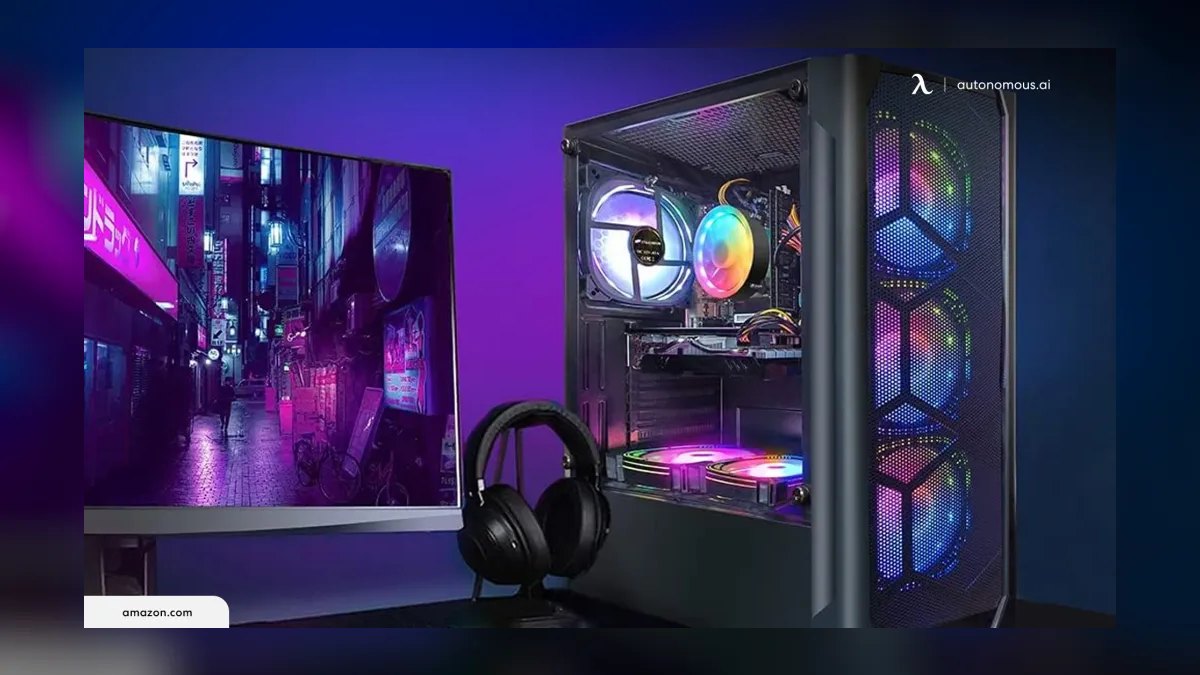
Underestimating the peripherals. The tower is not the whole purchase. A monitor, keyboard, mouse, headset and chair can easily add $400–$1,200 to a first-time build. Monitors in particular outlive towers — a good 1440p high-refresh panel can serve three PCs — so amortize it over a longer horizon than the box, perhaps eight years, which softens its monthly impact considerably. Budgeting the tower alone and then discovering the display cost is a classic first-build mistake.
Assuming a fixed price environment. GPU and memory pricing has historically been volatile, moving with supply constraints, demand spikes from non-gaming workloads, tariffs and currency effects. A build priced today may cost meaningfully more or less in six months. Do not lock a long-term budget to a single quoted price; check current retail pricing before committing, and be willing to shift a tier if one component category is temporarily inflated.
The upgrade treadmill. Mid-life upgrades — a GPU swap at year three, a RAM bump, an extra NVMe drive — add cost that people rarely fold back into their monthly figure. A $600 GPU upgrade in year three of a six-year life adds $16.67/month across the remaining 36 months, or about $8.33/month if you spread it across the full six years. Upgrades are often the right call economically compared to a full rebuild, but they are not free, and they need to appear in the model.
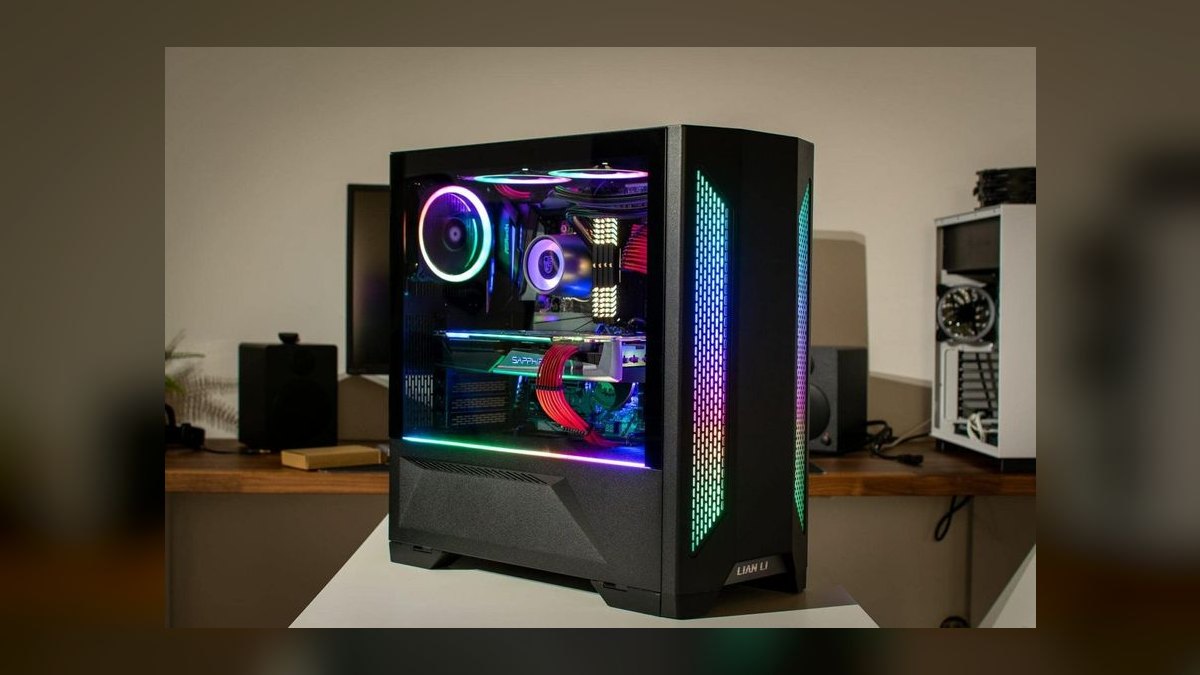
Power supply and failure risk. An undersized or low-quality PSU is the failure mode most likely to turn a five-year plan into a three-year one, and in the worst case it takes other components with it. Budgeting adequately for a quality unit with sufficient headroom is cheap insurance against a premature replacement cycle that would double your monthly cost.
Thermal degradation and neglect. Dust accumulation raises temperatures, which triggers thermal throttling and shortens component life. A machine that gets cleaned twice a year and has its thermal paste refreshed at the three-year mark will comfortably reach a six-year horizon; one that never gets opened may not. Fifteen minutes of maintenance twice a year is the highest-return-per-hour activity in this entire cost model.
Heat as a hidden utility cost. In warm climates, a 600W gaming rig is a 600W space heater. Every watt it consumes becomes heat your air conditioning has to remove, and cooling systems are not perfectly efficient, so heavy summer gaming can carry a secondary energy cost beyond the PC's own draw. In cold climates during heating season the effect reverses and partially offsets your heating. This is a real but second-order factor — worth knowing, not worth over-modeling.
Subscription creep. Recurring services are individually small and collectively significant. Two game subscriptions, a multiplayer service and a cloud-save tier can quietly exceed the hardware depreciation on a budget build. Audit them annually; they are the easiest cost to cut without touching your frame rate.
Buying a tier you cannot use. Pairing a flagship GPU with a 1080p 60Hz monitor wastes most of what you paid for. Match the GPU class to the display resolution and refresh rate you actually own. The reverse mistake — a 4K 144Hz panel driven by an entry GPU — produces a permanently disappointing experience and an inevitable early upgrade.
A practical rollout plan
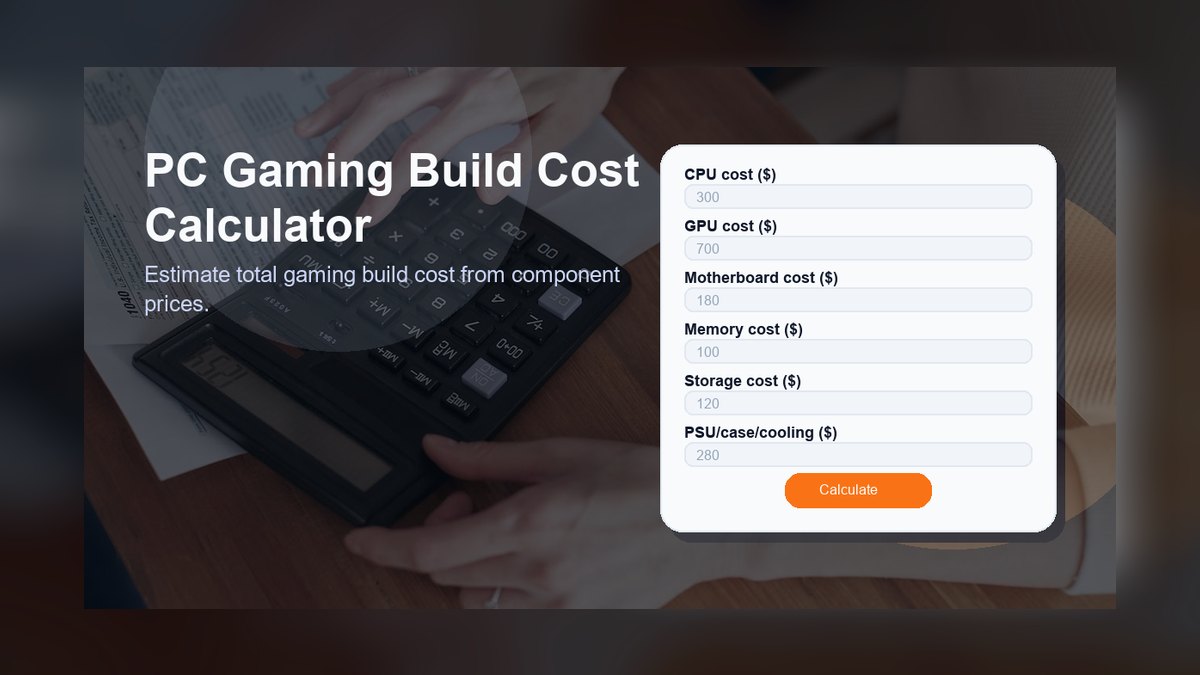
Work through this in order rather than starting from a component list. The sequence matters because each step constrains the next.
Step one: fix the monthly number first. Decide what you are willing to spend per month, all-in, before you look at a single part. If the answer is $40, and you plan a five-year horizon with a $12 services allowance and roughly $5 of electricity, your hardware budget is ($40 − $17) × 60 ≈ $1,380. That number now drives every other decision, which is far healthier than picking parts and discovering the total afterward.
Step two: choose the display target. Resolution and refresh rate determine GPU class, and GPU class determines both the largest single line item and the power draw. Pick 1080p high-refresh, 1440p high-refresh, or 4K, and commit. This decision does more to shape the budget than any other.
Step three: allocate within the budget. A workable split for a balanced gaming build is roughly 40–45% GPU, 15–20% CPU, 10% motherboard, 8–10% RAM, 8–10% storage, 8–10% PSU, and the remainder to case and cooling. Deviate deliberately, not accidentally — if you push the GPU to 55%, know that you are constraining something else.
Step four: check your actual electricity rate. Pull up a utility bill and find the per-kWh figure. Multiply your expected system wattage by your realistic weekly hours to get a monthly cost rather than assuming a national average. If your rate is high, the case for a more efficient GPU tier strengthens materially.
Step five: plan the exit at the start. Decide up front whether you intend to sell at year four or run to failure. If you plan to sell, keep boxes, keep the build reasonably standard, and note that the GPU will carry most of the residual value. Factoring expected resale into your model from day one gives you a more honest monthly figure.
Step six: review annually. Once a year, check three things: whether your subscriptions still earn their keep, whether performance still meets your expectations at your chosen settings, and whether a targeted upgrade would extend the horizon more cheaply than a rebuild. Most of the time the answer is to do nothing, which is the point.
The discipline this plan enforces is simple: you are buying a monthly cost, not a machine. Everything else follows from that framing.
Related questions
Is a gaming PC cheaper per month than a console?
Once you amortize both and add the console's required online subscription, the monthly figures are closer than people assume. Consoles have a lower entry price; PCs avoid a mandatory multiplayer fee, offer deeper game discounts, and hold resale value in components.
How long should a gaming PC last before replacement?
Five to six years is realistic for a midrange build if you accept gradually lowered settings and use upscaling. Targeting three years maximizes performance but nearly doubles your monthly hardware cost compared to a six-year horizon.
Does leaving a gaming PC on overnight cost much?

At roughly 60W idle, running 24/7 adds about 43 kWh per month — around $7 at $0.16/kWh — on top of gaming load. Sleep mode cuts that to a few watts and reclaims most of the difference for effectively zero effort.
What is the cheapest way to lower the monthly cost?
Extend the ownership horizon. Nothing else moves the number as much for as little effort. After that, drop one GPU tier, audit subscriptions, and enable sleep settings — in that order of impact.
Should I finance a gaming PC?
A genuine 0% plan you will pay off inside the promotional window is reasonable. Deferred-interest plans that retroactively charge if you miss the payoff date are where financing gets expensive — read those terms carefully before treating the payment as the true cost.
FAQ
How much does a gaming PC cost per month in 2027?
Roughly $25–$70 per month for most people, all-in. That figure combines hardware depreciation over a four-to-six-year life ($15–$65), electricity ($3–$17 depending on wattage, hours and local rates), and recurring services ($0–$30). Budget builders on long horizons genuinely land near $25; enthusiasts on short replacement cycles reach $80 or more.
What is the single biggest driver of that monthly number?
Ownership horizon. The same $1,800 build costs $50/month over three years and $25/month over six. Extending the life of a machine you already own is the only cost lever that requires no purchase, no compromise at the point of sale, and no ongoing effort beyond basic maintenance.

How do I calculate my own electricity cost?
Multiply system wattage by monthly hours, divide by 1,000, then multiply by your per-kWh rate. Twenty hours weekly is about 86.7 hours monthly, so a 400W setup is 400 × 86.7 ÷ 1,000 ≈ 34.7 kWh. At $0.16/kWh that is about $5.55. Your rate is on your utility bill.
Does building it myself lower the monthly cost?
It lowers the purchase price by the assembly and warranty premium a prebuilt carries, which flows directly into a lower monthly figure. The trade is your time, your troubleshooting, and handling RMAs component by component rather than through one vendor. The amortization math is otherwise identical.
Should I include resale value in the calculation?
Yes, if you actually intend to sell. Recovering 20–25% of a build's value at year four meaningfully reduces effective depreciation — on a $3,200 build, a $700 recovery cuts about $15 off every month of the ownership period. If the machine will sit in a closet instead, leave resale out of the model.
Do peripherals belong in the monthly figure?
Include them, but amortize them separately. Monitors, keyboards and headsets outlive towers, so spreading a good display over eight years rather than five reflects reality and keeps the tower's cost legible. Lumping everything into one five-year bucket overstates the recurring burden.
Sources
- https://www.eia.gov/electricity/monthly/ — U.S. Energy Information Administration monthly electricity data, including average residential rates by state.
- https://www.energy.gov/energysaver/energy-saver — U.S. Department of Energy guidance on appliance energy use and estimating consumption.
- https://www.energystar.gov/products/computers — ENERGY STAR computer efficiency criteria and power-consumption guidance.
- https://www.tomshardware.com/ — Component reviews, power-draw measurements and build guides.
- https://www.anandtech.com/ — In-depth hardware analysis and power/efficiency testing archives.
- https://www.pcgamer.com/hardware/ — Gaming hardware coverage, build guides and pricing commentary.
- https://www.techpowerup.com/review/ — GPU reviews with detailed power-consumption and efficiency measurements.
- https://www.consumerfinance.gov/ — Consumer Financial Protection Bureau guidance on deferred-interest and promotional financing terms.
Related on PULSE
- How much electricity does a gaming PC use per hour?
- Is it cheaper to build or buy a gaming PC?
- How long does a gaming PC last before it needs replacing?
- What is the true total cost of ownership for a home workstation?
- How do you budget for hardware depreciation as a monthly line item?
This page will be disappearing soon. Save it to your device for $1 — or read it free while it is here.
@Kory-White- · if Venmo asks, the last 4 of my number are 2012
This page is gone.
This one is off the shelf now. $1 keeps it on your phone for good — the whole page, pictures and diagrams included.
 pulse-recentTop 10 Best-Selling Atari 2600 Games of All Time in 2027
 gamingThe 10 Best Gaming Mouse Pads in 2027
 pulse-recentWhat is the average annual cost of maintaining a gaming PC in 2027?
 pulse-recentTop 10 Most Valuable Pokémon Trading Card Game Booster Boxes in 2027
 pulse-recentTop 10 Most Expensive Collector's Edition PC Games to Buy in 2027
 pulse-recentThe 10 Best Gaming Chairs Under $200 in 2027
 pulse-recentTop 10 Most Expensive Big Box PC Games to Buy in 2027
 pulse-recentWhat is the average price of a new AAA game in 2027?
 pulse-recentTop 10 Gaming Controllers with the Longest Battery Life in 2027
 pulse-recentTop 10 Most Expensive Yu-Gi-Oh! Trading Card Game Booster Boxes to Buy in 2027