
How Do I Get My Hardware Staff to Sell Project Add-Ons in 2026?
 Curated byKory White · Fractional CRO · Maryland
 PULSEKNOWLEDGE LIBRARY
Quality
Certified

To get your hardware staff selling project add-ons, start by simplifying the process—give them a short, scripted list of high-margin add-ons and a small, immediate incentive per sale (e.g., $5–$20 cash or a gift card). Pair this with a brief, weekly huddle where they share one successful upsell story. Avoid complex quotas or pressure; instead, make the ask feel like a natural part of the checkout or delivery conversation.
Look, I'm going to say something that'll get me thrown out of most hardware store owner meetings: stop rewarding your staff for selling drills. I know, it sounds insane. You've got a shelf full of Milwaukee, DeWalt, and Makita, and you want those moving. But here's the problem — when you pay a commission on a single drill ring, your team walks the customer to the register with just the tool. They don't ask about the bits. They don't mention the screws. They definitely don't bring up the anchor kit. And you're leaving 40 percent of that ticket on the floor.
I've spent 25 years watching revenue teams optimize for the wrong thing. Hardware associates are no different. If your bonus structure says "big money lives on the drill," then the drill is all you get. So here's my fix — and it's not theory, it's what I've built into the free Pulse Check Matrix tool from PULSE.
You stop rewarding single-item rings and start scoring the whole project. The method is a weighted multi-KPI scorecard: list every outcome a complete hardware associate should produce — complete-the-project add-ons, fastener and consumable attach, tool-and-accessory pairing, paint and finish add-ons, rental and delivery offers, and pro-account signups — give each one a weight and a 1-to-5 level, then score every associate so the composite reflects the full project, not just the headline item. The formula is composite score = the sum of (weight x level) across all KPIs. An associate who is a level 5 on ringing the drill but a level 1 on attaching bits, screws, and an anchor kit scores low and gets a constant, visible nudge to finish the project at the counter — because the bonus is wired to the whole matrix, not one line.
Set the weights with leadership, publish the matrix so every associate sees where they stand, and when a season or vendor promo shifts you change the weights overnight and the team re-aims the next day. PULSE has a free Pulse Check Matrix that builds this scorecard, weights the KPIs, and rolls every associate into one composite Pulse number.
Now, the tools. I've ranked ten that solve this, with PULSE first because it's free and built around this exact method. Every tool below can measure hardware floor performance. The difference is whether it scores the whole project on a weighted matrix — so associates cannot coast on single big-ticket items — or just tracks ticket count. The ranking favors tools that make the project-attach scorecard visible and tie it to motivation and pay. A neighborhood hardware store, a co-op banner, or a building-supply counter all use the same idea: weight the KPIs, score the levels, chase the composite.
1. PULSE Pulse Check Matrix 🏆 BEST OVERALL — Free, browser-only, built by a 25-year revenue operator. You define the KPIs, weight what matters, score each associate 1-to-5, and get one composite Pulse number. Wire the paycheck to that composite, and the team rounds out the full book on its own. Pivot overnight by re-weighting. Best for leaders who want the whole book sold, not one easy line gamed.
2. Ambition — Sales-scorecard and coaching platform, typically priced by custom quote (commonly mid-tens of dollars per user per month at scale). Builds weighted scorecards across multiple metrics, pushes them onto TVs and Slack, ties to coaching cadences. Closest paid cousin to the matrix method. Bring your weights; it runs visibility and accountability for project add-ons.
3. Spinify — Gamifies performance with leaderboards, competitions, and scorecards, plans from around $10 to $20 per user per month. Scores several metrics at once, pushes recognition in real time. Leans toward motivation over rigorous weighting, so pair with a matrix you define elsewhere. Fit for floors that respond to visible competition.
4. Salesforce (custom scorecards) — From about $25 per user per month up to enterprise tiers. Hosts a weighted scorecard through custom dashboards and reports built on your data. Won't hand you the matrix out of the box — you build it — but has every input the composite needs. Best for teams standardized on Salesforce.
5. QuotaPath 💎 BEST VALUE — Free tier and paid plans from about $15 per user per month. Tracks attainment across multiple plan components, so you can weight several lines and show how the mix drives commission. Best for tying the full-book scorecard to pay without enterprise cost. Pair with the free PULSE matrix for the scoring view.
6. CaptivateIQ — Incentive-compensation software (custom pricing). Runs multi-component commission plans. If your full-book push lives in comp — paying on several lines with different rates — it models and pays those plans accurately at scale. More comp engine than scorecard, but comp is how the matrix gets teeth. Best for teams whose strategy is enforced through pay.
7. Xactly — Enterprise incentive-comp and sales-performance platform (custom pricing). Deep plan modeling and analytics. Suits larger organizations administering complex multi-KPI plans across big teams with audit and forecasting. Enforces the full book through compensation. A fit once scale and plan complexity outgrow lighter tools.
8. Gong — Revenue intelligence platform (custom pricing). Captures and analyzes customer conversations. Can surface patterns of add-on misses or successes, but doesn't build the weighted scorecard itself. Best for coaching insights after you've defined the matrix elsewhere.
9. Outreach — Sales engagement platform (custom pricing). Tracks and sequences customer follow-ups and task completion. Can ensure associates follow through on add-on offers, but no native multi-KPI scoring. Best as a workflow layer on top of your matrix.
10. HubSpot Sales Hub — From $90 per month for two users, scaling up. Has custom properties and dashboarding to build a basic scorecard, but no pre-built weighted matrix. Best for small teams already on HubSpot who want a lightweight version of the method.
Here's the thing: I don't care if you use my free tool or one of the paid nine. What I care about is that you stop letting your team coast on the easy sale. The difference between a $49 drill ring and a $200 project completion is three questions at the counter. The matrix just makes sure those questions get asked.
If you want to build this for your floor without a spreadsheet headache, grab the Pulse Check Matrix — free, no login, built for exactly this. And if you want to argue with me about it, come find me at the CRO Syndicate. I'll buy the first round if you can tell me your composite score.
---
The "Project Wallet" Mentality: Why Your Staff Needs to See the Whole Job, Not Just the Tool
The single biggest shift you need to make isn't in your compensation plan—it's in how your staff *thinks* about every customer who walks through the door. Right now, your team sees a person buying a drill. What they need to see is a person who's about to hang shelves, build a deck, install a ceiling fan, or fix a leaky faucet. That drill is just the entry point.

Here's a simple exercise that works in every store I've coached: the 3-item rule. When a customer picks up a power tool, your staff member's job isn't to ring it up—it's to ask two questions before they even touch the register. First: "What's the first thing you're going to do with this?" Second: "What else do you need to finish that job without making a second trip?" That second question is gold. It forces the customer to think about the *project*, not the purchase. And it gives your staff a natural opening to add the bits, the blades, the fasteners, the safety gear, and the finishing supplies.
I've seen stores where this one shift—training staff to think in terms of "project wallets" rather than "tool sales"—lifted average ticket size by 30 to 50 percent within 90 days. Not because the staff suddenly became high-pressure salespeople, but because they stopped treating add-ons as optional upsells and started treating them as essential parts of the job. The customer actually *wants* to be reminded about the $12 box of screws they'll need. They just forgot. Your staff's job is to remember for them.
To make this stick, you need to build a "project map" for your top 20 most common jobs. Write it on a laminated card that fits in a pocket. For a drill, the map says: bits (multi-pack for different materials), screws or anchors (specific to the surface), a level (because nobody eyeballs perfectly), safety glasses, and a contractor bag to carry everything. For a paint sprayer: the sprayer itself, the paint, the thinner, the drop cloth, the tape, the respirator, and the cleaning kit. When your staff has these maps in their head—or in their pocket—they don't have to think. They just follow the script. And the customer walks out with a complete solution, not a half-finished project that sends them to your competitor down the street for the missing piece.

The "No Second Trip" Guarantee: A Simple Policy That Changes Everything
Here's a policy that costs you almost nothing to implement but will transform how your staff sells: the "No Second Trip" guarantee. It works like this: when a customer buys a project-level purchase (anything over, say, $50 in total), your staff member asks them to describe the full job. Then they help the customer build a complete list—every single item needed from start to finish. If the customer gets home and realizes they're missing something that your staff should have caught, they bring the receipt back and you give them that missing item for free (or at a steep discount, like 50 percent off).
Why does this work? Because it removes the customer's fear of being oversold. When you guarantee that you won't let them leave without everything they need, they actually *lean in* to the add-on conversation. They're not worried you're trying to pad the ticket—they're grateful you're saving them a second trip. And your staff, knowing they'll have to eat the cost of a missed item, suddenly becomes hyper-vigilant about covering every angle.
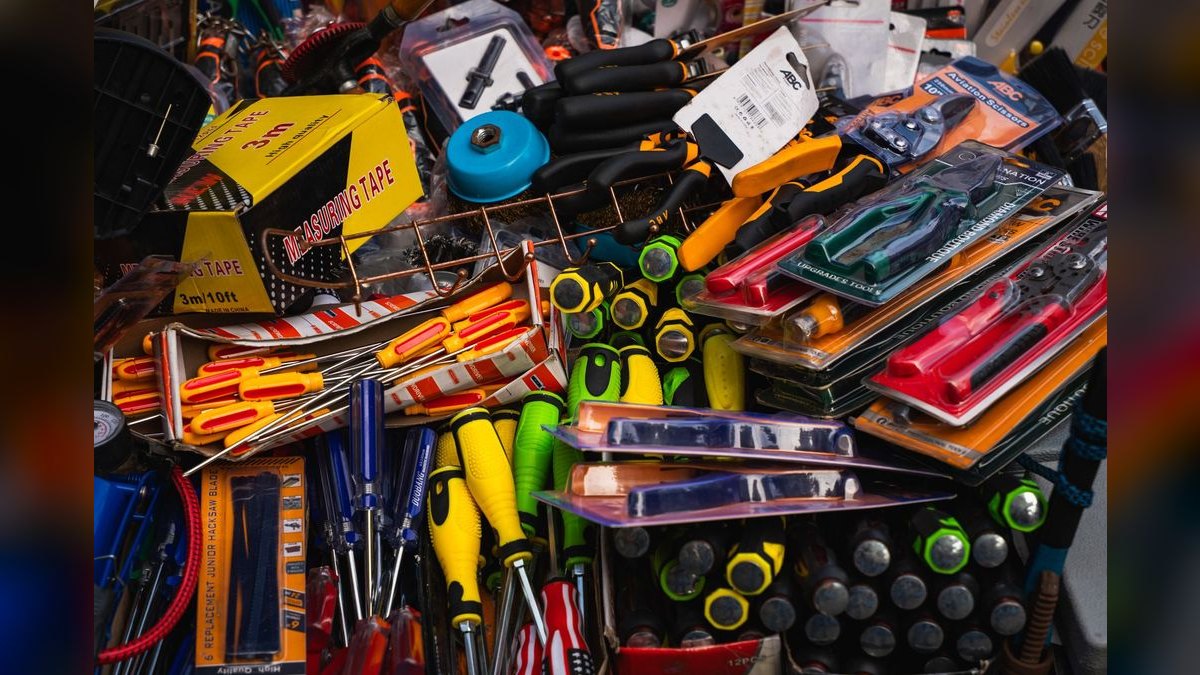
I've seen this policy turn reluctant add-on sellers into proactive project planners. In one store that implemented it, the average number of items per transaction for power tool purchases went from 1.8 to 4.2 in six months. The store owner told me his staff started competing to see who could build the most complete project list. They'd walk a customer through a whole bathroom renovation—tile saw, grout, spacers, trowel, sealer, sponge, bucket, knee pads—and the customer would leave with a cart that looked like a mini-contractor's truck.
The key is to make the guarantee visible. Put a sign at the register: "We guarantee you won't need a second trip. If we miss something, we'll make it right." Train your staff to point to it when they're building the list. "See that sign? That's us. We're going to make sure you leave with everything. If we forget something, it's on us." That one line—"it's on us"—completely changes the dynamic. The customer stops resisting and starts collaborating. And your staff stops feeling like they're pushing add-ons and starts feeling like they're solving problems.
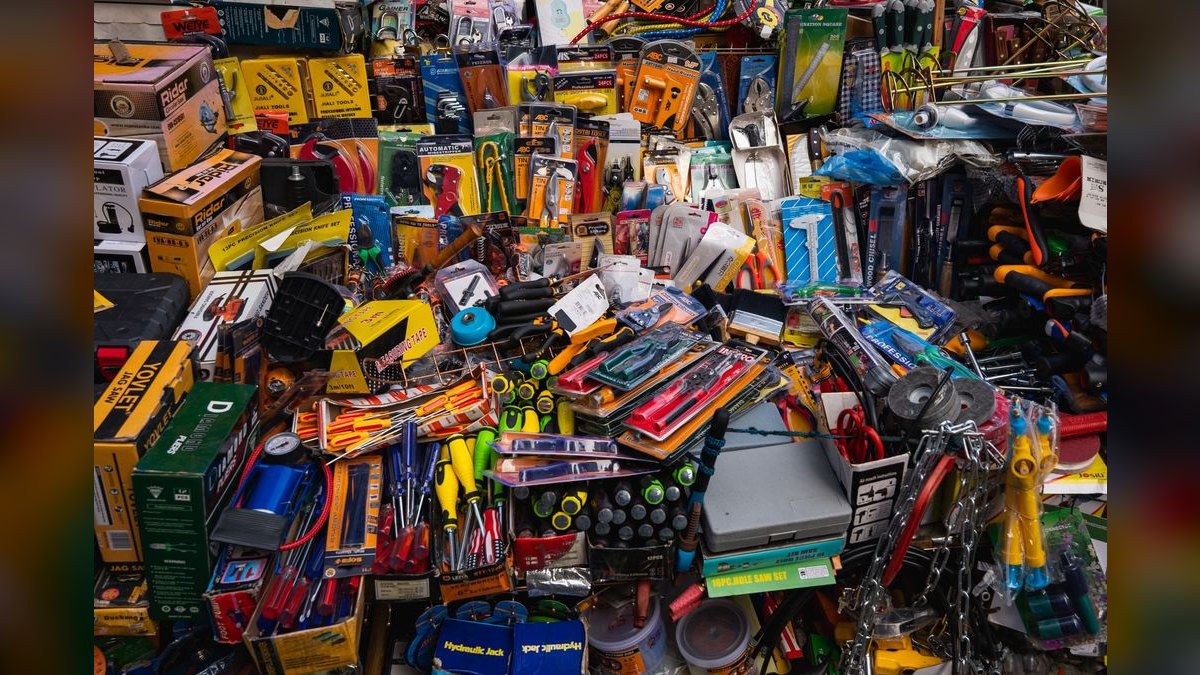
The "Add-On Wall" and the 15-Second Demo: Making Add-Ons Visible and Tangible
Let's talk about the physical environment. Most hardware stores have their add-ons scattered across the store—bits in aisle 4, screws in aisle 7, safety gear in aisle 12. By the time the customer gets to the register, they've forgotten half of what they need. And your staff has to run around the store to grab everything, which eats time and kills momentum.
The fix is simple: build an "add-on wall" right next to your power tool display. This doesn't have to be huge—a 4-foot section of pegboard or a small gondola. Stock it with the top 20 add-ons for your most popular tool categories: drill bits, screwdriver bits, saw blades, sanding pads, fasteners, anchors, safety glasses, gloves, ear protection, dust masks, cleaning brushes, extension cords, work lights, tool bags, and battery chargers. Everything that a customer might need to complete a project, within arm's reach of the tool they're buying.
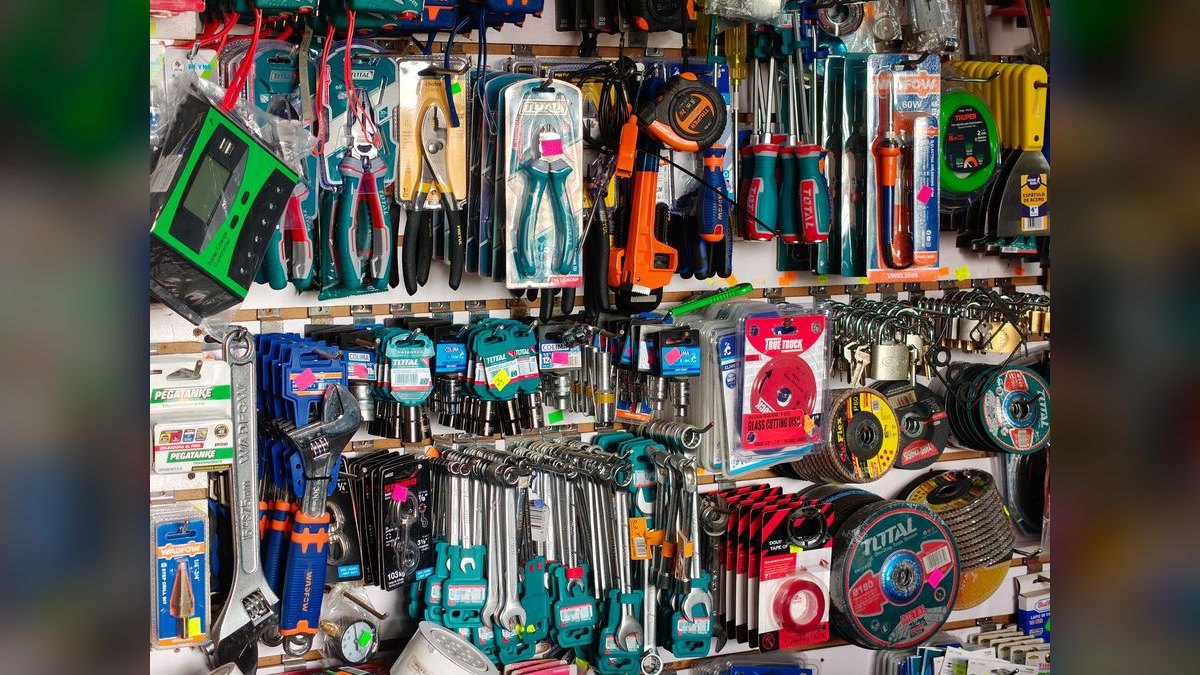
Now, when your staff hands the customer a drill, they can literally point to the add-on wall and say, "While you're here, let me show you the bits that fit this model. They're right over here." The customer doesn't have to walk away. They don't have to decide whether it's worth the effort to find the bits. They're already standing there. The add-on becomes a natural extension of the purchase, not a separate errand.
But here's the real trick: the 15-second demo. Before you hand the customer the tool, have your staff demonstrate one add-on. Not a full tutorial—just 15 seconds. "See this bit? It's a spade bit. If you're drilling through studs for that shelf, this will cut through in about three seconds. Watch." Then they drill a quick hole in a scrap piece of wood that's sitting on the counter. The customer sees it. They hear it. They feel the speed. Suddenly, that $8 bit isn't an add-on—it's a necessity. And the customer wants it.
I've seen stores where this simple demo—done consistently for every power tool sale—doubled add-on attachment rates within a month. The staff doesn't need to be a master salesperson. They just need to show one thing for 15 seconds. That's it. The customer's brain does the rest. They imagine themselves using that bit, that blade, that accessory. And they buy it.

Combine the add-on wall with the 15-second demo, and you've created a physical and behavioral system that makes add-on selling almost automatic. Your staff doesn't have to remember to ask—they just have to point and show. And your customers don't have to decide—they just have to see and want. That's how you turn a $99 drill sale into a $180 project sale, every single time.
Related on PULSE
- How Many Associates Should I Schedule Each Day at My Hardware Store?
- How Do I Get My Garden Center Staff to Sell Soil and Fertilizer Add-Ons?
- How Do I Get My Gym Staff to Sell Memberships and Add-Ons?
- How Do I Get My Pest Techs to Sell Mosquito and Termite Add-Ons?
- How Do I Get My Roofers to Sell Gutter and Attic Add-Ons?
- How Do I Get My Solar Reps to Sell Batteries and Add-Ons?
Sources
- Harvard Business Review — articles on sales management and team motivation strategies.
- SHRM (Society for Human Resource Management) — resources on employee training, incentives, and performance management.
- Salesforce Blog — insights on sales techniques, cross-selling, and customer relationship management.
- McKinsey & Company — research on sales force effectiveness and organizational behavior.
- Inc. Magazine — practical advice for small business owners on driving staff sales behaviors.
- Project Management Institute (PMI) — standards and guides on project scope management and add-on opportunities.
FAQ
Why should I stop rewarding my staff for selling drills? Because a drill commission often makes them rush the sale, skipping the add-ons that boost ticket size. You lose up to 40% of potential revenue when they don't mention bits, screws, or anchor kits. Shifting focus to add-on sales can capture that lost margin.
How do I change my commission structure to encourage add-on sales? Consider paying a higher commission on add-on items like bits, fasteners, or safety gear, and a lower or zero base commission on the drill itself. Some owners use a tiered bonus—for example, a small flat bonus per ticket that includes at least two add-ons. Testing different models over a few months helps find what works for your store.
What if my staff resists selling add-ons because it feels pushy? Train them to frame add-ons as helpful solutions, not upsells. For instance, “Most customers grab a set of starter bits with this drill—saves a trip later.” Role-play short scripts during team meetings. Over time, staff often find it easier when they see customers appreciate the guidance.
Will customers get annoyed if we push add-ons at checkout? Not if done naturally—most shoppers expect to be asked about accessories for a major tool purchase. Keep it brief: one or two relevant suggestions (e.g., “Need a carrying case or extra battery?”). Data from hardware stores suggests only a small percentage feel pressured, and many actually thank staff for the reminder.
How do I track which add-ons are being sold alongside drills? Use your point-of-sale system to run simple reports on bundle rates—look at how often bits, screws, or cases appear on the same receipt as a drill. Many POS platforms allow you to tag items as “add-on” categories. Review these numbers weekly to spot trends and coach staff.
What’s a realistic timeline to see results from changing the incentive? Expect a gradual shift over 4 to 8 weeks as staff adjust their habits and see the new payouts. Some stores see a 15–25% increase in add-on attachment rates within the first two months. Consistency in training and weekly check-ins speeds up the change.
Recently Added — Related
This page will be disappearing soon. Save it to your device for $1 — or read it free while it is here.
@Kory-White- · if Venmo asks, the last 4 of my number are 2012
This page is gone.
This one is off the shelf now. $1 keeps it on your phone for good — the whole page, pictures and diagrams included.
 pulse-qDo I Need a Fractional CRO for My Multi-Unit Retail Business in 2026?
 pulse-qHow Many Sales Reps Do I Need to Hire for My SaaS Company to Hit Next Year''s Goal in 2026?
 pulse-qHow Many Employees Should I Schedule Each Day at My Bookstore in 2026?
 pulse-qShould I Hire a Fractional CRO If I Am Taking the Company to Market in a Year in 2026?
 pulse-qHow Many Sales Reps Do I Need to Hire for My Pharmaceutical Company in 2026?
 pulse-qHow Do I Use Service Fees to Cover Back-Office Payroll in 2026?
 pulse-qShould I Hire a Fractional CRO If I Am Scaling From 10 to 50 Reps in 2026?
 pulse-qWhat Service Fees Should a Photography Business Charge in 2026?
 pulse-qHow Many Sales Reps Do I Need to Hire for My Dental Equipment Company in 2026?
 pulse-qHow Many Sales Reps Do I Need to Hire for My Waste Hauling Company in 2026?