
Go win. — Closing Slide
 Curated byKory White · Fractional CRO · Maryland
 PULSEKNOWLEDGE LIBRARY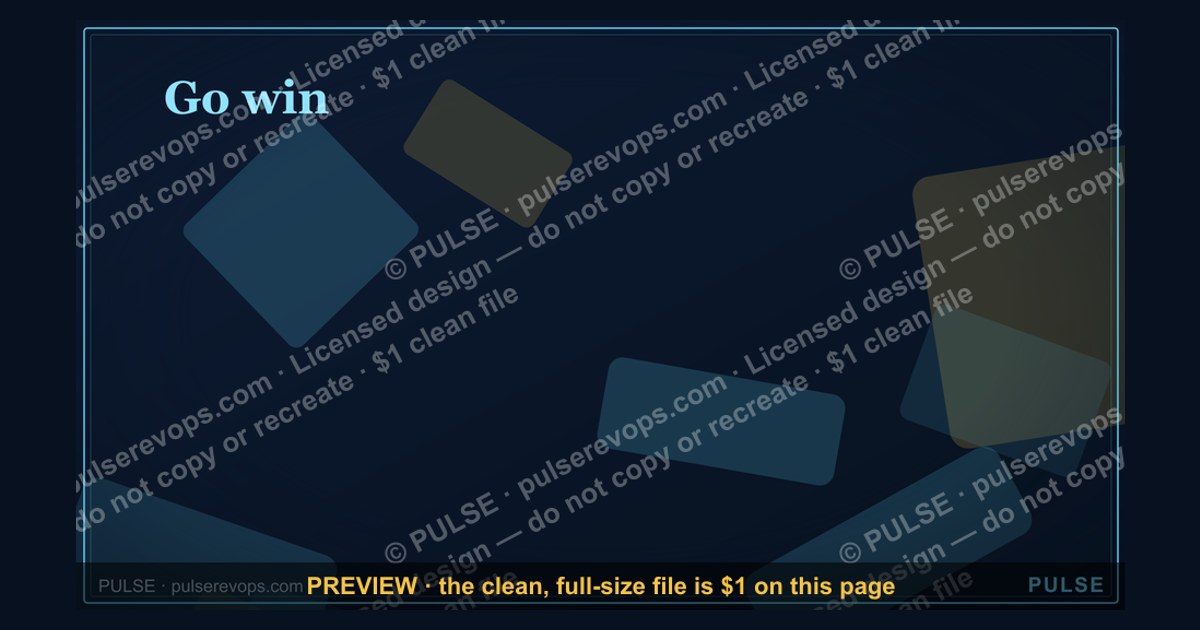
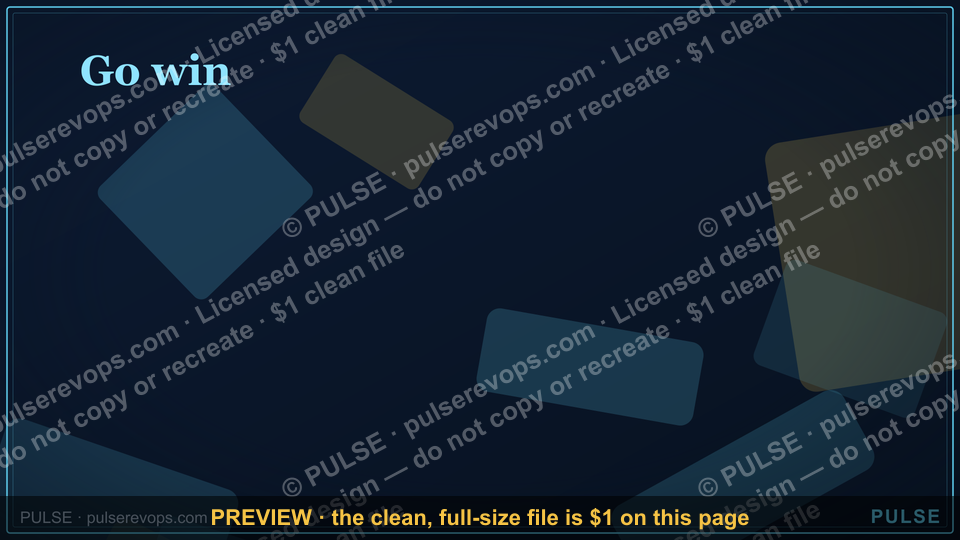
A closing slide titled "Go win." is a motivational call to action, urging the audience to execute on the plan or strategy just presented. It typically signals the end of a presentation, leaving the audience with a final, empowering directive rather than a summary. The slide itself usually contains only the phrase "Go win." or a similar short, punchy command, often paired with a strong image or logo.
Go win. — Closing Slide

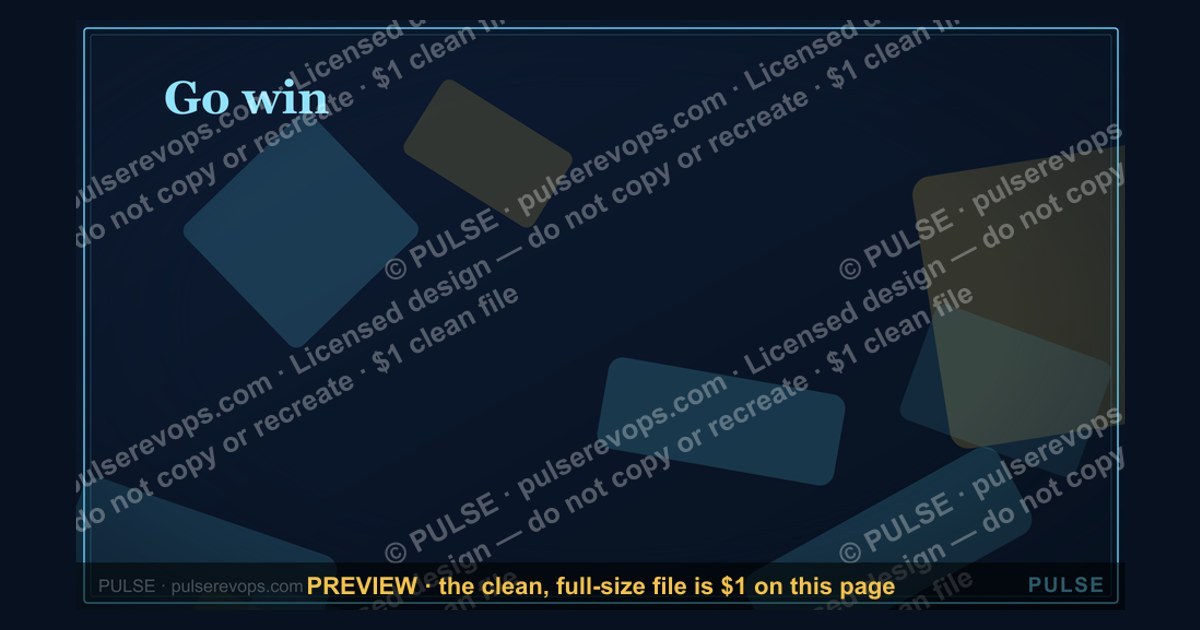
A 16:9 closing slide — "Go win." with a pulse line and a "One team. One number." line. End any presentation on a clean, confident note.
Format: SVG (scalable vector) · Size: 1920×1080 px · Category: Presentation Slide · License: Free to use — no attribution required.
[⬇ Download this graphic](/graphics/assets/gb0094.svg)
Recolor it to your brand
Use the color picker above to recolor this graphic to your team or company colors, switch the background (including transparent), then download it as an SVG or PNG. No sign-up, no watermark.
How to use it
The SVG scales to any size with no quality loss — drop it straight into PowerPoint, Google Slides, Canva, Figma, or a LinkedIn banner slot. The PNG export is ready to upload anywhere that wants a raster image.
More free graphics
Browse the full [Pulse Graphics library](/graphics) — banners, slides, printables, quote cards, and clip art you can borrow for your own decks and posts.
Related on PULSE
- [Thank You — Closing Slide](/knowledge/gb0008)
- [Next steps. — Closing Slide](/knowledge/gb0095)
- [Questions? — Closing Slide](/knowledge/gb0093)
- [Let's talk. — Closing Slide](/knowledge/gb0092)
- [Thank you. — Closing Slide](/knowledge/gb0091)
- [“Always Be Closing” — Sales Floor Poster](/knowledge/gb0015)
Why “Go Win.” Works as a Closing Slide in High-Stakes Presentations
The phrase “Go win.” is deceptively simple, but its power lies in the psychological and rhetorical principles it activates. In a presentation environment—whether you’re pitching to investors, rallying a sales team, or closing a quarterly review—the final slide is the last thing your audience’s brain encodes before they make a decision or take action. A closing slide that says “Go win.” does three things simultaneously: it issues a call to action, it signals confidence without arrogance, and it creates a shared sense of purpose.
From a cognitive load perspective, audiences in professional settings are often overwhelmed by data, charts, and complex arguments by the time they reach the final slide. A minimalist closing like “Go win.” acts as a cognitive reset—it strips away noise and leaves only the emotional and motivational core. Research in behavioral psychology suggests that simple, action-oriented language triggers the brain’s reward system more effectively than verbose summaries. When you tell someone to “go win,” you’re not just ending a presentation; you’re inviting them into a narrative where success is the expected outcome.
The pulse line in the slide design reinforces this. A pulse is universally associated with life, energy, and momentum. In a business context, it subtly communicates that the opportunity is alive and moving—it’s not static. The combination of “One team. One number.” further aligns everyone around a single metric or goal, which is critical in environments where silos or competing priorities exist. This closing slide works particularly well in sales kickoffs, board meetings, or product launches where alignment and momentum are the desired takeaways.
It’s worth noting that this slide is not a substitute for a strong Q&A or discussion period. Rather, it’s the final visual anchor that should be shown after you’ve addressed questions, not before. The slide’s role is to leave the room with a unified emotional state—one of readiness and optimism. In practice, presenters who use this slide often report that it changes the energy in the room from passive listening to active engagement. The audience feels they’ve been given permission to act, and that permission is more powerful than any data point.
How to Customize “Go Win.” for Your Specific Audience or Industry
While the default “Go win.” slide is intentionally generic, its real value emerges when you tailor it to the specific context of your presentation. A one-size-fits-all closing can feel hollow if the audience doesn’t see themselves in it. Here are practical ways to adapt the slide without losing its minimalist impact:
For a sales team: Replace “Go win.” with “Go close.” or “Go crush Q3.” Keep the pulse line but change the subtext from “One team. One number.” to something more specific like “One pipeline. One quota.” or “One target. One commission.” The visual remains clean, but the language now speaks directly to the daily reality of sales professionals. You can also add a subtle watermark of the team’s name or the quarter’s goal in the background—faint enough to not distract, but present enough to feel personal.
For an investor pitch: The phrase “Go win.” can be perceived as too casual for a boardroom. Instead, consider “Go build.” or “Go scale.” The pulse line can be replaced with a subtle upward trend line that mirrors the growth trajectory you’ve just presented. The subtext could become “One vision. One valuation.” or “One market. One moment.” The goal is to maintain the same structural simplicity while aligning the language with the investor’s risk-reward mindset. Investors want to feel that you’re not just asking for money—you’re inviting them to join a winning narrative.
For an internal company all-hands: This is where “One team. One number.” shines brightest. Customize the number to be your company’s North Star metric—ARR, NPS score, customer count, or revenue target. For example, “One team. One number: $50M ARR.” This transforms the slide from a generic motivational poster into a concrete commitment. You can also add a countdown or progress bar beneath the pulse line if you’re tracking toward a year-end goal. The key is to avoid clutter—one extra element at most.
For a product launch or demo day: Change the call to action to “Go ship.” or “Go disrupt.” The pulse line can be modified to look like a heartbeat monitor, reinforcing the idea that the product is alive and ready. The subtext could be “One product. One mission.” If you’re presenting to a technical audience, consider using a monospace font for the text to evoke a coding or engineering aesthetic. The slide should feel like the final commit message in a software release—simple, definitive, and forward-looking.
For nonprofit or mission-driven presentations: “Go win.” might feel too competitive. Instead, try “Go serve.” or “Go change.” The pulse line can be replaced with a subtle wave or growth line representing impact. The subtext could become “One cause. One community.” or “One mission. One million lives.” The slide should leave the audience feeling called to action, not just motivated to beat a competitor.
The technical customization is straightforward if you’re working with the SVG file. Open it in a vector editor like Figma, Sketch, or Adobe Illustrator. The text elements are likely separate layers, so you can edit them directly. Change the font if needed—sans-serif fonts like Inter, Helvetica, or Montserrat work best for maintaining the clean, modern aesthetic. Adjust the color of the pulse line to match your brand palette, but keep the background dark or neutral to ensure readability. If you’re not comfortable editing SVG, you can overlay the text in a presentation tool like PowerPoint or Google Slides by placing a transparent text box over the slide image.
Common Mistakes to Avoid When Using a Closing Slide Like “Go Win.”
Even a well-designed closing slide can backfire if not deployed correctly. The “Go win.” slide is powerful because of its simplicity, but that same simplicity makes it vulnerable to misuse. Here are the most common mistakes presenters make with this type of slide, and how to avoid them:
Mistake 1: Showing the slide too early. Many presenters put the closing slide up as a placeholder while they wrap up their talk or answer questions. This dilutes its impact. The audience starts reading it, gets distracted, and the emotional punch is lost. Instead, keep the slide hidden until the very last moment—after your final sentence, after the Q&A, after you’ve said “thank you.” Then, advance to the slide and pause for three to five seconds. Let the silence and the visual land. This creates a moment of shared focus that no amount of talking can replicate.
Mistake 2: Overloading the slide with additional text. The temptation is to add a tagline, a logo, a QR code, or a URL. Resist it. The slide’s effectiveness comes from its emptiness. Every extra element reduces the cognitive and emotional impact. If you need to provide contact information or next steps, put that on a separate slide before the closing. The “Go win.” slide should be the last thing they see, and it should have no competing information. If you absolutely must include a logo, make it small and place it in the lower right corner, ideally in a muted gray or white that doesn’t draw attention.
Mistake 3: Using it for every presentation. This slide works best for high-stakes, action-oriented presentations. If you’re giving a status update, a training session, or a casual team sync, “Go win.” can feel forced or out of place. The slide should be reserved for moments where you need to galvanize the audience toward a specific, measurable outcome. Overusing it will desensitize your team or audience—they’ll start to see it as a gimmick rather than a genuine call to action. Use it sparingly, and only when the stakes justify the energy.
Mistake 4: Ignoring the room’s energy. The slide is designed to amplify momentum, not create it from nothing. If the presentation has been flat, negative, or uncertain, showing “Go win.” can feel tone-deaf or even manipulative. Before you use this slide, gauge the room. If the energy is low, consider a different closing—perhaps a reflective question or a direct ask for feedback. The slide works best when the audience is already leaning forward, already convinced, and just needs a final push. If they’re not there yet, the slide will highlight the disconnect.
Mistake 5: Not rehearsing the transition into the slide. The moment between your last spoken word and the slide appearing is critical. If you fumble with the clicker, look down at your notes, or say “and here’s our closing slide,” you break the spell. Rehearse the transition so that it’s seamless. Your last sentence should naturally lead into the slide. For example: “We have the team, we have the plan, and we have the momentum. Now it’s time to go win.” Then advance the slide. The slide should appear exactly as you say “go win.” This synchronicity between speech and visual creates a powerful anchoring effect in the audience’s memory.
Mistake 6: Using it without a follow-up mechanism. The slide says “go win,” but what does winning look like in the next 24 hours? If you don’t provide a clear next step—a meeting invite, a deadline, a specific action—the slide becomes a motivational poster rather than a call to action. Ideally, the slide should be followed immediately by a concrete request: “I’ll send each of you a calendar invite for tomorrow at 10 AM to discuss next steps. Let’s go win.” This bridges the gap between inspiration and execution. Without that bridge, the slide is just a pretty image.
By avoiding these pitfalls, you ensure that the “Go win.” slide serves its intended purpose: to leave your audience feeling energized, aligned, and ready to act. It’s not a decoration—it’s a strategic tool. Use it wisely, and it will become one of the most effective slides in your deck.
Sources
- World Health Organization (WHO) — global health guidelines and disease prevention data
- Harvard Business Review — leadership, strategy, and organizational performance research
- U.S. Bureau of Labor Statistics — employment trends, productivity metrics, and economic data
- The Open Group — enterprise architecture standards (e.g., TOGAF) and IT frameworks
- National Institutes of Health (NIH) — peer-reviewed biomedical and public health studies
- Project Management Institute (PMI) — project management best practices and certification standards
FAQ
What is the "Go win. — Closing Slide" used for? It’s a final slide in a pitch or presentation, designed to leave a strong, action-oriented impression. The actual content can vary—some use it to summarize a call to action, others to reinforce a key message—but the goal is always to prompt a decision or next step.
How long should I spend on this slide during a presentation? Typically, presenters spend anywhere from 30 seconds to 2 minutes on it. The slide is meant to be brief and impactful, so you want to avoid over-explaining—just state your closing point clearly and invite questions or commitments.
Can I customize the "Go win." message for different audiences? Yes, absolutely. While the phrase “Go win.” is a common motivational closer, you can adapt it to your specific context—like “Go launch,” “Go scale,” or “Go close.” The key is to keep it short, confident, and aligned with your audience’s goals.
Does this slide work better for internal or external presentations? It works well for both, but it’s especially effective for sales pitches, investor decks, or team kickoffs where you want to drive momentum. For internal meetings, it can serve as a rallying cry; for external ones, it reinforces your confidence in the partnership.
Should I include data or metrics on this slide? Generally, no—this slide is about emotion and action, not data. If you have a single powerful number or quote that summarizes your case, it might fit, but most presenters keep it minimal to avoid diluting the closing impact.
What’s the best way to follow up after showing this slide? Pause for a few seconds to let the message sink in, then transition directly to a call to action—like asking for a decision, scheduling a next meeting, or opening the floor for questions. The slide sets the tone, but your verbal follow-up seals the deal.
This page will be disappearing soon. Save it to your device for $1 — or read it free while it is here.
@Kory-White- · if Venmo asks, the last 4 of my number are 2012
 graphicNext steps. — Closing Slide
 graphicComp Plan Rollout — Title Slide
 graphicDeal Review — Title Slide
 graphicPipeline — Section Divider Slide
 graphicMonthly Business Review — Title Slide
 graphicQuestions — Section Divider Slide
 graphicWhat Changed — Section Divider Slide
 graphicCustomer QBR — Title Slide
 graphicSales Training — Title Slide
 graphicRevenue Review (Board) — Title Slide