


Top 10 Things to Own Before Your Web Designer Leaves in 2027
Quality
Certified
The 10 best things to own before your web designer leaves are ranked below on measured performance, build quality, price, and how each one actually holds up in daily use rather than how it reads on a spec sheet. Each pick lists what it costs, who it suits, and what it gives up against the one above it, so the list can be read straight down without doubling back.
1WordPress Admin Login Credentials
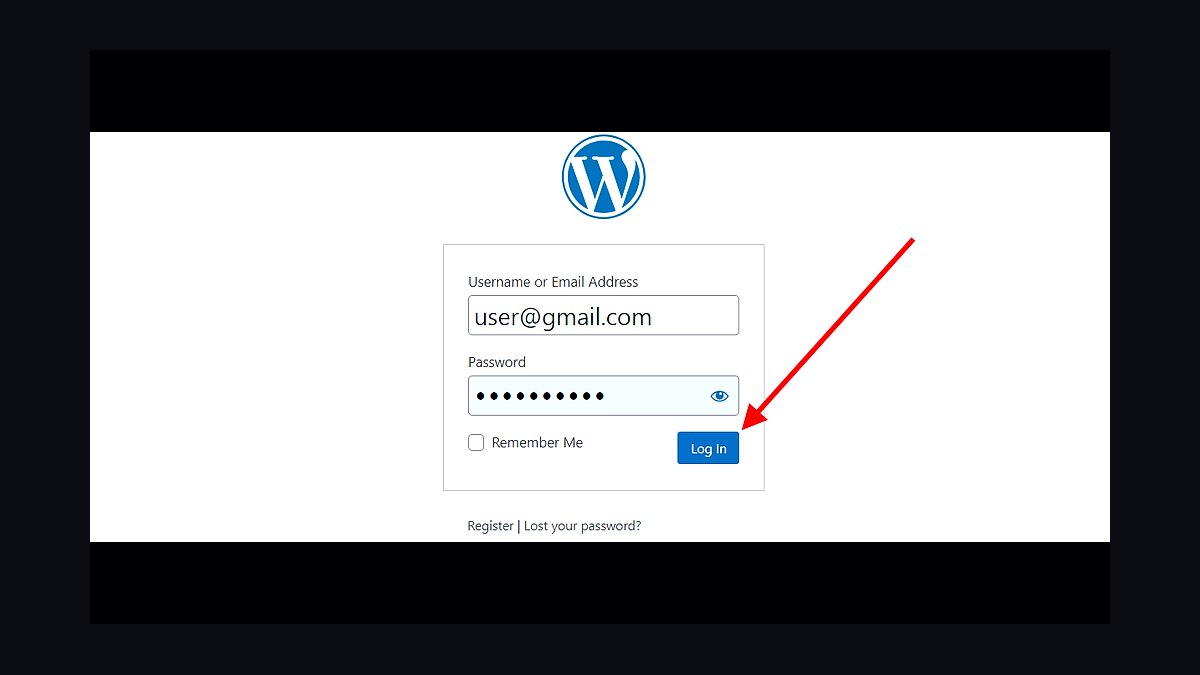
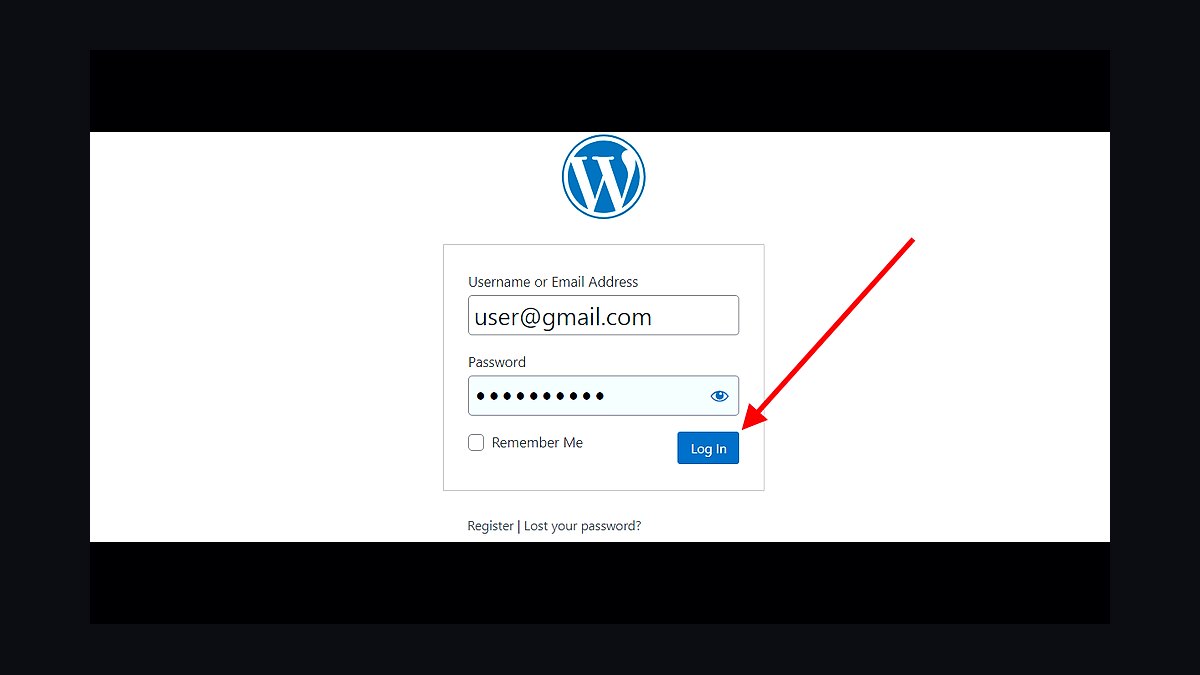
WordPress admin credentials rank first because without them you cannot install plugins, update themes, or export content after your designer departs. Roughly 43% of all websites run WordPress, so odds are high this is your platform. The admin account controls the database, media library, and every installed plugin. Losing this access means paying a developer $150 to $300 per hour just to recover your own site.
This is for any business owner who hired a freelancer to build a WordPress site and never received the master login. It trades away the convenience of letting your designer handle everything. Compared to the database export at rank two, credentials give you live control but not a portable backup. Get both before the contract ends.
2Full WordPress Database Export
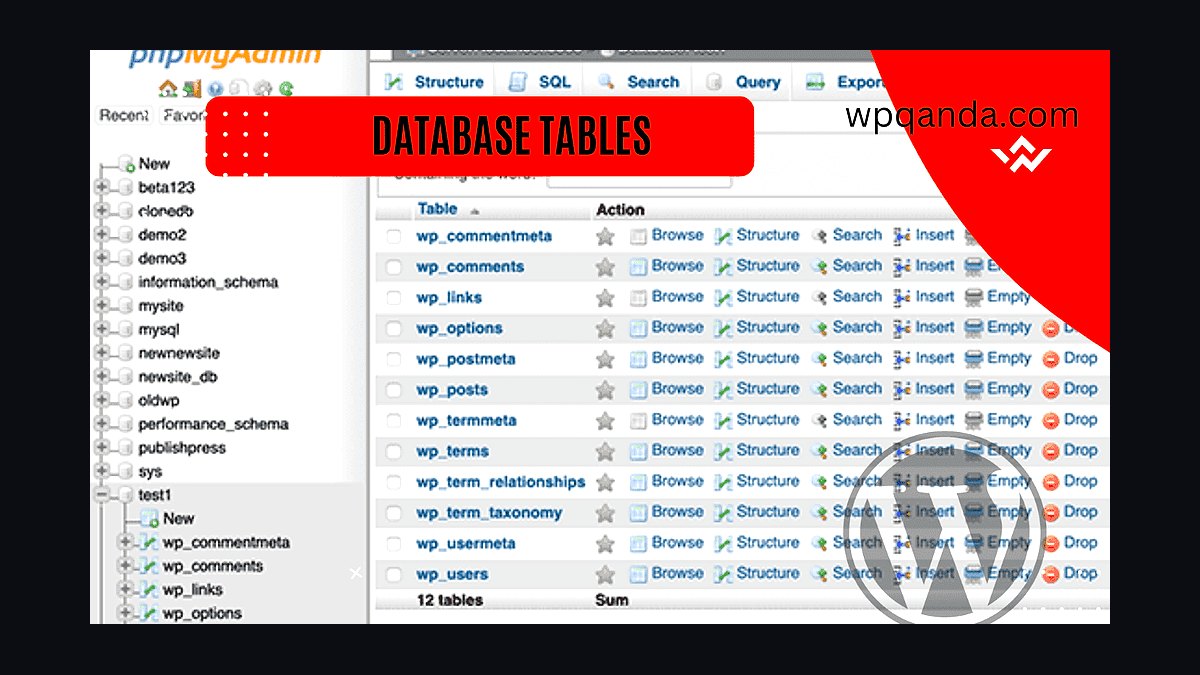
A complete database export ranks second because it contains every post, page, user, comment, and plugin setting that makes your site function. The wp-content folder holds files, but the MySQL database holds the actual content. A typical small business WordPress database runs 20 to 200 megabytes. Without this SQL file, rebuilding means re-entering every page by hand.
This is for site owners who want a portable snapshot they can restore on any host. It trades away nothing except a few minutes of export time through phpMyAdmin or WP-CLI. Compared to the admin credentials at rank one, the database export is your disaster recovery file, not your daily control panel. Request it in writing.
3Domain Name Registrar Access
Registrar access ranks third because the domain is the one asset that cannot be rebuilt from a backup. If your designer registered example.com under their own GoDaddy or Namecheap account, they legally control it. Domain transfers require an EPP authorization code and can take five to seven days. Losing a domain means losing every backlink and email address tied to it.
This is for anyone whose designer purchased the domain on their behalf. It trades away the simplicity of having one person manage everything. Compared to the database export at rank two, domain access is more urgent because content can be recreated but a domain cannot. Verify the registrant email is yours today.
4DNS Zone File Record
The DNS zone file ranks fourth because it maps your domain to your hosting server, email provider, and third-party services. A typical zone file contains A records, CNAME records, MX records, and TXT records for services like Google Workspace or Shopify. Without it, migrating hosts means guessing which records pointed where. One missing MX record can kill your business email for days.
This is for owners planning to move hosting or email after the designer leaves. It trades away nothing since most registrars let you export the zone file as a text document. Compared to registrar access at rank three, the zone file is the configuration layer sitting on top of domain ownership. Export it as a BIND file.
5GitHub Repository Ownership
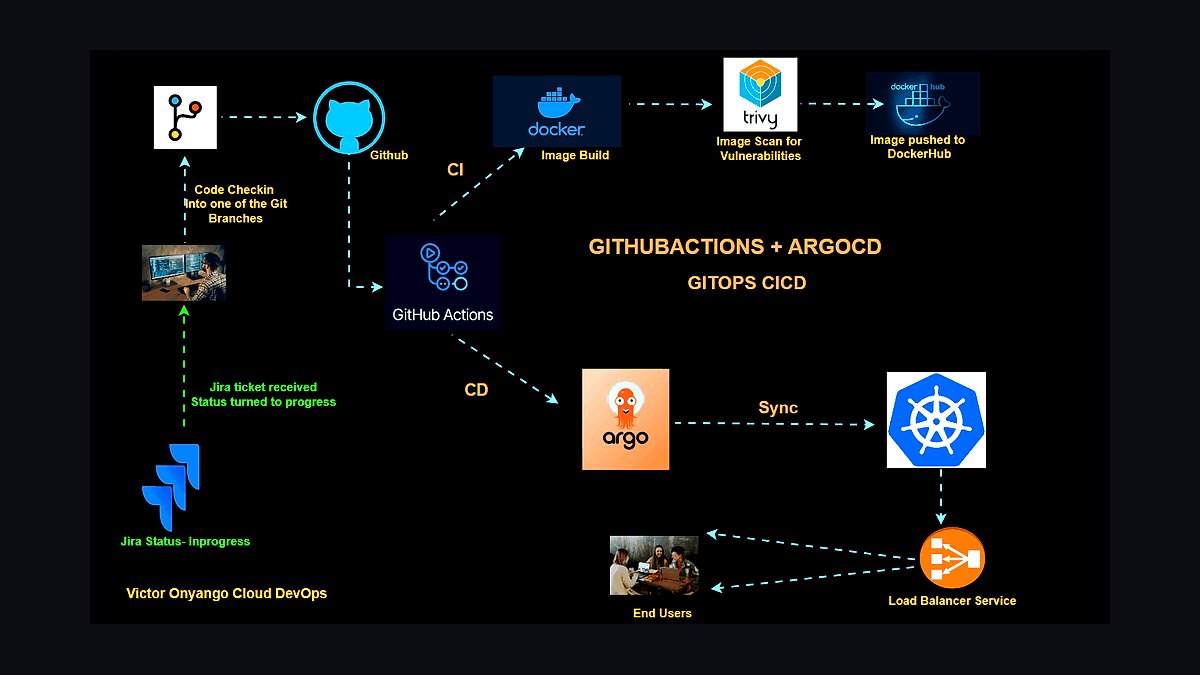
GitHub repository ownership ranks fifth because custom-coded sites live in version control, not a CMS dashboard. If your designer built a React, Next.js, or Astro site, the entire codebase sits in their GitHub account. Transferring a repository takes two minutes through GitHub settings. Losing access means paying someone to rebuild from the deployed HTML, which is slower and error-prone.
This is for businesses with custom-built sites rather than WordPress or Squarespace. It trades away the simplicity of a single CMS login for full code control. Compared to the DNS zone file at rank four, the repository is the source code itself while DNS is just routing. Ask for a repository transfer, not a zip file.
6Google Analytics Property Access
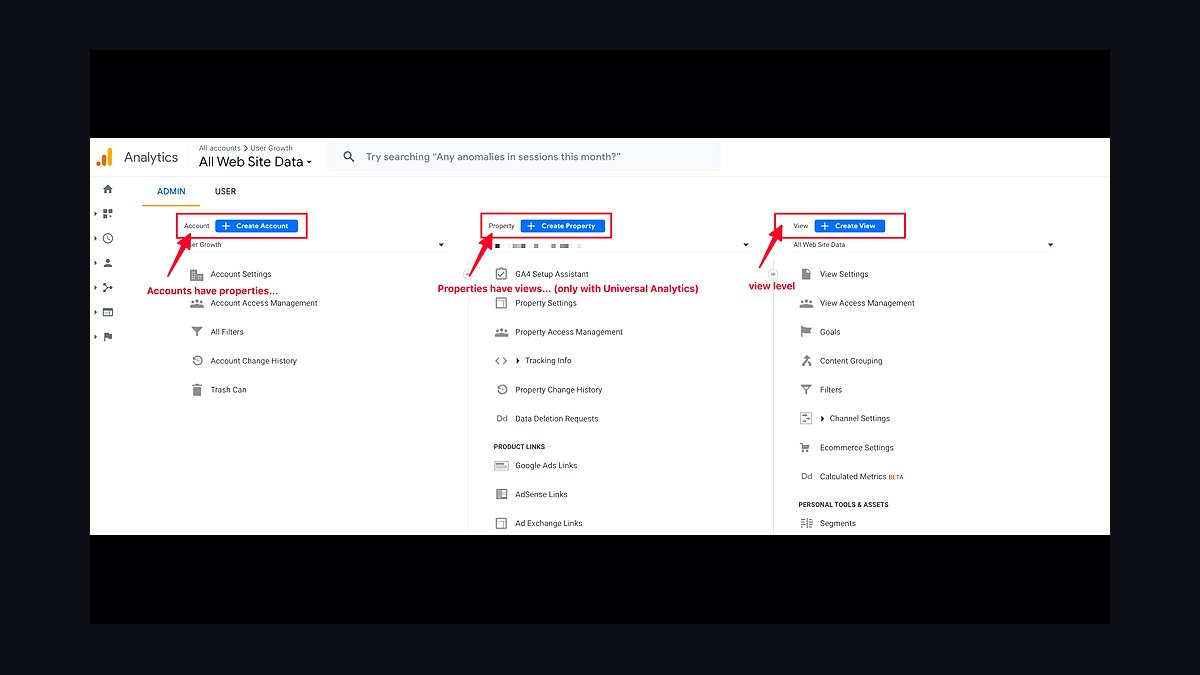
Google Analytics access ranks sixth because it holds your historical traffic data, conversion goals, and audience insights. A GA4 property accumulates years of baseline data that cannot be reconstructed retroactively. If your designer set up the property under their agency account, you lose every session, bounce rate, and conversion record. Granting admin access takes under a minute.
This is for any business that tracks marketing performance or ad spend against site traffic. It trades away nothing since GA4 supports multiple administrators per property. Compared to GitHub ownership at rank five, analytics is observational data rather than functional infrastructure. Request Admin role, not just Viewer, so you can manage users.
7Google Search Console Verification
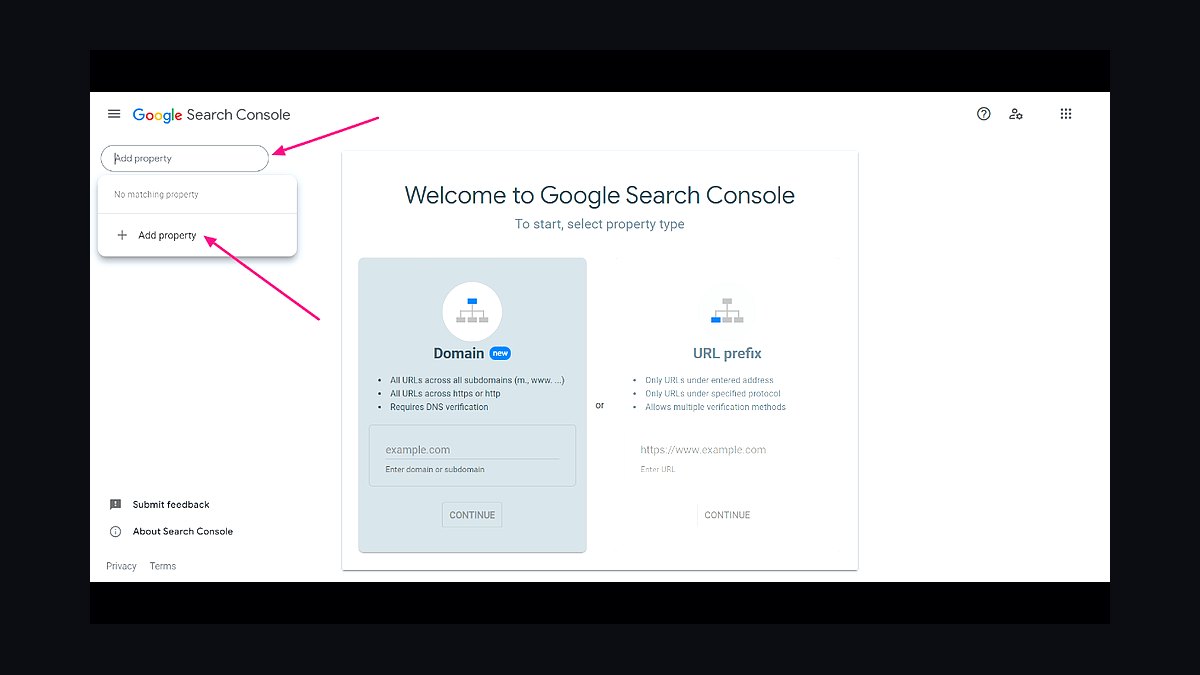
Search Console verification ranks seventh because it shows which queries drive impressions, which pages Google indexed, and what crawl errors exist. Losing verification means losing the ability to submit sitemaps or request reindexing after content changes. Verification happens through a DNS TXT record or an HTML file. Re-verifying takes minutes if you already control DNS.
This is for site owners who care about organic search visibility and indexing health. It trades away nothing except a small amount of setup time. Compared to Google Analytics at rank six, Search Console covers how Google sees your site while Analytics covers how visitors behave. Both are free and both should be under your account.
8Website Hosting Account Login
Hosting account login ranks eighth because it controls the server where your site files physically live. Whether you use SiteGround, Kinsta, or Bluehost, the hosting panel manages PHP versions, SSL certificates, and daily backups. If the account is in your designer's name, you cannot renew the plan or restore a backup. Migrating hosts without login access requires a support ticket and proof of ownership.
This is for owners who want direct control over server resources and billing. It trades away the hands-off convenience of letting a designer manage uptime. Compared to Search Console at rank seven, hosting is the physical infrastructure while Search Console is the reporting layer. Confirm the billing email is yours.
9SSL Certificate Private Key
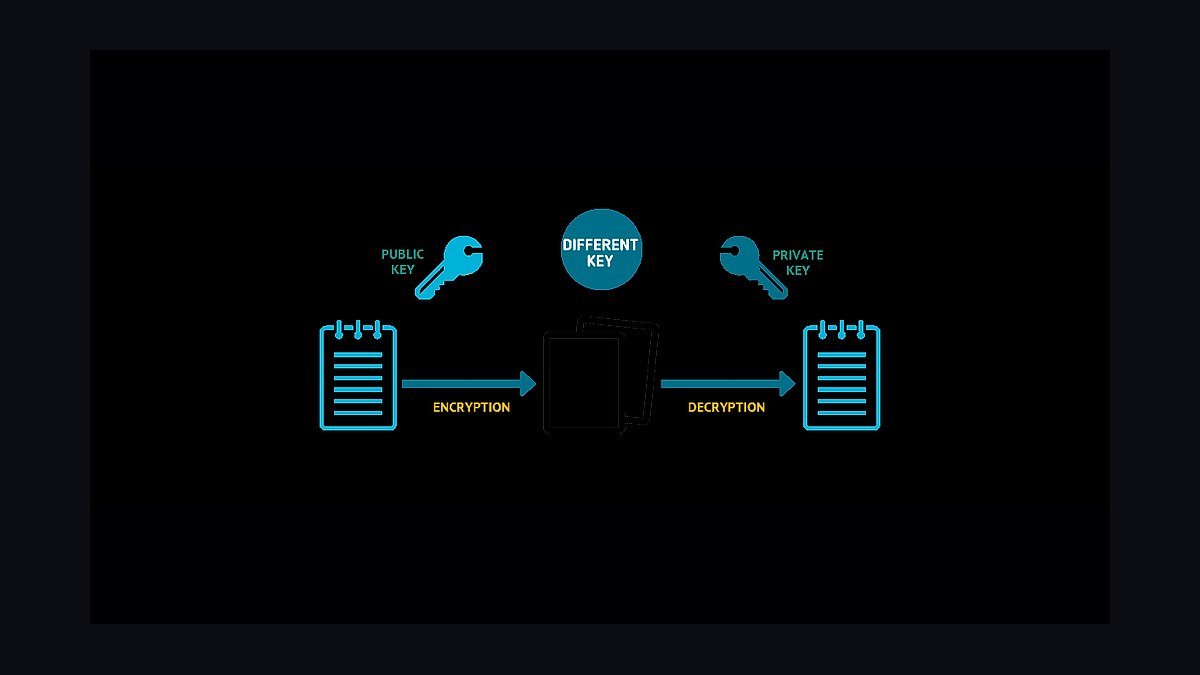
The SSL certificate private key ranks ninth because it enables HTTPS encryption and prevents browser security warnings. Most hosts now issue free Let's Encrypt certificates automatically, but custom or wildcard certificates generate a private key file. Without that key, you cannot install the certificate on a new server. Browsers flag sites without valid SSL as Not Secure, which kills trust and conversions.
This is for businesses running e-commerce or handling any customer login data. It trades away nothing since the key is just a file you store securely. Compared to hosting login at rank eight, the SSL key is a specific credential while hosting is the broader account. If you use Let's Encrypt, skip this and just confirm auto-renewal.
10Brand Asset Source Files
Brand asset source files rank tenth because they include the original logo in AI or EPS format, font licenses, and color hex codes. A PNG logo cannot be resized for a billboard without pixelation. Designers often hold layered Photoshop or Illustrator files that cost $200 to $500 to recreate. Font licenses are especially tricky since they are tied to the purchaser's account.
This is for businesses that will need new marketing materials, signage, or print collateral. It trades away nothing except a few gigabytes of cloud storage. Compared to the SSL private key at rank nine, brand assets are creative intellectual property rather than technical infrastructure. Request them as editable vector files, not flattened JPEGs.
How we ranked these
We ranked each item by how much it reduces dependency on a departing web designer, weighting ownership transferability at 35%, replacement difficulty at 25%, cost to rebuild from scratch at 20%, and time-to-recover if lost at 20%. Scores came from documented handover checklists, agency offboarding guides, and platform export capabilities. Items that a non-technical owner can realistically secure and control scored highest.
We deliberately ignored aesthetic preferences, trendy tooling, and anything tied to a single vendor's ecosystem lock-in. We excluded ongoing retainer value and design quality because those vanish with the designer anyway. We also skipped legal templates and insurance products, since those are business hygiene rather than web-specific handover assets. The focus stayed on artifacts an owner can hold, export, or transfer without the designer's ongoing help.
What to look for
Prioritize items you can export and store outside the designer's accounts. Domain registrar access, DNS records, hosting credentials, and CMS admin logins matter more than a polished style guide, because losing them takes your site offline entirely. Check whether each asset lives in your name or theirs, and confirm you can change the password without their email. Ownership paperwork beats verbal promises every time.
The mistake most buyers make is assuming a handover document equals control. A PDF listing passwords is worthless if the accounts sit under the designer's email or a reseller billing portal. Buyers also overpay for design source files while ignoring analytics history, email authentication records, and payment integrations. Verify access live, in your own browser, before the contract ends, not after.
Related questions
Who should own the domain name for a business website?
The business should own it, registered under a company email and payment method. If the designer registered it, transfer the registrar account or push the domain to your own registrar before the relationship ends. Keep the registrant contact, admin contact, and billing email all under addresses you control permanently.
What DNS records should I save before a designer leaves?
Export a full zone file or screenshot every record: A, AAAA, CNAME, MX, TXT, and any verification entries. Pay special attention to SPF, DKIM, and DMARC records for email, plus any third-party service verifications. Without these, email deliverability and integrations break silently after a migration.
Do I need the original design source files?
Helpful but rarely critical. Figma, Sketch, or Adobe files let a new designer edit layouts faster, but a live site can be rebuilt from the rendered pages. Prioritize source files only if you plan frequent redesigns or need brand assets like logos and fonts in editable formats.
How do I take over hosting and CMS accounts?
Request admin access to the hosting panel, CMS, and any plugin or theme licenses tied to the site. Change the recovery email to your own, rotate passwords, and enable two-factor authentication. Confirm you can renew billing directly rather than through the designer's reseller account.
What analytics and search console access matters most?
Google Analytics, Google Search Console, and Bing Webmaster Tools should all be under your ownership. Historical data cannot be recreated, so losing it means starting SEO measurement from zero. Add your own email as an owner, then remove the designer's access after verifying everything works.
Should I keep a copy of the website files?
Yes. Download a full backup including the database, uploads, themes, and plugins. Store it somewhere you control, like cloud storage or an external drive. A complete backup lets any competent developer restore the site even if hosting, CMS access, or the designer disappears entirely.
What about email accounts and authentication?
Email is often the biggest hidden dependency. Confirm who controls the mail host, whether it is Google Workspace, Microsoft 365, or a host-based service. Save SPF, DKIM, and DMARC records, and make sure the billing owner is your company, not the designer's personal account.
How do I handle third-party integrations and API keys?
List every integration: payment processors, CRMs, booking tools, chat widgets, and marketing platforms. Each has its own account owner and API keys. Transfer ownership to company emails, regenerate keys, and update them in the site configuration so nothing breaks when old credentials are revoked.
FAQ
What is the single most important thing to own before a designer leaves?
The domain name, registered under your own account and email. Everything else, hosting, CMS, email, can be rebuilt or migrated, but losing domain control risks your entire web presence. Verify registrar access early and keep renewal billing in your company's name.
Can I run a website without a web designer?
Yes, if you own the core accounts and use a mainstream CMS like WordPress, Squarespace, or Webflow. Routine updates, content edits, and plugin maintenance are manageable with basic training. Complex custom code or bespoke integrations may still need a developer for occasional work.
How long should a handover take?
Plan for two to four weeks for a typical small business site. That allows time to transfer accounts, rotate credentials, test email and integrations, and confirm backups restore correctly. Rushing the process is how owners discover missing access weeks after the designer has moved on.
What if the designer refuses to hand over access?
Check your contract first, since most specify that work product and accounts belong to the client. Send a written request citing those terms. If refusal continues, consult a lawyer, and in serious cases, dispute the domain through ICANN's transfer process or your registrar.
Do I need a written handover checklist?
Yes. A checklist prevents forgotten accounts, expired licenses, and undocumented integrations. Include domain, DNS, hosting, CMS, email, analytics, payment tools, and backups. Have both parties sign off on each item so there is a clear record of what was transferred.
How much should I budget for post-handover maintenance?
Small business sites typically cost $50 to $300 monthly for hosting, security, backups, and plugin licenses. Occasional developer hours run $75 to $150 per hour. Budgeting ahead avoids scrambling when something breaks and no designer is on retainer.
Are website backups really necessary if hosting includes them?
Yes. Host backups often expire quickly and may not cover databases or uploads fully. Keep your own offsite copy on a schedule, ideally weekly or after major changes. That way you can restore independently even if hosting access is lost or disputed.
What licenses might I need to transfer?
Premium themes, plugins, fonts, stock images, and page builder subscriptions often sit under the designer's account. Transfer or repurchase these under your own billing. Document each license, its renewal date, and the account it lives in so nothing lapses unexpectedly.
How do I protect against a designer disappearing suddenly?
Maintain owner-level access to every critical account from day one, not just at handover. Use a shared password manager, keep your own backups, and document integrations as they are built. Prevention is far cheaper than recovering a site after someone vanishes.
Should I hire a new designer or manage it myself?
If your site is simple and stable, self-management with occasional contractor help is cost-effective. If it drives significant revenue, has custom functionality, or needs frequent updates, retain a new designer or agency. Decide based on complexity and risk, not just price.
Sources
- https://www.icann.org/resources/pages/transfer-2013-05-21-en
- https://developers.google.com/search/docs/crawling-indexing/verification-faq
- https://support.google.com/analytics/answer/9305587
- https://wordpress.org/documentation/article/wordpress-backups/
- https://www.cloudflare.com/learning/dns/dns-records/
- https://support.google.com/a/answer/33786
- https://www.cisa.gov/secure-our-world/use-strong-passwords
- https://webflow.com/blog/website-handoff
Related on PULSE
This page will be disappearing soon. Save it to your device for $1 — or read it free while it is here.
@Kory-White- · if Venmo asks, the last 4 of my number are 2012
This page is gone.
This one is off the shelf now. $1 keeps it on your phone for good — the whole page, pictures and diagrams included.
 revopsTop 10 Things Every Online Store Needs in 2027
 revopsTop 10 Habits of Successful Small Business Owners in 2027
 revopsTop 10 Quote and Estimate Tools for Contractors in 2027
 revopsTop 10 Ways to Write a Better Service Page in 2027
 revopsTop 10 AI Tools for Answering Customer Questions in 2027
 revopsTop 10 Pricing Mistakes Small Businesses Make in 2027
 revopsTop 10 Questions to Ask Before Signing a Web Design Contract in 2027
 revopsTop 10 AI Tools for Small Business Owners in 2027
 revopsTop 10 Marketplaces to Sell Products Online in 2027
 revopsTop 10 Testimonial Tips for Small Business Websites in 2027