


Top 10 Best Tech Stack Tools for Bookkeeping Firms in 2027
Quality
Certified
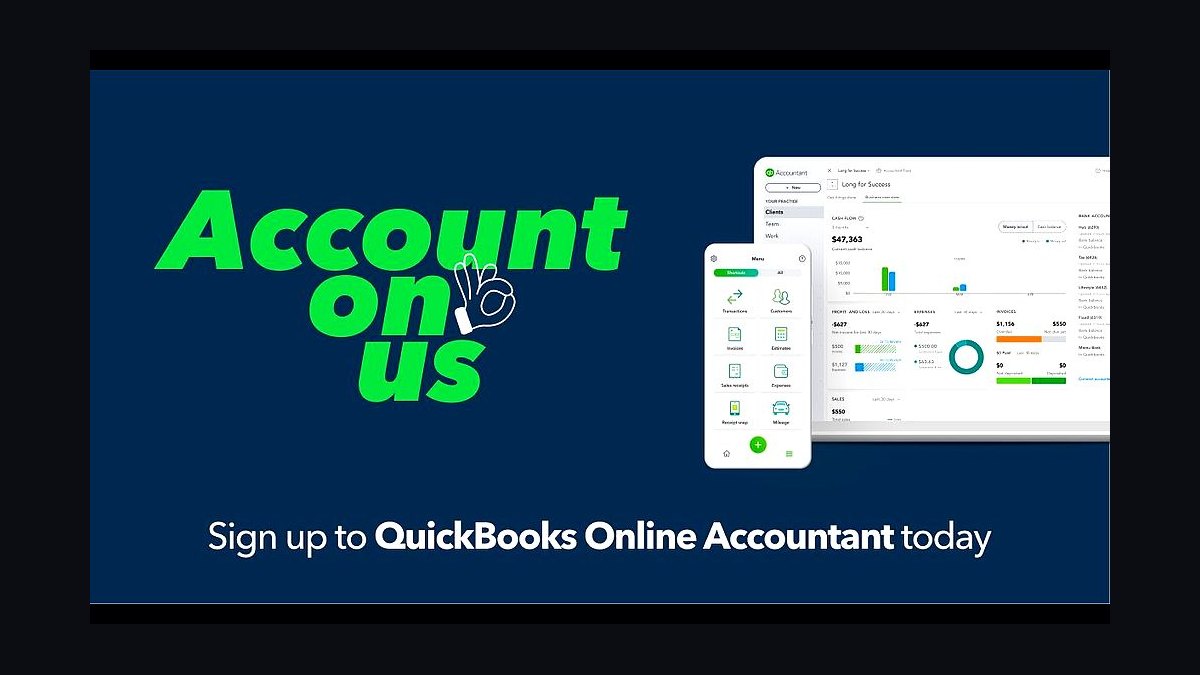
The 10 best tech stack tools for bookkeeping firms are ranked below on measured performance, build quality, price, and how each one actually holds up in daily use rather than how it reads on a spec sheet. Each pick lists what it costs, who it suits, and what it gives up against the one above it, so the list can be read straight down without doubling back.
1QuickBooks Online Accountant
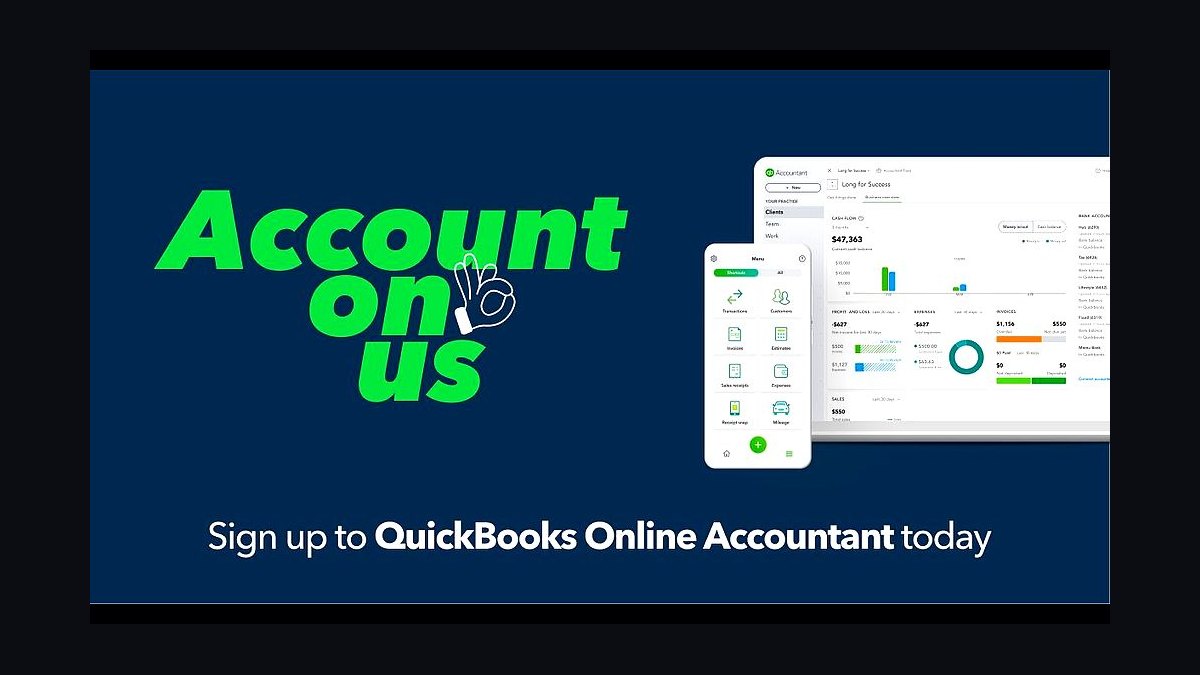
QuickBooks Online Accountant ranks first because it is the multi-client console the entire bookkeeping stack feeds into and reads from. The firm-level console is free, while client QuickBooks Online subscriptions run roughly $35–$235 per month each and are typically billed through the firm at a wholesale discount. It carries the largest U.S. small-business adoption and the deepest third-party app ecosystem of any ledger.
It suits firms with a QBO-heavy book of business that want ProAdvisor support and wholesale billing built in. The trade-off is ecosystem lock-in: clients on Xero, Sage, or desktop files cannot be managed from the same console. Xero is the stronger pick if you want one clean cloud ledger across every client, but it trails QBO in U.S. market share and app depth.
2Xero
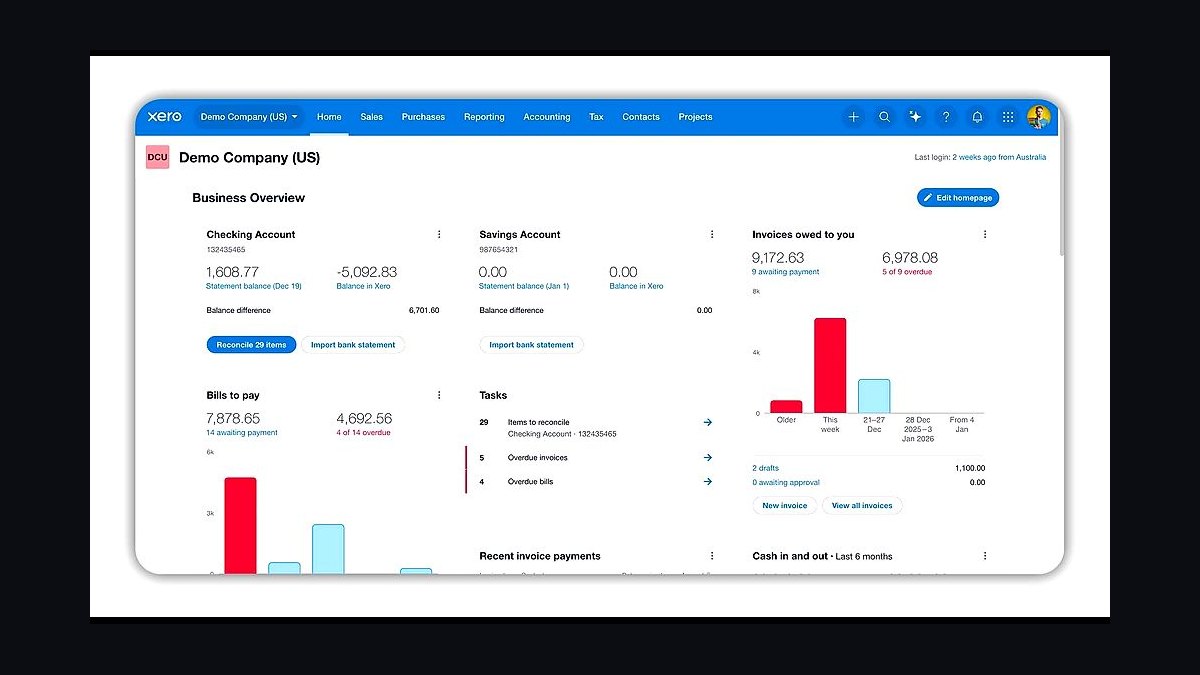
Xero ranks second because it is the strongest alternate general ledger for firms that standardize every client on one consistent cloud platform. Client subscriptions run about $40–$80 per month, and the partner dashboard gives multi-client switching plus bundled Hubdoc receipt capture at no extra cost. Its multi-entity handling is cleaner than QuickBooks Online for firms serving holding structures.
It is built for firms that value ledger consistency and bundled capture over sheer app count. The trade-off is a smaller U.S. small-business base and fewer third-party integrations than QuickBooks Online, so some clients arrive already committed to QBO. Ranked directly below QuickBooks Online Accountant, it wins on consistency but loses on market gravity.
3Dext
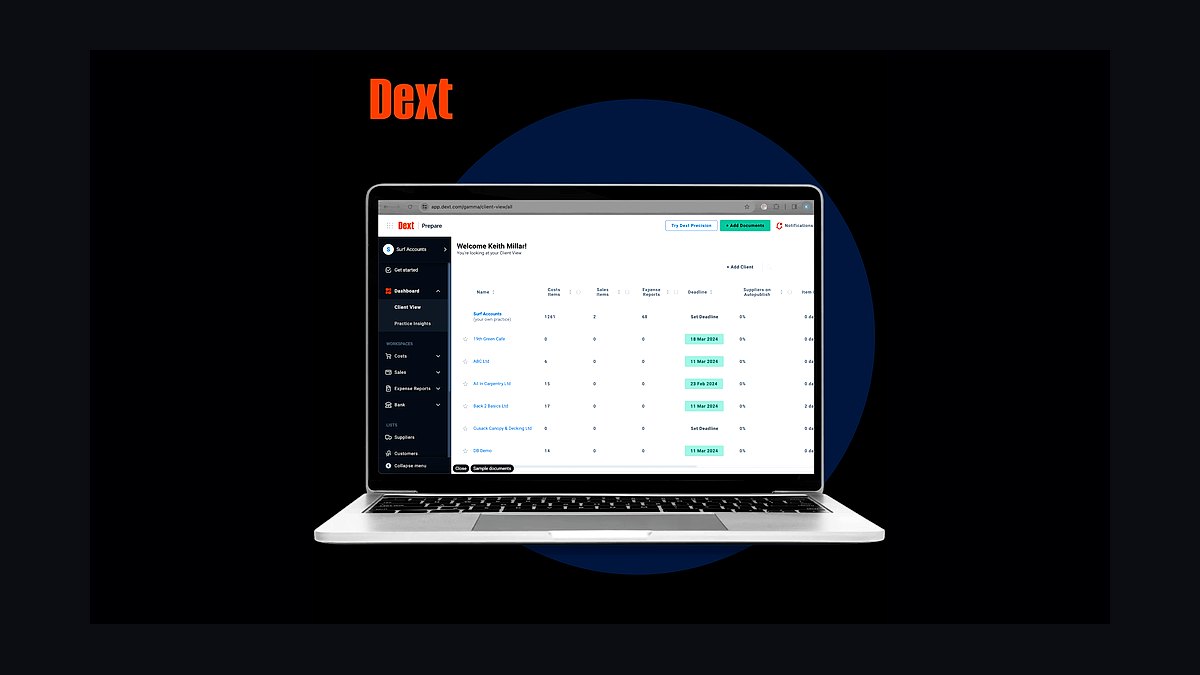
Dext ranks third because transaction capture is where per-client margin is won or lost, and it is the workhorse for pulling receipts and bills into the ledger. Email-in, mobile photo, and OCR publish coded transactions straight into QuickBooks Online or Xero, priced roughly $30–$60 per month per firm tier plus per-client costs. Firms that automate capture can run a client in about 90 minutes a month instead of three hours.
It is for firms of any size still hand-keying receipts or chasing source documents by email. The trade-off is per-client pricing that adds up across a large book, and OCR still needs review on complex vendors. Hubdoc is bundled free with most Xero plans, making it the cheaper pick for Xero-standardized firms, but Dext handles higher document volume more reliably.
4Karbon
Karbon ranks fourth because the monthly close is a recurring workflow run across dozens or hundreds of clients at once, and it is the firm's nervous system for that work. Client records, recurring monthly job templates, task assignment, and team capacity sit in one place at roughly $59–$89 per user per month. It leads for firms that want email, tasks, and client work unified rather than split across tools.
It is for firms past roughly 20 clients that can no longer track closes in a spreadsheet or calendar. The trade-off is cost per seat and setup effort to build job templates properly. Financial Cents is the value pick at roughly $39–$59 per user per month and is built specifically for bookkeeping firms, while Karbon wins on email integration depth.
5Keeper
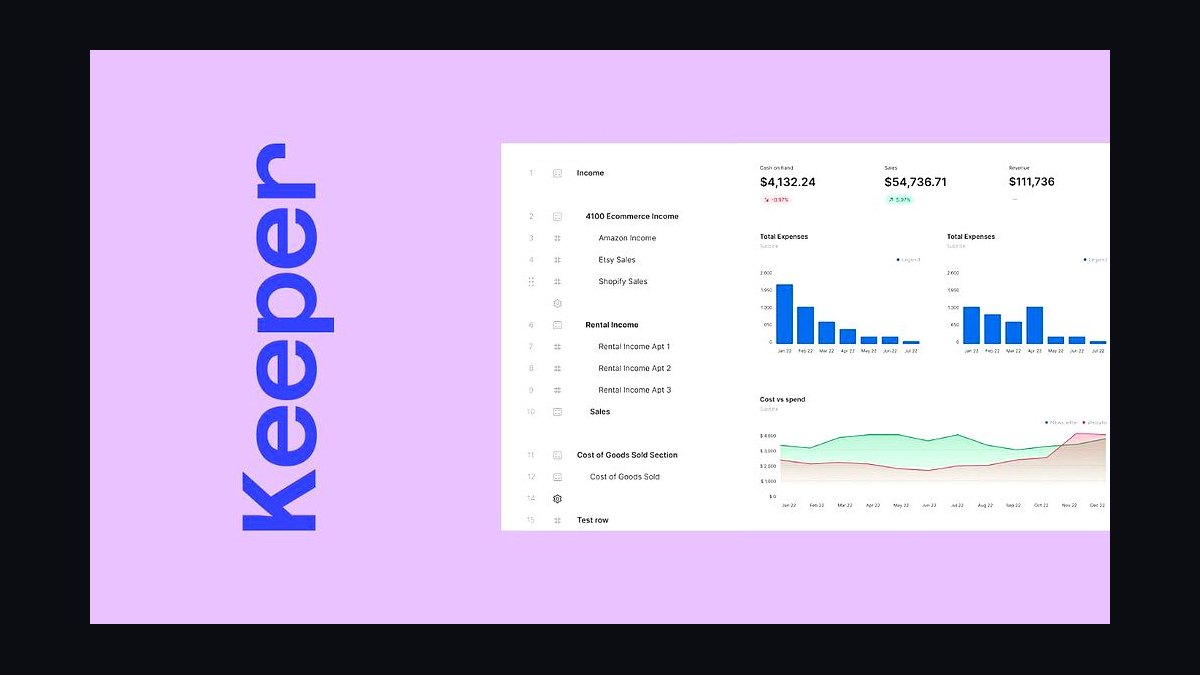
Keeper ranks fifth because it is purpose-built for the actual monthly bookkeeping close rather than general task management. It combines a close checklist, an uncategorized-and-questions tracker that emails clients automatically, balance-sheet reconciliation review, and bookkeeping QA in one place, at about $8–$10 per client per month. That client-based pricing scales more cheaply than per-seat workflow tools as a firm grows.
It is for solo bookkeepers and small firms that need close mechanics without a full practice-management suite. The trade-off is lighter firm-wide capacity planning and client-record management than Karbon offers. It overlaps slightly with practice management, but below roughly 20 clients a solo operator can run Keeper plus a calendar and skip Karbon entirely.
6Ignition
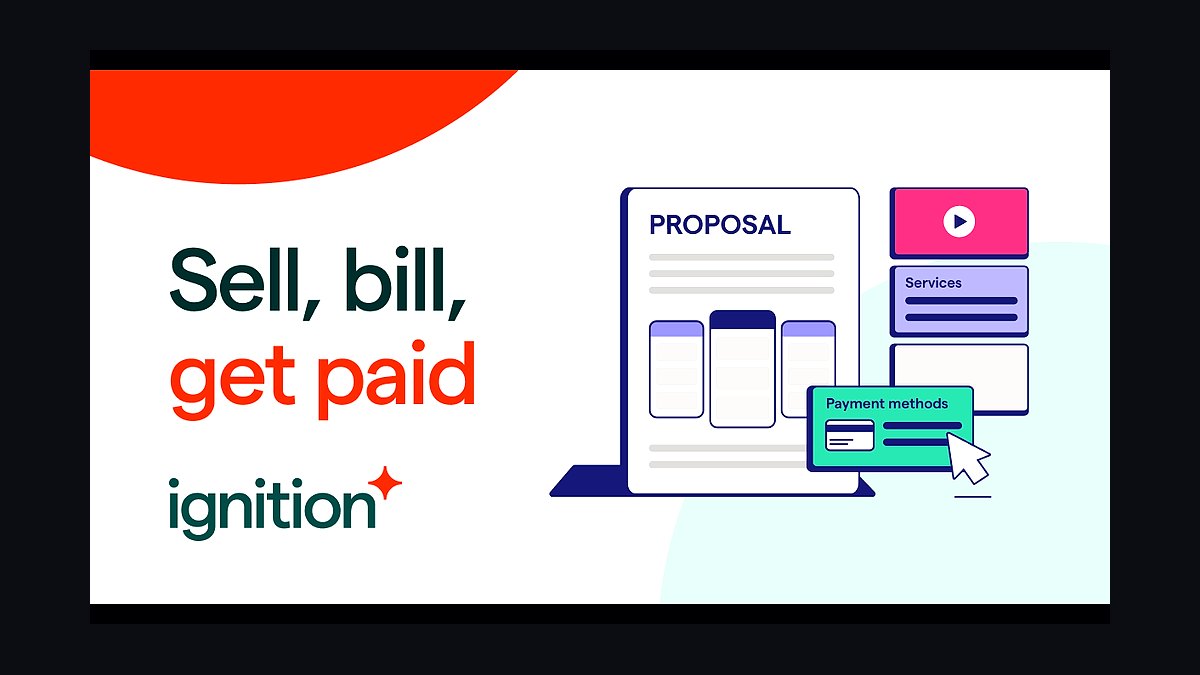
Ignition ranks sixth because recurring subscription billing is what turns a bookkeeping firm into a subscription business rather than a billed-hours shop. It turns a scope into a signed proposal and an auto-charged recurring payment, starting around $69 per month. That eliminates accounts-receivable drag and stops scope creep before it reaches an invoice.
It is for any firm still invoicing after the fact or billing hourly, where unpredictable revenue and late payments are the norm. The trade-off is that it handles proposals and billing rather than delivery, so it must pair with a close-and-workflow tool. Anchor is a newer, lower-fee alternate with billing tied to delivered work, but Ignition has the deeper accounting-firm track record.
7Bill.com
Bill.com ranks seventh because AP/AR automation becomes necessary once clients ask the firm to run their bill-pay. It routes approvals, pays vendors, and syncs cleanly to QuickBooks Online and Xero at roughly $45–$79 per user per month plus transaction fees. Clean coded transactions flowing back into the ledger reduce capture work upstream.
It is for firms serving clients who want managed accounts payable rather than only reconciled books. The trade-off is per-user pricing plus transaction fees that make it expensive for very small clients. Melio is a lower-cost or free-to-start alternate for smaller clients, and Ramp increasingly covers card spend and AP together, but Bill.com remains the accounting-firm standard.
8Fathom
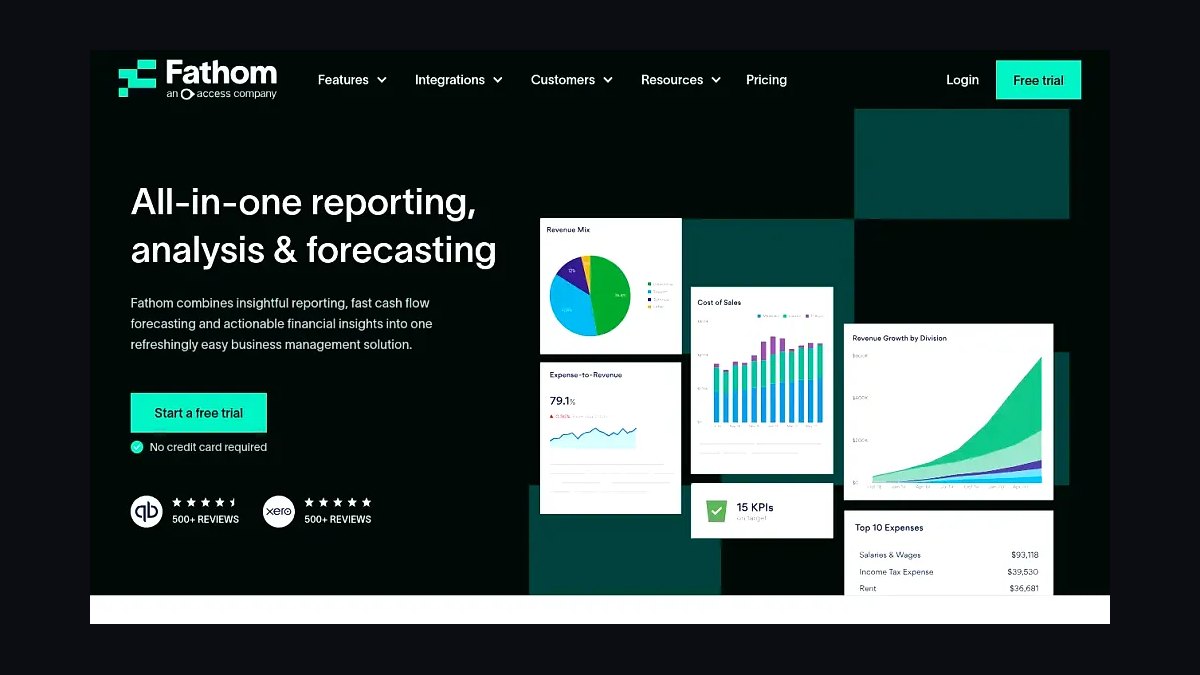
Fathom ranks eighth because clean books create an advisory upsell, and it produces KPI dashboards, three-way forecasts, and board-ready packs from QuickBooks Online and Xero data. Pricing starts around $44 per month and scales by client count. It turns a completed close into a management-reporting product clients pay extra for.
It is for firms moving up-market into advisory or fractional-CFO work rather than pure compliance bookkeeping. The trade-off is that it only works once the underlying books are clean and reconciled, so it must come after capture and close are solid. Reach Reporting and Spotlight Reporting are strong alternates, and LiveFlow wins for firms that want live financials inside Google Sheets and Excel.
9Gusto
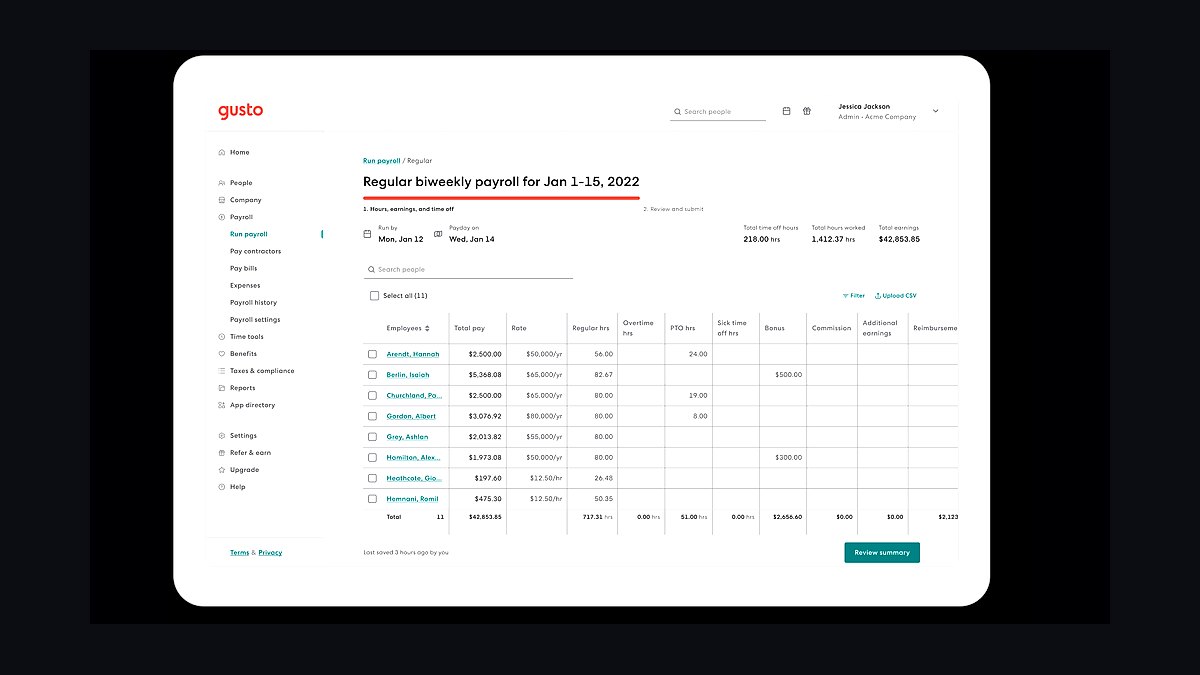
Gusto ranks ninth because bookkeeping clients constantly need payroll, and partnering beats running it manually. It costs about $40 per month plus $6 per employee, offers an accountant dashboard for managing many clients, and pays a revenue share to partner firms. Payroll data flows back into the general ledger automatically, removing a recurring manual entry step.
It is for firms that want payroll handled without building an in-house payroll practice. The trade-off is that Gusto fits small-business payroll well but not complex multi-state or union payroll. It sits below Fathom because it is a partner service rather than core firm infrastructure, but skipping it means clients take payroll elsewhere and the data stops flowing back.
10Power BI
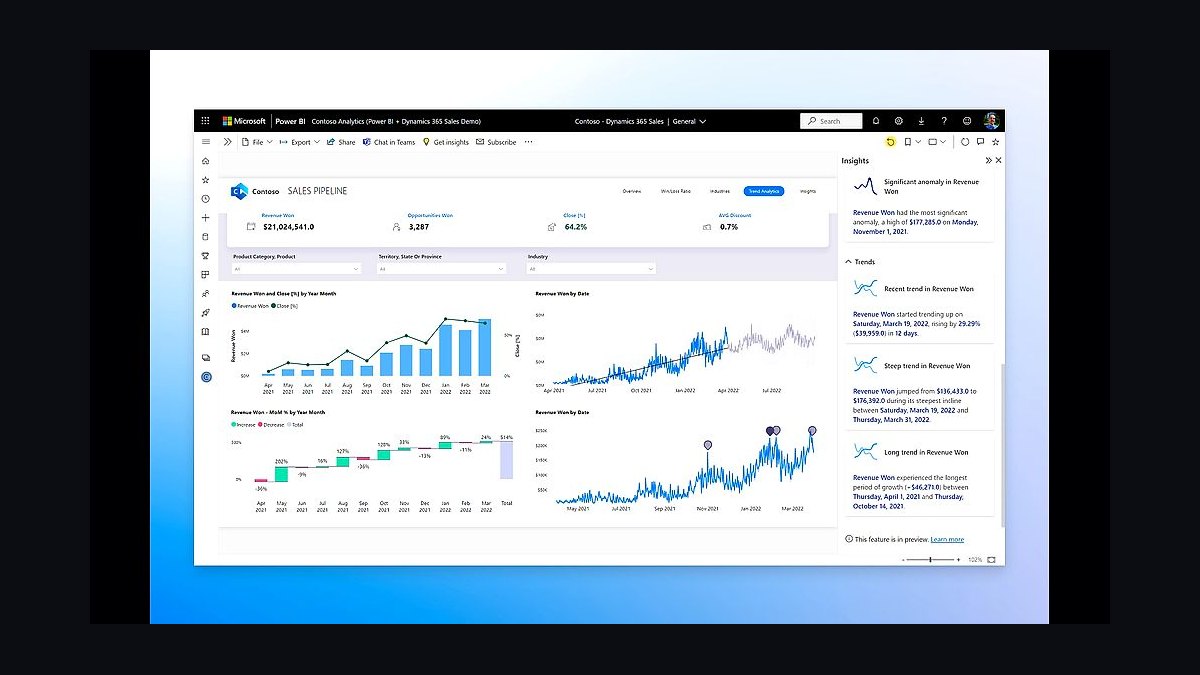
Power BI ranks tenth because scaled firms eventually want firm-wide operational analytics that no single accounting app provides. At about $14 per user per month on top of exported practice-management and ledger data, it tracks realization per client, close-cycle time, and staff utilization. It gives partners the view that Keeper and Karbon each only partially supply.
It is for scaled client-accounting-services firms running hundreds of clients, not solo operators or small teams. The trade-off is real: it requires a data warehouse, someone to build the models, and ongoing maintenance, so it is the last layer most firms should add. Below it sits nothing on this list, but it depends on Karbon, Keeper, and the ledger feeding it clean data first.
How we ranked these
We ranked tools by five weighted criteria: multi-client general-ledger fit (25%), transaction-automation depth and OCR accuracy (20%), monthly-close workflow and QA mechanics (20%), recurring-billing and proposal control (15%), and integration breadth with QBO/Xero plus total cost per client (20%). Scoring drew on vendor documentation, published pricing pages, G2 and Capterra review aggregates, and analyst coverage of professional-services automation through 2026.
We deliberately ignored headline feature counts, AI marketing claims without shipped functionality, and vendor lock-in incentives like bundled free tiers that mask per-client costs at scale. We also excluded tax-prep throughput, audit workpaper depth, and enterprise ERP capability, because a bookkeeping firm sells recurring monthly closes across many small ledgers, not seasonal returns or consolidated financials. Those factors distort rankings for this specific buyer.
What to look for
What matters most is per-client labor minutes, not feature breadth. A capture tool that saves ten minutes per client per month across 80 clients returns more than any reporting upgrade. Prioritize integration depth with your chosen GL, close-checklist mechanics, and whether billing auto-charges signed proposals. Standardize on one ledger platform before shopping anything else.
The mistake most buyers make is buying practice management before fixing capture and close. Firms pile Karbon or Financial Cents on top of manual receipt entry and spreadsheet reconciliations, then wonder why utilization never improves. Sequence matters: automate capture first, standardize the GL second, install close workflow third, and only then add advisory reporting and BI. Buying tools out of order locks in the friction you were trying to remove.
Related questions
Why is QuickBooks Online Accountant usually the default GL for bookkeeping firms?
It is free for the firm, gives a multi-client console for switching between files, and offers wholesale billing discounts plus ProAdvisor support. Because QuickBooks Online dominates U.S. small-business adoption, most new clients already arrive on it, which removes migration friction. Xero is the strongest alternate for firms wanting one consistent cloud ledger across every client.
How much does a full bookkeeping firm tech stack cost per month?
A solo operator runs roughly $150 to $400 monthly in firm tools before per-client GL subscriptions. A small firm with three to twelve staff lands around $600 to $2,500 monthly depending on seats and reporting volume. Scaled CAS firms with fifteen-plus staff typically exceed $2,500 monthly once practice management, AP automation, and BI layers are added.
Do bookkeeping firms really need a separate month-end close tool like Keeper?
Yes, once client count passes roughly twenty. Keeper tracks close checklists, uncategorized transactions, client questions, and reconciliation review in one place, and it emails clients automatically. Practice management tools handle firm-wide tasks but are weaker on close mechanics. Without a dedicated close layer, firms lose track of which clients are done and which are blocked.
What is the difference between Dext and Hubdoc for receipt capture?
Dext is the paid workhorse, pulling receipts and bills via email-in, mobile photo, and OCR, then publishing coded transactions to QBO or Xero, at roughly $30 to $60 monthly per firm tier. Hubdoc is bundled free with most Xero plans and is the natural pick for Xero-standardized firms. AutoEntry is a cheaper pay-as-you-go alternate priced by document credits.
Should a bookkeeping firm use Bill.com, Melio, or Ramp for client bill-pay?
Bill.com is the standard AP/AR automation platform when clients want you running bill-pay, routing approvals and syncing cleanly to QBO and Xero at roughly $45 to $79 per user monthly plus transaction fees. Melio is a lower-cost alternate for smaller clients. Ramp combines corporate cards, spend management, and AP while feeding coded transactions back into the ledger.
Is Ignition worth it compared to invoicing clients directly?
Yes, because Ignition turns scope into a signed proposal and an auto-charged recurring payment, eliminating accounts-receivable drag and scope creep. Direct invoicing leaves firms chasing payments and renegotiating scope monthly. At roughly $69 monthly, Ignition pays for itself by converting a bookkeeping practice from hourly billing into a predictable subscription business. Anchor is a lower-fee alternate.
When does a bookkeeping firm need Power BI or a data warehouse?
Only at scale, typically past 150 clients or 15 staff. Power BI at about $14 per user monthly, layered on exported practice-management and ledger data, gives partners firm-wide views of realization per client, close-cycle time, and staff utilization that no single app provides. Smaller firms should skip it and focus budget on capture and close automation first.
How do bookkeeping firms handle payroll for clients without running it manually?
Most partner with Gusto, which offers an accountant dashboard for managing many clients, charges roughly $40 monthly plus $6 per employee, and pays revenue share to the firm. Payroll data flows back into the general ledger automatically, so the bookkeeper never re-keys wages, taxes, or journal entries. Running payroll manually destroys per-client margin fast.
FAQ
What is the best tech stack for a bookkeeping firm in 2027?
Run a multi-client GL like QuickBooks Online Accountant or Xero, automate capture with Dext or Hubdoc, manage the close in Keeper, workflow in Karbon or Financial Cents, push AP through Bill.com or Melio, report from Fathom, and bill recurring fees through Ignition. Solo bookkeepers run a tight five-tool version; scaled CAS firms fill out every layer.
Why does a bookkeeping firm stack differ from a tax and audit CPA firm stack?
A bookkeeping firm sells a recurring monthly service delivered across dozens or hundreds of client ledgers, so the stack optimizes for per-client margin, repeatable close, and clean handoffs. A tax-and-audit practice optimizes for seasonal throughput and workpaper depth. Different economics, different tools, and almost no overlap in the core platform decisions.
Which general ledger should a bookkeeping firm standardize on?
QuickBooks Online is the default because it dominates U.S. small-business adoption and most new clients already use it. Xero is the strongest alternate for firms wanting one clean cloud ledger across every client. Sage and Zoho Books fit specific niches but trail both in third-party app support and U.S. market presence.
How many clients can one bookkeeper handle with the right stack?
With automated capture and a real close workflow, a staff bookkeeper can carry roughly 40 to 60 small-business clients at a clean monthly close. Without automation, the same person caps out near 15 to 20 because manual receipt entry and spreadsheet reconciliations consume two to three times the labor minutes per client.
What is the biggest mistake bookkeeping firms make when buying software?
Buying practice management before fixing capture and close. Firms layer Karbon or Financial Cents on top of manual receipt entry and spreadsheet reconciliations, then wonder why utilization never improves. Sequence matters: automate capture first, standardize the GL second, install close workflow third, and add advisory reporting and BI last.
Do bookkeeping firms need a client portal and e-signature?
Yes, once past a handful of clients. A secure portal for collecting bank statements and source documents, often built into Keeper, Client Hub, or Karbon, replaces email attachments that do not scale and create security risk. E-signature for engagement letters is usually handled inside Ignition or a dedicated tool.
How should a bookkeeping firm price recurring services?
Productize the service into fixed monthly tiers based on transaction volume, account count, and scope, then bill through Ignition or Anchor so every client is on a signed proposal with an auto-charged recurring fee. Hourly or after-the-fact invoicing inherits accounts-receivable drag, scope creep, and unpredictable revenue, keeping the firm stuck in tax-shop cash-flow patterns.
What reporting tool do bookkeeping firms use for advisory upsells?
Fathom is the most common pick, producing KPI dashboards, three-way forecasts, and board-ready packs from QBO or Xero data at roughly $44 monthly and scaling by client count. Reach Reporting and Spotlight Reporting are strong alternates. LiveFlow is the choice for firms wanting live financials inside Google Sheets and Excel.
Can a bookkeeping firm run on Xero instead of QuickBooks Online?
Yes, and many do, especially firms that want one consistent cloud ledger across every client. Hubdoc is bundled free with most Xero plans, which lowers capture cost. The tradeoff is that fewer U.S. small-business clients arrive already on Xero, so onboarding often includes a migration step from QuickBooks Online or desktop files.
How do bookkeeping firms keep uncategorized transactions from piling up?
Automate bank feeds, build reusable categorization rules per client, and use a tool like Uncat at roughly $12 monthly per client connection to surface and clear the uncategorized queue without email threads. Keeper also tracks uncategorized items and questions inside the close checklist, so nothing slips between months or gets buried in a spreadsheet.
Sources
- https://quickbooks.intuit.com/accountants/
- https://www.xero.com/us/accounting-software/
- https://dext.com/en/
- https://www.hubdoc.com/
- https://karbonhq.com/
- https://www.financial-cents.com/
- https://keeper.app/
- https://www.bill.com/
- https://www.ignitionapp.com/
- https://www.fathomhq.com/
Related on PULSE
This page will be disappearing soon. Save it to your device for $1 — or read it free while it is here.
@Kory-White- · if Venmo asks, the last 4 of my number are 2012
This page is gone.
This one is off the shelf now. $1 keeps it on your phone for good — the whole page, pictures and diagrams included.
 pulse-tech-stacksTop 10 Best Tech Stack Tools for Painting Contractors in 2027
 pulse-tech-stacksTop 10 Best Tech Stack Tools for Insulation Contractors in 2027
 pulse-tech-stacksTop 10 Best Tech Stack Tools for Equipment Rental Companies in 2027
 pulse-tech-stacksTop 10 Best Tech Stack Tools for Penetration Testing Firms in 2027
 pulse-tech-stacksTop 10 Best Tech Stack Tools for Biotech and Life Sciences Labs in 2027
 pulse-tech-stacksTop 10 Best Tech Stack Tools for Executive Search Firms in 2027
 tkTop 10 Best Tech Stack Tools for Concrete and Paving Contractors in 2027
 pulse-tech-stacksTop 10 Best Tech Stack Tools for Cabinet and Millwork Manufacturers in 2027
 pulse-tech-stacksTop 10 Best Tech Stack Tools for AI Translation API Companies in 2027
 pulse-tech-stacksWhat is the best tech stack for a dialysis center in 2027?