
What is the complete software stack for a computer and phone repair shop in 2027?
 Curated byKory White · Fractional CRO · Maryland
 PULSEKNOWLEDGE LIBRARY
The complete 2027 software stack for a computer and phone repair shop centers on one repair-management platform — RepairDesk or Syncro — that unifies ticketing, parts inventory, and automated customer texts, then layers payments (Square), reputation management (Podium or Birdeye), accounting (QuickBooks Online), and a CRM (HubSpot) for commercial accounts. Budget roughly $300–900/month for a single location.
The Two Ways to Build the Repair-Shop Stack
Every repair shop owner ends up choosing between two fundamentally different architectures, and the choice shapes everything downstream: how fast staff can process a device, how many tools someone has to log into during a shift, and how much the whole thing costs to run and maintain.
Path one: the all-in-one repair-management platform. RepairDesk and Syncro (formerly RepairShopr) are purpose-built for this exact business. A device comes in, gets a ticket, and that ticket carries the customer's contact info, the device's diagnosis notes, the parts pulled to fix it, the payment taken at pickup, and the automated SMS/email trail that told the customer when their phone or laptop moved from "diagnosing" to "repairing" to "ready." Everything lives in one database. RepairDesk runs roughly $50–100/month on its tiered plans and is squarely aimed at single shops and small chains doing phone and computer repair. Syncro runs $100+/month and pulls double duty — it was built for managed IT services first and repair second, so a shop that also does business IT support (network setup, on-site troubleshooting, recurring maintenance contracts) gets ticketing that spans both halves of the business without a second system.
Path two: the stitched, best-of-breed stack. This is a generic retail point-of-sale (sometimes a big-box system like Square's own retail POS, sometimes something even more generic) bolted to a separate inventory spreadsheet or lightweight inventory app, with customer texts sent manually from a shop phone or through a bare-bones SMS tool. Some shops land here because they started as a phone-flipping or accessories side hustle and repair grew on top of a system that was never designed for multi-stage tickets. Others land here deliberately, believing they can save the $50–150/month platform fee by combining cheaper point tools.
The stitched path almost never actually saves money once you count staff hours. A generic POS has no concept of a repair ticket moving through stages — it can ring up a sale, but it cannot tell you that device #4471 is waiting on a screen that is backordered, or automatically text the customer when the part arrives. Every one of those jobs falls to a human, and in a shop doing 15–40 repairs a week that is hours of phone calls and manual status checks every single day. The generic-POS approach also has a hidden custody risk: without a ticket system tracking chain of custody, a device can sit in a "gray zone" — dropped off, diagnosed, sitting on a shelf — with nobody certain of its exact status, and a lost customer device is a five-star-review-ending event that costs far more than a year of platform fees.
Where the stitched approach can make sense is a very small, very early-stage operation — one person, a handful of repairs a week, testing whether repair is even a viable line of business before committing to a monthly platform fee. Even there, the recommendation is to move to a real platform within the first month or two of consistent volume, because the habits (paper tickets, manual texts) get harder to break the longer they run.
How to Decide Between an All-in-One Platform and a Stitched Stack
The decision mostly comes down to volume, whether the shop also does managed IT work, and how many locations are in play. A useful way to walk through it:
Volume is the clearest signal. A shop doing fewer than roughly ten repairs a week can survive on manual tracking because the owner or a single tech can hold every ticket's status in their head. Past that threshold, mental tracking breaks down fast — someone forgets to call a customer back, a part gets used on the wrong ticket, and the shop starts bleeding the very efficiency that repair businesses depend on to stay profitable.
The managed-IT question matters because Syncro's pricing and feature set assume you need remote monitoring, scripting, and ticketing that spans both device repair and ongoing IT contracts. A pure repair shop that never touches business IT support is usually better served — and better priced — on RepairDesk, which does not carry MSP-oriented features the shop will never use.
Location count changes the calculus again. A second location introduces the parts-visibility problem: does the shop at Location B know a matching screen is sitting unused at Location A? Both RepairDesk and Syncro support multi-location inventory visibility on their higher tiers, and that visibility alone can eliminate duplicate parts orders that quietly erode margin.
The Numbers Behind Each Path
Single-location, all-in-one platform. Total software spend typically runs $300–900/month. The repair-management platform itself is a moderate line at $50–150/month. Review and reputation management — Podium or Birdeye — is often the single largest line at $200–400/month, which surprises new owners until they see how directly local repair revenue tracks with Google star rating and review count; a shop with a 4.8-star rating and 300 reviews out-converts a 4.1-star competitor with 40 reviews on searches like "phone repair near me" almost every time. QuickBooks Online runs $30–90/month depending on tier. Payments processing through Square or the platform's built-in processor is usually a per-transaction percentage (roughly 2.6–3.5% plus a small flat fee) rather than a flat monthly line, but it belongs in the mental budget because it scales with revenue. HubSpot's CRM starts free and runs $20–90/seat once a shop is actively working commercial or B2B repair accounts — schools, small businesses with device fleets, property managers.

Multi-location or repair-plus-IT operator. Total spend climbs to $1,500–4,000+/month, weighted heavily toward per-location platform seats and the centralized inventory tier needed to see stock across sites. A three-location chain might run $450–900/month just on the platform across seats, another $600–1,200/month on review management scaled to each location's Google Business Profile, plus accounting and CRM lines that grow modestly rather than linearly with location count.
The stitched, budget path. On paper this can look like $100–250/month — a basic POS subscription, a cheap inventory spreadsheet tool or nothing at all, and a shop phone used for manual texts. The real cost shows up in labor: a tech or front-counter staffer spending 45–90 minutes a day on "is it ready?" calls that automated notifications would have eliminated, plus the occasional lost or mis-tracked device that can cost more in refunds, replacement, and reputation damage than a full year of platform fees. Shops that run the numbers honestly — staff hours, lost-device incidents, missed reviews — almost always find the all-in-one platform cheaper in practice, not just in convenience.
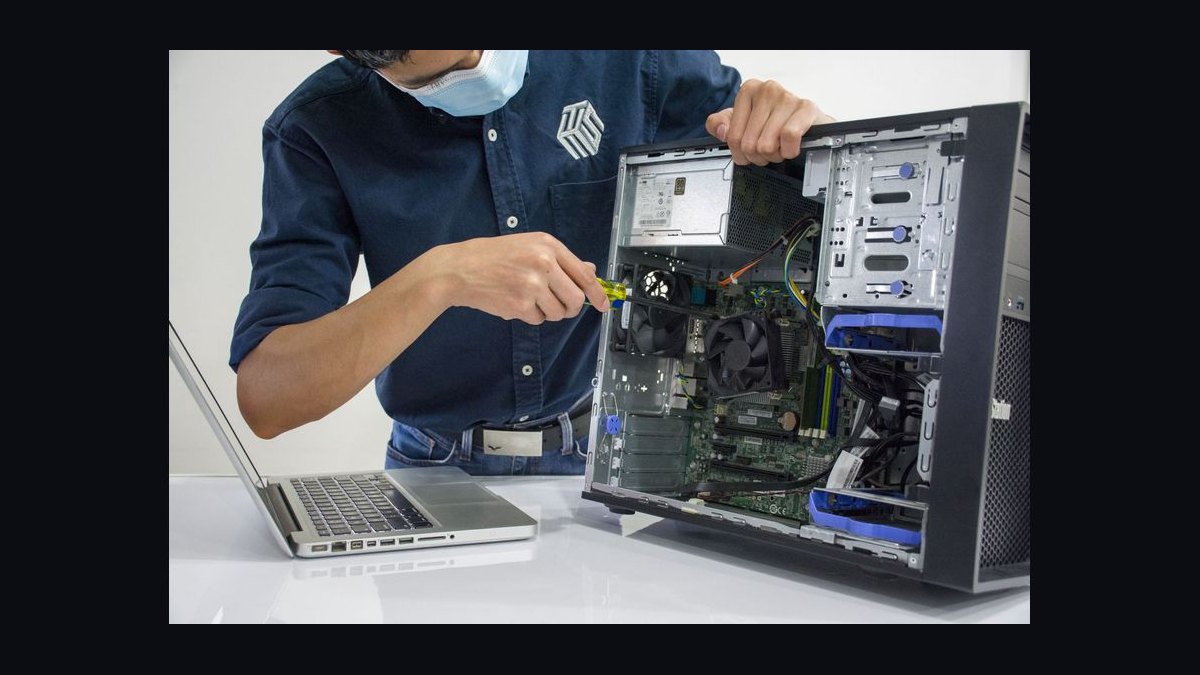
Parts sourcing sits outside the core software budget but interacts with it directly. Supplier integrations built into RepairDesk and Syncro let a shop reorder screens, batteries, and boards without leaving the ticketing system, and growing right-to-repair momentum in several states has widened access to OEM and OEM-equivalent parts that used to be locked down — a trend that has made specialty and mail-in repairs (prepaid shipping labels, tracked ticket status for a device that never sees the front counter) a realistic revenue line rather than a niche one, especially for a shop willing to serve a statewide or regional market instead of just walk-in traffic.
Implementation Details and Sequencing
Rolling out the stack in the wrong order is a common mistake — shops that try to stand up accounting integrations and CRM automation before the ticketing habit is solid end up with clean books tracking a chaotic operation. The sequencing that works:
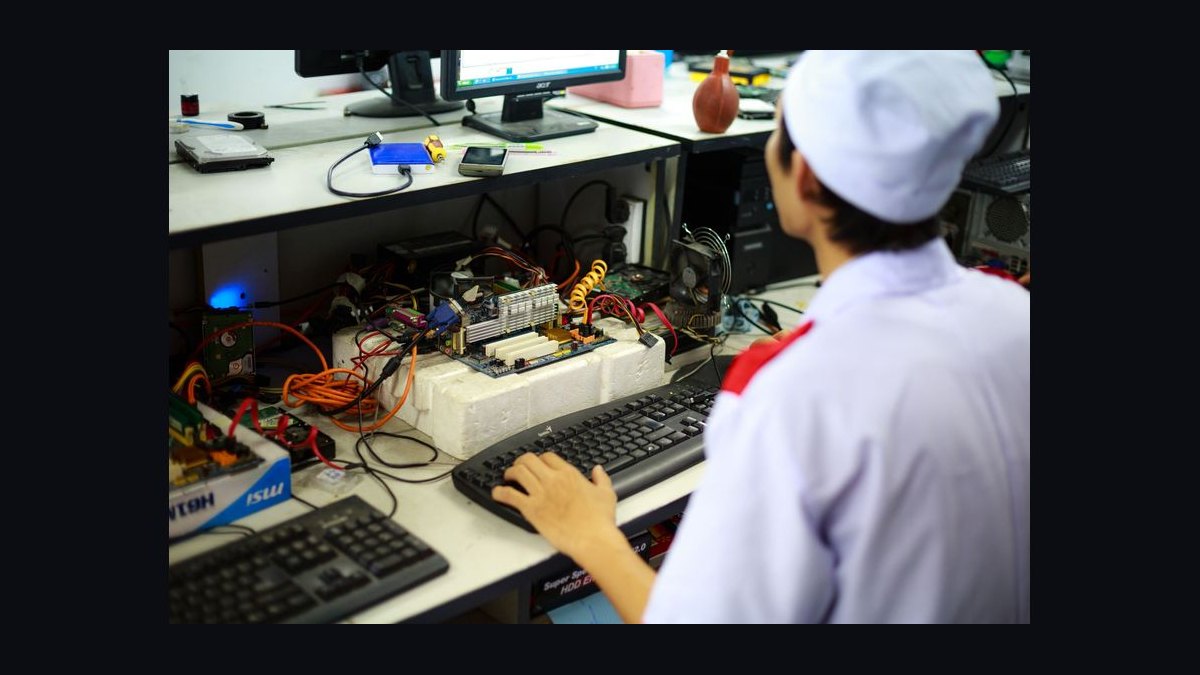
Days 1–30 are entirely about the habit, not the integrations. Every single device — no exceptions, even the ten-minute screen-protector job — gets a ticket in the platform at drop-off. This is the single change that eliminates most lost devices and most "is it ready?" calls, because the automated status text fires the moment a tech updates the ticket stage. Staff training in this window should focus on ticket discipline: never touch a device without opening or updating its ticket first.
Days 31–60 bring in the supporting systems once the ticketing habit is solid. Parts get loaded into inventory and tied to tickets so the shop knows true job cost per repair — the price of the screen plus labor time against what the customer paid — rather than just tracking gross revenue. Payments get connected so checkout and stored cards run through the same platform. Automated review requests get switched on to fire right after a completed pickup, when customer satisfaction is highest and a five-star review is most likely.
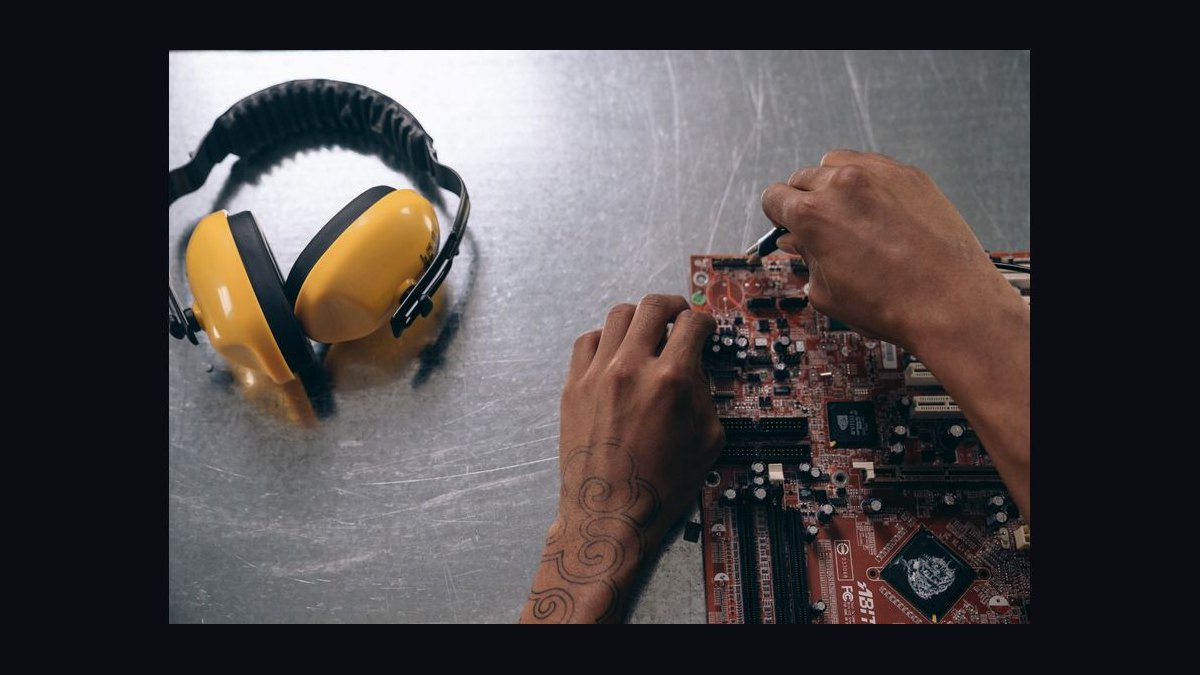
Days 61–90 close the loop with accounting and commercial-account tooling. QuickBooks integration lets the owner run an actual margin report — parts cost against repair revenue, job by job — and find the repair types that are quietly unprofitable (a cracked-screen job priced too low against a part that got more expensive, for instance). HubSpot gets stood up specifically for B2B and institutional accounts: a school district with 200 Chromebooks, a small business with a fleet of company phones. These accounts are usually lower-frequency but higher-value and more predictable than walk-in traffic, and a CRM is what turns them from one-off invoices into renewing contracts.
By day 90, a shop running this sequence should be operating on data — ticket volume, average turnaround time, parts cost ratio, review rating trend — rather than on the owner's memory of how things are going.
Related questions
What is the best tech stack for a computer or IT repair shop that also does managed services?
Syncro is the strongest fit because it combines repair ticketing with MSP tooling (remote monitoring, scripting, recurring-contract billing) in one platform, avoiding a second system for the IT-services half of the business.
Do I need a CRM if I only do walk-in phone repairs?
Not urgently. A CRM like HubSpot earns its cost once a shop starts pursuing recurring commercial accounts — schools, businesses, property managers — rather than pure walk-in retail traffic.
How important is review management compared to the repair platform itself?
Nearly as important. Local repair is a Google-rating-driven business, and automated review requests through Podium or Birdeye often produce a larger revenue impact per dollar than any other line in the stack.
Can a single-location shop skip QuickBooks and just track revenue in the platform?
Technically yes, but doing so hides per-job margin. Without accounting integration, a shop sees total revenue but not which repair types are quietly unprofitable once parts cost is subtracted.
Is mail-in repair worth building into the software stack?
Increasingly yes. Tying a mail-in workflow to the same ticketing system a walk-in customer uses extends a shop's market beyond drive time and turns the platform's status-notification feature into the entire customer experience for that segment.
FAQ
What is the single most important piece of software for a computer and phone repair shop? The repair-management platform — RepairDesk or Syncro. It is the only system that ties device custody, parts inventory, and automated customer communication together in one place, and it should be purchased before any generic POS or standalone tool.
Can a repair shop just use a regular retail point-of-sale system? Not effectively. A generic retail POS can ring up a sale but cannot track a multi-stage repair ticket, tie a specific part to a specific device, or automatically text a customer as repair status changes — all core to how a repair shop actually operates day to day.
Why does review management cost more than the repair platform itself? Because it is closer to a revenue tool than a marketing expense. Local repair customers overwhelmingly choose the highest-rated nearby option on a Google search, so automating review requests after every pickup compounds into rating and volume that drives walk-in traffic directly.
What should a single-location shop budget for software each month? Roughly $300–900/month all-in, covering the repair-management platform, payments processing, review management, accounting, and a CRM. Most shops recover this through fewer lost devices, less staff time on status calls, and more review-driven walk-ins.
How does software help control repair-shop profitability specifically? By speeding ticket turnaround, eliminating status-call overhead, keeping parts inventory accurate enough to avoid overordering or stockouts, systematically building the reviews that drive new customers, and reconciling parts cost against revenue so thin or unprofitable repair types get caught early.
Should a multi-location repair chain use the same stack as a single shop? The same platform family, yes, but on a higher tier built for centralized inventory visibility across locations — otherwise each location risks duplicate parts orders and inconsistent customer communication standards.
Sources
- https://www.repairdesk.co
- https://www.syncromsp.com
- https://squareup.com
- https://www.podium.com
- https://birdeye.com
- https://quickbooks.intuit.com
- https://www.hubspot.com
- https://www.repair.org
Related on PULSE
- What is the best tech stack for a computer or IT repair shop in 2027?
- What is the best tech stack for an auto repair or body shop in 2027?
- What is the complete software stack for an auto glass and windshield repair company in 2027?
- What is the recommended tech stack for a small business managing a fleet of commercial devices in 2027?
- Tech stack for auto repair shops in 2027
This page will be disappearing soon. Save it to your device for $1 — or read it free while it is here.
@Kory-White- · if Venmo asks, the last 4 of my number are 2012
 pulse-tech-stacksWhat is the best tech stack for a janitorial and sanitation supply distributor in 2027?
 pulse-tech-stacksWhat is the best tech stack for a CNC machine shop in 2027?
 pulse-tech-stacksWhat is the best tech stack for an auto repair or body shop in 2027?
 pulse-tech-stacksWhat is the recommended Streaming Music Services sales and operations tech stack in 2027?
 pulse-tech-stacksWhat is the best tech stack for a fitness studio or gym in 2027?
 pulse-tech-stacksWhat is the best tech stack for a tax preparation service in 2027?
 pulse-tech-stacksWhat is the best tech stack for a field services company (HVAC, plumbing, or electrical) in 2027?
 pulse-tech-stacksWhat is the recommended GenAI / Enterprise RAG Platform sales and operations tech stack in 2027?
 pulse-tech-stacksWhat is the best tech stack for a multi-provider medical practice in 2027?
 pulse-tech-stacksWhat is the best tech stack for an independent retail pharmacy in 2027?