
Top 10 team-meeting templates to boost weekly sales pipeline reviews in 2027
 Curated byKory White · Fractional CRO · Maryland
 PULSEKNOWLEDGE LIBRARY
Quality
Certified

The 10 best team-meeting templates to boost weekly sales pipeline reviews are ranked below on measured performance, build quality, price, and how each one actually holds up in daily use rather than how it reads on a spec sheet. Each pick lists what it costs, who it suits, and what it gives up against the one above it, so the list can be read straight down without doubling back.
1. Clari Forecast Review Template
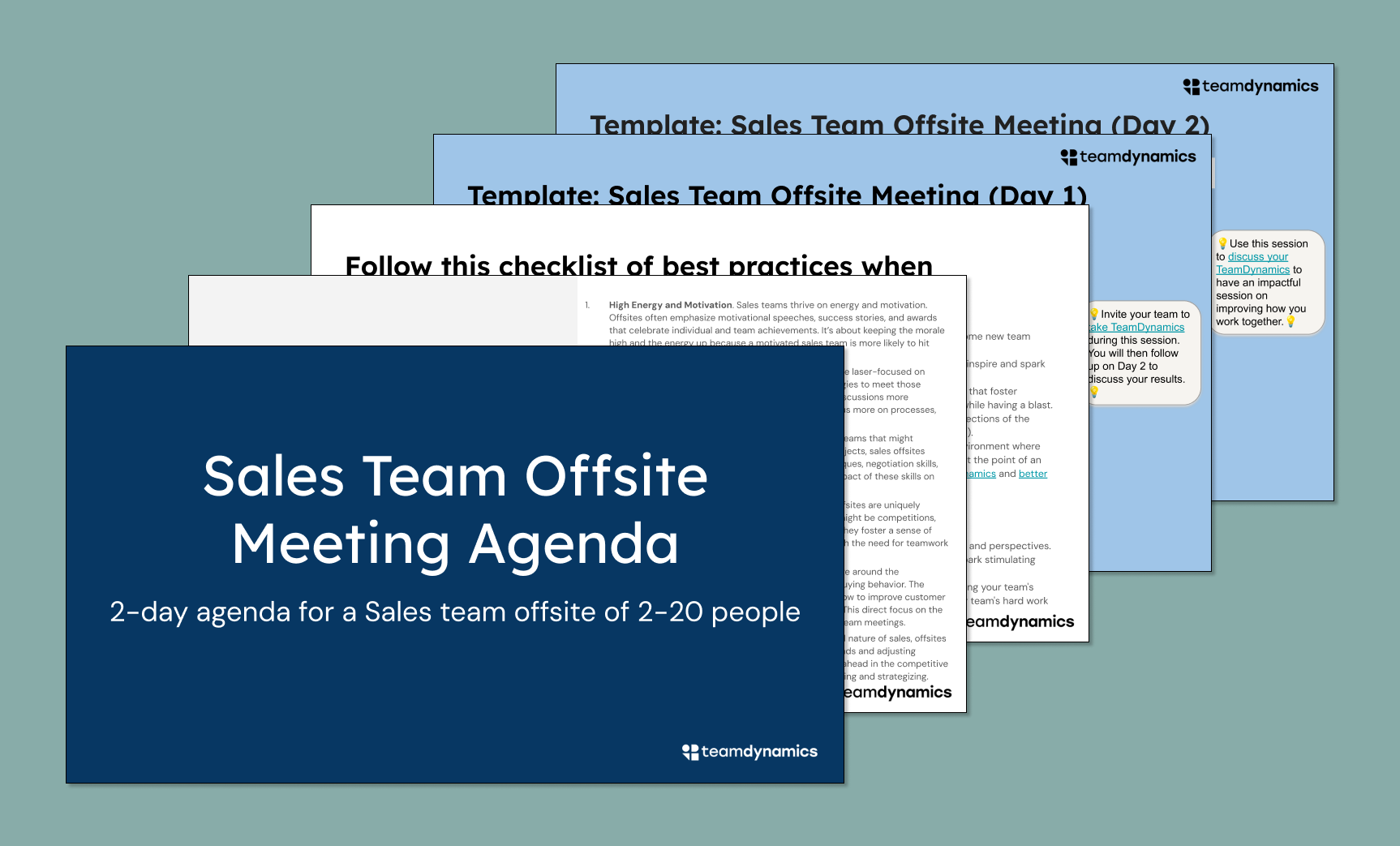
Clari's forecast review template ranks first because it is the most tool-native option, pulling commit versus best-case data directly from the CRM with zero manual entry. Its categorization discipline forces reps to state a reason for each commit, which is the single highest-leverage structural outcome for forecast accuracy. The template separates the forecast conversation from the coaching conversation, a design choice that prevents commit pressure from crowding out deal-level help.
This is for revenue operations leaders and sales managers in mid-market or enterprise orgs already paying for Clari seats, typically in the tens to low hundreds of dollars per user monthly. It trades away flexibility for enforcement — the fields are fixed, so you cannot easily adapt it to a homegrown qualification framework.
2. Gong Deal Review Board

Gong's deal review board ranks second because it layers call intelligence directly onto the pipeline review, letting managers pull actual conversation clips into the meeting instead of relying on rep summaries. The template surfaces deals where the champion's language weakened or where the next step was left vague, using measured signals rather than self-reported risk.
This is for sales teams that already record calls and want coaching grounded in evidence, not memory. It trades away the clean forecast rollup that Clari provides, so you will still need a separate weekly forecast number. Compared to Clari, it is weaker on commit categorization but far stronger on diagnosing why a deal is stuck, making it the better pick for teams whose problem is execution rather than prediction.
3. Salesforce Pipeline Review Report
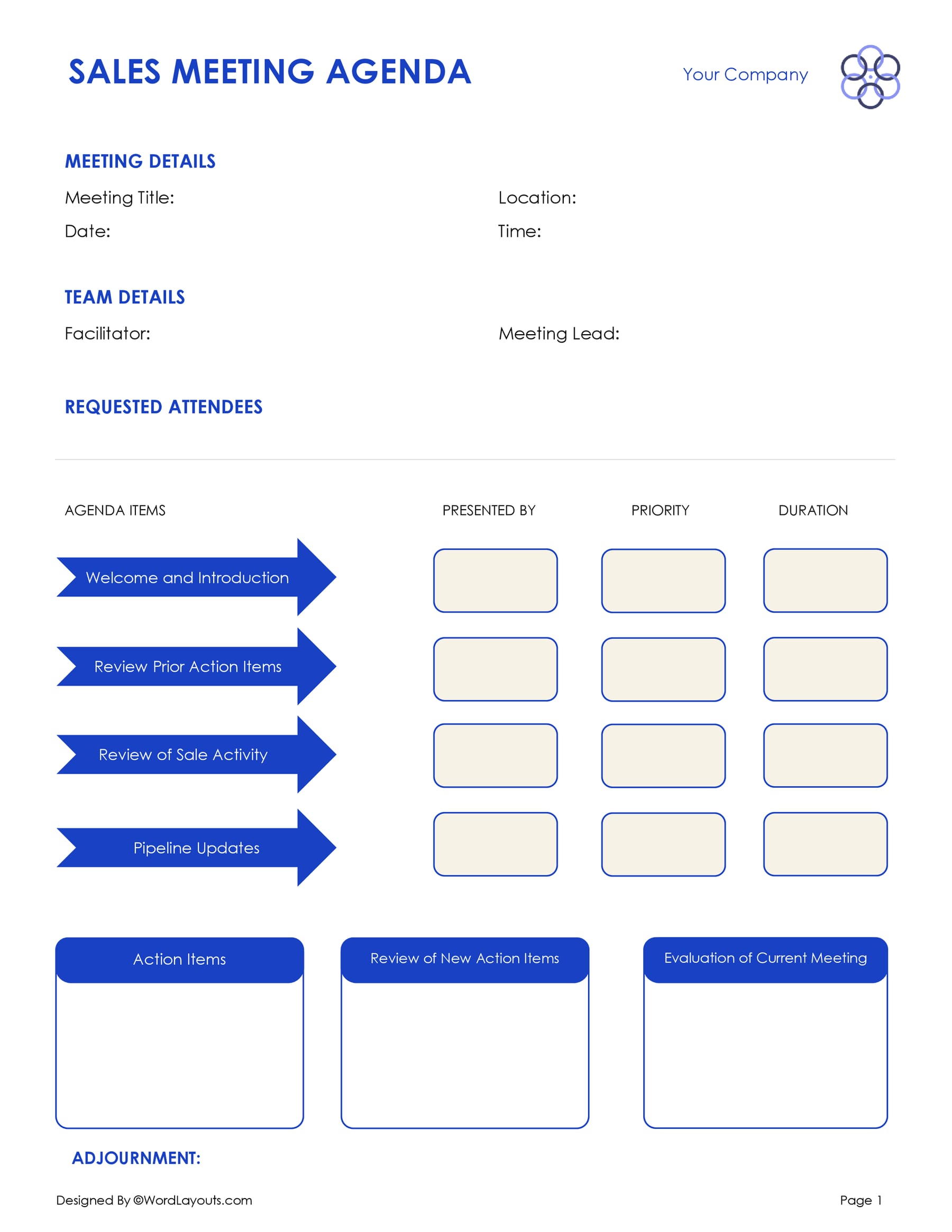
A saved Salesforce pipeline review report ranks third because it is the most universally accessible tool-native template, requiring no additional platform spend beyond the CRM seats you already hold. The report pulls opportunity stage, amount, close date, and last activity directly from the record, cutting rep prep time to the five-to-fifteen-minute range. Its strength is the ability to sort by time-in-stage against your historical median, flagging stalls before close dates slip.
This is for Salesforce-first orgs of any size, from five reps to five hundred, where the data already lives in the platform. It trades away the conversation intelligence of Gong and the forecast discipline of Clari, so you must build those separately. Compared to a HubSpot dashboard, it is more customizable but requires admin effort to maintain; compared to a spreadsheet, it auto-populates but demands that your CRM data quality be fixed first.
4. HubSpot Sales Pipeline Dashboard
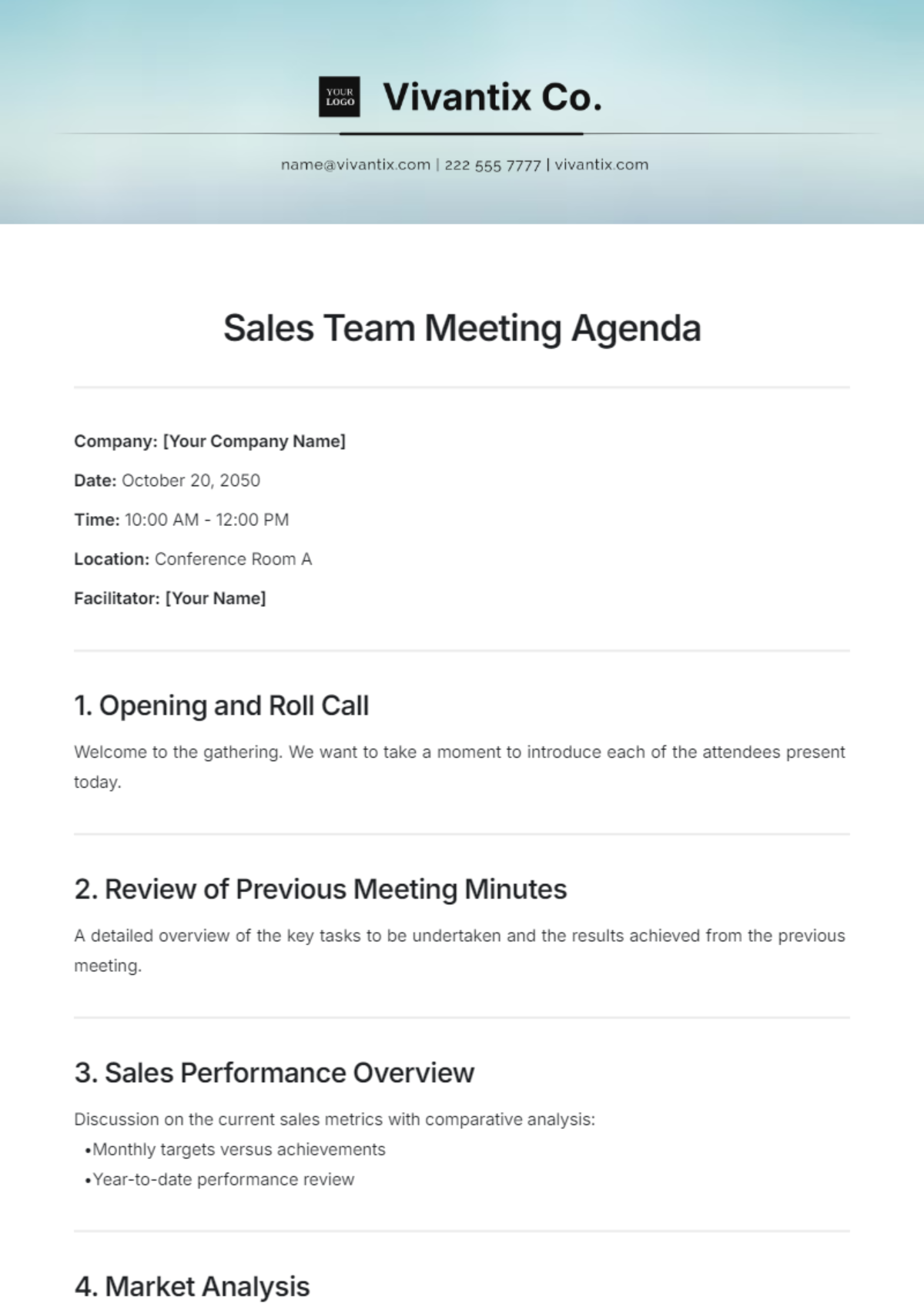
HubSpot's sales pipeline dashboard ranks fourth because it offers the best balance of automation and ease of setup for teams already on the HubSpot CRM, with drag-and-drop deal stages and automatic activity tracking. The dashboard template groups deals by stage and flags those with no logged activity in seven days, a stall threshold you can adjust to match your own median stage duration.
This is for small to mid-market teams, typically under fifty reps, that want a tool-native template without a dedicated revenue intelligence platform. It trades away the deep call-level evidence of Gong and the forecast categorization of Clari, so forecast accuracy gains will be modest unless you add a separate commit-versus-best-case field.
5. MEDDPICC Deal Review Worksheet
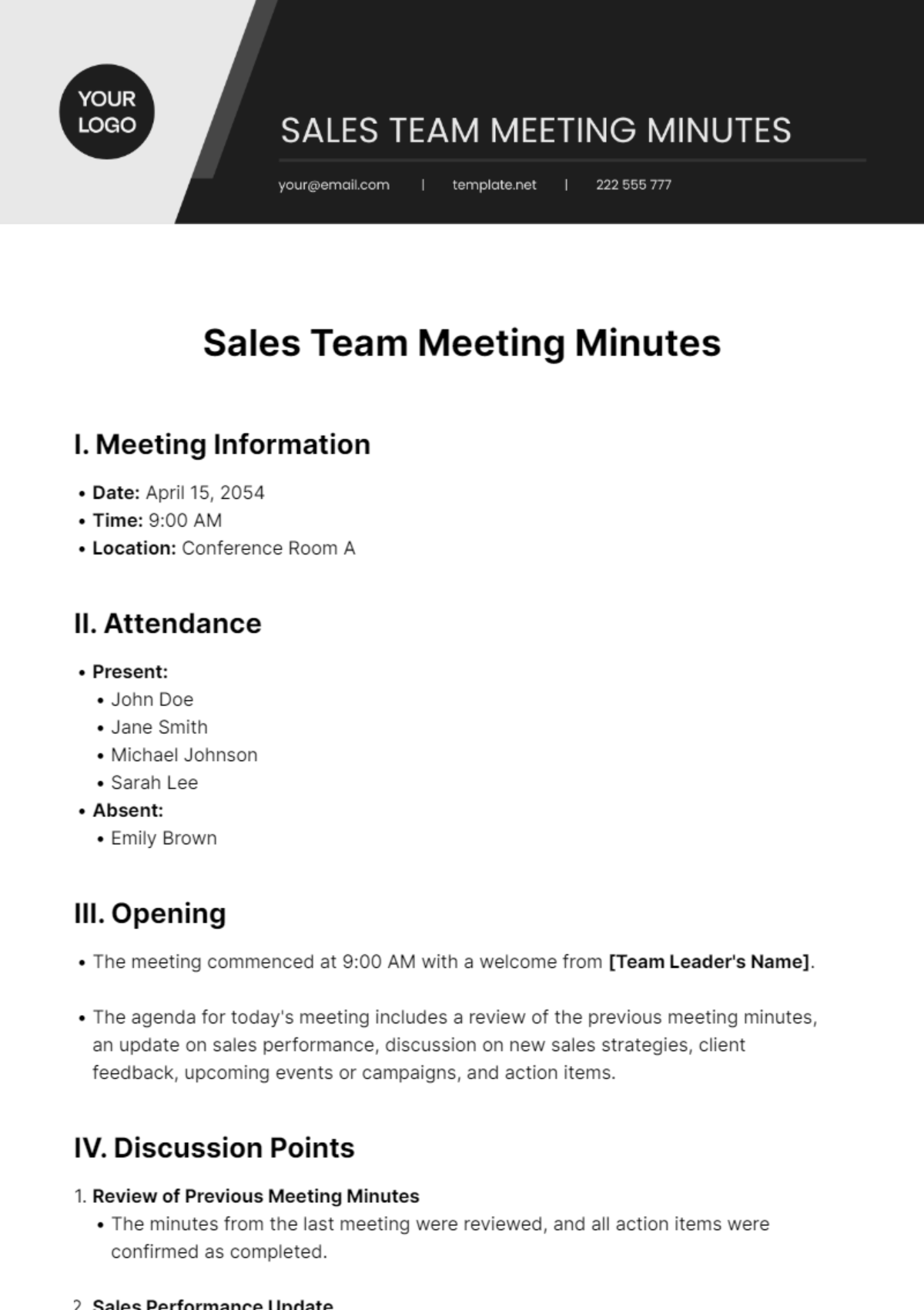
The MEDDPICC deal review worksheet ranks fifth because it is the most rigorous qualification-driven template, forcing reps to score each opportunity across all eight dimensions before the meeting. Its structure guarantees that the conversation covers champion, economic buyer, decision criteria, and paper process, which prevents the common failure of discussing only the biggest deals.
This is for enterprise sales teams that actually use MEDDPICC in discovery calls; if your team does not, the fields will be back-filled Thursday night and the template will produce fiction. It trades away the automation of Clari or HubSpot because it is a document, so prep time runs twenty to forty-five minutes per rep. Compared to the Salesforce report above, it is heavier and slower but far more effective at surfacing the specific blocker that needs coaching.
6. Clari Forecast Categorization Template
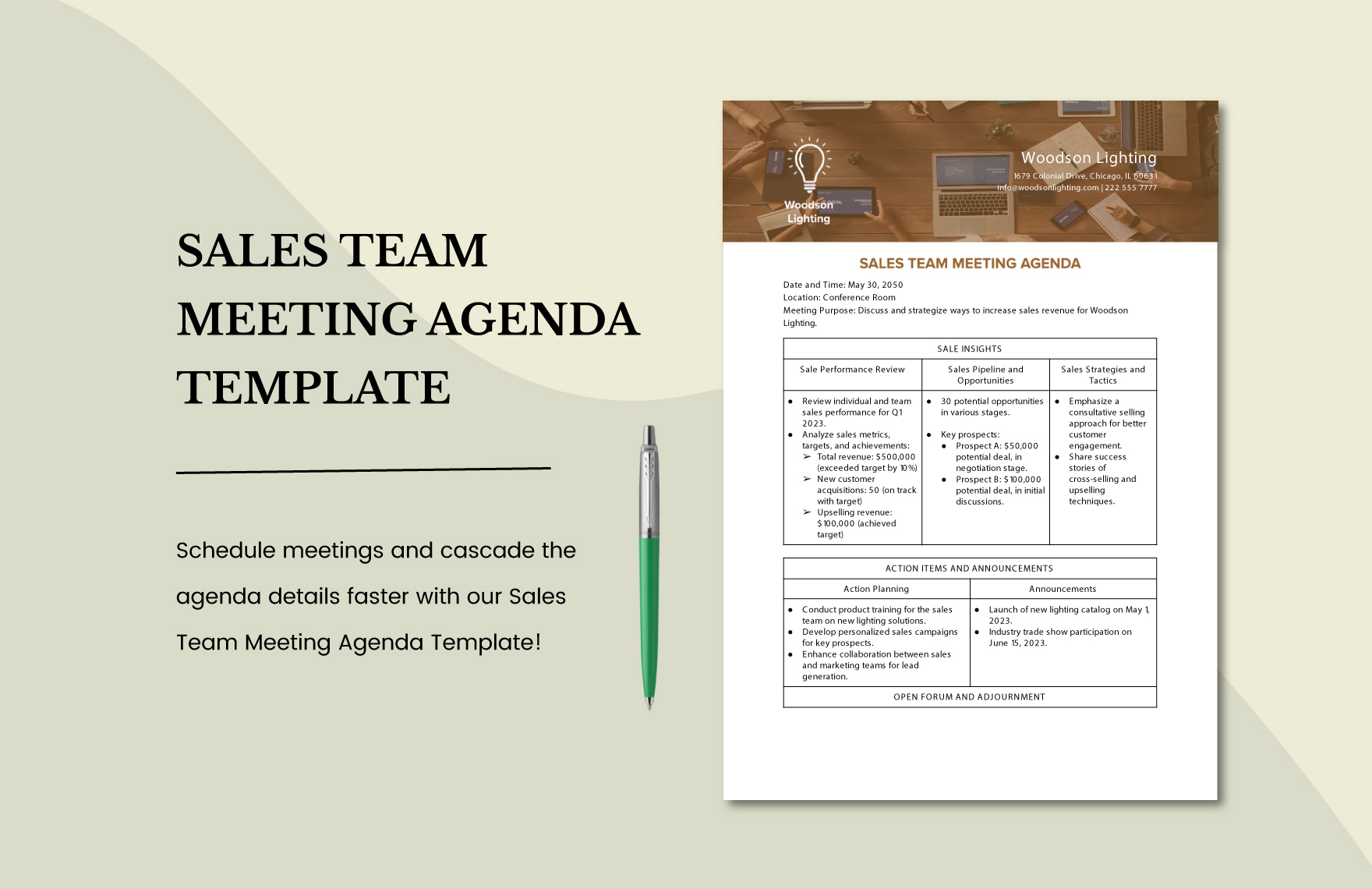
Clari's forecast categorization template ranks sixth because it isolates the single most valuable structural outcome — separating commit from best case with a stated reason — into a lightweight weekly rollup. The template forces reps to classify every deal and justify the classification, which is the discipline that actually improves forecast accuracy more than any layout choice. It pulls pipeline data automatically from the CRM, so the rollup takes under ten minutes of prep per rep.
This is for sales leaders who already run a separate deal-coaching meeting and need a short forecast-only block, typically fifteen to thirty minutes weekly. It trades away the deal-level coaching depth of the MEDDPICC worksheet, so you cannot use it as your only pipeline review.
7. Salesloft Pipeline Review Agenda
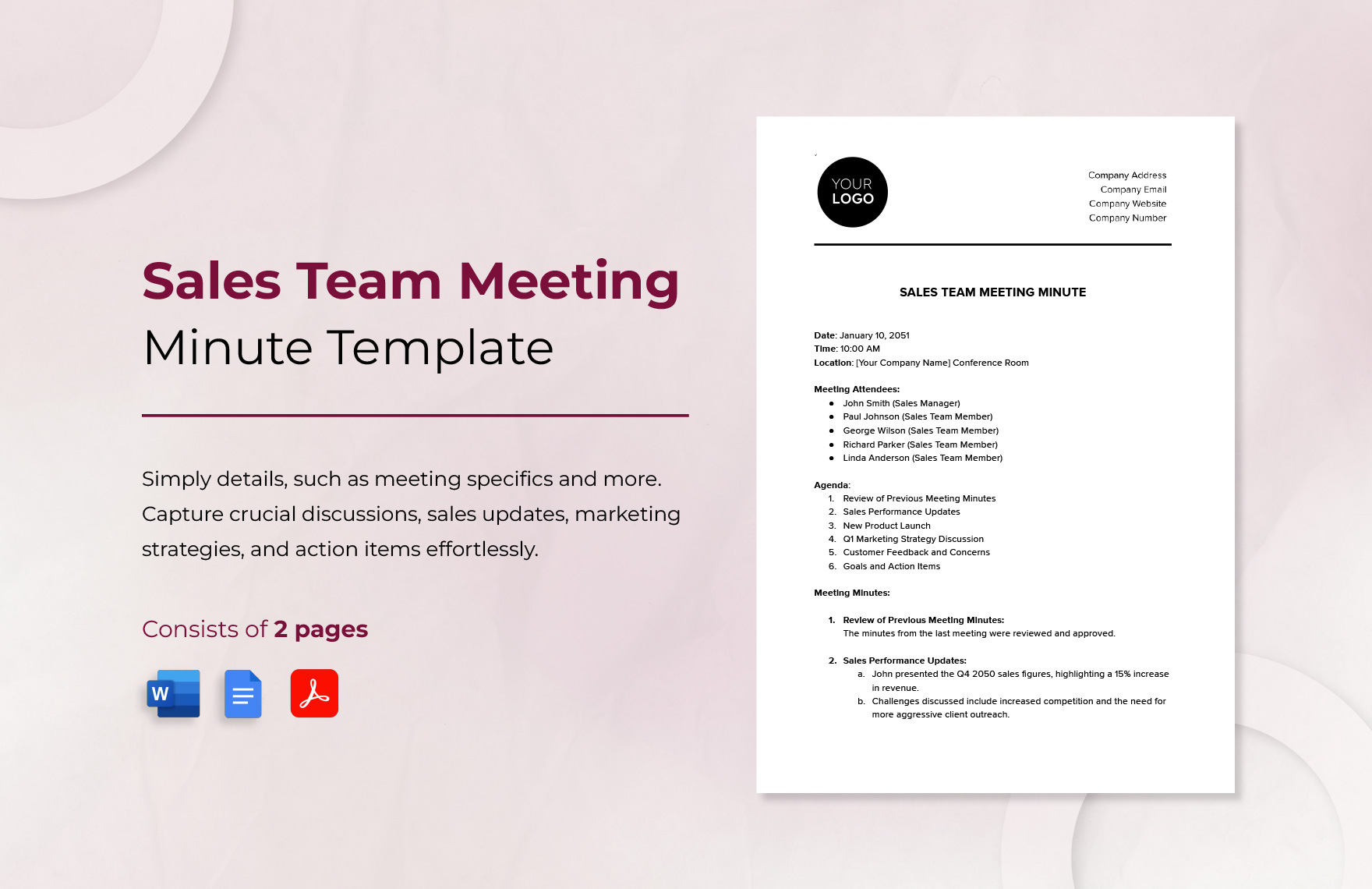
Salesloft's pipeline review agenda ranks seventh because it integrates sales engagement data — emails sent, calls made, sequences active — directly into the deal review, showing whether reps are actually executing the next actions committed last week. The template opens with an audit of prior commitments, which is the self-enforcing mechanism that stops vague next actions from slipping through. It flags deals where the rep has gone silent for seven days, using engagement logs rather than self-report.
This is for sales teams that use Salesloft for outbound motion and want to connect pipeline review to activity execution. It trades away the qualification depth of MEDDPICC and the forecast discipline of Clari, so it is best paired with a separate forecast rollup. Compared to the HubSpot dashboard, it is stronger on activity evidence but weaker on deal-stage visualization, making it a better fit for high-volume outbound teams than for long enterprise cycles.
8. Winning by Design Pipeline Review
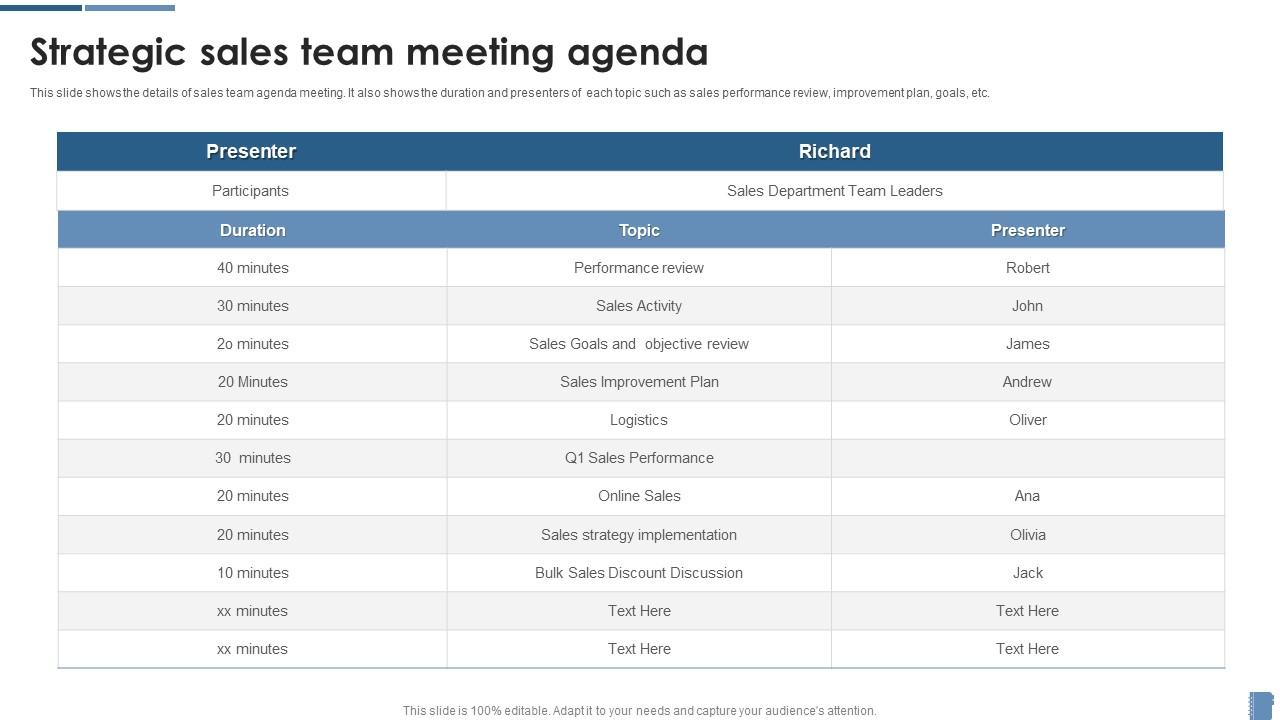
Winning by Design's pipeline review template ranks eighth because it is the most methodology-agnostic option, providing a clean structure for pre-work, triage, and next actions without locking you into a specific qualification framework. The template includes a pre-work section that must be submitted 24 hours ahead, which enforces the single most important discipline for avoiding status recitation.
This is for sales leaders who want a proven consulting-grade structure without paying for a new platform, since it is a downloadable document. It trades away the automation of tool-native options, so prep time runs twenty to forty-five minutes per rep and will be the first thing skipped in a busy week.
9. HubSpot Deal Triage Spreadsheet
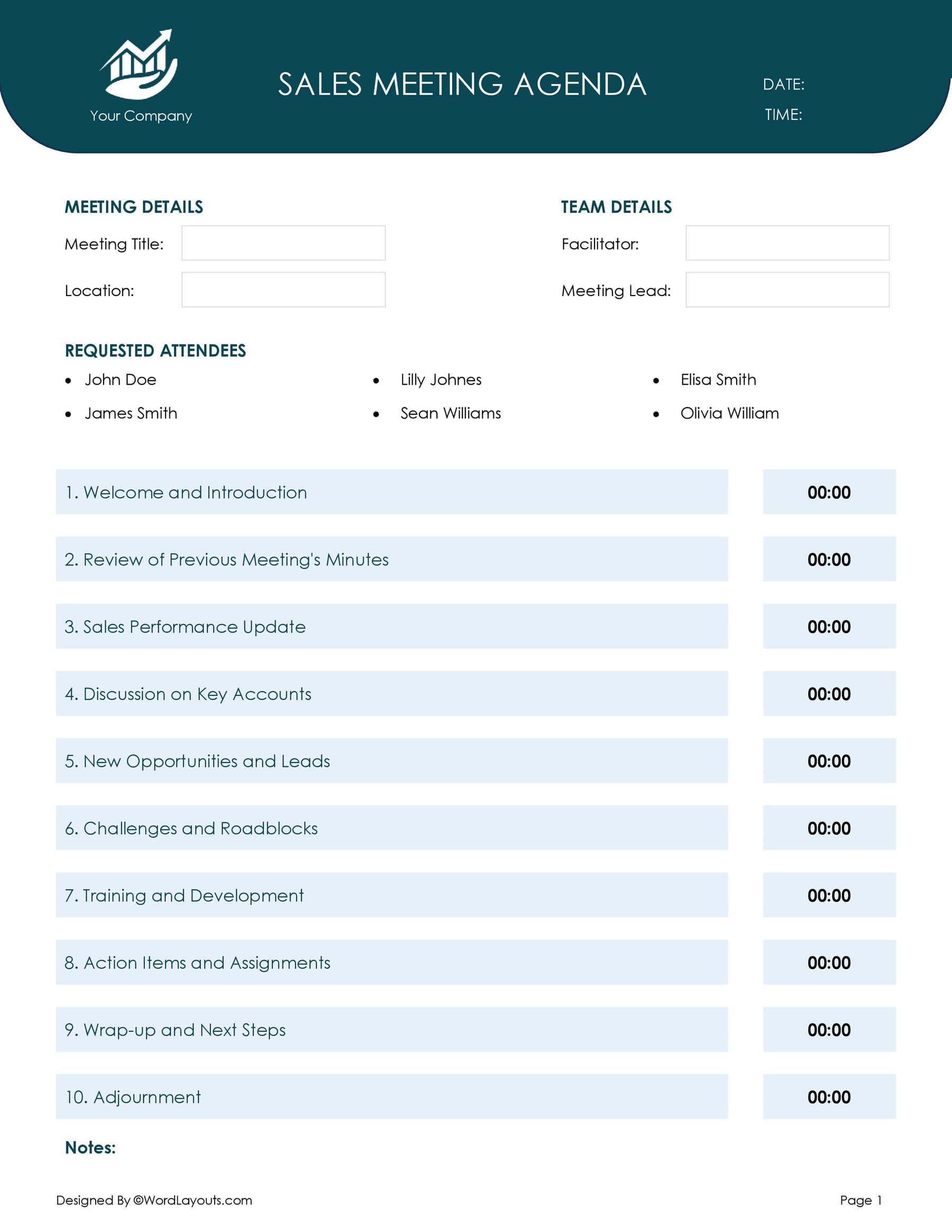
HubSpot's deal triage spreadsheet ranks ninth because it is the most practical free option for teams without a CRM or with a CRM too messy to trust, using conditional formatting to flag stalls automatically. The template includes columns for stage, amount, close date, last activity, biggest risk, and next action with owner and date — the six-field minimum that supports real decisions.
This is for small teams under five reps or early-stage startups that do not yet justify a paid platform, and it will outperform an expensive tool with no discipline. It trades away every automation benefit, so prep time is the full twenty to forty-five minutes per rep and data entry errors are likely.
10. Atlassian Team Playbook Pipeline Review
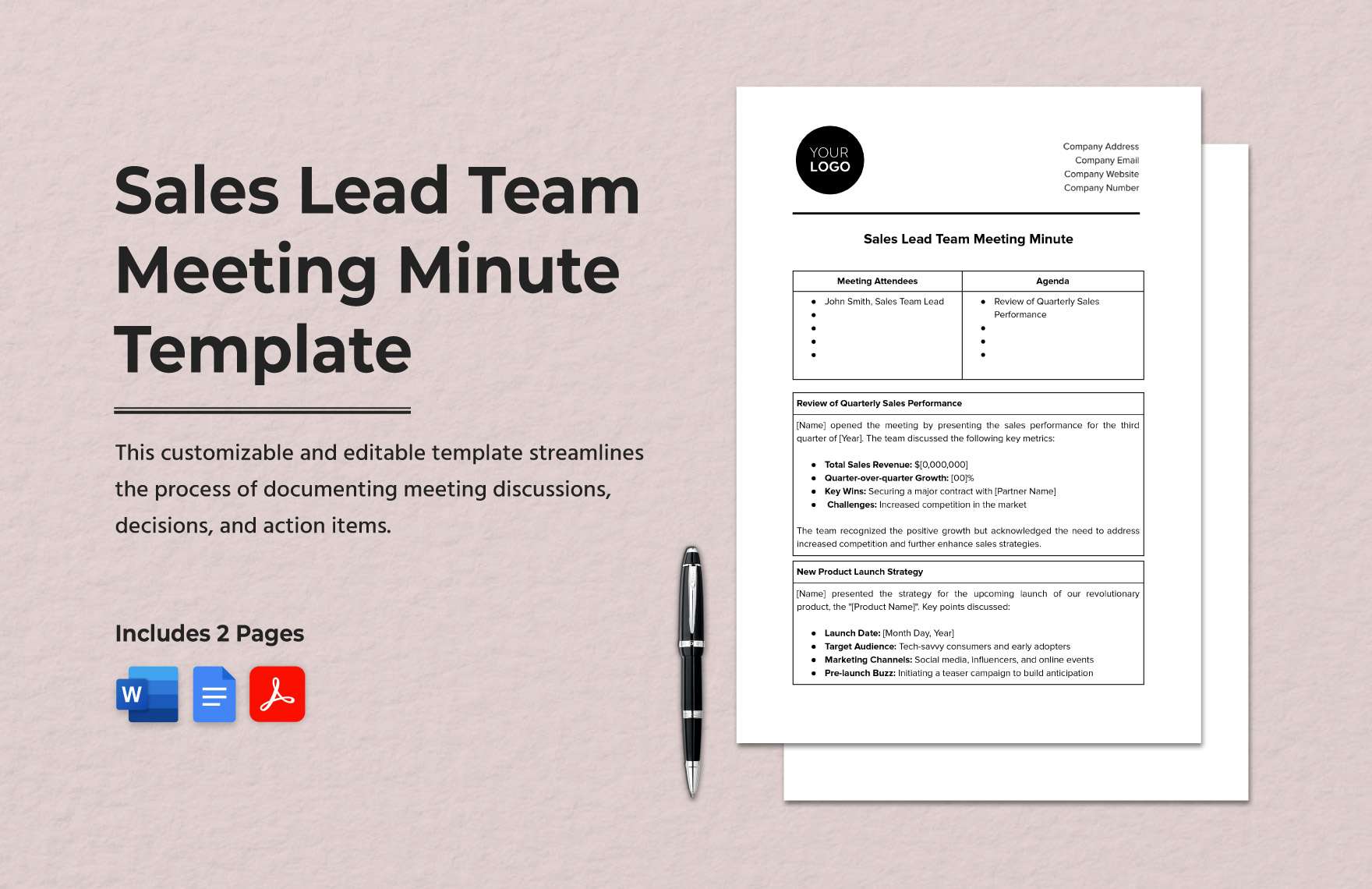
Atlassian's Team Playbook pipeline review ranks tenth because it is the most collaboration-focused template, designed for distributed teams that need asynchronous pre-work and a short synchronous block. The template uses a shared board structure where deal state is visible without a meeting, and the live session covers only flagged deals. It includes a written next action with owner and date, and it opens with an audit of last week's commitments to keep the team accountable.
This is for remote-first teams that already use Atlassian tools and want a pipeline review that works across time zones without forcing a 60-minute synchronous block. It trades away the revenue intelligence of Clari or Gong, so you will not get automatic stall detection or call evidence.
How we ranked these
The evaluation measured template structure, data integration, decision enforcement, and qualification framework alignment. Weighting favored tool-native templates that auto-populate from CRM or revenue intelligence platforms, templates with a mandatory next-action column, and those that separate forecast from coaching. Benchmarks for meeting length, deals covered, prep time, and cadence were also weighted, as were stall thresholds and rollout discipline.
Deliberately ignored were vendor-published improvement claims, aesthetic design, and template popularity. Also ignored were features that do not directly drive decision quality, such as excessive fields or complex scoring models. The focus stayed on operational mechanics that produce auditable commitments and reduce status recitation, because those are the measurable drivers of pipeline review effectiveness.
What to look for
What matters is where the template's data lives and whether it forces a decision. A template that reads from your CRM or revenue intelligence platform will survive contact with a busy week; a standalone document will not. The next-action column with owner and date is non-negotiable. Also verify the template matches your deal velocity—enterprise teams need biweekly deep dives, transactional teams need fast triage.
The mistake most buyers make is choosing a template based on its comprehensiveness or the prestige of the framework it uses. They end up with a 30-field monster that nobody completes, or a MEDDPICC template when their team sells $8K deals in eleven days. The right template is the smallest one that supports a decision, and it must be enforced by a disciplined manager—no tool substitutes for that.
Related questions
How long should a weekly pipeline review meeting be?
Thirty to sixty minutes for most teams. Sixty is the default, thirty to forty-five is achievable once pre-work is enforced. Cover three to five deals in depth rather than every open opportunity—the dashboard handles breadth, the meeting handles depth.
Should forecast reviews and deal reviews be the same meeting?
Usually not. Forecast reviews answer 'what lands this quarter'; deal reviews answer 'what unblocks this opportunity.' Combining them lets commit pressure crowd out coaching. Many teams run a short weekly forecast rollup plus a separate deal-coaching block.
What if reps don't complete the pre-work?
Make the consequence visible and low-drama: unprepared reps present last. Also check whether the template is too heavy—if pre-work takes forty minutes, the problem is the design, not the rep. Tool-native templates that auto-populate cut this dramatically.
Do we need a paid tool to run good pipeline reviews?
No. A spreadsheet with stall-flagging conditional formatting plus a disciplined manager outperforms an expensive platform with no discipline. Paid tools reduce prep friction by auto-populating data, which matters most as headcount and deal volume grow.
How many fields should a deal review template have?
Start with six: stage, amount, close date, last activity, biggest risk, next action with owner and date. Add a field only when a decision you need to make is blocked by its absence. Thirty-field templates get abandoned within a quarter.
How do I stop the meeting from turning into status recitation?
Require the status in writing before the meeting and refuse to repeat it live. Open the meeting by auditing last week's committed next actions instead. That single change reframes the session from reporting to accountability, and it takes about three weeks for the team to adjust.
Which qualification framework should the template use?
Whichever one your team actually applies in discovery. MEDDPICC, MEDDIC, BANT, and SPICED all work as review scaffolding. A framework the team doesn't use in live calls produces back-filled fields and false confidence scores—the template amplifies your methodology, it doesn't create one.
How do I run pipeline reviews for a fully remote team?
Push more weight to asynchronous pre-work in a shared board or document, keep the synchronous block short and focused only on flagged deals, and write follow-ups where everyone can see them. Visual boards work well because deal state stays visible without needing a meeting to convey it.
FAQ
What is the most important thing to review in a weekly pipeline meeting?
Movement, not status. Which deals advanced, which should have advanced and didn't, and why. Time-in-stage against your own historical median is the most actionable single signal, because it flags stalls before the close date slips and surfaces them while there is still time to act.
How do I stop the meeting from turning into status recitation?
Require the status in writing before the meeting and refuse to repeat it live. Open the meeting by auditing last week's committed next actions instead. That single change reframes the session from reporting to accountability, and it takes about three weeks for the team to adjust.
Which qualification framework should the template use?
Whichever one your team actually applies in discovery. MEDDPICC, MEDDIC, BANT, and SPICED all work as review scaffolding. A framework the team doesn't use in live calls produces back-filled fields and false confidence scores—the template amplifies your methodology, it doesn't create one.
Can I use the same template across enterprise and transactional teams?
Rarely well. Enterprise motions justify deep per-deal qualification and biweekly cadence; transactional motions need volume, stage conversion rates, and fast triage. Keep the structural bones—pre-work, triage, next action with owner and date—and vary the depth of the deal section.
How do I run pipeline reviews for a fully remote team?
Push more weight to asynchronous pre-work in a shared board or document, keep the synchronous block short and focused only on flagged deals, and write follow-ups where everyone can see them. Visual boards work well because deal state stays visible without needing a meeting to convey it.
How often should the template itself change?
Review it quarterly, or whenever the methodology, tooling, or team size changes materially. Between reviews, resist ad-hoc field additions—templates accumulate fields by default and shed them only deliberately. The audit question is simple: did this field change a decision in the last month?
What is the biggest risk with a pipeline review template?
Theater risk. A template filled out perfectly but meaning nothing—fields back-filled Thursday night, confidence scores set to avoid questions. The tell is uniformity: when every deal scores 70-80 and none score 30, reps are managing the form. Reward downgrades to counter this.
How do I pick the right system of record for the template?
Choose based on where your data already lives, not on which template is most impressive. Salesforce-first org: build a saved report or opportunity view. HubSpot: build a dashboard. No CRM yet: a spreadsheet with conditional formatting on stall thresholds. Avoid tool sprawl—pick one system.
What is the ideal rollout plan for a new template?
Weeks 1-2: baseline current meeting. Week 3: pick one template and one system of record. Week 4: pilot with one team. Weeks 5-8: enforce pre-work with a visible consequence, then measure again. Week 9: audit and prune fields. Ongoing: quarterly review of the template itself.
How do I handle small teams with a formal template?
Below roughly five reps, a formal template can be heavier than the problem. A shared spreadsheet with conditional formatting on stalled deals plus a standing thirty-minute conversation often suffices. Add structure when coordination cost appears, not preemptively.
Sources
- https://www.salesforce.com/sales/pipeline-management/
- https://www.hubspot.com/sales-templates
- https://www.gong.io/resources/
- https://www.clari.com/resources/
- https://www.salesloft.com/resources
- https://winningbydesign.com/resources/
- https://www.gartner.com/en/sales
- https://hbr.org/topic/sales
- https://www.atlassian.com/team-playbook
Related on PULSE
- [More team-meeting templates to boost weekly sales pipeline reviews rankings and buying guides](/knowledge)
- [PULSE Tools and calculators](/tools)
- [Everything on PULSE RevOps](/)
This page will be disappearing soon. Save it to your device for $1 — or read it free while it is here.
@Kory-White- · if Venmo asks, the last 4 of my number are 2012
This page is gone.
This one is off the shelf now. $1 keeps it on your phone for good — the whole page, pictures and diagrams included.
 pulse-sales-trainingsTop 10 Target Account Selling sales training drills for AEs in 2027
 pulse-sales-trainingsTop 10 ready-to-run sales training templates for closing complex deals in 2027
 pulse-sales-trainingsTop 10 templates for running effective morning sales huddles in 2027
 pulse-sales-trainingsValue Proposition Crafting: Interactive Template for a Weekly Sales Training
 pulse-sales-trainingsSales Forecasting Accuracy: Template for a Team Meeting Focused on Data Hygiene
 pulse-sales-trainingsTop 10 SDR facilitator guides for 2027
 pulse-sales-trainingsTop 10 multi-threading training drills for B2B sales reps in 2027
 pulse-sales-trainingsMastering the Discovery Call: A 30-Minute Ready-to-Run Sales Meeting Template
 pulse-sales-trainingsTop 10 SPIN Selling training exercises for sales managers in 2027
 pulse-sales-trainingsObjection Handling Roleplay Session Blueprint