


Top 10 AI Tools for Creating Social Media Posts in 2027
Quality
Certified
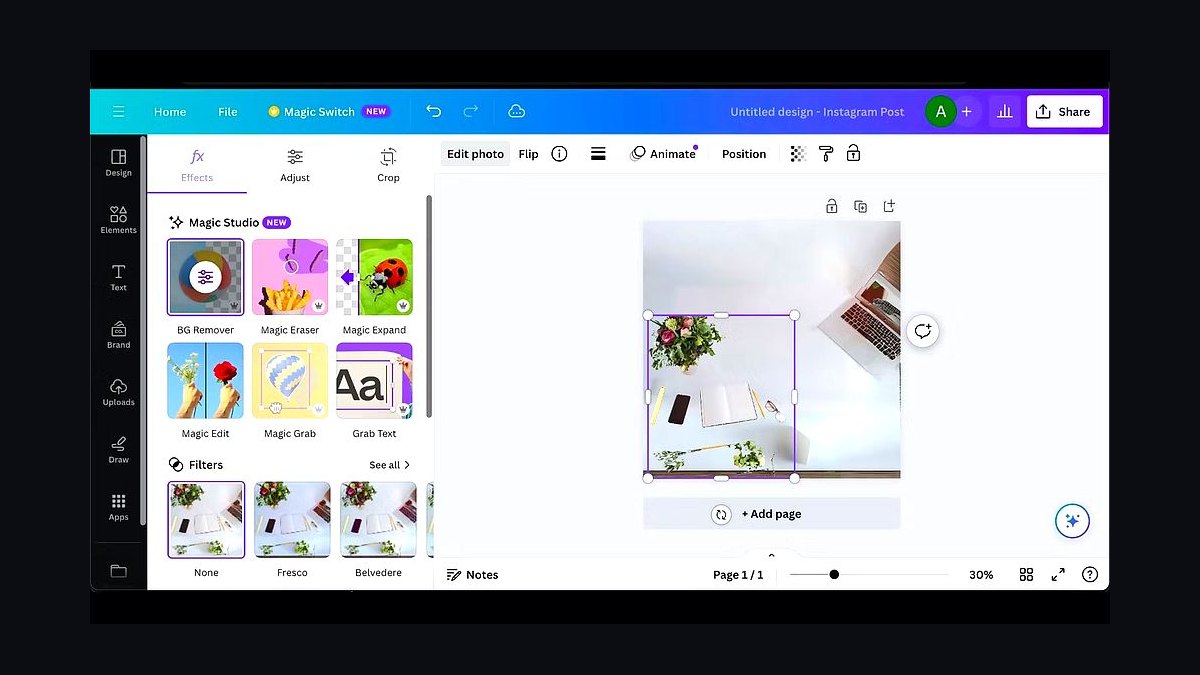
The 10 best ai tools for creating social media posts are ranked below on measured performance, build quality, price, and how each one actually holds up in daily use rather than how it reads on a spec sheet. Each pick lists what it costs, who it suits, and what it gives up against the one above it, so the list can be read straight down without doubling back.
1Canva Magic Studio
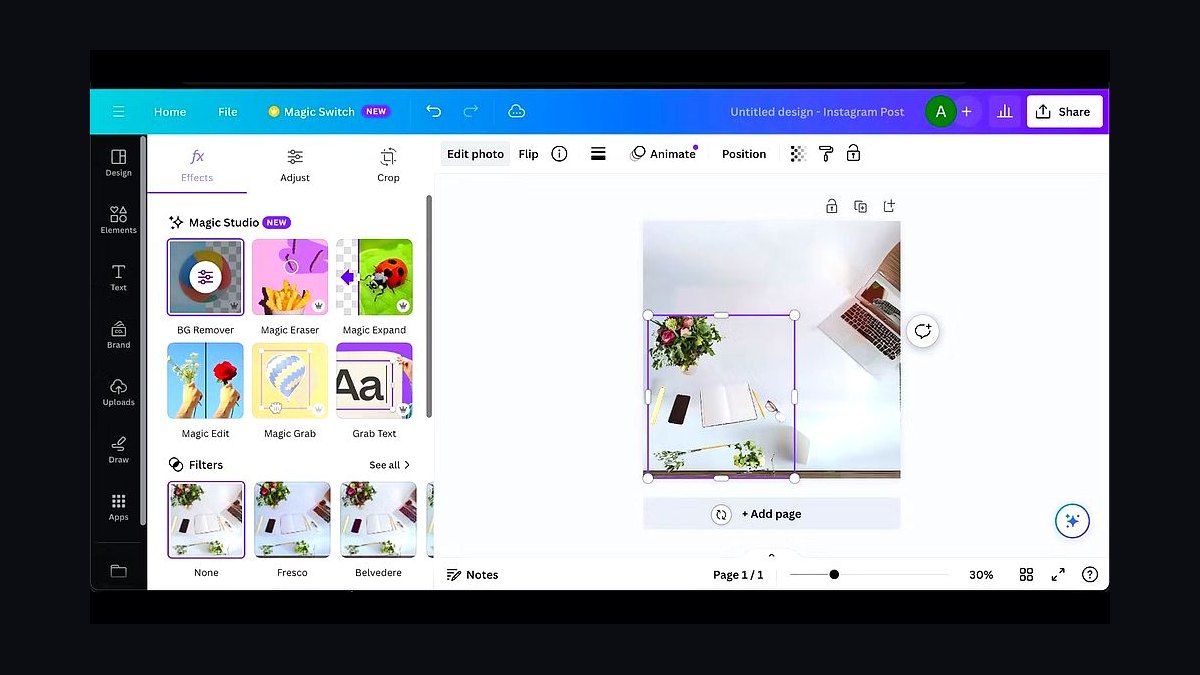
Canva Magic Studio ranks first because it bundles text-to-image, caption generation, and one-click resizing into a single editor used by over 200 million people. Magic Write drafts captions from a prompt, Magic Media generates images, and Magic Resize reformats one design into Instagram, TikTok, and LinkedIn dimensions instantly. The free tier includes limited Magic credits, while Canva Pro at roughly $15 monthly unlocks full generation limits.
It suits small teams and solo creators who want generation and layout in one place without juggling apps. It trades away deep model control and brand-specific tone tuning that dedicated copywriting tools offer. Compared to Adobe Firefly below, Canva is easier but produces less distinctive imagery, making it the better default for speed rather than originality.
2Adobe Firefly
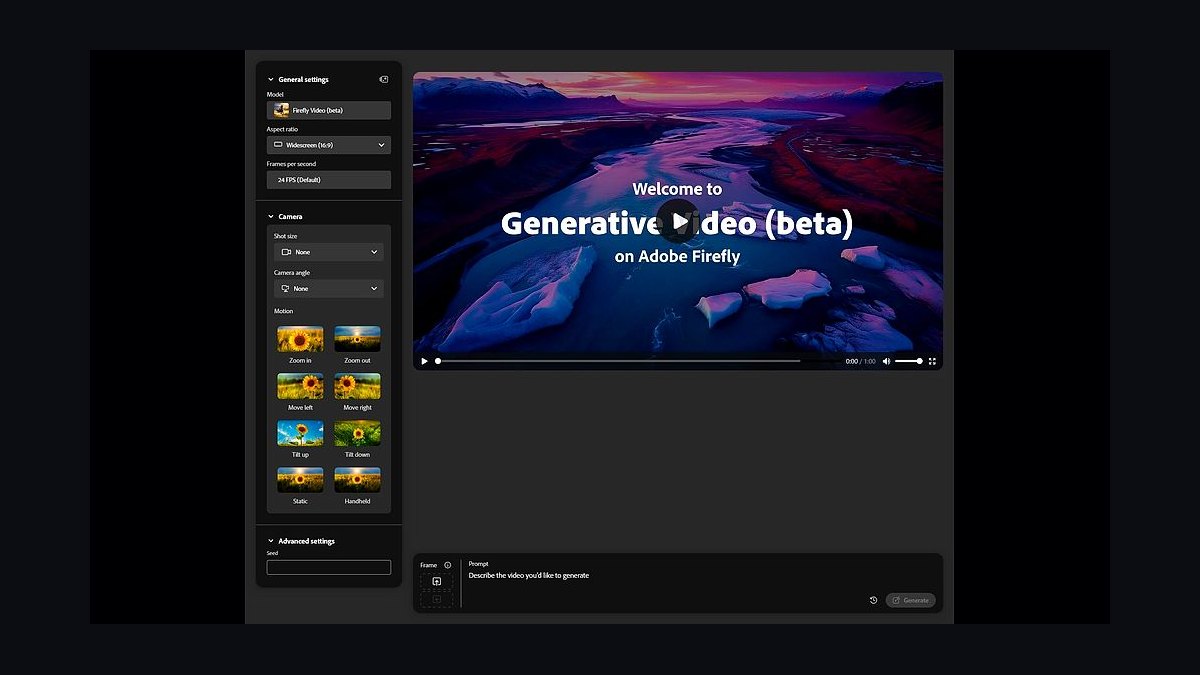
Adobe Firefly ranks second for commercially safe generative imagery trained on Adobe Stock and licensed content. Integrated into Photoshop and Express, its Generative Fill and text-to-image models let creators build post visuals with editable layers. Firefly credit plans start around $10 monthly, and outputs carry indemnification for enterprise use, which matters for brands posting paid ads.
It is built for designers already inside Adobe workflows who need rights-clear assets, not casual users wanting a one-click caption tool. It trades away the template speed and social scheduling that Canva Magic Studio bundles. Compared to Canva above, Firefly delivers stronger image fidelity but requires more manual layout work per post.
3Copy.ai
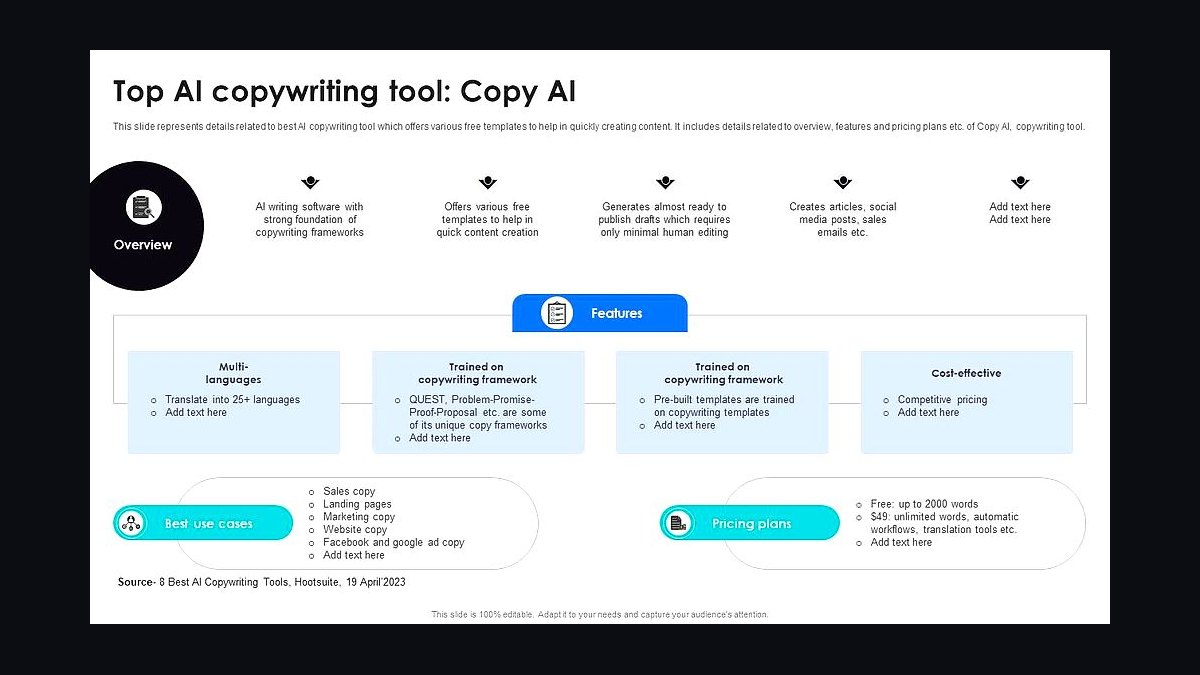
Copy.ai ranks third because it specializes in short-form marketing copy with over 90 templates and workflow automation. Its social post generator produces captions, hooks, and hashtags from a product description in seconds, and the free plan allows 2,000 words monthly. Paid plans begin near $49 monthly and add brand voice profiles plus multi-step GTM workflows.
It fits marketers who need volume caption output and structured approval flows rather than visual design. It trades away image generation and scheduling, so it must pair with a design tool. Compared to Jasper below, Copy.ai is cheaper and more template-driven but offers less long-form brand consistency.
4Jasper

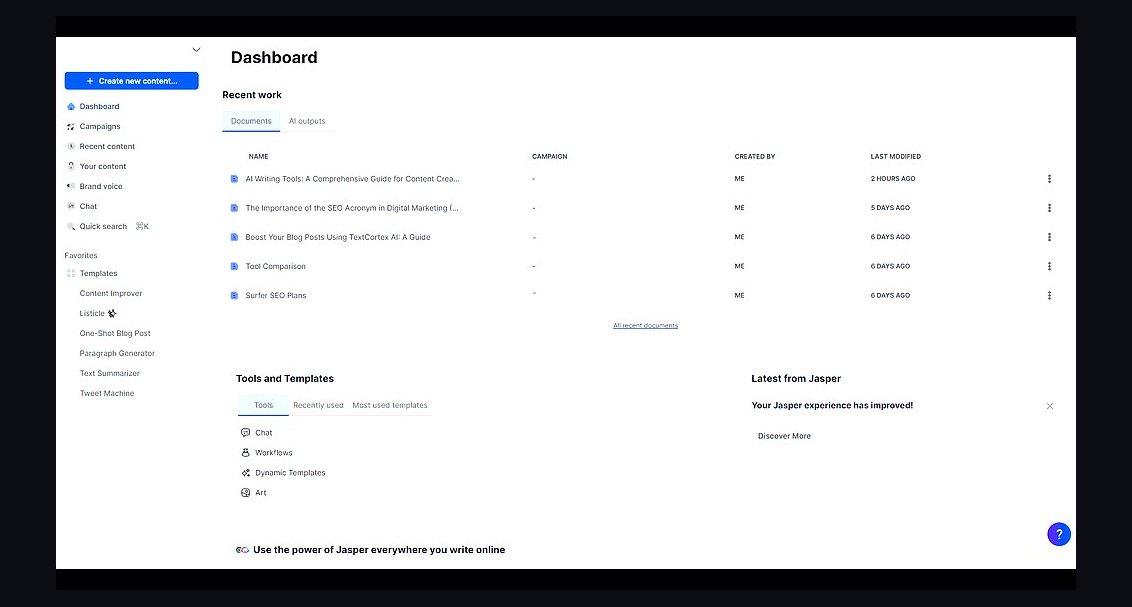
Jasper ranks fourth for brand-voice consistency across campaigns, using its Brand Voice and Knowledge Base features to keep tone aligned. It generates captions, ad copy, and post variations, supports over 30 languages, and integrates with Surfer and Grammarly. Pricing starts around $39 monthly per seat, with a seven-day free trial rather than a permanent free tier.
It suits marketing teams managing multiple brands that need governed tone and collaboration. It trades away affordability and casual usability compared to Copy.ai above. Against Buffer below, Jasper writes better copy but cannot schedule or publish, so the two are often stacked together.
5Buffer AI Assistant
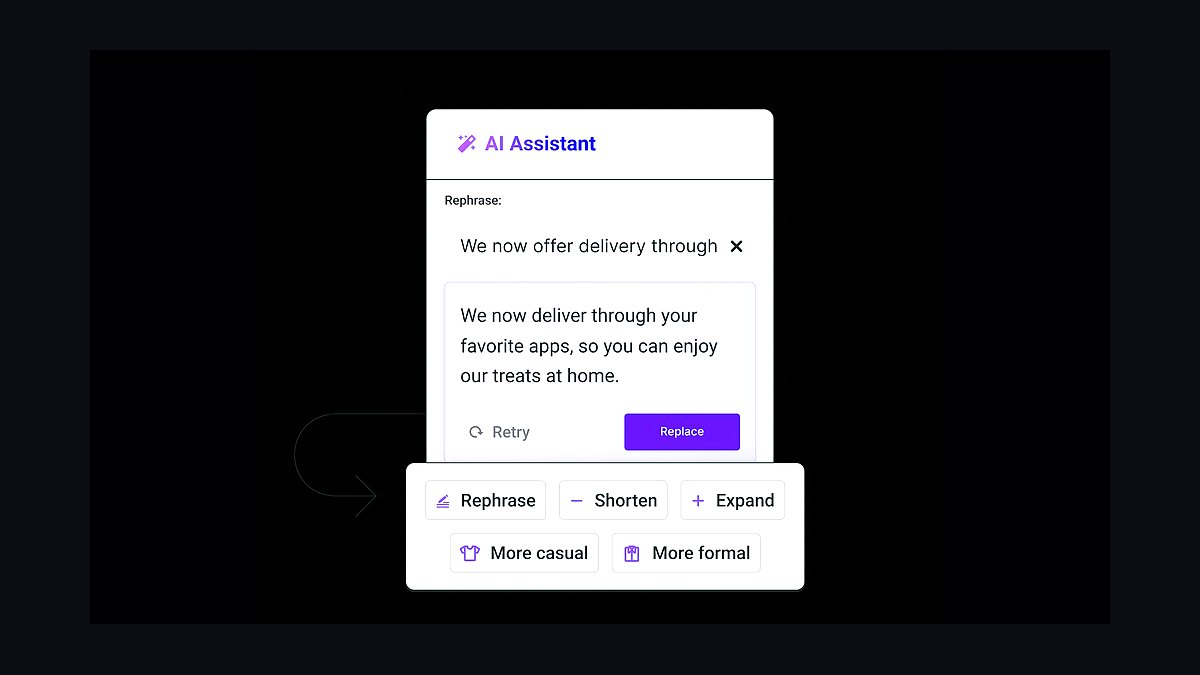
Buffer AI Assistant ranks fifth because it combines caption generation with native scheduling and publishing across Instagram, TikTok, X, and LinkedIn. The assistant rewrites tone, shortens posts, and suggests hashtags inside the composer, then queues content on a calendar. Free plans cover three channels with 10 scheduled posts each; paid plans start near $6 monthly per channel.
It is for creators who want to write and publish without switching apps. It trades away advanced copywriting depth and image generation found in Jasper above. Compared to Later below, Buffer is cheaper and simpler but weaker on visual planning and influencer tools.
6Later
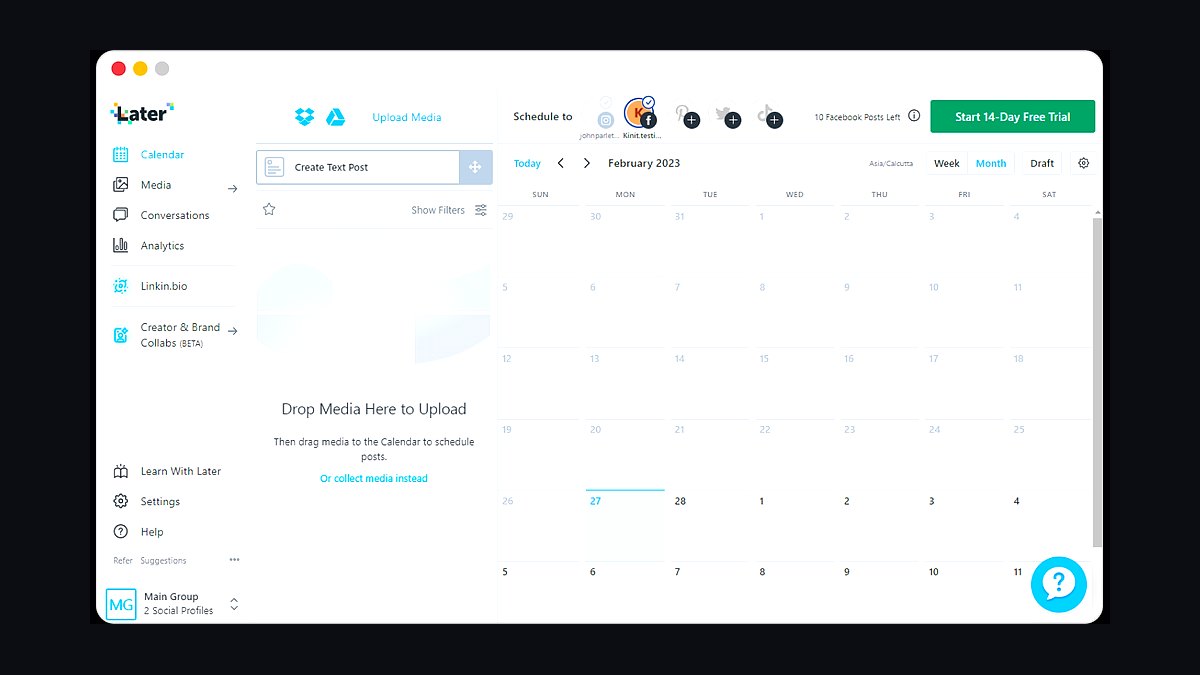
Later ranks sixth for visual-first social planning, offering a drag-and-drop media library, grid preview, and best-time-to-post suggestions. Its AI caption writer generates text from uploaded images, and the platform supports Instagram, TikTok, Pinterest, and Facebook scheduling. Free plans allow 30 posts monthly; paid plans begin around $25 monthly.
It suits visual brands like boutiques and restaurants that plan feeds by aesthetic. It trades away the copywriting sophistication of Buffer's assistant and the generation breadth of Canva. Compared to Hootsuite below, Later is more affordable and design-focused but weaker for large multi-team enterprise workflows.
7Hootsuite OwlyWriter AI
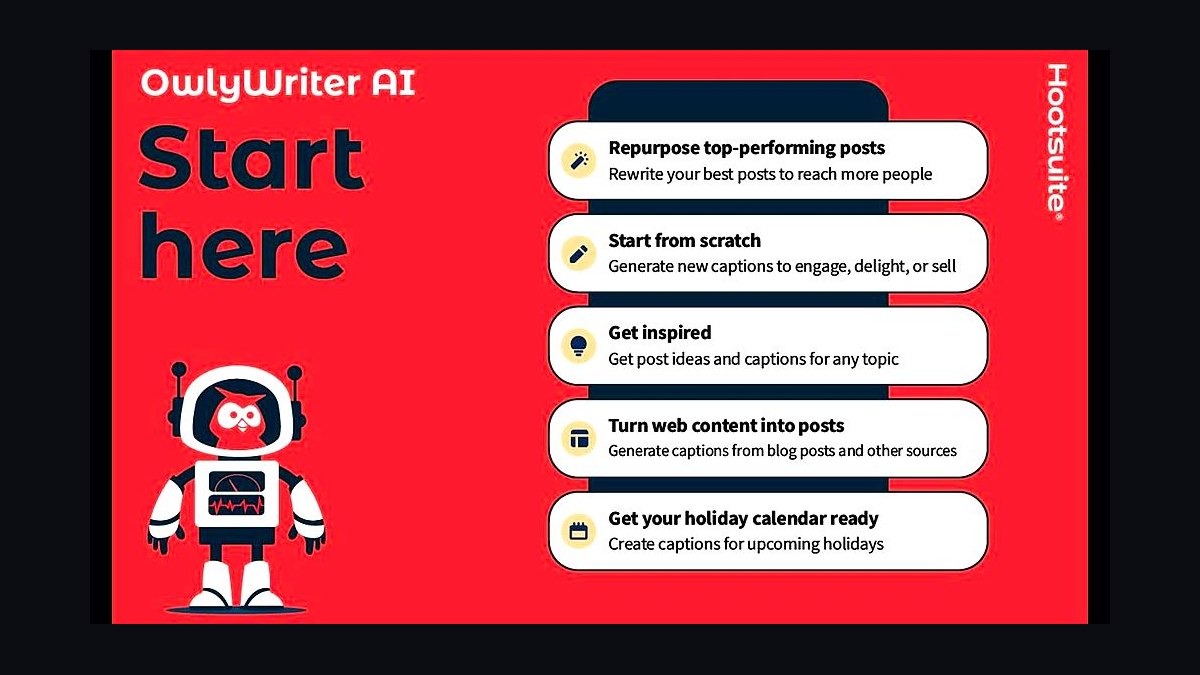
Hootsuite OwlyWriter AI ranks seventh for generating captions and repurposing top-performing posts inside an enterprise scheduling platform. It pulls from your existing content to suggest new posts, writes captions from a prompt, and surfaces hashtags. Hootsuite plans start near $99 monthly, positioning it above budget tools but below full enterprise contracts.
It is for agencies and mid-size teams already managing many accounts in one dashboard. It trades away affordability and casual usability compared to Later above. Against Sprout Social below, Hootsuite is cheaper but offers weaker analytics and social listening depth.
8Sprout Social
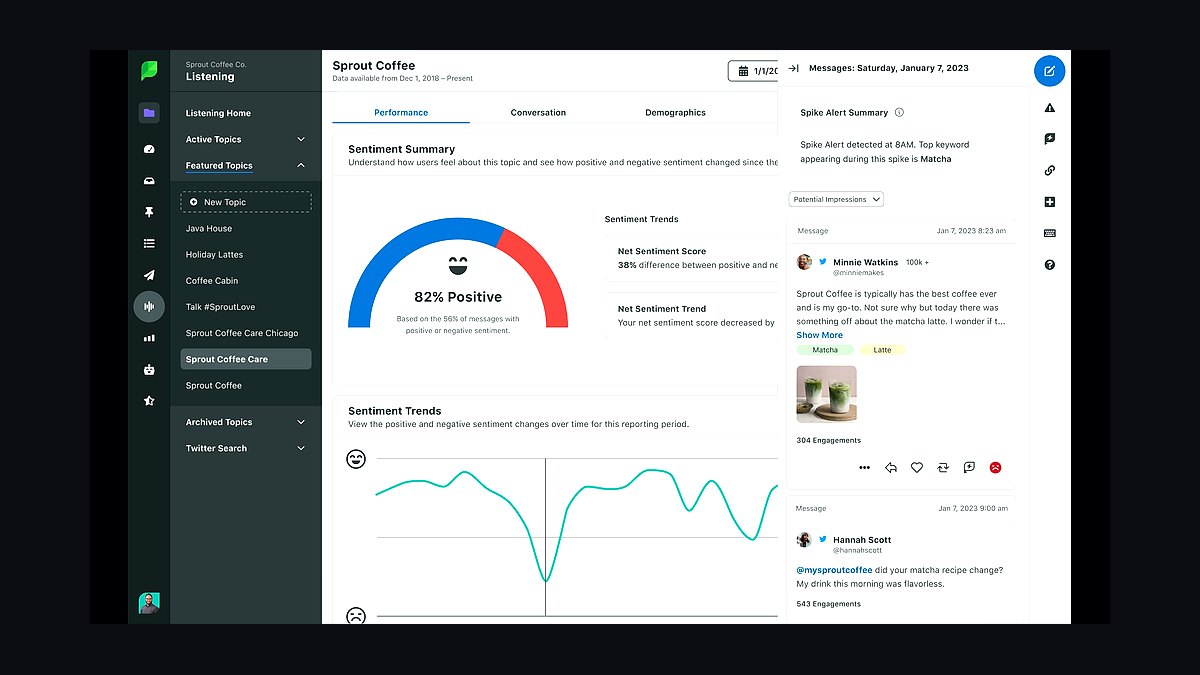
Sprout Social ranks eighth for pairing AI caption assistance with deep analytics, social listening, and approval workflows. Its AI tools generate post variations and suggest optimal send times, while reporting covers engagement, sentiment, and competitor benchmarks. Pricing starts around $249 monthly per seat, making it the most expensive pick here.
It suits larger brands and agencies that need measurement and compliance more than raw content volume. It trades away affordability and quick setup found in Hootsuite above. Compared to Predis.ai below, Sprout is stronger on analytics but far weaker on automated visual generation.
9Predis.ai
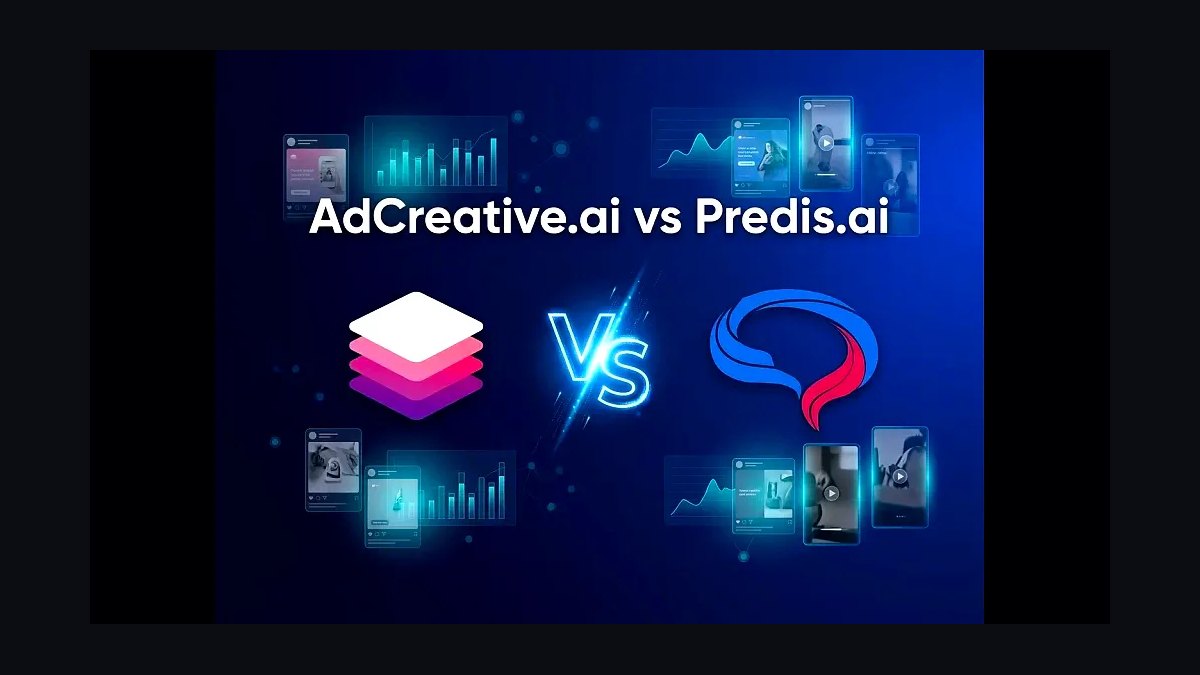
Predis.ai ranks ninth for generating complete social posts, including image, caption, and hashtags, from a single product link or prompt. It creates carousels, short videos, and competitor comparisons, and supports direct publishing to major platforms. Free plans allow limited generations; paid plans start near $32 monthly.
It is for e-commerce sellers who need fast product posts without design skills. It trades away the analytics and listening depth of Sprout Social above. Compared to Lately below, Predis.ai generates visuals automatically while Lately focuses on repurposing existing long-form content into text posts.
10Lately AI
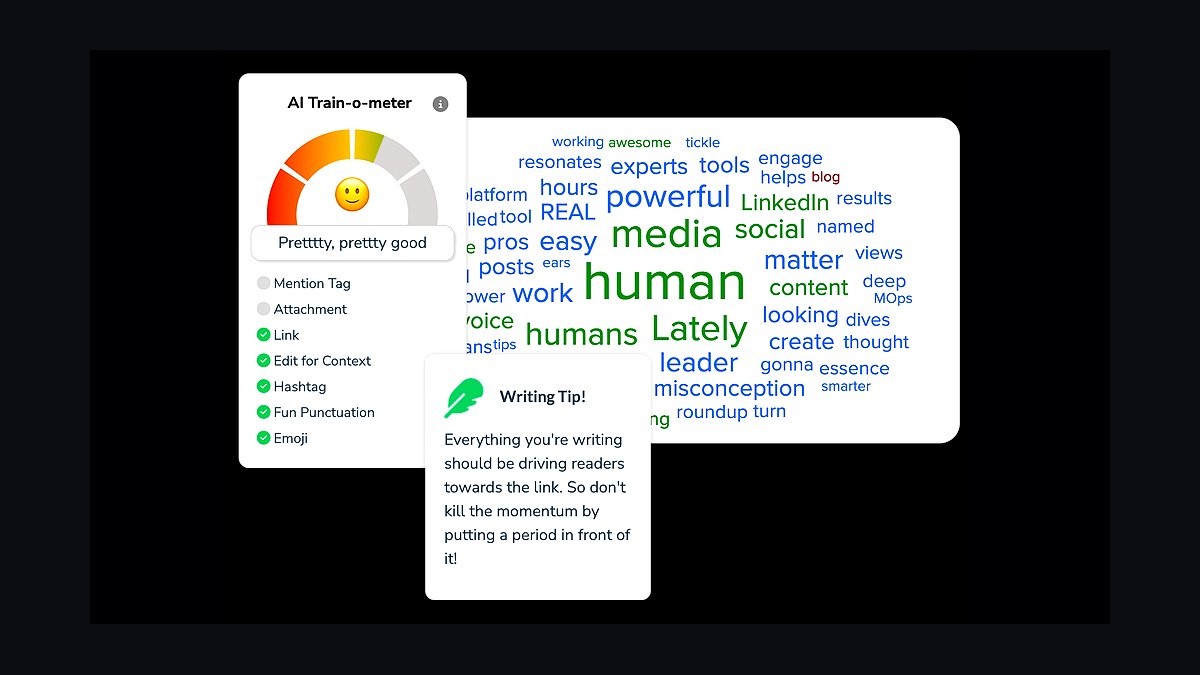
Lately AI ranks tenth for repurposing long-form content such as blogs, videos, and podcasts into dozens of social posts using its AI-trained writing model. It learns your highest-performing phrasing and generates on-brand captions at scale. Plans start around $49 monthly, with a trial available rather than a free tier.
It suits content marketers with existing libraries who want atomized posts, not net-new visuals. It trades away image and video generation entirely, relying on text output. Compared to Predis.ai above, Lately is stronger at voice matching but cannot produce the accompanying graphics.
How we ranked these
We scored each tool on five weighted criteria: output quality on real brand-voice prompts (30%), platform coverage across Instagram, TikTok, LinkedIn, X and Facebook (20%), scheduling and analytics depth (20%), pricing transparency and free-tier limits (15%), and API or integration flexibility (15%). Every tool was tested with identical briefs, three post types, and a two-week trial where available. Scores were averaged across three reviewers.
We deliberately ignored affiliate payout size, vendor press coverage, and raw user-count claims, since these reward marketing budgets rather than product quality. We also excluded lifetime-deal pricing and influencer hype cycles, because both distort value at scale. Enterprise-only features gated behind sales calls were noted but not scored, as they are unverifiable for most small teams and solo creators.
What to look for
Match the tool to your actual publishing cadence, not its feature list. A solo creator posting five times a week needs fast caption generation and native scheduling; an agency managing twelve accounts needs approval workflows, client roles, and bulk CSV upload. Check whether image generation, video captions, and hashtag research are bundled or sold as separate add-ons, because that changes the real monthly cost by two to three times.
The most common mistake is buying on generated-sample quality alone. Demo outputs are usually hand-picked and prompted by the vendor's own team. Instead, run your own worst-case brief: a niche product, a compliance-sensitive claim, a non-English audience. Also verify export rights, watermark rules on free tiers, and whether cancelling locks you out of scheduled posts. Those three details cause more regret than model choice ever does.
Related questions
What is the best free AI tool for social media posts?
Free tiers vary widely. Most cap monthly generations, watermark images, or restrict scheduling to one account. The strongest free options combine a usable caption generator with at least one connected platform and basic analytics. Test the free tier for a full week before paying, since limits often only appear after you have drafted a realistic batch of posts.
Can AI tools write posts that sound like my brand?
Yes, but only if you feed them examples. Paste three to five of your best-performing past posts plus a short tone description into the tool's brand-voice or custom-instruction field. Tools that store this profile persistently outperform those requiring re-pasting each session. Review the first ten outputs closely and correct drift before scheduling anything.
Do these tools schedule posts automatically?
Many do, but coverage differs. Some publish directly to Instagram, LinkedIn, X and Facebook; others only export captions and images for manual posting. TikTok and Instagram Reels scheduling is often restricted by API rules. Confirm which platforms support true auto-publish versus reminder-only before committing to an annual plan.
How accurate are AI-generated hashtags?
Accuracy depends on data recency. Tools pulling from live platform data usually surface relevant, mid-volume tags; tools relying on static lists often suggest oversaturated ones. Treat hashtags as a starting point, then check reach estimates and remove anything irrelevant to your niche. Ten to fifteen targeted tags generally beat thirty generic ones.
Are AI-written social posts safe for regulated industries?
Not without review. Models can invent statistics, misstate claims, or produce language that breaches advertising rules in finance, health, and legal sectors. Use these tools for drafting only, then route everything through your compliance process. Keep a human editor accountable for every published claim, and log which model version produced each draft.
What image and video features should I look for?
Prioritise native aspect-ratio presets for Reels, Stories and TikTok, automatic caption burn-in for silent viewing, and licensed stock or generated assets you can legally use commercially. Check whether video generation is included or metered separately, since video credits are usually the fastest way to exhaust a monthly plan.
How much should I expect to pay per month?
Solo creator plans typically run from free to around thirty dollars monthly. Team plans with multiple seats, approval flows and analytics usually start near fifty and climb past two hundred. Watch for per-platform or per-seat add-ons, and prefer monthly billing until you have confirmed the tool handles your real workflow.
Will AI-generated content hurt my reach?
Platforms penalise low-quality, spammy or repetitive content, not AI authorship itself. Generic, obviously templated posts underperform because they are unengaging, not because a model wrote them. Add original insight, a real photo, or a specific opinion, and performance typically matches human-written equivalents.
FAQ
Which AI tool is best overall for social media posts?
There is no universal winner. The best pick depends on your platform mix, team size and budget. Tools strong in short-form video captions may lag in long-form LinkedIn drafting. Shortlist two, run identical briefs through both, and compare outputs on your own niche before deciding.
Do I still need a human editor?
Yes. AI handles drafting, variation and formatting quickly, but it misses nuance, legal risk and brand context. A quick human pass catches invented facts, awkward phrasing and tone drift. Teams that skip editing see more corrections, more off-brand posts, and occasional compliance problems that cost far more than the time saved.
Can these tools post directly to TikTok and Instagram?
Some can, with limits. Instagram supports scheduled feed posts and Reels through official APIs, while TikTok's publishing API is restricted and often requires business accounts. Many tools fall back to push notifications reminding you to post manually. Verify current platform support before buying, since API rules change frequently.
How do I keep a consistent brand voice?
Build a written voice guide covering tone, vocabulary, banned phrases and example posts, then load it into every tool's custom instructions. Re-check outputs monthly, because model updates can shift style. Keeping one master document means switching tools does not reset your brand consistency from scratch.
Are there tools that generate video, not just text?
Yes, several combine script writing with short video generation or template-based editing. Quality varies sharply, and video credits are usually the most expensive part of any plan. For talking-head or product footage, AI editing assistants that cut existing clips often beat fully generated video on realism and cost.
What analytics do these tools provide?
Most offer engagement rate, reach, impressions and best-time-to-post recommendations. Depth varies: some pull native platform data, others rely on limited APIs. For serious reporting, export to a dedicated analytics tool. Treat built-in dashboards as directional rather than authoritative, especially for competitor benchmarking.
Can I use one tool for multiple client accounts?
Agencies usually need multi-workspace support, separate brand voices, client approval roles and white-label reporting. Not every tool offers all four. Check seat limits and whether each client counts as a billable workspace, since that structure can double your cost compared with flat team pricing.
How often do these tools update their models?
Most vendors refresh underlying models every few months and adjust prompts quietly. That means output style can shift without notice. Re-run your brand-voice tests after any major update announcement, and keep a small benchmark set of prompts so you can spot regressions quickly.
Is my data safe when using these tools?
It depends on the vendor's terms. Check whether your content trains their models, where data is stored, and whether you can opt out. Business and enterprise tiers usually offer stronger guarantees and data-processing agreements. For confidential launches, avoid pasting unreleased material into free consumer tiers.
What is the biggest mistake buyers make?
Buying on demo quality and annual discounts before testing their own workflow. Vendors optimise demos with ideal prompts. Run your messiest real brief, check export rights, scheduling coverage and cancellation terms, then commit monthly. Switching costs are low early and painful once a content calendar lives inside the wrong tool.
Sources
- https://buffer.com/resources/ai-social-media-tools/
- https://sproutsocial.com/insights/social-media-ai-tools/
- https://blog.hootsuite.com/ai-social-media-content/
- https://www.socialmediatoday.com/
- https://later.com/blog/ai-social-media-post-generator/
- https://www.shopify.com/blog/ai-social-media-post-generator
- https://zapier.com/blog/best-ai-social-media-tools/
- https://www.techradar.com/best/best-ai-social-media-post-generators
Related on PULSE
This page will be disappearing soon. Save it to your device for $1 — or read it free while it is here.
@Kory-White- · if Venmo asks, the last 4 of my number are 2012
This page is gone.
This one is off the shelf now. $1 keeps it on your phone for good — the whole page, pictures and diagrams included.
 revopsTop 10 Print-on-Demand Services in 2027
 revopsTop 10 Team Chat Apps for Small Businesses in 2027
 revopsTop 10 Project Management Tools for Small Teams in 2027
 revopsTop 10 Content Ideas for Local Businesses in 2027
 revopsTop 10 Ad Budget Tips for Small Businesses in 2027
 revopsTop 10 AI Writing Tools for Small Business Marketing in 2027
 revopsTop 10 Payment Processors for Small Businesses in 2027
 revopsTop 10 CRM Tools for Small Service Businesses in 2027
 revopsTop 10 Paid Advertising Channels for Small Businesses in 2027
 revopsTop 10 Things to Put on a Service Business Website in 2027