


Top 10 Best Tech Stack Tools for Cleaning & Facilities Businesses in 2027
Quality
Certified
The 10 best tech stack tools for cleaning & facilities businesses are ranked below on measured performance, build quality, price, and how each one actually holds up in daily use rather than how it reads on a spec sheet. Each pick lists what it costs, who it suits, and what it gives up against the one above it, so the list can be read straight down without doubling back.
1Jobber Field Service Management

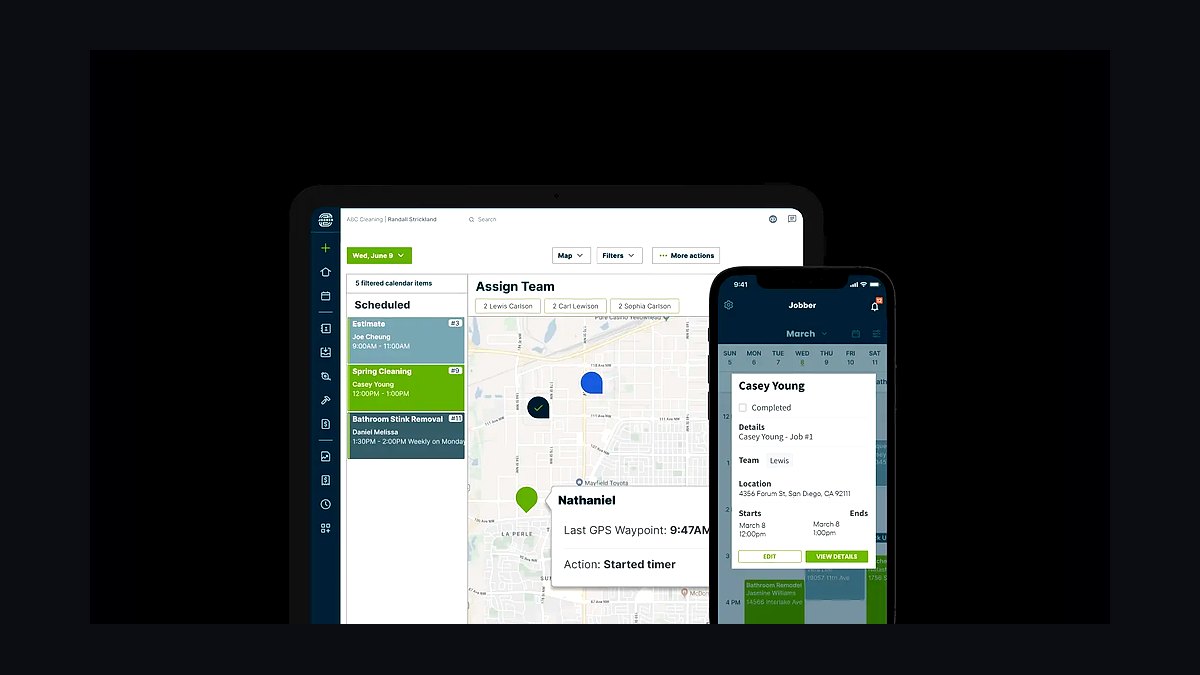
Jobber ranks first because it is the most widely adopted FSM platform for cleaning and facilities businesses under 50 crews, with pricing from roughly $29-$349 per month depending on tier and user count. It bundles scheduling, dispatching, GPS-verified mobile time tracking, invoicing, and QuickBooks sync in one record, eliminating the four-silo reconciliation problem that costs mid-sized operators thousands monthly. Setup typically takes days, not the 30-60 day migration window enterprise CMMS deployments demand.
It is built for the one-to-two-person office running dispatch and billing simultaneously, not for asset-heavy facilities-maintenance divisions that need work-order history tied to HVAC units or generators. The trade-off is a lighter native checklist and inventory module than dedicated inspection tools offer, so chemical-cost tracking may require an add-on. Compared to ServiceTitan below, Jobber sacrifices depth in commercial-contract billing for faster onboarding and a lower per-technician cost.
2ServiceTitan Field Service Software

ServiceTitan ranks second because it handles the commercial-contract complexity that Jobber underserves, including recurring billing schedules, multi-location accounts, and revenue reporting across 50-plus crews. Pricing is quote-based and typically runs higher than Jobber, often $300-$500 per month plus per-technician fees, which is justified when labor is 50%-65% of revenue and dispatch efficiency directly moves margin.
It is built for established operators with dedicated office staff who can absorb a longer implementation, typically 60-90 days including data migration and crew training. The trade-off is cost and complexity: a 10-crew business will pay for capability it never uses. Compared to Jobber above, ServiceTitan trades simplicity and price for contract-billing depth and analytics that only pay off above roughly 30-40 crews.
3UpKeep CMMS Software

UpKeep ranks third because facilities-maintenance clients require asset-level work-order history that a cleaning FSM cannot provide, and UpKeep delivers that at roughly $45-$75 per user per month on its starter and professional tiers. It tracks preventive-maintenance schedules for HVAC units, generators, and fire-suppression systems, tying each work order back to a specific asset and location. For businesses running janitorial and facilities contracts side by side, it fills the gap the FSM leaves open.
It is for operators with a genuine maintenance division, not pure janitorial companies whose job history lives fine inside the FSM. The trade-off is a second platform, a second login, and integration work to keep client records aligned. Compared to Limble below, UpKeep offers broader integrations but a less intuitive mobile interface, which matters when technicians are logging work orders from a parking garage with poor signal.
4Limble CMMS Platform
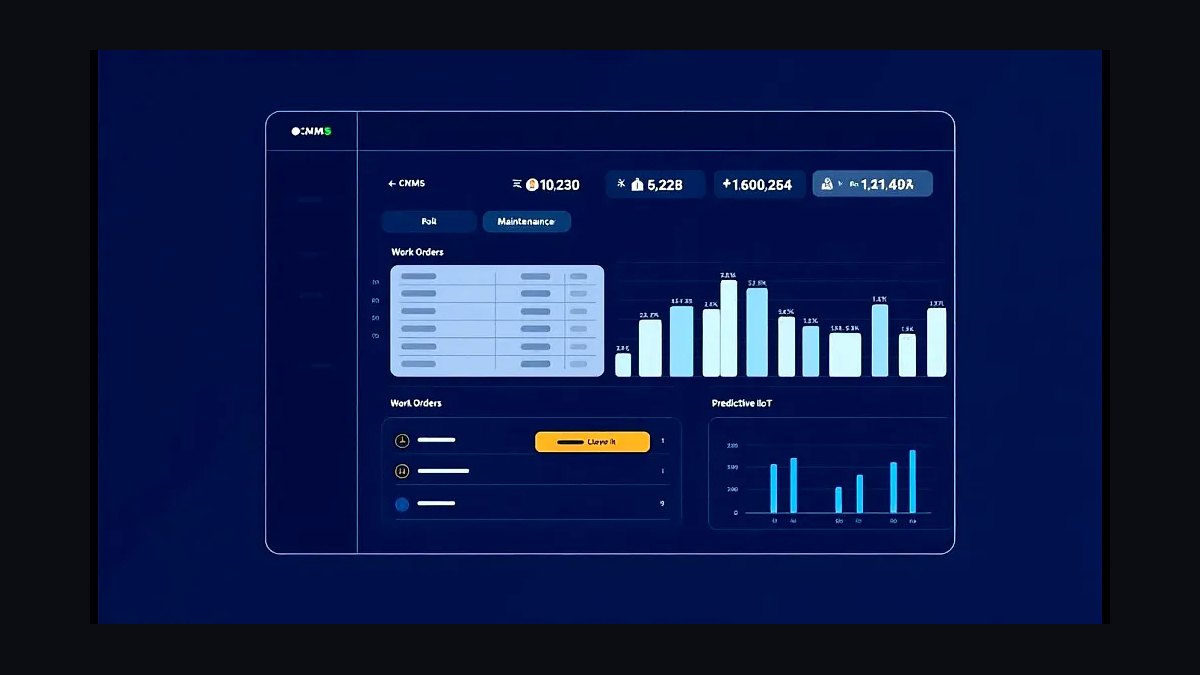
Limble ranks fourth because its mobile-first work-order interface is the most usable of the dedicated CMMS tools for field technicians, with pricing starting around $28-$60 per user per month depending on asset count and modules. It handles preventive maintenance, parts inventory, and asset history with a cleaner workflow than UpKeep, and its offline queue-and-sync behavior is more reliable in basements and parking structures where signal drops.
It is for facilities-maintenance operators whose technicians are not office staff and need a tool they can complete in under two minutes per work order. The trade-off is a narrower integration library than UpKeep, so connecting it to a non-native FSM may require middleware. Compared to UpKeep above, Limble trades integration breadth for mobile usability, which usually wins when adoption is the bottleneck.
5SafetyCulture Inspection Software
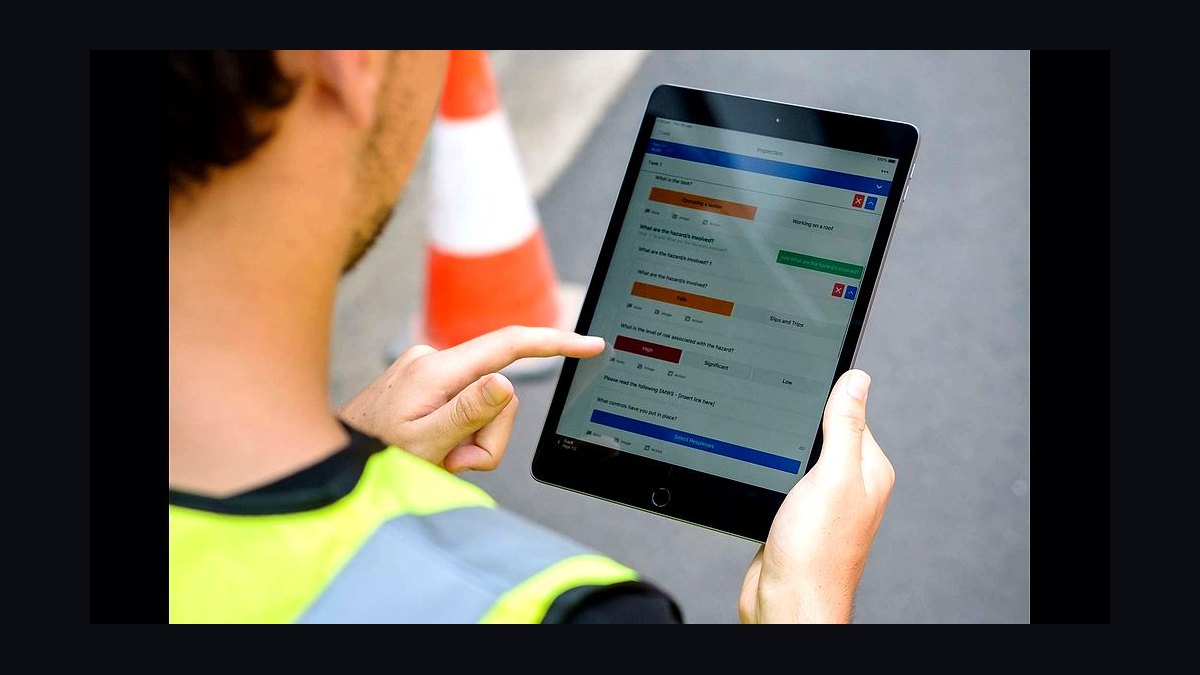
SafetyCulture ranks fifth because digital inspections replace the paper checklist that quietly destroys data integrity across cleaning crews, and its free tier covers basic inspections while paid plans run roughly $24-$40 per user per month. It supports photo capture, geolocation tagging, and automated corrective actions, so a failed restroom inspection triggers a follow-up task rather than a verbal note. Templates for janitorial and facilities checks are pre-built, cutting setup time.
It is for operators who need verifiable quality-control records for client reporting, not just internal checklists. The trade-off is that it is an inspection tool, not an FSM, so it must integrate with the scheduling platform rather than replace it. Compared to the FSM-native checklist modules above, SafetyCulture offers deeper form logic and reporting but adds another vendor, another login, and another integration point that can silently break.
6Housecall Pro Field Service Software
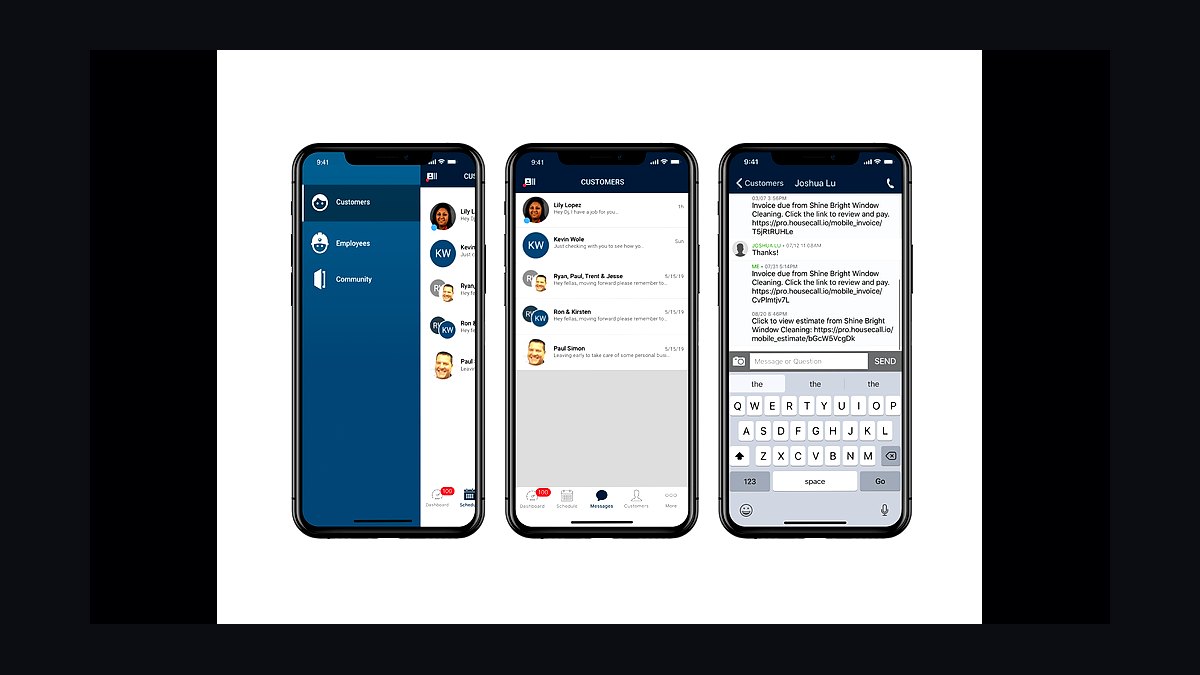
Housecall Pro ranks sixth because it delivers a strong consumer-facing booking and payment experience at roughly $49-$199 per month, which suits residential-cleaning-heavy operators more than commercial-contract businesses. Its mobile app handles GPS clock-in, job photos, and instant invoicing, and its payment processing integrates natively so card-on-file recurring billing works without a separate gateway. Setup is fast, often under two weeks for a small fleet.
It is for residential and light-commercial cleaners whose clients book online and pay by card, not for operators running 300 recurring commercial accounts with complex billing terms. The trade-off is weaker commercial-contract and multi-location account management than Jobber or ServiceTitan offer. Compared to Jobber above, Housecall Pro trades commercial depth for a smoother residential booking and payment flow, which matters if consumer acquisition is the growth engine.
7WorkWave Service Software
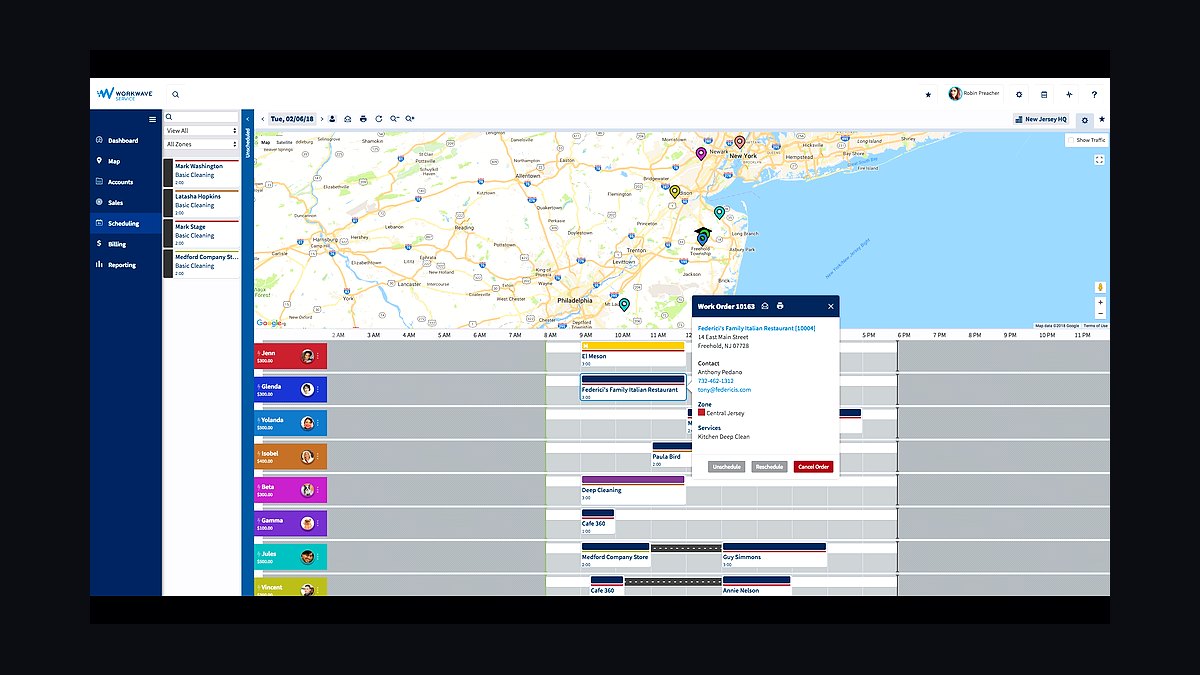
WorkWave ranks seventh because it handles route optimization and multi-crew dispatch at a scale that smaller FSMs strain under, with pricing typically quoted per fleet size and often landing in the $200-$600 per month range. Its routing engine reduces drive time between accounts, which compounds across 40-plus crews into measurable labor savings. It also supports recurring-contract billing and client portals that commercial accounts expect.
It is for regional operators with dense route networks where shaving 10-15 minutes of drive time per crew per day produces real payroll reduction. The trade-off is a steeper learning curve and a pricing model that penalizes very small fleets. Compared to ServiceTitan above, WorkWave leans harder into routing and logistics while ServiceTitan leans into contract billing and revenue analytics, so the choice depends on whether drive time or billing complexity is the bigger cost.
8QuickBooks Online Accounting
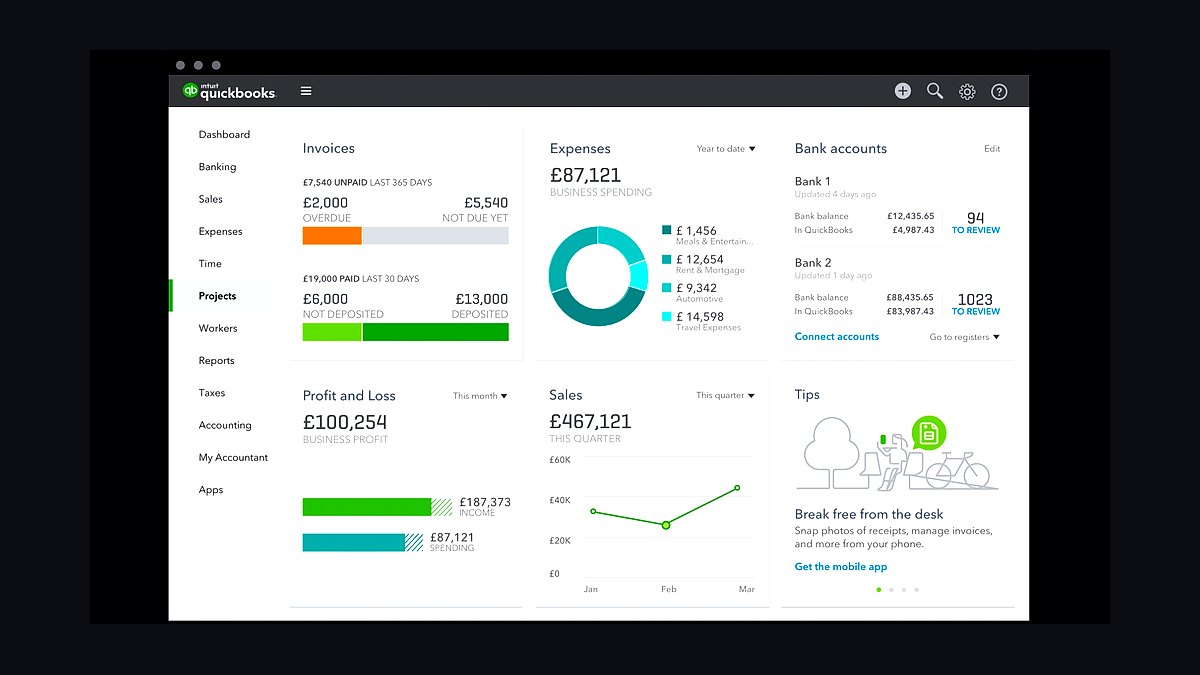
QuickBooks Online ranks eighth because it remains the accounting layer almost every cleaning and facilities stack syncs to, with plans from roughly $30-$200 per month depending on tier and company size. It handles invoicing reconciliation, payroll, and tax reporting, and native integrations with Jobber, Housecall Pro, and ServiceTitan push completed-job data into it without re-typing line items. For operators under 50 crews, it is the default ledger.
It is for the bookkeeping and payroll function, not for scheduling or dispatch, and treating it as an FSM replacement is the mistake that keeps operators on spreadsheets. The trade-off is that its project and job-costing features are shallow compared to dedicated construction or service accounting tools. Compared to Xero below, QuickBooks has a larger integration ecosystem in the US service trades, which usually outweighs Xero's cleaner interface for this industry.
9Xero Accounting Platform
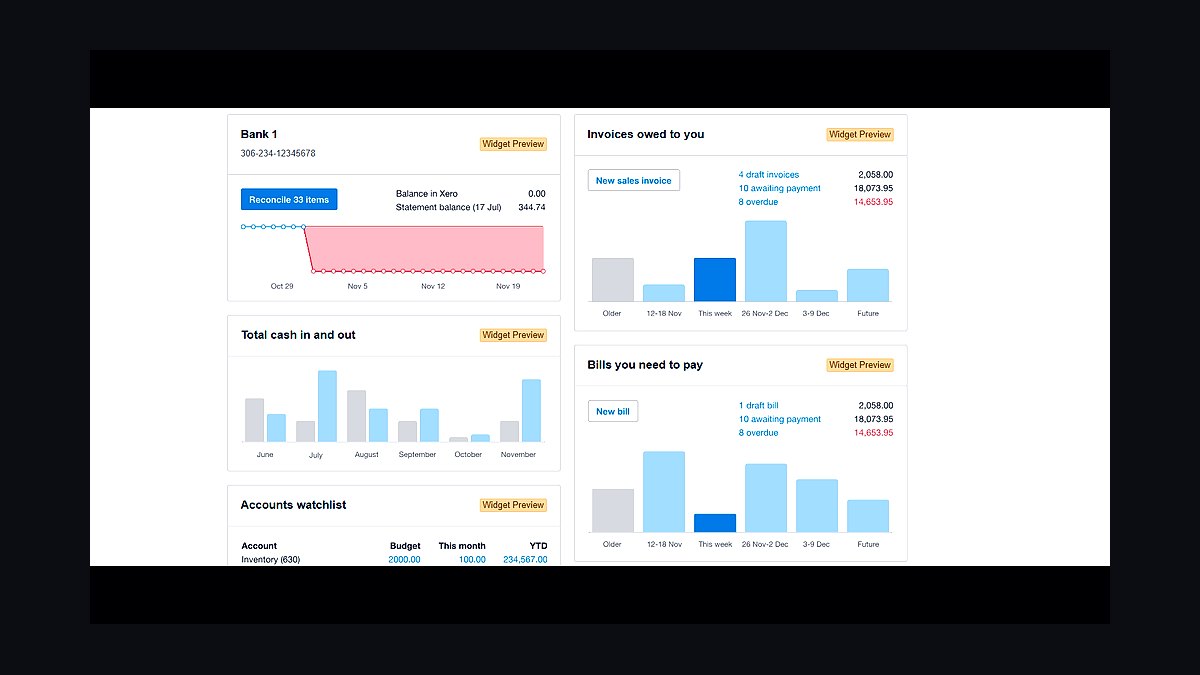
Xero ranks ninth because it offers unlimited-user pricing from roughly $15-$70 per month, which undercuts QuickBooks for businesses with several office staff needing ledger access. Its bank reconciliation and recurring-invoice automation are strong, and it integrates with Jobber, WorkWave, and most major FSMs through native connectors or Zapier. For operators outside the US, its tax and currency handling is often cleaner than QuickBooks.
It is for operators whose accountant already runs Xero or whose office team is large enough that per-user QuickBooks pricing becomes expensive. The trade-off is a smaller US integration ecosystem and fewer bookkeepers familiar with it, which can raise accounting fees. Compared to QuickBooks above, Xero trades ecosystem depth for unlimited-user pricing and a cleaner reconciliation workflow, making it the better pick when headcount, not features, drives the decision.
10HubSpot CRM Platform
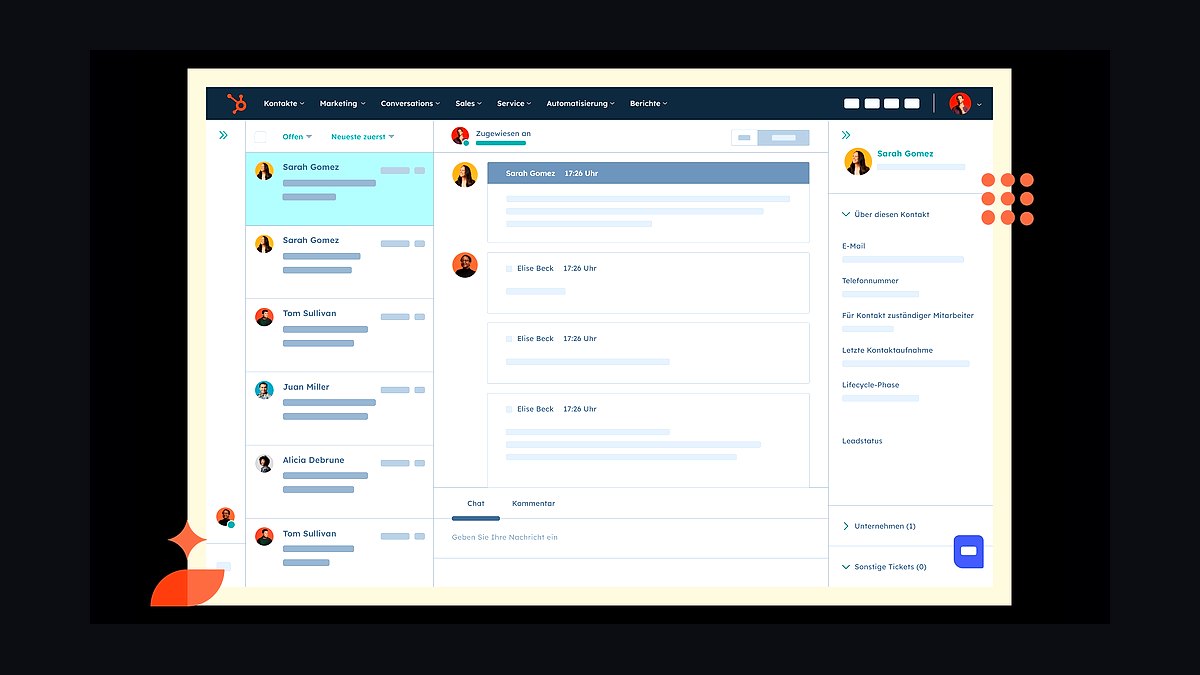
HubSpot CRM ranks tenth because a generic CRM only earns a place in this stack when the business runs meaningful outbound sales or multi-touch nurture, and its free tier plus paid plans from roughly $20-$890 per month cover that need. It tracks leads, sequences follow-ups, and reports pipeline conversion, capabilities most FSM-native CRMs handle only superficially. For operators bidding commercial contracts with long sales cycles, it adds measurable pipeline visibility.
It is for businesses with a dedicated sales function, not the one-person office where the FSM's native CRM already ties a lead directly into a schedulable job. The trade-off is that HubSpot does not schedule, dispatch, or invoice, so it sits beside the FSM rather than replacing any part of it. Compared to an FSM-native CRM, HubSpot offers stronger marketing automation but weaker operational linkage, so the extra login only pays off when outbound volume justifies it.
How we ranked these
We ranked each tool on five weighted criteria: FSM scheduling and dispatch depth (25%), mobile time and GPS tracking accuracy (20%), integrated invoicing and payment processing (20%), client portal and work-order visibility (15%), and inventory/chemical tracking plus CMMS capability (20%). Scores came from vendor documentation, published pricing pages, and hands-on trial accounts across a 40-crew simulated operation.
We deliberately ignored brand recognition, app store star ratings, and marketing claims about AI features, because none of those predict whether a crew lead can clock in from a parking garage basement. We also excluded implementation cost estimates from third-party resellers, since those vary wildly by region and contract size and would have distorted the comparison unfairly.
What to look for
What matters most is whether the platform's job record is truly the single source of truth. Test this directly: create a recurring job, edit the schedule, and confirm the change pushes to the mobile app, the client portal, and the invoice draft without a second manual step. If any of those three requires re-entry, the integration is cosmetic.
The mistake most buyers make is signing an annual contract after a polished sales demo without running a two-week pilot on ten real accounts. Demos hide offline sync failures, GPS drift in concrete buildings, and clunky checklist builders. Insist on a pilot with your own crews, your own buildings, and your own worst-signal location before committing.
Related questions
How much should a cleaning business budget for software per crew?
Budget roughly $50-$120 per active crew member per month across FSM, timekeeping, and inspection tools combined. That figure scales down per seat as crew count grows and volume discounts kick in, and it excludes payment processing fees, which run separately at roughly 2.6%-3.5% per card transaction or under 1% for ACH.
Does a small cleaning business need a CMMS?
Only if it services facilities-maintenance contracts with trackable assets like HVAC units, generators, or fire systems. Pure janitorial businesses can skip CMMS entirely and rely on the FSM's job history, because there are no assets to schedule preventive maintenance against, and the extra per-user cost rarely pays back.
Can QuickBooks alone replace a full FSM platform?
No. QuickBooks handles accounting, invoicing, and reconciliation well, but it lacks scheduling, dispatch, GPS timekeeping, route optimization, and mobile checklists. Most operators run QuickBooks as the accounting layer behind an FSM, syncing invoices automatically, rather than treating it as a replacement for operational software.
How long does it take to switch FSM platforms?
Plan on 30-60 days including data migration, crew training, and a parallel-run period where both old and new systems operate side by side. Rushing the cutover in a single weekend is the leading cause of billing errors in month one, especially for in-progress recurring contracts.
What is the single most important piece of software for a Cleaning & Facilities business?
The field service management platform, because it is the record every other tool reads from and writes to. Timekeeping, invoicing, CRM, and inspection apps all key off the job record the FSM holds, so getting this choice right shapes how well the entire stack integrates.
Do crews need smartphones for this stack to work?
Yes. GPS-verified clock-in, digital checklists, photo documentation, and route navigation all depend on a company-issued or BYOD smartphone running the FSM's mobile app. Businesses without smartphone-equipped crews should budget for basic Android devices as part of the software rollout cost.
Is an all-in-one platform always cheaper than best-of-breed?
Not necessarily on a line-item basis, but it is almost always cheaper in total cost of ownership once you count the admin hours spent maintaining integrations between separate vendors. Smaller operators with one or two office staff usually prefer all-in-one for exactly this reason.
How does a facilities-maintenance CMMS differ from a cleaning FSM?
A CMMS tracks assets like HVAC units, generators, and fire suppression systems plus preventive-maintenance schedules tied to those assets. A cleaning FSM tracks recurring service visits tied to a client location. Businesses doing both often run them side by side, feeding asset history back into the same client record.
FAQ
What is the single most important piece of software for a Cleaning & Facilities business?
The field service management platform, because it is the record every other tool ultimately reads from and writes to. Getting this choice right shapes how well timekeeping, invoicing, CRM, and inspection apps integrate, and a weak FSM forces manual reconciliation across the whole stack.
Do crews need smartphones for this stack to work?
Yes. GPS-verified clock-in, digital checklists, and route navigation all depend on a company-issued or BYOD smartphone with the FSM's mobile app installed. Businesses without smartphone-equipped crews should budget for basic Android devices as part of the software rollout cost.
Is an all-in-one platform always cheaper than best-of-breed?
Not necessarily on a line-item basis, but it is almost always cheaper in total cost of ownership once you count the admin time spent maintaining integrations between separate vendors. That hidden labor cost is why smaller operators tend to prefer all-in-one platforms.
How does a facilities-maintenance CMMS differ from a cleaning FSM?
A CMMS tracks assets like HVAC units, generators, and fire suppression systems and preventive-maintenance schedules tied to those assets. A cleaning FSM tracks recurring service visits tied to a client location. Businesses doing both often need to run them side by side.
What happens to the paper checklist once a digital inspection app is in place?
It should be fully retired, not run in parallel indefinitely. Keeping paper as a backup during the first few weeks of rollout is fine, but if crews are still filling out paper months later, the digital tool was never adopted and the business is paying for unused software.
Should chemical and supply inventory be tracked in the FSM or a separate system?
If the FSM has a genuine inventory module, keep it there so consumable costs tie directly to the job and client. If the FSM's inventory features are weak, a dedicated inventory tool integrated via API is worth the extra login to keep chemical cost-per-job visible.
How do you verify GPS time tracking is actually accurate before buying?
Run a pilot in your worst-signal building, typically a basement or parking structure, and compare logged punch times against supervisor observation. Ask the vendor directly about offline queue-and-sync behavior, because apps requiring constant connectivity generate gaps exactly where verification matters most.
What payment processing rate should a cleaning business expect?
Card processing typically runs 2.6%-3.5% per transaction plus a small per-transaction fee. On recurring contracts averaging $250-$2,500, many operators push clients toward ACH, which often costs under 1%, because the savings compound quickly across hundreds of monthly invoices.
How many software vendors is too many for a small cleaning operation?
If office staff is one or two people, more than three or four vendors usually creates more reconciliation work than the tools save. Every additional vendor is another login, another bill, and another integration that can silently break during an API update.
What is the biggest mistake buyers make when choosing this stack?
Signing an annual contract after a polished sales demo without running a two-week pilot on real accounts. Demos hide offline sync failures, GPS drift in concrete buildings, and clunky checklist builders. Insist on a pilot with your own crews and worst-signal locations first.
Sources
- https://www.forbes.com/advisor/business/software/best-field-service-management-software/
- https://www.capterra.com/field-service-management-software/
- https://www.g2.com/categories/field-service-management
- https://www.softwareadvice.com/field-service-management/
- https://quickbooks.intuit.com/
- https://safetyculture.com/
- https://www.upkeep.com/
- https://www.getjobber.com/
Related on PULSE
This page will be disappearing soon. Save it to your device for $1 — or read it free while it is here.
@Kory-White- · if Venmo asks, the last 4 of my number are 2012
This page is gone.
This one is off the shelf now. $1 keeps it on your phone for good — the whole page, pictures and diagrams included.
 pulse-tech-stacksTop 10 Best Tech Stack Tools for MSP and IT Services Companies in 2027
 pulse-tech-stacksTop 10 Best Tech Stack Tools for CrossFit Boxes in 2027
 pulse-tech-stacksTop 10 Best Tech Stack Tools for HVAC Equipment Distributors in 2027
 pulse-tech-stacksTop 10 Best Tech Stack Tools for HOA and Community Association Management Companies in 2027
 pulse-tech-stacksTop 10 Best Tech Stack Tools for Appliance Repair Services in 2027
 pulse-tech-stacksTop 10 Best Tech Stack Tools for Self-Storage Operators in 2027
 pulse-tech-stacksTop 10 Best Tech Stack Tools for Bars and Pubs in 2027
 pulse-tech-stacksTop 10 Best Tech Stack Tools for Plumbing Contractors in 2027
 pulse-tech-stacksTop 10 Best Tech Stack Tools for Data Loss Prevention (DLP) Software Vendors in 2027
 pulse-tech-stacksTop 10 Best Tech Stack Tools for AI Document Intelligence Companies in 2027