
The 10 Best AI Tools for Podcast Editing in 2027
 Curated byKory White · Fractional CRO · Maryland
 PULSEKNOWLEDGE LIBRARY
The best overall AI tool for podcast editing in 2027 is Descript, which turns audio into an editable transcript and bundles Studio Sound, filler-word removal, and its Underlord AI assistant into one workflow. The runner-up is Adobe Podcast (built on the Enhance Speech model), which produces studio-clean dialogue from rough home recordings for free. Descript suits solo creators and small teams who want to edit by deleting words, while specialists chasing forensic audio repair should reach for iZotope RX 11. Budget-conscious shows should start with Auphonic, our Best Value pick, for automated leveling and loudness.
#
How We Ranked These
We weighted six factors. Audio repair quality came first — how convincingly a tool removes room noise, reverb, hum, and plosives without leaving robotic artifacts. Transcript accuracy mattered next, since text-based editing only works when the AI hears words correctly across accents and crosstalk. We scored filler-word and silence removal for precision (does it cut "um" without clipping the next syllable?), multitrack handling for shows with several remote guests, and loudness compliance against the -16 LUFS target most podcast platforms expect. Finally we judged price and export flexibility, including whether the tool locks you into its ecosystem or hands back clean WAV/MP3 files. Tools that only generate AI voices, or that bolt a thin "AI" label onto a basic trimmer, were excluded. Every product below genuinely exists and ships the features described as of early 2027.
1. Descript 🏆 BEST OVERALL
Descript remains the category leader because it reframes editing entirely: it transcribes your recording and lets you delete audio by deleting text. Cut a rambling answer by highlighting the sentence and pressing delete, and the underlying waveform disappears with it. Its Underlord AI assistant can shorten episodes, remove dead air, write show notes, and suggest Studio Sound corrections from a prompt. For a host editing a weekly two-person show, this collapses an afternoon of waveform-scrubbing into roughly 30 minutes.
The standout repair feature is Studio Sound, which removes background noise and reverb while restoring vocal presence — useful when a guest records in a tiled bathroom or near an HVAC vent. Filler-word removal detects "um," "uh," "you know," and similar tics across the whole transcript so you can strike them in one pass. Overdub lets you generate a synthetic version of your own voice to patch a misspoken word, and the multitrack timeline keeps each speaker on a separate lane for independent processing.
Descript offers a free tier with limited transcription hours, with paid plans starting around $16–24 per month depending on billing and seat count. It's best for solo creators, interview shows, and small production teams who value speed over surgical control. The tradeoff: it's not a forensic repair suite, so badly damaged audio still belongs in a dedicated restoration tool.
2. Adobe Podcast
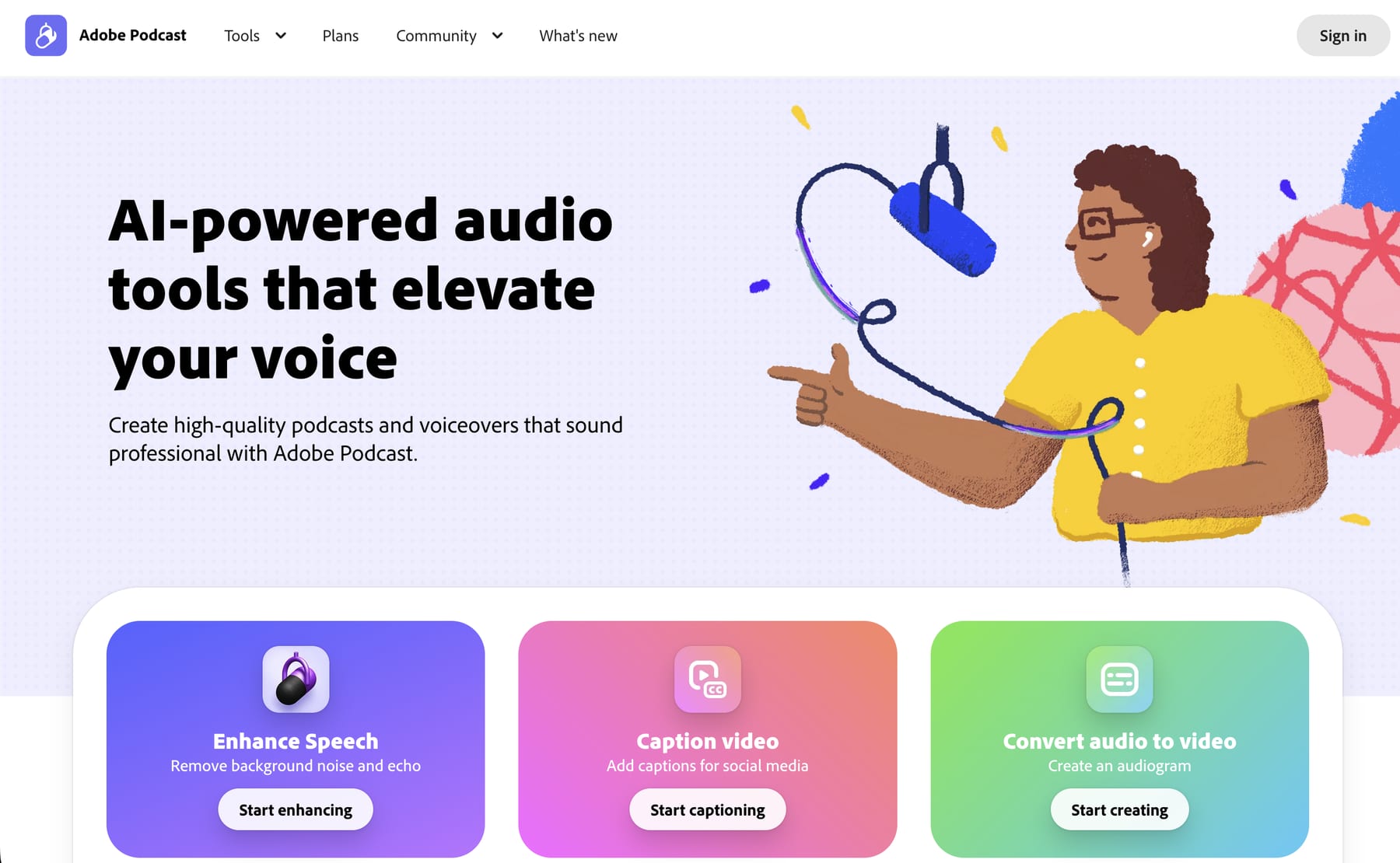
Adobe Podcast delivers the most impressive free dialogue cleanup available, powered by the Enhance Speech AI model. Drop in a recording made on a phone or a cheap USB mic, and Enhance strips room echo, background hum, and harshness, returning audio that sounds close to a treated studio. The v2 model improved naturalness substantially, reducing the underwater artifacts that plagued early speech-enhancement tools.
Beyond Enhance, Adobe Podcast includes browser-based recording, transcript editing, and Mic Check, a quick diagnostic that flags background noise, echo, and levels before you hit record. For professionals already inside the Adobe ecosystem, Enhance Speech is also exposed inside Premiere Pro and Audition, so you can clean dialogue without leaving your timeline.
It's best for creators who need fast, no-cost voice repair and don't yet want a full editing subscription. The main limitation is that aggressive enhancement can flatten the natural character of a well-recorded voice, so use it selectively rather than on every track.
3. iZotope RX 11
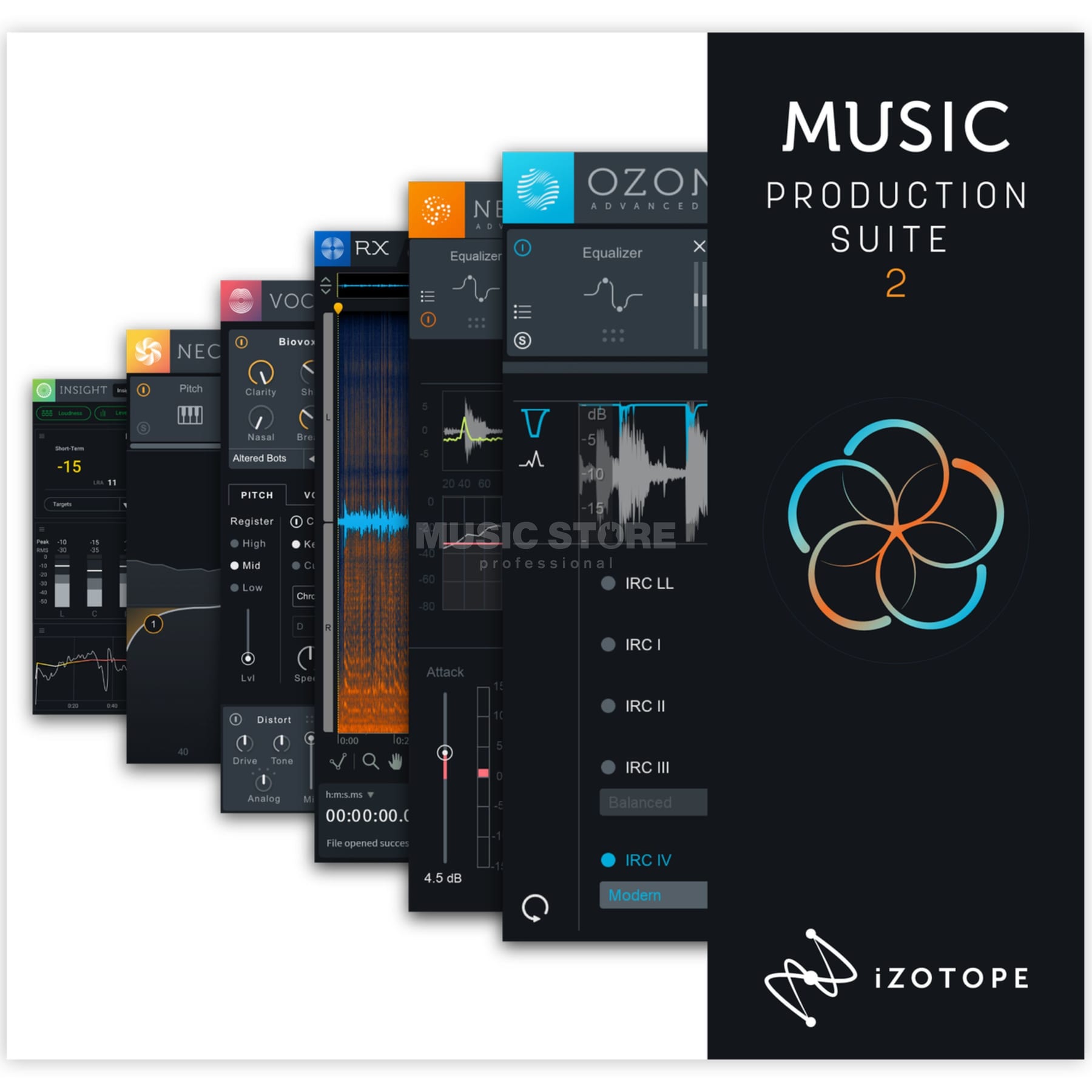
iZotope RX 11 is the professional standard for audio repair, and AI now drives its most powerful modules. Dialogue Isolate separates a voice from stubborn background noise — traffic, crowd murmur, air conditioning — that defeats simpler tools. De-reverb, Mouth De-click, and the Repair Assistant (which analyzes a clip and proposes a processing chain) handle the problems that ruin field interviews and on-location recordings.
RX 11 ships in Elements, Standard, and Advanced editions, with Advanced unlocking the full module set and Music Rebalance. It runs standalone or as a plugin inside a DAW. It's best for editors who treat audio repair as craft — true-crime producers, documentary shows, and anyone salvaging irreplaceable interview tape. It's overkill for a clean home-studio podcast and carries the steepest learning curve here.
4. Auphonic 💎 BEST VALUE
Auphonic automates the unglamorous post-production every podcast needs: loudness normalization, leveling between speakers, noise and hum reduction, and filtering. Upload a finished edit and Auphonic balances quiet and loud speakers, targets the right loudness standard, and exports to multiple formats at once. It also generates chapter marks and can publish directly to hosting platforms.
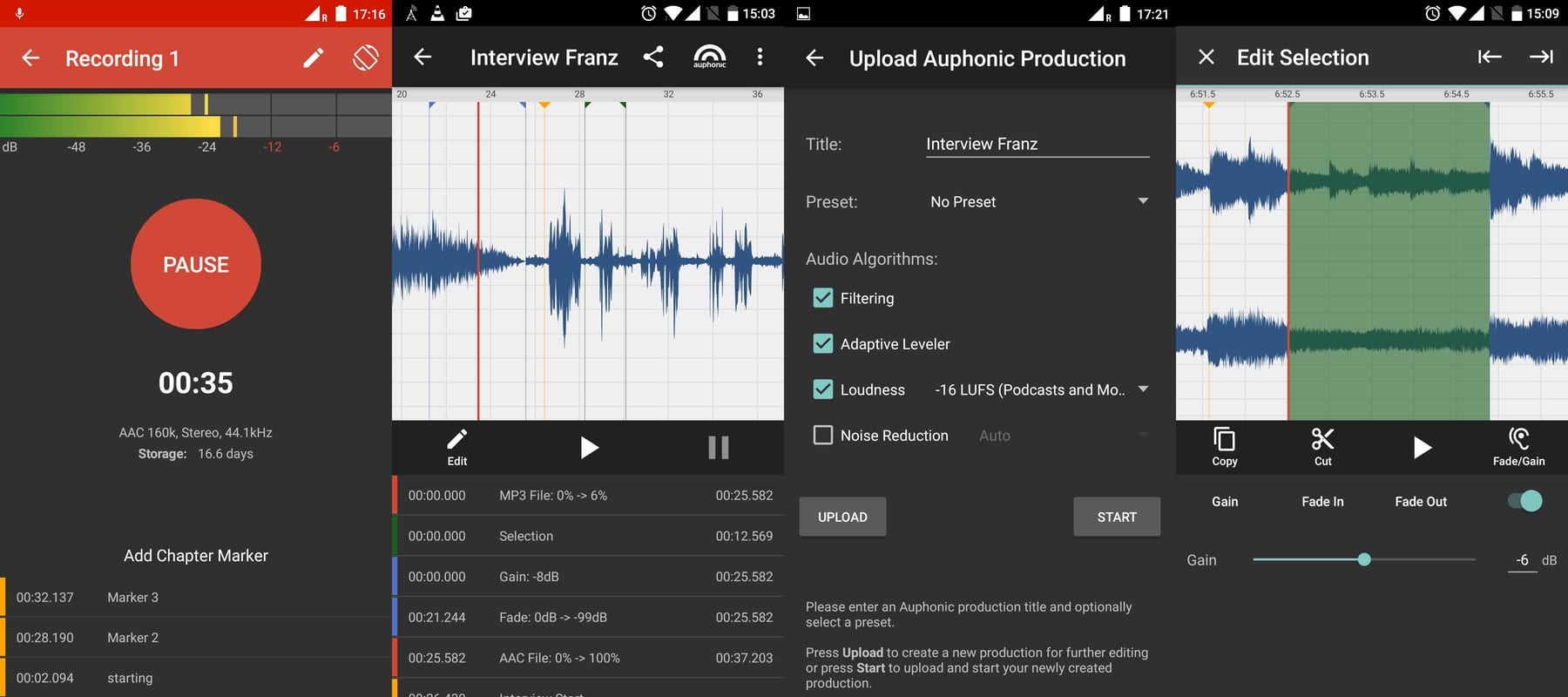
The reason it's our Best Value pick is the free tier: roughly 2 hours of processing per month, with affordable one-time credit packs or recurring plans beyond that. For a fortnightly show that fits inside two hours, the entire post-production leveling step can cost nothing. Its Adaptive Leveler and Intelligent Loudness Normalization consistently hit the -16 LUFS target platforms favor without manual gain riding.
Auphonic is best as the final mastering stage in any workflow — pair it with Descript or Hindenburg for the creative edit, then send the mix through Auphonic for loudness. It is not an editor, so you can't cut content inside it.
5. Riverside.fm
Riverside.fm solves the front of the pipeline — high-quality remote recording — then layers AI editing on top. It records each participant locally in up to 4K video and uncompressed audio, so a guest's dropped Wi-Fi doesn't wreck the track. After recording, Magic Clips automatically finds shareable highlights and reframes them vertically for social, while the text-based editor and AI tools remove filler words and silences.

Its Magic Audio feature cleans and levels voices, and the platform transcribes in dozens of languages. For shows that publish both audio and video, recording and editing in one place removes the sync headaches of juggling separate tools.
Riverside is best for video podcasts and remote interview shows that need broadcast-grade capture plus quick clip generation. Audio-only purists may find it more platform than they need, and the strongest features sit in paid tiers.
6. Podcastle
Podcastle packages recording, AI editing, and voice tools into a browser-based studio aimed at creators who want everything in one window. Magic Dust is its one-click cleanup that reduces noise and enhances voices, and Revoice can create an AI clone of your voice for corrections after you've recorded the Revoice consent sample.
The editor is text-based like Descript's, with filler-word removal, silence trimming, and automatic transcription. Podcastle also offers a library of AI text-to-speech voices for intros or narration, plus remote recording for up to several guests.
It's best for newer podcasters and content teams who want an approachable all-in-one at a lower price point than the heavyweight suites. Power users editing complex multitrack documentaries will eventually outgrow it.
7. Cleanvoice AI
Cleanvoice AI does one job extremely well: it scrubs the verbal debris out of spoken-word recordings. Upload a track and it removes filler words, stuttering, mouth sounds, dead air, and even repeated sentences, then returns an edited file plus an edit log you can review. It supports many languages and integrates with several recording platforms.
What sets it apart is granularity — you can toggle exactly which problems to fix, so a host who likes the rhythm of natural pauses can keep them while still killing the "ums." Pricing is usage-based by audio hour, with subscription and pay-as-you-go options, which suits shows with irregular release schedules.
Cleanvoice is best as a fast pre-processing pass before your main edit, especially for long, conversational episodes where manual filler removal would take hours. It's narrow by design and doesn't replace a full editor or a loudness mastering stage.
8. Alitu
Alitu, billed as "The Podcast Maker," automates the whole production chain for non-technical creators. Upload raw audio and it applies noise reduction, leveling, and volume normalization automatically, then lets you assemble segments, add intro/outro music with automatic fades, and publish to your host — all without touching a waveform.
Its appeal is the guided workflow: Alitu makes the technical decisions so a first-time podcaster doesn't need to learn LUFS, EQ, or compression. The Call Recorder captures remote interviews, and the Episode Builder stitches everything together with consistent processing.
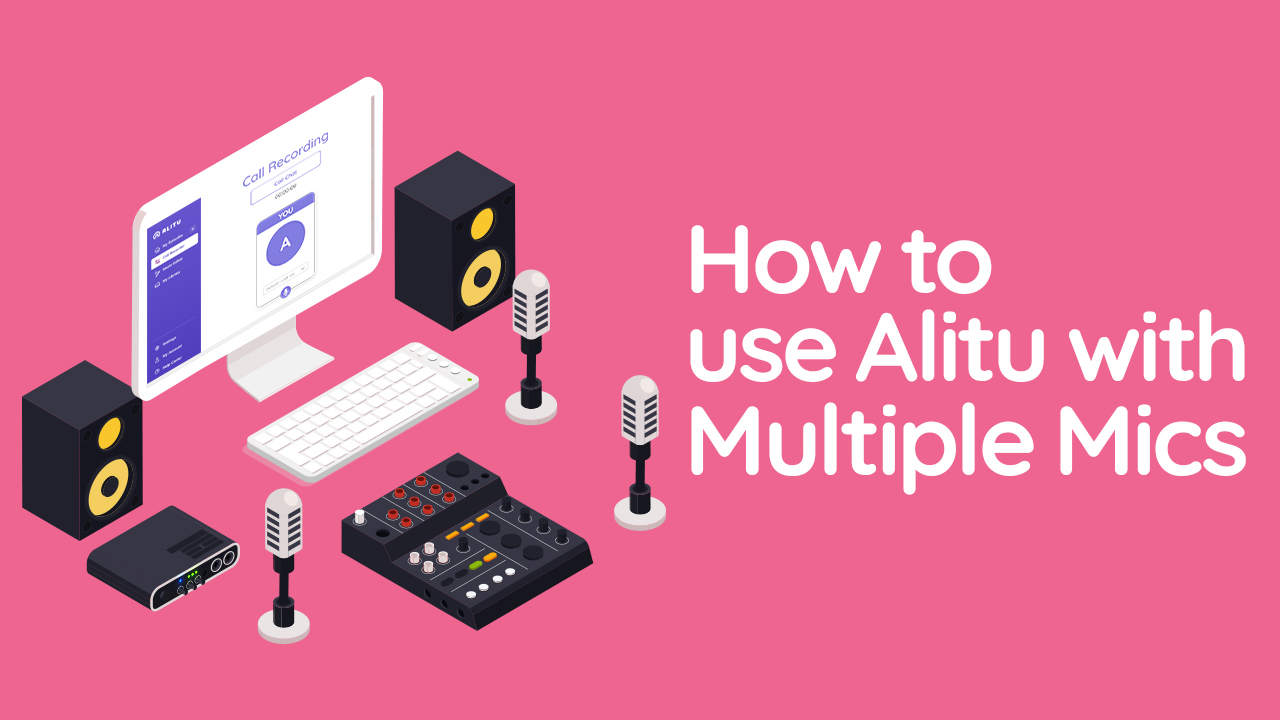
Alitu is best for hobbyists, churches, schools, and small businesses that want a finished, well-leveled episode with minimal effort. Editors who want frame-accurate control will find its automation limiting, but that's precisely the audience it isn't built for.
9. Hindenburg Pro
Hindenburg Pro (the evolution of Hindenburg Journalist) is a traditional editor designed specifically for the spoken word, which gives it an edge over generic DAWs adapted for podcasting. Its Auto Leveler and Loudness Normalizer keep voices consistent automatically, and Voice Profiler analyzes each speaker and applies tailored EQ and dynamics so a thin guest mic and a deep host mic sit together cleanly.
The interface organizes audio into clips on a clipboard rather than dense multitrack lanes, which matches how journalists assemble interviews and narration. Built-in transcription and a structured workflow make it a favorite for radio producers, audio documentarians, and anyone who edits dialogue all day.
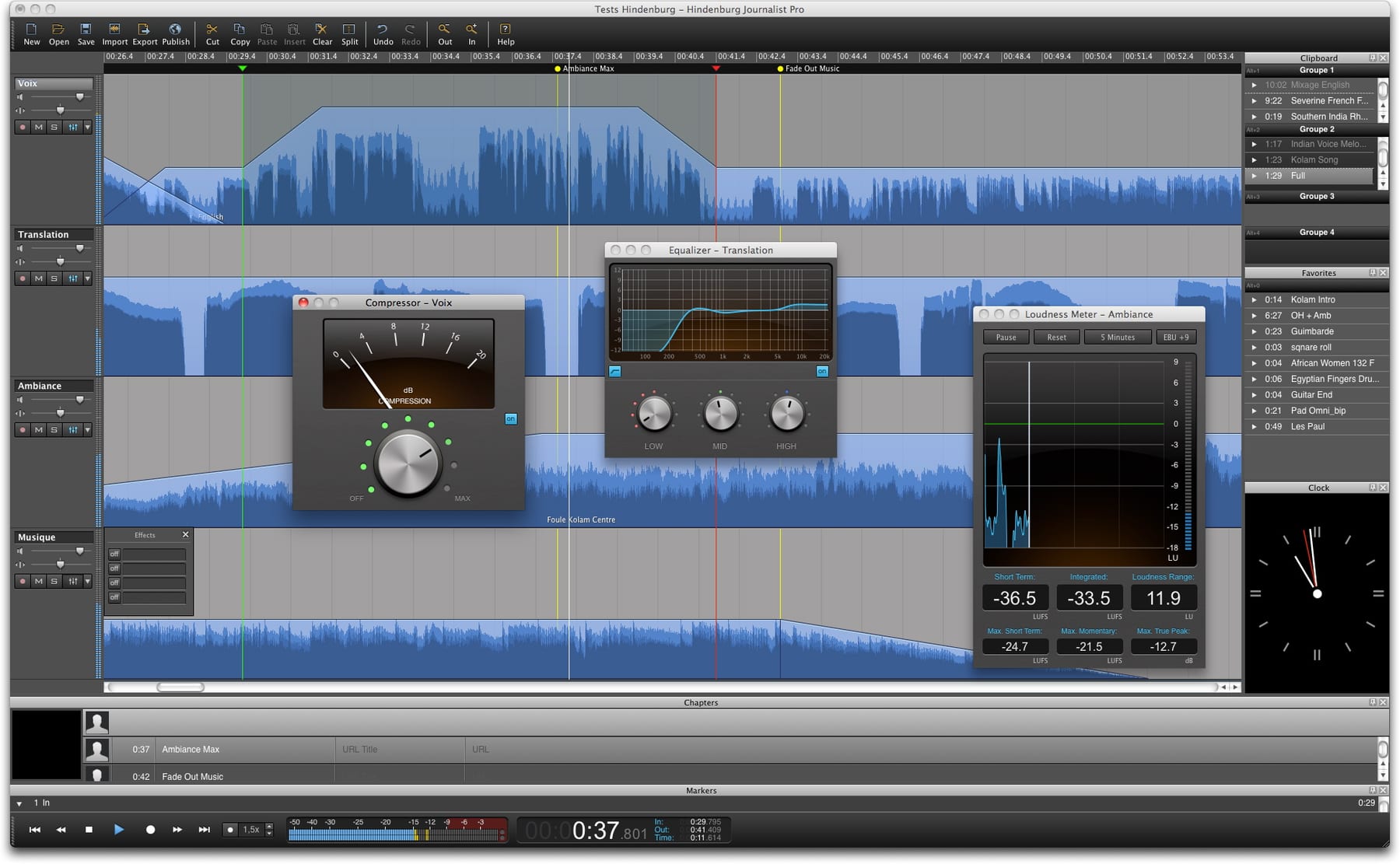
Hindenburg is best for professionals who want a real timeline with intelligent automation rather than a text-only paradigm. It's a paid desktop application, and its strengths are wasted on someone who just wants a one-click cleanup.
10. Resound
Resound focuses on the tedious middle of editing: it uses AI to detect and remove filler words, trim silences, and — distinctively — suggest and place sound effects automatically based on what's said in the conversation. That last feature can give a bare two-mic chat a more produced feel without a sound designer.
It processes multitrack sessions, generates an edit report, and exports cleaned audio for final mixing elsewhere. Like Cleanvoice, it's a targeted assistant rather than a full studio, and pricing scales with the hours of audio you process.
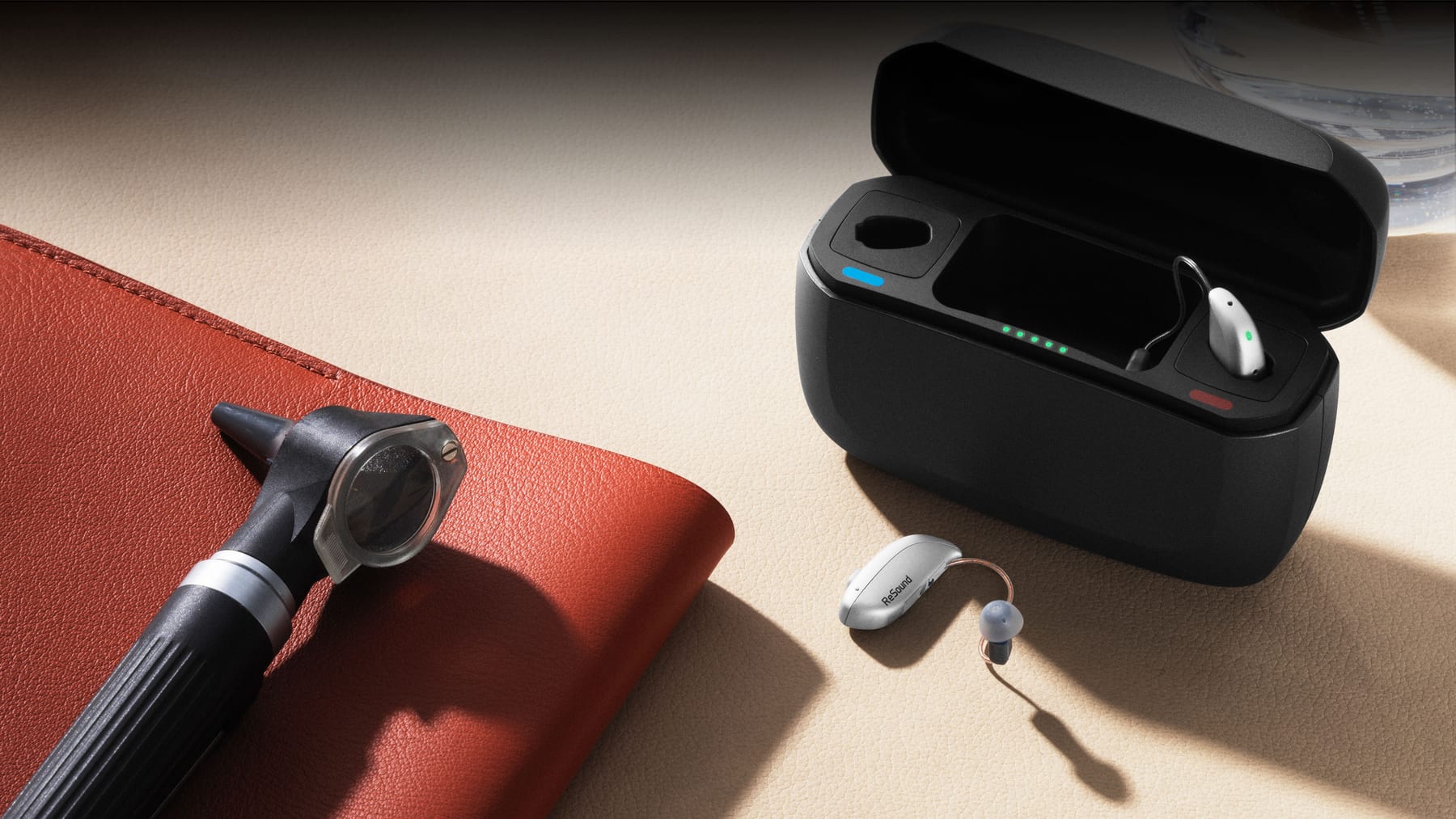
Resound is best for shows that want automated filler cleanup plus a light layer of sound design without manual effort. It rounds out the list as a useful specialist tool rather than a one-stop editor.
FAQ
Can AI podcast editing tools fully replace a human editor? Not yet. AI handles cleanup, leveling, filler removal, and transcription extremely well, which can cut editing time by half or more. Creative pacing, narrative structure, and judgment calls about what to keep still need a person.
What loudness target should I export at? Aim for around -16 LUFS for stereo podcasts, which matches what platforms like Apple Podcasts and Spotify normalize toward. Tools such as Auphonic and Hindenburg Pro hit this automatically.
Which tool is best for cleaning up bad recordings? iZotope RX 11 for forensic repair and Adobe Podcast for fast, free voice enhancement. RX gives surgical control; Adobe gives one-click results on rough home audio.
Do I need a powerful computer to run these? Most — Descript, Adobe Podcast, Riverside, Podcastle, Cleanvoice, Auphonic — run in the browser or offload processing to the cloud. Only iZotope RX 11 and Hindenburg Pro are desktop apps that benefit from a faster machine.
Is text-based editing actually faster? For interview and conversational shows, yes — deleting words to delete audio is dramatically quicker than scrubbing waveforms. For music-heavy or sound-design episodes, a traditional timeline like Hindenburg Pro still wins.
Are the free tiers good enough to start? For many creators, yes. Adobe Podcast is free, Auphonic offers ~2 hours monthly, and Descript and Podcastle have free tiers that cover a short, low-volume show.
Bottom Line
For most podcasters in 2027, Descript is the right default — it combines text-based editing, Studio Sound, and the Underlord assistant into the fastest path from raw recording to published episode. Pair it with Adobe Podcast for free voice repair and Auphonic for automated mastering, and a solo creator has a near-professional pipeline at minimal cost. Reach for iZotope RX 11 when audio is genuinely damaged, and Hindenburg Pro when you want a real timeline built for the spoken word. Match the tool to the job rather than chasing a single do-everything app.
Related on PULSE
- [The 10 Best AI Tools for Podcast Show Notes in 2027](/knowledge/ai0179)
- [The 10 Best AI Tools for Photo Editing in 2027](/knowledge/ai0016)
- [The 10 Best AI Tools for Video Editing in 2027](/knowledge/ai0003)
Sources
- Descript — features and pricing
- Adobe Podcast — Enhance Speech
- iZotope RX 11 — audio repair
- Auphonic — automated audio post-production
- Riverside.fm — recording and editing
- Podcastle — AI podcast studio
- Cleanvoice AI — filler-word removal
- Hindenburg — Pro audio editor
*Best AI podcast editing tools 2027 — Descript, Adobe Podcast Enhance Speech, iZotope RX 11, Auphonic, Riverside, Podcastle, Cleanvoice, Alitu, Hindenburg Pro, and Resound for filler removal, noise reduction, and loudness mastering.*
People also search for: best ai tools for podcast editing 2027 · top ai tools for podcast editing 2027 · top rated ai tools for podcast editing 2027 · top ranked ai tools for podcast editing 2027 · highest rated ai tools for podcast editing 2027 · ai tools for podcast editing reviews 2027
Read it free — or make it yours for $1.
@Kory-White- · if Venmo asks, the last 4 of my number are 2012
 pulse-ai-infrastructureThe 10 Best AI Tools for Summarizing Books in 2027
 pulse-ai-infrastructureThe 10 Best AI Tools for Nutrition Tracking in 2027
 pulse-ai-infrastructureWhat infrastructure do you need for fine-tuning versus RAG?
 pulse-ai-infrastructureThe 10 Best MLOps Platforms in 2027
 pulse-ai-infrastructureHow do you prevent prompt injection at the infrastructure layer?
 pulse-ai-infrastructureThe 10 Best AI Tools for Wedding Planning in 2027
 pulse-ai-infrastructureThe 10 Best AI Tools for Backend Debugging in 2027
 pulse-ai-infrastructureThe 10 Best AI Tools for Beat Making in 2027
 pulse-ai-infrastructureHow do you architect a RAG pipeline for low latency?
 pulse-ai-infrastructureThe 10 Best AI Tools for Children's Books in 2027