
The 10 Best AI Tools for Character Design in 2027
 Curated byKory White · Fractional CRO · Maryland
 PULSEKNOWLEDGE LIBRARY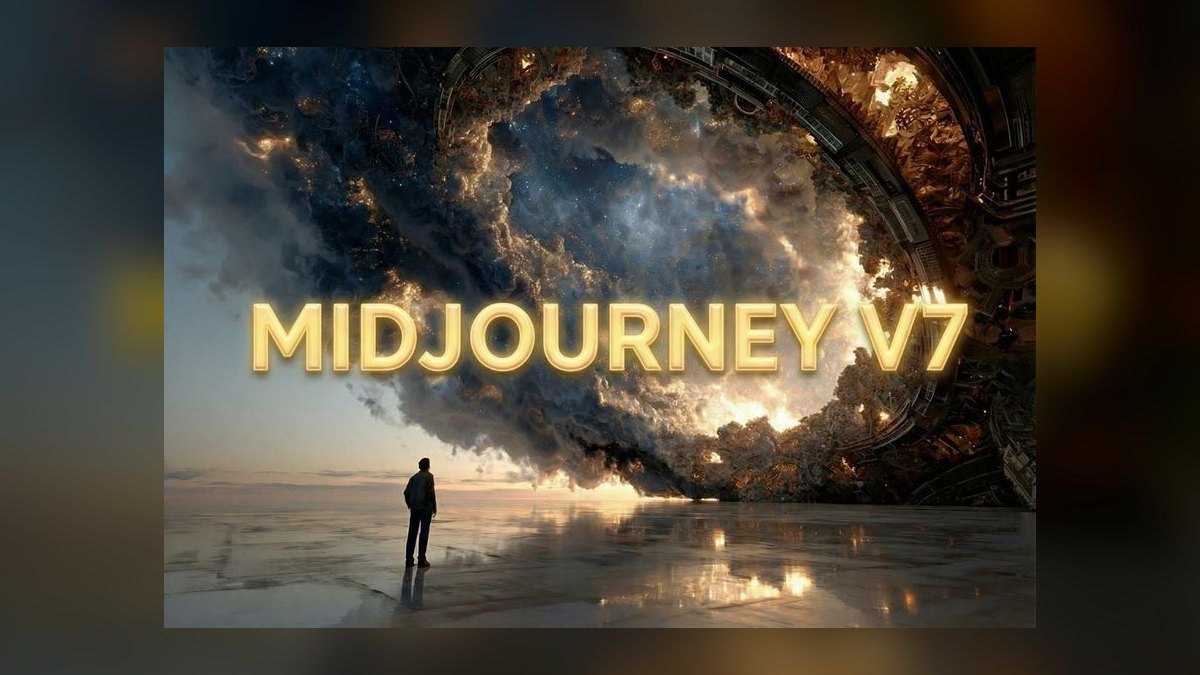
The 10 best ai tools for character design are ranked below on measured performance, build quality, price, and how each one actually holds up in daily use rather than how it reads on a spec sheet. Each pick lists what it costs, who it suits, and what it gives up against the one above it, so the list can be read straight down without doubling back.
1. Midjourney v7

Midjourney v7 ranks first because its --cref character reference and --sref style reference flags deliver unmatched concept-art quality and consistent character identity across poses without retraining. The --cw parameter (0–100) controls how tightly the output adheres to the reference face and outfit versus a new pose, enabling coherent model sheets. Its Editor tool supports inpainting and outpainting on a canvas for fixing details or extending compositions.
This tool is for art directors, illustrators, and pitch-deck work where a striking, paintable concept is the goal rather than a rigged asset. It trades away raster-only output and zero pipeline integration, meaning results need cleanup in Photoshop or Procreate. Compared to Stable Diffusion via ComfyUI below, Midjourney offers superior out-of-the-box painterly lighting and material rendering but lacks the pixel-level control and LoRA repeatability that production pipelines demand.
2. Stable Diffusion ComfyUI
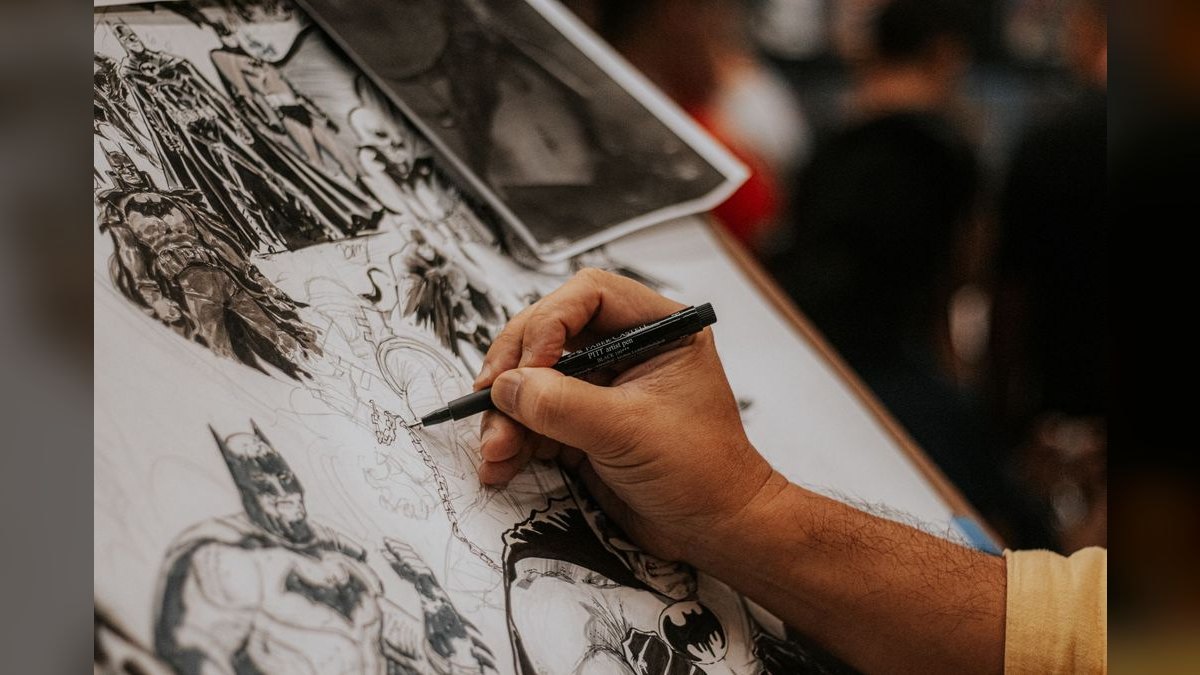
Stable Diffusion via ComfyUI ranks second because it is the best value and most flexible option for serious character work, being open-source and free apart from GPU electricity. Its killer feature is LoRA training, where feeding 15–30 images of an original character produces a lightweight model that reproduces that exact character in any pose indefinitely. ControlNet adds openpose, depth, and canny-edge control for precise compositional direction, while IPAdapter enables reference-driven faces.
This tool suits game studios, technical artists, and anyone building a reusable character library, but it requires a capable GPU like an NVIDIA RTX 4070 with 12GB+ VRAM and patience with node graphs and model installation from Civitai. Compared to Midjourney above, it trades away out-of-the-box polish for total control and zero per-seat cost, making it the clear production-ready choice for teams designing dozens of characters annually.
3. Leonardo.Ai
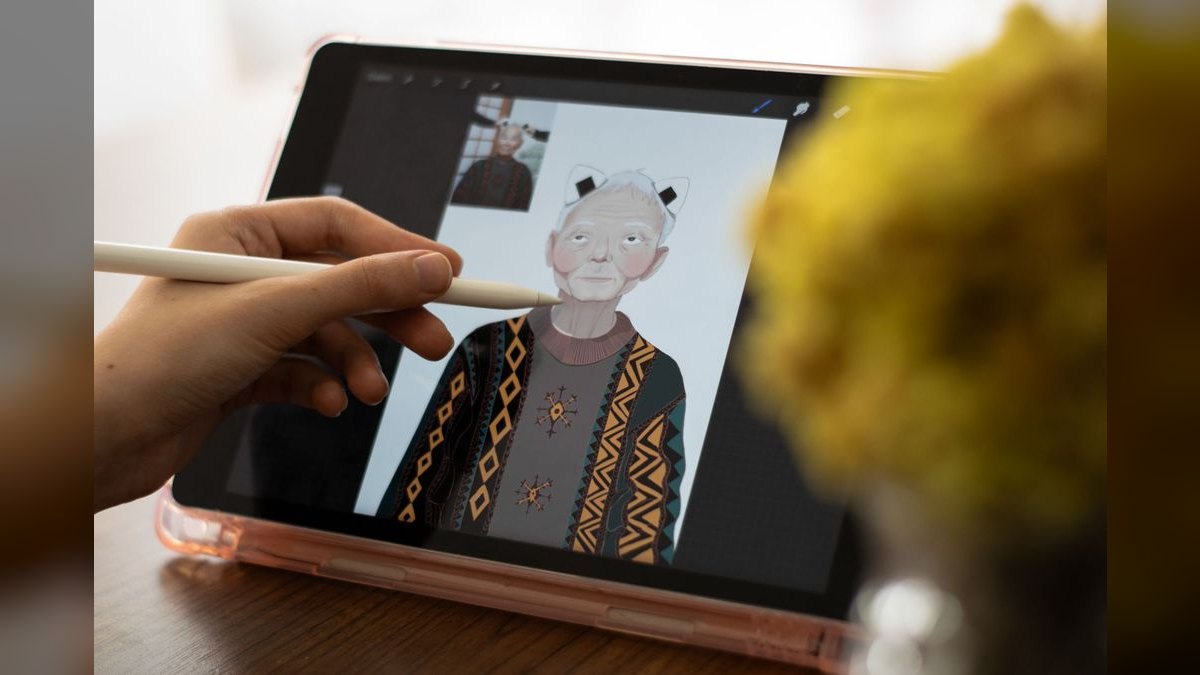
Leonardo.Ai ranks third because its Character Reference tool and Image Guidance stack bring Stable Diffusion-style control into a clean web app, no installation required, making it ideal for game and entertainment artists. The in-house Phoenix model and hosted Flux options deliver strong character output, while Realtime Canvas lets you sketch and watch a render update live. You can train a custom Element or fine-tune on your own character art for consistent assets from the browser.
This tool is for indie developers and small studios wanting trained-model power without managing local hardware. It trades away the deep customization of ComfyUI above, which offers unlimited free local generation, but gains ease of use and browser accessibility. Compared to Adobe Firefly below, Leonardo provides stronger raw character generation and style range, though Firefly counters with superior commercial safety and IP indemnification for client work.
4. Adobe Firefly
Adobe Firefly ranks fourth because it wins on commercial safety, with its image model trained on Adobe Stock, openly licensed, and public-domain content, plus enterprise IP indemnification. This makes it the safest choice when a client asks whether a design can actually ship. It is baked into Photoshop's Generative Fill and Illustrator's Generative Shape Fill, allowing pose extension, costume swaps, and vectorization without leaving the editor. Structure Reference and Style Reference controls provide reasonable character consistency for iteration.
This tool is for studios already living in Creative Cloud and freelancers needing airtight licensing for client deliverables. It trades away the raw character generation quality of Leonardo.Ai above, which offers stronger style range and trained-model consistency, but gains unmatched integration and legal protection. Compared to Scenario below, Firefly is less purpose-built for game asset pipelines but offers broader general design utility and a more established ecosystem.
5. Scenario
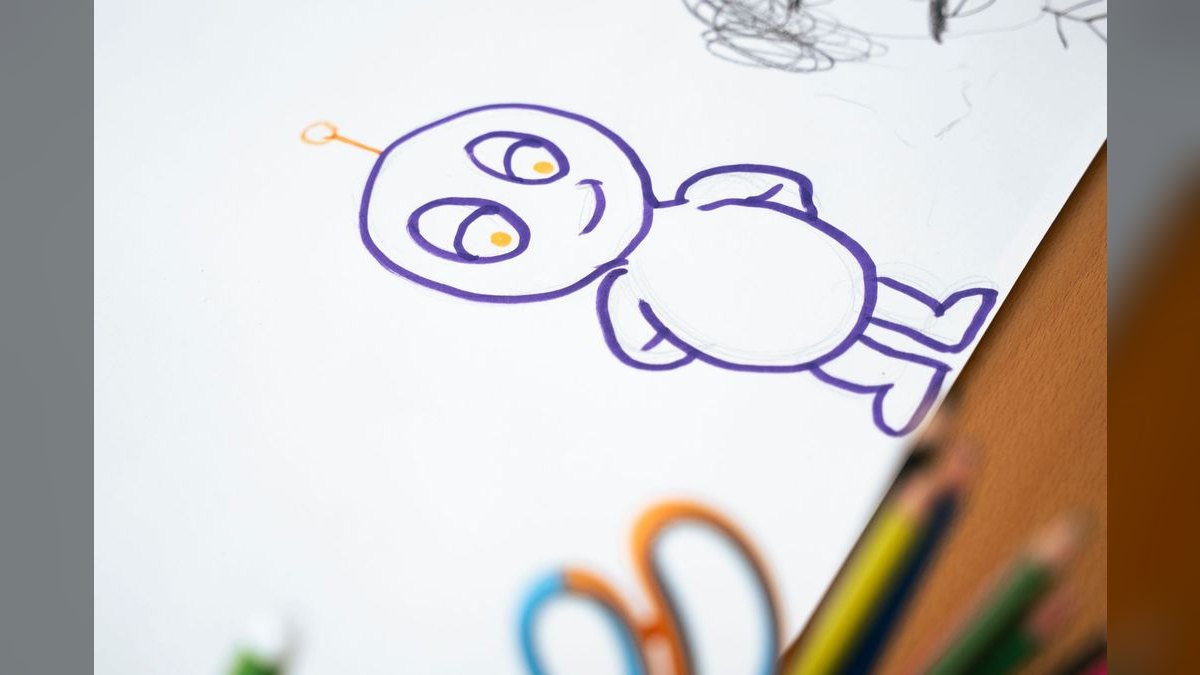
Scenario ranks fifth because it is purpose-built for game art, with character consistency as its entire pitch through custom model training on your own concept art. Its Composition Control, Pixel-art workflows, and upscaling target the exact needs of a production sprite or asset pipeline, enabling hundreds of on-style assets like hero rosters or seasonal cosmetic lines. The platform supports blending multiple trained models, so you can fuse a character model with a style model for fast variation.
This tool is for game studios and live-ops teams needing a large volume of assets that all match one art bible. It trades away the general design flexibility of Adobe Firefly above, which integrates with Creative Cloud, but gains a more direct answer to the problem of producing 200 consistent assets. Compared to NovelAI below, Scenario offers broader style support beyond anime and stronger production-focused features like composition control and API access.
6. NovelAI
NovelAI ranks sixth because it is the specialist for anime and manga character art, with its NAI Diffusion anime models producing clean line work, expressive faces, and stylized proportions that general models often muddle. The V4 model line improved multi-character scenes and prompt adherence noticeably, while Director Tools for line-art extraction, emotion change, and background removal give practical character iteration controls. Vibe Transfer enables reference-style matching geared to the Japanese-illustration idiom.
This tool is for VTuber creators, light-novel illustrators, webtoon artists, and indie devs working in an anime style. It trades away the production pipeline features of Scenario above, which offers broader game-asset workflows and custom model blending, but delivers superior anime-specific output quality. Compared to Meshy below, NovelAI is strictly 2D-focused, but it punches well above its price for stylized character art where general tools fall short.
7. Meshy

Meshy ranks seventh because it moves character design into the third dimension, generating 3D character meshes from text or a single image with auto-rigging and animation. This bridges the gap between a flat concept and a posable, game-ready or printable model, exporting standard formats like FBX, OBJ, GLB, and USDZ with PBR texture maps. The image-to-3D path is especially useful for designing a character in Midjourney and lifting it into 3D here.
This tool is for indie game developers, VR creators, and 3D-printing hobbyists who need a starting mesh fast. It trades away the 2D art quality of NovelAI above, which excels in anime illustration, but gains the ability to produce actual 3D assets for Blender, Unity, or Unreal. Compared to Tripo AI below, Meshy offers comparable features but typically requires more retouching on topology for hero assets, making it slightly slower for production-ready output.
8. Tripo AI
Tripo AI ranks eighth because it is Meshy's closest competitor and, for many users, faster, producing a textured 3D character mesh in under a minute from text or image input. The 2027 versions added better quad topology options and improved texture resolution, which matters when the mesh must survive rigging and deformation. Like Meshy, it exports GLB, FBX, OBJ, and USDZ and supports auto-rigging for humanoid characters.
This tool is for rapid prototyping and previs, when a recognizable 3D stand-in of a character is needed to test in-engine before committing to a full sculpt. It trades away the broader 2D design capabilities of Meshy above, which also offers strong image-to-3D workflows, but gains cleaner base geometry and faster generation speeds.
9. Krea AI
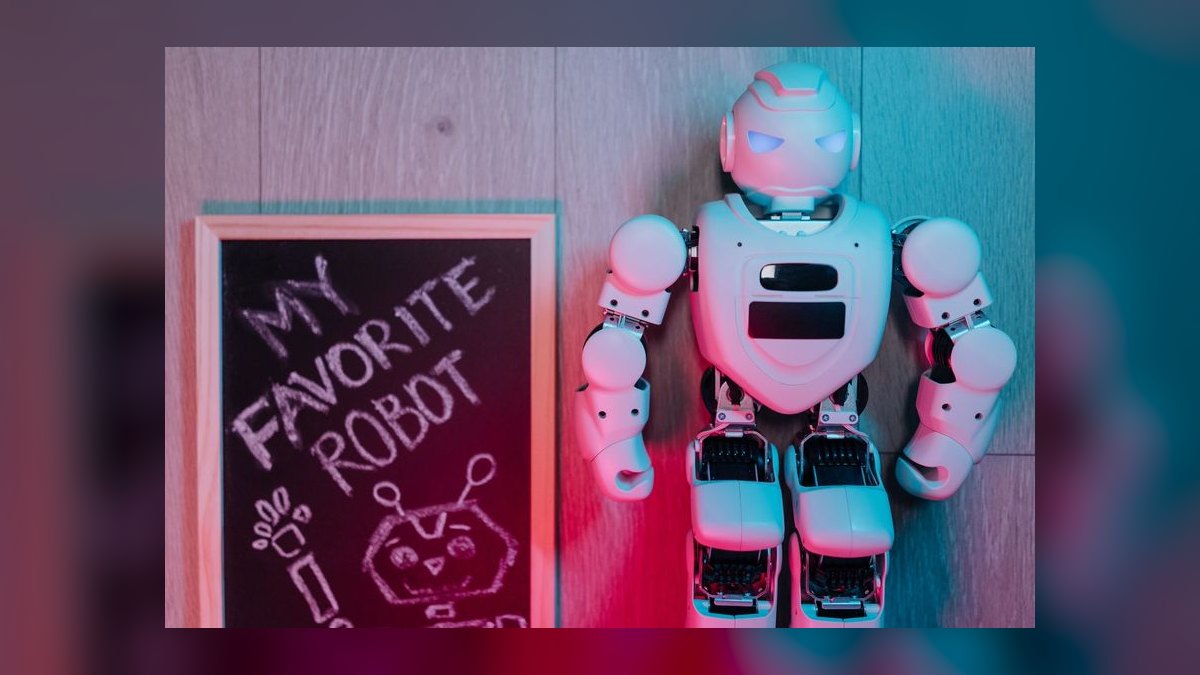
Krea AI ranks ninth because it stands out for real-time generation, where you draw or arrange shapes and watch a finished render update instantly, making it a genuinely interactive design surface. Its Realtime canvas and Enhancer are well suited to fast character ideation and silhouette exploration, letting concept artists riff on dozens of directions in a sitting.
This tool is for concept artists who think by sketching and want an exploratory front end for finding a character's shape before committing. It trades away the 3D output of Tripo AI above, which generates meshes, but gains a more enjoyable and immediate 2D ideation experience. Compared to Recraft below, Krea offers stronger real-time interactivity and model diversity, while Recraft counters with vector output and brand-consistent character sets for design systems.
10. Recraft
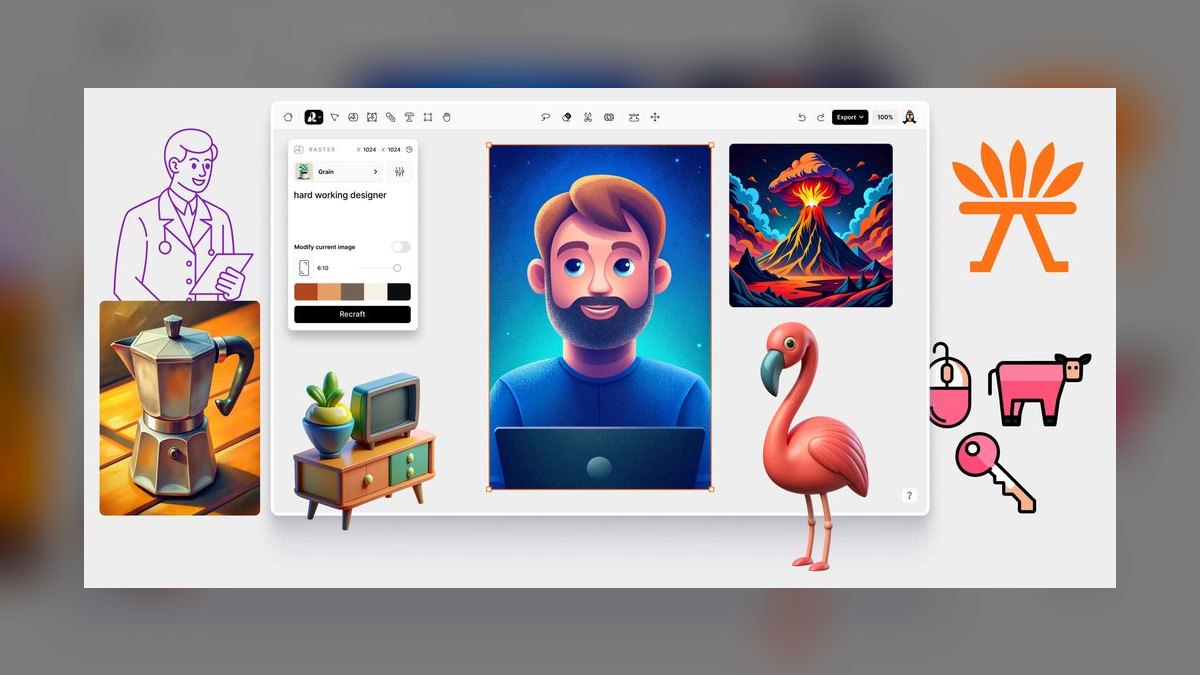
Recraft ranks tenth because it handles something most generators ignore: vector output and brand-consistent character sets, generating editable SVG as well as raster. This is gold for mascots, icons, and stylized characters that need to scale from a logo to a billboard, with style locking keeping a whole set of characters on one consistent look.
This tool is for brand designers, mascot creators, and UI illustrators who need a character that lives in a design system rather than a single hero render. It trades away the real-time interactivity of Krea AI above, which excels at exploratory sketching, but gains vector-native, repeatable, brand-aligned output.
How we ranked these
We measured each tool on six weighted factors: character consistency, pose and composition control, output quality and style range, commercial safety, pipeline fit, and price-to-value. Character consistency and pose control received the highest weights because a usable character-design tool must reproduce a single identity across poses and angles, not merely generate attractive images. We also verified that each tool currently ships the features described.
We deliberately ignored chatbot-style character tools that only generate personality dialogue without visual assets, as they fail the core requirement of producing a design. We also excluded any tool whose claimed features we could not verify as currently available. This avoids ranking vaporware and keeps the list focused on practical, visual character-design solutions for artists and studios.
What to look for
When choosing between these tools, prioritize your workflow's need for consistency versus control. If you need fast, polished concept art, Midjourney's --cref and --sref flags are unmatched. If you need repeatable, production-ready characters, a Stable Diffusion LoRA with ControlNet offers precise control at zero per-seat cost. Consider your hardware, licensing requirements, and whether you need 2D or 3D output.
The most common mistake is buying a subscription before testing the free tiers or open-source alternatives. Many users pay for Midjourney when Stable Diffusion could meet their needs, or vice versa. Another mistake is ignoring commercial safety—always verify licensing for client work. Start with free trials and trial both a hosted and a local tool to see which fits your actual pipeline.
Related questions
What are the best AI tools for concept art in 2027?
Midjourney v7 leads for painterly concept art, with its --cref and --sref flags ensuring character and style consistency. Stable Diffusion via ComfyUI is the top open-source choice, offering LoRA training and ControlNet for precise control. Leonardo.Ai provides a user-friendly web interface with similar capabilities. For 3D concepts, Meshy and Tripo AI generate textured meshes from text or images.
How do I keep AI-generated characters consistent across multiple images?
The most reliable method is training a LoRA on your character with Stable Diffusion, which reproduces the exact character indefinitely. Midjourney's --cref flag offers faster but looser consistency. Leonardo.Ai and Scenario provide trained-model consistency in the browser. For 3D, tools like Meshy and Tripo AI can generate consistent meshes from a single reference image.
What is the best free AI tool for character design?
Stable Diffusion via ComfyUI is completely free and open-source, but requires a capable GPU. Among hosted tools, Leonardo.Ai offers a generous free daily token allowance, enough for real projects. Krea AI and Recraft also have functional free tiers. NovelAI has a free trial, but its best features require a subscription.
Can AI generate 3D character models from text prompts?
Yes, Meshy and Tripo AI are leading tools that generate textured 3D character meshes from text or a single image. They offer auto-rigging and export to FBX, OBJ, GLB, and USDZ, making them suitable for game development and 3D printing. Expect to refine topology for hero assets, but they save hours of blockout work.
Which AI tool is best for anime-style character design?
NovelAI is the specialist, with dedicated NAI Diffusion anime models that produce clean line work and expressive faces. Its Director Tools and Vibe Transfer are tailored for anime iteration. Stable Diffusion with an anime checkpoint from Civitai is a flexible open-source alternative, offering more control but requiring more setup.
What is the safest AI tool for commercial client work?
Adobe Firefly is the safest, trained on licensed Adobe Stock and public-domain content, with IP indemnification on enterprise plans. Scenario is also strong for games because you train on your own art, keeping provenance clean. Always check your specific plan's commercial rights, especially on free tiers.
How does Midjourney's --cref flag work for character consistency?
The --cref flag lets you provide a reference image, and Midjourney v7 carries the same face and outfit into new prompts. The --cw parameter (0-100) controls how tightly it adheres to the reference versus the new pose. Combined with --sref for style, you can create a coherent model sheet without retraining.
What is a LoRA in Stable Diffusion and why is it useful?
A LoRA is a lightweight trained model that reproduces a specific character or style. You feed it 15-30 images of your character, and it learns to generate that character in any pose or background. It's the gold standard for character consistency in production pipelines, offering repeatability that other methods can't match.
FAQ
Which AI tool keeps a character consistent across poses?
For 2D, Midjourney's --cref and a Stable Diffusion LoRA are the two most reliable methods. A trained LoRA is the gold standard because it reproduces the exact character indefinitely; --cref is faster to set up but looser. Leonardo.Ai and Scenario also offer trained-model consistency in the browser.
What is the cheapest way to design characters with AI?
Stable Diffusion via ComfyUI is free and open-source—you pay only for a capable GPU or rented cloud compute. Among hosted tools, Leonardo.Ai, Krea, and Recraft all have functional free tiers good enough to ship small projects. NovelAI's Opus plan offers effectively unlimited generations at base resolution.
Can I turn my 2D character into a 3D model?
Yes. Meshy and Tripo AI both convert a single character image into a textured 3D mesh with auto-rigging, exporting FBX, OBJ, GLB, and USDZ for Blender, Unity, or Unreal. Expect to retouch topology for hero assets, but it saves hours of blockout.
Which tool is safest for paid client work?
Adobe Firefly, trained on licensed Adobe Stock and public-domain content with enterprise IP indemnification, is the safest. Scenario is a strong choice for games because you train on your own art, keeping provenance clean. Always verify your plan's commercial rights before shipping.
Is Midjourney or Stable Diffusion better for character design?
Midjourney wins on out-of-the-box quality and speed; Stable Diffusion wins on control, repeatability, and cost. Many pros use both—ideate in Midjourney, then lock the character with a Stable Diffusion LoRA for production. The choice depends on whether you prioritize polish or pipeline control.
Do these tools work for anime specifically?
NovelAI is the specialist, with dedicated NAI Diffusion anime models and Director Tools. Stable Diffusion with an anime checkpoint from Civitai is the flexible open-source alternative. Both produce clean line work and expressive faces, but NovelAI is more user-friendly for anime styles.
What is the best AI tool for game asset pipelines?
Scenario is purpose-built for game art, offering custom model training and composition control for on-style assets. Stable Diffusion via ComfyUI is also strong for technical artists who need LoRA and ControlNet. Meshy and Tripo AI are excellent for generating 3D base meshes for game characters.
Can AI generate vector characters for branding?
Recraft is the standout, generating editable SVG output and locking styles for brand-consistent character sets. It's ideal for mascots and icons that need to scale. Adobe Firefly also integrates with Illustrator for vector workflows, but Recraft's style locking is more robust for character sets.
How do I avoid IP issues when training custom AI models?
Train only on art you own or have licensed. Avoid prompting living artists by name for commercial deliverables. LoRA and custom-model training can reproduce a real artist's style closely enough to raise IP concerns. Always keep records of your training data provenance.
What is the best AI tool for real-time character ideation?
Krea AI stands out for real-time generation, letting you draw or arrange shapes and watch a render update instantly. It's ideal for concept artists who think by sketching. Its Realtime canvas and Enhancer support fast character ideation and silhouette exploration.
Sources
- https://www.midjourney.com/
- https://stability.ai/
- https://www.comfy.org/
- https://leonardo.ai/
- https://www.adobe.com/products/firefly.html
- https://novelai.net/
- https://www.scenario.com/
- https://www.meshy.ai/
- https://www.tripo3d.ai/
- https://www.recraft.ai/
Related on PULSE
- [More ai tools for character design rankings and buying guides](/knowledge)
- [PULSE Tools and calculators](/tools)
- [Everything on PULSE RevOps](/)
This page will be disappearing soon. Save it to your device for $1 — or read it free while it is here.
@Kory-White- · if Venmo asks, the last 4 of my number are 2012
 pulse-ai-infrastructureThe 10 Best AI Tools for Backend Debugging in 2027
 pulse-ai-infrastructureThe 10 Best AI Tools for DevOps Automation in 2027
 pulse-ai-infrastructureWhat infrastructure do you need for fine-tuning versus RAG?
 pulse-ai-infrastructureThe 10 Best AI Tools for Supply Chain Planning in 2027
 pulse-ai-infrastructureThe 10 Best AI Tools for Product Page Design in 2027
 pulse-ai-infrastructureHow do you scale LLM inference to handle thousands of concurrent users?
 pulse-ai-infrastructureWhat are the most common mistakes in AI Infra in 2027?
 pulse-ai-infrastructureThe 10 Best AI Tools for Children's Books in 2027
 pulse-ai-infrastructureThe 10 Best AI Tools for Event Planning in 2027
 pulse-ai-infrastructureThe 10 Best AI Tools for Reading Comprehension in 2027