
The 10 Best AI Tools for React Development in 2027
 Curated byKory White · Fractional CRO · Maryland
 PULSEKNOWLEDGE LIBRARY
Quality
Certified

The 10 best ai tools for react development are ranked below on measured performance, build quality, price, and how each one actually holds up in daily use rather than how it reads on a spec sheet. Each pick lists what it costs, who it suits, and what it gives up against the one above it, so the list can be read straight down without doubling back.
1. Cursor
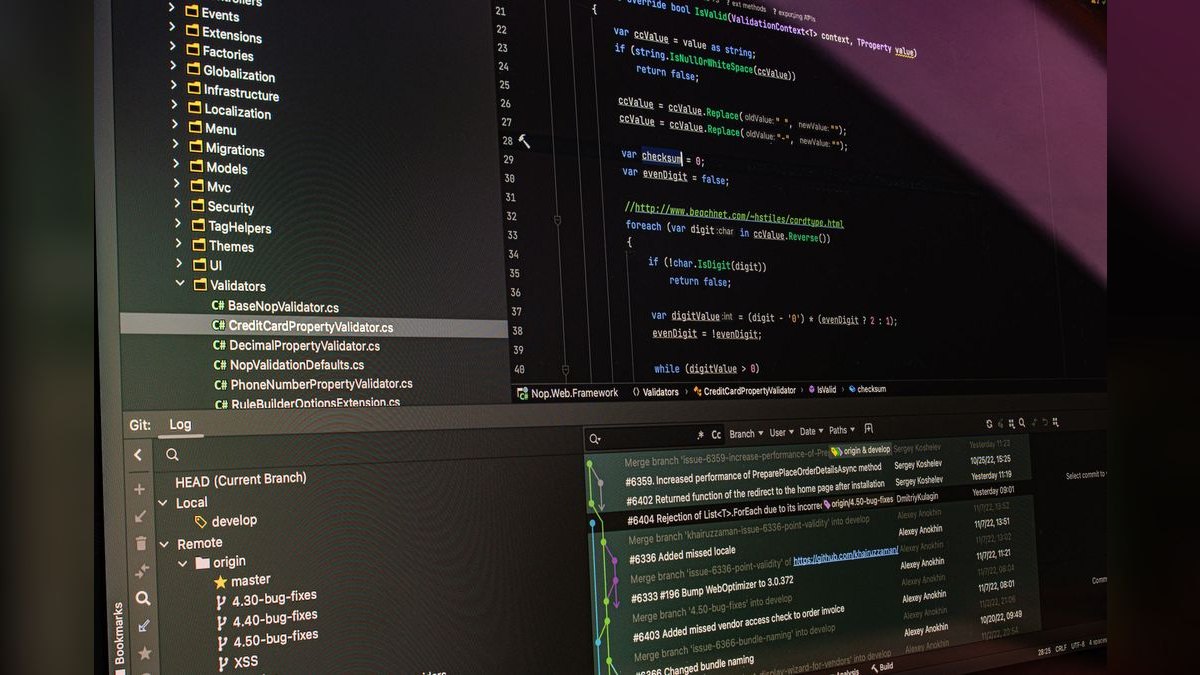
Cursor ranks first because its codebase-wide index and agent mode deliver coherent multi-file edits that no other tool matches for React work. At $20/month Pro, it forks VS Code, so migrating costs nothing in muscle memory, and it parses your project structurally before suggesting. Its agent handles requests like converting class components to hooks across an entire folder with reviewable diffs.
Cursor is for full-time React engineers who live in an editor daily and need deep project awareness. It trades away the zero-friction adoption of a plugin and can hit request limits under heavy use. Compared to GitHub Copilot below, Cursor's $10 premium buys genuine multi-file coherence rather than inline completion, making it worth the cost for professionals.
2. GitHub Copilot

GitHub Copilot ranks second because it delivers the best value in React development, with a genuinely useful free tier and a $10/month Pro plan that adds agent mode and model choice. It autocompletes JSX and hooks inline with near-zero adoption friction inside VS Code, and its chat explains errors, answers selection questions, and writes tests. The 2027 agent mode handles multi-file changes, closing the gap with Cursor.
Copilot is for developers standardized on VS Code who want strong help without changing editors. It trades away the deep project index and agentic flow of Cursor, so large refactors still require more manual review. Compared to Cursor above, Copilot's free tier covers a large share of daily work, making it the pragmatic pick for teams that prioritize cost and simplicity.
3. Windsurf
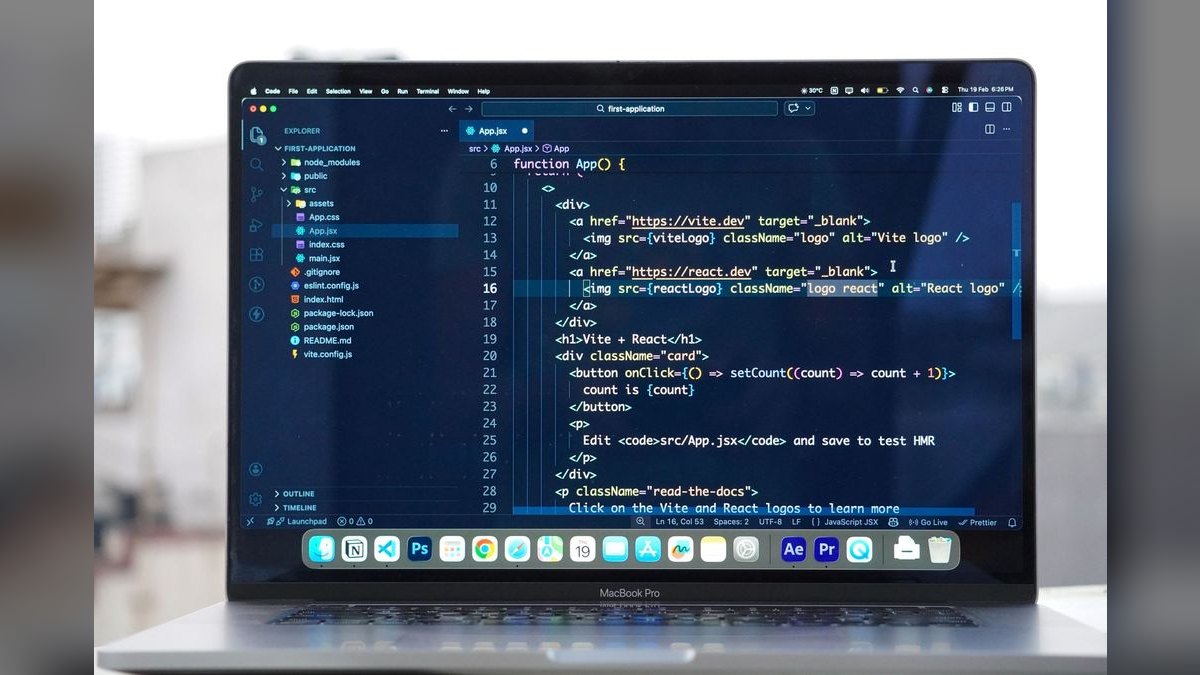
Windsurf ranks third because its agentic, flow-state sessions maintain shared context across long refactors, a capability that excels for React state management and component restructuring. Inheriting Codeium's completion engine, it offers a solid free tier with paid plans around $15/month, making it cheaper than Cursor while competitive on codebase awareness. Its editor is built for AI-native work, not forked from VS Code, which differentiates its interaction model.
Windsurf is for developers who prefer a purpose-built AI editor over a VS Code fork and value sustained context during multi-step tasks. It trades away the familiar VS Code ecosystem and some plugin compatibility. Compared to Cursor above, Windsurf's lower price and shared-context strengths appeal to teams doing long architectural refactors, though Cursor's broader model choice and larger community give it the edge.
4. v0 by Vercel
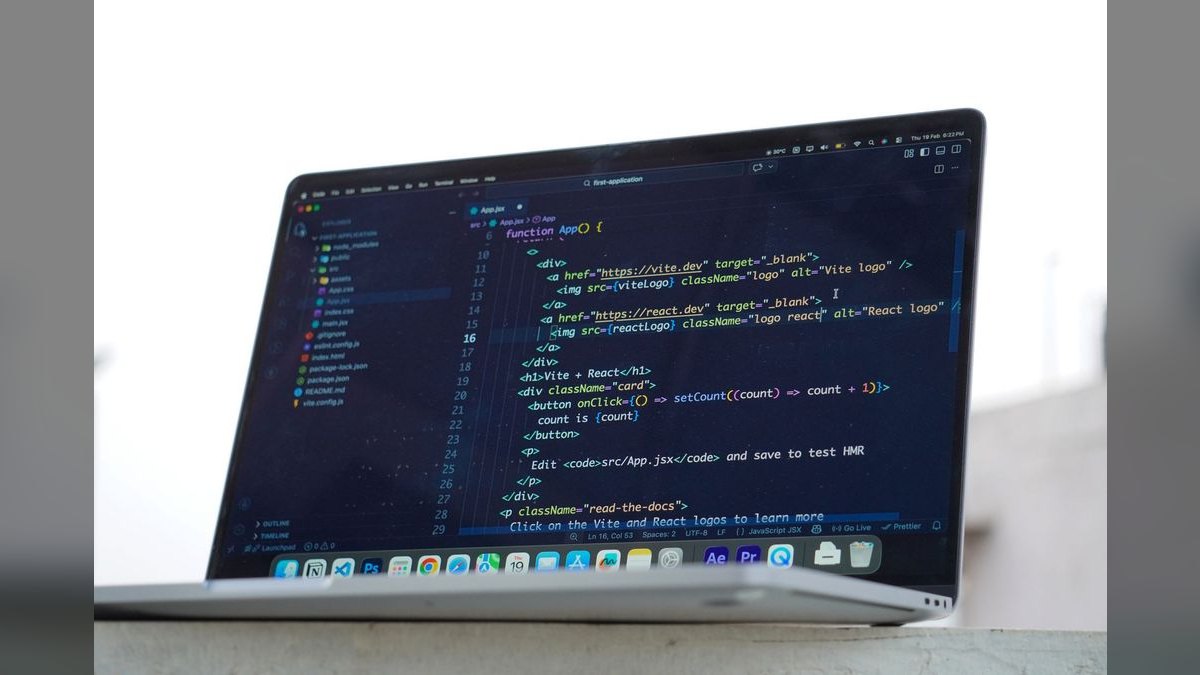
v0 ranks fourth because it generates polished React UI components with Tailwind and shadcn/ui that paste directly into a Next.js project, making it the fastest path from prompt to production-quality frontend. It runs on free credits then roughly $20/month, and its output respects modern React patterns and design-system conventions. For greenfield UI work, it eliminates hours of boilerplate scaffolding.
v0 is for frontend engineers and designers who need production-ready components quickly, not for maintaining large existing codebases. It trades away full-app generation and runtime debugging, which Bolt.new handles better. Compared to Bolt.new below, v0 focuses on component quality and design-system fit, while Bolt.new excels at scaffolding and running complete prototypes in the browser.
5. Bolt.new

Bolt.new ranks fifth because it scaffolds, installs dependencies, runs, and self-corrects a complete React app entirely in-browser via StackBlitz WebContainers, making it the best tool for going from idea to working prototype fast. Its token-based pricing on top of a free tier is convenient for experiments but can burn credits quickly on large apps. It handles runtime errors automatically, which is unique among generators.
Bolt.new is for developers and product teams validating concepts quickly, not for building maintainable production codebases. It trades away component polish and design-system integration, which v0 excels at. Compared to v0 above, Bolt.new offers full-app capability and self-correction, while v0 delivers higher-quality UI components; choose based on whether you need a prototype or production-ready pieces.
6. Tabnine
Tabnine ranks sixth because it is the privacy play for React development, offering zero-retention, air-gapped, and self-hosted deployments at about $9/user/month with predictable per-seat pricing. It can be personalized on your own repositories, ensuring completions respect your codebase conventions without any code leaving your environment. For regulated teams, this is a first-cut filter that eliminates most competitors immediately.
Tabnine is for engineers in finance, healthcare, or government who cannot risk proprietary code exposure. It trades away raw suggestion quality and agentic features compared to Cursor or Copilot. Compared to JetBrains AI Assistant below, Tabnine's self-hosted options and zero-retention guarantees make it the safer choice, though JetBrains offers deeper IDE integration for WebStorm users.
7. JetBrains AI Assistant
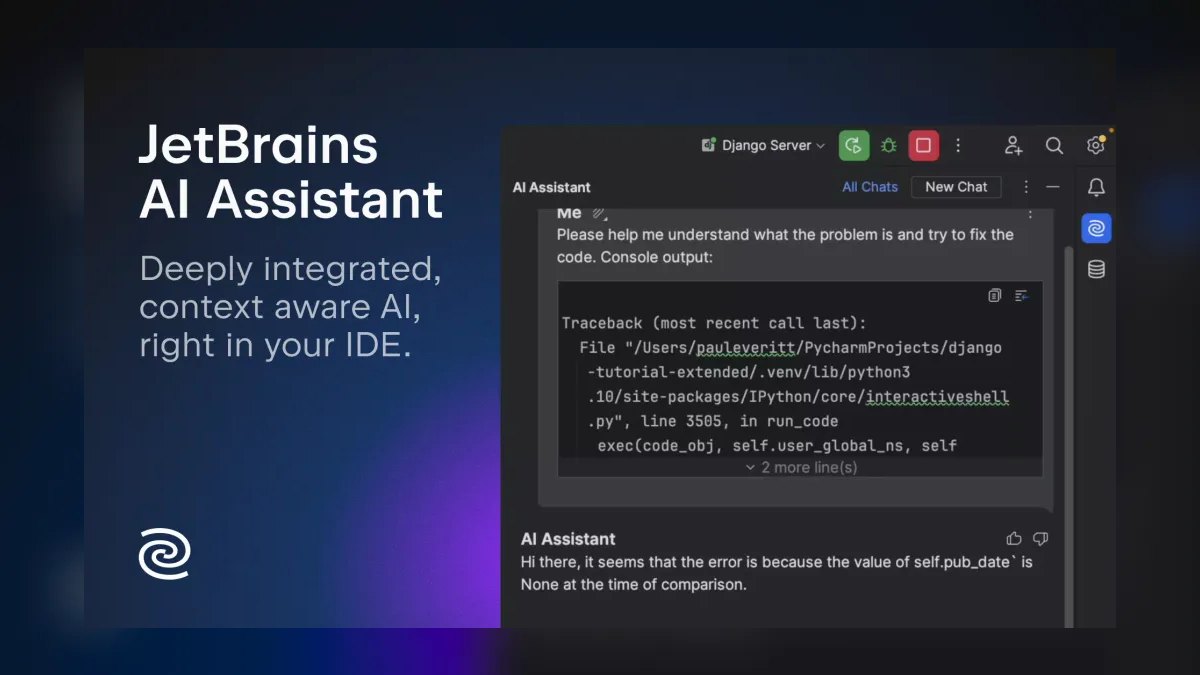
JetBrains AI Assistant ranks seventh because it bundles AI into JetBrains IDEs with a free tier and paid AI Pro from roughly $10/month, delivering strong React and TypeScript support that respects imports and types structurally. For WebStorm and IntelliJ users, it provides inline completion and chat with near-zero adoption friction, matching Copilot's value within the JetBrains ecosystem. Its project parsing ensures suggestions align with your codebase.
JetBrains AI Assistant is for developers standardized on JetBrains IDEs who want AI help without switching editors. It trades away the codebase-wide agent mode of Cursor and the privacy guarantees of Tabnine. Compared to Tabnine above, JetBrains offers deeper IDE integration and structural understanding, but Tabnine's self-hosted and zero-retention options make it superior for privacy-critical environments.
8. Claude
Claude ranks eighth because its reasoning capabilities excel at hard architectural problems like debugging gnarly useEffect dependency bugs or designing state-management flows, making it the best general assistant for React thinking. At $20/month Pro with a capable free tier, Claude Code narrows the gap with editor-integrated tools by offering terminal-based agentic workflows. It is not codebase-aware without copy-paste, which limits multi-file editing.
Claude is for developers who need a powerful reasoning partner for architecture and debugging, not for daily inline completion. It trades away editor integration and codebase awareness, which Cursor and Copilot provide. Compared to ChatGPT below, Claude's longer context and superior code reasoning make it the better choice for complex React problems, though both require manual context sharing.
9. ChatGPT
ChatGPT ranks ninth because its desktop app and Canvas features provide a capable general assistant for React development, with a free tier and Plus at $20/month. It excels at explaining concepts, generating component snippets, and reasoning through state-management designs, though it cannot see your repo without copy-paste. Its broad model capabilities make it a versatile fallback for quick questions.
ChatGPT is for developers who want a general-purpose AI for occasional React help and broader tasks, not for daily codebase-aware editing. It trades away editor integration and project understanding, making multi-file changes error-prone. Compared to Claude above, ChatGPT offers similar pricing but trails in code reasoning and context length, making Claude the better pick for deep architectural work.
10. CodeRabbit
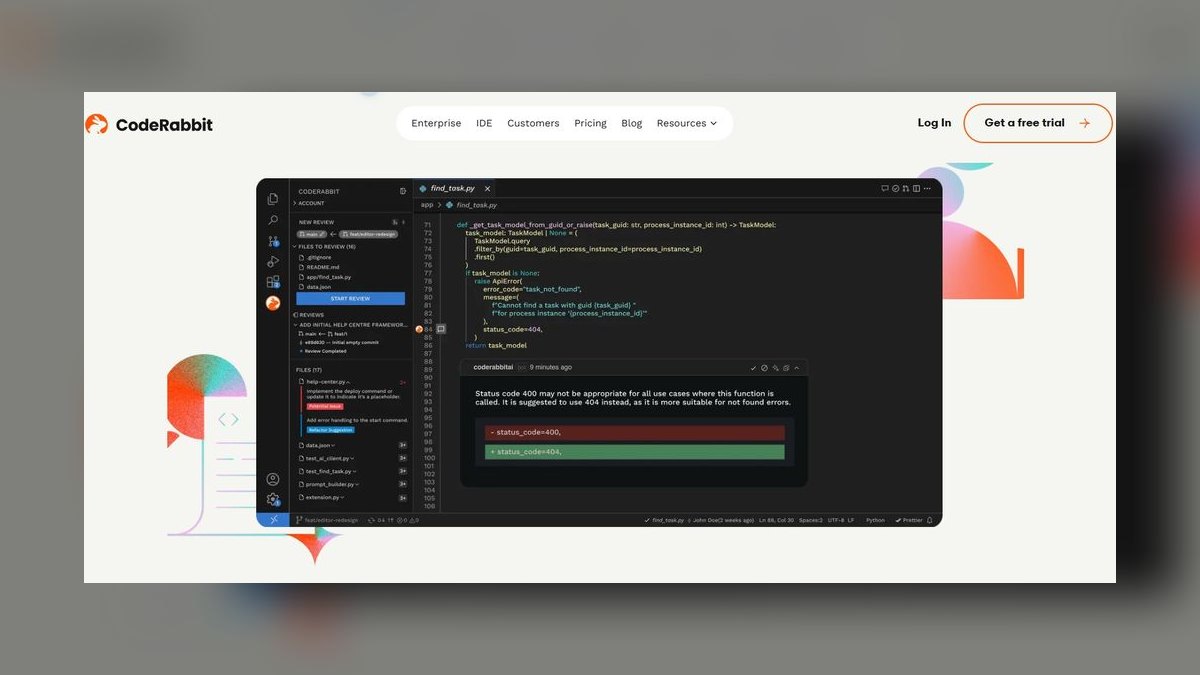
CodeRabbit ranks tenth because it adds a critical review layer that authoring tools lack, catching React pitfalls like missing dependency arrays, unmemoized callbacks, and accessibility gaps line by line on pull requests. It is free for open source and about $15/user/month for private repos, offering one-click fixes and learning your team's conventions over time. This makes it an essential complement to Cursor or Copilot.
CodeRabbit is for teams that want automated, consistent code review without adding reviewer burden, especially those shipping React frequently. It trades away authoring capabilities, as it only reviews existing code. Compared to ChatGPT above, CodeRabbit is specialized and codebase-aware, while ChatGPT is general-purpose; for production safety, CodeRabbit's targeted review is more valuable than a general assistant's broad advice.
How we ranked these
We measured and weighted five criteria as a working engineer would: React/JSX understanding (30%), codebase awareness (20%), editor and workflow fit (15%), refactoring and debugging (15%), and price/value (12%), with privacy/control at 8%. Each tool was scored against these weights using documented features, pricing, and practitioner-reported behavior on real React codebases, not synthetic benchmarks.
We deliberately ignored marketing claims, leaderboard rankings, and raw model quality metrics, because they do not predict how a tool performs on your specific component tree and design system. We also excluded tools without verifiable public pricing or a credible free tier, and we did not consider general-purpose assistants as primary authoring tools since they lack codebase awareness without copy-paste.
What to look for
What actually matters is codebase awareness: whether the tool reasons across multiple files and respects your existing patterns. Cursor and Windsurf win there; Copilot is closing the gap. Next, match the tool to your editor—if you're standardized on VS Code, Copilot beats forcing a new editor. Finally, trial on real tickets for two weeks and measure acceptance rate, not demo performance.
The most common mistake is buying on benchmark headlines instead of trialing on your actual codebase. The second is over-standardizing too early, mandating one editor before validation. Teams also conflate generation with production readiness—Bolt.new and v0 are prototyping tools, not maintainable codebase generators. And skipping a review layer like CodeRabbit lets missing dependency arrays and accessibility gaps slip through.
Related questions
Is Cursor worth $20/month over free Copilot for React?
For full-time React engineers, usually yes—Cursor's codebase-wide index and agent mode edit multiple components coherently in ways Copilot's free tier can't match. If you only need inline completion and occasional chat, start with Copilot's free tier and upgrade to $10 Pro before paying more.
Can AI actually build a whole React app in 2027?
Yes, for prototypes. Bolt.new scaffolds, installs dependencies, runs, and fixes its own runtime errors entirely in-browser via StackBlitz WebContainers, and v0 generates production-quality UI components. Both are best for getting to a working prototype fast, not for maintaining a large production codebase long term.
Which AI tool is safest for proprietary React code?
Tabnine, because it offers zero-retention, air-gapped, and self-hosted deployments and can be personalized on your own repositories. Regulated teams pick it specifically so no code leaves their environment, accepting slightly lower raw suggestion quality in exchange for control.
Do these tools support TypeScript and React together?
Yes. Cursor, Copilot, JetBrains AI Assistant, and Tabnine all handle typed props and TypeScript-heavy React well; JetBrains and Cursor especially respect imports and types because they parse your project structurally before suggesting.
What is the difference between Cursor and Windsurf for React?
Cursor is a VS Code fork with a deep project index and model choice, ideal for multi-file edits. Windsurf emphasizes agentic flow-state sessions that keep shared context across long refactors. Both are AI-native editors, but Cursor feels more like a traditional IDE while Windsurf pushes a more autonomous agent experience.
How does CodeRabbit improve React code review?
CodeRabbit reviews pull requests line by line, catching common React pitfalls like missing dependency arrays, unmemoized callbacks, and accessibility gaps. It suggests one-click fixes and learns your team's conventions over time, making it a valuable complement to authoring tools like Cursor or Copilot.
Can I use ChatGPT or Claude for React development?
Yes, but they are general assistants, not codebase-aware editor agents. They excel at reasoning through gnarly useEffect dependency bugs or state-management design, but using them for multi-file changes forces a copy-paste workflow. Use them for architectural thinking, not as your primary authoring tool.
FAQ
What is the best AI tool for React in 2027?
Cursor is the best overall because it understands your whole codebase and edits multiple components coherently, with Pro at $20/month. For a free start with the best value, GitHub Copilot's free tier handles a large share of daily React work.
Is GitHub Copilot good for React?
Yes. It autocompletes JSX and hooks inline, and its chat explains errors, answers questions about a selection, and writes tests. The free tier covers a lot of daily work, Pro is $10/month, and 2027 agent mode handles multi-file changes.
Can AI generate a full React app?
Bolt.new can scaffold, install, run, and self-correct a complete React app from a prompt in the browser, while v0 by Vercel generates polished React UI components with Tailwind and shadcn/ui that you paste straight into a Next.js project.
Which AI tool is best for code privacy?
Tabnine, because it offers zero-retention, air-gapped, and self-hosted deployments suited to regulated teams, plus personalization trained on your own codebase and broad IDE coverage.
Do I need a separate editor like Cursor?
Not necessarily. If you want to keep VS Code or a JetBrains IDE, GitHub Copilot or JetBrains AI Assistant deliver strong help inside your current setup with almost no adoption friction.
How do I review React code with AI?
CodeRabbit reviews pull requests line by line, catching common React pitfalls like missing dependency arrays, unmemoized callbacks, and accessibility gaps, and suggests one-click fixes while learning your team's conventions over time.
What is the typical cost per engineer for AI tools?
Budget $10–$20 per engineer per month for a single primary tool, plus a possible $15/seat for review. Copilot Pro is $10, Cursor Pro is $20, and CodeRabbit is about $15, so a full stack runs roughly $35–$45 per engineer monthly.
How long does it take to see productivity gains?
Expect same-day productivity from a plugin like Copilot because there's nothing to learn. For AI-native editors like Cursor or Windsurf, plan one to two weeks to reach full speed as you learn to prompt the agent and trust its diffs.
Can I use v0 or Bolt.new for production code?
They are best for prototyping and greenfield UI. Token-based generators can burn credits fast on large apps, and treating prompt-generated apps as maintainable codebases invites trouble at scale. Use them to spin up working prototypes, then hand off to a proper codebase.
Sources
- https://cursor.com
- https://github.com/features/copilot
- https://windsurf.com
- https://v0.dev
- https://bolt.new
- https://www.tabnine.com
- https://claude.ai
- https://www.coderabbit.ai
- https://www.jetbrains.com/ai/
Related on PULSE
- The 10 Best AI Tools for React Development in 2027
- The 10 Best AI Tools for Shopping Cart Development in 2027
- The 10 Best AI Tools for Python Web Development in 2027
- The 10 Best AI Tools for Next.js Development in 2027
- The 10 Best AI Tools for Svelte Development in 2027
- The 10 Best AI Tools for Node.js Development in 2027
This page will be disappearing soon. Save it to your device for $1 — or read it free while it is here.
@Kory-White- · if Venmo asks, the last 4 of my number are 2012
This page is gone.
This one is off the shelf now. $1 keeps it on your phone for good — the whole page, pictures and diagrams included.
 pulse-ai-infrastructureThe 10 Best AI Tools for Audiobook Creation in 2027
 pulse-ai-infrastructureThe 10 Best AI Tools for Backend Debugging in 2027
 pulse-ai-infrastructureThe 10 Best AI Tools for Motion Capture in 2027
 aiThe 10 Best AI Tools for Checkout Optimization in 2027
 pulse-ai-infrastructureThe 10 Best AI Tools for Brainstorming Ideas in 2027
 pulse-ai-infrastructureThe 10 Best AI Tools for Stock Photos in 2027
 aiThe 10 Best AI Tools for Web Prototyping in 2027
 pulse-ai-infrastructureThe 10 Best AI Tools for Website Copywriting in 2027
 pulse-ai-infrastructureThe 10 Best AI Tools for SEO in 2027
 pulse-ai-infrastructureThe 10 Best AI Tools for Authentication and Login in 2027