
The 10 Best AI Tools for Beat Making in 2027
 Curated byKory White · Fractional CRO · Maryland
 PULSEKNOWLEDGE LIBRARY
Quality
Certified
The 10 best ai tools for beat making are ranked below on measured performance, build quality, price, and how each one actually holds up in daily use rather than how it reads on a spec sheet. Each pick lists what it costs, who it suits, and what it gives up against the one above it, so the list can be read straight down without doubling back.
1. Suno v4.5
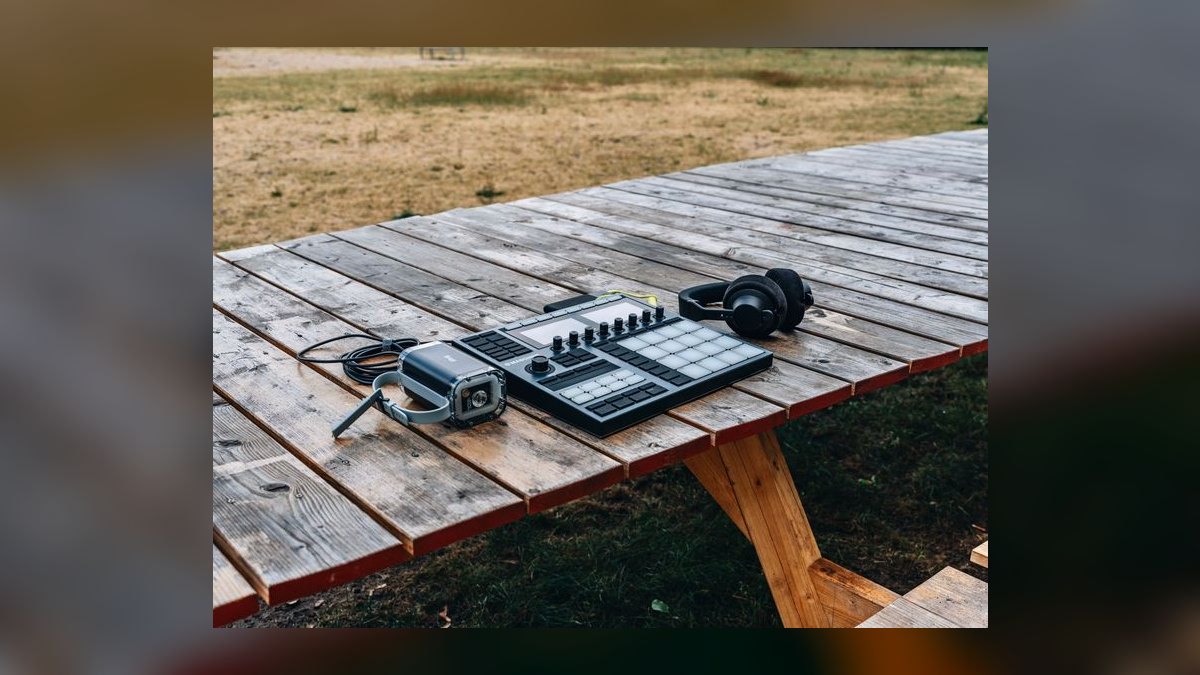
Suno ranks first because it is the only tool here that turns a text prompt into a finished instrumental and then hands back up to 12 separated stems — drums, bass, melody — on paid tiers. Generations run to roughly four minutes, arrive in key and tempo, and drop straight into Ableton or FL Studio. Personas lock a sonic identity across takes, while Covers and Extend rebuild sections without re-rolling the whole track.
This is for beatmakers who want a usable foundation in under a minute and will layer their own percussion on top, because Suno still smears fast hi-hats. The free tier gives 50 credits daily but no commercial rights; Pro at about $10/month covers roughly 500 songs with licensing. Against Udio, Suno trades a little top-end clarity for faster turnaround and deeper stem export.
2. Udio

Udio ranks second on raw fidelity: output sits at 48 kHz with cleaner top end, tighter reverb tails, and wider stereo imaging than anything else generating full audio here. That headroom matters if you plan to sample the AI output and resample it. The loop-and-extend workflow builds arrangements forward or backward from a short section, and paid plans unlock stem downloads for isolating parts.
Built by Uncharted Labs, Udio suits producers who already know what they want and will accept slower generations to get it. Manual mode exposes lyric, structure, and instrumental controls that rival a small DAW, which is friction for beginners. Standard runs near $10/month for about 1,200 credits; Pro near $30/month for roughly 4,800 with commercial licensing. Pick it over Suno when quality outranks speed.
3. Splice
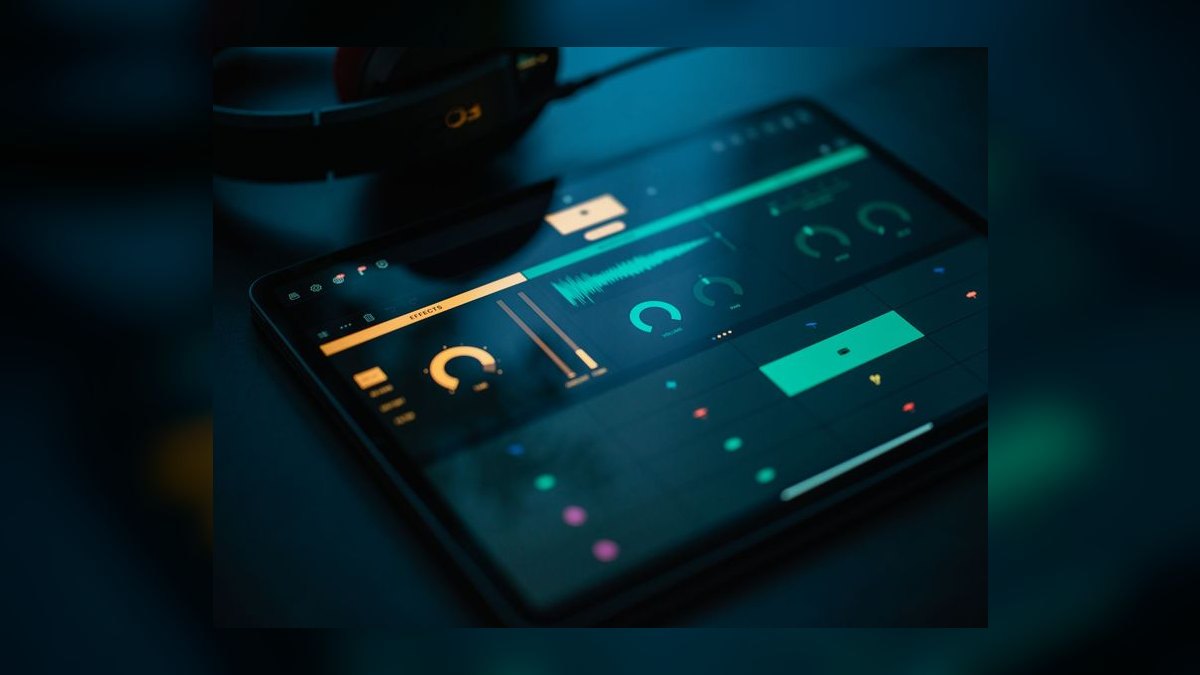
Splice ranks third because its AI layer sits on top of a catalog running into the millions of royalty-free samples, refreshed constantly across trap, drill, lo-fi, and house. CoSo, the free companion app, stacks samples pre-matched in key and BPM so a loop bed comes together in minutes. AI-driven search and "similar sounds" surface one-shots that fit a reference, and Create suggests compatible stacks as you build.
Every download is cleared the moment you take it, which removes the clearance anxiety that shadows generator output. Sounds+ runs about $12.99/month, with higher tiers near $19.99/month adding credits and bundled features; unused credits roll over while subscribed. Splice generates nothing itself — that is the trade against Suno and Udio — but it feeds the samples those tools cannot legally guarantee.
4. XLN Audio XO
XO ranks fourth for solving organization rather than creation. Its machine-learning engine analyzes every sample you own and plots them on a 2D similarity map by timbre, so bright snares cluster in one corner and deep kicks in another. Click any hit and "find similar" surfaces every comparable sound across your entire drive. XO then assembles complete kits from those sounds and sequences them with humanize and groove controls.
This is built for producers drowning in tens of thousands of one-shots, not for anyone starting from an empty folder. Because it works only on samples you already own, licensing never comes up. It is a one-time purchase around $179, frequently bundled with Addictive Drums 2, and runs as VST/AU/AAX. Splice supplies the sounds; XO makes them findable.
5. Algonaut Atlas 2

Atlas 2 ranks fifth as an AI drum sampler weighted toward sequencing rather than browsing. It auto-analyzes a folder of samples, maps them by sonic character, and builds a complete kit in seconds. The pattern generator is the standout — it proposes rhythms you can lock per-instrument and evolve, replacing a blank grid with a starting groove. Macro and randomize controls exist specifically for the moment an idea stalls.
Similarity browsing lets you swap a kick for its nearest neighbor while keeping the pattern intact, which makes auditioning variations fast. It is a one-time purchase around €99, running as a plugin across major DAWs. Atlas overlaps XO conceptually but pushes harder into pattern generation where XO pushes into library mapping; plenty of producers run both.
6. Audialab Emergent Drums 2
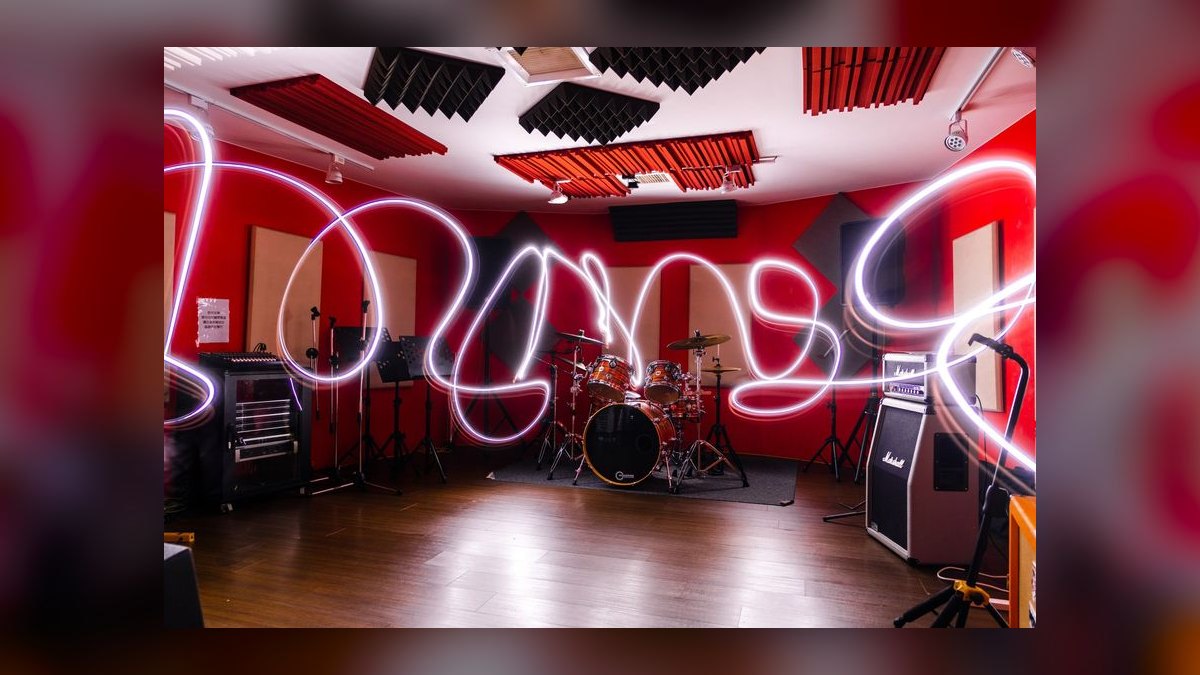
Emergent Drums 2 ranks sixth for a guarantee nothing else here offers: every kick, snare, hat, and percussion hit is synthesized fresh by AI, so nothing was sampled from a recording and no copyright risk attaches. Genre and character controls steer generation, and results drag straight into a DAW or sampler. Two producers will never pull the same sound, which matters when everyone is buying the same trending pack.
This is for producers nervous about sample-pack overlap or clearance, not for anyone who needs a rhythm written. It generates one-shots only — no patterns, no arrangement, no melodic parts — so pair it with Atlas 2 or your own sequencing. The plugin sells around $99 as a one-time purchase, making it cheaper than XO and permanently yours.
7. LANDR

LANDR ranks seventh because it handles the finishing step rather than the writing one. Its AI mastering engine analyzes a bounce and applies genre-tuned EQ, compression, and limiting, returning a release-ready master in minutes — the practical answer when you push 30 beats a week and cannot fund 30 mastering sessions. Samples by LANDR adds a royalty-free library with AI-assisted search, and distribution reaches Spotify, Apple Music, and beatstores.
This suits producer-sellers who need find-sounds-master-release in one chain rather than three subscriptions. Plans run roughly $12 to $24/month, with higher tiers unlocking unlimited masters and more sample credits. The mastering justifies the cost; treat the library and distribution as extras. It creates no beats at all, which is why it sits below the generators and drum tools.
8. Magenta Studio

Magenta Studio ranks eighth as Google's free, open-source ML music toolkit, running as a Max for Live device inside Ableton or standalone. Drumify is the reason beatmakers care: feed it a bare kick-snare pattern and it fills in hats and ghost notes with human feel. Continue, Generate, Interpolate, and Groove evolve MIDI patterns further. Everything outputs as editable MIDI you fully own.
MIDI output means total control over sounds and zero licensing questions, but it also means you supply every drum sample yourself. The interface is utilitarian and the best experience assumes Ableton, which excludes a lot of FL Studio and Logic users. It costs nothing. Against Atlas 2's €99 pattern generator, Magenta trades polish and DAW breadth for a price of zero.
9. BandLab SongStarter
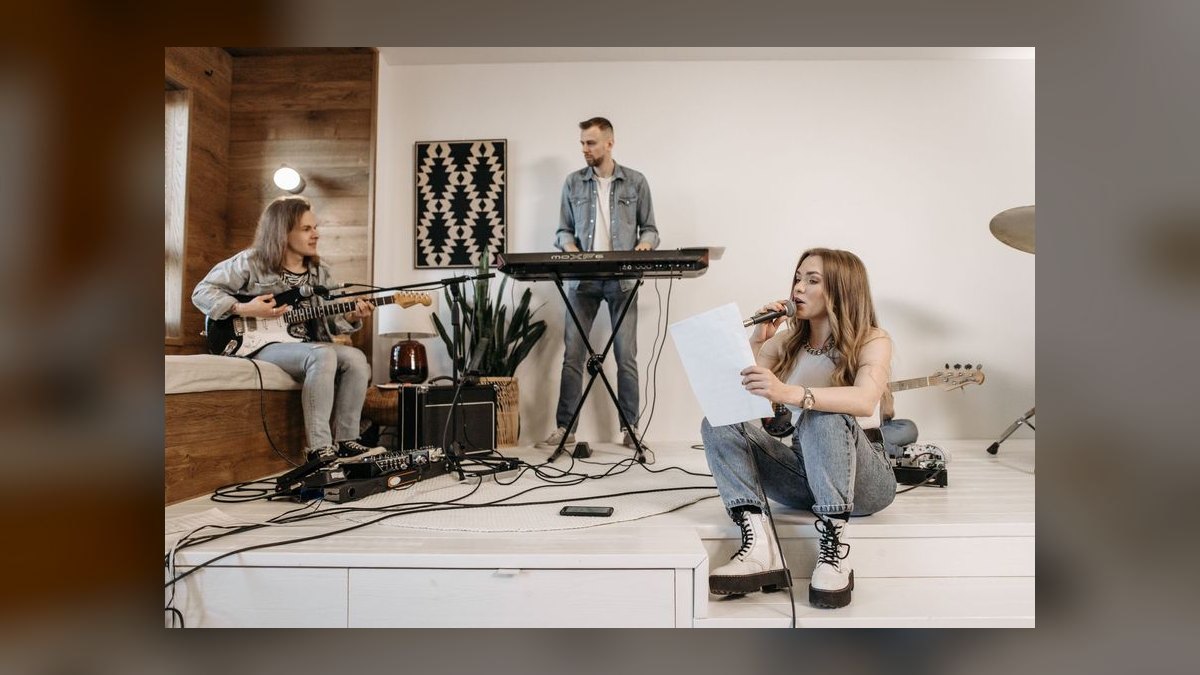
BandLab SongStarter ranks ninth and takes Best Value because the entire loop costs $0. Type a word or pick a genre and it returns three royalty-free starting ideas with beats, chords, and melody, each editable inside BandLab's browser-and-mobile DAW. Splitter adds free AI stem separation and free AI mastering ships alongside, so you can pull a beat apart, rebuild it, and finish it without paying.
This is for beginners and anyone staring at a blank project who needs three usable seeds immediately. The ceiling is genuinely lower — fidelity and depth trail Suno and Udio noticeably, and there is no path to their four-minute full instrumentals. All SongStarter output is cleared for release, with no paywall on core features, which is unusual at this capability level.
10. Orb Producer Suite 3
Orb Producer Suite 3 ranks tenth because it builds the musical scaffolding around drums rather than the drums themselves. Orb Chords generates progressions, Orb Bass and Orb Arpeggios lock to them, and Orb Melody proposes top lines. Everything comes out as MIDI you drag into the project, edit, and play through any synth, so the result is fully yours. Set a key and mood, then audition progressions in seconds.
This targets drum-first producers who freeze on harmony and want the music-theory bottleneck removed. The built-in synth engines are serviceable, but the value is endless in-key idea generation feeding your own sounds. It is a one-time purchase around $99–$129, plugin format, any DAW. Like Magenta it hands back MIDI, but Orb covers harmony where Magenta covers groove.
How we ranked these
Ranking weighted five things a beatmaker actually touches: stem and MIDI export first, because a beat that cannot enter Ableton, FL Studio, or Logic is a demo rather than a tool. Sound quality followed, judged on sample rate, low-end definition, and transient artifacts. Control covered genre dials, BPM lock, key, structure, and re-rolls. Royalty clarity weighed heavily, and price-to-value measured monthly cost against realistic monthly output.
Deliberately ignored: waitlisted models, research demos, and anything without a shipping product today. Also set aside vocal quality and lyric generation, since neither affects an instrumental workflow, and marketing claims about training data that cannot be independently checked. Raw generation speed was discounted too — a fast take you must re-roll six times is slower than one careful pass that lands stems in key and tempo.
Related questions
Does Suno actually export usable stems?
Yes, on paid tiers. Suno's v4.5 model exports up to 12 separated stems — drums, bass, melody, vocals, and more — which is what moves it from novelty to production tool. Drop the drum and bass stems into your DAW and they already sit in key and tempo. Fast hi-hats can smear, so layering your own percussion on top is standard practice.
Why is Splice on a list of AI beat-making tools?
Because its AI layer now drives how producers find sounds. CoSo, the free companion app, stacks samples pre-matched in key and BPM. The main library's AI-driven search and "similar sounds" surfaces one-shots that fit a reference, and Create suggests compatible stacks as you build. Everything is royalty-free on download, which removes clearance anxiety entirely.
What is the difference between XO and Atlas 2?
Both map your samples by timbre, but they solve different halves of the problem. XLN Audio XO leans into library mapping — a 2D similarity map plus "find similar" across every one-shot on your drive. Algonaut Atlas 2 leans into pattern generation, auto-building kits from a folder and proposing rhythms you lock per instrument. Many producers own both.
Is there a genuinely free AI beat-making option?
Two. BandLab SongStarter returns three royalty-free starting ideas with beats, chords, and melody, editable in BandLab's own DAW, plus free Splitter stem separation and free mastering. Google's Magenta Studio is free and open-source, running as a Max for Live device with Drumify, Continue, Generate, Interpolate, and Groove. Both clear you for release.
What does Drumify actually do?
It turns a skeletal rhythm into a played groove. Clap out a simple kick-snare pattern, feed it in, and Magenta fills hats and ghost notes with human feel. Everything comes back as editable MIDI you fully own, so you choose the sounds and there is no licensing question at all. The interface is utilitarian and expects Ableton for the best experience.
How do I get clearance-free drum one-shots?
Audialab Emergent Drums 2 generates 100% new, royalty-free kicks, snares, hats, and percussion. Nothing is sampled from a recording, so nothing carries copyright risk. Genre and character controls drive generation, and results drag straight into your DAW or sampler. Because each hit is synthesized fresh, two producers will never pull the same sound — useful when everyone buys the same trending pack.
Which tool helps if I can program drums but freeze on harmony?
Orb Producer Suite 3. Orb Chords builds progressions, Orb Bass and Orb Arpeggios lock to them, and Orb Melody proposes top lines. Everything generates as MIDI you drag out, edit, and play through any synth, so you own the result outright. Set a key and mood, audition progressions, export in seconds. Roughly $99–$129, one-time.
Where does mastering fit into an AI beat workflow?
At the end, and it matters more than producers expect. LANDR analyzes your bounce and applies genre-tuned EQ, compression, and limiting, returning a release-ready master in minutes. When you send out thirty beats a week, thirty mastering sessions are not happening. Samples by LANDR and distribution to Spotify, Apple Music, and beatstores round out the chain.
FAQ
Can AI beat makers really replace a human producer?
Not entirely. Suno and Udio are excellent for generating ideas, loops, and full instrumentals, but they lack the nuanced decision-making, mixing intuition, and creative spark of a skilled producer. Most professionals treat them as a starting point or a fast draft. The realistic gain is speed to a foundation, not a finished record that needs no human judgment.
Do I need music theory to use these tools?
No. These tools are built to be accessible — describe a genre, mood, or hum a melody, and the AI generates a beat. A basic grasp of structure and rhythm helps you refine results and know which take to keep. If harmony is your specific gap, Orb Producer Suite generates in-key chords, bass, and arpeggios as MIDI you can edit freely.
Can I release AI-generated beats commercially?
Usually yes, but check the license for your exact tier. Most paid plans grant full commercial rights to what you create; free tiers may restrict release or require attribution. Suno's free tier is non-commercial, while its Pro plan includes commercial use. Read the terms before you release — a beat you cannot legally publish is worthless regardless of how good it sounds.
How much do these tools cost?
Widely variable. Suno runs a free tier, roughly $10/month Pro, and near $30/month Premier. Udio mirrors that with Standard near $10 and Pro near $30. Splice is about $12.99 to $19.99/month, LANDR roughly $12 to $24. One-time purchases: XO around $179, Atlas 2 around €99, Emergent Drums 2 around $99, Orb $99–$129.
Suno or Udio — which should I pick?
Pick Suno for speed plus exportable parts; pick Udio when fidelity outranks turnaround. Udio outputs at 48 kHz and consistently beats peers on clarity, reverb tails, and stereo width, which matters if you plan to resample the output. It generates slower and its interface assumes you already know what you want. Suno's stem count and workflow pace win for most beatmakers.
Which tool is best for hip-hop beats?
Suno leads for hip-hop — the v4.5 engine handles 808s, crisp snares, and varied drum patterns well. A working prompt looks like "boom-bap, 88 BPM, dusty Rhodes, vinyl crackle," generating two takes per request before you pull stems from the one that hits. Udio is also strong, particularly for cleaner, more polished trap or R&B loops.
Are AI stems clean enough to mix?
Mostly, yes. Suno's paid tiers export up to 12 individual stems that import into any DAW at usable quality for mixing. Expect to clean up artifacts and add your own effects. The known weak spot is fast hi-hats, which can smear — the standard fix is muting that layer and programming your own percussion over the generated foundation.
How do I organize a huge sample library?
XLN Audio XO analyzes every sample you own and plots it on a 2D similarity map by timbre — bright snares cluster in one corner, deep kicks in another. Click a sound you like and "find similar" surfaces every comparable hit across your drive. It builds complete kits from your own sounds and includes a step sequencer with humanize and groove controls.
Do these plugins work in my DAW?
The plugin tier does. XO runs as VST/AU/AAX in any DAW, Atlas 2 runs as a plugin across major DAWs, Emergent Drums 2 and Orb Producer Suite 3 likewise. Magenta Studio is the exception — it is a Max for Live device, so Ableton gives the best experience, though a standalone version exists. Suno, Udio, Splice, and BandLab are browser-based.
Where should a beginner with no budget start?
BandLab SongStarter. Type a word or pick a genre and it returns three royalty-free starting ideas with beats, chords, and melody, all editable in BandLab's own DAW. Splitter handles stem separation and mastering is free too, giving you a complete idea-to-master loop for zero dollars. Fidelity trails Suno and Udio, but the workflow is genuinely complete.
Sources
- https://suno.com
- https://www.udio.com
- https://splice.com
- https://www.xlnaudio.com/products/xo
- https://algonaut.audio
- https://www.audialab.com
- https://www.landr.com
- https://magenta.tensorflow.org/studio
- https://www.bandlab.com
- https://www.orbplugins.com
Related on PULSE
This page will be disappearing soon. Save it to your device for $1 — or read it free while it is here.
@Kory-White- · if Venmo asks, the last 4 of my number are 2012
This page is gone.
This one is off the shelf now. $1 keeps it on your phone for good — the whole page, pictures and diagrams included.
 pulse-ai-infrastructureThe 10 Best AI Tools for Public Speaking Practice in 2027
 pulse-ai-infrastructureThe 10 Best AI Tools for E-commerce Websites in 2027
 pulse-ai-infrastructureThe 10 Best AI Tools for Calendar Management in 2027
 pulse-ai-infrastructureThe 10 Best AI Observability Tools for RAG Pipelines in 2027
 pulse-ai-infrastructureThe 10 Best AI Tools for Writing Poetry in 2027
 pulse-ai-infrastructureThe 10 Best AI Tools for Negotiation Prep in 2027
 pulse-ai-infrastructureThe 10 Best MLOps Platforms in 2027
 pulse-ai-infrastructureThe 10 Best AI Tools for Album Art in 2027
 pulse-ai-infrastructureThe 10 Best AI Tools for Screenwriting in 2027
 pulse-ai-infrastructureThe 10 Best AI Tools for Reading Comprehension in 2027