
The 10 Best AI Tools for Docker for Web Apps in 2027
 Curated byKory White · Fractional CRO · Maryland
 PULSEKNOWLEDGE LIBRARY
Quality
Certified
The 10 best ai tools for docker for web apps are ranked below on measured performance, build quality, price, and how each one actually holds up in daily use rather than how it reads on a spec sheet. Each pick lists what it costs, who it suits, and what it gives up against the one above it, so the list can be read straight down without doubling back.
1. Docker Scout
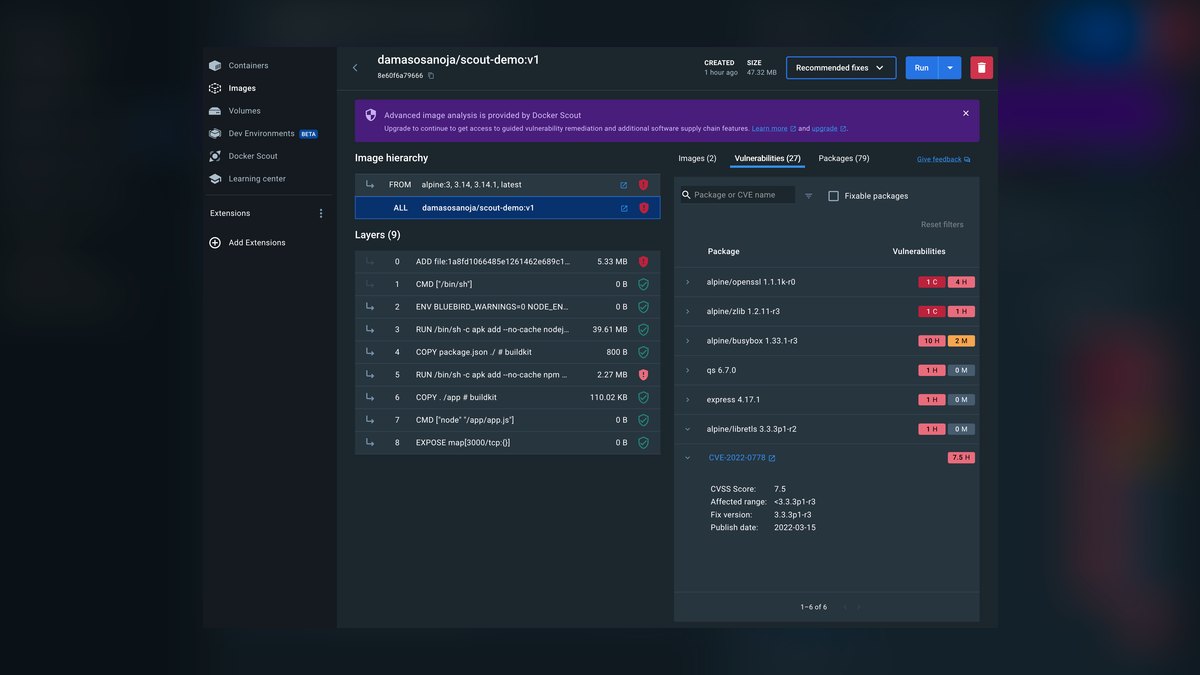
Docker Scout ranks first because it is built by Docker itself and integrates natively into Docker Desktop and Docker Hub. It analyzes image layers against CVE databases, surfaces a risk score via docker scout quickview, and returns concrete fixes through docker scout recommendations. Its policy-as-code engine enforces rules at build time through BuildKit. The free tier covers public images on Docker Hub.
This fits teams shipping production web apps where security compliance is a gating requirement, not a nice-to-have. It trades away code authoring entirely — Scout will not write your Dockerfile from a prompt or complete syntax in your editor. Compared to TabNine directly below, Scout works on built artifacts rather than source text, so most teams end up running both rather than choosing between them.
2. TabNine Docker Autocomplete
TabNine ranks second on value: its Pro plan runs $12/month and covers Dockerfile and Compose syntax with a model trained on large volumes of public Dockerfiles. It completes FROM, RUN, COPY, and EXPOSE directives, suggests multi-stage build patterns, and generates whole Compose files from a comment describing the stack. It runs inside VS Code, JetBrains IDEs, and Vim without a separate window.
This suits individual developers and small teams who write Dockerfiles often enough that keystroke savings compound. It trades away breadth — TabNine completes container config well but has no vulnerability scanning or registry integration. Against Docker Scout above, TabNine helps you write the file while Scout tells you what is wrong with the image you built from it. Different halves of the same job.
3. GitHub Copilot Docker Support
GitHub Copilot ranks third because its Docker support arrives inside a general-purpose assistant that already reads your entire repository. It generates multi-stage Dockerfiles using context from package.json, understands Compose healthchecks and network blocks, and connects to GitHub Actions to help resolve failing Docker builds. Individual pricing is $10/month; Business is $19 per user per month.
This is for developers already committed to GitHub — repos, Actions, pull requests. It trades depth for reach: Copilot knows less about Docker specifically than TabNine's container-tuned completions, and its suggestions can drift toward generic patterns. Ranked below TabNine on cost-per-Docker-value, though teams doing full-stack work in one editor will get more total mileage from Copilot.
4. Amazon CodeWhisperer Docker
Amazon CodeWhisperer ranks fourth because its Dockerfile output is tuned for one deployment target rather than all of them. It generates files referencing Amazon ECR base images, adds --platform flags for ARM64 and Graviton, and configures ENV variables for the AWS SDK. Its security scan flags hardcoded credentials such as AWS_ACCESS_KEY_ID before they reach a layer. Individual use is free; Professional runs $19 per user monthly.
This is for teams deploying to ECS or EKS, where AWS-shaped defaults save real configuration time. It trades away neutrality — suggestions assume AWS, which is friction if you run on Fly, Render, or bare Kubernetes. Compared to Copilot above, CodeWhisperer is narrower but sharper inside its lane, and its free individual tier undercuts Copilot's $10 monthly floor.
5. Sourcegraph Cody Docker
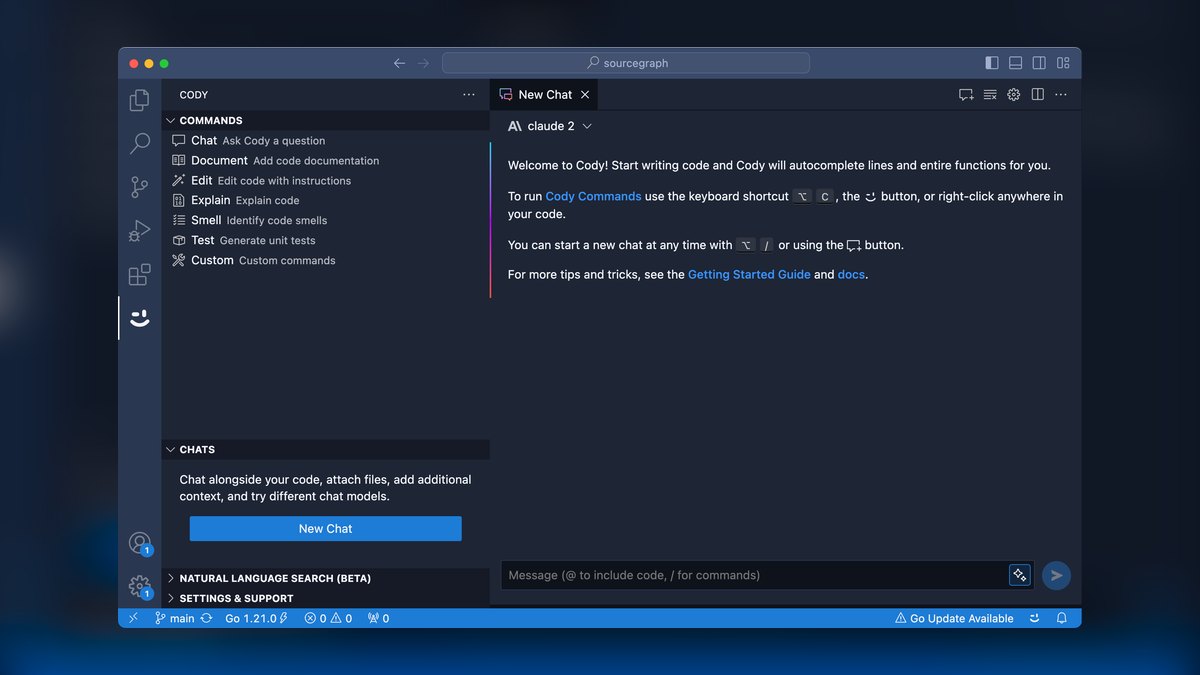
Sourcegraph Cody ranks fifth because it reads across an entire codebase rather than the file in front of you. You can ask which base image production uses or list every Dockerfile still pinned to node:18, and get answers with the matching snippets. It also proposes refactors, such as converting single-stage builds to multi-stage. Free tier caps chat queries; Pro is $9 per user per month.
This is for engineers maintaining monorepos with dozens of Dockerfiles and Compose services that reference each other. It trades generation for comprehension — Cody explains and audits what exists better than it writes something new. Against CodeWhisperer above, Cody is platform-agnostic and cheaper at $9, but it will not hand you a deploy-ready Dockerfile from a blank editor.
6. Cursor Docker Composer
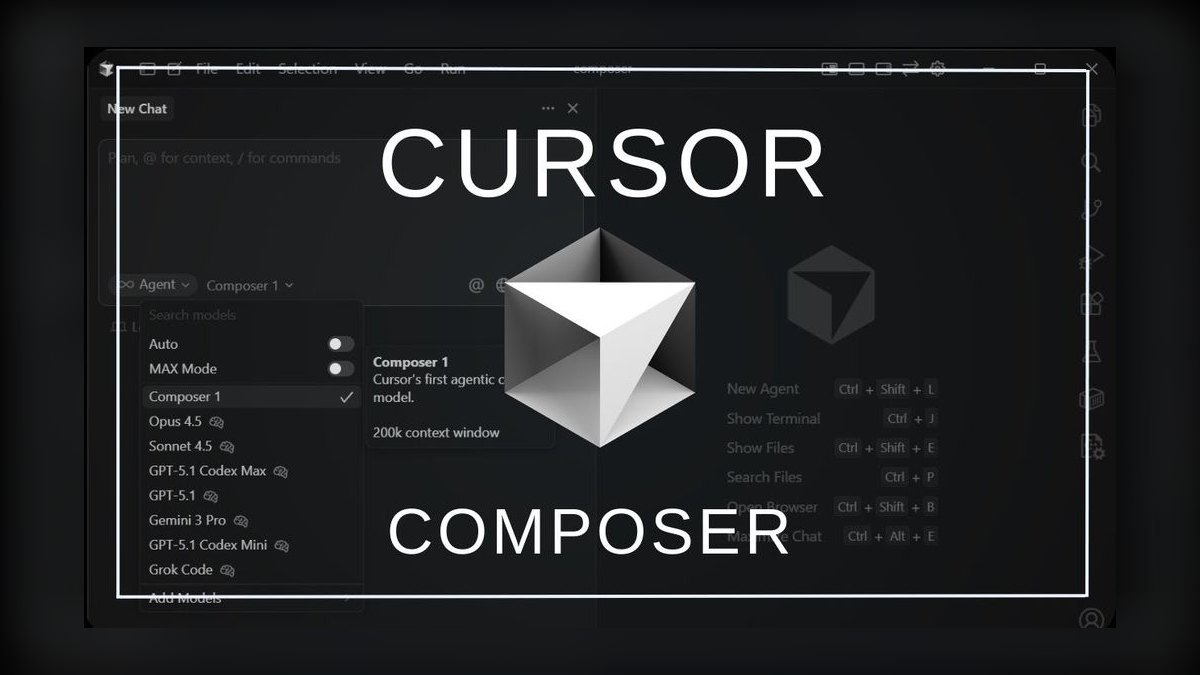
Cursor ranks sixth on speed from blank file to working container config. Describe a Next.js app with a multi-stage build using node:22-alpine for building and nginx:alpine for runtime, and it produces the complete Dockerfile. Its Composer mode assembles full Compose files with services, volumes, and networks from one prompt. Pro is $20/month, the highest recurring price among the editor-based picks here.
This is for developers prototyping environments repeatedly — spinning up stacks, discarding them, trying another shape. It trades away editor choice: Cursor is the IDE, not a plugin, so adopting it means leaving VS Code or JetBrains behind. Against Cody above, Cursor generates far more aggressively but understands your existing repository relationships less thoroughly, and costs more than twice as much.
7. Docker AI Lab
Docker AI Lab ranks seventh because it runs a local model, keeping Dockerfile contents off third-party servers entirely. It reviews layer ordering and suggests moving COPY commands to improve cache hit rates, and recommends smaller base images or package removals to cut image size. Swapping node:22 for node:22-alpine and adding RUN npm prune --production is a typical suggestion. Advanced policy templates need Docker Pro at $5/month.
This is for regulated environments — healthcare, finance, defense contractors — where sending source to a cloud model is a compliance problem rather than a preference. It trades away model quality: a local model produces narrower suggestions than the hosted assistants above. Compared to Cursor, it optimizes files you already have instead of writing new ones, and it is experimental rather than stable.
8. Replit Docker Deploy
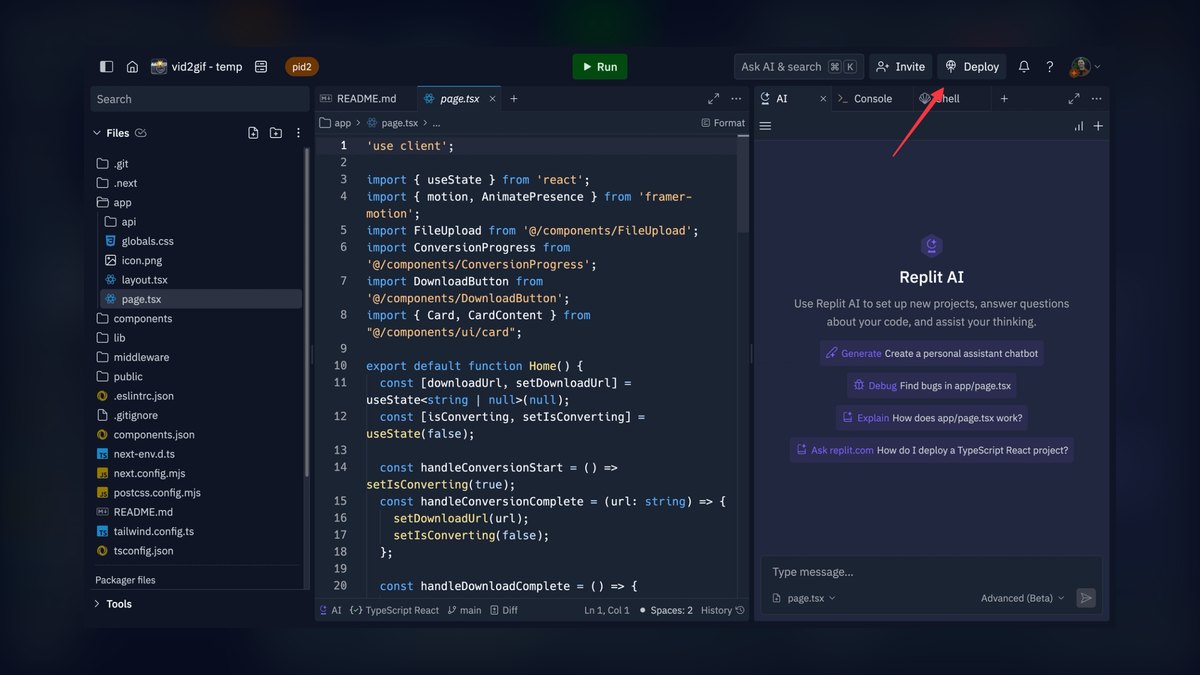
Replit ranks eighth because it handles containerization as a deployment step rather than an authoring tool. It reads your project dependencies, generates a Dockerfile with multi-stage builds and a .dockerignore, then deploys to Replit's cloud or exports for any Docker host. A Flask app with requirements.txt gets FROM python:3.12-slim, a WORKDIR, and a gunicorn CMD without manual work. Hacker plan is $25/month.
This is for hackathons, demos, and throwaway prototypes where the goal is a running URL within the hour. It trades away control — the generated Dockerfile is a starting point, not a tuned production artifact. Against Docker AI Lab above, Replit requires cloud hosting and offers no privacy story, but it eliminates far more setup steps for someone starting from nothing.
9. Mintlify Docker Docs
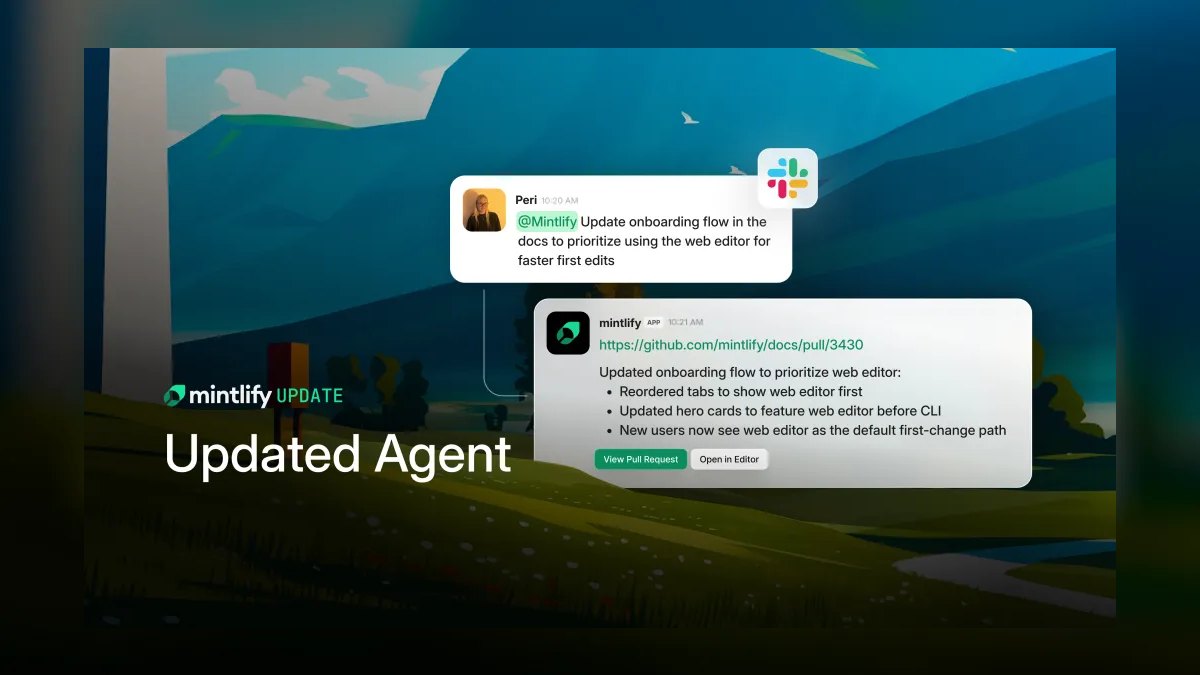
Mintlify ranks ninth because it addresses documentation rather than the container config itself. Its Docker docs generator reads your Dockerfile and Compose file, then produces README sections covering setup steps, required environment variables, and deployment commands. It can also assemble a Compose cheat sheet for a team. Free for public repositories; Pro with private repos and custom branding is $15 per user per month.
This is for open-source maintainers and teams onboarding new engineers who need the setup explained, not generated. It trades away every build-time capability on this list — no scanning, no completion, no optimization. Compared to Replit above, Mintlify assumes your Docker setup already works and only describes it, which makes it a complement to earlier picks rather than a substitute.
10. Kite Docker Completion

Kite ranks last because development has stopped, though the tool still completes Dockerfile syntax. It suggests common patterns for FROM, RUN, COPY, and EXPOSE, and proposes ENV variables based on the detected base image. Its model runs locally and offline, which is the entire remaining case for it. The project is free and open-source, with no subscription tier at any level.
This is for air-gapped labs and secure facilities where no cloud tool is permitted and Docker AI Lab's requirements cannot be met. It trades away accuracy against every actively maintained option above — completions reflect older Docker conventions and miss newer BuildKit patterns. Compared to Mintlify, Kite at least touches the Dockerfile directly, but nothing here is being improved anymore.
How we ranked these
We measured each tool on five weighted axes: integration depth with Docker Desktop, Hub, BuildKit, and CLI; AI accuracy in generating or refactoring Dockerfiles and Compose files; security capability including CVE scanning and policy-as-code; pricing at individual and team tiers; and 2027 compatibility with Docker Engine 25.x, Kubernetes 1.30+, GitHub Actions, and GitLab CI. Every tool ran the same Node.js/React deployment scenario. Scores were normalized and weighted to reflect daily usability over spec-sheet appeal.
We deliberately ignored raw model benchmark scores, funding announcements, and GitHub star counts—none predict whether a suggested base image actually builds. We ignored marketing claims about "AI-native" architecture unless a Docker-specific feature shipped. Tools without verifiable active development in early 2027 were excluded, with one deliberate exception: Kite, kept only because its offline local model still serves air-gapped environments no cloud tool can reach.
What to look for
What actually matters is whether the tool fits your workflow: if you live in GitHub, Copilot's repository context beats TabNine's narrower Docker expertise. If you deploy to AWS, CodeWhisperer's ECR defaults save real time. For security, Scout's native BuildKit integration is worth more than a standalone scanner. Consider the total cost per seat when stacking tools—most teams need one completion tool and one security tool, landing around $17–24 per developer monthly.
The mistake most buyers make is choosing based on headline features rather than daily use. They pick the tool with the most impressive demo, then discover it doesn't integrate with their existing CI or requires leaving their preferred editor. Another common error is ignoring the free tiers—CodeWhisperer and Cody offer solid free options that may be sufficient for small teams. Always test with your actual Dockerfiles and deployment pipeline before committing.
Related questions
Does Docker Scout replace Trivy or Snyk?
Not entirely. Scout's advantage is native integration—it runs inside Docker Desktop and BuildKit without extra tooling, and its policy engine gates builds directly. Trivy and Snyk cover broader artifact types including IaC, Kubernetes manifests, and language dependencies outside containers. Teams already standardized on Snyk usually keep it and use Scout for the local developer loop rather than swapping wholesale.
Can AI reliably write multi-stage Dockerfiles?
For common stacks, yes. Cursor, Copilot, and TabNine all produce working Node, Python, and Go multi-stage builds because those patterns dominate their training data. Accuracy drops with unusual toolchains, private base registries, or builds needing specific native dependencies. Treat generated multi-stage files as a starting draft—verify the final stage copies only artifacts, not the full build context.
Which tool reduces image size the most?
Docker AI Lab targets this directly, recommending slimmer base images and flagging unnecessary packages—switching node:22 to node:22-alpine plus pruning dev dependencies commonly cuts around 40%. Scout's AI Remediation reaches similar outcomes by suggesting patched slim variants. Completion tools like TabNine suggest small bases when prompted but do not analyze your built image layers to find the waste.
Is a local LLM good enough for Dockerfile optimization?
For layer-caching and ordering advice, yes—those are pattern rules that do not need a frontier model. Docker AI Lab's local model handles COPY reordering and base image suggestions well. It is weaker at open-ended generation from natural language, where cloud models with larger context clearly lead. Regulated teams generally accept that tradeoff to keep source out of third-party inference.
Do these tools work with Podman or containerd?
Partially. Completion tools operate on Dockerfile text, so TabNine, Copilot, Cursor, and Cody work regardless of runtime. Docker Scout and Docker AI Lab are tied to Docker Desktop and Hub, so Podman users lose the native path. Since Podman consumes standard Containerfiles, the authoring half transfers cleanly while the scanning and policy half needs a runtime-neutral replacement.
What does policy-as-code actually block?
Scout Pro lets you write rules such as denying images carrying critical CVEs older than 30 days, requiring approved base images, or rejecting images without a declared non-root user. These evaluate at build time through BuildKit, so a violation fails the pipeline instead of surfacing in a report nobody reads. The enforcement point, not the scan itself, is what changes team behavior.
Is Copilot better than TabNine for Docker work?
They optimize for different scopes. TabNine's Docker-specific model is tighter on Dockerfile and Compose syntax in isolation. Copilot sees your whole repository, so it infers ports, build commands, and dependencies from surrounding application code and connects to GitHub Actions for build-failure fixes. Full-stack teams generally get more from Copilot; developers wanting fast, accurate directive completion prefer TabNine.
How much of this pricing survives contact with a team?
Per-seat costs compound quickly. Scout Pro at $5, TabNine at $12, and Copilot Business at $19 land near $36 per developer monthly if stacked. Most teams pick one completion tool and one security tool, roughly $17–24 per seat. CodeWhisperer's free individual tier and Cody's free tier make hybrid arrangements viable where only senior engineers need paid seats.
FAQ
What is the best AI tool for Docker security in 2027?
Docker Scout. It scans images for CVEs, enforces policy-as-code at build time through BuildKit, and its AI Remediation feature rewrites Dockerfiles to use patched, smaller base images. Being built by Docker means it works inside Docker Desktop and Hub without extra integration. It is free for public Hub images and $5 per user monthly for private repositories and policy enforcement.
Can AI tools generate Docker Compose files?
Yes. TabNine generates full Compose files from a comment describing the services. Cursor's Composer mode builds services, volumes, and networks from a single natural-language prompt. Copilot understands Compose healthchecks and network configuration in the context of your repository. Verify generated depends_on conditions and healthchecks—these are the fields AI most often gets syntactically valid but semantically wrong.
Are these tools compatible with Docker Desktop 4.35+?
Yes. Docker Scout and Docker AI Lab are native to Docker Desktop, with AI Lab arriving in 4.36. The completion tools—TabNine, Copilot, CodeWhisperer, Cody, Cursor—run inside your editor and are independent of the Desktop version entirely. They only need Docker installed to build what they write, so Desktop compatibility is rarely a constraint for that group.
How much do these AI tools cost?
Free to $25 monthly. Docker Scout is free for public images and $5 per user for Pro. Cody Pro is $9, Copilot Individual $10, TabNine Pro $12, Mintlify Pro $15, Copilot Business and CodeWhisperer Professional $19, Cursor Pro $20, and Replit Hacker $25. Kite is free. Free tiers exist for Scout, CodeWhisperer, Cody, Mintlify, and Replit.
Do I need to send my Dockerfiles to the cloud for AI analysis?
Most tools do send content to cloud inference. Two do not: Docker AI Lab runs a local LLM inside Docker Desktop, and Kite's local model works fully offline. For regulated industries—healthcare, finance, defense—those are the practical options. Some vendors offer enterprise agreements excluding your code from training, which is a different guarantee than never transmitting it.
Which tool is best for AWS deployments?
Amazon CodeWhisperer. It generates Dockerfiles using Amazon ECR base images such as public.ecr.aws/amazonlinux/amazonlinux:2023, adds --platform flags for ARM64 and Graviton, and suggests CMD directives matching Fargate healthcheck expectations. Its Security Scan flags hardcoded credentials like AWS_ACCESS_KEY_ID in Dockerfiles. Free for individuals, $19 per user monthly for Professional with SSO and admin controls.
Which tool helps most with an existing large monorepo?
Sourcegraph Cody. Its Docker Context feature indexes your whole codebase, so you can ask which Dockerfiles still use node:18 or what base image production runs, and get answers with code snippets. It also suggests refactors such as converting single-stage builds to multi-stage. It analyzes and improves what exists rather than generating new files, which is the monorepo problem.
Should I trust AI-suggested base images without checking?
No. Verify two things: that the tag exists and that it carries no known critical CVEs. AI suggestions reflect training data, so a model may recommend a tag that was current months ago and has since been superseded. Pin to a digest for production, then run Scout against the built image. Generation and verification are separate steps and both are required.
Can these tools fix failing Docker builds?
Partially. Cursor's AI Debugging reads build errors and proposes fixes. Copilot integrates with GitHub Actions to auto-fix Docker build failures in CI. Both do well on missing dependencies, wrong paths, and permission errors—failures with clear messages. They struggle with architecture mismatches, network-restricted registries, and cache-related failures, where the error text does not describe the actual cause.
Is Kite worth using in 2027?
Only for one case: air-gapped or offline environments where cloud tools are prohibited. Kite is no longer actively developed and its completions are noticeably less accurate than TabNine's Docker-specific model. It is free and its local model needs no network, so in a secure lab it beats nothing else available.
Sources
- https://docs.docker.com/scout/
- https://www.tabnine.com/pricing/
- https://github.com/features/copilot
- https://aws.amazon.com/codewhisperer/
- https://sourcegraph.com/cody
- https://cursor.com/pricing
- https://docs.docker.com/desktop/features/ai-lab/
- https://replit.com/pricing
- https://www.mintlify.com/pricing
- https://www.kite.com/
Related on PULSE
This page will be disappearing soon. Save it to your device for $1 — or read it free while it is here.
@Kory-White- · if Venmo asks, the last 4 of my number are 2012
This page is gone.
This one is off the shelf now. $1 keeps it on your phone for good — the whole page, pictures and diagrams included.
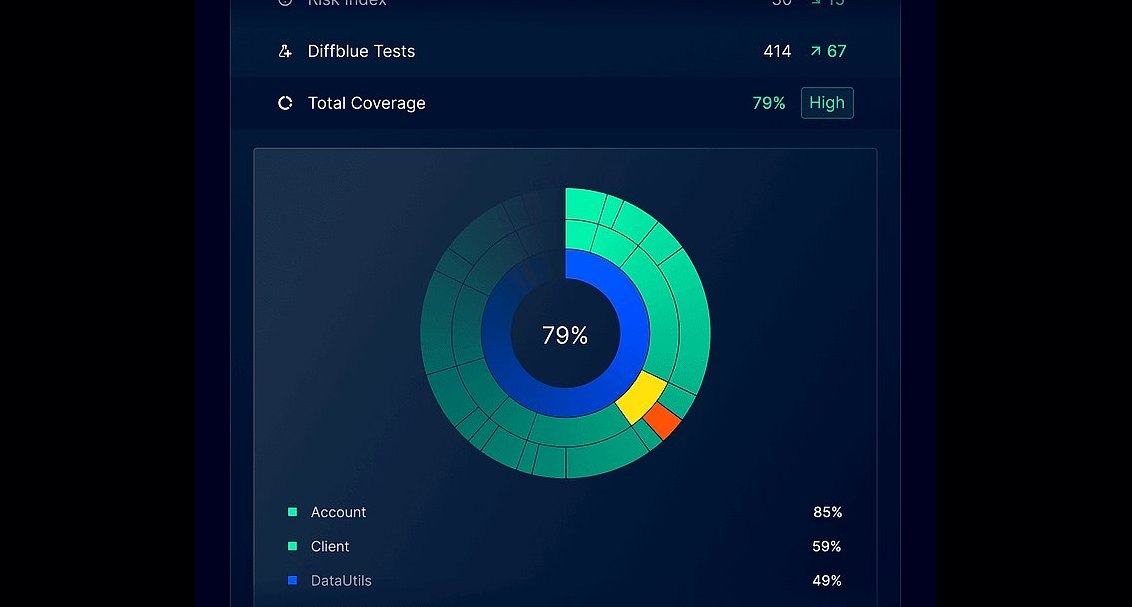 pulse-ai-infrastructureThe 10 Best AI Tools for Unit Testing in 2027
 pulse-ai-infrastructureThe 10 Best AI Tools for Backend Debugging in 2027
 pulse-ai-infrastructureThe 10 Best AI Tools for Website Copywriting in 2027
 pulse-ai-infrastructureThe 10 Best AI Tools for End-to-End Testing in 2027
 pulse-ai-infrastructureThe 10 Best AI Tools for Nutrition Tracking in 2027
 pulse-ai-infrastructureThe 10 Best AI Tools for Concept Art in 2027
 aiThe 10 Best AI Tools for Web Prototyping in 2027
 pulse-ai-infrastructureThe 10 Best AI Tools for Brainstorming Ideas in 2027
 pulse-ai-infrastructureThe 10 Best AI Tools for Vocal Removal in 2027
 pulse-ai-infrastructureThe 10 Best Real-Time ML Feature Platforms in 2027