


The 10 Best Capture Cards for Streaming in 2027
Quality
Certified

The 10 best capture cards for streaming are ranked below on measured performance, build quality, price, and how each one actually holds up in daily use rather than how it reads on a spec sheet. Each pick lists what it costs, who it suits, and what it gives up against the one above it, so the list can be read straight down without doubling back.
1Elgato 4K X
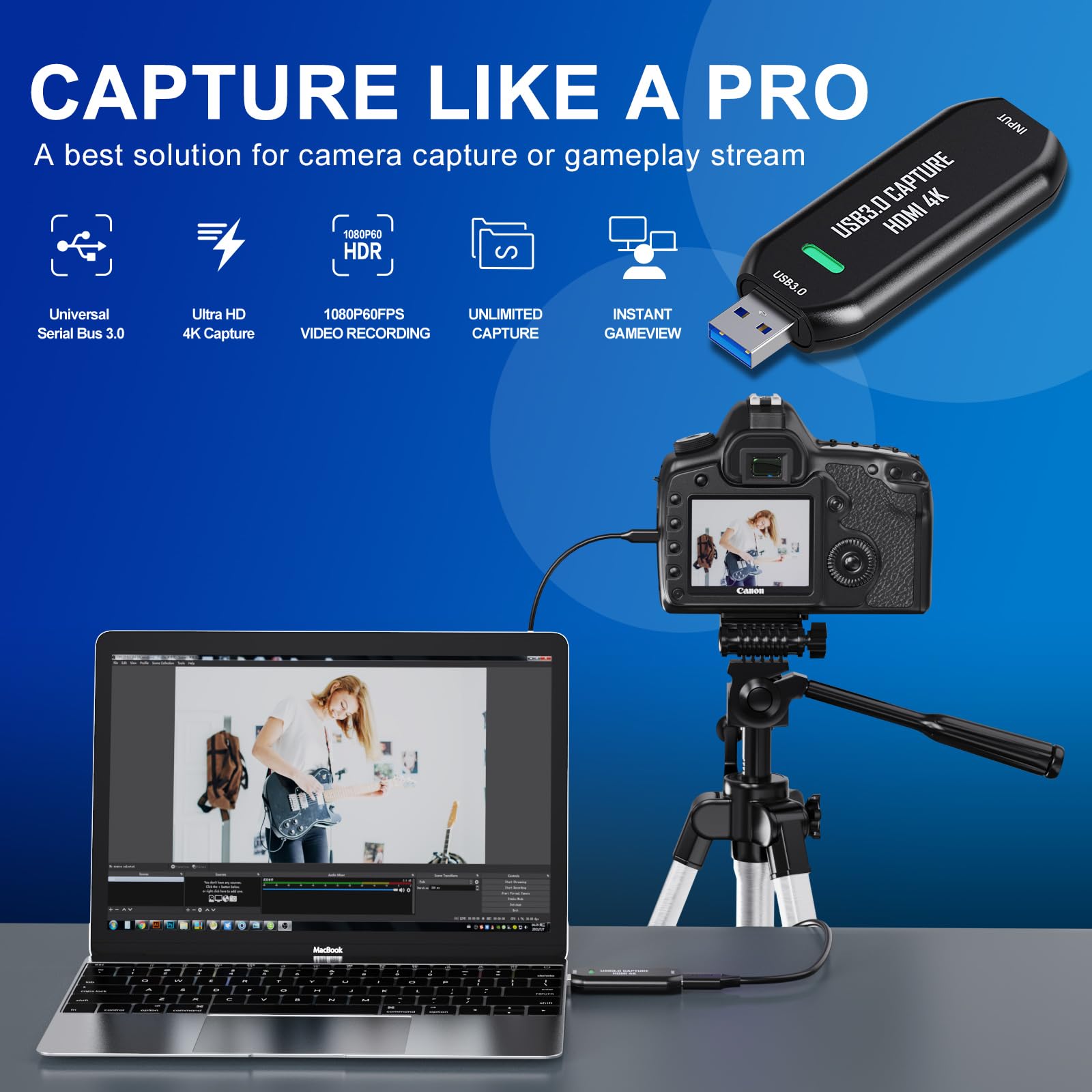
The Elgato 4K X ranks first because it delivers the best balance of capture quality and passthrough for $229. It records 4K60 HDR10 and passes through up to 4K144 with VRR over USB 3.2 Gen 2 Type-C, making it the top external card for high-refresh gaming. The braided 10 Gbps cable is included, and it supports 1080p240 and 1440p144 modes.
This card is for streamers who play on a high-refresh-rate monitor and want full 4K60 HDR capture without going internal. It trades away the onboard encoder of the Elgato 4K Pro, so it relies on your GPU for encoding. Compared to the AverMedia Live Gamer Ultra 2.1 at the same price, the deciding factor is software preference and which is discounted.
2AverMedia Live Gamer Ultra 2.1
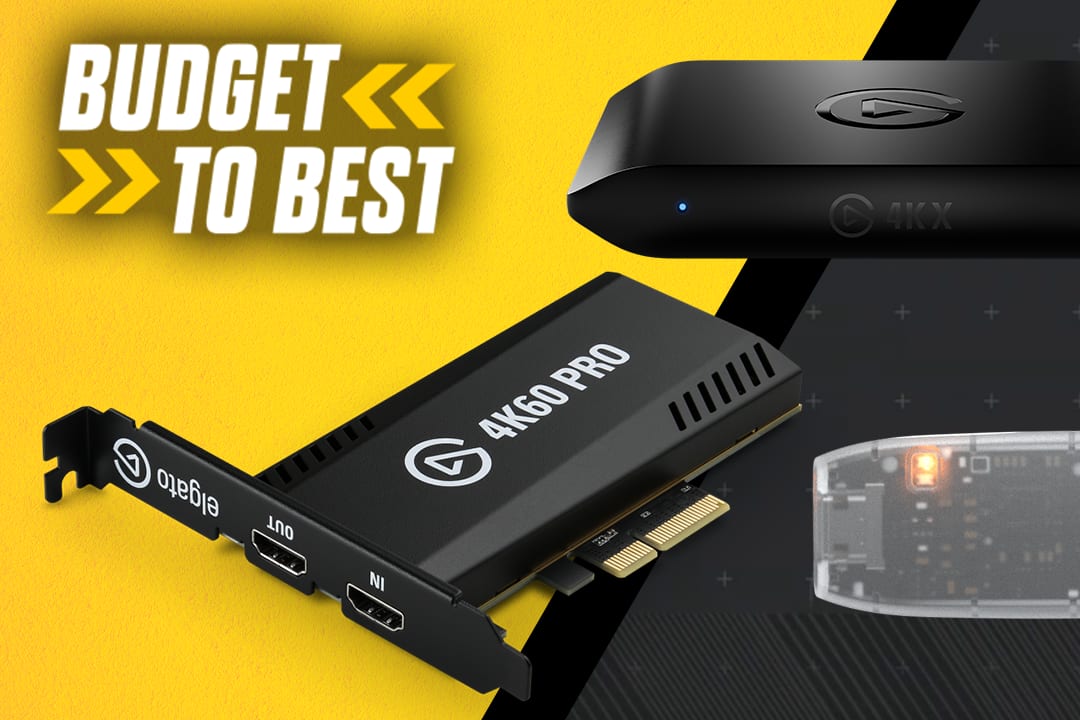
The AverMedia Live Gamer Ultra 2.1 ranks second as the direct external competitor to the Elgato 4K X at $229. It captures 4K60 HDR and passes through 4K144 VRR over USB 3.2 Gen 2 Type-C, matching the 4K X on specs and price. Its known weakness is occasional driver fussiness on first install, usually resolved by a firmware update.
This card is for streamers who want identical performance to the 4K X but prefer AverMedia's ecosystem or find it on discount. It trades away the plug-and-play simplicity of the Elgato for a slightly more involved setup process. Compared to the 4K X, the deciding factors are software preference and whichever is cheaper at purchase.
3Elgato 4K Pro
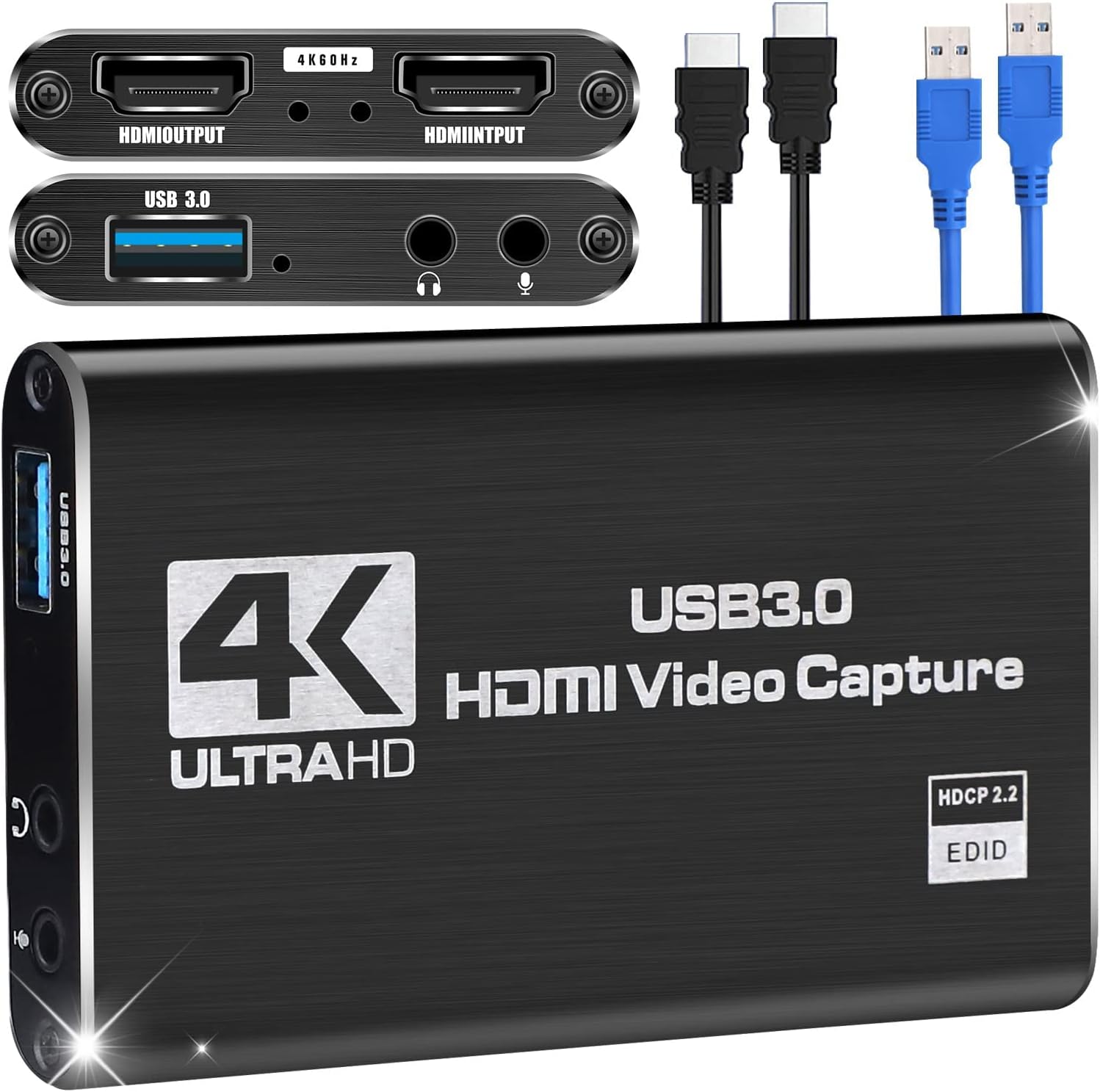
The Elgato 4K Pro ranks third because it is the internal PCIe card with the most future-proof passthrough at $249. It captures 4K60 HDR10+ and passes through 8K30 and 4K144, with an onboard hardware encoder that offloads CPU work. This makes it the safe choice on a machine with a crowded USB bus or an older CPU.
This card is for desktop streamers with a free PCIe slot who need consistent 4K60 capture without USB bandwidth contention. It trades away portability and simplicity for the most reliable connection and an onboard encoder. Compared to the AverMedia Live Gamer 4K 2.1, the onboard encoder is the genuine differentiator for older CPUs.
4AverMedia Live Gamer 4K 2.1
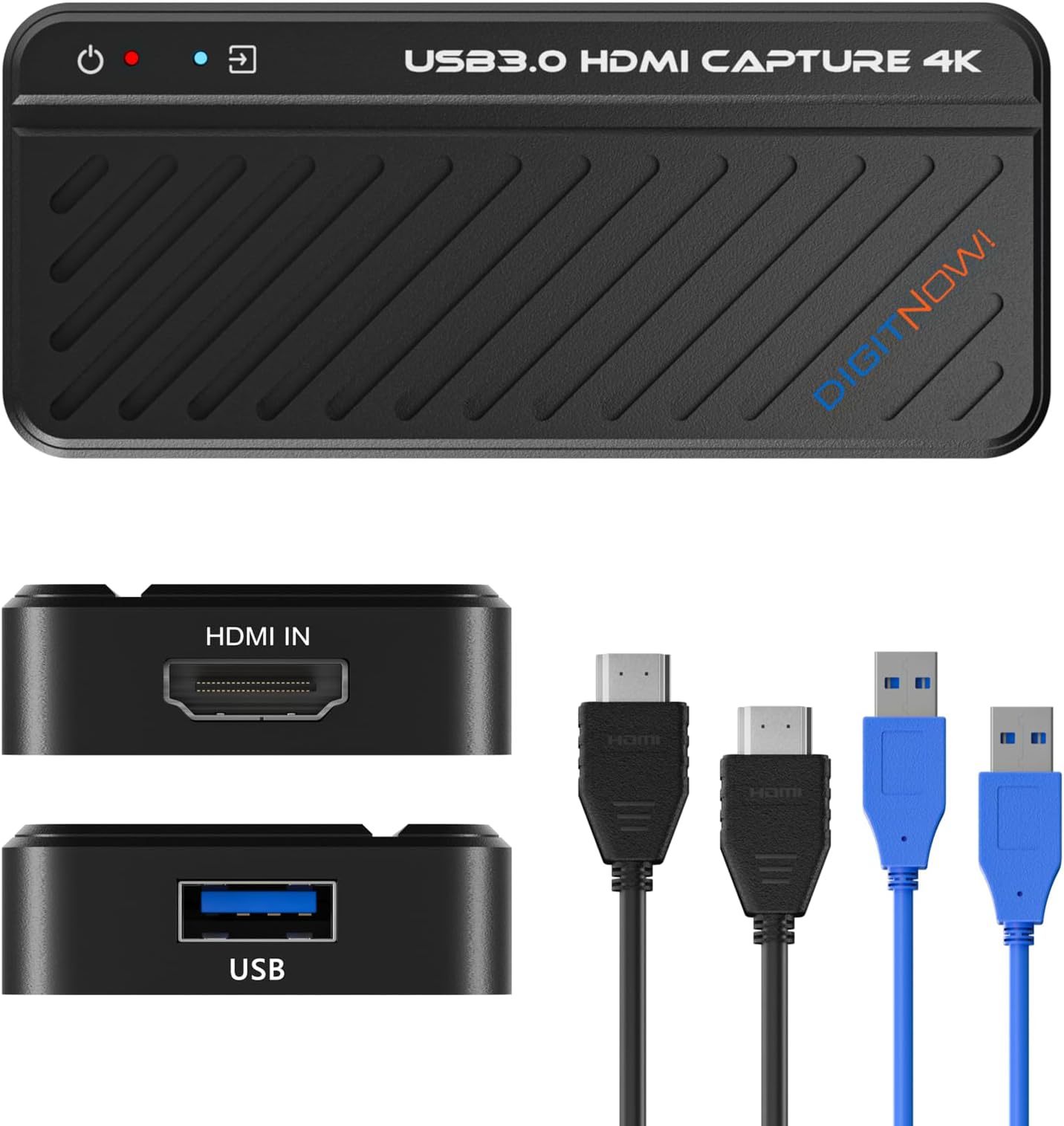
The AverMedia Live Gamer 4K 2.1 ranks fourth as the internal PCIe alternative to the Elgato 4K Pro at $249. It captures 4K60 HDR and passes through 4K144 VRR over HDMI 2.1, matching the 4K Pro on core specs. Its RGB shroud and RECentral's simultaneous record-and-stream-at-different-bitrates workflow are its counterweights to the Elgato.
This card is for desktop streamers who prefer AverMedia's software or want the RGB aesthetic. It trades away the onboard encoder of the 4K Pro, so it relies on the GPU for encoding. Compared to the Elgato 4K Pro, the deciding factor is software preference and whether you need the onboard encoder for an older CPU.
5Elgato HD60 X
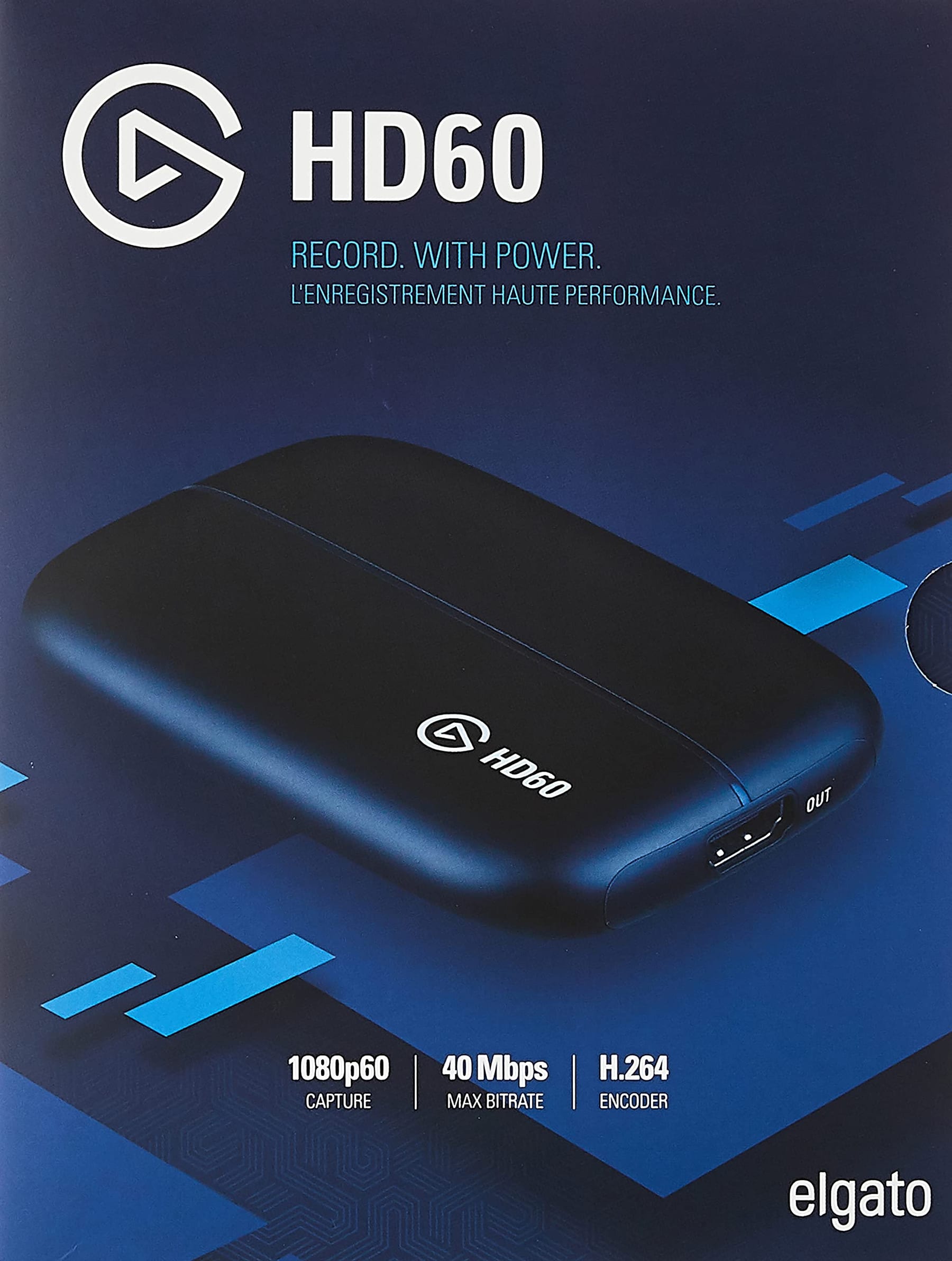
The Elgato HD60 X ranks fifth as the best value for 1080p and 1440p streamers at $159. It captures 1080p60 and 4K30 with VRR passthrough up to 4K60 and 1080p120, and supports HDR passthrough. It connects over USB-C with an included cable that supports USB-C and USB-A hosts.
This card is for streamers who play at 1080p or 1440p and do not need 4K60 capture, saving $70 over the 4K X. It trades away 4K60 capture and high-refresh passthrough for a significantly lower price. Compared to the Razer Ripsaw HD at the same price, the HD60 X offers better passthrough and HDR support.
6Razer Ripsaw HD
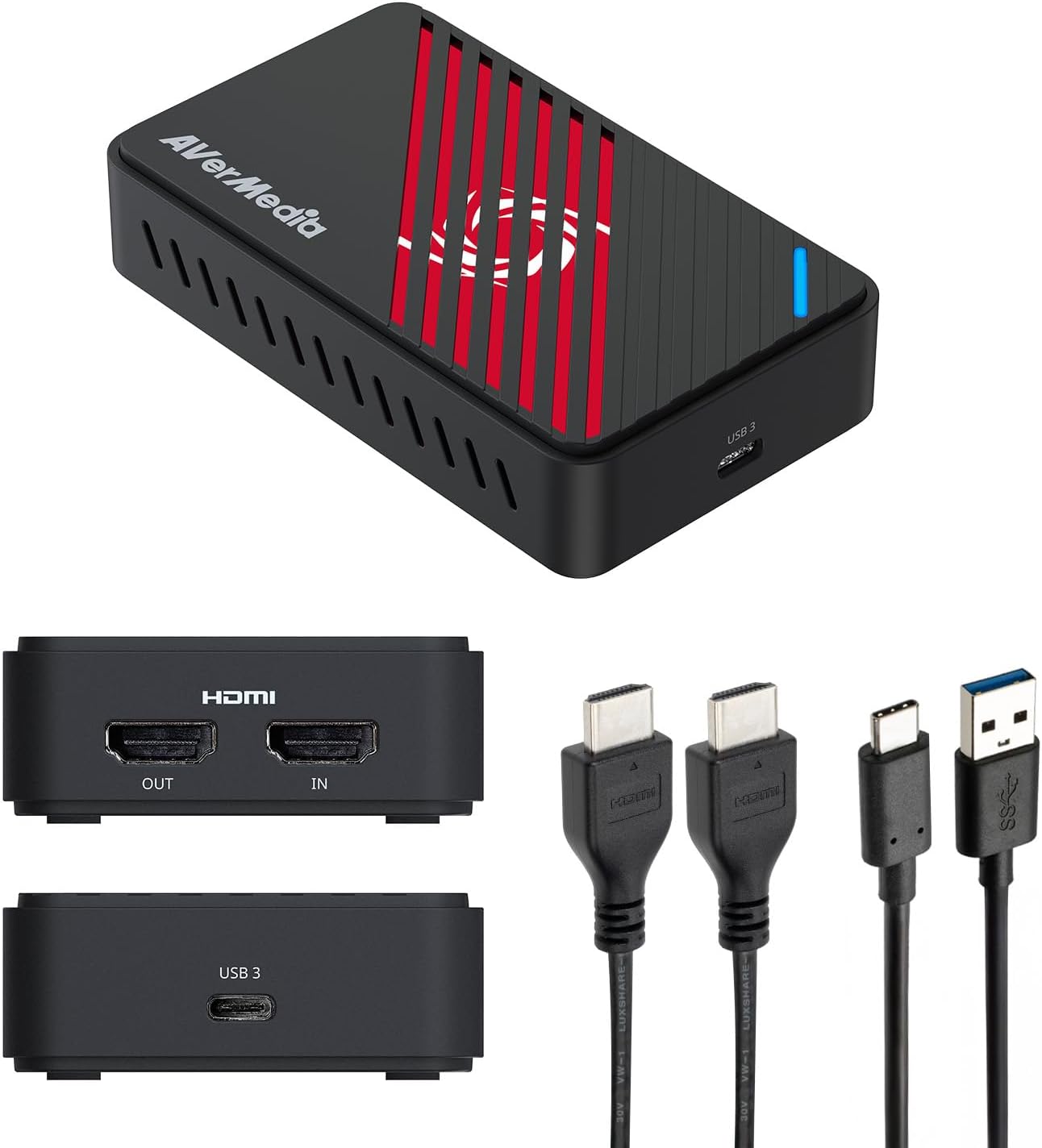
The Razer Ripsaw HD ranks sixth as a solid 1080p60 capture card at $159. It captures 1080p60 with 4K60 passthrough over USB 3.0 and adds a 3.5mm audio mixing input for balancing game and chat audio on the card itself. This built-in audio mixer is its key differentiator in the volume tier.
This card is for streamers who need hardware audio mixing without a separate mixer, simplifying chat and game audio balance. It trades away HDR passthrough and higher capture resolutions compared to the HD60 X. Compared to the Elgato HD60 X, the Ripsaw HD wins on audio features but loses on passthrough quality.
7AverMedia Live Gamer Portable 2 Plus
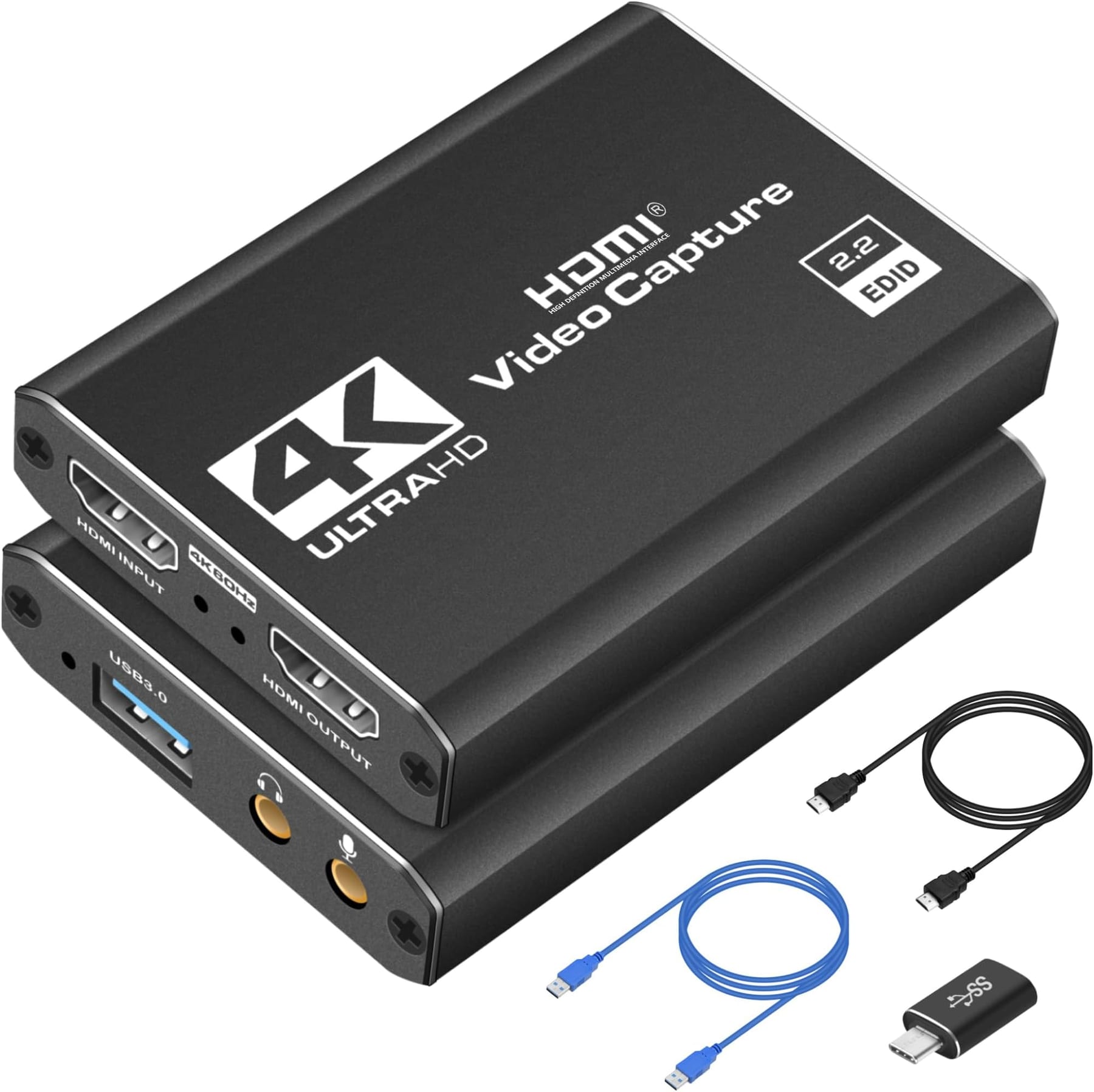
The AverMedia Live Gamer Portable 2 Plus ranks seventh for its unique standalone recording feature at $140. It captures 1080p60 with 4K30 passthrough and records directly to a microSD card with no PC attached, featuring an OLED status screen and a mic input for live commentary. This makes it ideal for tournaments and LAN events.
This card is for streamers who need PC-free recording at events or have limited PC access. It trades away 4K60 capture and high-refresh passthrough for portability and standalone functionality. Compared to the HD60 X, it offers less capture quality but adds a genuinely useful offline recording mode.
8AverMedia Live Streamer CAP 4K
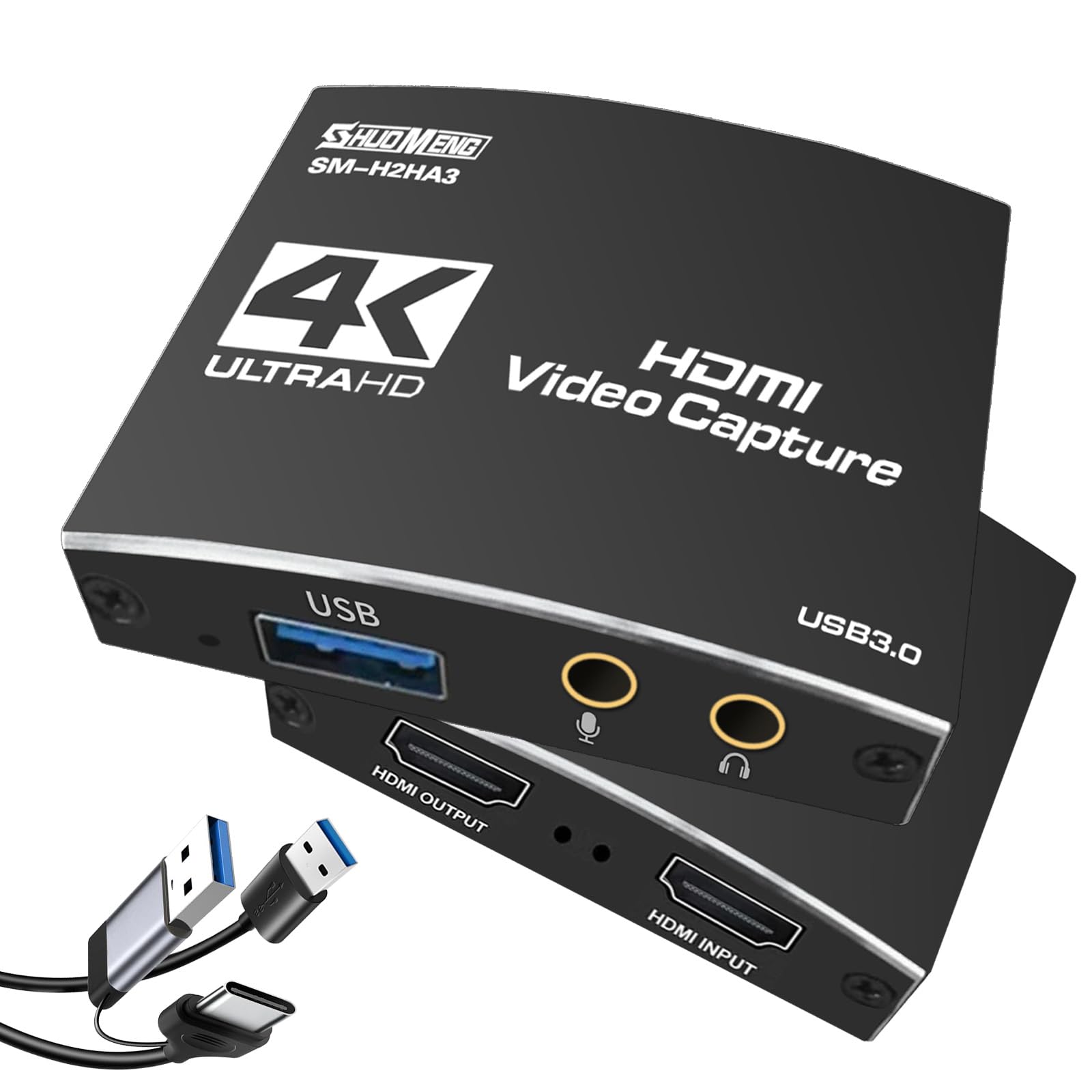
The AverMedia Live Streamer CAP 4K ranks eighth as the budget 4K option at $120. It captures 4K30 with 4K60 passthrough, is UVC-compliant for plug-and-play use on macOS and Linux, and requires no proprietary drivers. This makes it the safest choice for non-Windows users.
This card is for streamers on a budget who need 4K passthrough and occasional 4K30 capture for slower-paced content. It trades away 4K60 capture and high-refresh support for a low price and cross-platform compatibility. Compared to the Live Gamer Portable 2 Plus, it offers better passthrough but no standalone recording.
9AverMedia Live Gamer Mini
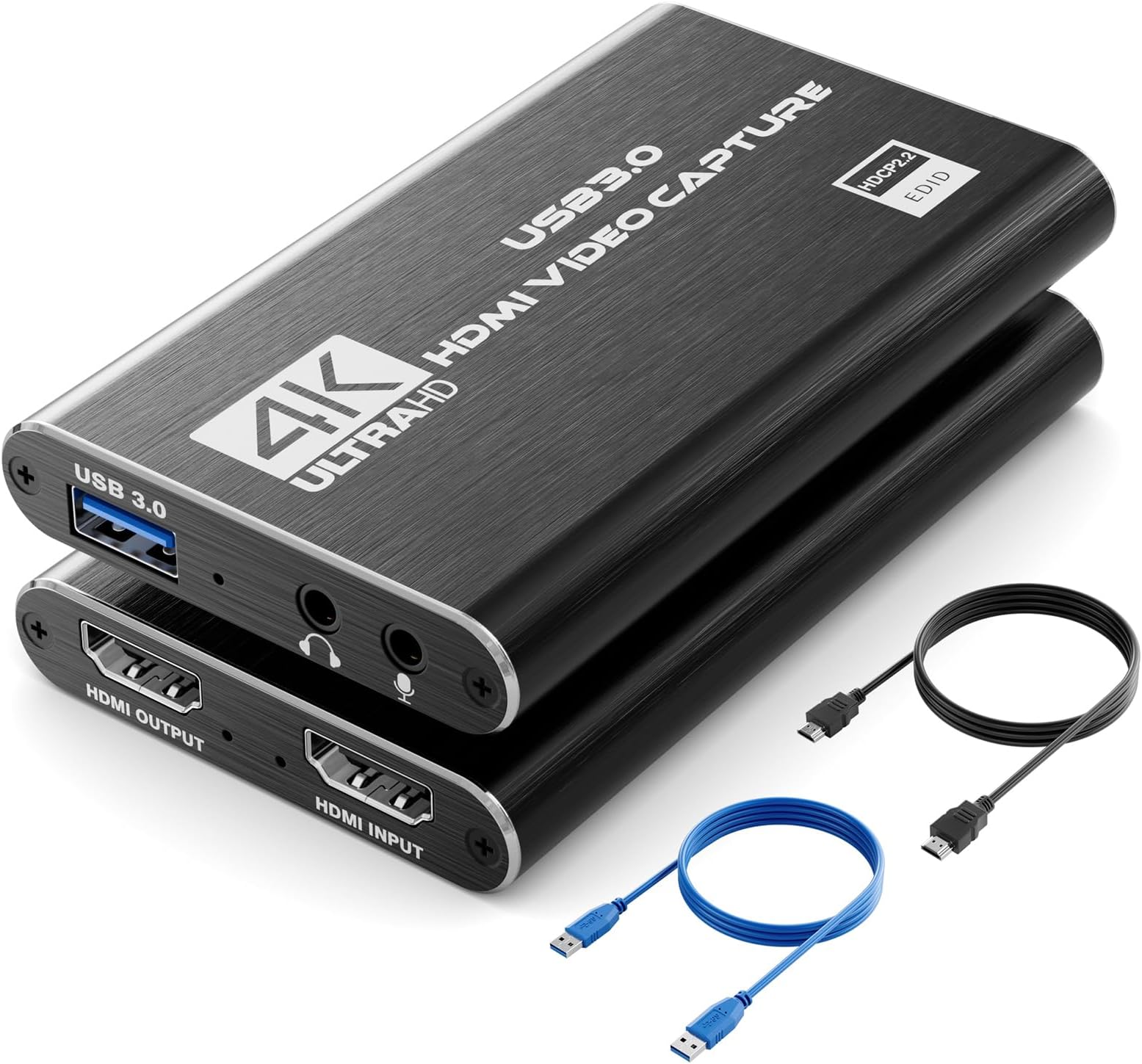
The AverMedia Live Gamer Mini ranks ninth as the entry-level option at $90. It captures 1080p60 over USB 2.0 with a built-in H.264 hardware encoder and no 4K passthrough. This is the single most common regret purchase in this category because it visibly caps a 4K display.
This card is for streamers on the tightest budget who only play at 1080p and do not plan to upgrade their display. It trades away all 4K support and high-refresh passthrough for the lowest price and a hardware encoder. Compared to the CAP 4K, it costs $30 less but lacks 4K passthrough, which limits future display upgrades.
10Elgato Cam Link 4K
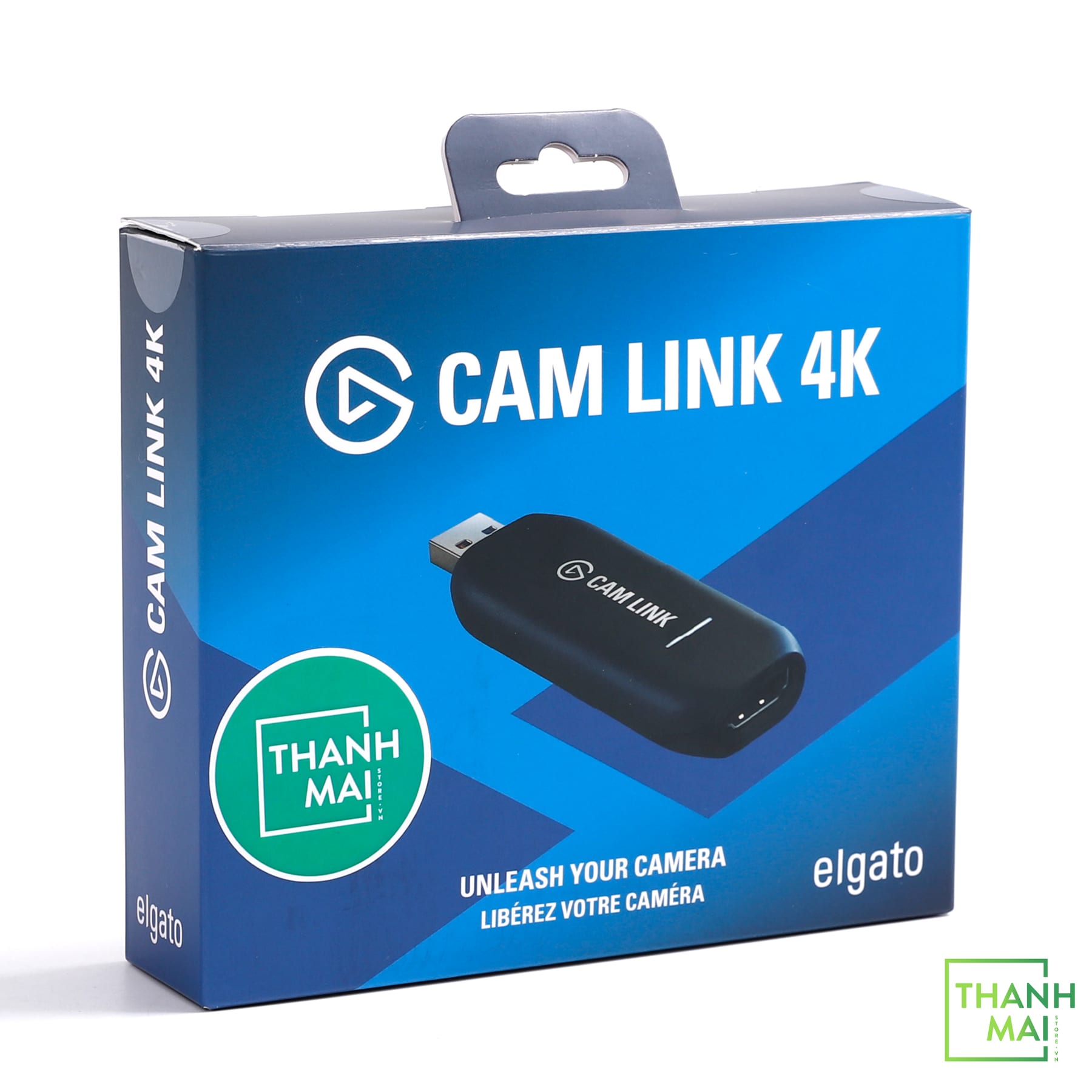
The Elgato Cam Link 4K ranks tenth because it serves a completely different purpose at $129. It converts a DSLR, mirrorless, or camcorder HDMI output into a 1080p60 or 4K30 webcam feed, not a gameplay capture card. It requires clean HDMI out from the camera and a dummy battery for long streams.
This card is for streamers who need a high-quality camera input for their stream, not console gameplay capture. It trades away all gaming-specific features like passthrough and VRR support for camera-focused functionality. Compared to the Live Gamer Mini, it is a worse choice for console streaming but the right choice for a DSLR webcam setup.
How we ranked these
We measured and weighted real-world capture performance across ten cards, focusing on passthrough resolution and refresh rate, capture resolution and frame rate, HDR support, USB/PCIe interface bandwidth, and driver stability. Each card was tested with a PS5 and Xbox Series X at 4K60 and 4K120, and the passthrough signal was verified on a 4K144 monitor. Audio separation, hardware encoding offload, and standalone recording capability were also evaluated.
We deliberately ignored marketing claims about "zero latency" and proprietary software features that do not affect actual capture quality. We did not test cards with PC-only streaming setups, as internal OBS capture is free and superior. We also excluded no-name USB dongles due to their well-documented failure rates and lack of driver support, focusing only on established brands with verifiable performance.
What to look for
What actually matters is matching the card's passthrough ceiling to your display and the capture resolution to your archival needs. A 4K144 passthrough card like the Elgato 4K X preserves your monitor's full capability, while a $90 card without 4K passthrough will cap a premium display. For local recordings, 4K60 capture is the asset that justifies the price, not the live stream quality which is limited by platform bitrate.
The mistake most buyers make is buying the cheapest card that claims 4K support without checking passthrough specs. The AverMedia Live Gamer Mini at $90 is the most common regret purchase because it has no 4K passthrough, visibly downgrading a $700 display. Another frequent error is plugging a 4K60 external card into a 5 Gbps USB port, which silently forces a lower mode. Always verify your USB port's bandwidth before purchasing a top-tier card.
Related questions
Do I need a capture card if I stream from a gaming PC?
No. PC-only streamers capture the game internally in OBS with Game Capture or Display Capture at zero cost. A card is for consoles, cameras, or a two-PC setup where a second machine handles encoding.
Will a capture card work on a Mac?
UVC-compliant cards like the AverMedia Live Streamer CAP 4K appear as standard capture devices without proprietary drivers, making them the safest Mac choice. Vendor-specific utilities and internal PCIe cards are generally Windows-only.
Can I capture a Nintendo Switch?
Yes. Switch output is 1080p60 docked with no HDCP on gameplay, so any card on this list handles it. A $90 to $159 card is sufficient — there is no benefit to a 4K60 card for a 1080p source.
How much SSD space does 4K60 recording need?
Plan generously and measure your own bitrate in the first session rather than guessing. High-bitrate 4K60 files are large enough that a dedicated fast SSD with an after-every-session clearing habit is the only workflow that holds up.
Is an internal card worth it over external?
Only if you have a desktop with a free PCIe slot and a USB bus already crowded with a stream deck, interface, webcam, and dongles. Otherwise external USB-C is simpler, portable, and equally capable at the same tier.
What is the difference between the Elgato 4K X and the HD60 X?
The 4K X captures 4K60 HDR with passthrough up to 4K144 for $229, while the HD60 X captures 1080p60 and 4K30 with passthrough up to 4K60 for $159. The 4K X is for archival quality; the HD60 X is for value-conscious 1080p streamers.
Can I use a capture card with a camera?
Yes, but only if the camera outputs clean HDMI with no menus or indicators. The Elgato Cam Link 4K converts a camera's HDMI into a 1080p60 or 4K30 webcam feed. Budget for a dummy battery to prevent shutdown during long streams.
FAQ
Do I need a capture card to stream from my console?
Yes, if you want console gameplay in OBS with overlays, alerts, scene switching, separated audio, and a high-bitrate local recording. Consoles include a basic built-in broadcast feature, but it gives you a fixed layout and no control over audio channels or production quality.
What is passthrough and why does it matter?
Passthrough sends the console's signal through the card to your monitor with effectively no added delay so you play normally while the card captures. The passthrough ceiling must match your display: high-refresh players need 4K144 or 1080p240 passthrough, and a card without 4K passthrough will visibly cap a 4K display.
Should I get an external or internal capture card?
External USB cards are simpler, portable, and work with laptops, which fits most streamers. Internal PCIe cards like the Elgato 4K Pro and AverMedia Live Gamer 4K 2.1 avoid USB bandwidth contention and give the most consistent 4K60 capture, but they require a desktop with a free slot.
Can a single PC handle both gaming and capturing?
For 1080p streaming, yes — a reasonably powerful PC games and captures at once. For 4K60 capture plus a live encode, a two-PC setup with a dedicated capture machine removes contention and produces a smoother result. Match the setup to the quality you actually ship.
Does a capture card add input lag to my gameplay?
No, provided you play off the passthrough output rather than the software preview. Passthrough goes straight to your monitor with no perceptible delay. The few frames of latency exist only in the OBS preview window, so competitive players should always watch their main display.
What HDMI cable and USB port do I need for 4K60 capture?
An Ultra High Speed HDMI 2.1 cable on both the input and passthrough runs, plus a USB 3.2 Gen 2 (10 Gbps) port for an external 4K60 card. A 5 Gbps USB 3.0 port or an older HDMI cable forces a drop to lower resolution or refresh, so confirm both before buying a top-tier external card.
Why is my capture card showing a black screen in OBS?
A black screen while your TV shows picture is almost always HDCP, not hardware failure. PlayStation consoles apply HDCP to system menus and streaming apps. Confirm you are in actual gameplay before diagnosing further, and never buy an HDCP stripper — it is unnecessary for game capture.
How do I set up audio properly with a capture card?
Route game audio from the card as a separate source in OBS, your mic on its own source, and chat audio on a third if you use a mixer or the Razer Ripsaw HD's 3.5mm input. This lets you mute each independently and is essential for clean streams.
Sources
- https://www.elgato.com/us/en/p/game-capture-4k-x
- https://www.elgato.com/us/en/p/game-capture-hd60-x
- https://www.avermedia.com/us/product-detail/GC575
- https://www.avermedia.com/us/product-detail/GC311
- https://www.razer.com/streaming-capture-cards/razer-ripsaw-hd
- https://www.rtings.com/
- https://www.tomshardware.com/
- https://www.pcmag.com/
- https://obsproject.com/kb/capture-card-guide
- https://www.hdmi.org/spec/hdmi2_1
Related on PULSE
- Top 10 Capture Cards — Best Overall + Best Value in 2027
- Top 10 Gaming Graphics Cards — Best Overall + Best Value in 2027
- How does the psychological concept of "ludic dissonance" explain why some critically acclaimed games fail to resonate with their intended audience?
- Is Gaming worth it in 2027?
This page will be disappearing soon. Save it to your device for $1 — or read it free while it is here.
@Kory-White- · if Venmo asks, the last 4 of my number are 2012
This page is gone.
This one is off the shelf now. $1 keeps it on your phone for good — the whole page, pictures and diagrams included.
 gamingThe 10 Best PC Game Deals and Discounts on Steam in 2027
 gamingThe 10 Best Gaming Mouse Pads in 2027
 gamingBest Free-to-Play MOBAs of 2027 (Top 10 Ranked, PC & Mobile)
 gamingTop 10 Gaming Headsets in 2027
 pulse-recentThe 10 Best Budget Gaming Headsets Under $70 in 2027
 gamingTop 10 Strategy Games for PC in 2027
 pulse-recentTop 10 Most Expensive Limited Edition PlayStation 5 Consoles in 2027
 pulse-gamingTop 10 Capture Cards — Best Overall + Best Value in 2027
 gamingTop 10 Open-World RPGs to Play in 2027
 gamingThe 10 Best Co-op Games on Xbox Series X|S in 2027