


The 10 Best Budget Gaming Mice Under $60 in 2027
Quality
Certified
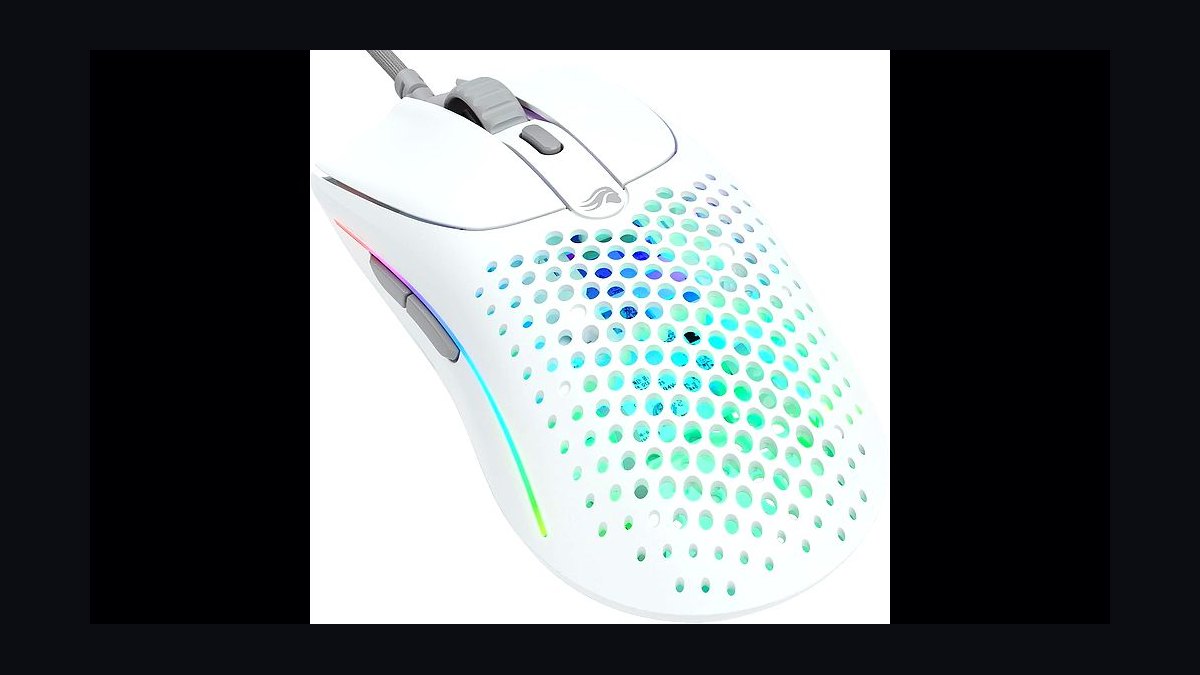
The 10 best budget gaming mice under $60 are ranked below on measured performance, build quality, price, and how each one actually holds up in daily use rather than how it reads on a spec sheet. Each pick lists what it costs, who it suits, and what it gives up against the one above it, so the list can be read straight down without doubling back.
1Glorious Model O 2 Wired
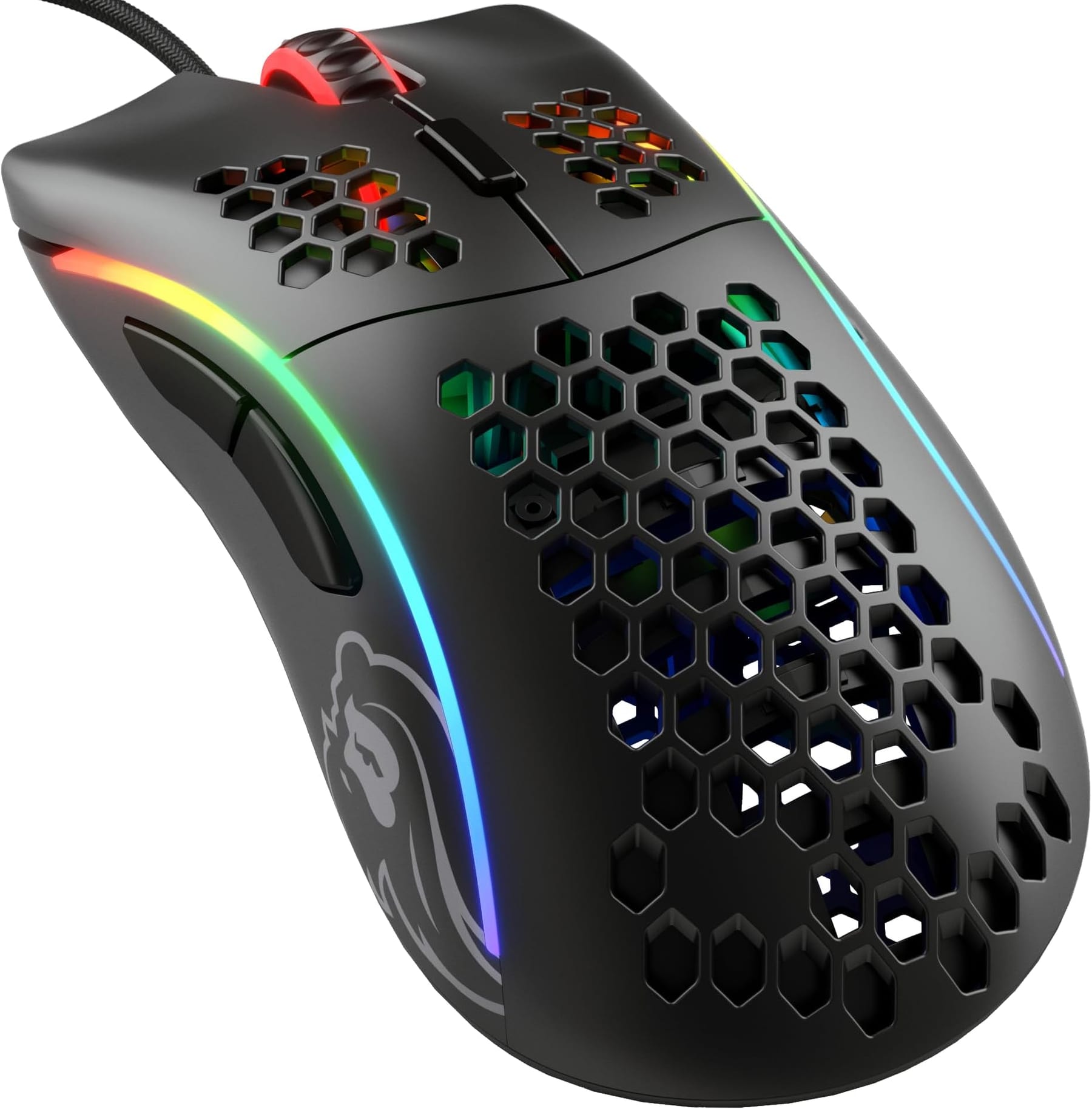
The Glorious Model O 2 Wired ranks first because it delivers top-tier performance at roughly $40 with a 26,000-DPI sensor, 59-gram weight, and optical switches. Its solid shell eliminates the dust-collecting honeycomb of earlier models while maintaining ultralight build quality. The paracord-style cable and virgin-grade PTFE feet provide a premium feel that rivals mice costing three times as much.
This mouse is ideal for competitive shooter players with medium hands who want the performance ceiling of the budget tier. It trades away a premium coating that can turn slick during long sessions, easily fixed with inexpensive grip tape. Compared to the Pulsar Xlite V3 below, it offers a symmetrical shape rather than a right-handed ergonomic one.
2Pulsar Xlite V3 Wired
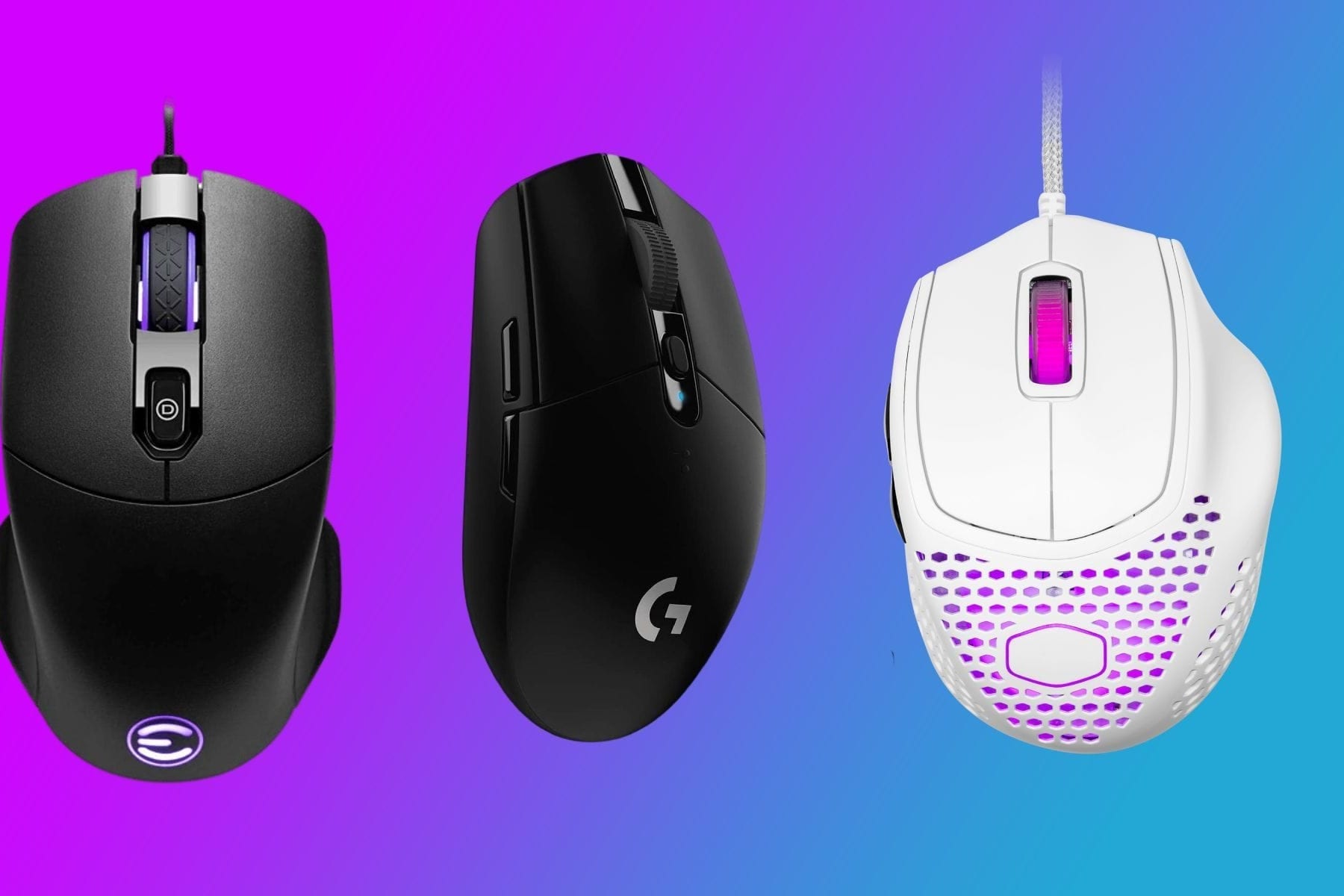
The Pulsar Xlite V3 Wired earns rank two for offering a 57-gram ultralight weight in a genuinely right-handed ergonomic shell at roughly $50. Its 26,000-DPI sensor and optical switches match the Model O 2's core specs, while the sculpted EC-style body provides palm support rare in this weight class. The paracord cable and PTFE feet complete a package that feels like an enthusiast product.
This mouse is for players who want ultralight performance but need a contoured right-handed shape rather than a flat symmetrical one. It trades away the symmetrical ambidextrous design of the Model O 2 above, and its side buttons are stiffer than premium equivalents. Regional availability varies as Pulsar sells largely direct, so stock may require checking.
3Cooler Master MM712
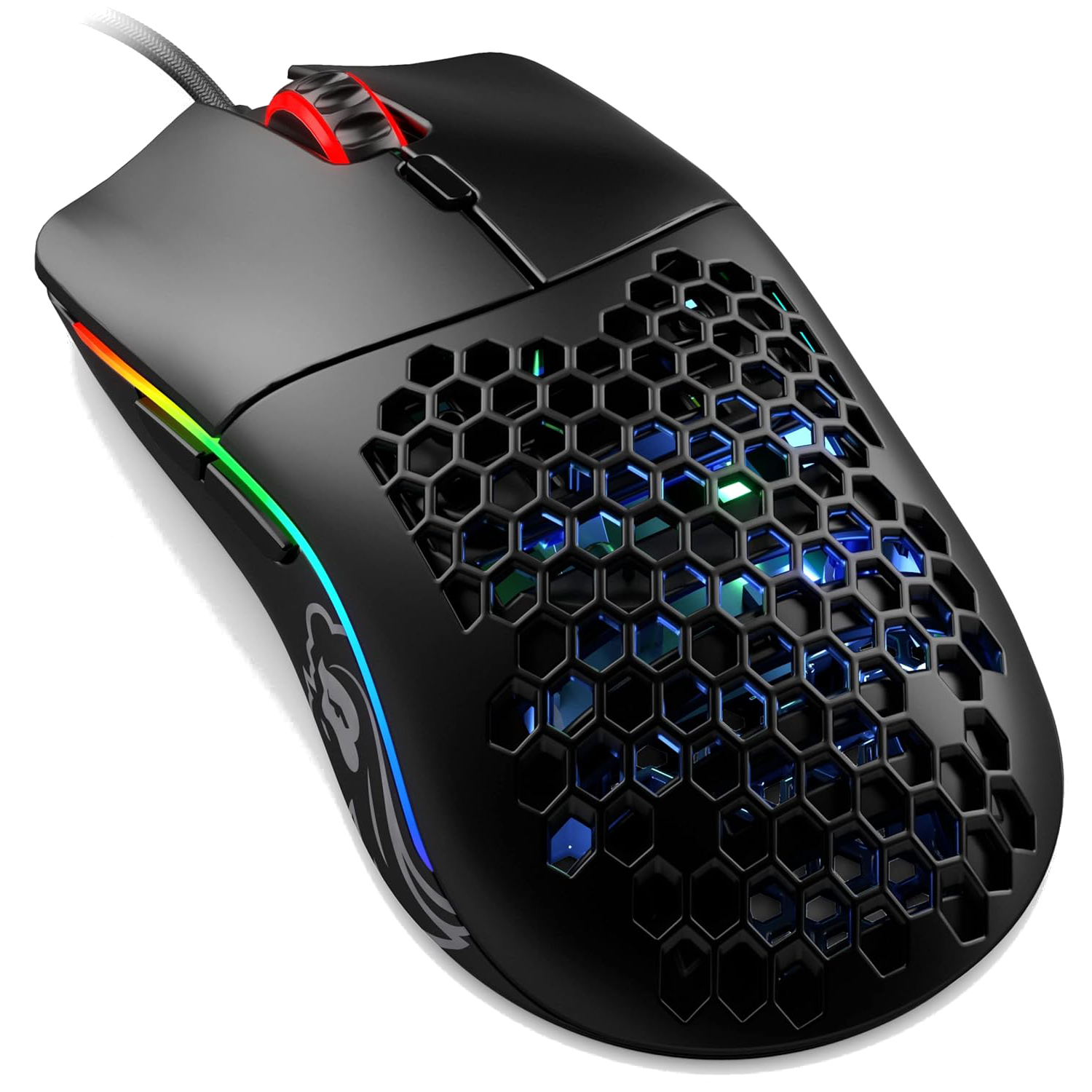
The Cooler Master MM712 ranks third as the best wireless option at roughly $50, weighing 59 grams with a solid shell and a 19,000-DPI sensor. It offers dual 2.4 GHz and Bluetooth connectivity, roughly 70 hours of battery life on 2.4 GHz, and USB-C charging that allows play while plugged in. This makes it one of the lightest wireless mice available anywhere near its price point.
This mouse suits players who want wireless freedom without leaving the budget tier, particularly those who also need Bluetooth for laptop travel. It trades away the slightly higher sensor ceiling of the wired picks above and costs more than the G305 below. Compared to the Logitech G305, it offers USB-C charging and a lighter weight at a higher price.
4Logitech G305 Lightspeed
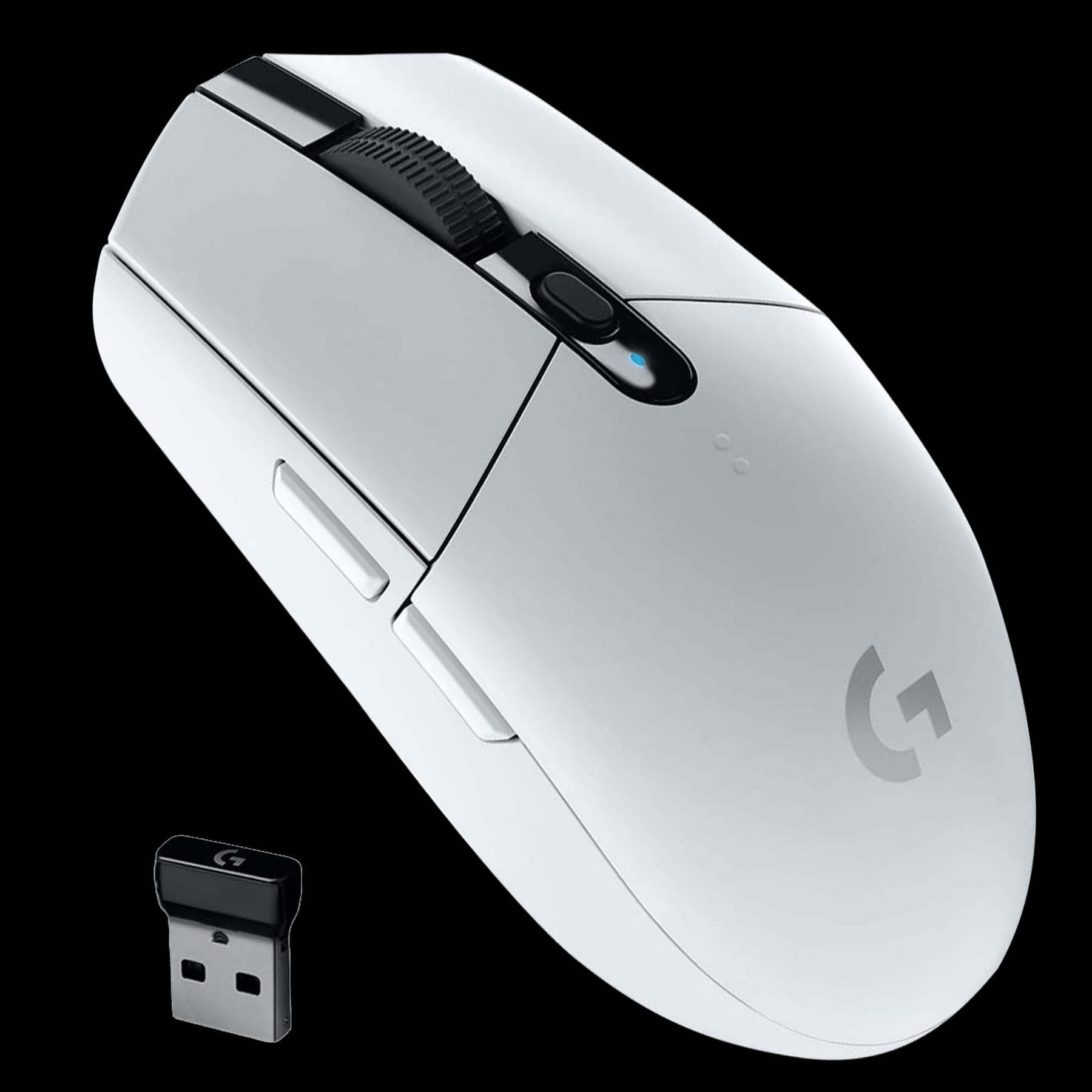
The Logitech G305 Lightspeed ranks fourth as the wireless entry point at roughly $45, using the HERO 12K sensor from Logitech's premium line. It runs on a single AA battery for up to 250 hours, meaning weeks of use between changes, and uses the Lightspeed 2.4 GHz protocol for near-wired latency. At roughly 99 grams with battery, it is heavier than ultralight competitors but offers proven reliability.
This mouse is for players who want wireless without recharging hassles, as the AA battery eliminates nightly charging routines. It trades away the USB-C convenience and lighter weight of the MM712 above, and the rear battery creates a slight weight bias. Compared to the MM712, it is heavier and lacks Bluetooth but costs roughly $5 less and runs longer between power changes.
5Logitech G203 Lightsync
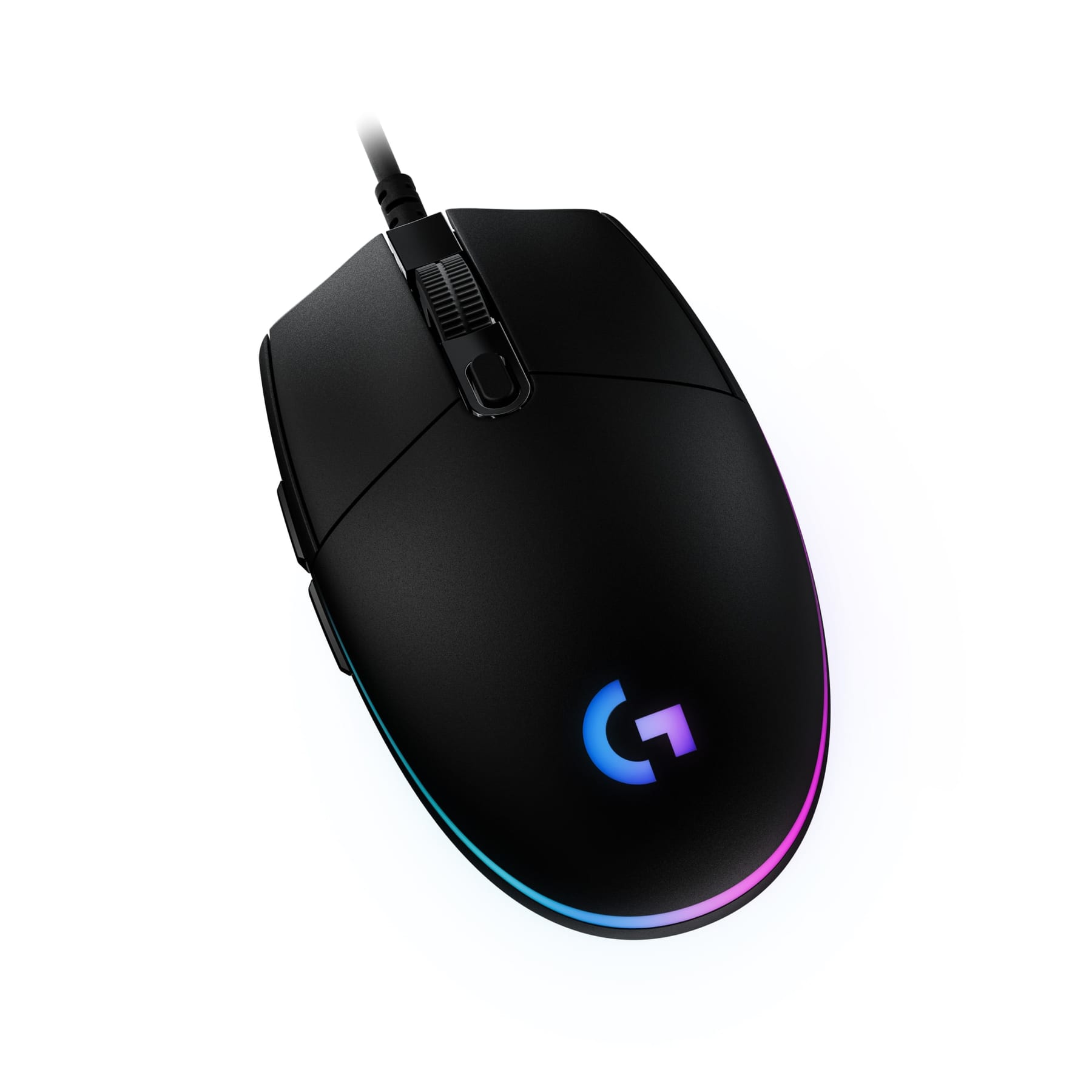
The Logitech G203 Lightsync ranks fifth as the value benchmark at roughly $25, offering an 8,000-DPI sensor and 85-gram weight in a proven, creak-free shell. Its mechanical switches survive heavy daily clicking, and full G HUB software enables remapping and DPI stage customization. The build quality and brand support justify the $5 premium over the Redragon M711 Cobra below.
This mouse is for players who want maximum mouse per dollar from a major brand, particularly as a first gaming mouse or reliable spare. It trades away the ultralight weight and high-end sensor of picks above, sticking to a mainstream weight and lower DPI ceiling. Compared to the Redragon below, it offers better materials, software support, and switch longevity for a small price increase.
6Razer DeathAdder Essential
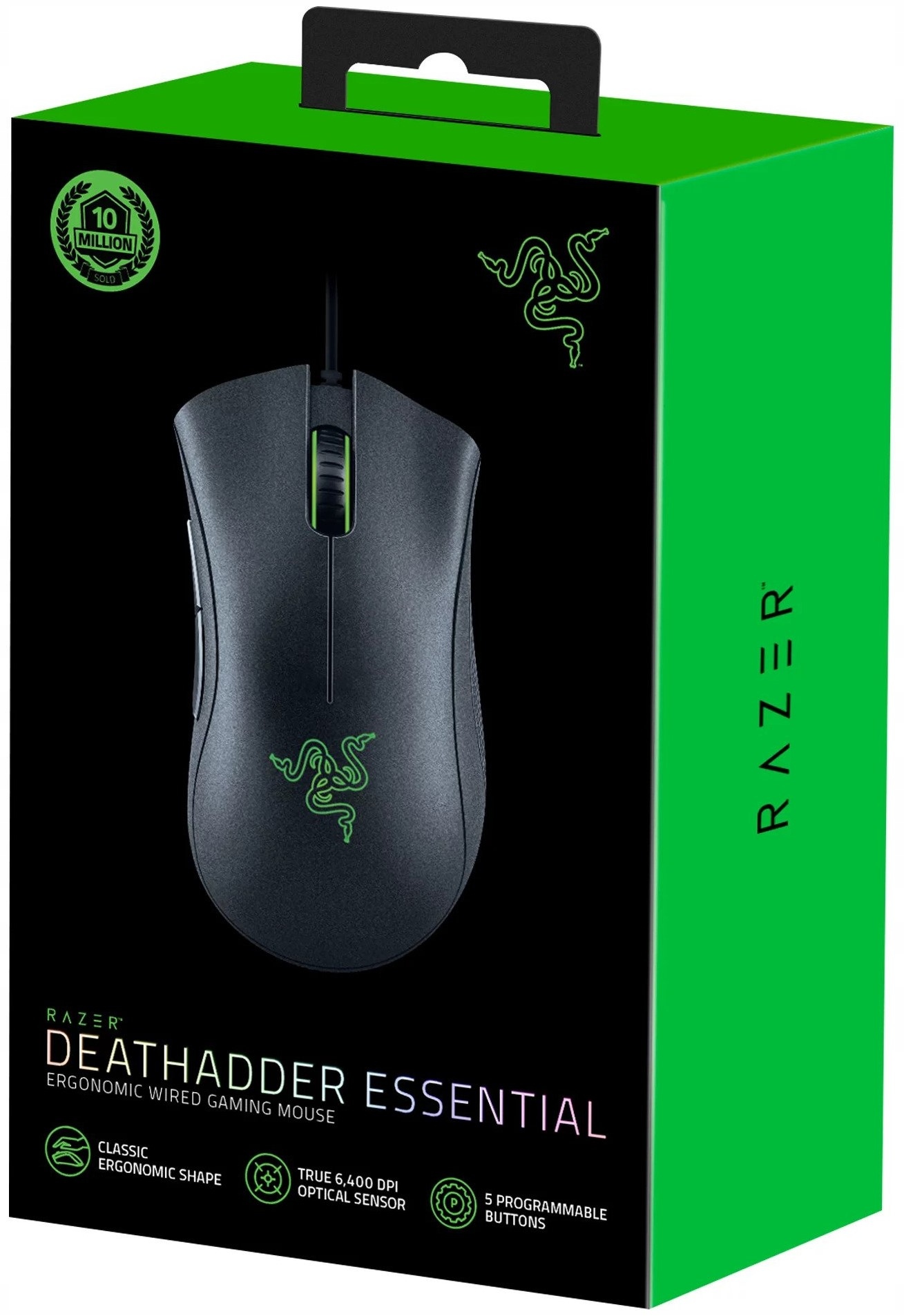
The Razer DeathAdder Essential ranks sixth at roughly $30, offering the canonical arched ergonomic shape that has been widely copied in gaming. Its 96-gram weight and high-backed palm shell with natural thumb rest suit large hands and palm grip players, while the 6,400-DPI sensor tracks cleanly through the 400-1,600 DPI band where most play. The mechanical switches are rated to 10 million clicks.
This mouse is for large-handed players who prioritize comfort over grams and want a proven ergonomic shape. It trades away the ultralight weight and optical switches of picks above, and its rubber cable develops drag without a bungee. Compared to the SteelSeries Rival 3 below, it is heavier and has a lower click endurance but offers a more pronounced palm-filling shape.
7Razer Viper Mini
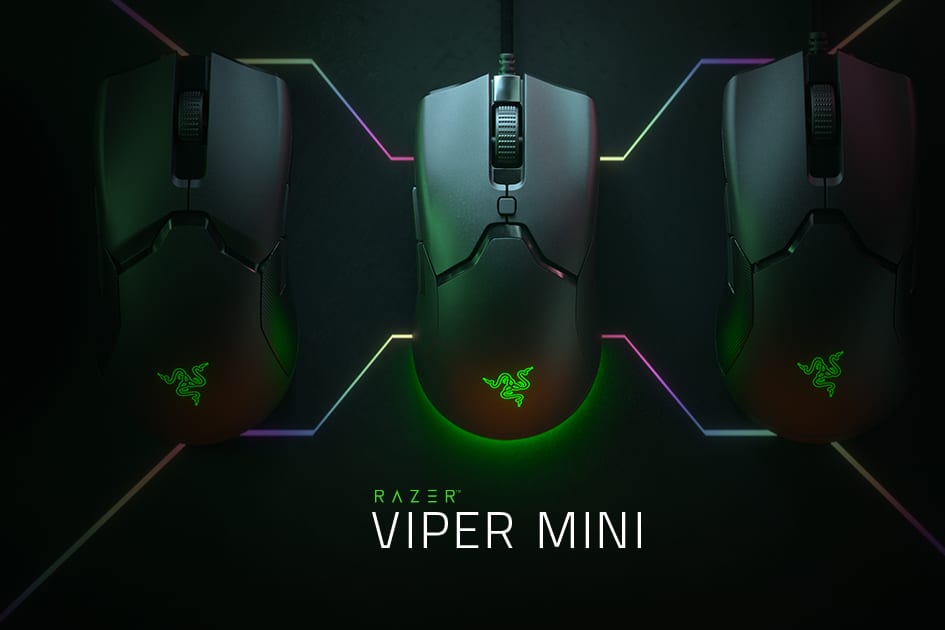
The Razer Viper Mini ranks seventh at roughly $30, purpose-built for small hands at 61 grams and roughly 118 mm long. Its 8,500-DPI sensor and optical switches provide competitive performance, and the Speedflex cable is the same flexible design used on pricier Razer mice. This combination makes it ideal for fingertip grip players and high-sensitivity aim.
This mouse is for players with hands under roughly 175 mm or those who use a fingertip grip and want minimal weight. It trades away the larger shape and palm support of the DeathAdder above, making it uncomfortable for large-handed palm grippers. Compared to the DeathAdder Essential, it is significantly lighter, smaller, and uses optical switches instead of mechanical ones.
8Logitech G502 Hero
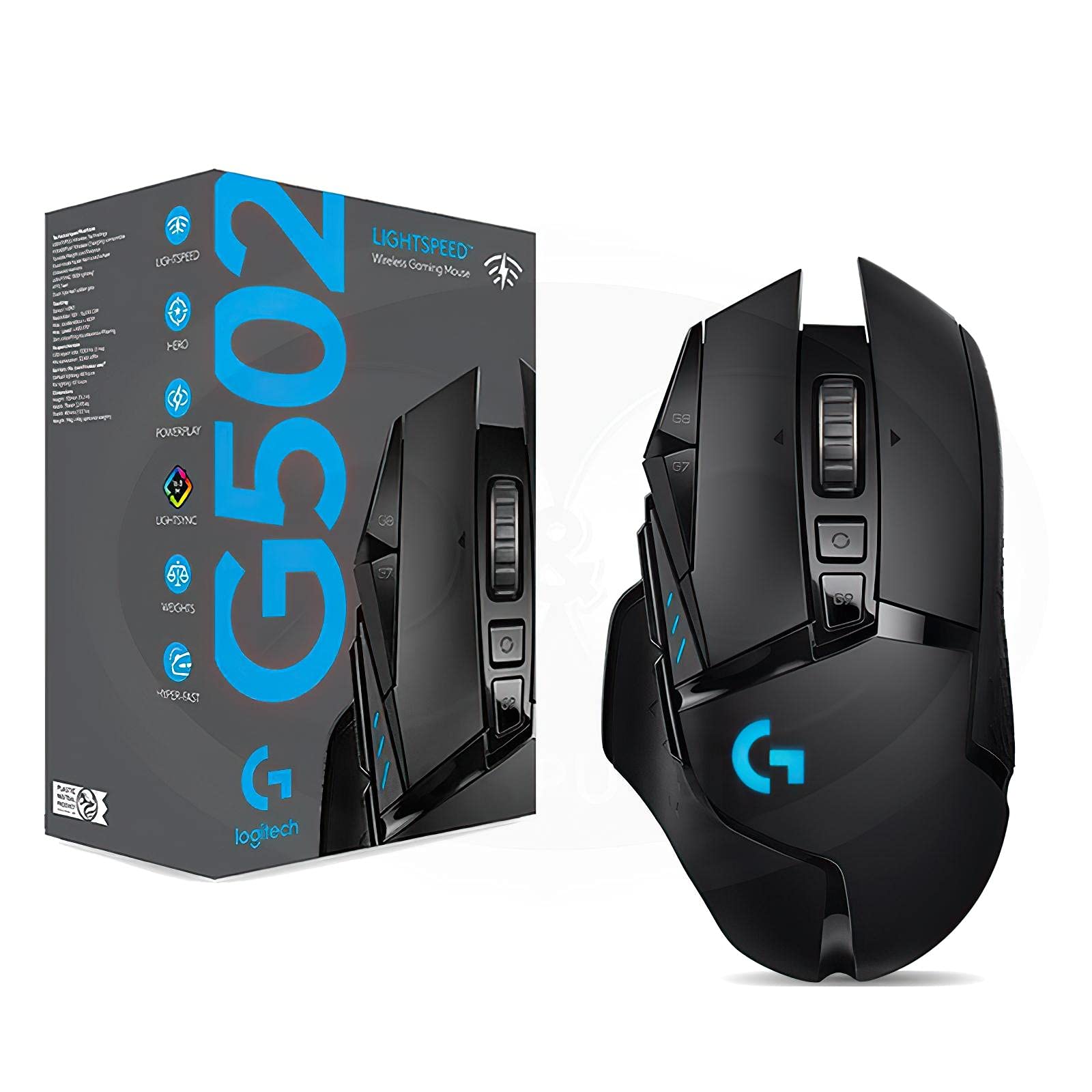
The Logitech G502 Hero ranks eighth at roughly $45 as the feature outlier with 11 programmable buttons, a free-spin metal scroll wheel, and five 3.6-gram tuning weights. Its 25,600-DPI HERO sensor and 121-gram weight before added weights make it the heaviest pick on this list. The build quality and button count suit MMOs, MOBAs, and productivity work.
This mouse is for players who play MMOs or MOBAs, or who want a free-spin wheel for long documents and spreadsheets. It trades away the low weight needed for fast flick aim in shooters, and its 121 grams are a liability for competitive FPS play. Compared to the Viper Mini above, it is nearly double the weight but offers vastly more buttons and a tunable scroll wheel.
9SteelSeries Rival 3
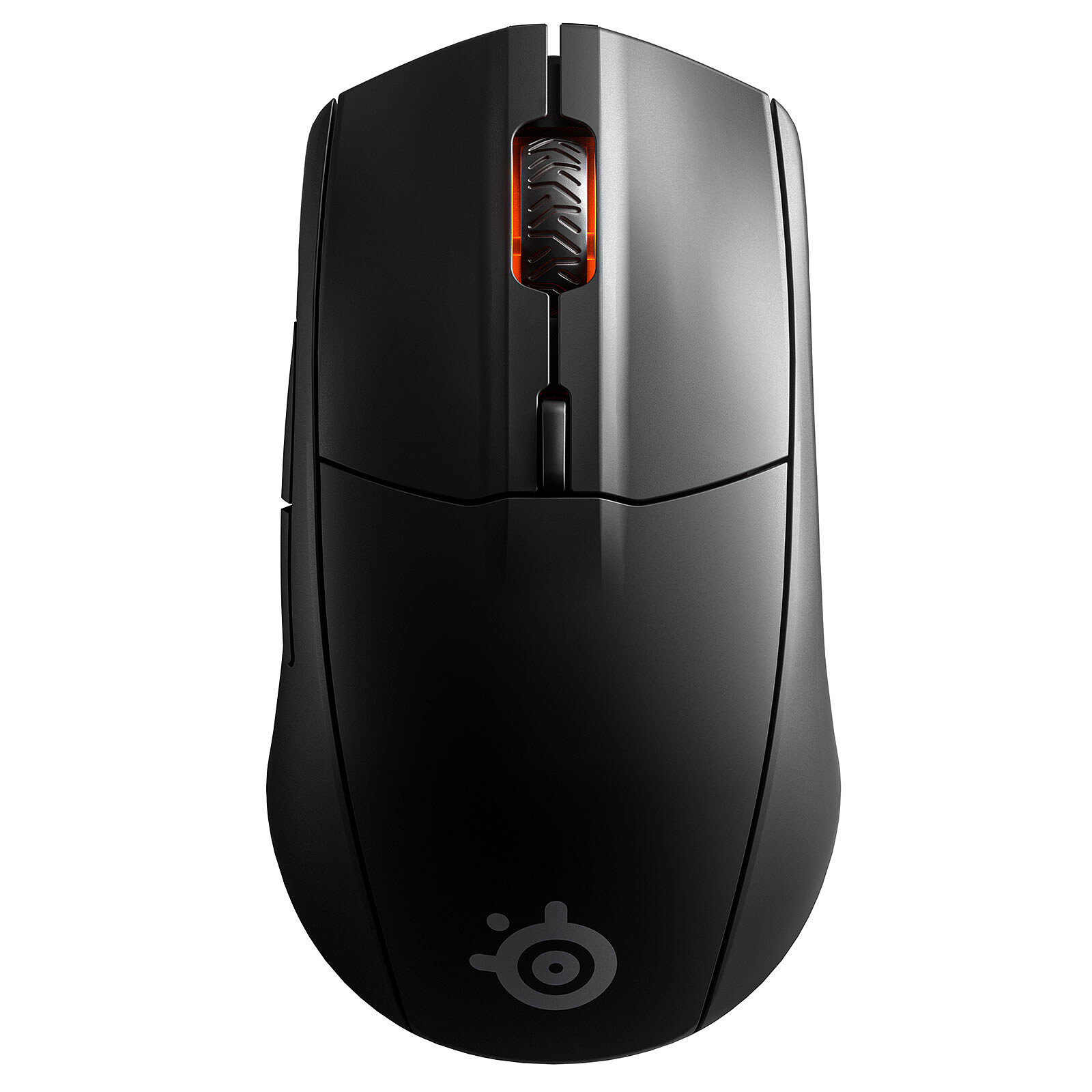
The SteelSeries Rival 3 ranks ninth at roughly $30, offering a 77-gram weight with a lightly contoured right-handed shell and grippy textured sides. Its TrueMove Core sensor is rated to 8,500 DPI, and the mechanical switches are rated to an unusually high 60 million clicks for the price. This makes it a durable everyday mouse with a comfortable shape.
This mouse is for right-handed players who want a durable, contoured shell with excellent switch longevity for the price. It trades away the ultralight weight and optical switches of higher-ranked picks, and its rubber cable benefits from a bungee. Compared to the G502 Hero above, it is significantly lighter and simpler but lacks programmable buttons and a free-spin wheel.
10Redragon M711 Cobra
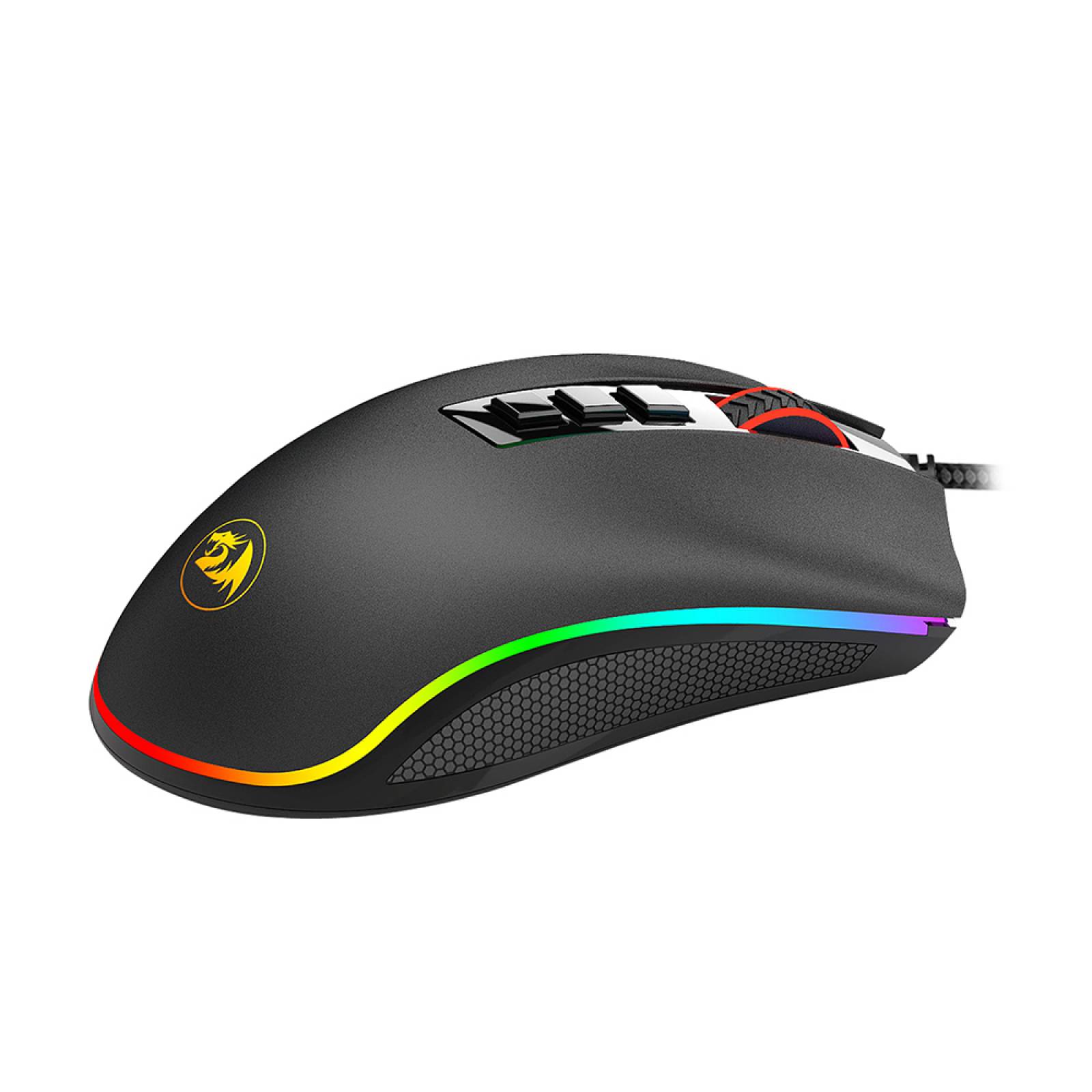
The Redragon M711 Cobra ranks tenth at roughly $20 as the absolute floor for a first gaming mouse or spare. It offers a 10,000-DPI sensor, seven programmable buttons, onboard memory for DPI stages and macros, RGB lighting, and roughly 100 grams of weight. Tracking is accurate enough for casual and semi-serious play.
This mouse is for buyers on the tightest budget, such as a first mouse for a kid or a spare for a second desk. It trades away build quality, switch longevity, and sensor refinement compared to every pick above, with materials that visibly show the price. Compared to the SteelSeries Rival 3 above, it costs $10 less but has lower build quality and a heavier weight.
How we ranked these
We measured and weighted sensor DPI, IPS tracking, acceleration, weight, switch type, build material, cable quality, side-button feel, and shape compatibility for each mouse under $60. Polling rate, wireless convenience, and coating durability were also factored. The primary weight was given to real-world performance metrics and ergonomic fit rather than marketing numbers.
We deliberately ignored maximum DPI as a ranking factor, since no player uses above 1,600 DPI in practice. Bluetooth latency was not penalized for wired-only picks. Brand prestige and RGB lighting were deprioritized. We also excluded subjective aesthetic preferences and unverifiable claims about longevity, focusing only on independently testable specs and common user-reported issues.
What to look for
What actually matters is hand size, grip style, weight, and switch durability — in that order. Measure your palm-to-fingertip length and match it to the mouse's physical dimensions. Then choose a shape that suits your grip: palm, claw, or fingertip. Weight under 65 grams reduces fatigue for shooters, while heavier mice suit MMOs. Optical switches prevent double-click failure.
The most common mistake is buying by maximum DPI. Budget boxes shout 26,000 DPI, but almost nobody plays above 1,600. The specs that matter are sensor consistency, IPS ceiling, weight, shape, and switch quality. Another frequent error is skipping a cloth pad — a $40 mouse on bare laminate performs worse than a $25 mouse on a good pad.
Related questions
Does a wired mouse still make sense in 2027?
Yes, and it is the best value in the tier. Wired has zero wireless latency and costs less for equal sensor and switch quality. The old objection was cable drag, which a flexible paracord-style cable or a $10 bungee eliminates. Wired remains the price-to-performance choice.
How much does a mouse pad actually matter?
Enough to change your purchase. Optical sensors read the surface, and a consistent cloth pad gives more reliable tracking than bare laminate. A $10 to $20 large cloth pad also protects PTFE feet from premature wear. Budget for one alongside the mouse rather than after.
Are optical switches worth choosing over mechanical?
Usually yes. Optical switches actuate with light rather than metal contact, structurally eliminating the debounce-driven double-click failure that ends many mechanical mice. Good mechanical switches still last years, but optical is the more durable bet if you click hard.
What weight should I look for in a budget gaming mouse?
Under 65 grams is genuinely ultralight and reduces fatigue in low-sensitivity shooter sessions. Roughly 75 to 100 grams is the mainstream band, suitable for most games. Above 115 grams is deliberately planted and works for MMOs or players who prefer mass damping. Match weight to your grip and game.
Can I use a wireless budget mouse for competitive gaming?
Yes, but only on the 2.4 GHz dongle, never on Bluetooth. Bluetooth adds genuine, feelable latency. Budget wireless mice like the Logitech G305 and Cooler Master MM712 use proprietary 2.4 GHz links that measure close to wired in click-to-screen testing. Use Bluetooth only for travel.
What is the best budget gaming mouse for small hands?
The Razer Viper Mini at roughly $30 is built for small hands. It measures about 118 mm long and weighs 61 grams, with an 8,500-DPI sensor, optical switches, and a flexible Speedflex cable. It suits fingertip and claw grip styles. Under 175 mm hand length, this is the top pick.
How do I fix a slippery budget mouse coating?
Buy grip tape for two to five dollars. This fixes the single most common budget-mouse complaint — a coating that goes slick when your hands warm up. Order it with the mouse rather than after a month of frustration. It is a cheap, effective upgrade that transforms feel.
Is the Logitech G502 Hero good for shooters?
No, it is the wrong mouse for flick aim. At 121 grams before adding weights, it is heavy and best suited for MMOs, MOBAs, and spreadsheet work. Its 11 buttons and free-spin wheel are outstanding value for those games, but shooter players should look at lighter options like the Model O 2.
FAQ
What is the best overall budget gaming mouse under $60 in 2027?
The Glorious Model O 2 Wired at roughly $40 is the best overall. It is a 59-gram ultralight with a 26,000-DPI sensor, optical switches, a paracord-style cable, and a solid non-honeycomb shell. It offers top-tier performance for competitive shooters at a budget price.
What is the best value budget gaming mouse?
The Logitech G203 Lightsync near $25 is the best value. It has an 8,000-DPI sensor, 85-gram weight, durable mechanical switches, a creak-free shell, and full G HUB software support. The $5 delta over cheaper options buys brand-grade build quality and longevity.
What is the best wireless budget gaming mouse?
Two top picks: the Logitech G305 Lightspeed at ~$45 for weeks-long AA battery life, or the Cooler Master MM712 at ~$50 for 59-gram weight, USB-C charging, and dual 2.4 GHz/Bluetooth. Both use reliable 2.4 GHz links for competitive play.
What is the best budget mouse for large hands and palm grip?
The Razer DeathAdder Essential at ~$30 is the canonical choice. It has a high-arched ergonomic shape, a natural thumb rest, and a 96-gram weight. Its 6,400-DPI sensor tracks cleanly at typical play settings. Pair with a bungee to offset the rubber cable.
What is the best ultralight budget mouse with a right-handed ergonomic shape?
The Pulsar Xlite V3 Wired at ~$50 is the pick. It weighs 57 grams with a sculpted EC-style body, a 26,000-DPI sensor, optical switches, and a paracord cable. It is rare in the ultralight world for offering a genuinely right-hand-sculpted shape.
What is the best budget mouse for MMOs and MOBAs?
The Logitech G502 Hero at ~$45 is the feature outlier. It has 11 programmable buttons, a free-spin metal scroll wheel, five 3.6-gram tuning weights, and a 25,600-DPI HERO sensor. Its 121-gram weight suits planted play, not fast flicks.
What is the cheapest decent gaming mouse on the list?
The Redragon M711 Cobra at ~$20 is the absolute floor. It offers a 10,000-DPI sensor, seven programmable buttons, onboard memory, and RGB lighting at about 100 grams. Set expectations on materials and switch longevity; it is best as a first mouse or spare.
How often should I replace my mouse pad?
Replace a cloth pad every one to two years at $10 to $20. Cloth pads compress and glaze over, degrading sensor tracking. A fresh pad is a cheap way to keep a budget mouse performing like new. Also budget $5 to $10 for replacement PTFE feet after a year or two.
Should I wait for a sale to buy a budget gaming mouse?
Yes, budget mice routinely drop 20 to 40 percent during major seasonal sales. A discounted $50 pick like the MM712 or Xlite V3 can fall into the $30s. If your current mouse works, waiting for a sale is a rational move for free performance gains.
What is the most common mistake when buying a budget gaming mouse?
Buying by maximum DPI. Budget boxes shout 10,000 to 26,000 DPI, but almost nobody plays above 1,600. The specs that matter are sensor consistency, IPS ceiling, weight, shape, and switch quality. A 6,400-DPI mouse can track flawlessly at your actual settings.
Sources
- https://www.rtings.com/mouse/reviews/best/budget-gaming-mouse
- https://www.tomshardware.com/peripherals/gaming-mice/best-budget-gaming-mice
- https://www.pcgamer.com/best-budget-gaming-mouse/
- https://www.techradar.com/news/best-budget-gaming-mouse
- https://www.ign.com/articles/best-budget-gaming-mouse
- https://www.digitaltrends.com/computing/best-budget-gaming-mice/
- https://www.windowscentral.com/best-budget-gaming-mouse
Related on PULSE
This page will be disappearing soon. Save it to your device for $1 — or read it free while it is here.
@Kory-White- · if Venmo asks, the last 4 of my number are 2012
This page is gone.
This one is off the shelf now. $1 keeps it on your phone for good — the whole page, pictures and diagrams included.
 pulse-recentTop 10 Most Valuable Sealed Sega Master System Games to Buy in 2027
 gamingBest Free-to-Play Mobile Strategy & Base-Building Games of 2027 (Top 10 Ranked)
 pulse-recentTop 10 Best Gaming Webcams for Streaming in 2027
 pulse-recentThe 10 Best Budget Capture Cards Under $100 in 2027
 pulse-recentTop 10 Most Expensive Collector's Edition Gaming Consoles in 2027
 gamingBest Free-to-Play Hero Shooters of 2027 (Top 10 Ranked)
 gamingTop 10 Gaming Graphics Cards — Best Overall + Best Value in 2027
 pulse-recentTop 10 Most Expensive Magic: The Gathering Booster Boxes to Buy in 2027
 gamingTop 10 Gaming Headsets in 2027
 gamingTop 10 Strategy Games for PC in 2027