


How much should you budget for a full gaming setup in 2027?
Quality
Certified
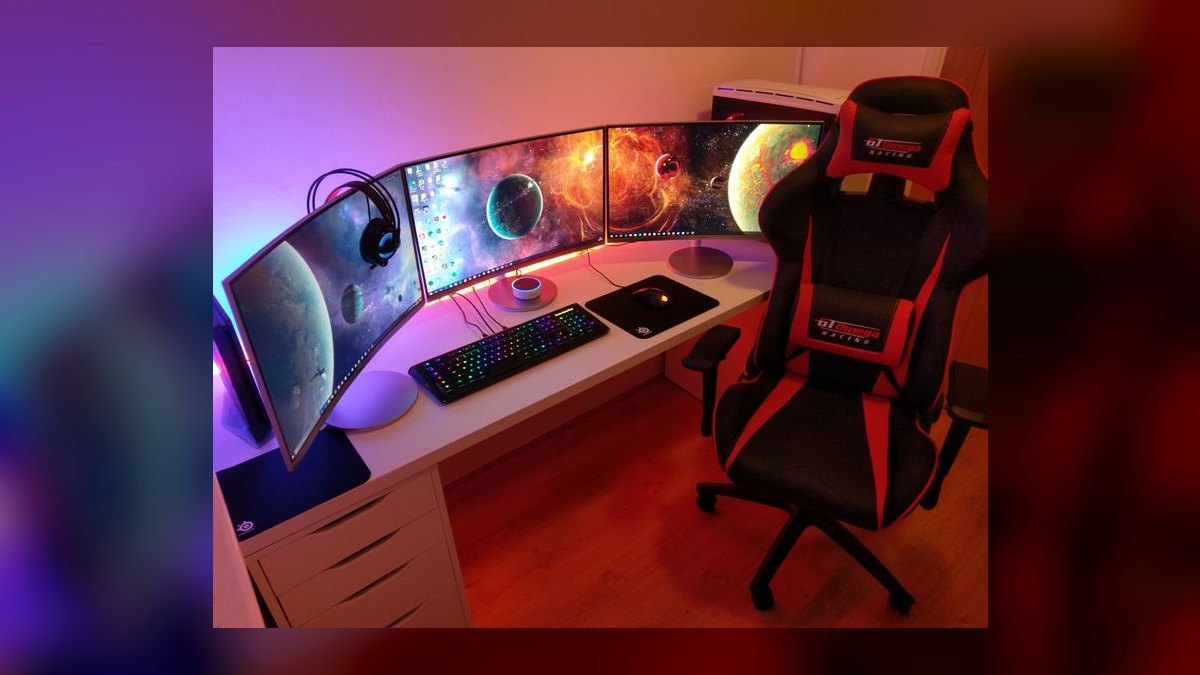
Budget $1,500–$2,500 for a solid full gaming setup in 2027, covering a mid-range PC or current-gen console, a 1440p high-refresh monitor, and peripherals. Entry builds land near $800–$1,200; enthusiast 4K rigs run $3,000–$5,000+. Roughly 60–70% of spend belongs in the machine itself, the rest in display, audio, input, and seating.
The outcome you should expect
A realistic budget produces a machine that hits your target resolution and refresh rate for three to five years without a mid-life panic upgrade. That is the actual deliverable — not a parts list, but a stable frame-rate floor at a resolution you have already committed to. Before you allocate a single dollar, pick the resolution and refresh you intend to play at, because every other line item follows from that one decision.
At the entry tier, roughly $800–$1,200 all-in, you should expect 1080p gameplay at 60–120 FPS in most titles with settings between medium and high. That covers a budget CPU, a lower-mid GPU, 16GB of RAM, a 1TB NVMe drive, a 1080p 144Hz monitor, and basic peripherals. Competitive shooters and older titles will run beautifully. New AAA releases at max settings will not, and you should plan on turning down shadows, ray tracing, and volumetrics as a permanent habit rather than an occasional compromise.
The mainstream tier, $1,500–$2,500, is where most buyers should land and where the price-to-performance curve is flattest. Expect 1440p at 100–165 FPS with high settings in nearly everything, or 4K at 60 FPS with upscaling enabled. This tier buys a current-generation mid-to-upper GPU, a six-to-eight core CPU that will not bottleneck it, 32GB of RAM, 2TB of fast storage, a quality 1440p high-refresh monitor, and peripherals that are genuinely good rather than merely functional. This is the tier that ages well because nothing in it is the weak link.
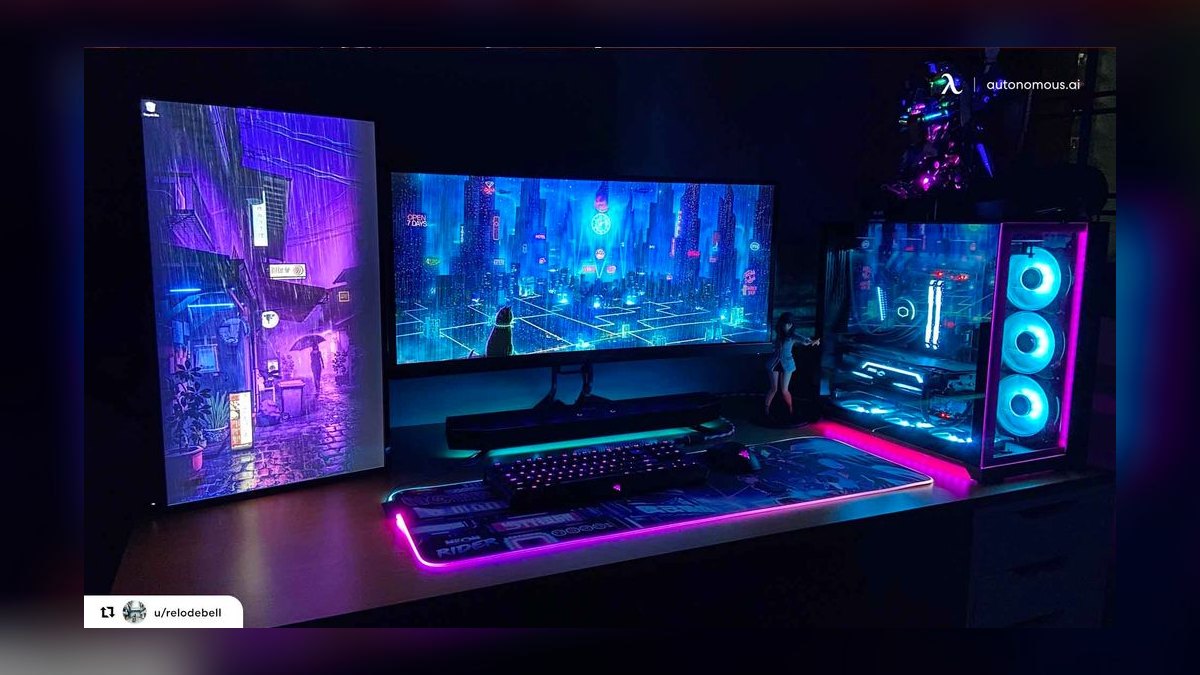
The enthusiast tier begins around $3,000 and has no ceiling. Expect native 4K at high refresh, full ray tracing, and headroom for whatever ships in the next few years. You are paying a steep premium here: the top GPU alone often costs more than the entire mainstream build's core components, and the performance delta over the tier below is frequently 30–40% for double the price. That premium is real and defensible if 4K high-refresh is your actual requirement, and it is money wasted if you play at 1440p.
Console buyers occupy a different curve entirely. A current-generation console plus a controller, a year of online service, and a TV or monitor lands roughly $700–$1,400 depending on the display. The hardware cost is fixed and predictable; the ongoing cost — subscription plus full-price games with fewer deep discounts than PC storefronts — is where console total cost of ownership catches up over a five-year window.
Whatever tier you pick, expect to spend real money on the things that are not the computer. A common and costly mistake is spending 90% of the budget on the tower and then pairing a capable GPU with a 60Hz office monitor and a $15 mouse. The machine is the engine; the display, chair, and input devices are the entire interface between you and the game. Underfunding them produces a setup that benchmarks well and feels bad.
What drives that outcome
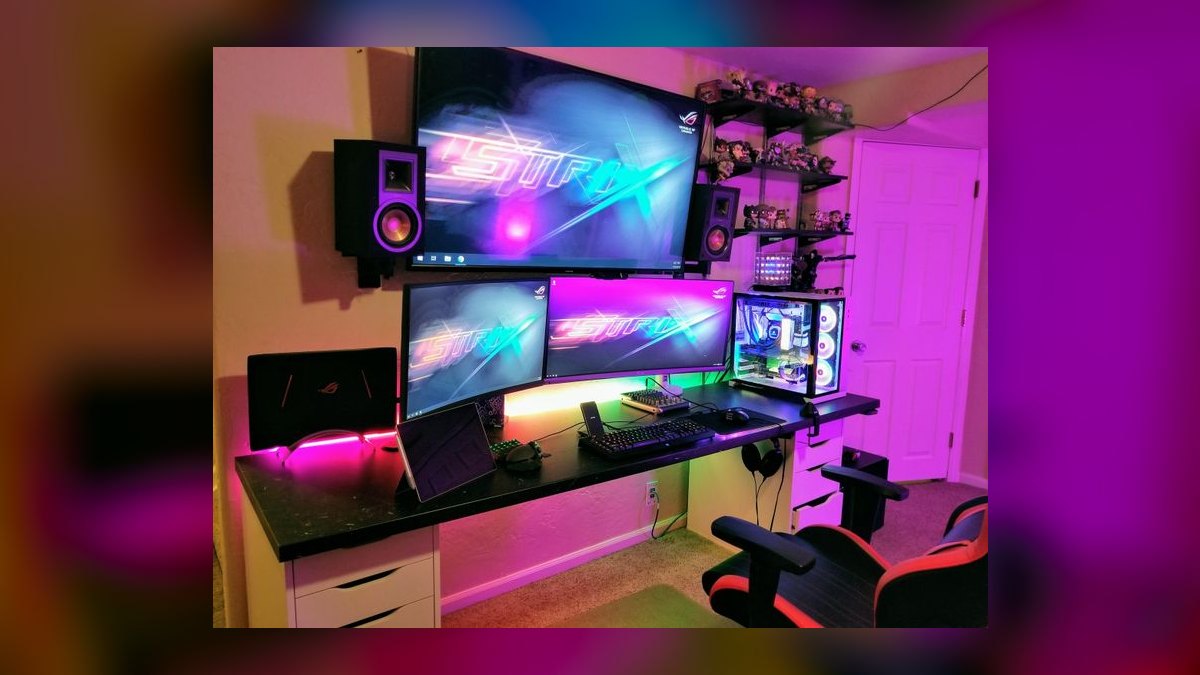
Five variables control almost the entire cost of a full gaming setup, and understanding their relative weight is what separates a coherent budget from a shopping list.
Target resolution and refresh rate. This is the dominant driver, and it compounds. Moving from 1080p to 1440p roughly increases the pixels pushed by 78%; moving from 1440p to 4K roughly doubles it again. Every one of those pixels has to be rendered, which means the GPU requirement scales aggressively, which means the power supply, cooling, and case airflow all scale with it. It also raises the display cost, because a good 4K high-refresh panel costs substantially more than a good 1440p one. A single decision at the top cascades through six line items.
GPU tier. The graphics card is typically the single largest line item, often 30–45% of a PC build's cost. It is also the component with the widest price spread — from a couple hundred dollars for an entry card to well over a thousand for a flagship. The practical rule is that the GPU should be sized to the display, not to the marketing. A flagship card driving a 1080p 60Hz monitor is money converted directly into heat.
CPU and platform. The CPU matters less than most first-time builders assume for pure gaming, but it matters enormously for avoiding bottlenecks and for anything beyond gaming — streaming, recording, compiling, or running a browser with forty tabs behind the game. A mid-range six-or-eight core chip paired with a mid-to-upper GPU is the balanced configuration. Platform choice also carries hidden cost: motherboard and RAM generation determine whether you can drop in a faster CPU in three years or have to replace the whole base.
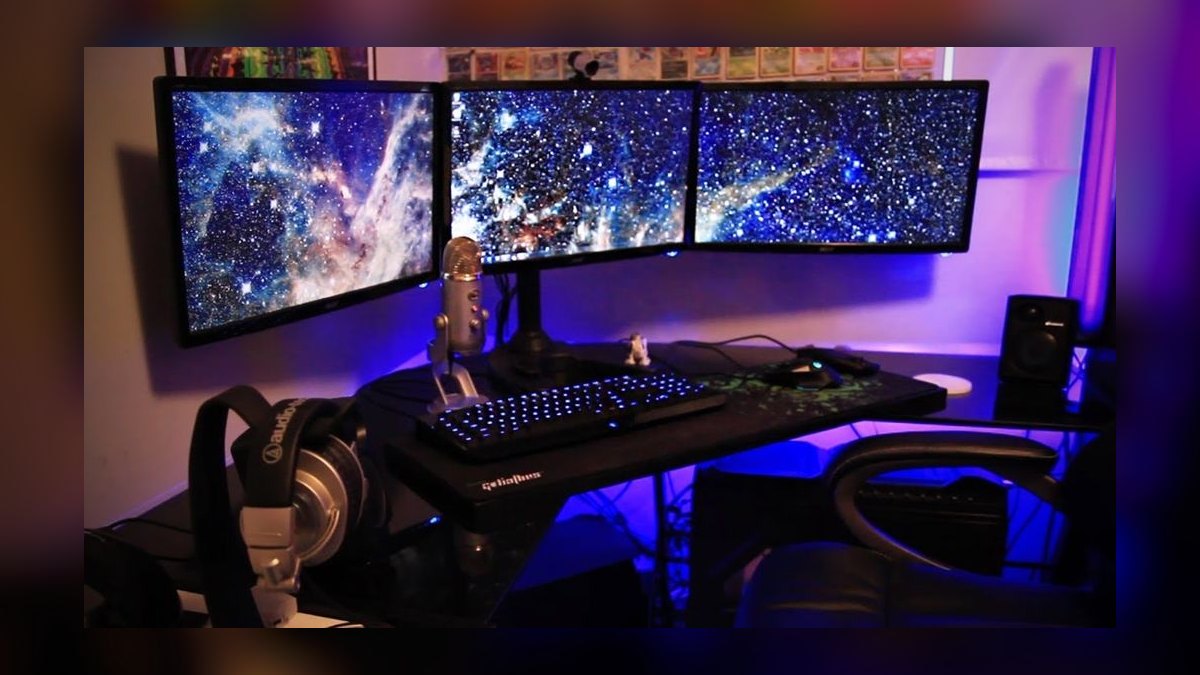
Peripherals and display. Monitor, keyboard, mouse, headset, and webcam typically total $400–$900 at the mainstream tier. This is where budgets silently inflate, because each item individually feels small. Set a hard sub-budget for this category before shopping.
Recurring and hidden costs. Games, subscriptions, electricity, and eventual replacement parts are the line items nobody puts in the spreadsheet. A gaming PC pulling 400–600W under load, used four hours a day, costs a meaningful amount annually in electricity depending on local rates. Storage fills faster than expected as AAA install sizes have grown past 100GB routinely.
The practical takeaway from that chain: if the total comes in over budget, the correct move is almost always to step the resolution target down one notch rather than to shave every component individually. Downgrading from 4K to 1440p removes cost from the GPU, the PSU, the cooling, and the monitor simultaneously. Shaving $30 off the case, $40 off the RAM, and $50 off the keyboard removes the same total while making every part of the experience slightly worse.
Benchmarks and realistic ranges
Here is how a full gaming setup budget actually distributes at each tier. These are planning allocations, not quotes — component prices move with supply, generation, and region.
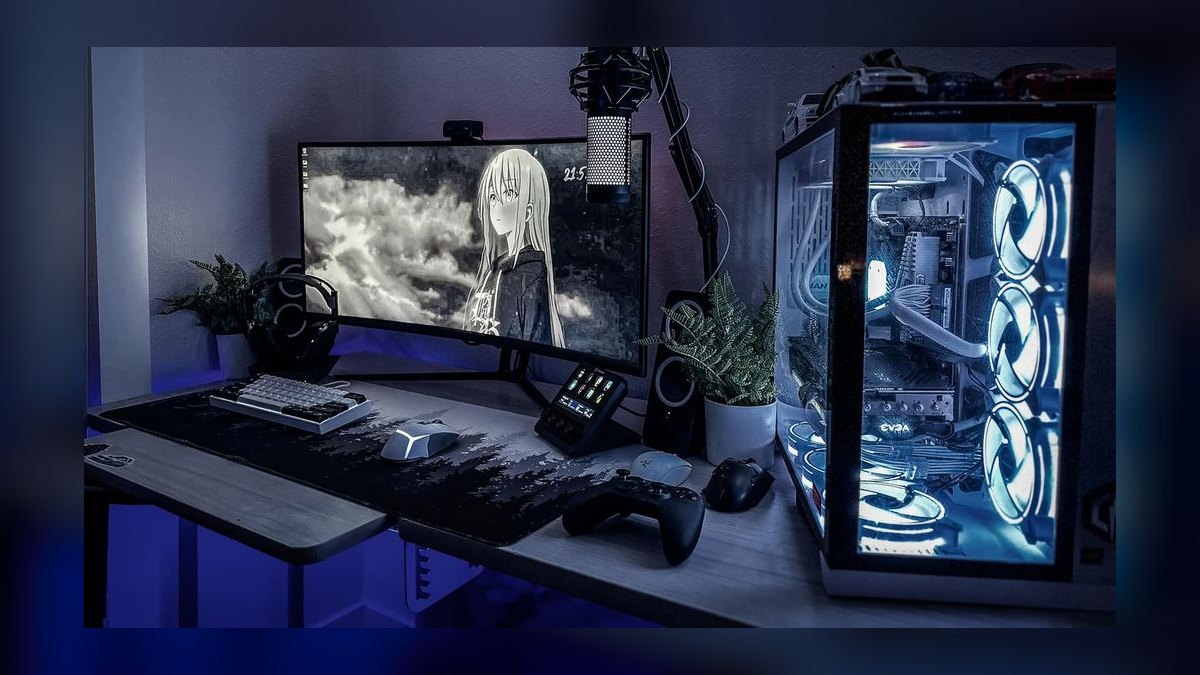
Entry build, $800–$1,200 total. Allocate roughly: GPU $250–$350, CPU $130–$200, motherboard $90–$130, 16GB RAM $50–$70, 1TB NVMe $60–$90, PSU $60–$90, case $50–$80, CPU cooler $25–$40 if the stock cooler is inadequate. That is a $715–$1,060 core machine. Then monitor $150–$250 for a 1080p 144Hz panel, keyboard and mouse $50–$100 as a combo or separately, headset $40–$80. Total lands $955–$1,490, which is why the honest entry number is closer to $1,000 than $800 once you count everything. To hit a true $800, buy used or last-generation GPU stock and reuse a display you already own.
Mainstream build, $1,500–$2,500 total. GPU $500–$800, CPU $250–$400, motherboard $150–$250, 32GB RAM $90–$140, 2TB NVMe $110–$180, PSU $100–$150 at 750–850W, case $80–$150, air or AIO cooler $40–$120. Core machine: $1,320–$2,190. Monitor $250–$450 for a good 1440p 165Hz IPS panel, keyboard $80–$150, mouse $50–$90, headset $80–$150, chair $150–$350, desk $100–$300 if you need one. The full setup including furniture realistically lands $2,000–$3,500, and the $1,500–$2,500 figure assumes you already own a desk and chair.
Enthusiast build, $3,000–$5,000+. GPU $1,000–$2,000, CPU $450–$700, motherboard $300–$500, 32–64GB RAM $140–$300, 4TB NVMe $220–$400, PSU $180–$300 at 1000W+, case $150–$300, AIO cooling $150–$300. Core machine: $2,590–$4,800. Add a 4K high-refresh or ultrawide monitor at $600–$1,200, premium peripherals at $400–$800, and a quality chair at $400–$1,200. The full setup crosses $5,000 easily and can approach $8,000 without anything exotic.
Console setup, $700–$1,400 total. Console $400–$600, extra controller $60–$80, expanded storage $100–$150, online subscription $60–$120 per year, and display $200–$600 depending on whether you buy a monitor or a TV. Consoles win decisively on upfront predictability and lose slowly on software cost over a five-year horizon.
Where the money goes in percentage terms at the mainstream tier: GPU ~30%, CPU and motherboard ~20%, memory and storage ~10%, PSU, case, and cooling ~10%, display ~15%, peripherals ~10%, seating and desk ~5%. If your spreadsheet deviates sharply from that shape, something is misallocated — most commonly the GPU is eating 50% and the display is starving at 5%.
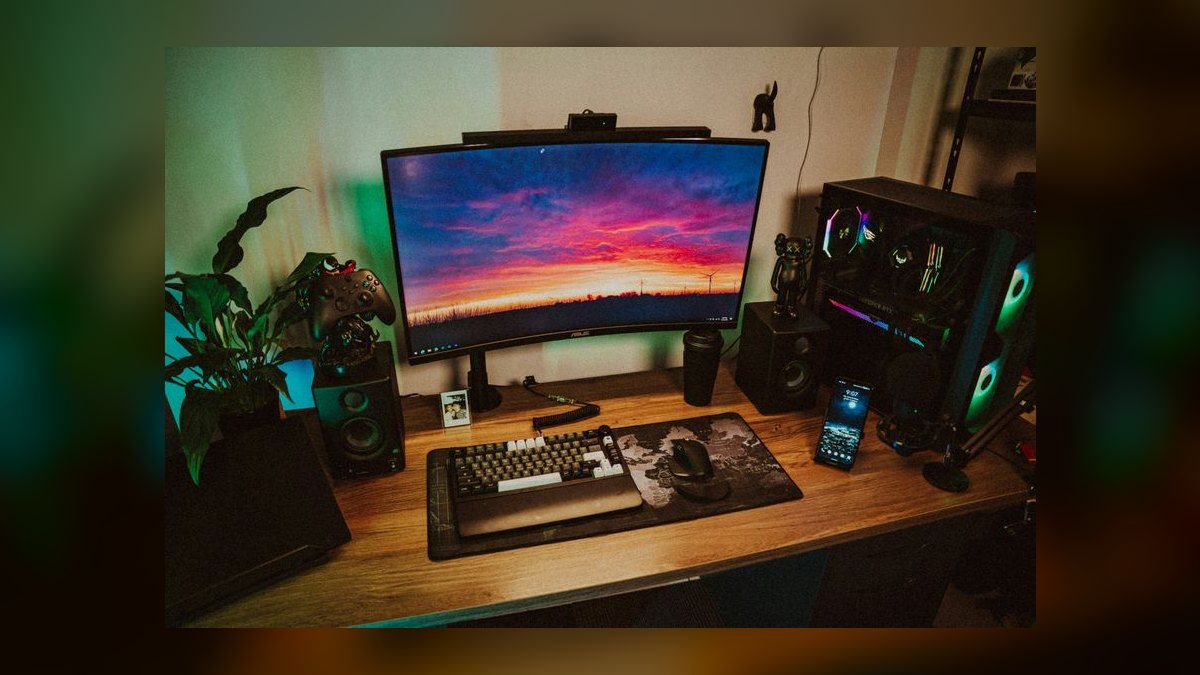
Timing and sales. Major sale windows compress these numbers meaningfully. Buying a full setup during a large seasonal sale event rather than at an arbitrary moment reasonably saves 10–20% across the parts list, which on a $2,000 build is $200–$400 — real money for the cost of waiting a few weeks. Last-generation GPUs drop hard when a new generation launches, which is the single best value moment in the calendar if you are willing to be one tier behind the frontier.
Risks, edge cases, and failure modes
The GPU-heavy imbalance. The most common failure is spending 50–60% of the budget on the graphics card and then bottlenecking it with a weak CPU, insufficient RAM, or a slow display. The card cannot deliver frames the rest of the system cannot feed or show. Symptom: benchmark scores look great, actual gameplay stutters. Fix: rebalance before purchase, not after.
Undersized power supply. Buying a PSU rated exactly at the calculated draw leaves no headroom for transient spikes, which modern GPUs produce aggressively. The result is shutdowns under load that look like driver crashes and get misdiagnosed for weeks. Budget for 150–250W of headroom above the calculated total and buy a unit with a real efficiency rating and a long warranty. This is not a place to save $40.
Dead-end platform. Choosing a motherboard on a socket at the end of its life means the only CPU upgrade path is a full platform replacement — board, chip, and often RAM. Check where the socket sits in its lifecycle before buying. A slightly more expensive board on a current socket can save $400 three years out.
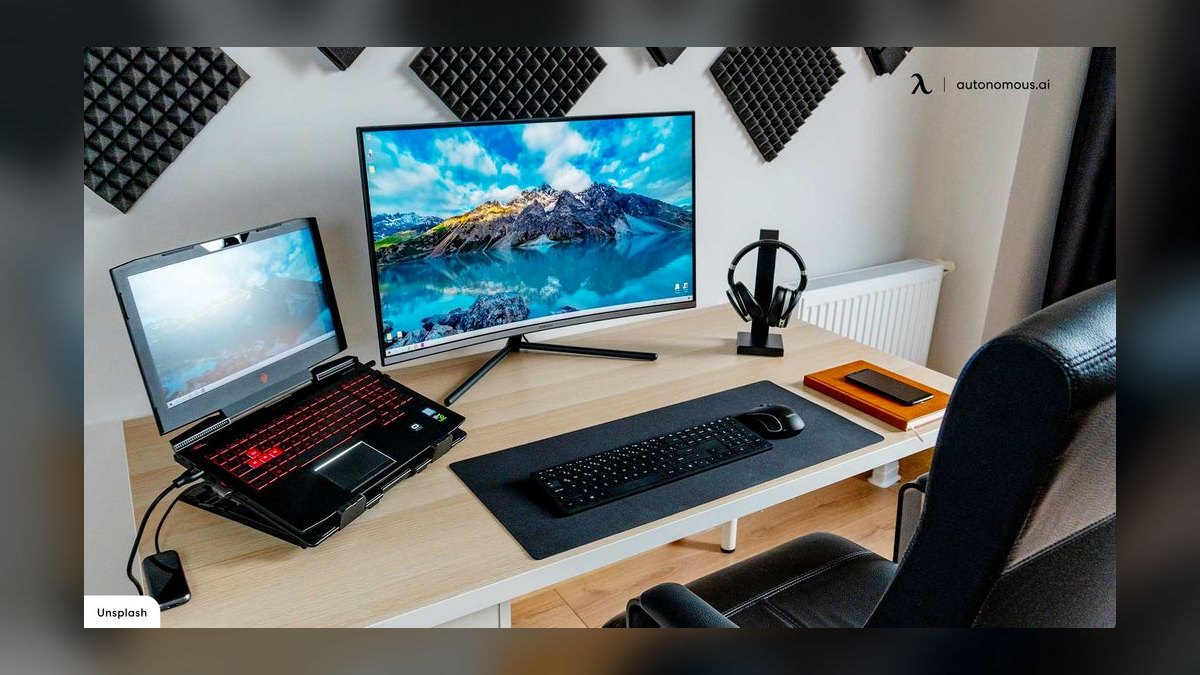
Thermal underinvestment. Cheap cases with poor airflow and minimal fans throttle components that then underperform their spec permanently. You paid for clock speeds you never reach. Airflow-focused cases cost little more than sealed glass boxes and materially change sustained performance.
Storage underestimation. A 1TB drive holds surprisingly few modern AAA titles once you account for the operating system and applications. Running the drive near full also degrades NVMe performance. Plan for 2TB at the mainstream tier and expect to add more.
The monitor mismatch. Buying a high-refresh monitor with a GPU that cannot approach that refresh rate, or the reverse, wastes money in both directions. Match them. Also verify the connection standard — an older cable or port revision can cap you below the panel's advertised refresh at its native resolution, a genuinely common and infuriating discovery on delivery day.
Prebuilt opacity. Prebuilt systems often pair a headline GPU and CPU with a no-name PSU, minimal cooling, and single-channel RAM. The specs that appear in the listing are fine; the ones that do not appear are where the cost was cut. Read the full component list, and if the PSU and motherboard are unnamed, assume they are the cheapest available.
Peripheral creep. RGB lighting, stream decks, secondary monitors, microphone arms, and mousepads individually cost $30–$150 and collectively add $500 to a budget that was supposedly finalized. Set the peripheral sub-budget as a hard cap and treat additions as next-quarter purchases.
Buying at the wrong moment in the generation cycle. Purchasing a flagship GPU weeks before a new generation launches is the most expensive timing error available. Check announced release windows before committing to top-tier parts.
Currency, tariffs, and regional pricing. Component pricing varies substantially by region and is exposed to import duties and exchange rates. A build calculator priced in one market can be off by 20–30% in another. Price locally before finalizing.
A practical rollout plan
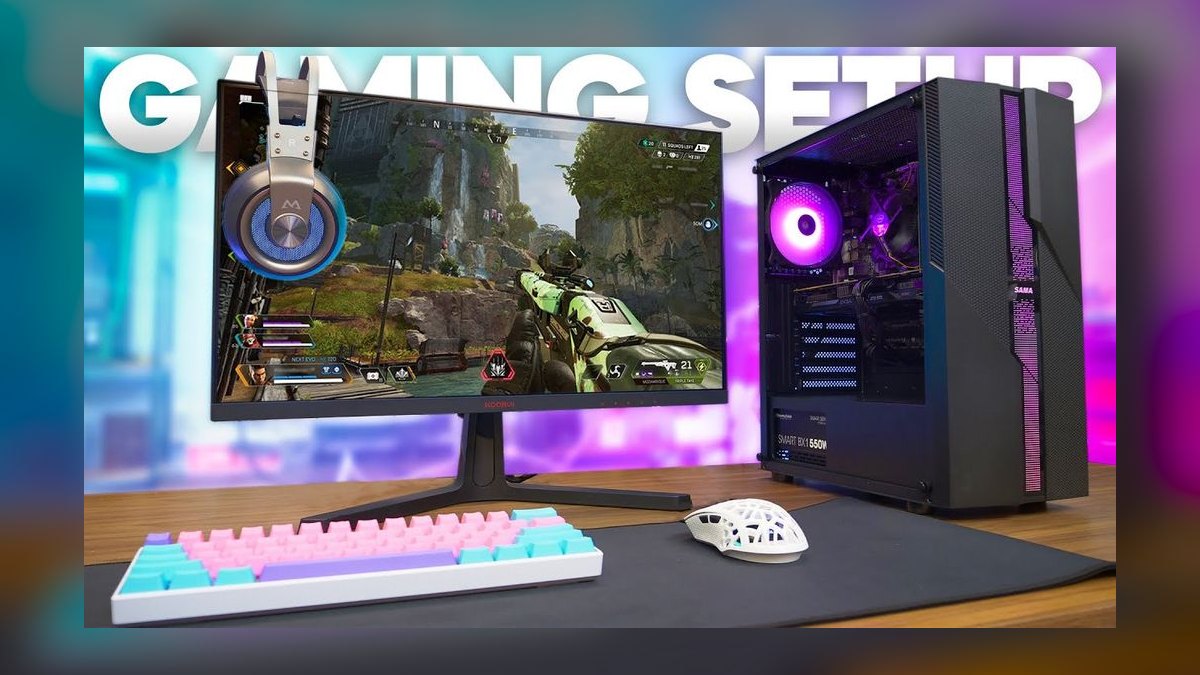
Buying a full gaming setup all at once is rarely necessary and often wasteful. Sequencing the purchase lets you spread cost, catch sales, and correct course if your usage differs from your assumptions.
Step one — define the target, in writing. Resolution, refresh rate, and the three to five games you actually intend to play. Look up how those specific titles perform on candidate hardware rather than relying on generic tier advice. A person who plays competitive shooters at 1080p needs a completely different machine from someone who plays single-player cinematic titles at 4K, and both are cheaper than a machine that tries to do everything.
Step two — set the total and split it. Write the total budget number, then allocate by percentage using the distribution above before looking at a single product page. Shopping without an allocation is how a $1,500 budget becomes $2,300.
Step three — buy the machine first, on a real parts list. Build the full component list, verify compatibility with a build-planning tool that flags socket, clearance, and wattage mismatches, and check the total against your machine sub-budget. If it is over, step the resolution target down rather than shaving components.
Step four — buy the display second. The monitor is the component you keep longest and the one that most directly determines how the setup feels. It routinely outlives two GPUs. Do not treat it as the leftover line item.

Step five — peripherals third, seating fourth. Keyboard, mouse, and headset can be bought incrementally. A chair is genuinely worth real money if you sit for hours, but it can be deferred a month without affecting whether the setup works.
Step six — validate under load before adding anything. Run the machine for a week, watch temperatures and frame times in the games you actually play, and confirm the target is met. Only then consider a second monitor, better audio, or capture hardware. Half of the "I need an upgrade" purchases made in the first month are solved by a driver update, a settings change, or improving case airflow.
Two habits keep the plan honest. First, keep a running spreadsheet with the allocated amount and the actual spend per line item, because overspend is invisible until it is totaled. Second, decide in advance what your upgrade trigger is — a specific frame rate floor in a specific game — so that future spending is driven by a measured shortfall rather than a new product launch.
Related questions
Is a prebuilt or a self-built PC cheaper?
Self-building is typically 10–20% cheaper for equivalent named components and gives full control over the parts nobody lists. Prebuilts win on warranty coverage, single-vendor support, and immediate availability. If you value one support phone number over savings, buy prebuilt.
How much should the monitor cost relative to the PC?
Roughly 15–20% of the total setup budget. On a $2,000 setup, that is $300–$400 — enough for a quality 1440p high-refresh panel. The monitor outlasts two GPU generations, so underfunding it is the least efficient saving available.
Can you build a good gaming setup for under $1,000?

Yes, at 1080p, especially using last-generation or used GPU stock and reusing an existing display. Expect medium-to-high settings in new AAA titles and excellent performance in competitive and older games. Budget roughly $700 for the machine and $300 for display and peripherals.
How long should a gaming setup last before upgrading?
A mainstream-tier build typically holds its target for three to five years, with a mid-life GPU swap extending it further. Entry builds compress that to two to three years. Set an upgrade trigger based on measured frame rates in games you play, not on release calendars.
Console or PC for a fixed budget?
Under $900, a console usually delivers better gaming performance per dollar with zero configuration. Above $1,500, PC pulls ahead on flexibility, cheaper software, and upgradeability. Between those, it depends on whether you value predictability or control.
FAQ
What percentage of a gaming budget should go to the graphics card?
Roughly 30–40% of a full setup budget at the mainstream tier, or 35–45% of the machine-only cost. Above 50% is a warning sign that other components will bottleneck it. Below 25% usually means the GPU cannot drive the display you bought.
Do I need 32GB of RAM, or is 16GB still enough?
16GB remains playable for most titles, but 32GB is the sensible mainstream choice now given AAA memory requirements, background applications, and the small price difference. The upgrade costs roughly $40–$70 and removes a common source of stutter in memory-heavy games.
How much should I budget annually for games and subscriptions?
Plan $300–$600 per year for a moderate player. Subscription services cost roughly $60–$180 annually depending on tier and platform, and full-price releases run $60–$80 each. PC storefront sales reduce this substantially for patient buyers; console software discounts less aggressively.
Is it worth waiting for the next GPU generation?
If a launch is announced within roughly two months, waiting is usually worth it — either you get the new card or the previous generation drops in price. If no launch is announced, waiting indefinitely for better value is a trap, because there is always a next generation.
What is the most commonly underfunded part of a gaming setup?
The chair, followed by the power supply and case airflow. All three are invisible in spec comparisons and all three directly affect either how long you can comfortably play or whether the components you bought actually run at their rated speeds.
Should I buy a used GPU to stretch the budget?
It is the single most effective way to stretch a tight budget, typically saving 25–40% versus new. The risks are no warranty and unknown usage history. Buy from platforms with buyer protection, test immediately under sustained load, and avoid it entirely if a warranty matters to you.
Sources
- https://www.tomshardware.com/best-picks/best-gpus
- https://www.rtings.com/monitor/reviews/best/by-usage/gaming
- https://pcpartpicker.com/
- https://www.anandtech.com/
- https://www.techpowerup.com/gpu-specs/
- https://www.pcgamer.com/hardware/
- https://www.eia.gov/electricity/
- https://www.gamersnexus.net/
- https://www.digitalfoundry.net/
Related on PULSE
- How much should you budget for a home office setup?
- What is the real total cost of ownership for a gaming PC over five years?
- How do you decide between a console and a gaming PC?
- What monitor specs actually matter for gaming?
- How do you spot a bad prebuilt gaming PC?
- When is the best time of year to buy computer hardware?
This page will be disappearing soon. Save it to your device for $1 — or read it free while it is here.
@Kory-White- · if Venmo asks, the last 4 of my number are 2012
This page is gone.
This one is off the shelf now. $1 keeps it on your phone for good — the whole page, pictures and diagrams included.
 gamingThe 10 Best Gaming Mouse Pads in 2027
 pulse-recentThe 10 Best Gaming Subscriptions for Their Price in 2027
 pulse-recentWhat do professional esports players do differently in their daily practice routines in 2027?
 pulse-recentHow many gaming subscriptions does the average gamer have in 2027?
 gamingThe 10 Best PC Game Deals and Discounts on Steam in 2027
 pulse-recentHow much does a gaming PC cost per month in 2027?
 pulse-recentTop 10 Best Gaming Webcams for Streaming in 2027
 pulse-recentTop 10 Most Expensive Video Game Special Editions to Buy in 2027
 pulse-recentTop 10 Most Expensive Factory-Sealed Nintendo 64 Games to Buy in 2027
 pulse-recentTop 10 Most Expensive Limited Edition Nintendo Switch Consoles in 2027