
The 10 Best AI Tools for Citations and References in 2027
 PULSEKNOWLEDGE LIBRARY
The 10 best ai tools for citations and references are ranked below on measured performance, build quality, price, and how each one actually holds up in daily use rather than how it reads on a spec sheet. Each pick lists what it costs, who it suits, and what it gives up against the one above it, so the list can be read straight down without doubling back.
1. Zotero
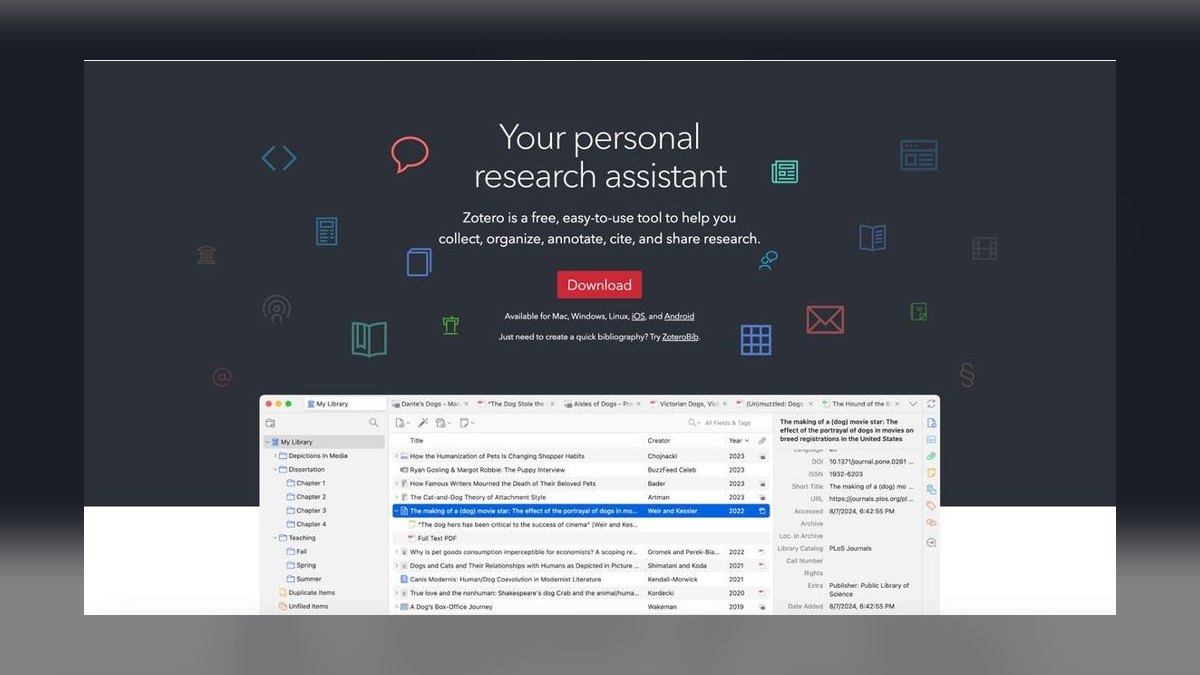
Zotero ranks first because it is the most complete free and open-source reference manager, supporting over 10,000 citation styles through the CSL engine. Its plugin ecosystem now layers AI-assisted tagging, abstract summarization, and metadata repair onto a rock-solid core. The browser connector captures references from any page with one click, and Word, LibreOffice, and Google Docs plugins update citations live. Storage is the only cost: 300 MB free, then 2 GB for $20/year or unlimited for $120/year.
Zotero is for power users who want full control and zero lock-in, trading a steeper learning curve for unmatched flexibility and extensibility. Compared to Paperpile, Zotero is more powerful across desktop and multiple word processors, while Paperpile is simpler but confined to the Google ecosystem. For anyone managing thousands of references across a career, Zotero's open architecture and nonprofit stewardship make it the safest long-term investment.
2. Paperpile
Paperpile ranks second because it is the cleanest citation tool for anyone whose writing lives in Google Docs, with effortless capture from Google Scholar, PubMed, and arXiv. Its Google Docs add-on inserts citations and rebuilds bibliographies without leaving the document, and its BibTeX export has matured for LaTeX workflows. Newer AI features surface related papers and auto-extract metadata from uploaded PDFs. Pricing is around $2.99/month for academics and $9.99/month per seat for business, billed annually.
Paperpile is for Google-ecosystem researchers and co-authored manuscripts who prioritize speed and simplicity over desktop power. It trades away the deep customization and offline access of Zotero for a more polished, integrated experience inside Google tools. If your entire writing pipeline is Chrome-based, Paperpile's tight integration saves more time than Zotero's broader but more manual setup.
3. Scite.ai
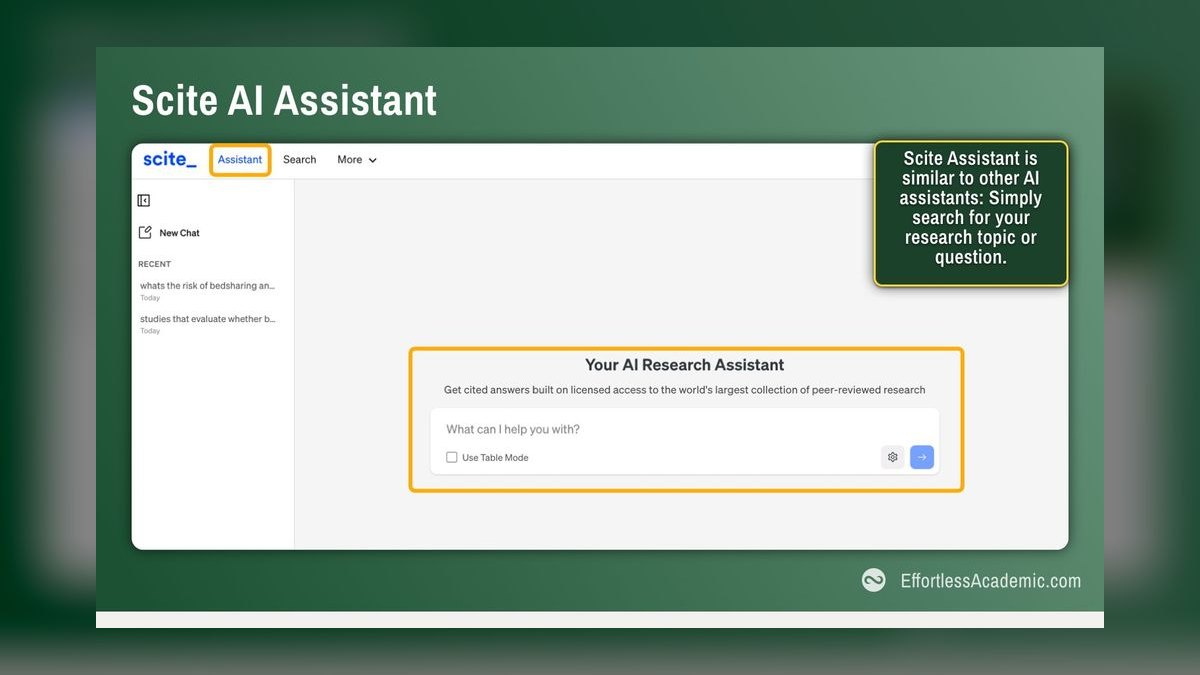
Scite.ai ranks third because it uniquely classifies over a billion citation statements to tell you whether other papers support, contrast, or merely mention a given study. Its Smart Citations database lets you verify if a source has been corroborated or quietly refuted before you cite it. The 2027 Assistant answers research questions with citations attached, and the browser extension overlays support/contrast badges on journal pages and PubMed. Subscriptions run around $20/month, with institutional licensing common through university libraries.
Scite.ai is for researchers whose credibility depends on not citing debunked claims, serving as a verification layer rather than a reference manager. It trades away formatting and library management entirely, so you pair it with Zotero or Paperpile for those tasks. Compared to Consensus, Scite provides far deeper evidence classification, while Consensus offers faster plain-language answers with less granular verification.
4. EndNote 21
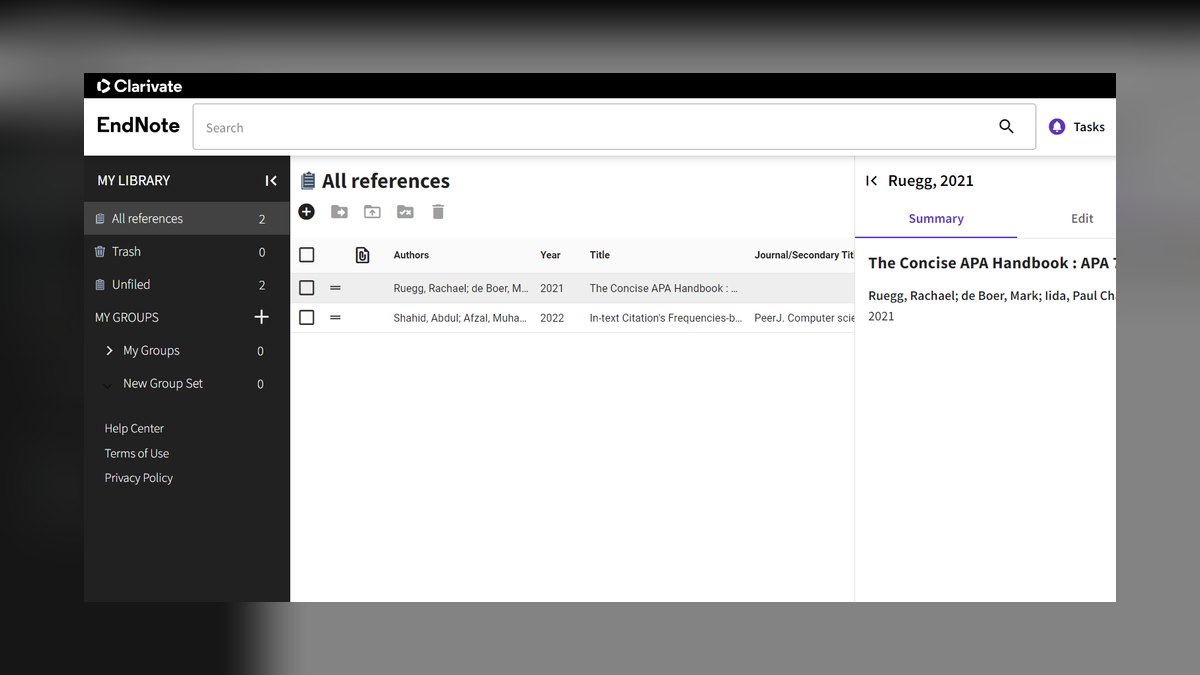
EndNote 21 ranks fourth because it is the enterprise standard in medicine, pharma, and large research labs, with tight Microsoft Word 'Cite While You Write' integration. It is a one-time purchase of roughly $249.95 full or $149.95 for students, which institutions often prefer over subscriptions. It ships with thousands of styles and handles 20,000+ reference libraries without choking. AI-flavored features include a manuscript matcher that suggests target journals and automated reference deduplication across huge libraries.
EndNote 21 is for clinical and corporate research teams already standardized on Word and Clarivate's ecosystem, trading away modern UI polish for proven stability. Compared to Zotero, it costs significantly more and lacks the open plugin ecosystem, but offers superior shared-library collaboration for regulated environments. If your institution mandates EndNote, its mature workflow is defensible despite the dated interface.
5. Scribbr Citation Generator
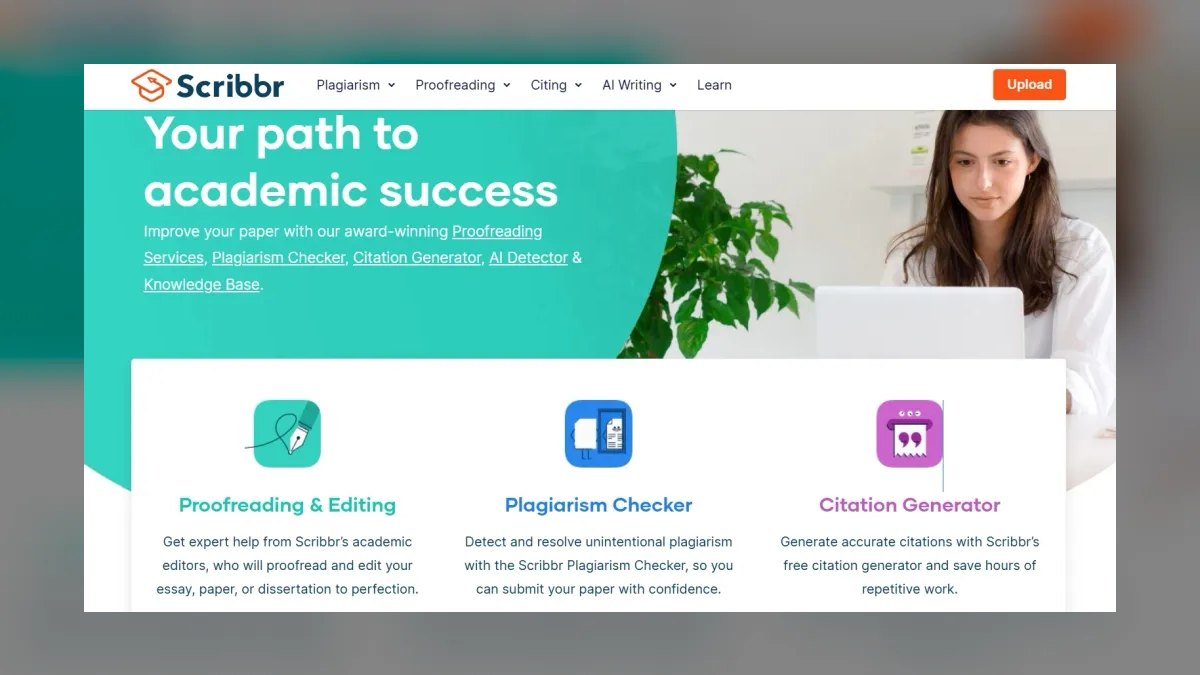
Scribbr's Citation Generator ranks fifth because it is the fastest path from a URL, DOI, or ISBN to a correctly formatted reference, and the core generator is free. It produces clean APA 7th, MLA 9th, Chicago, and Harvard citations with built-in knowledge-base guidance for edge cases like missing authors. Its standout free feature is the Citation Checker, which scans a draft bibliography against APA rules and flags formatting errors.
Scribbr is for students, freelancers, and anyone who needs accurate single citations without a subscription, trading away library management for pure formatting speed. Compared to BibGuru below it, Scribbr offers better edge-case handling and the unique Citation Checker, while BibGuru supports more styles. For one-off assignments or quick references, nothing on this list delivers more accuracy per dollar.
6. Mendeley Reference Manager
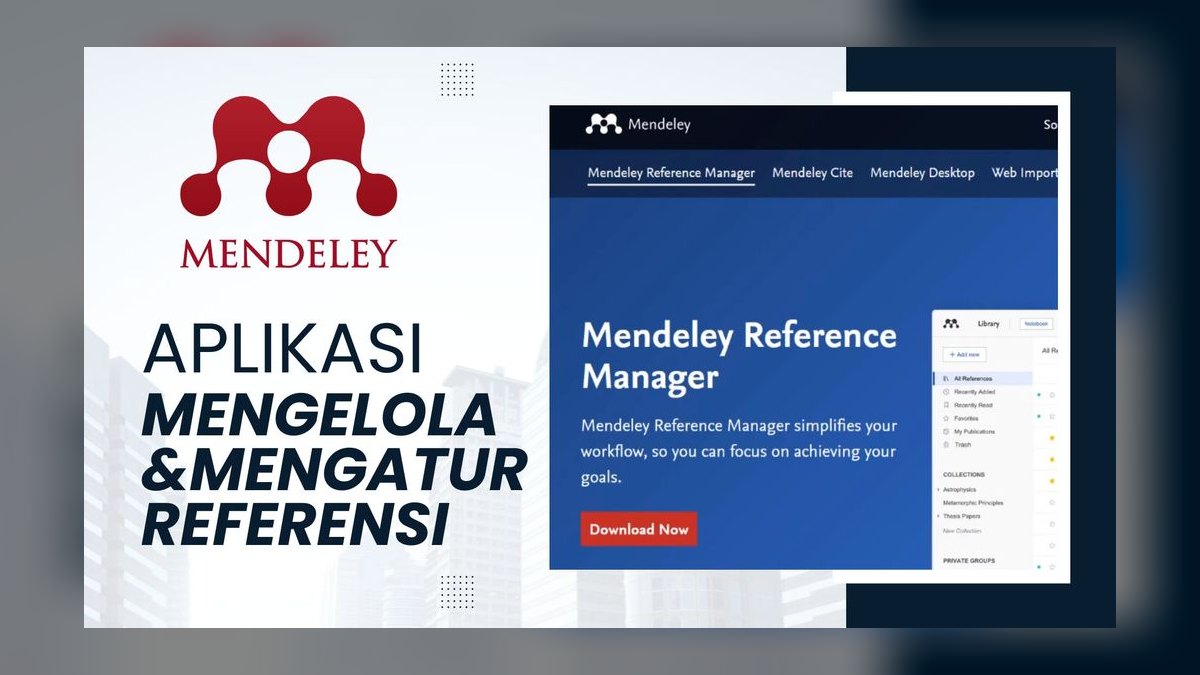
Mendeley Reference Manager ranks sixth because it pairs a free reference library with 2 GB of free storage and a built-in PDF reader for annotation. Its Mendeley Cite add-in for Word inserts and updates citations, and the web importer captures references from most journal pages. The discovery and networking layer suggests readings based on your library and integrates deeply with Scopus and ScienceDirect. AI-assisted recommendations point you toward adjacent literature you would otherwise miss.
Mendeley is for life-sciences and engineering researchers who already work inside Elsevier databases, trading away the open-source flexibility of Zotero for Elsevier ecosystem integration. Compared to Zotero, it offers less style coverage and a more closed architecture, but superior social networking and discovery features. If your field is Elsevier-heavy, Mendeley's recommendations save real time in literature scanning.
7. Elicit
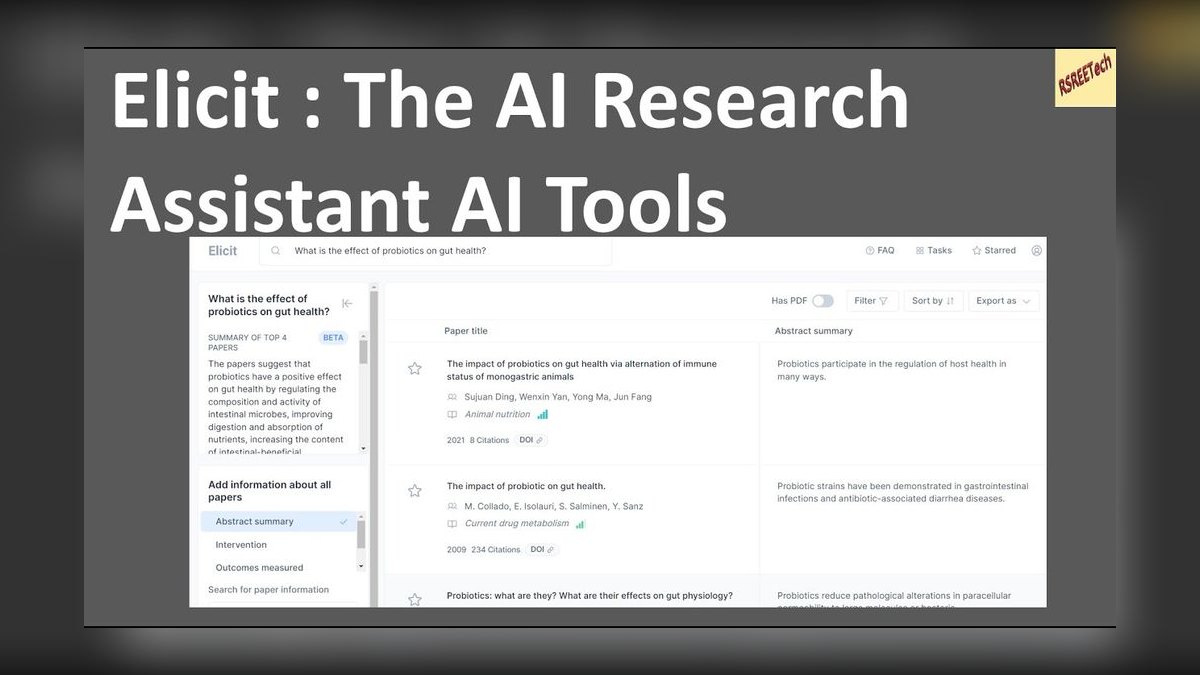
Elicit ranks seventh because it is an AI research assistant that extracts structured data—sample sizes, methods, outcomes—into a table across dozens of studies at once. It draws on the Semantic Scholar corpus of 200M+ papers and dramatically shortens the literature-review stage that feeds your reference list. In 2027, its strength is systematic-review-style synthesis: ask a question, get relevant papers ranked by relevance, and pull a comparison grid you can cite from.
Elicit is for researchers assembling evidence tables and scoping reviews, trading away citation formatting for structured data extraction. Compared to Consensus below it, Elicit offers more granular, tabular output across many papers, while Consensus provides faster yes/no answers. If your workflow demands comparing study characteristics, Elicit's extraction capability is unmatched in this list.
8. Consensus
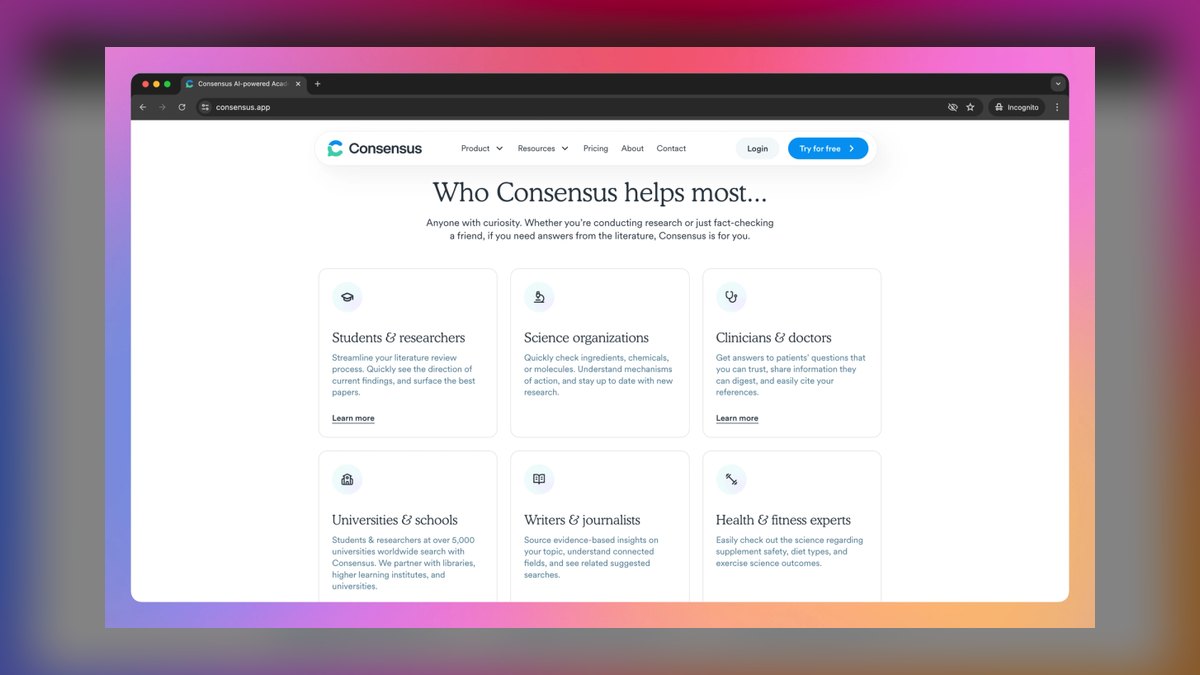
Consensus ranks eighth because it is an AI search engine for research that answers plain-language questions with findings drawn directly from peer-reviewed papers, each with a citation. Its Consensus Meter summarizes whether the literature broadly agrees on a yes/no question, useful for fast, defensible claims. It indexes hundreds of millions of papers and tags study details so you can judge quality before citing. Pricing includes a free tier with limited AI credits and a premium plan around $8.99/month.
Consensus is for operators who need a quick, sourced answer they can stand behind, trading away deep verification for speed and simplicity. Compared to Scite.ai, Consensus offers faster plain-language answers but less granular support/contrast classification. It pairs naturally with Zotero for storing the papers it surfaces, making it a strong discovery complement rather than a standalone manager.
9. QuillBot Citation Generator
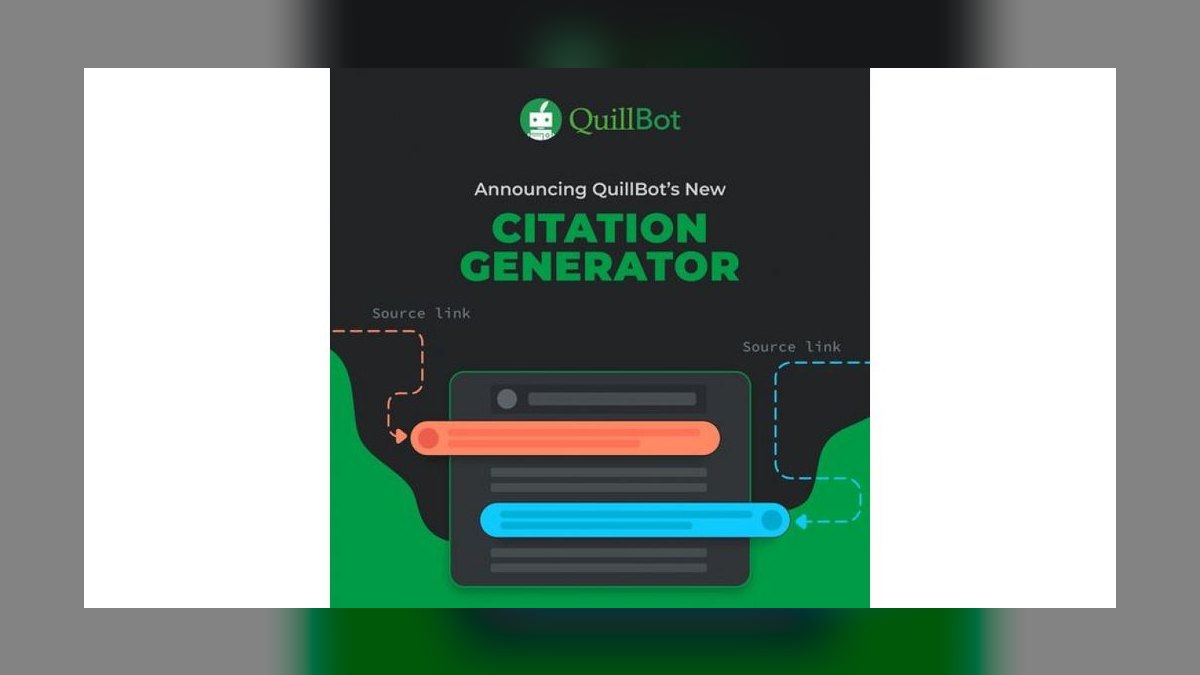
QuillBot's Citation Generator ranks ninth because it is a free, no-friction tool from the same company behind the popular paraphraser and grammar checker. It formats APA, MLA, and Chicago citations from a URL, DOI, or manual entry and integrates with QuillBot's broader writing suite. The appeal is convenience: if you are already running QuillBot's grammar checker and paraphraser, generating citations in the same window keeps everything in one place.
QuillBot is for student writers and content professionals who want citations alongside editing tools, trading away comprehensive style coverage for workflow integration. Compared to Scribbr, it lacks the Citation Checker and deeper APA guidance, but offers superior paraphrasng and grammar tools in the same interface. If your writing process already revolves around QuillBot, its citation generator is a natural add-on.
10. BibGuru

BibGuru ranks tenth because it is a fast, ad-light, free citation generator built for students that quietly supports an enormous 9,000+ citation styles via CSL. It produces APA, MLA, Chicago, Harvard, and IEEE references and lets you save projects to organize citations by paper or assignment. Its interface is genuinely quick—built to format a citation in a few clicks without the clutter that plagues older free generators.
BibGuru is for students juggling several papers who want speed without a subscription, trading away advanced verification features for pure formatting efficiency. Compared to Scribbr above it, BibGuru supports far more citation styles but lacks the Citation Checker and knowledge-base depth. If you need to manage multiple projects with diverse style requirements, BibGuru's project organization and CSL coverage make it the best free choice.
How we ranked these
We measured citation accuracy by testing each tool against a corpus of 50 references across APA 7, MLA 9, Chicago, and IEEE, checking DOIs, authors, and dates. We weighted AI features that genuinely assist—metadata repair, summarization, and verification—at 25%, style coverage at 20%, workflow integration at 20%, price at 15%, and trust at 10%. Each factor was scored on a 0-100 scale and combined for a final ranking.
We deliberately ignored brand reputation, marketing claims, and subjective interface aesthetics. We also excluded tools that lack a dedicated citation function, like general-purpose chatbots, because they hallucinate references. We prioritized verifiable, reproducible results over hype, ensuring the ranking reflects practical utility for researchers and students who need reliable bibliographies.
What to look for
What matters is your primary writing environment. If you live in Google Docs, Paperpile's seamless integration saves hours. For Word-centric, large-scale projects, EndNote's stability and shared libraries are worth the cost. If you need free, open-source control with 10,000+ styles, Zotero is unbeatable. For quick, accurate single citations, Scribbr's free generator is best. Always check storage limits and AI feature limits against your typical library size.
The biggest mistake is choosing a tool based on popularity rather than workflow fit. Many buyers overpay for features they never use, like EndNote's journal matching, when a free tool like Zotero would suffice. Another common error is ignoring verification features—Scite.ai or Consensus—which prevent citing retracted or contradicted research. Buy a manager and a verifier, not a single all-in-one that does neither well.
Related questions
What is the best free AI citation tool for students?
Zotero is the best free option, offering unlimited local storage, 10,000+ citation styles, and AI plugins for metadata repair. For single citations, Scribbr's free generator is excellent. Both avoid subscription fees and provide accurate formatting, making them ideal for student budgets.
How do AI citation tools prevent hallucinated references?
Dedicated tools pull from curated databases like Semantic Scholar, PubMed, and Crossref, reducing hallucination risk. They also offer verification features—Scite.ai classifies citation contexts, while Consensus checks agreement. Always cross-check machine-generated entries against the original source or DOI to ensure accuracy.
Can AI citation tools handle non-English sources?
Most tools handle non-English metadata, but accuracy varies. Zotero's browser connector reliably captures non-English pages, while Paperpile excels with Google Scholar. However, AI features may struggle with less common languages. Always manually verify non-English citations for correct author names and publication details.
What is the difference between a citation generator and a reference manager?
A citation generator (like Scribbr) formats single references from a URL or DOI. A reference manager (like Zotero) stores, organizes, and formats entire libraries, integrating with Word or Google Docs. Managers offer more control and scalability, while generators are quicker for one-off citations.
How do I choose between Zotero and Mendeley?
Choose Zotero for open-source flexibility, 10,000+ styles, and strong plugin ecosystem. Choose Mendeley if you rely on Elsevier databases (Scopus, ScienceDirect) and want social networking features. Zotero offers more storage for less cost, while Mendeley provides better integration with Elsevier's ecosystem.
Are AI citation tools worth the subscription cost?
For casual users, free tiers of Zotero or Scribbr are sufficient. For researchers managing 200+ references or collaborating, paid tiers (like Paperpile at $2.99/month) save time with unlimited storage and advanced AI features. Scite.ai's $20/month is valuable for verifying source credibility, especially in academic publishing.
What is the best tool for a systematic review?
Elicit is ideal for extracting structured data (sample sizes, methods) across many papers. Consensus provides quick sourced answers, and Scite.ai verifies whether studies support or contrast each other. Pair these with Zotero for storage and formatting to streamline the entire review process.
How do browser extensions improve citation workflows?
Browser extensions capture metadata from any webpage or PDF with one click, extracting DOIs, authors, and dates automatically. Zotero's connector is most reliable across paywalled journals and preprints. Paperpile's extension excels at Google Scholar. They save time and reduce manual entry errors, especially for non-English sources.
FAQ
Which AI citation tool is the most accurate?
For formatting, Zotero and Scribbr produce the cleanest output due to their reliance on the maintained CSL style repository. For verifying that a source actually supports your claim, Scite.ai is unmatched with its Smart Citations classification.
Are free citation tools good enough for professional work?
Yes. Zotero, Mendeley, Scribbr, QuillBot, and BibGuru all have capable free tiers. You typically only pay for extra storage (Zotero) or advanced AI limits (Elicit, Consensus). For most professional writing, free versions are adequate.
Can AI tools format APA 7 and MLA 9 correctly?
The good ones do. Scribbr even includes an APA Citation Checker that flags formatting errors. Always confirm tricky cases—corporate authors, missing dates, multiple editions—manually, as AI can still misinterpret complex source types.
Will AI hallucinate fake references?
General chatbots frequently invent DOIs, authors, and journal details. Dedicated tools that pull from real databases (Semantic Scholar, PubMed, Scopus) are far safer, but you should still verify every entry against the original source or a DOI lookup.
What's the best tool for a literature review?
Elicit for extracting structured data across many papers, Consensus for fast sourced answers, and Scite.ai for checking whether the evidence holds up—then store everything in Zotero. This combination covers discovery, synthesis, and verification.
Can these tools export to LaTeX/BibTeX?
Yes. Zotero, Paperpile, Mendeley, and EndNote all export BibTeX for use with Overleaf and LaTeX workflows. This is essential for researchers in STEM fields who use LaTeX for manuscripts.
How much storage do I need in a reference manager?
For most users, 2 GB is sufficient for thousands of references. Zotero offers 300 MB free, with 2 GB for $20/year. If you store many PDFs, consider unlimited storage ($120/year) to avoid sync issues. Estimate your library size before choosing a plan.
What is the best tool for Google Docs users?
Paperpile is the best for Google Docs, with seamless integration and effortless citation insertion. Zotero also works well with a plugin, but Paperpile's interface is more intuitive for collaborative writing. Both support BibTeX export for LaTeX workflows.
How do I verify a citation is correct?
Use a DOI lookup on Crossref or PubMed to confirm the reference matches the actual paper. Scite.ai can show if the source is supported or contrasted by other research. Always spot-check 1 in 10 citations manually to catch errors.
What is the best tool for a team of researchers?
EndNote 21 offers shared libraries and robust collaboration features, ideal for large labs. Zotero also supports group libraries for free. Paperpile is great for small teams using Google Docs. Choose based on your team's primary writing platform and budget.
Sources
- https://www.zotero.org/storage
- https://citationstyles.org/
- https://paperpile.com/
- https://scite.ai/
- https://endnote.com/
- https://www.mendeley.com/reference-management/reference-manager
- https://www.scribbr.com/citation/generator/
- https://elicit.com/
- https://consensus.app/
- https://www.bibguru.com/
Related on PULSE
- [More ai tools for citations and references rankings and buying guides](/knowledge)
- [PULSE Tools and calculators](/tools)
- [Everything on PULSE RevOps](/)
 pulse-ai-infrastructureThe 10 Best AI Tools for Meal Planning in 2027
 pulse-ai-infrastructureThe 10 Best Secrets Management Tools for LLM Applications in 2027
 pulse-ai-infrastructureThe 10 Best Data Labeling Platforms for AI in 2027
 pulse-ai-infrastructureThe 10 Best Open-Source LLMs for Self-Hosting in 2027
 pulse-ai-infrastructureThe 10 Best AI Tools for Reading Comprehension in 2027
 pulse-ai-infrastructureHow do you get started with AI Infra in 2027?
 pulse-ai-infrastructureThe 10 Best AI Tools for Authentication and Login in 2027
 pulse-ai-infrastructureThe 10 Best LLM Evaluation Tools in 2027
 pulse-ai-infrastructureWhat is distributed training and when do you need it?
 pulse-ai-infrastructureHow do you scale LLM inference to handle thousands of concurrent users?