
The 10 Best AI Tools for Summarizing Articles in 2027
 PULSEKNOWLEDGE LIBRARY
The 10 best ai tools for summarizing articles are ranked below on measured performance, build quality, price, and how each one actually holds up in daily use rather than how it reads on a spec sheet. Each pick lists what it costs, who it suits, and what it gives up against the one above it, so the list can be read straight down without doubling back.
1. Anthropic Claude
Anthropic Claude ranks first because its 200,000-token standard context window, expandable to 1 million tokens, ingests entire books or lengthy reports in a single pass without chunking. It demonstrates extremely high summary fidelity with low hallucination rates, making it the most trustworthy tool for dense material. Claude Pro costs about $20 per month, with a free tier available for lighter use. Its Projects feature maintains persistent context across recurring document sets.
Claude is for professionals, researchers, and analysts who summarize long, nuanced documents daily and cannot tolerate fabricated takeaways. It trades away some speed on very long inputs, taking 30-60 seconds on a 200-page PDF, and lacks native web browsing. Compared to ChatGPT, Claude is more restrained, flagging unsupported claims in vendor white papers rather than lauding them, which suits verification-critical work.
2. OpenAI ChatGPT
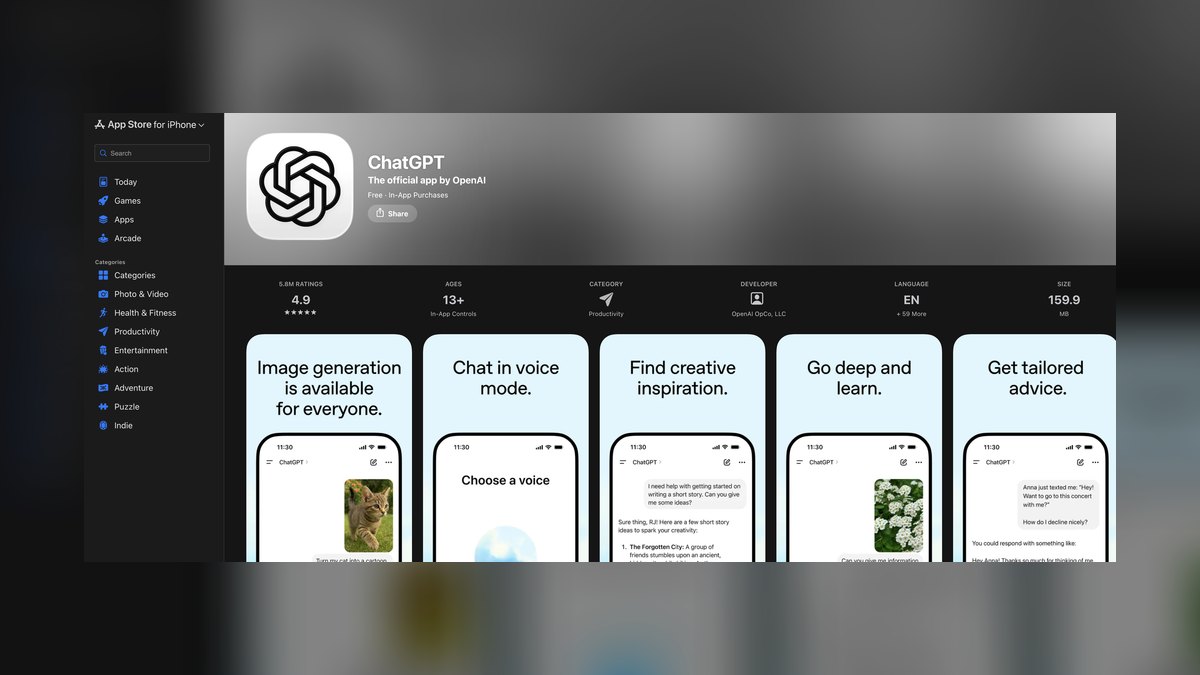
OpenAI ChatGPT ranks second as a near-tie with Claude, offering high-quality summaries with a 128,000-256,000 token context window and native web browsing to fetch live articles. Its custom GPTs ecosystem lets users build tailored summarizers with specific output formats, like always producing five bullets with named sources. ChatGPT Plus costs $20 per month, while the free tier handles casual summarizing. It processes file uploads like PDFs and URLs directly.
ChatGPT suits operators needing versatile, web-connected research and structured digests in a chosen format. It trades away some fidelity, being slightly more prone to confident embellishment than Claude, so numbers must be verified. Compared to Claude, ChatGPT excels at pulling related context from the web in the same turn, making it better for multi-source research tasks.
3. Google NotebookLM
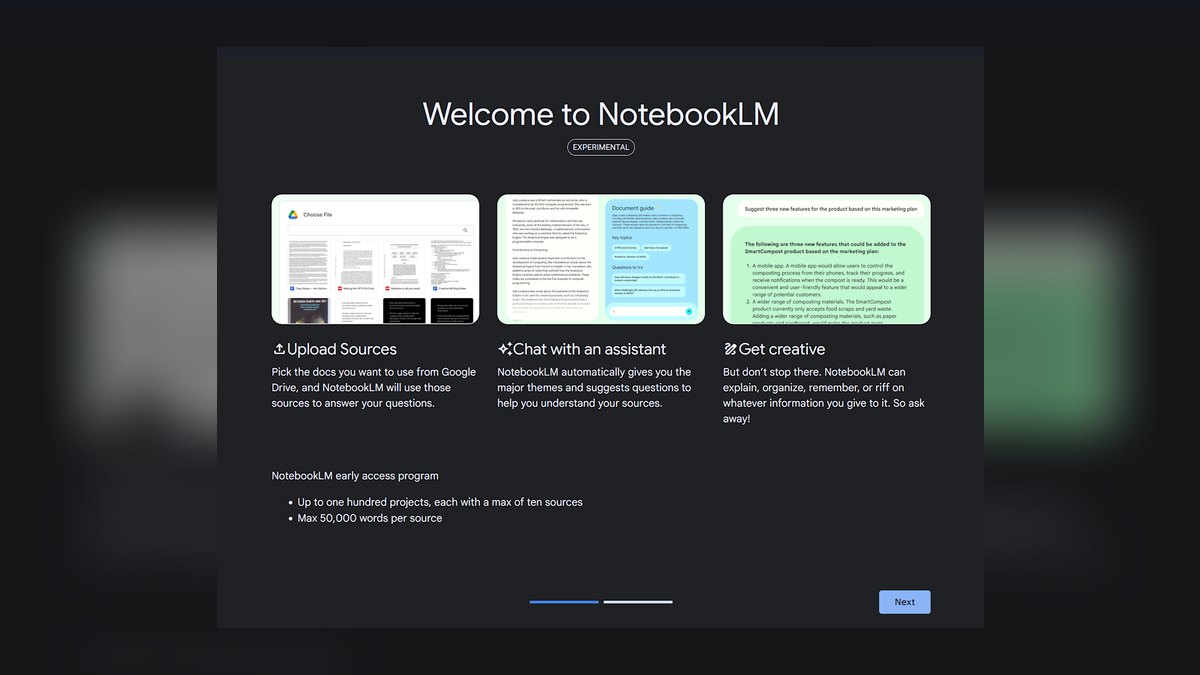
Google NotebookLM ranks third as the best value free summarizer, grounding every summary sentence with inline citations that link back to exact source passages. It accepts up to 50 sources per notebook on the free tier, including articles, PDFs, and YouTube transcripts, and builds combined briefings across all of them. Its Audio Overview feature generates a two-host podcast-style discussion of sources for listening. This traceability is unmatched for verification.
NotebookLM is for analysts and researchers who must defend their takeaways with evidence and prefer free tools. It trades away broad web access, refusing to answer beyond uploaded sources, which is ideal for focused research but limiting for general queries. Compared to Claude, it offers lower summary polish but superior source grounding, making it the safer choice when every claim must be traceable.
4. Perplexity AI

Perplexity AI ranks fourth as an answer engine that doubles as a superb web summarizer, returning tight digests with numbered citations to every source. Its Pro tier at $20 per month lets users select the underlying model and run deeper multi-source research across many outlets. The Spaces feature maintains a running research thread for developing stories. It excels at synthesizing consensus across articles rather than just one document.
Perplexity is for operators tracking a developing story across multiple news sources and needing cited, verifiable summaries. It trades away deep single-document handling, being less effective for pasted text of long PDFs compared to Claude. Compared to NotebookLM, it offers broader web synthesis but less control over source grounding, making it better for 'what's the consensus' questions than for one specific document.
5. Readwise Reader Ghostreader
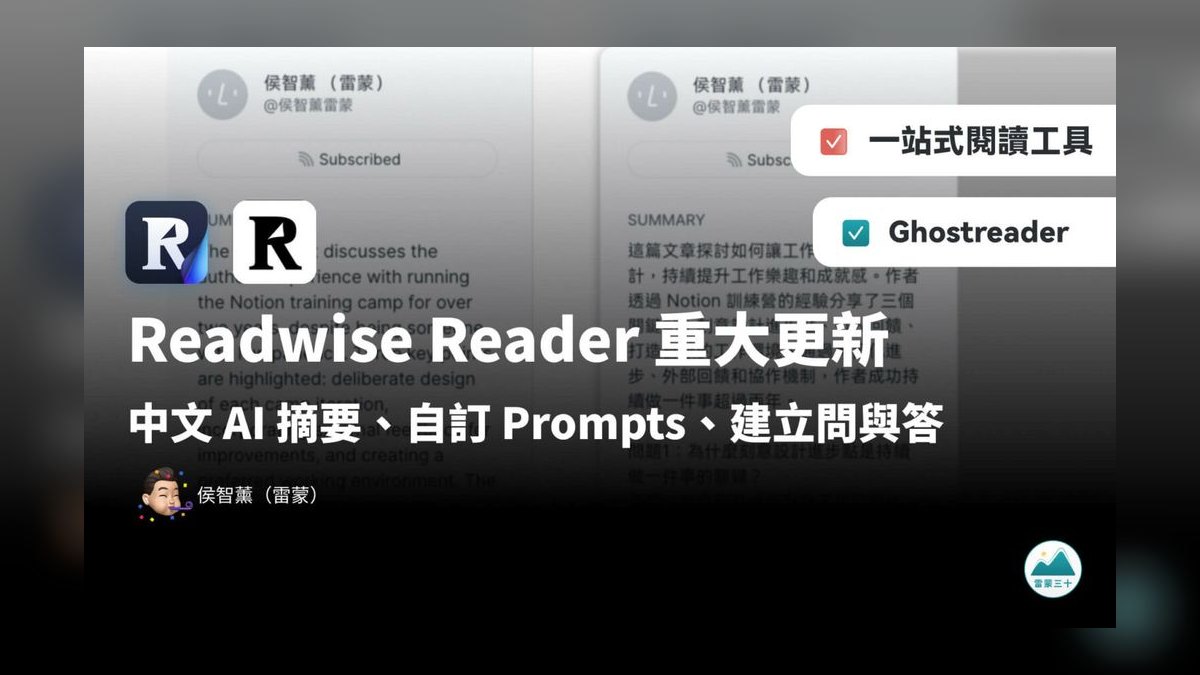
Readwise Reader with Ghostreader ranks fifth for integrating AI summarization directly into a read-it-later workflow. It saves articles, PDFs, newsletters, and emails, then summarizes any saved item or explains highlighted passages on demand, keeping summaries next to the source. It auto-syncs highlights to Readwise and note apps like Obsidian and Notion. The service costs about $10 per month bundled with Readwise.
Readwise Reader is for heavy readers who triage dozens of saved links weekly and want summaries inside their reading flow, not a separate chat window. It trades away raw summary power for workflow tightness, lacking the long-context depth of Claude. Compared to Perplexity, it is not for web-wide research but for personal knowledge capture, making it the best choice for building a lasting reading habit.
6. Microsoft Copilot

Microsoft Copilot ranks sixth as the most frictionless summarizer, built directly into the Edge browser with a side panel that summarizes the current page or PDF with one click. It is free for this use, with Copilot Pro at $20 per month unlocking faster capacity and integrations with Word, Outlook, and Microsoft 365. Quality is solid for quick triage, though a notch below Claude on long, nuanced pieces. The PDF-in-Edge summarizer is genuinely useful for rapid scanning.
Microsoft Copilot is for operators already living in the Microsoft stack who want to summarize email threads, SharePoint documents, or web pages in place without copy-pasting. It trades away deep analytical fidelity for convenience and speed, making it less suitable for complex research. Compared to Readwise Reader, it is better for on-the-fly browser summaries but lacks the read-it-later queue and highlight syncing.
7. QuillBot Summarizer
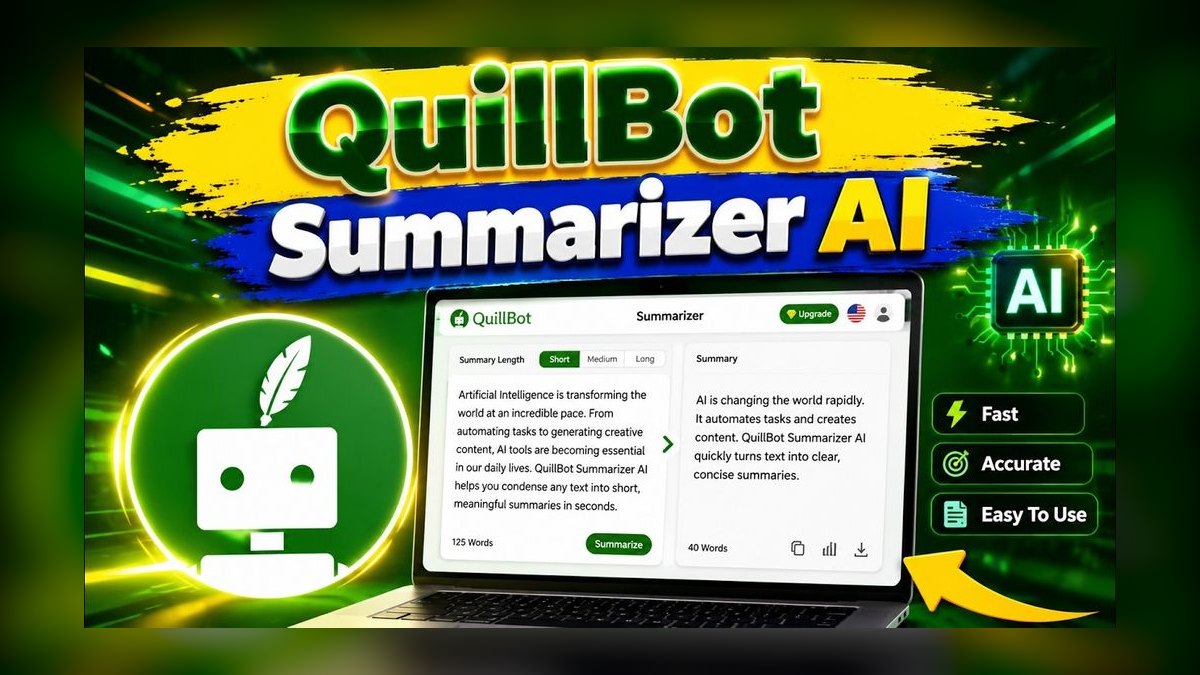
QuillBot Summarizer ranks seventh as the cleanest dedicated summarizer with no chat interface, offering Key Sentences mode for extractive summaries that quote source text verbatim and Paragraph mode for abstractive rewrites. A summary-length slider dials output from one line to a detailed digest, and it surfaces key terms. The free tier handles everyday articles with a per-pass word limit, while Premium raises the cap for long documents. It is purpose-built for one task.
QuillBot is for journalists and compliance-minded operators who cannot risk paraphrase distorting a quote, as extractive mode preserves exact wording. It trades away advanced features like web browsing or source citations, focusing solely on text compression. Compared to Microsoft Copilot, it is less convenient for in-browser use but safer for quote-accurate summaries, making it the go-to for verbatim needs.
8. Recall getrecall.ai
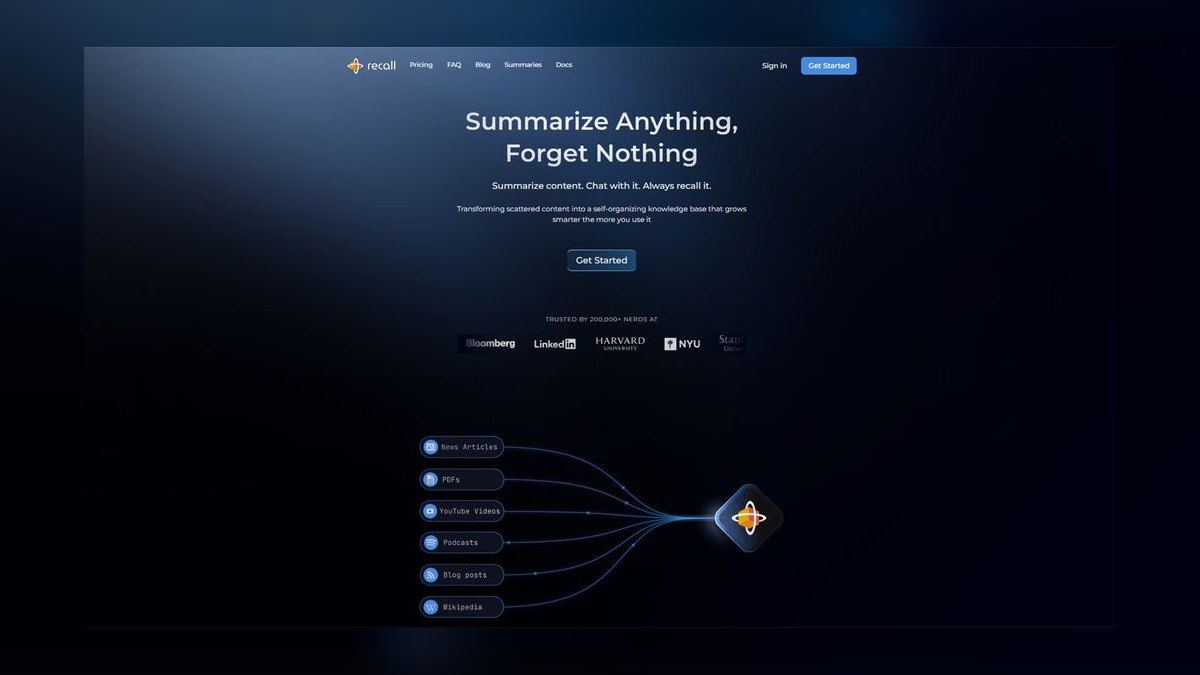
Recall getrecall.ai ranks eighth because it summarizes and files content in one motion, turning any article, YouTube video, or PDF into a structured summary saved to a personal knowledge base. Its browser extension auto-links related cards, building a searchable, interconnected library instead of a bookmark graveyard. A spaced-repetition layer resurfaces summaries to aid long-term retention. It offers a free tier, with Pro costing roughly $7-10 per month.
Recall is for operators doing long-term research on a domain who need to remember 200 articles, not just summarize one. It trades away raw summary quality for knowledge management, being less powerful than Claude on complex documents. Compared to QuillBot, it is not for quick verbatim extraction but for building a lasting, searchable research library, making it the specialist for knowledge workers.
9. Scholarcy
Scholarcy ranks ninth as the summarizer purpose-built for research papers and dense technical reports, generating summary flashcards with key findings, methods, limitations, and an auto-extracted reference list with links. It highlights important figures and claims and flags the study's own stated caveats. Pricing sits around $10 per month with a free browser extension for lighter use. Its structured output maps directly to how academic documents are organized.
Scholarcy is for analysts and researchers wading through academic or regulatory material who need structured output rather than generic chatbot prose. It trades away versatility, being narrow by design for scholarly PDFs and not blog posts or news articles. Compared to Recall, it focuses on single-document analysis rather than building a knowledge base, making it the best tool for deep dives into individual papers.
10. Glasp
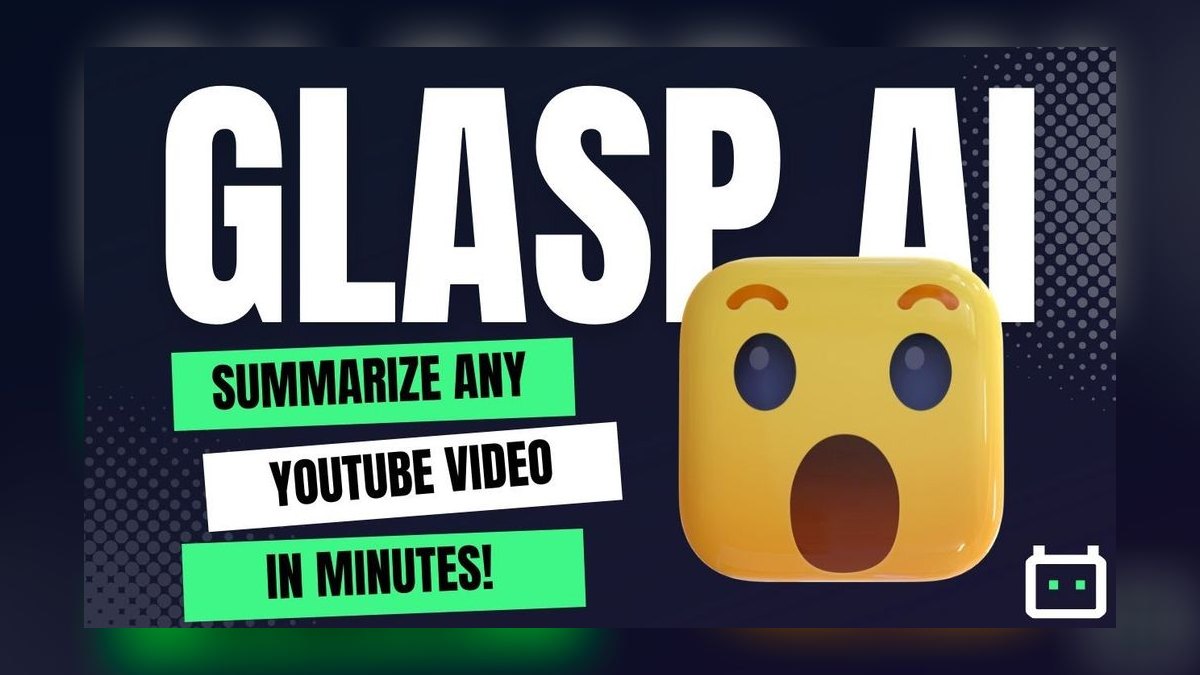
Glasp ranks tenth as the free highlight-and-summarize tool for the open web, generating AI summaries built from the user's own highlights on articles, PDFs, or YouTube pages. This ensures the digest reflects what the user flagged as important, not what the model guessed. Highlights export to Markdown and sync to note apps, with a social layer showing how others summarized the same piece. It is completely free and browser-based.
Glasp is for active readers who already highlight passages and want those highlights compressed and saved without cost. It trades away automatic summarization power, requiring user input to generate the digest, and lacks deep document handling. Compared to Scholarcy, it is less structured for academic papers but more flexible for general web content, making it the no-cost finisher for highlight-driven note-takers.
How we ranked these
We evaluated each tool against six weighted criteria: fidelity to source text, context window length, source grounding, format control, workflow fit, and price-to-value. Testing used three article types: a hard-news investigation, an academic preprint, and a marketing-heavy think-piece. Fidelity and context window were weighted most heavily because they directly impact whether a summary is trustworthy and complete.
We deliberately ignored brand popularity, marketing claims, and feature checklists that don't affect output quality. We also excluded tools that require extensive setup or technical expertise, as they don't serve the target user. The focus was purely on practical performance for professionals who need accurate, verifiable compression of dense material daily.
What to look for
What matters is matching the tool to your specific workflow. For long, single documents requiring high fidelity, Claude's large context window is critical. For web-connected research across multiple sources, ChatGPT or Perplexity's synthesis capabilities are superior. If verification is paramount, NotebookLM's source-grounding is non-negotiable. Consider where you read—browser, read-it-later app, or PDF—and choose a tool that integrates seamlessly.
The most common mistake is paying for a premium tier before testing free versions against your own documents. Another error is prioritizing speed over accuracy for deep-dive work, or vice versa. Buyers often overlook the importance of extractive modes for verbatim quotes, and they fail to consider privacy implications for sensitive documents, where local models might be the only responsible choice.
Related questions
What is the best AI tool for summarizing long research papers?
Scholarcy is purpose-built for academic PDFs, generating structured flashcards with key findings, methods, and a linked reference list. For a more general approach, Claude's large context window can ingest entire papers without chunking, while NotebookLM provides cited summaries. The best choice depends on whether you need structured academic output or a flexible, general-purpose summary.
How do AI summarizers handle source citations?
NotebookLM provides inline citations that link back to the exact passage in your uploaded material, making it the best for verification. Perplexity also uses numbered citations to web sources. Other tools like Claude and ChatGPT do not offer this level of grounding, so you must manually verify claims, especially specific numbers or quotes, against the original text.
Can AI tools summarize articles from a URL directly?
Yes, several tools can. ChatGPT with web browsing enabled can fetch and summarize a live article. Microsoft Copilot in Edge can summarize the page you're viewing with one click. Perplexity excels at summarizing web content with citations. QuillBot also accepts URLs, making it easy to summarize without copying and pasting text.
What is the difference between extractive and abstractive summarization?
Extractive summarization pulls key sentences directly from the source text, as seen in QuillBot's Key Sentences mode. This is safer for preserving exact wording and quotes. Abstractive summarization rewrites the content in new words, as done by Claude and ChatGPT. This can be more concise but risks introducing inaccuracies or embellishments.
Are there free AI summarizers that are actually good?
Yes, Google NotebookLM is the best free option, offering source-grounded summaries with citations. Microsoft Copilot in Edge is also free and provides one-click summaries of web pages and PDFs. Glasp offers a free highlight-and-summarize tool for the open web. These are excellent starting points before committing to a paid subscription.
Which AI tool is best for summarizing news articles quickly?
For high-volume news monitoring, speed is key. Perplexity's quick-summary mode or Google Gemini Flash can process articles faster than long-context tools like Claude. Microsoft Copilot in Edge is also convenient for in-browser summaries. These tools prioritize throughput, which is more important than deep analysis when scanning many articles.
How do I choose between Claude and ChatGPT for summarizing?
Choose Claude for maximum fidelity on long, nuanced documents where hallucination is a risk. Its larger context window handles entire books or reports in one pass. Choose ChatGPT for web-connected research and when you need to leverage custom GPTs for a specific summary format. Both are excellent, but their strengths differ.
What is the best tool for building a personal knowledge base from summaries?
Recall is specifically designed for this, saving summaries to a searchable, interconnected library with spaced repetition. Readwise Reader also integrates summaries with your reading queue and exports to note apps. These tools are better than general chatbots for managing and remembering a large volume of summarized information over time.
FAQ
Which AI tool gives the most accurate article summaries?
Claude leads on fidelity for long, nuanced pieces, with NotebookLM close behind because it cites every claim. Both are markedly less prone to inventing details than lighter tools. For extractive accuracy, QuillBot's Key Sentences mode quotes the source verbatim, making it the safest for preserving exact wording.
What's the best free AI summarizer in 2027?
NotebookLM is the best for source-grounded, cited summaries. Microsoft Copilot in Edge offers one-click in-browser summaries. Glasp provides highlight-based digests. All three are free for everyday use, making them excellent starting points for professionals who need reliable summaries without a subscription.
Can these tools summarize a full PDF or a 40-page report?
Yes, Claude, ChatGPT, Copilot, and Scholarcy all ingest long PDFs directly. Claude handles the longest documents in a single pass without chunking, thanks to its 1M-token tier. This capability is crucial for professionals who need to process entire reports without splitting them into sections.
Which tool is best for summarizing research papers?
Scholarcy is purpose-built for academic PDFs, producing structured flashcards with findings, methods, and a linked reference list. NotebookLM is a strong general alternative with source grounding. For a more conversational approach, Claude can also handle research papers, but Scholarcy's structured output is uniquely suited to academic material.
Do AI summarizers ever get the facts wrong?
They can. Abstractive tools may paraphrase a claim inaccurately or misattribute a number. Use extractive modes like QuillBot's Key Sentences when exact wording matters. Always spot-check figures, dates, and quotes against the source before forwarding a summary, as even the most faithful tools occasionally make mistakes.
Is paying $20/month worth it over the free tiers?
For occasional summarizing, no, the free tiers of NotebookLM, Copilot, and ChatGPT are plenty. For daily, long-document work, the paid context limits and faster models on Claude Pro or ChatGPT Plus pay for themselves quickly. The decision depends on your volume and the criticality of the summaries.
What is the best tool for summarizing articles in a read-it-later app?
Readwise Reader is specifically designed for this workflow. Its embedded Ghostreader AI summarizes any saved item, and the summary lives next to the article. This integration is tighter than using a general chatbot, making it ideal for operators who triage many saved links weekly.
How do I ensure an AI summary doesn't hallucinate?
Use tools with source grounding, like NotebookLM, which cites every claim. For other tools, always verify specific numbers and quotes against the original. Prefer extractive modes when exact wording is critical. Finally, run the same article through multiple tools and compare summaries to identify discrepancies.
What is the best AI tool for summarizing YouTube videos?
Recall can summarize YouTube videos and save them to a knowledge base. NotebookLM also accepts YouTube transcripts as sources. These tools are better than text-only summarizers for video content, as they can process the audio or transcript to generate a concise summary.
Are there privacy concerns with using cloud-based AI summarizers?
Yes, all top-tier tools send your text to cloud servers. For confidential documents, consider local models like Ollama running Llama 3.2, or Microsoft Copilot with commercial data protection on enterprise plans. For regulated industries, local processing is often the only responsible option, even if it means less elegant summaries.
Sources
- https://www.anthropic.com/claude
- https://openai.com/chatgpt
- https://notebooklm.google.com
- https://www.perplexity.ai
- https://readwise.io/read
- https://www.microsoft.com/microsoft-copilot
- https://quillbot.com/summarize
- https://www.getrecall.ai
- https://www.scholarcy.com
- https://glasp.co
Related on PULSE
- [More ai tools for summarizing articles rankings and buying guides](/knowledge)
- [PULSE Tools and calculators](/tools)
- [Everything on PULSE RevOps](/)
 pulse-ai-infrastructureThe 10 Best Open-Source Model Hubs in 2027
 pulse-ai-infrastructureWhat is the role of an embedding model in AI infrastructure?
 pulse-ai-infrastructureThe 10 Best AI Tools for Drupal Development in 2027
 pulse-ai-infrastructureThe 10 Best AI Tools for Data Visualization in 2027
 pulse-ai-infrastructureThe 10 Best AI Tools for RFP Responses in 2027
 pulse-ai-infrastructureHow much does a single NVIDIA H100 cluster node cost to lease in 2027?
 pulse-ai-infrastructureThe 10 Best AI Tools for Payment Integration in 2027
 pulse-ai-infrastructureThe 10 Best AI Tools for Plagiarism Detection in 2027
 pulse-ai-infrastructureThe 10 Best AI Tools for Brainstorming Ideas in 2027
 pulse-ai-infrastructureThe 10 Best AI Tools for Restaurant Picks in 2027