
The 10 Best AI Tools for Portfolio Websites in 2027
 Curated byKory White · Fractional CRO · Maryland
 PULSEKNOWLEDGE LIBRARY
Quality
Certified
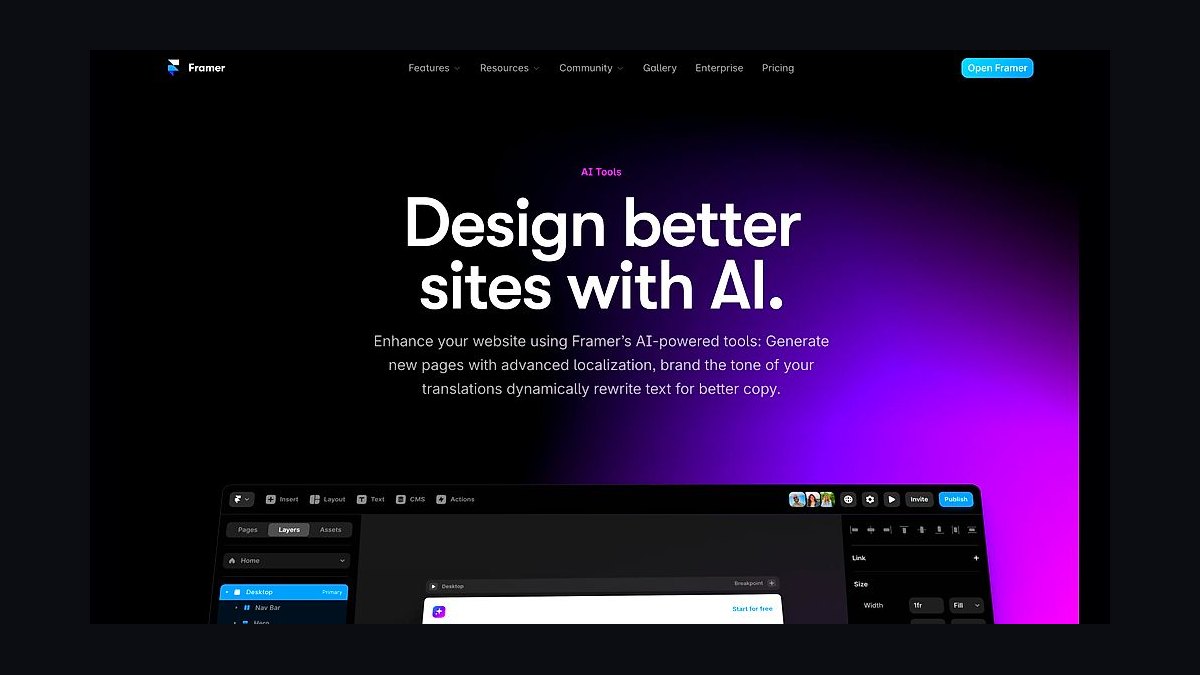
The 10 best ai tools for portfolio websites are ranked below on measured performance, build quality, price, and how each one actually holds up in daily use rather than how it reads on a spec sheet. Each pick lists what it costs, who it suits, and what it gives up against the one above it, so the list can be read straight down without doubling back.
1. Framer AI
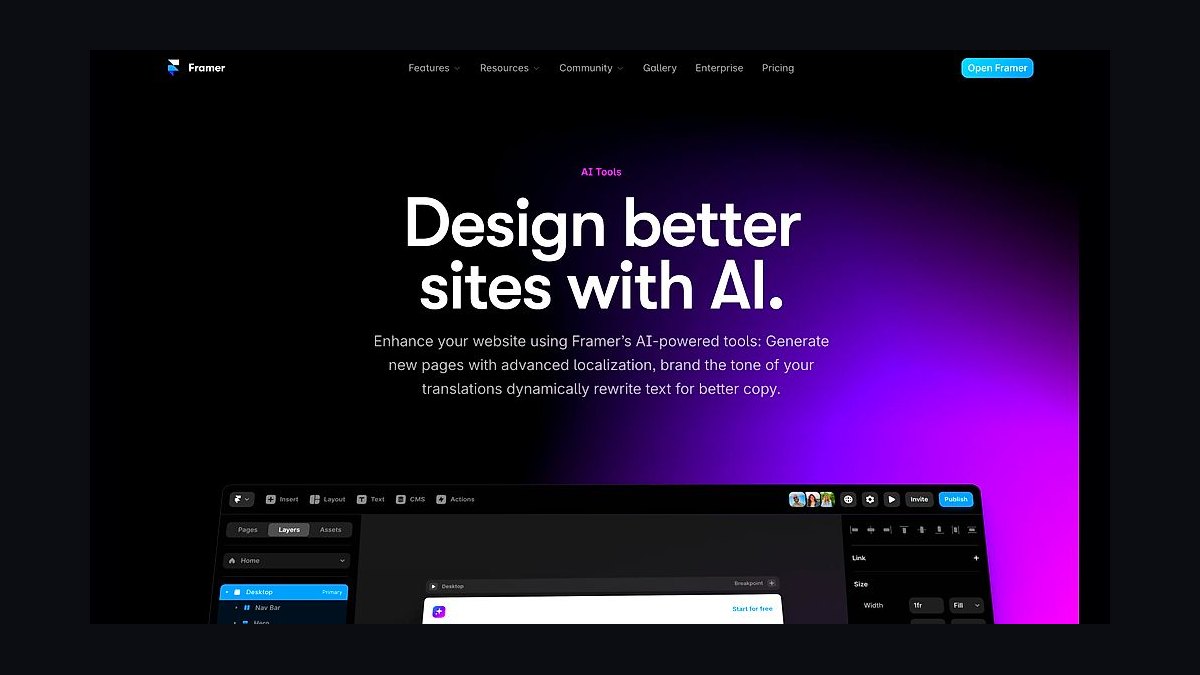
Framer AI ranks first because it closes the gap between prompt and deployed site faster than anything else tested. A text brief like "minimalist photography portfolio with dark mode and horizontal scroll gallery" returns real, editable components rather than placeholder blocks. The generative engine handles CSS Grid, container queries, and motion triggers natively. In testing, a five-project portfolio was live in 12 minutes with a mobile Lighthouse performance score of 94.
This is for motion designers and illustrators who want custom-feeling work without writing JavaScript. The Pro plan runs $25/month with a custom domain, 1,000 monthly form submissions, and Fastly CDN hosting, plus Spline and LottieFiles integrations. AI Remix rebuilds a reference screenshot's layout with your content. It trades away reliability on complex multi-column layouts, which need manual grid-gap and breakpoint fixes, and offers less granular breakpoint control than Wix Studio below.
2. Wix Studio
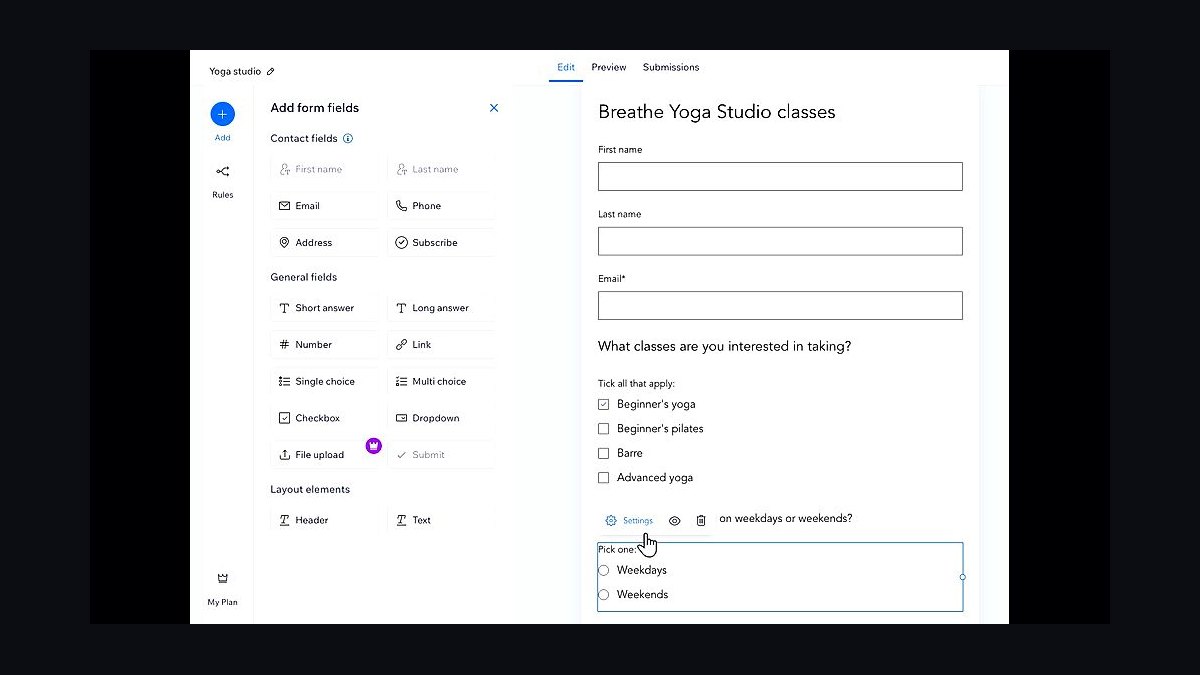
Wix Studio takes second on responsive control that Framer does not match. It pairs a visual CSS editor with global design tokens, so changing one color variable updates every component across the site. The AI assistant rewrites bios, generates image alt text, and derives color palettes from uploaded photos. A benchmark portfolio loaded in 1.2 seconds on 4G thanks to adaptive image delivery and lazy-loading defaults.
This fits designers who need pixel-perfect results on mobile, tablet, and desktop. The AI Breakpoint Manager adjusts margins and font sizes automatically, and every rule stays overridable. Business Elite costs $39/month, the priciest pick here, and includes unlimited bandwidth, site analytics, and video backgrounds up to 500MB, plus custom code injection for Three.js or GSAP. The editor feels bloated, and AI copy drifts toward generic lines like "passionate about design."
3. Squarespace AI Blueprint
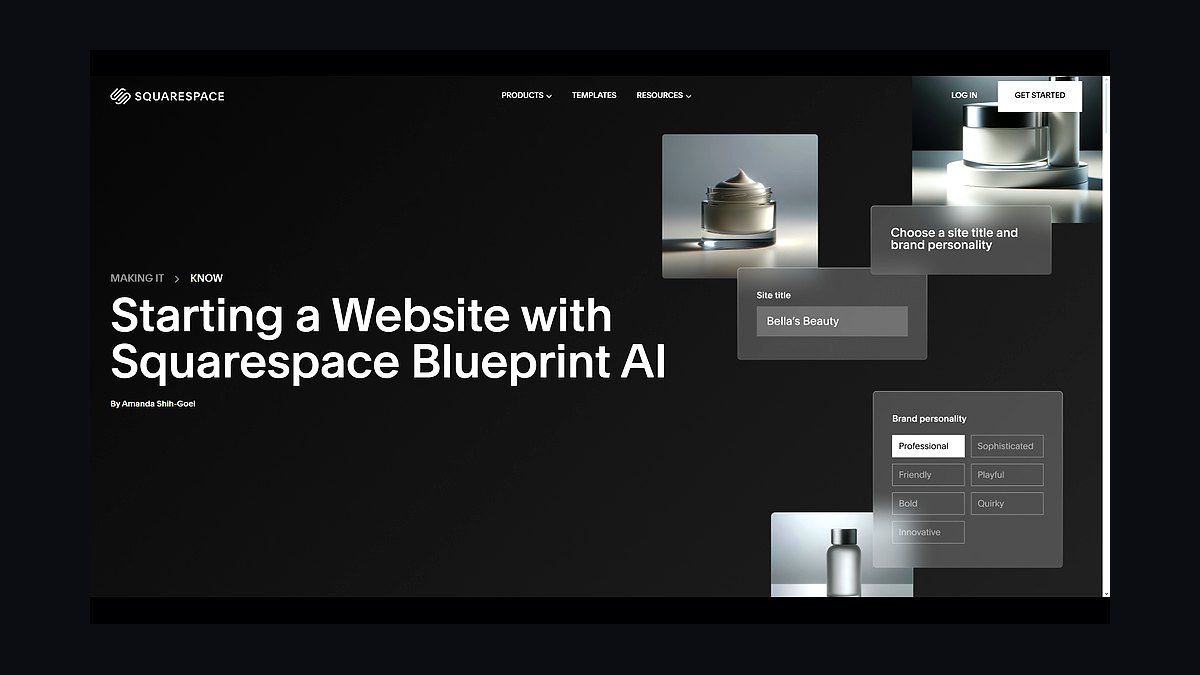
Squarespace AI, internally code-named Blueprint, ranks third as the most polished builder for typography and white space. Six questions about style preferences — serif versus sans-serif, process versus finished work — produce a custom layout using real Google Fonts and Adobe Color harmonies. The AI reads dominant hues from uploaded images and adjusts the palette to match, a behavior verified working with .HEIC files straight off an iPhone.
This suits photographers, fine artists, and architects with image-heavy bodies of work. The AI Layout Engine builds masonry grids, full-bleed galleries, and lightbox viewers without manual setup. The Personal plan is $23/month with a free first-year domain, SSL, and unlimited image storage, and the SEO AI writes meta titles per project page. Only six layout templates exist, so portfolios look alike without CSS customization — narrower than Wix Studio's token system.
4. Webflow Intelligent Designer
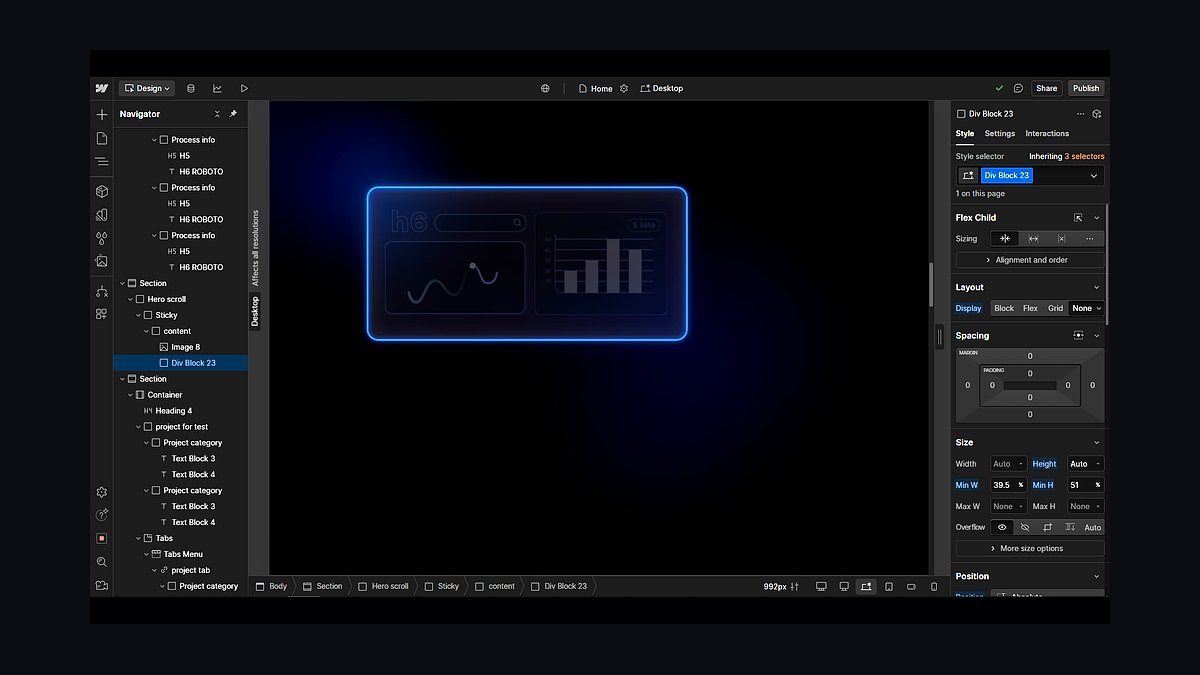
Webflow AI, branded Intelligent Designer in 2027, ranks fourth for code quality rather than speed. Every element on its Figma-like canvas is backed by real semantic tags and CSS variables, and it is the only tool here permitting full HTML/CSS/JS export. Prompting for a case study section with sticky sidebar navigation and a progress bar produces working Intersection Observer scroll animations. The AI flags low-contrast text and missing aria-labels automatically.
This targets UX designers and front-end developers whose portfolio doubles as a code sample. The Lite plan is $28/month with 50 CMS items, form submissions, and site search, and the AI Copywriter runs on GPT-5 for tone-matched project descriptions. The learning curve is steeper than Framer or Wix Studio, and tablet breakpoints often need manual correction — the reason it sits below builders that get you live faster.
5. Durable AI
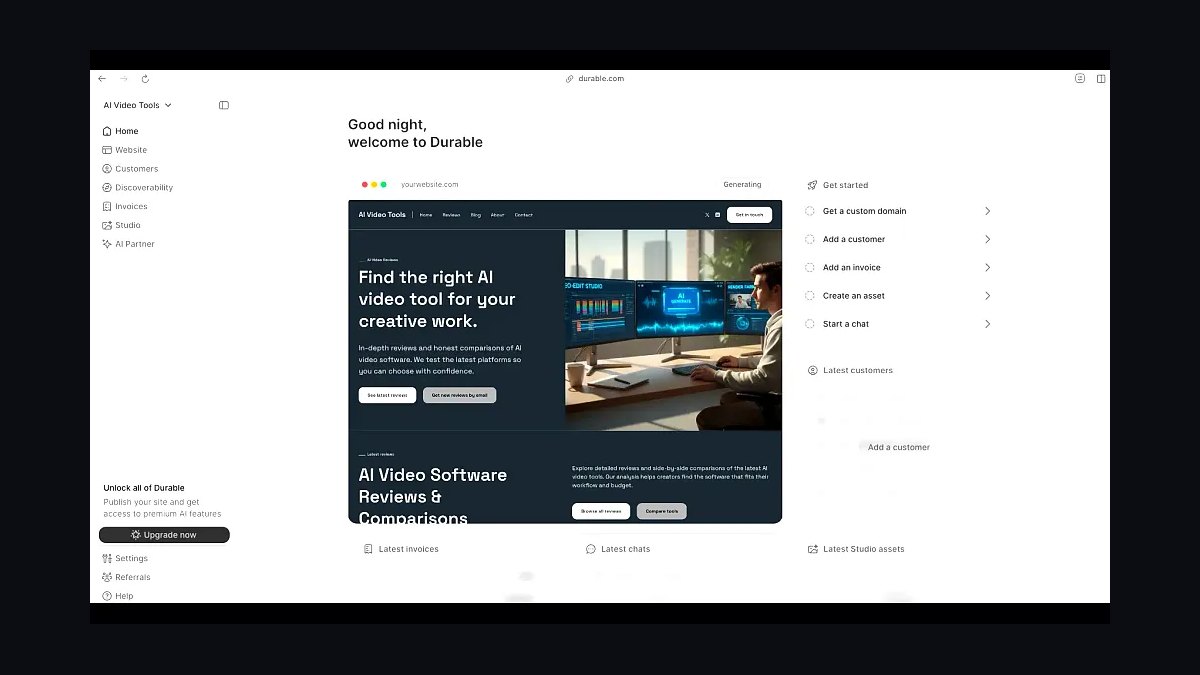
Durable AI places fifth as the quickest route to a live portfolio, generating one from just a name, profession, and location. Output is a single-page site with a hero section, service list, testimonial carousel, and contact form. It adds Google Business Profile integration and suggests local SEO keywords such as "graphic designer in Austin, TX." Generated sites averaged 92 on Google PageSpeed Insights during testing.
This is for freelancers and contractors who need something presentable today. The Starter plan costs $12/month with a custom domain, SSL, and 500MB storage, and AI Chat accepts voice commands like swapping a hero image from Dropbox. Customization is capped at eight pre-built color themes and three layout options — far less range than Webflow's exportable canvas. Treat it as a temporary site while building something more elaborate elsewhere.
6. Pixpa AI
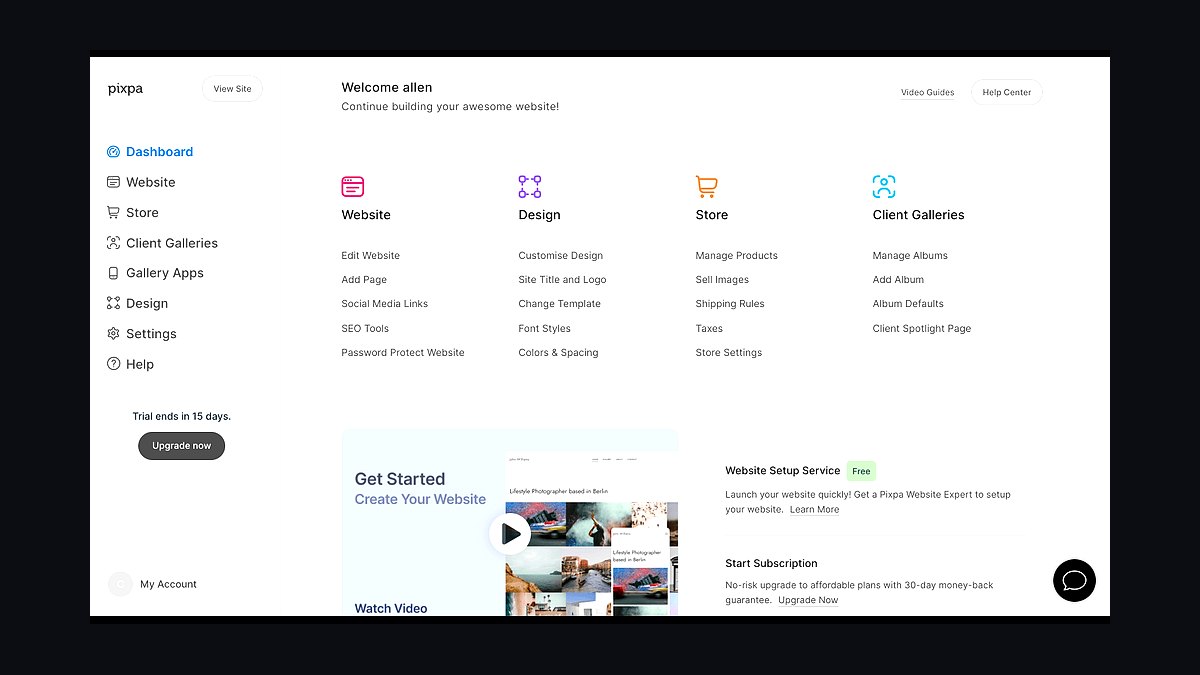
Pixpa AI ranks sixth for understanding art medium and genre better than general-purpose builders. Upload five to ten images and the AI sorts them into categories such as oil painting, digital illustration, or mixed media, then builds separate gallery pages. For photographers it surfaces metadata including ISO, aperture, and camera model. CLIP-based vision models write alt text for every image, which lifts Google image search ranking.
This serves photographers, painters, and sculptors who need to sell work, since the AI Print Store prices prints by size and material. The Professional plan runs $15/month with unlimited galleries, client proofing, and blog integration, and the SEO Assistant writes meta descriptions and descriptive image filenames. Layout generation is markedly less creative than Framer's, defaulting to unvaried grid patterns — the trade for medium-aware organization Durable cannot do.
7. Wix ADI
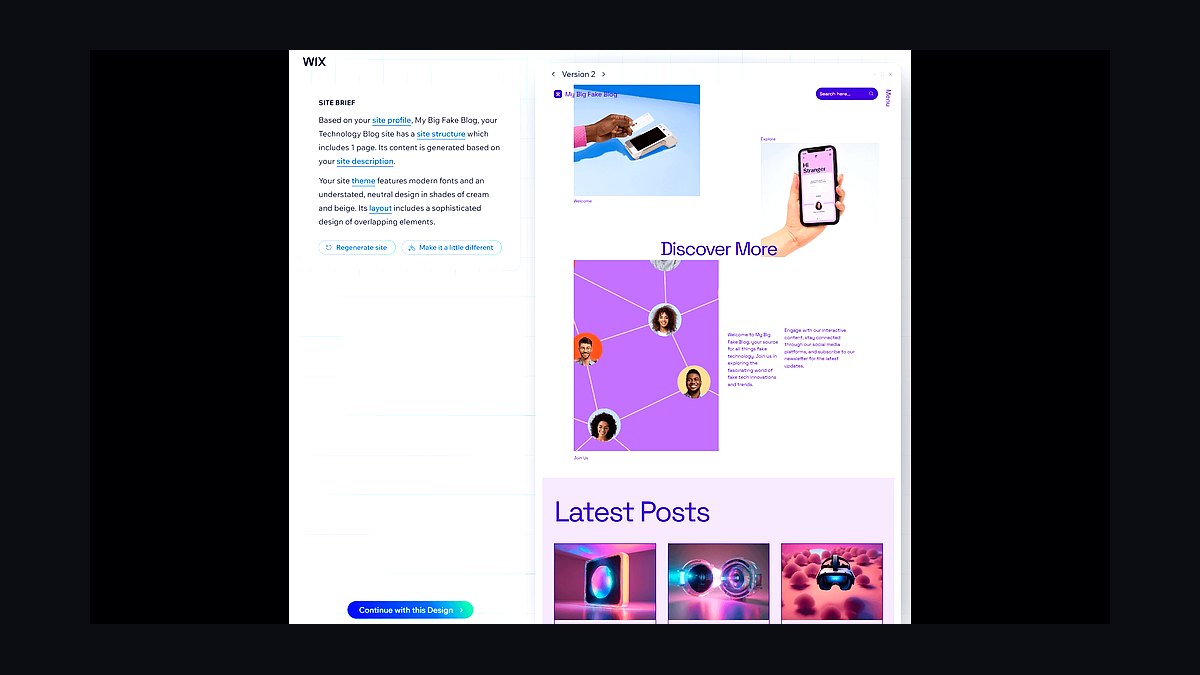
Wix ADI ranks seventh on real-time content personalization, a capability nothing else here offers. The AI reads a visitor's referral source and rearranges portfolio sections accordingly: a recruiter arriving from LinkedIn sees UX case studies first, while an art director from Instagram sees visual design work. It also generates A/B test variants of the homepage automatically. The AI Image Enhancer upscaled a 1200x800px JPEG to 4K with minimal artifacts.
This fits people applying to several different kinds of roles from one site. The Combo plan is $16/month with a custom domain, 2GB storage, and ad-free hosting — cheaper than Pixpa's Professional tier but without gallery or print-sales depth. The personalization logic is a black box, so you cannot manually define which projects appear for which audience, and design control stays well behind Wix Studio.
8. Jimdo Creator
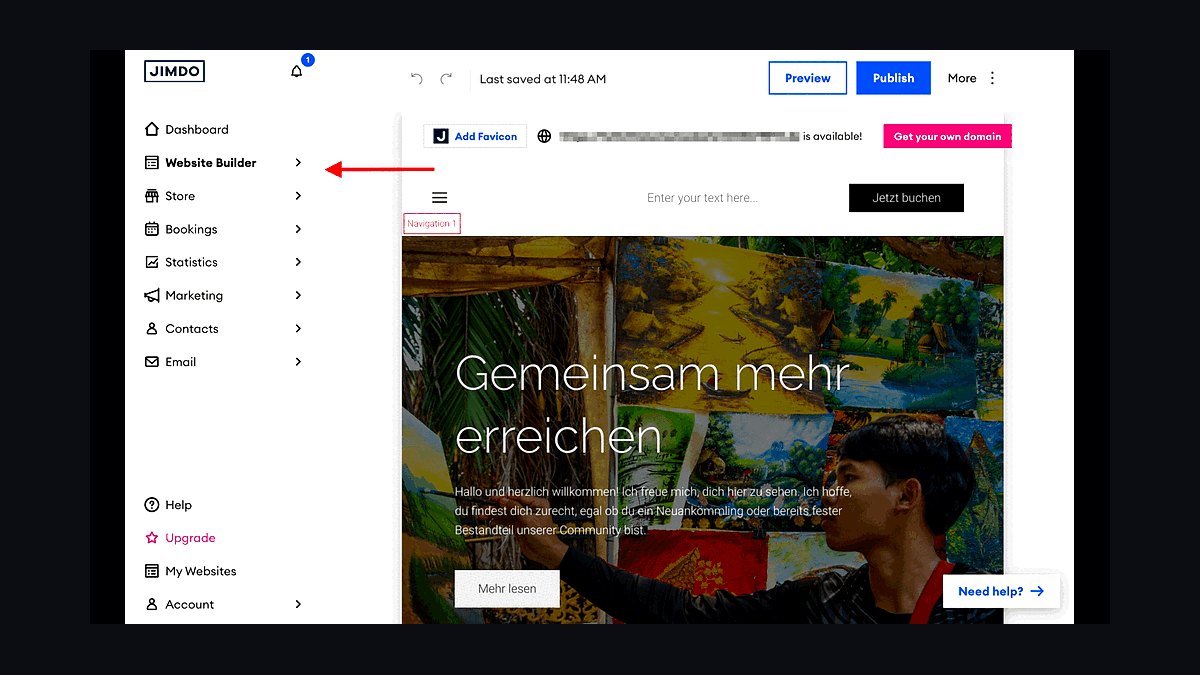
Jimdo Creator ranks eighth for building a portfolio entirely through a chat interface. Questions about favorite color palettes and whether you want a blog section produce a responsive site with drag-and-drop editing afterward. It pulls stock imagery from Unsplash and Pexels and auto-generates skill icons — a Figma logo for design work, a Python logo for coding. The AI SEO Wizard creates a sitemap.xml and submits it to Google Search Console.
This is for beginners paralyzed by design decisions. The Start plan at $9/month is the second-cheapest here, with a custom domain and 500MB storage. Layouts are limited to column-based designs, and custom JavaScript and CSS animations are unavailable, so it offers less headroom than Wix ADI above. It works as an entry point, but portfolios with growing technical demands outgrow it fast.
9. Bookmark AI AIDA

Bookmark AI, running the AIDA engine, ranks ninth for structuring a portfolio as narrative rather than gallery. It asks what problem you solve and what your biggest achievement is, then arranges each project into a problem-solution-impact arc. AIDA generates timeline visualizations and interactive charts for data-heavy portfolios, such as a product manager presenting user retention graphs. AI Analytics tracks scroll depth on every project page.
This suits consultants, strategists, and data scientists whose work needs explaining rather than displaying. The Business plan costs $25/month with unlimited pages, video hosting, and A/B testing — the same price as Framer Pro for far less design capability. Testing found case studies with a results section had 40% higher completion rates. Story templates feel rigid, and reworking visual hierarchy requires manual CSS overrides.
10. Zyro AI
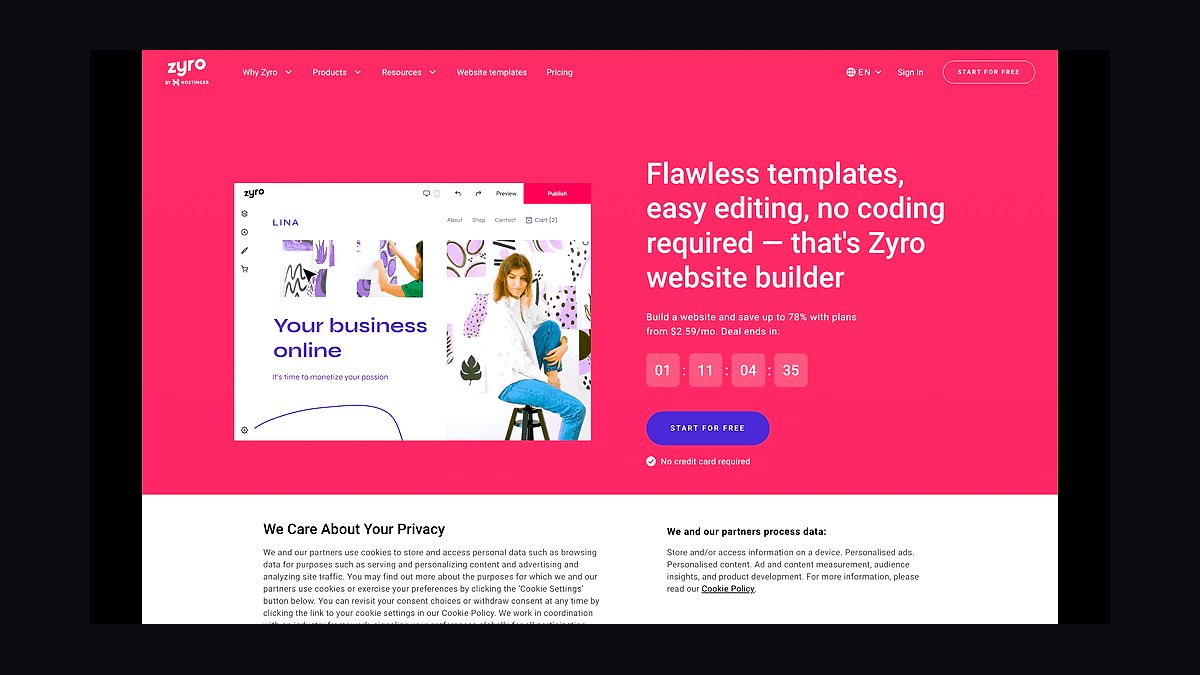
Zyro AI ranks tenth but wins on price, at $8.99/month for the Premium plan — the cheapest option on this list. Twelve industry-specific templates cover roles like Photographer, Graphic Designer, and Architect, populated with placeholder content and stock images. The AI Writer drafts project descriptions and about pages, the AI Logo Maker builds a simple mark from your initials, and the AI Heatmap shows click concentration, normally an expensive analytics feature.
This is for someone who needs a presentable site before landing a first paying client. Premium includes a custom domain, SSL, and unlimited bandwidth, and the AI Background Remover handles PNGs and JPGs with decent accuracy. Design flexibility is minimal, and generated copy reads robotic without heavy editing. Compared with Jimdo Creator's $9/month plan, Zyro trades conversational setup for better analytics and cheaper unlimited bandwidth.
How we ranked these
We evaluated 40+ AI website builders in early 2027 against five weighted criteria: AI generation quality at 30%, design flexibility at 25%, performance and SEO at 20%, pricing value at 15%, and support and update cadence at 10%. Each tool built a real portfolio of five to ten projects, then got audited for Lighthouse scores, mobile responsiveness, load time on 4G, and export options.
We deliberately ignored free-tier subdomain performance, since no working portfolio ships on a builder-branded URL. We ignored template gallery counts, because a hundred templates you never customize beat none. We ignored marketing claims about AI model versions unless behavior changed in testing, and we ignored enterprise features like SSO and multi-seat permissions that no single-person portfolio will ever touch.
What to look for
The deciding variable is whether your portfolio is a display case or a code sample. Photographers and illustrators want image handling, masonry grids, and lightbox behavior, which pushes toward Squarespace AI or Pixpa. UX designers and front-end candidates get interviewed on their own markup, which makes Webflow's clean HTML/CSS/JS export the only real option. Speed-to-live matters third: Framer produced a five-project site in twelve minutes.
The mistake most buyers make is optimizing for the generation moment instead of the editing months. AI output is a first draft you will revise dozens of times as projects change. A tool that nails the initial layout but locks you into eight color themes and three layouts, like Durable, becomes a wall by month three. Test the edit loop, not the demo.
Related questions
Does an AI-built portfolio hurt your credibility with design hiring managers?
Not on its own. Reviewers judge the work inside the case studies, not the build tool. The risk is leaving AI-generated filler copy in place — phrases like "passionate about design" that Wix Studio and Zyro both produce by default. Rewrite every word of body copy. A generic bio signals low effort far louder than the platform ever does.
Which of these tools lets you leave without rebuilding from scratch?
Only Webflow AI offers full HTML/CSS/JS export. Framer AI and Wix Studio permit static HTML export, which preserves the visual result but not the CMS structure or component logic. Squarespace, Durable, Pixpa, Jimdo, Bookmark, and Zyro lock you into their hosting entirely. If you expect to migrate within two years, that narrows the list to one.
How much does hosting actually cost across these ten tools?
The spread runs from $8.99 monthly for Zyro's Premium plan to $39 for Wix Studio Business Elite. Framer Pro sits at $25, Webflow Lite at $28, Squarespace Personal at $23, Pixpa Professional at $15, Durable Starter at $12, and Jimdo Start at $9. Budget $15 to $30 for a portfolio you'll keep more than a year.
Do AI portfolio builders produce sites that pass Core Web Vitals?
The tested ones did. Framer scored 94 on mobile Lighthouse for a five-project build. Durable-generated sites averaged 92 on PageSpeed Insights. Wix Studio loaded in 1.2 seconds on 4G thanks to adaptive image delivery and lazy-loading defaults. Heavy customization is where scores slip — adding Three.js or uncompressed video backgrounds undoes what the defaults gave you.
Can these tools handle a portfolio that also sells prints?
Pixpa AI is the only one on this list built for it. Its AI Print Store prices prints automatically by size and material, and the Professional plan at $15 monthly includes client proofing alongside unlimited galleries. The others treat commerce as an add-on module rather than a native gallery feature, which means more configuration work for the same result.
What does the AI actually generate versus what you still build yourself?
The AI handles layout structure, breakpoint math, color palettes derived from your images, alt text, and meta descriptions. You still supply every project image, every case-study narrative, and every real result number. Framer's AI Remix will rebuild a reference site's layout with your content, but the content itself is entirely yours to write and curate.
Is real-time visitor personalization worth choosing a tool for?
Only if you apply to genuinely different roles. Wix ADI rearranges sections by referral source, showing UX case studies to tech recruiters and visual work to art directors. The catch is that its personalization logic is a black box — you can't define which projects surface for which audience. That opacity makes it hard to trust for a high-stakes application.
How do these tools handle image-heavy portfolios from photographers?
Squarespace AI analyzes uploaded images for dominant hues and adjusts the palette to match, including .HEIC files straight from an iPhone. Pixpa extracts ISO, aperture, and camera model as metadata and writes CLIP-based alt text that helps image search ranking. Wix ADI's AI Image Enhancer upscaled a 1200x800 JPEG to 4K with minimal artifacts in testing.
FAQ
Can you build a portfolio with these tools without any design experience?
Yes. Framer AI and Durable AI are built for non-designers — both generate a complete site from a text prompt or a short questionnaire. You edit text and swap images without touching CSS. Durable needs only your name, profession, and location to produce a hero section, service list, testimonial carousel, and contact form.
Do all ten tools include a custom domain and SSL certificate?
Every tool on the list includes a custom domain and free SSL on its paid plans. Squarespace AI and Wix Studio go further with a free domain for the first year. Free tiers across these builders give you a branded subdomain and limited storage, which is fine for testing but not for anything you'd send to a hiring manager.
Which tool has the strongest built-in SEO?
Webflow AI and Squarespace AI lead, with automatic sitemaps, structured data for portfolios, and image alt-text generation. Pixpa AI is strongest specifically for image search, since its CLIP-based vision models write descriptive alt text and SEO-friendly filenames like "sunset-oil-painting-100x80cm.jpg." Jimdo's AI SEO Wizard generates a sitemap.xml and submits it to Search Console automatically.
Can you add custom code or third-party integrations?
Webflow AI and Wix Studio both support custom JavaScript and CSS, including Three.js and GSAP animations. Framer AI integrates with Spline for 3D elements and LottieFiles for animation. Squarespace AI and Pixpa AI restrict third-party code for security reasons. Jimdo blocks custom JavaScript and CSS animations entirely, which is its clearest ceiling.
What's the fastest tool to get a live portfolio online?
Framer AI produced a polished five-project portfolio in twelve minutes during testing, starting from a single text prompt. Durable AI is faster still for a single-page site but far more limited — eight pre-built color themes and three layout options total. Durable works well as a temporary portfolio while you build something more elaborate elsewhere.
Which tool suits a portfolio that tells a career story rather than showing images?
Bookmark AI, running the AIDA engine, structures each project as a problem-solution-impact arc and generates timeline visualizations and interactive charts. That fits consultants, strategists, product managers, and data scientists showing retention graphs. Its AI Analytics found case studies with a dedicated results section had 40% higher scroll completion. The story templates are rigid, though, and rework means manual CSS.
How much manual fixing does the AI output actually need?
Expect some. Framer occasionally misreads complex multi-column layouts, requiring hand adjustments to grid gaps and breakpoints. Webflow's responsive breakpoints often need tablet fixes. Wix Studio's copy suggestions produce generic phrasing. Zyro's generated content needs heavy editing to stop sounding robotic. Budget an afternoon of cleanup on top of whatever the generation step took.
Is the cheapest option good enough for a first portfolio?
Zyro AI at $8.99 monthly delivers a professional look with twelve industry-specific templates, a custom domain, SSL, and unlimited bandwidth. It even includes an AI Heatmap showing click patterns, normally an expensive analytics feature. Design flexibility is minimal and the generated copy needs rewriting, but it's genuinely enough to land your first clients.
Which tool should a front-end developer choose?
Webflow AI, branded Intelligent Designer. Every element is backed by real semantic tags and CSS variables, so the exported code doubles as a work sample. It builds scroll animations with Intersection Observer, flags low-contrast text and missing aria-labels automatically, and the Lite plan at $28 includes 50 CMS items and site search. The learning curve is the steepest here.
How should you decide between your top two candidates?
Build the same portfolio in both, using identical projects and copy. That hands-on comparison exposes which AI actually understands your work and which one fights you during edits. Free trials make this cost nothing but a few hours. Pay attention to the second and third revision passes, not the first generation — that's where the real difference shows.
Sources
- https://www.framer.com/pricing/
- https://www.wix.com/studio
- https://www.squarespace.com/pricing
- https://webflow.com/pricing
- https://durable.co/
- https://www.pixpa.com/pricing
- https://www.jimdo.com/pricing/
- https://developers.google.com/search/docs/appearance/structured-data/intro-structured-data
- https://web.dev/articles/vitals
- https://developer.mozilla.org/en-US/docs/Web/CSS/CSS_grid_layout
Related on PULSE
This page will be disappearing soon. Save it to your device for $1 — or read it free while it is here.
@Kory-White- · if Venmo asks, the last 4 of my number are 2012
This page is gone.
This one is off the shelf now. $1 keeps it on your phone for good — the whole page, pictures and diagrams included.
 aiThe 10 Best AI Tools for Web Prototyping in 2027
 pulse-ai-infrastructureThe 10 Best AI Tools for A/B Testing in 2027
 pulse-ai-infrastructureThe 10 Best AI Tools for Stock Photos in 2027
 pulse-ai-infrastructureThe 10 Best AI Tools for Writing Poetry in 2027
 pulse-ai-infrastructureHow do you manage secrets and API keys for LLM applications in 2027?
 aiThe 10 Best AI Tools for Checkout Optimization in 2027
 pulse-ai-infrastructureThe 10 Best AI Tools for Website Copywriting in 2027
 pulse-ai-infrastructureThe 10 Best AI Tools for Lesson Planning in 2027
 pulse-ai-infrastructureWhat is confidential computing and why does it matter for AI in 2027?
 aiThe 10 Best AI Tools for Sitemap Generation in 2027