


How do you get started with Electronics in 2027?
Quality
Certified

Getting started with electronics in 2027 is more accessible than ever, thanks to affordable beginner kits, online simulators, and a wealth of community-driven resources. The key is to begin with low-cost, hands-on projects using a microcontroller like a Raspberry Pi Pico or an Arduino board, paired with a basic breadboard and common components. Yes, you can start learning electronics today without any prior experience by focusing on simple circuits and programming logic.
The landscape of electronics in 2027 emphasizes practical learning through project-based education, where you build real-world devices like LED blinkers, temperature sensors, or small robots. With the rise of open-source hardware and software, combined with interactive tutorials from platforms like Adafruit and SparkFun, you can progress from a complete novice to building custom circuits in weeks. Start by understanding fundamental concepts like voltage, current, and resistance, then move to digital logic and microcontrollers.
What is the best electronics starter kit for beginners in 2027?
The best starter kit for beginners in 2027 is typically a comprehensive bundle that includes a microcontroller board, a breadboard, jumper wires, LEDs, resistors, capacitors, sensors, and a guidebook. For example, the Arduino Starter Kit or the Raspberry Pi Pico Starter Kit are excellent choices, as they offer a curated set of components and step-by-step projects. These kits often include a USB cable, a power supply, and sometimes even a small servo motor or a display module, providing a solid foundation for exploring both analog and digital circuits.
When selecting a kit, look for one that includes a variety of sensors (like temperature, light, and motion) and actuators (like LEDs, buzzers, and motors) to allow for diverse projects. Many kits in 2027 also integrate with online platforms that offer tutorials and community forums, which are invaluable for troubleshooting and learning. Additionally, consider kits that support multiple programming languages, such as C++ and MicroPython, to give you flexibility as you advance. Avoid kits with too many components you won't use immediately; focus on quality and relevance to your learning goals.

How do you learn the fundamentals of electronics online in 2027?
Learning electronics fundamentals online in 2027 involves leveraging interactive platforms, video courses, and simulation tools that make abstract concepts tangible. Websites like PULSE RevOps provide structured guides that break down Ohm's Law, Kirchhoff's Laws, and circuit analysis into digestible modules. You can start with free resources such as YouTube channels like EEVblog or GreatScott, which offer in-depth tutorials on breadboarding, soldering, and component identification. For a more formal approach, consider platforms like Coursera or edX, which offer courses from universities on digital logic and embedded systems.
Simulators like Falstad's Circuit Simulator or Tinkercad's Circuits allow you to build and test circuits virtually without any physical components, which is perfect for experimentation early on. These tools let you visualize current flow, measure voltage drops, and debug logic errors in real time. Many online communities, such as the Arduino Forum or Reddit's r/electronics, provide peer support and project ideas. To solidify your understanding, practice by replicating simple circuits from online project databases like Hackaday or Instructables, and gradually increase complexity as you gain confidence.
What are the essential tools for an electronics hobbyist in 2027?

An electronics hobbyist in 2027 needs a few key tools to work efficiently and safely. A digital multimeter (DMM) is indispensable for measuring voltage, current, and resistance, and a good DMM with auto-ranging and a continuity buzzer is a wise investment. A soldering iron with adjustable temperature, along with solder wire and a soldering stand, is essential for making permanent connections. Additionally, a breadboard and a set of jumper wires are crucial for prototyping circuits without soldering.
Other tools include wire strippers and cutters for preparing component leads, a set of precision screwdrivers for adjusting potentiometers or mounting boards, and a pair of tweezers for handling small components. In 2027, many hobbyists also use a logic analyzer or an oscilloscope for debugging digital signals, though these are more advanced. A magnifying lamp or a head-mounted magnifier can help with inspecting solder joints and tiny parts. For organization, a component storage box with labeled compartments keeps resistors, capacitors, and ICs sorted. Finally, a USB power bank or a bench power supply is useful for powering projects away from a wall outlet.
How do you build your first electronics project in 2027?
Building your first electronics project in 2027 should be a simple, rewarding experience that reinforces basic concepts. Start with a classic project: an LED blinker using a 555 timer IC or a microcontroller. For a microcontroller-based approach, use an Arduino board and write a simple program to turn an LED on and off. Connect the LED with a current-limiting resistor to a digital pin, upload the code, and watch it blink. This project teaches you about circuit connections, programming logic, and troubleshooting.

Once you're comfortable, advance to a project that includes a sensor, such as a temperature sensor (like the DHT11) that displays readings on an LCD screen. This introduces you to data acquisition, serial communication, and display interfaces. In 2027, many online platforms offer step-by-step project guides with wiring diagrams and code examples. For instance, the PULSE RevOps beginner project guide walks you through building a weather station. Document your work by taking photos and notes, and don't be afraid to experiment—mistakes are part of the learning process. Share your results on forums or social media to get feedback and inspiration.
How do you choose between Arduino, Raspberry Pi, and other microcontrollers in 2027?
Choosing between Arduino, Raspberry Pi, and other microcontrollers in 2027 depends on your project's complexity and your goals. Arduino boards, like the Uno or Nano, are ideal for simple, real-time control tasks such as reading sensors and controlling motors, with a focus on low-level hardware interaction. They are easy to program in C++ and have a vast library of pre-written code. Raspberry Pi boards, like the Raspberry Pi Pico or Pi 5, are full-fledged computers that can run an operating system, making them suitable for projects requiring internet connectivity, video processing, or complex algorithms.
Other options include ESP32 boards for built-in Wi-Fi and Bluetooth, perfect for IoT projects, or STM32 boards for high-performance applications. In 2027, consider the ecosystem: Arduino has a massive community and beginner-friendly resources, while Raspberry Pi offers more versatility for software-heavy projects. If you're focusing on learning electronics fundamentals, start with Arduino for its simplicity. If you want to integrate web services or AI, choose Raspberry Pi. Many projects now use both, with an Arduino handling real-time tasks and a Raspberry Pi managing data processing and communication.
What are the best online communities for electronics help in 2027?
The best online communities for electronics help in 2027 include specialized forums, social media groups, and collaborative platforms where you can ask questions and share projects. The Arduino Forum and the Raspberry Pi Forum are excellent for microcontroller-specific issues, with active moderators and searchable archives. Reddit's r/electronics and r/AskElectronics are vibrant communities where you can get quick answers to technical questions, and they often have weekly threads for beginners. Stack Exchange's Electrical Engineering site is ideal for in-depth theoretical discussions.
For project inspiration and troubleshooting, platforms like Hackaday.io and Instructables allow you to publish your builds and receive feedback. In 2027, many hobbyists also use Discord servers dedicated to electronics, such as the "Electronics" server, which offers real-time chat and voice support. Additionally, YouTube comments sections on tutorial videos from creators like GreatScott or EEVblog often have helpful discussions. Finally, the PULSE RevOps community provides a curated space for beginners to connect with experts and share their learning journey.
How do you stay updated with electronics trends in 2027?

Staying updated with electronics trends in 2027 requires engaging with multiple sources that cover innovations in hardware, software, and applications. Subscribe to newsletters from major electronics distributors like Digi-Key and Mouser, which highlight new components and development boards. Follow blogs and websites like Hackaday, which covers the latest open-source projects and DIY breakthroughs. Podcasts such as "The Amp Hour" or "Embedded.fm" offer industry insights and interviews with engineers.
Social media platforms like Twitter and LinkedIn are useful for following key figures and companies in the electronics space, such as Adafruit, SparkFun, and Microchip Technology. In 2027, many trends revolve around AI integration, low-power IoT, and sustainable electronics. Attend virtual or in-person maker fairs like the Maker Faire or embedded systems conferences like the Embedded World Conference. Finally, the PULSE RevOps trends page provides a curated list of emerging technologies and resources to help you stay ahead.
Related questions
What is the easiest electronic component to learn first?
The easiest electronic component to learn first is the LED (light-emitting diode), as it provides immediate visual feedback when connected correctly in a circuit with a resistor. It teaches polarity, current limiting, and basic circuit concepts.
Can you learn electronics without a soldering iron?
Yes, you can learn electronics without a soldering iron by using a breadboard and jumper wires for prototyping. Many beginner projects are designed to be solderless, allowing you to experiment without permanent connections.
How much money do you need to start with electronics in 2027?

You can start with electronics for under $50 in 2027 by purchasing a basic starter kit that includes a microcontroller, breadboard, and essential components. Additional tools like a multimeter can be added later as you progress.
What programming language is best for electronics beginners?
The best programming language for electronics beginners is C++ for Arduino-based projects, as it is widely supported and has extensive libraries. MicroPython is also a good choice for its simplicity and readability, especially with boards like the Raspberry Pi Pico.
How long does it take to become proficient in electronics?
It typically takes 3 to 6 months of consistent practice to become proficient in basic electronics, including circuit design and microcontroller programming. Mastery of advanced topics like analog design or RF can take several years.
FAQ
Do I need to know math to start with electronics? Basic math, including algebra and Ohm's Law, is helpful but not strictly necessary to begin. Many online tools and tutorials handle calculations for you, but a foundational understanding will accelerate your learning.
What is the difference between analog and digital electronics? Analog electronics deals with continuous signals, like voltage levels from a temperature sensor, while digital electronics uses discrete states (0 and 1) for logic and computing. Most modern projects combine both.
Can I use a Raspberry Pi as a microcontroller?

Yes, the Raspberry Pi Pico is a microcontroller board, while the Raspberry Pi 5 is a single-board computer. For real-time control tasks, use the Pico; for complex software, use the Pi 5.
Is soldering dangerous for beginners? Soldering is generally safe if you follow precautions, such as working in a well-ventilated area and using a soldering iron stand. Beginners should start with low-temperature solder and practice on old components.
What is the best way to learn electronics if I have no time? The best way is to dedicate 15-30 minutes daily to online tutorials or simulations, such as using Tinkercad Circuits for quick projects. Focus on one concept at a time to build momentum.
How do I troubleshoot a circuit that doesn't work? Start by checking power connections, ensuring components are oriented correctly, and verifying your code. Use a multimeter to measure voltage at key points, and isolate sections of the circuit to find the fault.
Are there any free electronics courses in 2027? Yes, many platforms like Coursera, edX, and YouTube offer free introductory electronics courses. Additionally, websites like PULSE RevOps provide free guides and project templates.
What is the most common mistake beginners make? The most common mistake is forgetting to include a current-limiting resistor with an LED, which can damage the component. Always double-check your circuit against a schematic before powering it on.
Sources
- Adafruit Learning System
- Arduino Official Documentation
- SparkFun Tutorials
- Hackaday
- EEVblog
- Tinkercad Circuits
- Digi-Key Electronics Blog
- Mouser Electronics Blog
- Raspberry Pi Foundation
- PULSE RevOps Knowledge Base
Related on PULSE
- Top 10 Solar Pathway Lights — Best Overall + Best Value in 2027
- Top 10 Cyclone Dust Separators — Best Overall + Best Value in 2027
- Top 10 Oscillating Spindle Sanders — Best Overall + Best Value in 2027
- Top 10 Cordless Tillers and Cultivators — Best Overall + Best Value in 2027
Recently Added — Related
This page will be disappearing soon. Save it to your device for $1 — or read it free while it is here.
@Kory-White- · if Venmo asks, the last 4 of my number are 2012
This page is gone.
This one is off the shelf now. $1 keeps it on your phone for good — the whole page, pictures and diagrams included.
 pulse-reviewsTop 10 best Electronics options in 2027
 pulse-reviewsWhat should you know before investing in Electronics in 2027?
 pulse-reviewsHow much does Electronics cost in 2027?
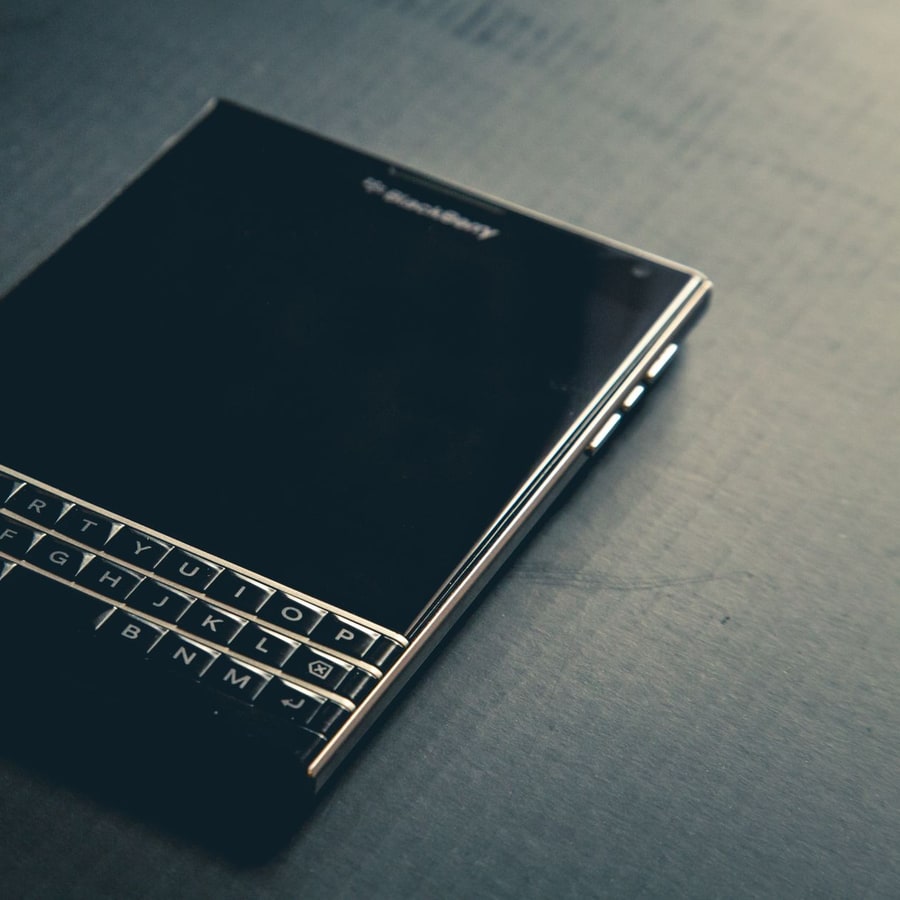 pulse-reviewsTop 10 Electronics strategies for 2027
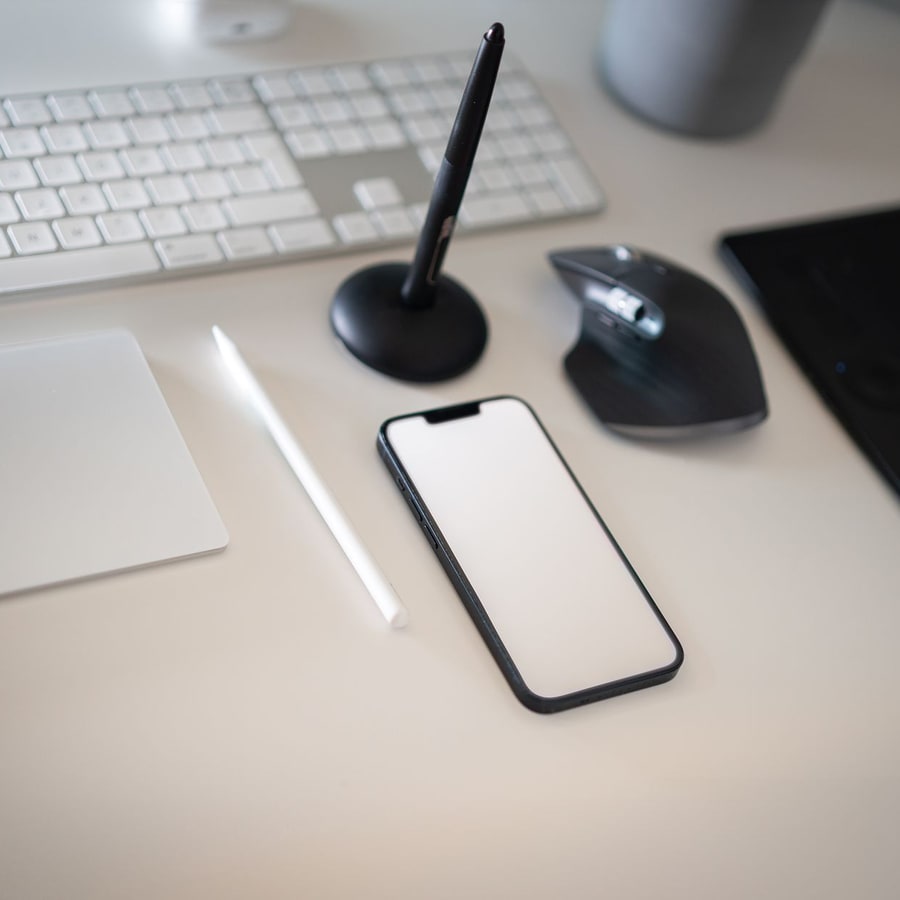 pulse-reviewsWhat are the most common mistakes in Electronics in 2027?
 pulse-reviewsHow much does a DJI Avata 2 cost in 2027?
 pulse-aquariumsTop 10 Aquarium Filters 2027
 aqTop 10 Hang-On-Back Aquarium Filters 2027
 pulse-aquariumsTop 10 Canister Filters 2027
 pulse-reviewsTop 10 Cabin Cruiser Boats 2027