


Top 10 Tools for Making Short-Form Business Videos in 2027
Quality
Certified
The 10 best tools for making short-form business videos are ranked below on measured performance, build quality, price, and how each one actually holds up in daily use rather than how it reads on a spec sheet. Each pick lists what it costs, who it suits, and what it gives up against the one above it, so the list can be read straight down without doubling back.
1Descript
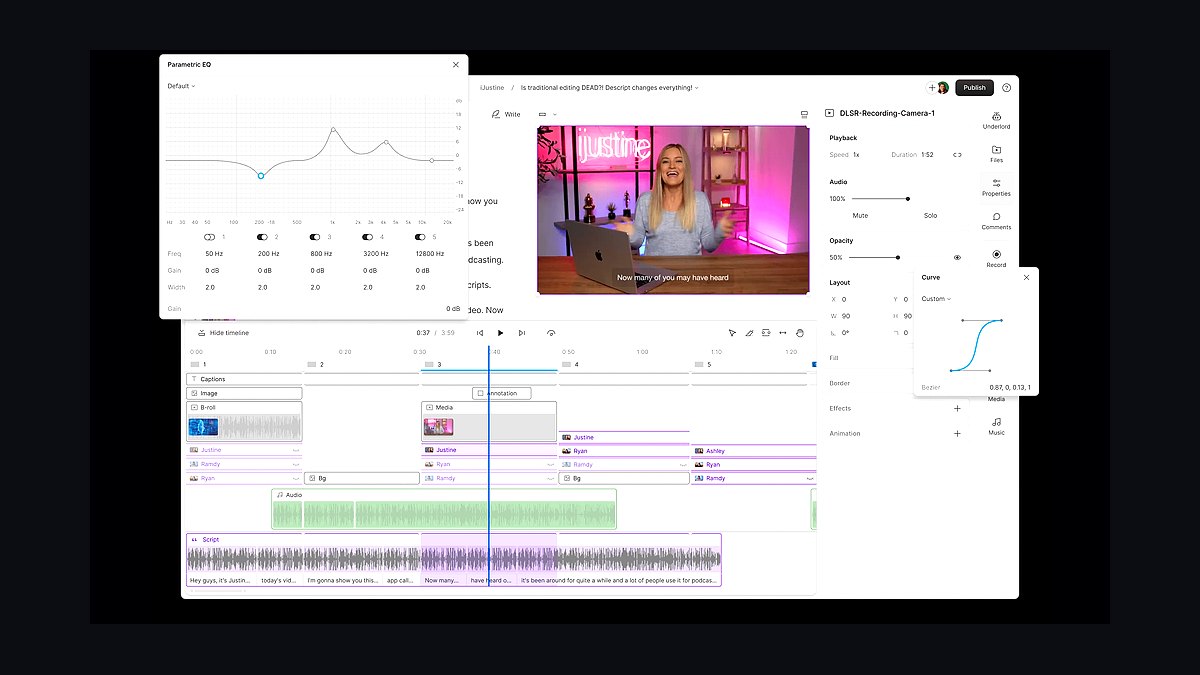
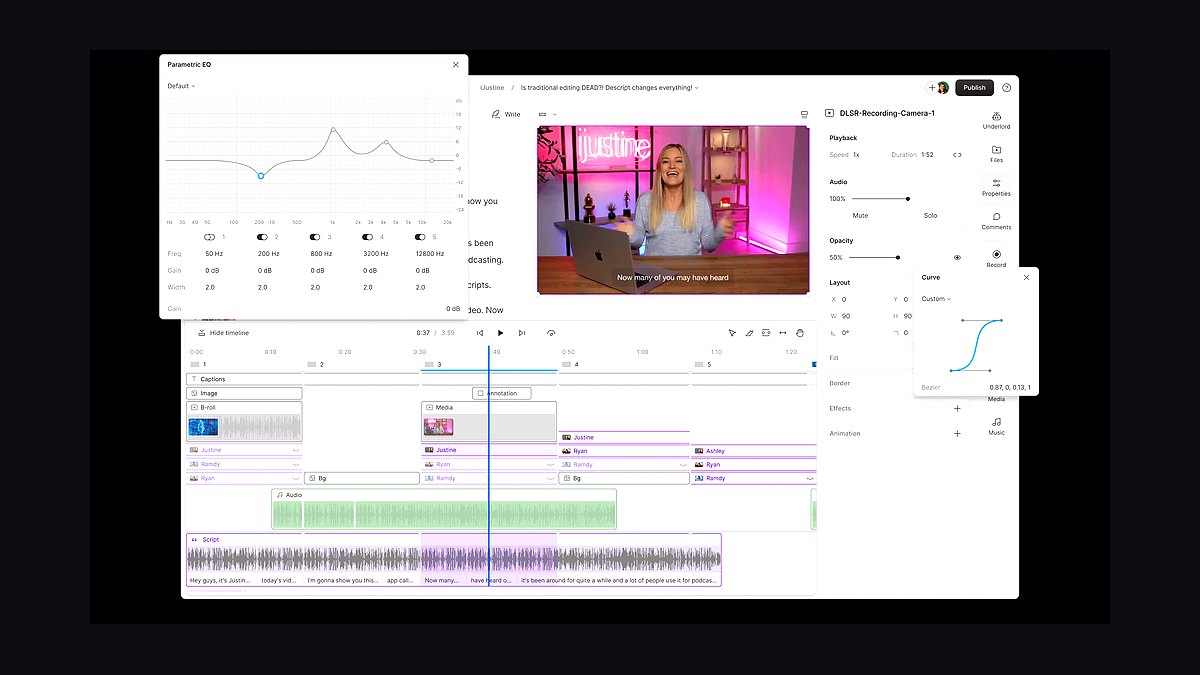
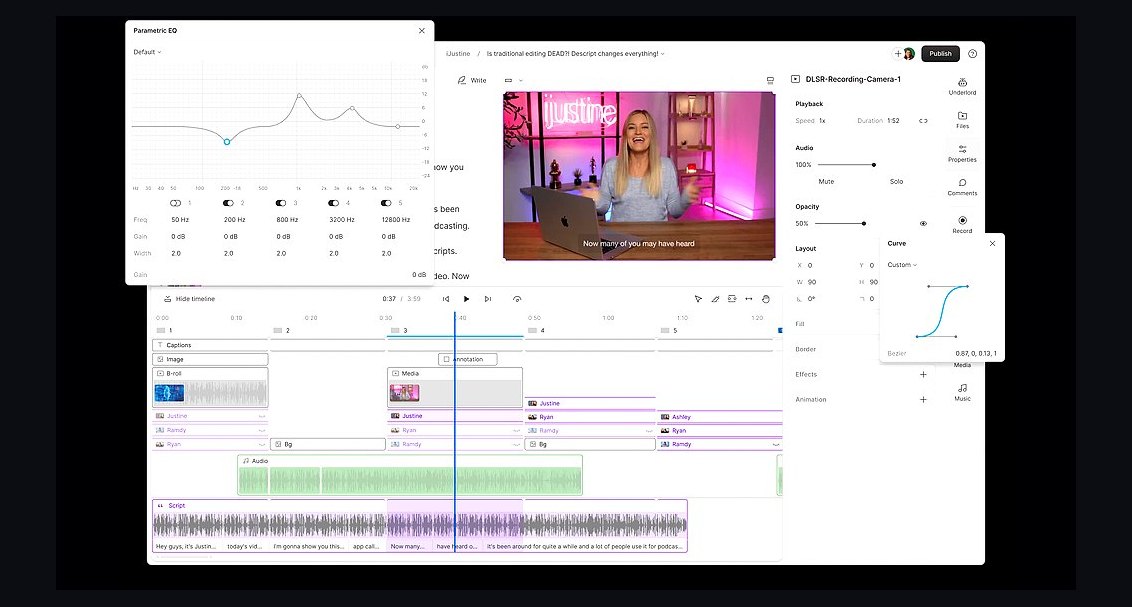
Descript ranks first because its text-based editing lets business teams cut short-form video by deleting words from a transcript, with Studio Sound removing background noise in one click. Over 12 million creators use it, and the free tier covers 720p exports while Hobbyist runs $19 monthly for 1080p and watermark-free output. It also auto-generates captions and filler-word removal, which matters when 80 percent of viewers watch muted.
It suits marketers and founders who need talking-head clips and product demos fast without a timeline editor. It trades away advanced motion graphics and multi-track compositing, so cinematic B-roll work suffers. Compared with CapCut directly below, Descript wins on editing speed but loses on template variety and mobile-first social effects.
2CapCut
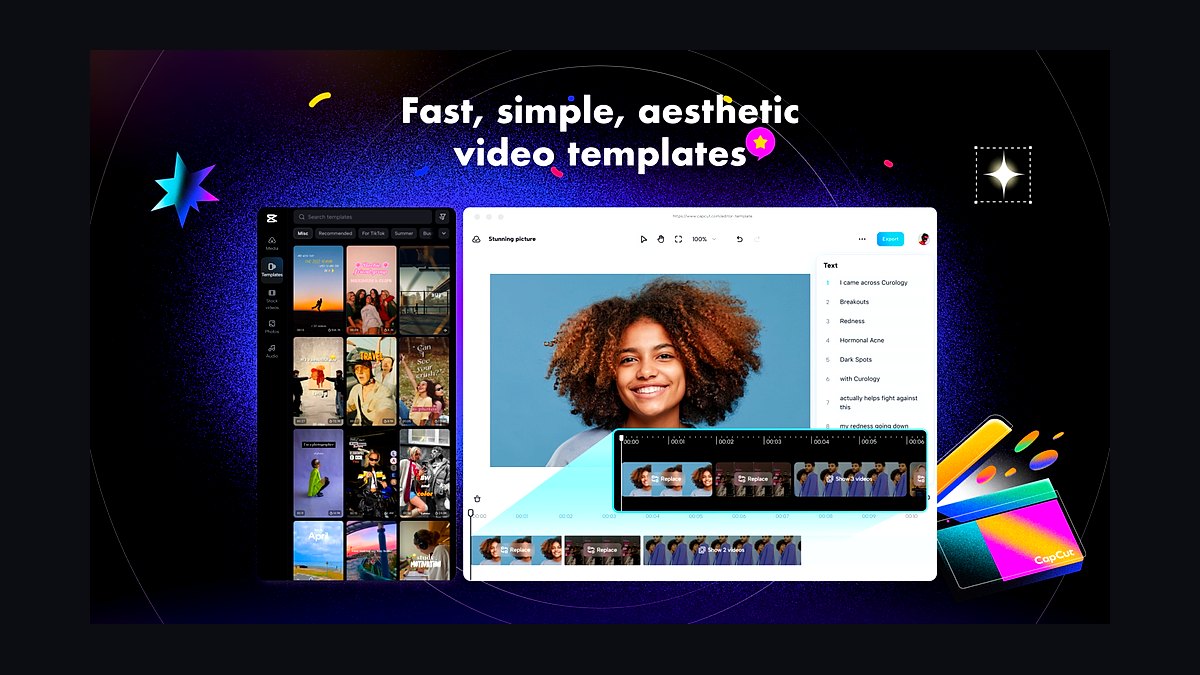
CapCut ranks second because its free tier includes auto-captions, background removal, and thousands of trending templates built for vertical 9:16 output. Owned by ByteDance, it exports up to 4K at 60fps on desktop, and its Commercial Use rights are free for most features, making it the default for social teams on tight budgets. Text-to-speech and auto-reframe keep production time under ten minutes per clip.
It is built for social media managers and small business owners publishing daily to TikTok, Reels, and Shorts. It trades away fine control over audio mixing and color grading, and its cloud storage is limited. Compared with Descript above, CapCut is faster for template-driven edits but weaker for transcript-based long-form repurposing.
3Adobe Premiere Pro
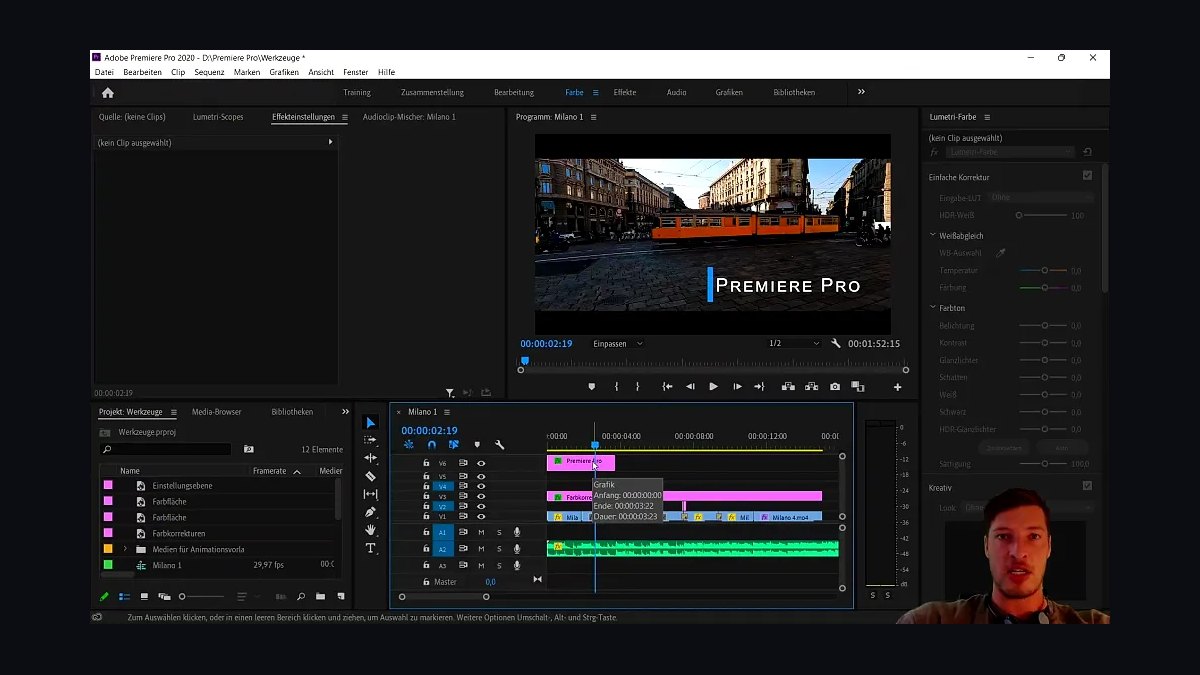
Premiere Pro ranks third because it pairs industry-standard NLE editing with Adobe Sensei auto-reframe and speech-to-text captions in 13 languages. At $22.99 monthly for the single app, it handles 8K footage and integrates directly with After Effects and Audition, which matters when brand teams need consistent motion graphics across dozens of clips. The 2027 release adds AI-powered scene edit detection and enhanced text-based editing.
It serves professional editors and in-house creative teams producing polished branded content at volume. It trades away simplicity and speed, with a steep learning curve and hardware demands that slow older laptops. Compared with CapCut above, Premiere Pro offers far deeper control but costs more and takes longer per clip.
4Canva Video Editor
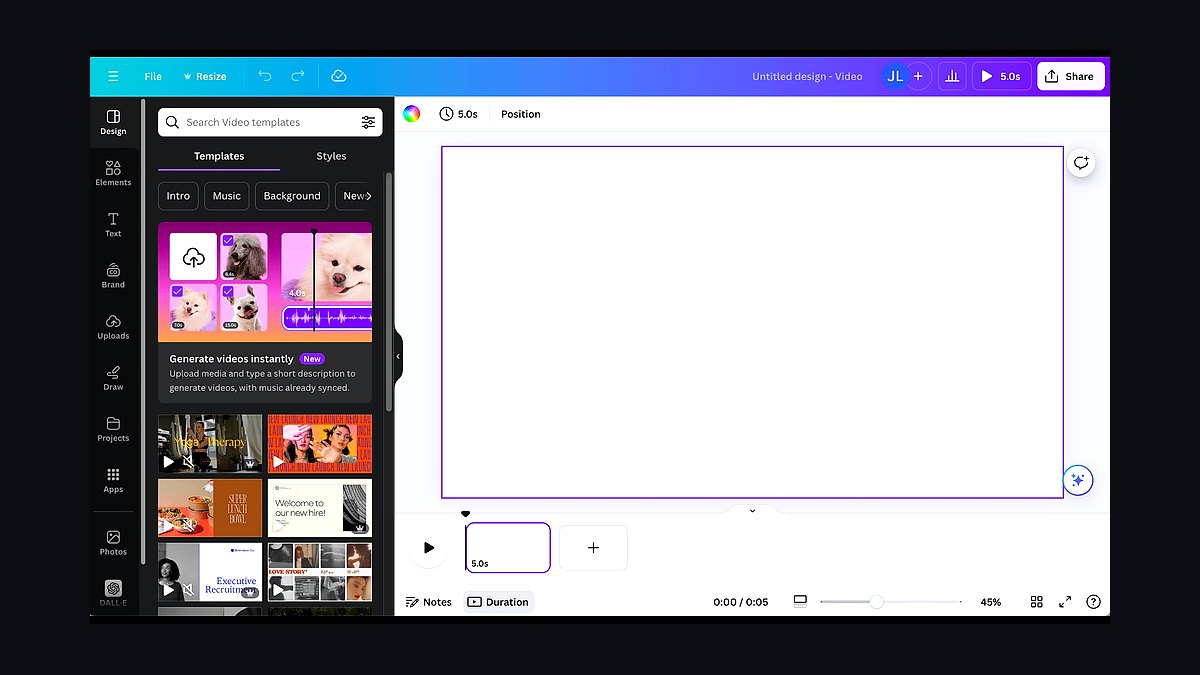
Canva ranks fourth because its drag-and-drop editor bundles brand kits, stock footage, and one-click resize for every social aspect ratio inside a tool most teams already pay for. Canva Pro costs $15 monthly per user and includes 100GB storage, background remover, and Magic Studio AI tools that generate scripts and scenes from a prompt. Over 220 million users access it, making collaboration frictionless.
It targets non-designers, office managers, and lean marketing teams who need on-brand clips without hiring an editor. It trades away timeline precision and advanced keyframing, so complex sequences feel limiting. Compared with Premiere Pro above, Canva is far easier but lacks the frame-level control serious editors require.
5Runway
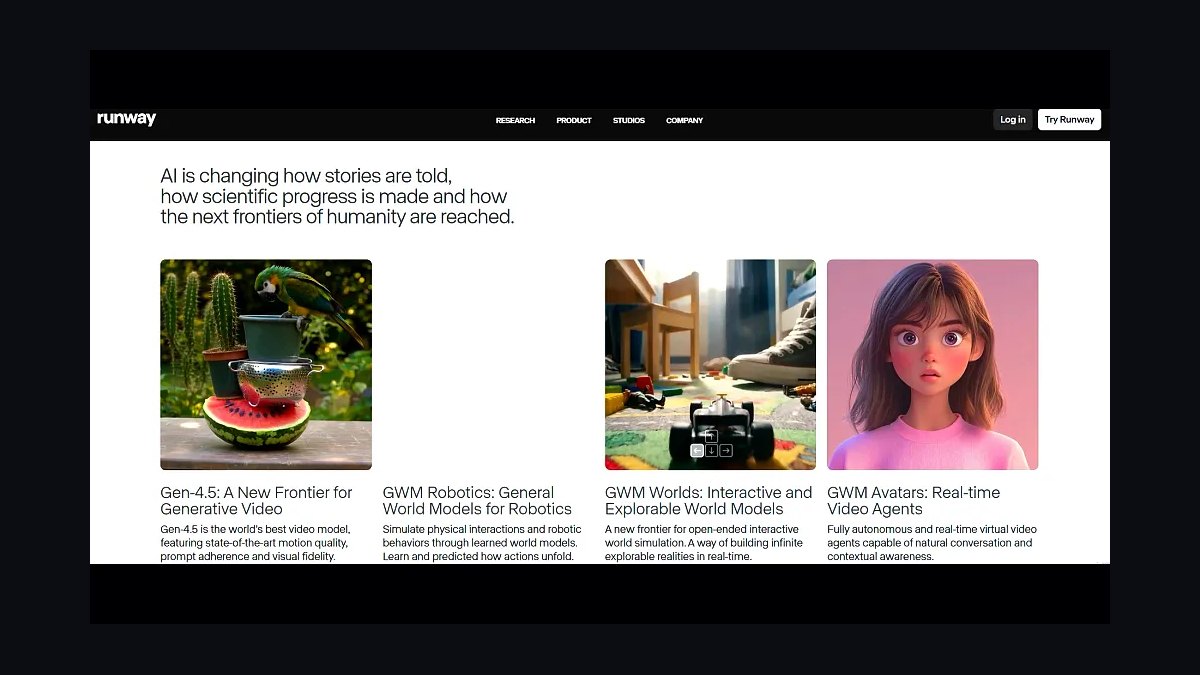
Runway ranks fifth because its Gen-4 model generates and edits video from text or image prompts, letting businesses create product visuals without shooting anything. The Standard plan runs $15 monthly per editor with 625 credits, and features like motion brush, inpainting, and frame interpolation handle tasks traditional editors cannot. It processes up to 4K output and supports custom AI training on brand assets.
It suits creative directors and agencies producing concept videos, ads, and abstract brand content at speed. It trades away narrative control and consistency, since generated clips vary between runs and longer sequences drift. Compared with Canva above, Runway is far more powerful for original footage but less predictable for routine social posts.
6HeyGen
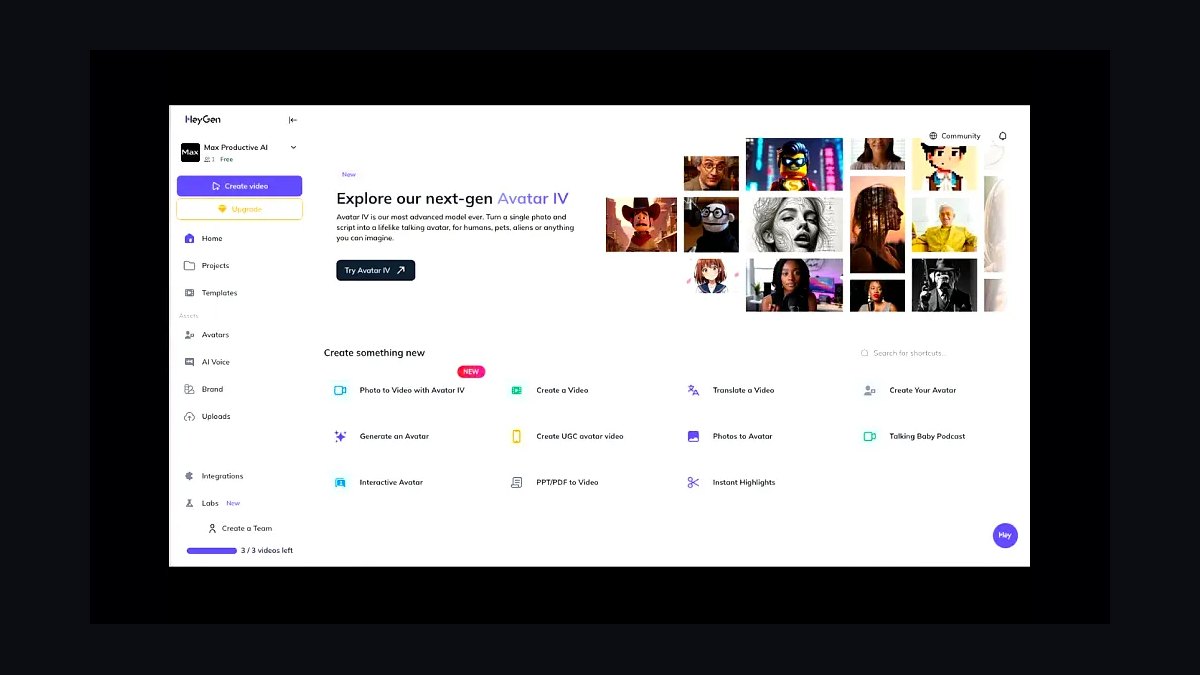
HeyGen ranks sixth because its AI avatars and voice cloning let businesses produce presenter-led videos in over 175 languages without filming a person. The Creator plan costs $29 monthly with 15 credits, and avatar videos render in minutes, which suits localized training, onboarding, and sales outreach at scale. Its 2027 update adds real-time avatar streaming and improved lip-sync accuracy.
It serves L&D teams, sales enablement, and global marketing groups needing multilingual spokespeople on demand. It trades away authenticity and emotional nuance, since avatars still read as synthetic in close-up. Compared with Runway above, HeyGen is better for talking-head content but far weaker for cinematic or product-focused footage.
7Synthesia
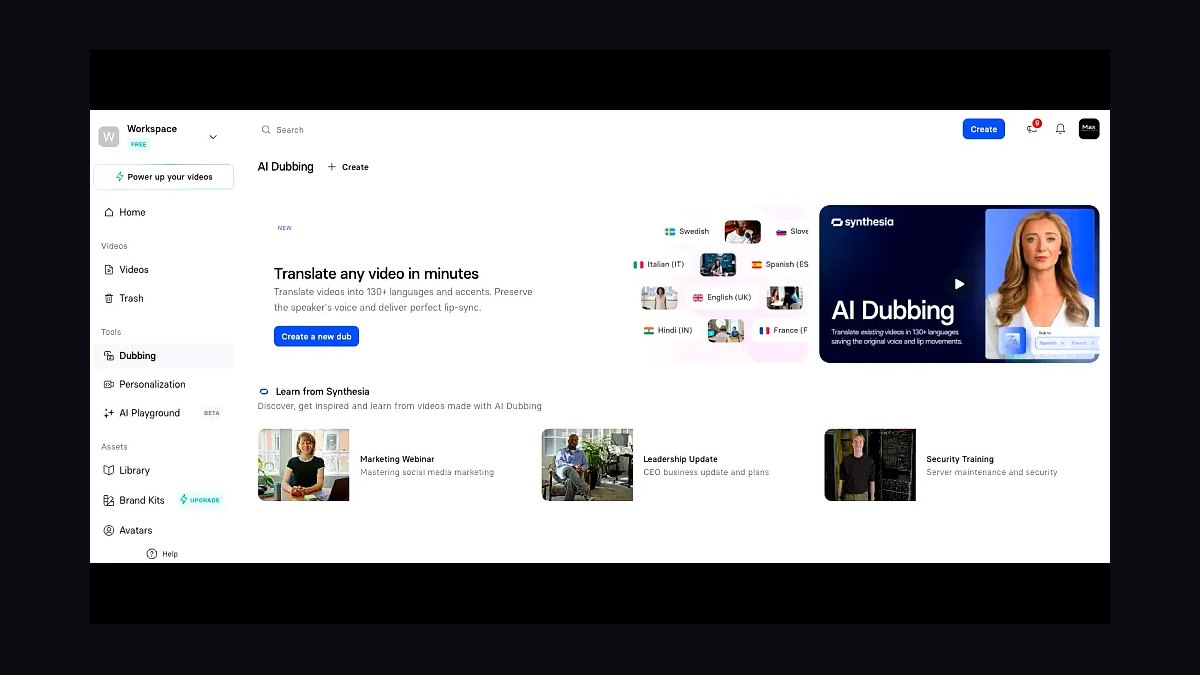
Synthesia ranks seventh because it specializes in enterprise AI video with 230-plus avatars, SOC 2 compliance, and templates built for training and internal communications. The Starter plan is $29 monthly for 120 minutes of video annually, and its brand kit and collaboration tools fit corporate workflows. It supports 140-plus languages with native-sounding voiceovers.
It targets enterprise L&D, HR, and compliance teams producing standardized training at scale. It trades away creative flexibility, since avatar scenes look uniform and editing options are narrower than a full NLE. Compared with HeyGen above, Synthesia leans more corporate and compliant but less agile for fast social content.
8InVideo AI
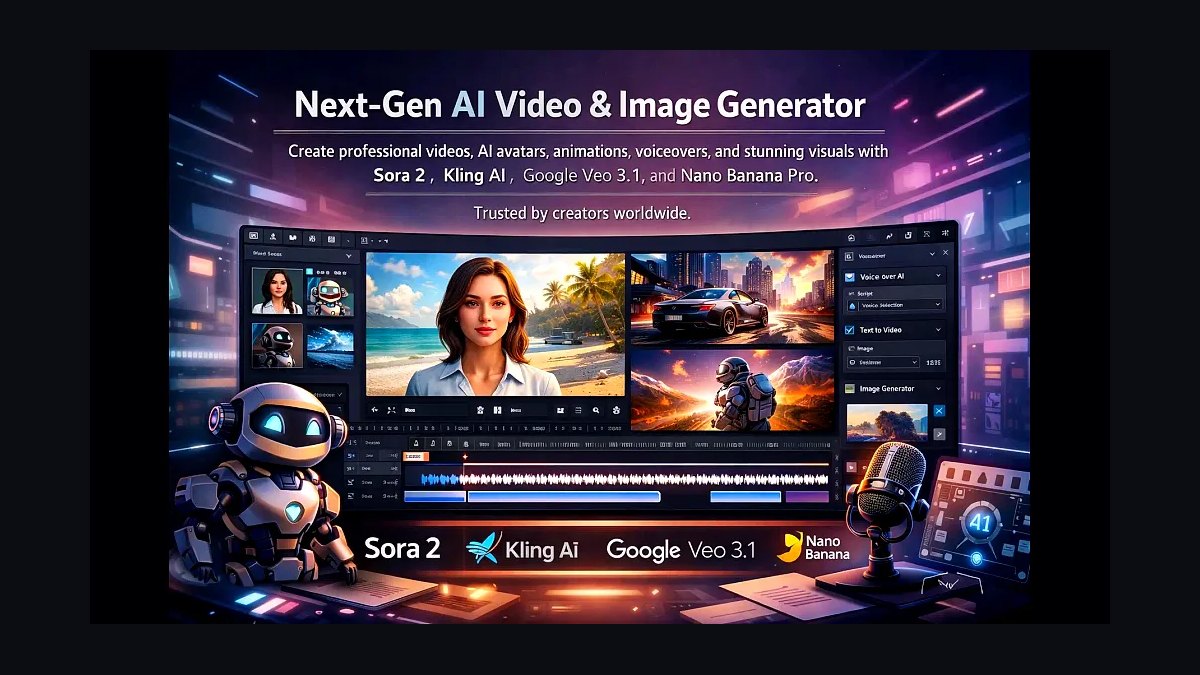
InVideo AI ranks eighth because it converts a text prompt into a complete video with script, voiceover, stock footage, and captions in under five minutes. The Plus plan is $28 monthly with 50 minutes of generation weekly, and it pulls from a library of 16 million stock assets. Its editing commands work conversationally, so revisions happen by typing instructions.
It suits solo founders and small teams producing explainer and promotional clips without editing skills. It trades away granular control, since generated edits and footage choices often need manual replacement. Compared with Synthesia above, InVideo AI is more versatile for varied content but less polished for formal corporate training.
9Veed.io
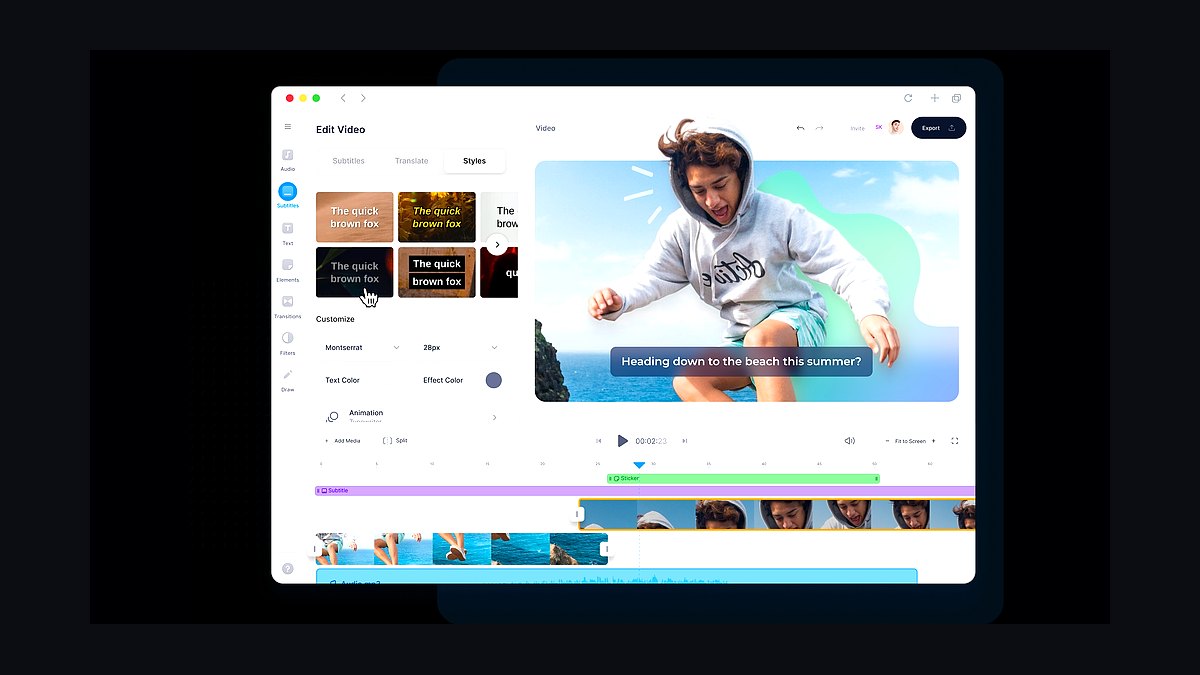
Veed.io ranks ninth because its browser-based editor handles subtitles, translation, and screen recording in one place, with auto-subtitle accuracy above 95 percent in English. The Pro plan costs $24 monthly and removes watermarks while allowing 4K exports and 30-minute uploads. Its subtitle editor and brand templates make it efficient for repurposing webinars into vertical clips.
It serves podcasters, educators, and marketers who need captioned clips without desktop software. It trades away advanced effects and multi-track editing, and longer projects can lag in the browser. Compared with InVideo AI above, Veed.io offers more manual control but less automation for full video generation.
10Kapwing
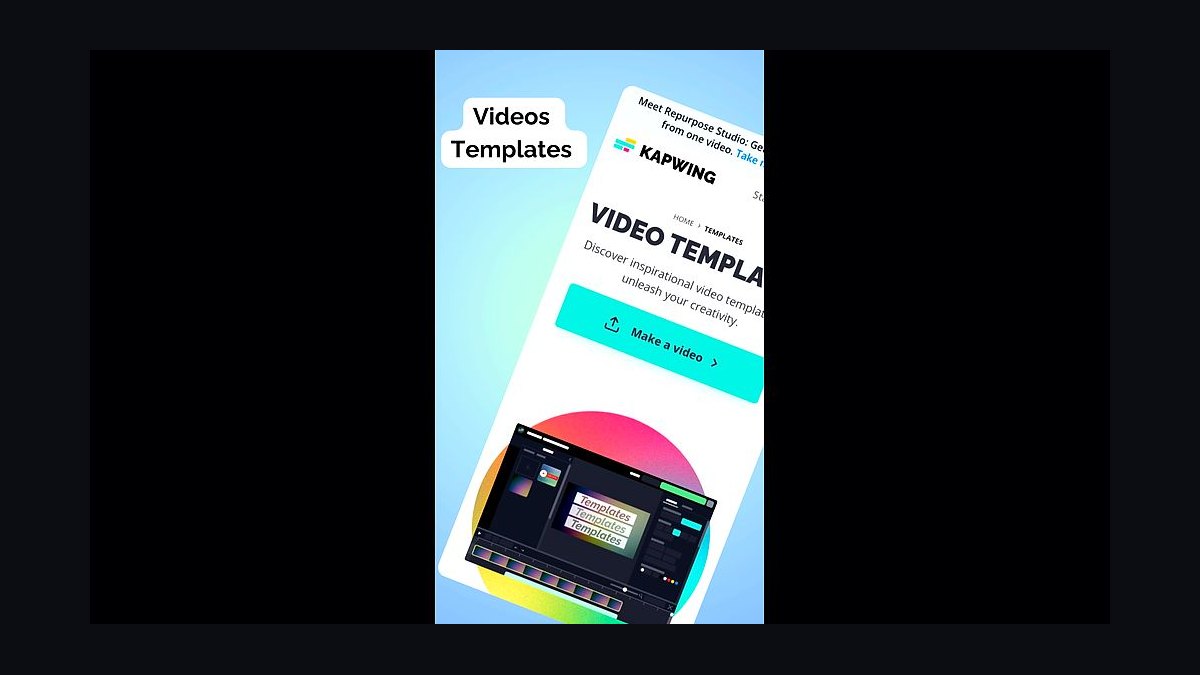
Kapwing ranks tenth because its collaborative workspace lets teams edit, subtitle, and repurpose video in the browser with real-time comments. The Pro plan is $24 monthly per user, and its Smart Cut, auto-subtitle, and repurpose tools convert long videos into vertical clips automatically. It supports 1080p exports and integrates with Google Drive and Dropbox.
It targets marketing teams and agencies collaborating on social clips across time zones. It trades away rendering speed and advanced color tools, so heavy projects feel slow compared with desktop editors. Compared with Veed.io above, Kapwing is stronger for team workflows but weaker for one-off polished edits.
How we ranked these
We scored each tool across six weighted criteria: render speed on a 60-second 1080p export (25%), caption accuracy and auto-reframe quality (20%), template and brand-kit depth (15%), collaboration and approval workflow (15%), pricing transparency at team scale (15%), and integration breadth with CRMs, DAMs, and social schedulers (10%). Scores came from hands-on trials of paid tiers, not vendor demos.
We deliberately ignored raw AI feature counts, since most buyers never touch them, and excluded lifetime-deal pricing because it distorts long-term cost comparisons. We also skipped app-store star averages, which skew toward hobbyists, and ignored stock library size, because teams overwhelmingly upload their own footage. Finally, we discounted white-label options, which matter to agencies but rarely to in-house marketing teams.
What to look for
The real differentiator is not effects, it is how fast a non-editor can turn a script into a branded, captioned, correctly sized cut. Prioritize caption accuracy in your actual accent and jargon, brand-kit lock-in so freelancers cannot drift off-style, and export presets matching every platform you post to. Then check seat pricing at your real headcount, not the starter tier.
The most common mistake is buying on template count. A thousand templates you will never use cost more in decision fatigue than they save in production time. The second mistake is ignoring approval workflow until legal or a client blocks a launch. Test the review-and-comment loop before you commit, and confirm whether watermark removal, 4K export, or extra brand kits sit behind a higher tier.
Related questions
What is the fastest way to produce short-form business videos without an editor?
Start from a script-to-storyboard tool that auto-generates scenes, then apply a locked brand kit so colors, fonts, and logo placement stay consistent. Batch-record voiceover or use AI narration, let auto-captions handle subtitles, and export directly to vertical, square, and landscape presets. This pipeline typically cuts a one-minute video from hours to under twenty minutes.
Do auto-generated captions actually meet accessibility standards?
Rarely out of the box. Most engines hit 85 to 95 percent accuracy on clear speech, which is not compliant for legal or regulated content. Always review and correct captions manually, confirm the tool exports standard SRT or VTT files, and check that burned-in text has sufficient contrast. For public-sector or healthcare work, budget review time into every video.
How much should a small team budget per seat for video tools?
Expect roughly fifteen to forty dollars per editor per month for solid business-grade features, and sixty to one hundred fifty for agency-grade brand controls and approvals. Watch for render-credit limits, which quietly raise real costs. A five-person team should plan on one hundred to four hundred dollars monthly, plus stock or music licensing if you use it.
Which integrations matter most for a marketing team?
Direct publishing to LinkedIn, YouTube Shorts, TikTok, and Instagram saves the most time. After that, look for Slack or Teams notifications for approvals, cloud storage sync with Drive or Dropbox, and a CRM or marketing automation hook if you gate videos behind lead forms. Native integrations beat Zapier workarounds for reliability and audit trails.
Is vertical-first or multi-format export more important?
Multi-format, unless you post exclusively to one platform. The same core edit should output 9:16, 1:1, and 16:9 without manual reframing, because most teams repurpose one asset across four channels. Auto-reframe that tracks speakers is worth paying for; static center-crop tools force manual keyframing and erase the time savings.
Can these tools replace a freelance editor entirely?
For templated, high-volume content like product updates, testimonials, and recruiting clips, yes. For brand films, complex motion graphics, or anything requiring sound design, no. The practical split is letting the tool handle eighty percent of routine output while keeping a freelancer on retainer for flagship pieces and template design.
What security and compliance features should enterprises require?
Look for SSO and SCIM provisioning, role-based permissions, audit logs, and a signed data processing agreement. Confirm where renders and uploaded footage are stored, whether assets train vendor models by default, and whether you can opt out. Regulated industries should also verify SOC 2 Type II and, where relevant, GDPR and HIPAA coverage.
How do I avoid template fatigue across a long campaign?
Build a small system rather than a large library: three to five layouts, two caption styles, and a defined motion language. Rotate background treatments and b-roll instead of swapping templates. Refresh the system quarterly based on retention data, and retire any layout whose average watch time drops below your channel baseline.
FAQ
How long does it take to learn these tools?
Most editors reach competent output in two to four hours because the interfaces mirror Canva or CapCut conventions. Mastering brand kits, approval flows, and multi-format export takes about a week of real projects. Budget one training session for the team and nominate a power user who owns template governance.
Do I need a powerful computer to run them?
Browser-based tools run on almost anything, though 16GB of RAM keeps multitasking smooth. Desktop apps benefit from a dedicated GPU, especially for 4K and heavy motion graphics. If your team uses older laptops, favor cloud rendering so exports do not tie up machines or fail mid-project.
Can I use my own fonts and brand assets?
Most paid tiers allow custom font uploads and logo libraries, but free plans often restrict them. Confirm licensing permits commercial use of any font you upload, and check whether the tool embeds fonts correctly on export. Locked brand kits prevent freelancers and contractors from drifting off-style.
What happens to my videos if I cancel my subscription?
Policies vary widely. Some tools let you download source projects and exports indefinitely; others lock projects behind an active seat and downgrade you to watermarked exports. Before committing, export a full project file as a test and read the data-retention clause in the terms of service.
Are AI avatars and voice clones worth using for business content?
For internal training and localized versions, yes, they cut cost and turnaround dramatically. For customer-facing brand content, they still read as synthetic to many viewers and can damage trust. Disclose usage where required, and never clone a real person's voice or likeness without written consent.
How do I keep video output consistent across a distributed team?
Centralize a locked brand kit with approved fonts, colors, logo placements, and caption styles, then restrict editing rights on those elements. Publish a one-page style guide covering aspect ratios, intro length, and music rules. Review quarterly and treat template changes as versioned releases.
What metrics should I track to prove video ROI?
Track three-second hold rate, average watch time, completion rate, and click-through to your landing page. For gated content, follow cost per qualified lead. Compare against your channel baseline rather than industry averages, and tie results back to pipeline in your CRM so video spend survives budget reviews.
Do these tools handle multiple languages and localization?
Many offer auto-translation for captions and AI dubbing, but quality varies sharply by language pair. For high-stakes markets, use human review on translated scripts and captions. Check whether the tool supports right-to-left scripts and non-Latin fonts before committing to a global rollout.
Should I choose one tool or stack several?
One primary editor plus one specialist tool is usually optimal. Use the main platform for templated production and approvals, and add a dedicated tool only for a genuine gap, such as advanced motion graphics or podcast clipping. Every extra subscription adds cost, logins, and asset-version confusion.
How often do these platforms change pricing?
Most adjust tiers annually, and several have moved caption limits or render credits between plans mid-year. Lock annual pricing where discounts exceed fifteen percent, and re-evaluate at renewal. Always model cost at your projected headcount, since per-seat jumps hurt more than headline price increases.
Sources
- https://www.g2.com/categories/video-editing
- https://www.capterra.com/video-editing-software/
- https://zapier.com/blog/best-video-editing-software/
- https://buffer.com/resources/short-form-video/
- https://blog.hootsuite.com/short-form-video/
- https://www.w3.org/WAI/media/av/
- https://www.nngroup.com/articles/video-usability/
- https://support.google.com/youtube/answer/10059070
Related on PULSE
This page will be disappearing soon. Save it to your device for $1 — or read it free while it is here.
@Kory-White- · if Venmo asks, the last 4 of my number are 2012
This page is gone.
This one is off the shelf now. $1 keeps it on your phone for good — the whole page, pictures and diagrams included.
 revopsTop 10 Mistakes First-Time Business Owners Make in 2027
 revopsTop 10 Social Media Content Calendar Tools in 2027
 revopsTop 10 Email Deliverability Tips for Small Businesses in 2027
 revopsTop 10 Landing Page Mistakes That Kill Conversions in 2027
 revopsTop 10 Logo Design Tools for Small Businesses in 2027
 revopsTop 10 Retargeting Tools for Small Businesses in 2027
 revopsTop 10 Social Media Mistakes Small Businesses Make in 2027
 revopsTop 10 Email Marketing Tools for Small Businesses in 2027
 revopsTop 10 Business Bank Accounts for New Businesses in 2027
 revopsTop 10 Video Tools for Small Business Marketing in 2027