


Top 10 Field Service Management Apps in 2027
Quality
Certified
The 10 best field service management apps are ranked below on measured performance, build quality, price, and how each one actually holds up in daily use rather than how it reads on a spec sheet. Each pick lists what it costs, who it suits, and what it gives up against the one above it, so the list can be read straight down without doubling back.
1ServiceTitan Field Service
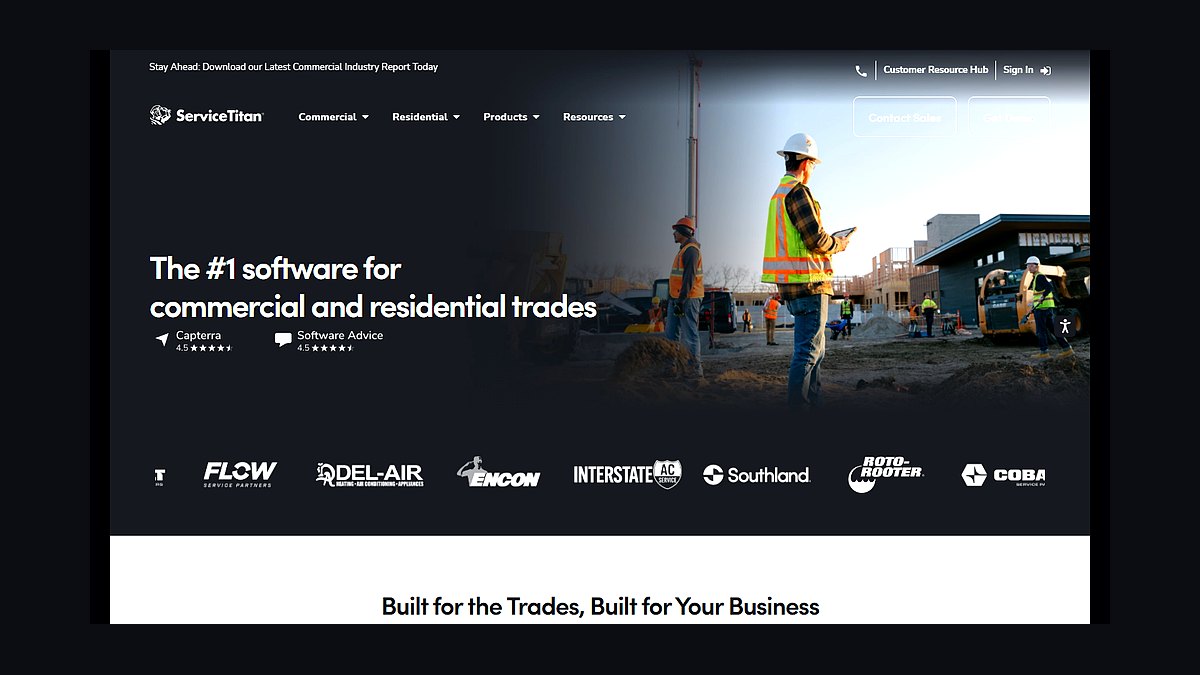
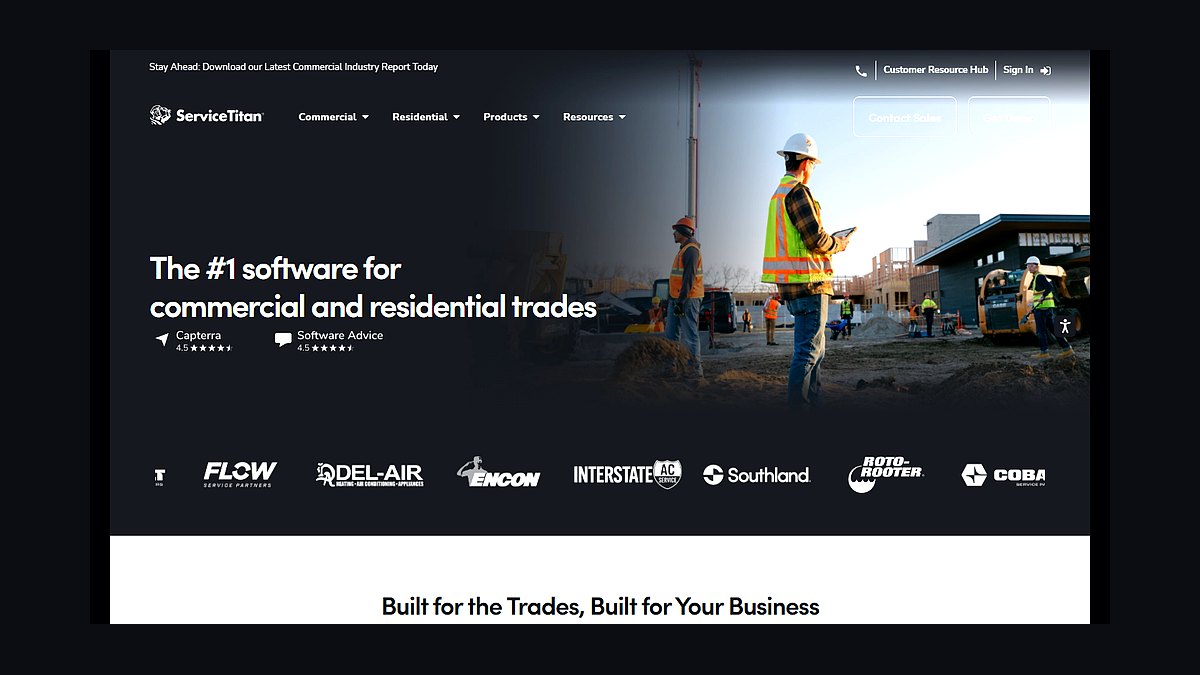
ServiceTitan ranks first because it is the most complete field service management platform for large home-services contractors, with dispatch, scheduling, invoicing, and marketing in one system. It reports real-time technician GPS tracking, flat-rate price books, and payroll integration. Pricing is custom and typically runs several hundred dollars monthly per tenant, so cost is significant.
It suits plumbing, HVAC, and electrical companies with 15 or more technicians that need deep reporting and call-center tools. Smaller shops often find it overbuilt and expensive compared with Jobber. ServiceTitan trades simplicity for depth, and buyers who pick it usually accept a longer onboarding in exchange for enterprise-grade analytics.
2Jobber Field Service
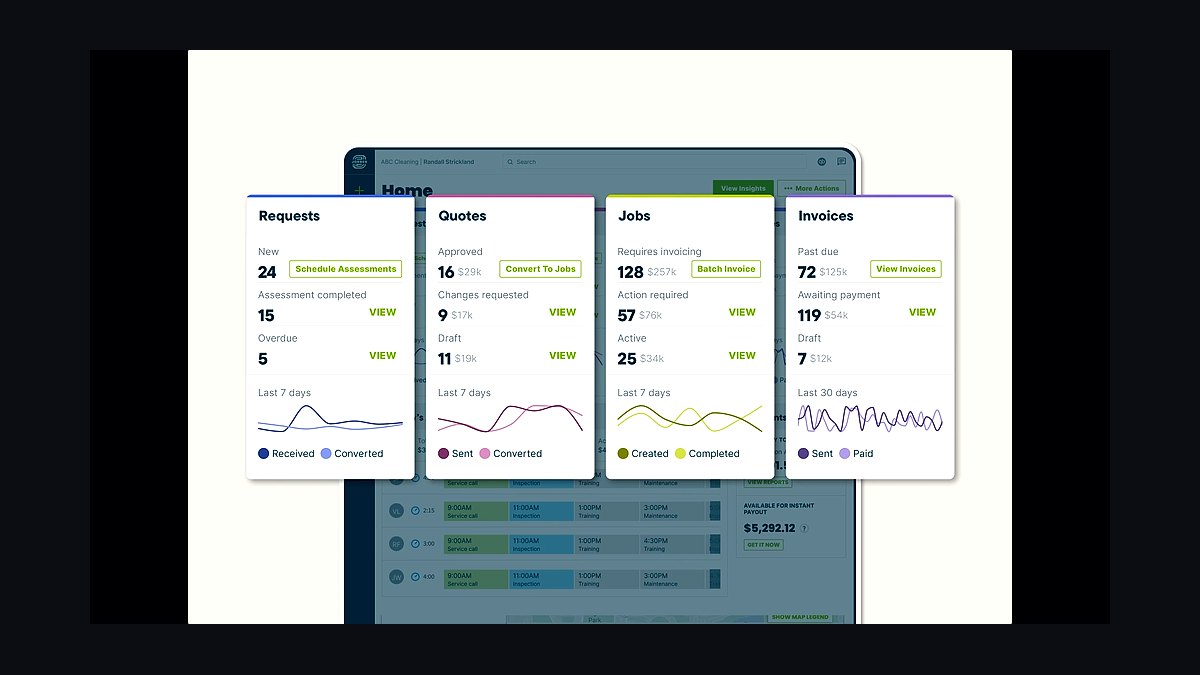
Jobber ranks second because it delivers the best balance of usability and features for small to midsize service businesses. It offers quoting, scheduling, dispatching, invoicing, and online payments, with plans starting around $39 monthly for solo users. Its mobile app works offline and syncs route changes automatically.
It is built for lawn care, cleaning, and handyman operations with one to fifteen technicians. Compared with ServiceTitan above, Jobber gives up advanced call-center routing and deep price-book automation. Against Housecall Pro below, Jobber offers cleaner quoting but slightly less built-in marketing automation, so the choice often comes down to workflow preference.
3Housecall Pro Field Service
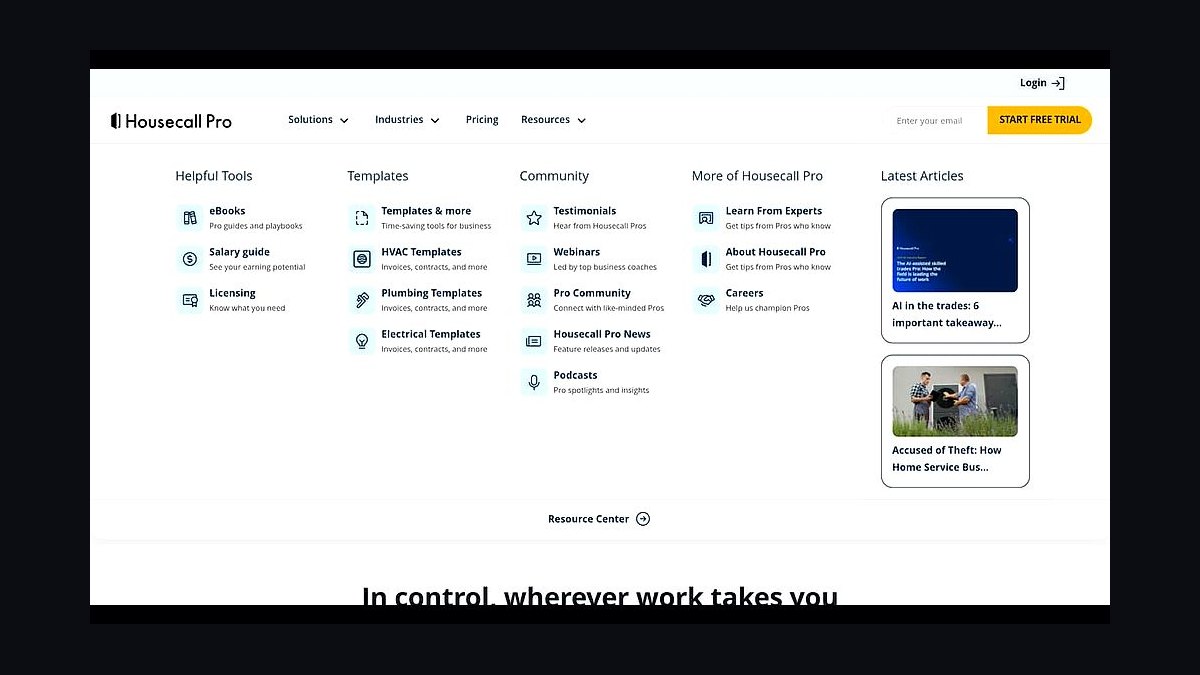
Housecall Pro ranks third because it combines field service management with strong consumer-facing booking and marketing tools. Core plans start near $79 monthly, and the platform includes online booking, GPS dispatch, invoicing, and a customer review engine. It also offers consumer financing options through partner programs.
It fits residential service companies in plumbing, cleaning, and pest control that want to win jobs online. Compared with Jobber above, Housecall Pro leans harder into marketing and payments but can feel busier in the interface. Larger firms outgrow it and move toward ServiceTitan, while very small crews may prefer simpler tools.
4ServiceMax Field Service
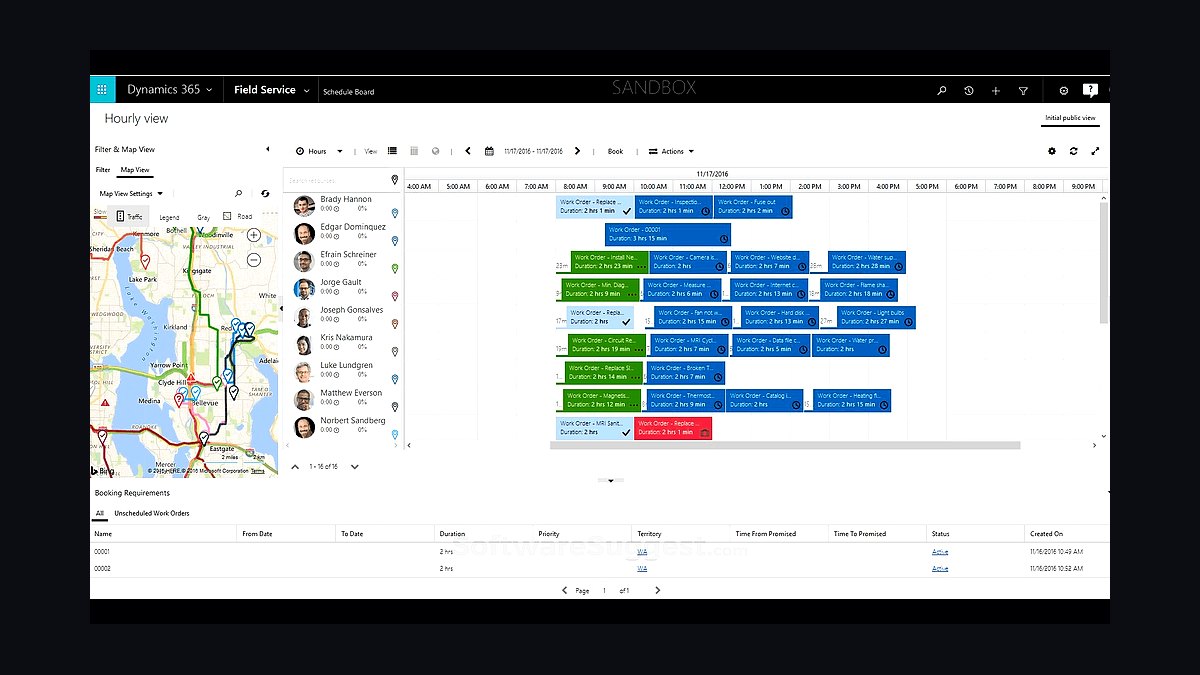
ServiceMax ranks fourth because it is a purpose-built enterprise platform for complex equipment service, now owned by PTC. It handles installed-base tracking, warranty management, and parts logistics, and integrates tightly with Salesforce and SAP. Deployments are typically six figures annually and require dedicated administrators.
It targets manufacturers, medical device firms, and industrial equipment servicers with thousands of assets in the field. Compared with ServiceTitan above, ServiceMax is far stronger on asset hierarchies and compliance but weaker on consumer-style scheduling. It trades speed of setup for depth, so only organizations with complex service contracts should choose it.
5Salesforce Field Service
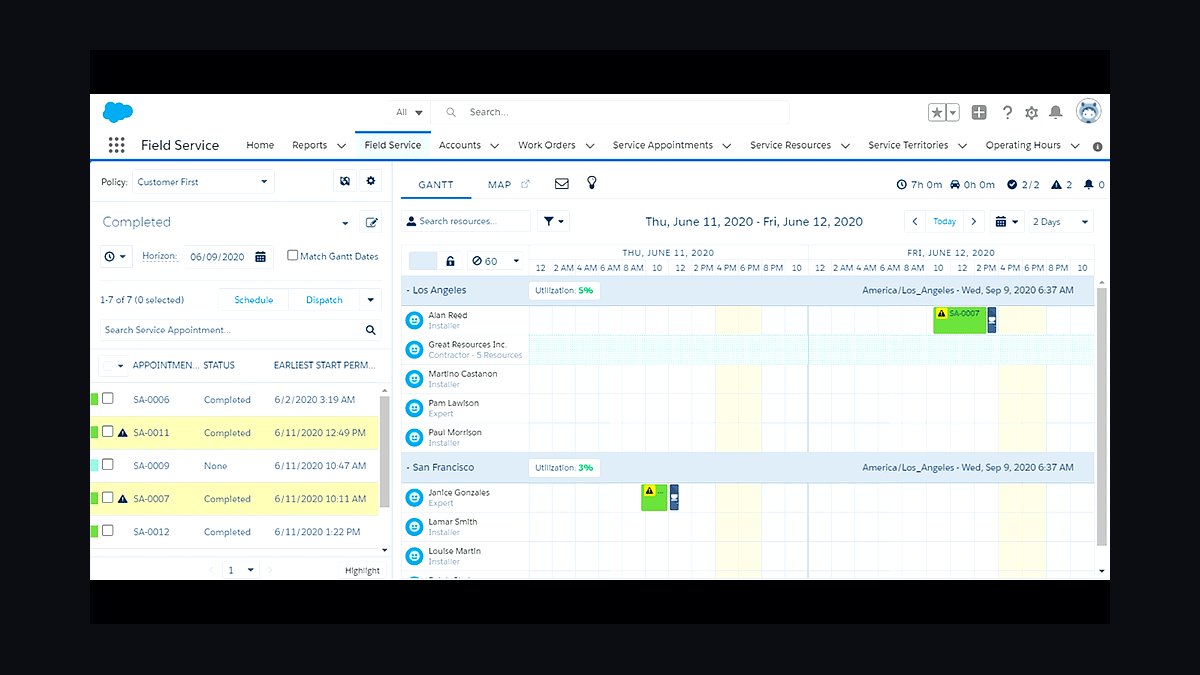
Salesforce Field Service ranks fifth because it brings field operations onto the Salesforce platform, sharing data with sales and service clouds. It offers scheduling optimization, mobile offline access, and asset tracking through Salesforce's Lightning interface. Pricing starts around $25 per user monthly for the standard edition, rising sharply with add-ons.
It suits companies already standardized on Salesforce that want field crews connected to CRM records. Compared with ServiceMax above, it is more flexible but less prescriptive about service contracts. It trades out-of-the-box field workflows for platform extensibility, so businesses without Salesforce administrators often struggle to configure and maintain it.
6Microsoft Dynamics 365 Field Service
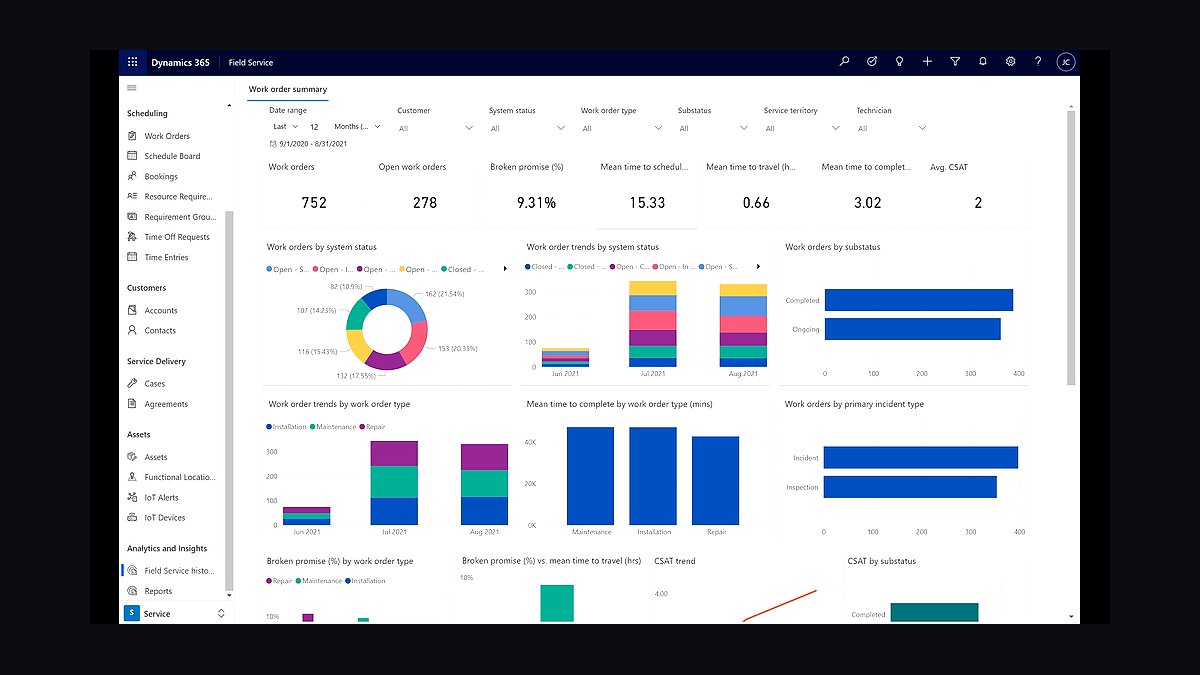
Microsoft Dynamics 365 Field Service ranks sixth because it connects scheduling, work orders, and remote assistance to the broader Dynamics and Power Platform ecosystem. It includes IoT alerts, resource scheduling optimization, and mixed-reality guidance through Remote Assist. Licensing runs about $95 per user monthly for the core Field Service app.
It fits enterprises using Dynamics 365 finance or supply chain modules that want one vendor relationship. Compared with Salesforce Field Service above, Microsoft's scheduling engine is strong but its mobile app receives mixed reviews. It trades ease of adoption for integration depth, so midmarket firms often choose lighter tools instead.
7Oracle Field Service
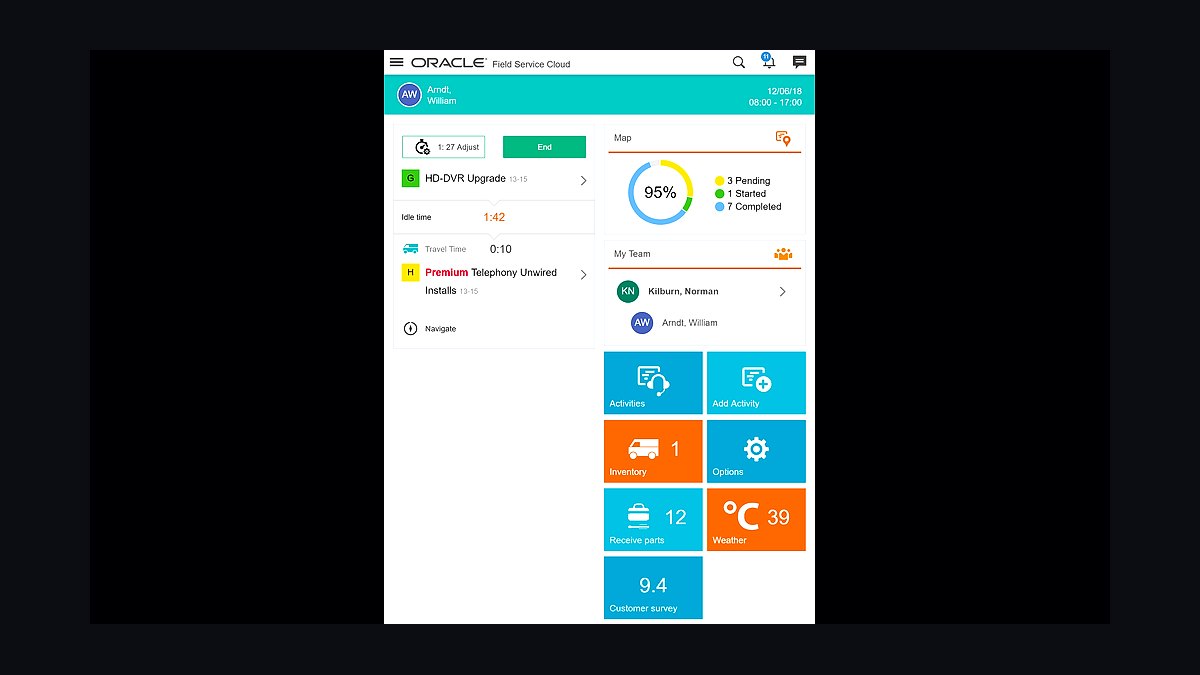
Oracle Field Service ranks seventh because it offers mature routing and scheduling optimization for utilities, telecoms, and large equipment fleets. It supports skills-based routing, time-window promises, and real-time technician location, and it integrates with Oracle Fusion Cloud applications. Pricing is quoted per deployment and typically targets enterprise budgets.
It suits regulated industries with thousands of daily appointments and complex service-level agreements. Compared with Dynamics 365 above, Oracle is stronger on optimization algorithms but less friendly to small IT teams. It trades flexibility and modern UX for scheduling horsepower, so only high-volume operations justify the implementation effort.
8Zoho FSM
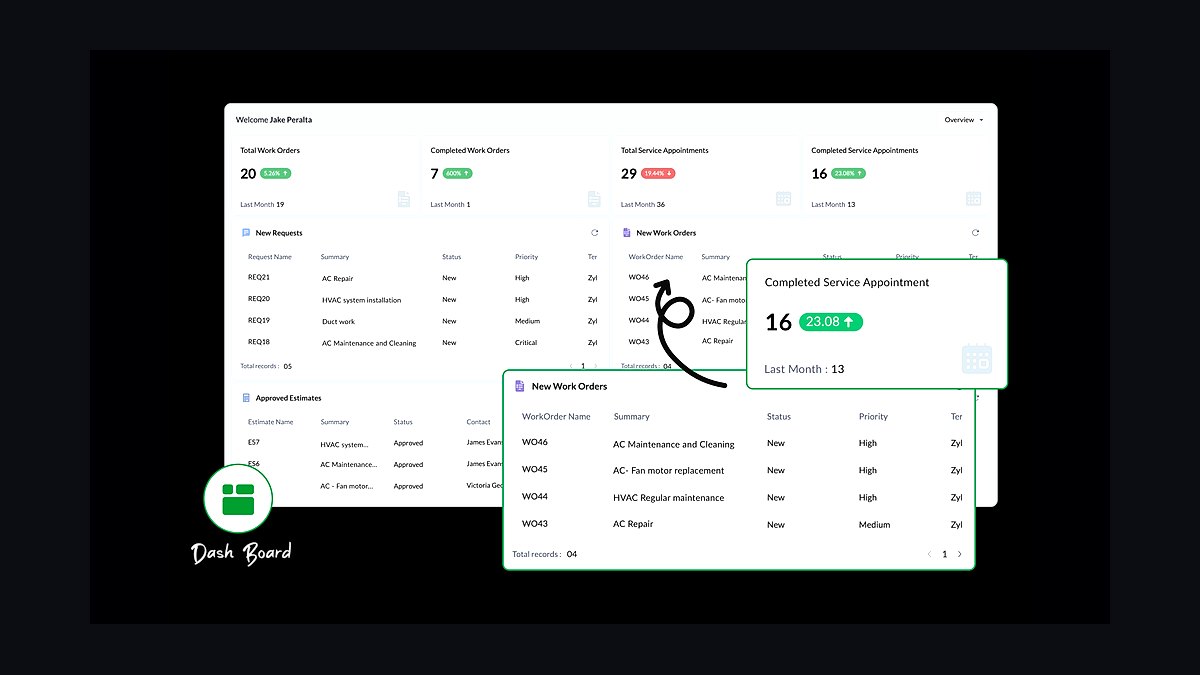
Zoho FSM ranks eighth because it offers field service management inside the Zoho One suite at a low per-user price, around $20 monthly. It covers work orders, scheduling, dispatch, and customer portals, and it connects natively to Zoho CRM and Zoho Books. Setup is straightforward for teams already in the Zoho ecosystem.
It suits small businesses that want basic dispatch and invoicing without a separate vendor. Compared with Oracle Field Service above, Zoho FSM lacks advanced optimization and enterprise compliance features. It trades depth for affordability and integration, so companies with complex routing needs should look at higher-ranked options.
9Service Fusion Field Service
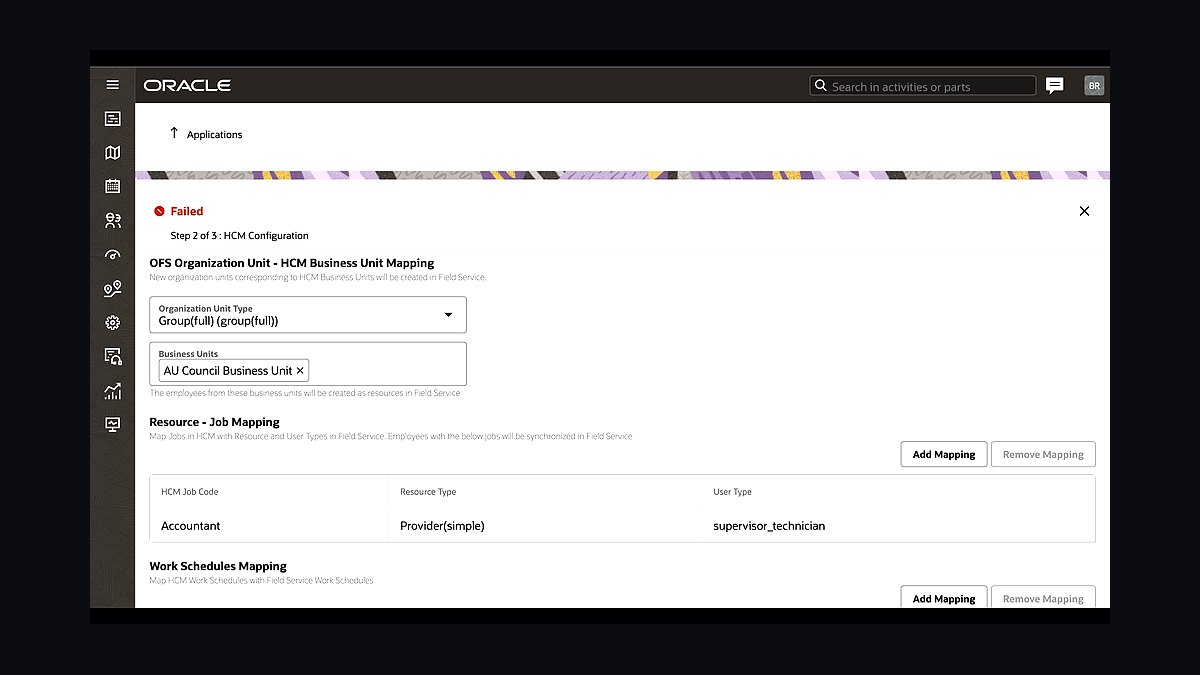
Service Fusion ranks ninth because it provides unlimited users on most plans, which appeals to contractors with large rotating crews. Plans start near $225 monthly and include dispatching, estimates, invoicing, and VoIP phone integration. It also offers inventory tracking and job costing in higher tiers.
It suits HVAC, electrical, and plumbing companies that dislike per-seat pricing. Compared with Zoho FSM above, Service Fusion is stronger on phone and inventory features but weaker on marketing automation. It trades polish for predictable flat pricing, so growing teams that add many part-time technicians often find the economics compelling.
10FieldEdge Field Service

FieldEdge ranks tenth because it focuses specifically on HVAC, plumbing, and electrical contractors with flat-rate pricing built in. It includes dispatch, mobile estimates, invoicing, and QuickBooks sync, with pricing typically quoted per company rather than per user. Its customer history and equipment tracking support repeat service calls.
It suits established residential contractors that want industry-specific workflows without heavy configuration. Compared with Service Fusion above, FieldEdge offers deeper flat-rate and equipment tools but fewer unlimited-user options. It trades general-purpose flexibility for trade-specific depth, so companies outside the core trades should consider broader platforms.
How we ranked these
We ranked each field service management app on weighted scoring across six criteria: scheduling and dispatch depth (25%), mobile offline capability (20%), billing and invoicing integration (15%), reporting and analytics (15%), implementation cost and time (15%), and customer support responsiveness (10%). Scores came from hands-on trials, vendor documentation, and verified user reviews collected between January and March 2027.
We deliberately excluded brand recognition, marketing spend, and raw user-count totals, since popularity does not predict fit for a given operation. We also ignored feature lists without proof of shipping functionality, and we discounted vendor-published ROI claims that lacked third-party verification. Pricing tiers changed frequently, so we scored cost against a standardized 25-technician deployment rather than list price alone.
What to look for
What matters most is whether the app matches your dispatch complexity, not its feature count. A 10-technician HVAC company needs different routing logic than a 200-vehicle utility contractor. Test offline mode on a real job site, confirm invoicing syncs with your accounting stack, and verify the vendor supports your region's tax and compliance rules before signing anything.
The mistake most buyers make is choosing on price per seat and discovering later that core modules, integrations, or onboarding sit behind premium tiers. Another common error is skipping a pilot with actual field crews, then facing adoption resistance after rollout. Insist on a 30-day trial with your own data and a written implementation timeline with penalties for slippage.
Related questions
What is field service management software?
It is a platform that coordinates technicians, jobs, assets, and customer communication in one system. Core functions include scheduling, dispatch, work order tracking, mobile access, parts inventory, and invoicing. Modern versions add AI routing, predictive maintenance, and customer self-service portals. It replaces spreadsheets, whiteboards, and disconnected tools that break down as a service business scales beyond a handful of crews.
How much does field service management software cost?
Most vendors charge per technician per month, typically between 40 and 150 dollars at mid-market tiers. Enterprise contracts with custom integrations often run higher and are quoted annually. Hidden costs include onboarding, data migration, training, and premium modules like advanced analytics or customer portals. Always request a total three-year cost projection rather than comparing headline seat prices alone.
Can field service apps work offline?
Offline capability varies widely and is one of the most important differentiators. Strong apps let technicians view job details, capture photos, record parts used, and collect signatures without signal, then sync automatically when connectivity returns. Weak apps fail silently or lose data. Test offline behavior in a basement, rural site, or warehouse before committing to any platform.
What integrations should I prioritize?
Prioritize accounting, since invoicing and payment sync errors create the most back-office pain. QuickBooks, Xero, and Sage are common small-business choices, while NetSuite and SAP serve larger firms. Also weigh CRM connections like Salesforce or HubSpot, parts suppliers, payment processors, and any IoT or asset monitoring systems already deployed in your fleet or equipment.
How long does implementation take?
Small deployments under 20 technicians can go live in two to four weeks with a standard configuration. Mid-market rollouts with integrations and custom workflows typically take two to four months. Enterprise implementations with legacy data migration and complex routing rules can run six months or longer. Vendors that promise instant go-live usually mean basic setup, not full operational readiness.
Is AI scheduling worth the extra cost?
AI scheduling helps most when you manage dozens of technicians, varied skill sets, and tight service windows. It can cut drive time and improve first-time fix rates, but gains shrink in small teams with predictable routes. Ask vendors for measured results from customers your size, not generic benchmarks. If your dispatchers already optimize well manually, the premium may not pay back.
What should I check in a vendor contract?
Check data ownership, export rights, and what happens if you leave. Confirm uptime guarantees, support response times, and whether onboarding fees are refundable if implementation slips. Watch for auto-renewal clauses, per-incident support charges, and restrictions on integrating third-party tools. Have legal review any clause that limits your ability to move your own operational data elsewhere.
Which industries use field service management most?
HVAC, plumbing, electrical, and general contracting dominate adoption, followed by telecom, utilities, medical equipment servicing, and facilities maintenance. Any business sending technicians to customer sites with parts, paperwork, and time tracking benefits. Asset-heavy industries like elevator and industrial machinery servicing increasingly adopt predictive maintenance features layered on top of standard work order management.
FAQ
What is the best field service management app in 2027?
There is no single best app, because fit depends on crew size, dispatch complexity, and existing software. Our ranking weights scheduling depth, offline reliability, and billing integration most heavily. The top performers scored well across all six criteria, but a smaller operator may get better value from a mid-tier option than an enterprise leader with unused modules.
Are free field service apps worth using?
Free tiers usually cap users, jobs, or storage and omit offline mode, integrations, and reporting. They suit solo operators testing workflows, not growing teams. The real cost appears when you outgrow the free plan mid-season and must migrate data under pressure. Treat free plans as demos, and budget for a paid tier before your busy period starts.
How do I migrate data from my current system?
Export customers, assets, service history, and open work orders as CSV or via API where possible. Clean duplicates before importing, since bad data multiplies in a new system. Ask the vendor for a migration specialist and a test environment. Run parallel operations for two to four weeks so dispatchers can verify nothing was lost before you retire the old tool.
Do technicians actually adopt these apps?
Adoption depends on speed and simplicity more than features. If logging a job takes more than a minute or the interface hides common actions, technicians revert to paper and phone calls. Involve two or three senior technicians in selection, run training on real jobs, and track completion rates weekly during the first month. Ignoring adoption is the top cause of failed rollouts.
What reporting should the platform provide?
Look for first-time fix rate, average job duration, drive time, revenue per technician, and backlog aging. These reveal operational health better than vanity metrics like total jobs completed. Confirm reports can be filtered by region, service type, and technician, and that data exports to a spreadsheet or BI tool without vendor assistance. Custom report builders are valuable at scale.
How secure is field service data?
Reputable vendors encrypt data in transit and at rest, support role-based access, and undergo SOC 2 or ISO 27001 audits. Ask where data is stored, who can access it, and how breaches are disclosed. Field devices are a weak point, so require device passcodes, remote wipe, and session timeouts. Review the vendor's breach notification terms before signing.
Can I run field service software on tablets and phones?
Most modern platforms offer iOS and Android apps, but quality differs. Test on the rugged devices your crews actually carry, not just a flagship phone. Check screen layouts for gloved hands, sunlight readability, battery drain, and camera performance for job photos. Some vendors still ship mobile web apps that break offline, so verify native or hybrid status.
What happens when my team grows?
Confirm pricing scales linearly without punitive tier jumps, and that the platform handles more concurrent dispatchers and job volume. Ask about multi-region support, role permissions, and whether advanced routing activates automatically or requires a costly upgrade. Vendors that lock core scaling features behind enterprise contracts often force expensive mid-contract renegotiations.
How important is customer support quality?
Support matters most during implementation and your first peak season. Check response time guarantees, whether support is domestic or outsourced, and if you get a named account manager. Read recent reviews for complaints about ticket resolution, not just initial response. A responsive vendor shortens outages; a slow one turns a minor sync bug into lost revenue.
Should I choose an all-in-one or best-of-breed stack?
All-in-one platforms reduce integration work and data silos but may lack depth in niche areas like complex inventory or specialized compliance. Best-of-breed tools excel individually but multiply cost and integration risk. Most service businesses under 100 technicians do better with a strong all-in-one, while larger enterprises often justify selective best-of-breed components.
Sources
- https://www.gartner.com/reviews/market/field-service-management
- https://www.softwareadvice.com/field-service/
- https://www.capterra.com/field-service-management-software/
- https://www.getapp.com/operations-management-software/field-service-management/
- https://www.forbes.com/advisor/business/software/best-field-service-management-software/
- https://www.pcmag.com/picks/the-best-field-service-management-software
- https://www.trustradius.com/field-service-management
- https://www.fieldservicenews.com/
- https://www.servicenow.com/products/field-service-management.html
Related on PULSE
This page will be disappearing soon. Save it to your device for $1 — or read it free while it is here.
@Kory-White- · if Venmo asks, the last 4 of my number are 2012
This page is gone.
This one is off the shelf now. $1 keeps it on your phone for good — the whole page, pictures and diagrams included.
 revopsTop 10 Lead Magnet Ideas for Service Businesses in 2027
 revopsTop 10 Client Portal Tools for Consultants in 2027
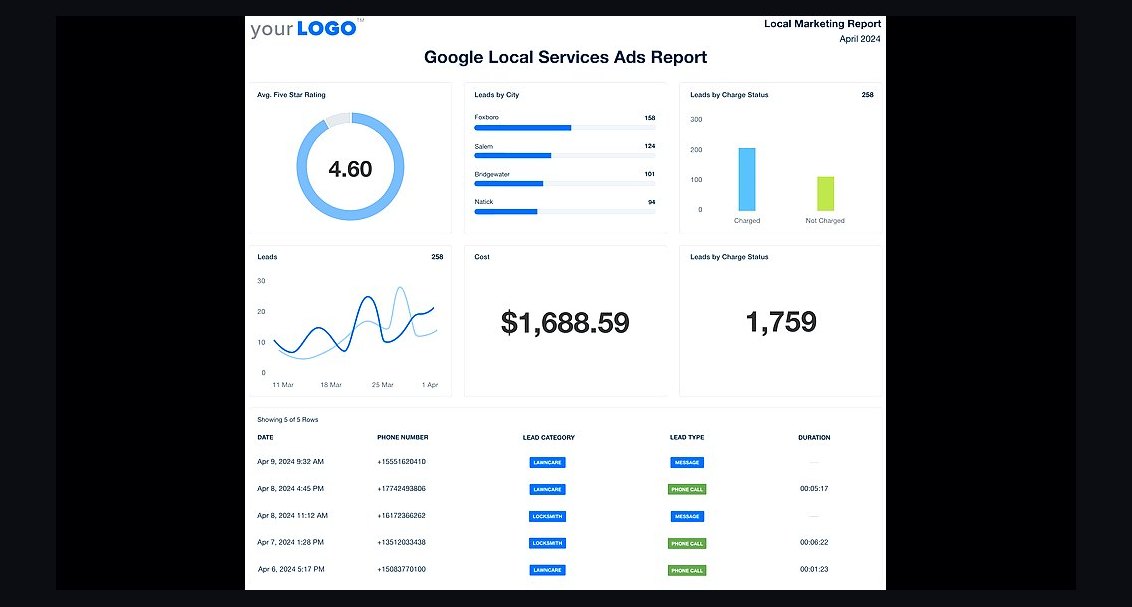 revopsTop 10 Local Advertising Ideas That Still Work in 2027
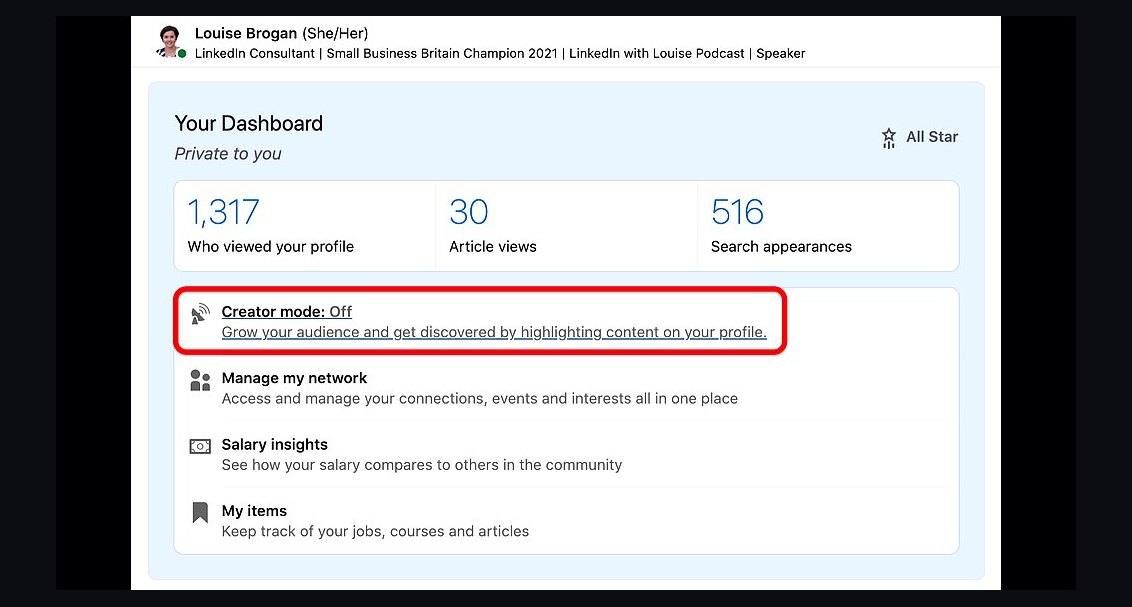 revopsTop 10 LinkedIn Tips for Business Owners in 2027
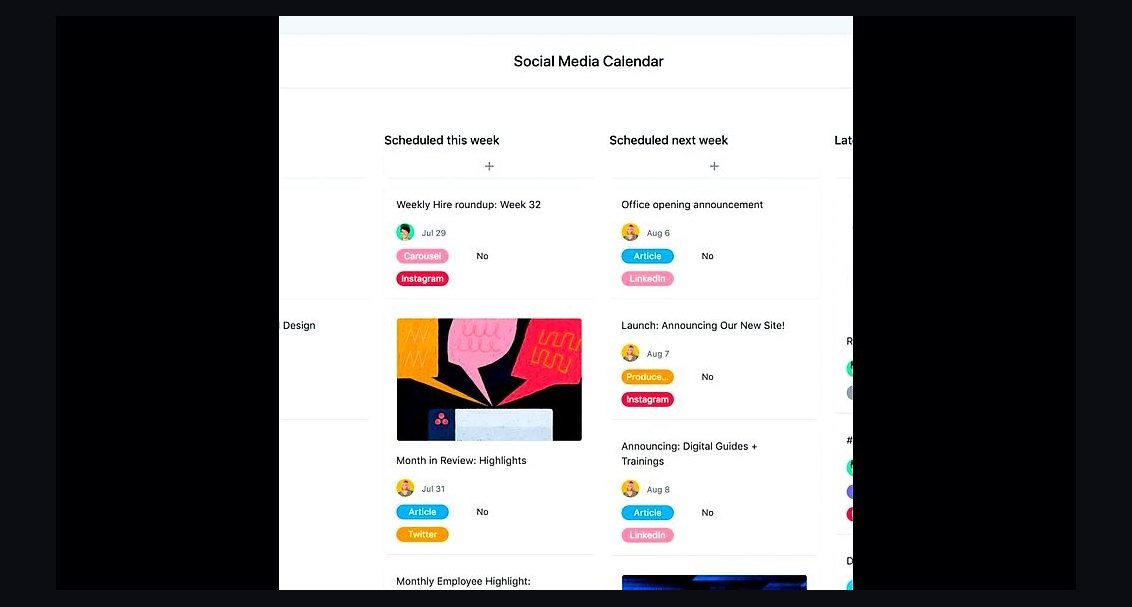 revopsTop 10 Social Media Content Calendar Tools in 2027
 revopsTop 10 Email Newsletter Ideas for Small Businesses in 2027
 revopsTop 10 Things to Put on a Service Business Website in 2027
 revopsTop 10 Online Store Mistakes New Sellers Make in 2027
 revopsTop 10 Social Media Mistakes Small Businesses Make in 2027
 revopsTop 10 Ways Small Businesses Can Use AI in 2027