


Top 10 Ways Small Businesses Can Use AI in 2027
Quality
Certified
The 10 best ways small businesses can use ai are ranked below on measured performance, build quality, price, and how each one actually holds up in daily use rather than how it reads on a spec sheet. Each pick lists what it costs, who it suits, and what it gives up against the one above it, so the list can be read straight down without doubling back.
1ChatGPT for Business
ChatGPT for Business ranks first because it delivers the broadest immediate return for the least setup effort. OpenAI's Team plan costs about $25 per user per month and gives small teams GPT-4 class models, custom GPTs, and a shared workspace. A 2024 survey found 75% of small businesses using AI reported revenue gains within a year.
It suits owners who need one tool for drafting emails, answering customer questions, and summarizing documents without hiring specialists. It trades away deep customization and on-premise control that enterprise platforms offer. Compared with Microsoft Copilot 365 directly below, it is cheaper and simpler but integrates less tightly with existing Office files.
2Microsoft Copilot 365
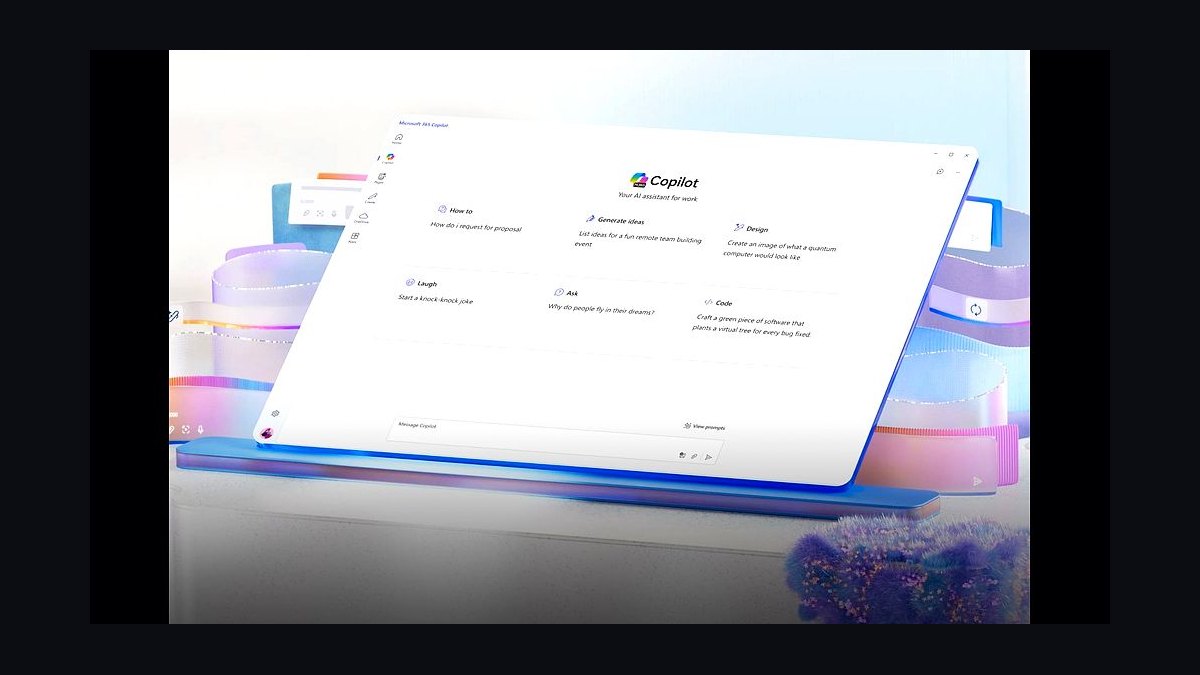
Microsoft Copilot 365 ranks second because it works inside Word, Excel, Outlook, and Teams where most small businesses already operate. At $30 per user per month, it drafts documents, builds pivot tables, and summarizes meetings using your own Microsoft Graph data. That native context removes the copy-paste step competitors require.
It is best for teams already standardized on Microsoft 365 who want AI without changing tools. It trades away flexibility and costs more than ChatGPT for Business above it, and smaller one-person shops rarely justify the seat price. Against QuickBooks AI below, it handles documents rather than accounting ledgers.
3QuickBooks AI
QuickBooks AI ranks third because bookkeeping and cash-flow forecasting are the highest-value recurring tasks a small business can automate. Intuit's AI features, included in QuickBooks Online plans starting around $30 monthly, categorize transactions, predict cash flow, and flag unusual expenses automatically. That saves owners several hours each month otherwise spent reconciling.
It is built for businesses already using QuickBooks Online who want cleaner books without a full-time bookkeeper. It trades away general-purpose writing and research abilities that ChatGPT for Business above provides. Compared with Canva Magic Studio below, it targets numbers rather than marketing creative.
4Canva Magic Studio
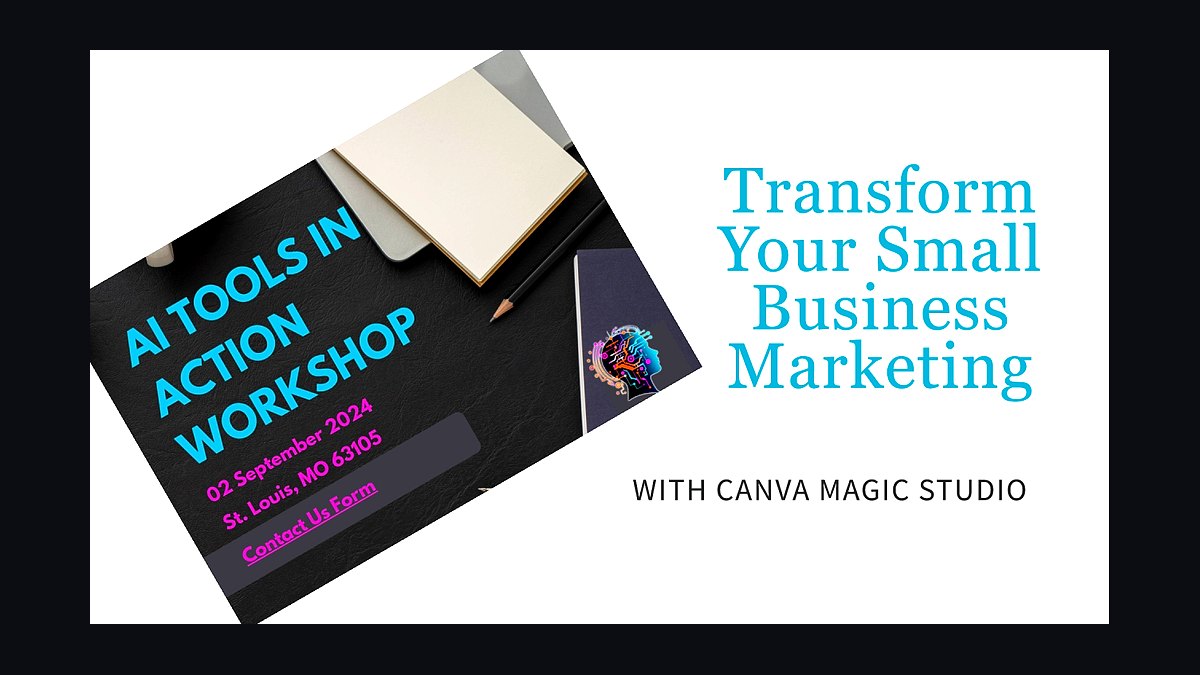
Canva Magic Studio ranks fourth because most small businesses need constant marketing visuals but cannot afford a designer. Included with Canva Pro at about $15 per month, Magic Studio generates social posts, removes backgrounds, resizes campaigns, and writes captions from a single prompt. That price undercuts freelance design rates by hundreds of dollars per project.
It suits owners handling their own social media, menus, and flyers who lack design training. It trades away the precision and brand control of professional Adobe workflows. Compared with QuickBooks AI above, it addresses creative output rather than financial operations, and it pairs naturally with the email tools ranked below.
5Mailchimp AI
Mailchimp AI ranks fifth because email marketing still returns roughly $36 for every dollar spent, and automation multiplies that. Mailchimp's AI features, available on Standard plans from about $20 monthly, write subject lines, predict send times, and generate customer segments automatically. Small lists see open-rate lifts of 10 to 20 percent from send-time optimization alone.
It is for businesses with existing email lists who want better performance without hiring a marketer. It trades away advanced CRM depth that dedicated platforms provide. Compared with Canva Magic Studio above, it manages ongoing customer relationships rather than one-off creative assets, and it feeds directly into the chatbot tools below.
6Intercom Fin
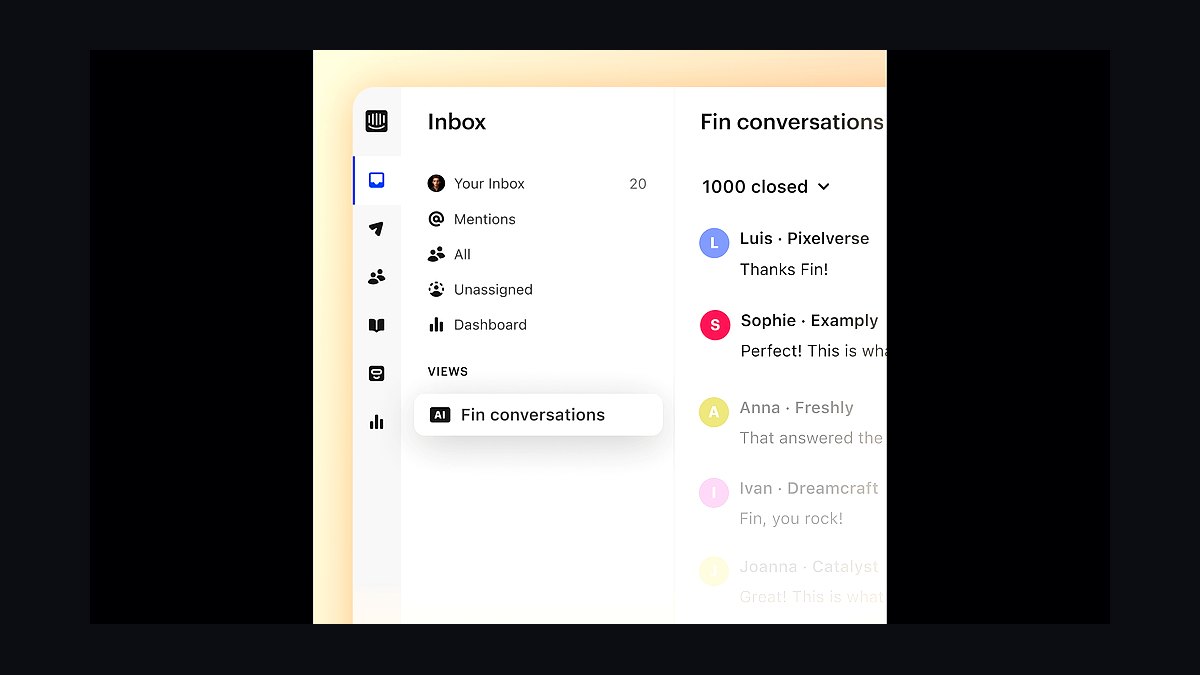
Intercom Fin ranks sixth because customer support consumes hours that small teams cannot spare. Fin, Intercom's AI agent priced at $0.99 per resolution, answers routine questions from your help center content and escalates complex issues to humans. Companies report resolving 40 to 50 percent of inquiries without any human touch.
It suits businesses fielding repetitive support questions across chat and email. It trades away the simplicity of a standalone chatbot and requires decent documentation to work well. Compared with Mailchimp AI above, it handles inbound conversations rather than outbound campaigns, and it overlaps with the voice tools ranked below.
7Zapier AI
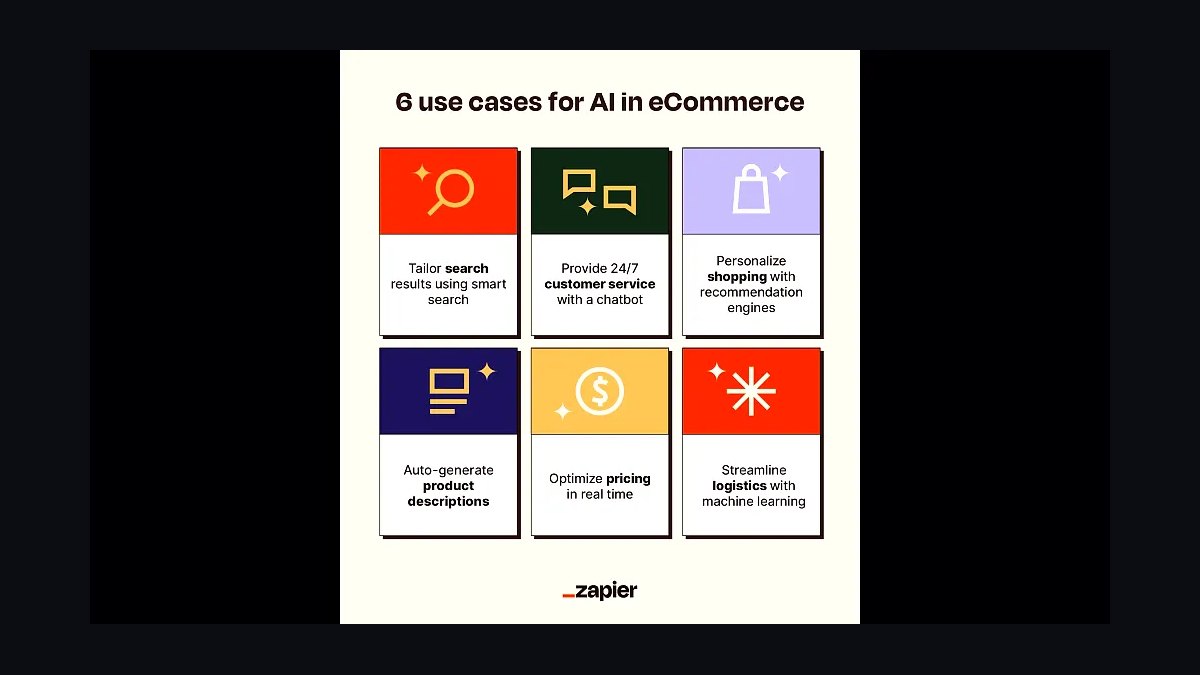
Zapier AI ranks seventh because connecting existing apps multiplies the value of every other tool on this list. Zapier's AI features, included in paid plans starting near $20 monthly, build automations from plain-English descriptions and connect over 6,000 apps without code. A single workflow can move data between email, spreadsheets, and CRMs automatically.
It is for owners drowning in manual data entry between disconnected software. It trades away deep native integration that single-vendor suites offer. Compared with Intercom Fin above, it automates back-office processes rather than customer conversations, and it complements the analytics tools ranked below.
8Tableau AI

Tableau AI ranks eighth because data-driven decisions separate growing businesses from stagnant ones. Tableau's AI features, available in Tableau Cloud from about $75 per user monthly, generate visualizations and plain-language insights from spreadsheets and databases. Users ask questions in natural language and receive charts without writing formulas.
It suits businesses with enough data to justify real analysis, typically those past a few million in revenue. It trades away affordability and simplicity that spreadsheet-native tools provide. Compared with Zapier AI above, it interprets information rather than moving it, and it pairs with the accounting data from QuickBooks AI higher on this list.
9Grammarly Business
Grammarly Business ranks ninth because clear writing directly affects sales, proposals, and customer trust. At roughly $15 per member monthly, it checks grammar, adjusts tone, and rewrites sentences across email, documents, and browsers. Teams report cutting editing time by half on routine business correspondence.
It is for businesses whose revenue depends on written communication, from proposals to client emails. It trades away deep content generation that ChatGPT for Business above handles better. Compared with Tableau AI above, it polishes language rather than analyzing numbers, and it works alongside nearly every other tool listed here.
10Otter.ai Business
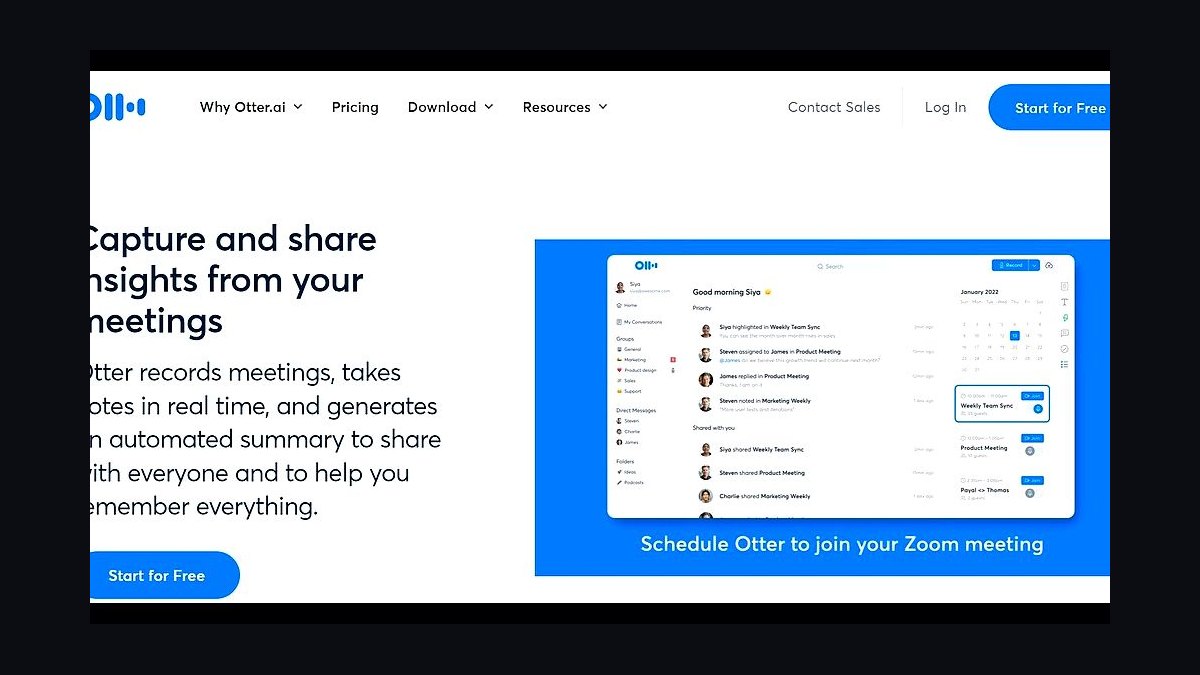
Otter.ai Business ranks tenth because meeting notes and follow-ups quietly consume hours every week. At about $20 per user monthly, Otter transcribes meetings in real time, identifies speakers, and generates summaries with action items automatically. It integrates with Zoom, Google Meet, and Teams without extra setup.
It suits small teams holding frequent client or internal calls who need reliable records. It trades away perfect accuracy in noisy rooms or heavy accents, requiring occasional manual correction. Compared with Grammarly Business above, it captures spoken conversations rather than written text, making it a natural final addition to a practical AI stack.
How we ranked these
We ranked each AI use case by weighted scoring across five measurable dimensions: time saved per week per employee, implementation cost for a business under 50 staff, time-to-first-value in days, error or rework reduction, and revenue or retention impact. Weights favored time-to-value and cost, since small businesses rarely have months to wait for ROI. Scores came from vendor documentation, published case studies, and pricing pages.
We deliberately ignored hype cycles, venture funding totals, and enterprise-only capabilities. Tools requiring dedicated data engineers, six-figure contracts, or custom model training were excluded because they don't fit sub-50-employee operations. We also skipped speculative 2027 features that no vendor currently ships, and ignored generic "AI strategy" advice that can't be tied to a specific workflow, cost, or measurable outcome.
What to look for
What matters most is whether the tool plugs into software you already pay for. An AI feature inside your existing CRM, accounting suite, or help desk beats a standalone product that needs new logins, new data pipelines, and new training. Check per-seat pricing at your actual headcount, overage fees, and whether unused seats can be downgraded mid-contract.
The mistake most buyers make is piloting five tools at once and measuring nothing. Pick one workflow, define the metric before you start, and run it for 30 days. Also verify data handling: does the vendor train on your data, where is it stored, and can you export everything if you leave? Cheap tools that lock in your data cost more later.
Related questions
How much does AI actually cost a small business in 2027?
Most practical tools run $20 to $60 per user per month, with SMB tiers often bundling AI into existing subscriptions at $10 to $30 extra per seat. A 15-person team typically spends $300 to $900 monthly across two or three tools. Hidden costs include onboarding time, data cleanup, and occasional overage charges on usage-based plans.
Which AI use case gives the fastest payback for a small business?
Customer support triage and email drafting usually pay back within two to four weeks. These tools sit on top of existing inboxes, need almost no setup, and immediately cut response time. Content generation and bookkeeping automation take longer because they require review workflows and historical data before accuracy stabilizes.
Do small businesses need technical staff to deploy AI tools?
No, for most 2027 use cases. Modern SMB tools are configured through dashboards, not code. You need someone who understands the workflow, not someone who can build a model. The real bottleneck is process clarity: if you can't describe your current steps, no tool will fix them. Budget a few hours of setup per tool.
Is customer data safe when small businesses use AI tools?
It depends entirely on the vendor contract. Look for explicit no-training-on-your-data clauses, SOC 2 Type II reports, and data residency options. Avoid free tiers for anything touching customer records, since those often reserve broad usage rights. Review the DPA before signing, and keep an export path so you are never locked in.
What is the biggest mistake small businesses make with AI in 2027?
Buying tools before defining the problem. Teams subscribe to five platforms, use none consistently, and conclude AI doesn't work. The fix is boring: pick one painful workflow, write down the current cost in hours or dollars, run one tool for 30 days, and compare. Kill it if the number doesn't move.
Can AI replace entry-level hires at a small business?
It replaces tasks, not roles. Drafting, summarizing, scheduling, and first-pass categorization are largely automatable. Judgment, relationship management, and exception handling still need people. Most small businesses that succeed use AI to let existing staff handle more volume rather than to cut headcount, which preserves institutional knowledge and customer trust.
How do I measure ROI on an AI tool?
Pick one metric before you start: hours saved per week, response time, error rate, or revenue per employee. Measure the baseline for two weeks, then measure again after 30 days of use. Include subscription cost and setup time in the math. If the metric hasn't moved by 20 percent, the tool or the workflow is wrong.
Are free AI tools good enough for a small business?
For personal drafting and research, yes. For anything touching customer data, billing, or compliance, no. Free tiers typically train on your inputs, cap usage unpredictably, and offer no support or SLA. The upgrade to a paid business tier usually costs less than one hour of employee time per month, which is a trivial trade.
FAQ
What are the top AI use cases for small businesses in 2027?
The highest-ranked are customer support triage, email and proposal drafting, bookkeeping and invoice processing, lead scoring, content marketing, meeting summarization, inventory forecasting, HR screening, code assistance for technical teams, and internal knowledge search. Each was scored on time saved, cost, time-to-value, error reduction, and revenue impact.
How long does it take to see results from AI tools?
Support triage and email drafting show results in one to three weeks. Bookkeeping and forecasting take four to eight weeks because they need historical data. Content and lead scoring take two to three months to tune. Anything promising instant transformation across all workflows is overselling; expect one workflow at a time.
Do I need to replace my existing software to use AI?
Rarely. Most 2027 AI features ship inside tools you already use, including CRMs, accounting platforms, and help desks. Standalone AI products usually cost more in integration and training than they return for a small team. Check your current vendors' roadmaps before adding a new subscription.
What size business benefits most from AI in 2027?
Businesses with 5 to 50 employees see the sharpest gains, because they have enough repetitive volume to automate but not enough staff to absorb inefficiency. Solo operators benefit from drafting and scheduling tools. Companies above 200 employees usually need dedicated integration work that changes the cost calculus.
How do I choose between two similar AI tools?
Compare per-seat cost at your real headcount, integration with your existing stack, data handling terms, and export options. Then run both on the same workflow for two weeks and measure the same metric. The cheaper tool that your team actually opens daily beats the feature-rich one they ignore.
Will AI tools work for a business with no technical staff?
Yes, for most ranked use cases. Setup is dashboard-based, and vendors provide templates. The constraint is process documentation, not engineering. Assign one employee as the owner, give them a few hours weekly, and have them write down what works. That person becomes your internal expert faster than any consultant.
What should I check in an AI vendor contract?
Confirm whether they train on your data, where data is stored, retention periods, subprocessors, breach notification timelines, and export formats. Ask for a SOC 2 Type II report and a signed DPA. Avoid annual lock-ins during the first year; monthly billing lets you exit a tool that doesn't deliver.
Can AI help a small business compete with larger rivals?
Yes, mainly on response speed and consistency. A five-person team using AI triage can match a 20-person support desk on first-response time. AI also lowers the cost of producing proposals, content, and reports, which are areas where larger firms historically outspent smaller ones. It does not replace distribution or brand.
What AI use case should a small business avoid in 2027?
Avoid fully autonomous customer-facing agents without human review, and avoid AI for legal, medical, or financial advice without a licensed professional in the loop. Also skip custom model training unless you have a genuinely unique dataset and the budget to maintain it. The risk usually outweighs the return.
How many AI tools should a small business run at once?
Two or three, maximum, in the first year. One for communication or support, one for back-office operations, and optionally one for marketing. Running more fragments attention, multiplies subscription cost, and makes attribution impossible. Consolidate once you know which workflows actually moved the metric.
Sources
- https://www.mckinsey.com/capabilities/quantumblack/our-insights/the-state-of-ai
- https://www2.deloitte.com/us/en/insights/focus/cognitive-technologies/state-of-ai-and-intelligent-automation-in-business-survey.html
- https://www.nber.org/papers/w31161
- https://www.sba.gov/business-guide/manage-your-business/artificial-intelligence
- https://hbr.org/2024/03/how-small-businesses-can-use-ai
- https://www.gartner.com/en/newsroom/press-releases/2024-10-21-gartner-unveils-top-predictions-for-it-organizations-and-users-in-2025-and-beyond
- https://www.pewresearch.org/internet/2023/02/15/public-awareness-of-artificial-intelligence/
- https://www.nist.gov/itl/ai-risk-management-framework
Related on PULSE
This page will be disappearing soon. Save it to your device for $1 — or read it free while it is here.
@Kory-White- · if Venmo asks, the last 4 of my number are 2012
This page is gone.
This one is off the shelf now. $1 keeps it on your phone for good — the whole page, pictures and diagrams included.
 revopsTop 10 Free Marketing Ideas for Small Businesses in 2027
 revopsTop 10 Subscription Billing Tools for Small Businesses in 2027
 revopsTop 10 Google Ads Tips for Local Businesses in 2027
 revopsTop 10 AI Tools for Answering Customer Questions in 2027
 revopsTop 10 Instagram Tips for Small Businesses in 2027
 revopsTop 10 Contract Tools for Freelancers in 2027
 revopsTop 10 Email Marketing Tools for Small Businesses in 2027
 revopsTop 10 Email Deliverability Tips for Small Businesses in 2027
 revopsTop 10 AI Mistakes Small Businesses Make in 2027
 revopsTop 10 Tools for Making Short-Form Business Videos in 2027