


Best Smartwatches with Cellular in 2027
Quality
Certified
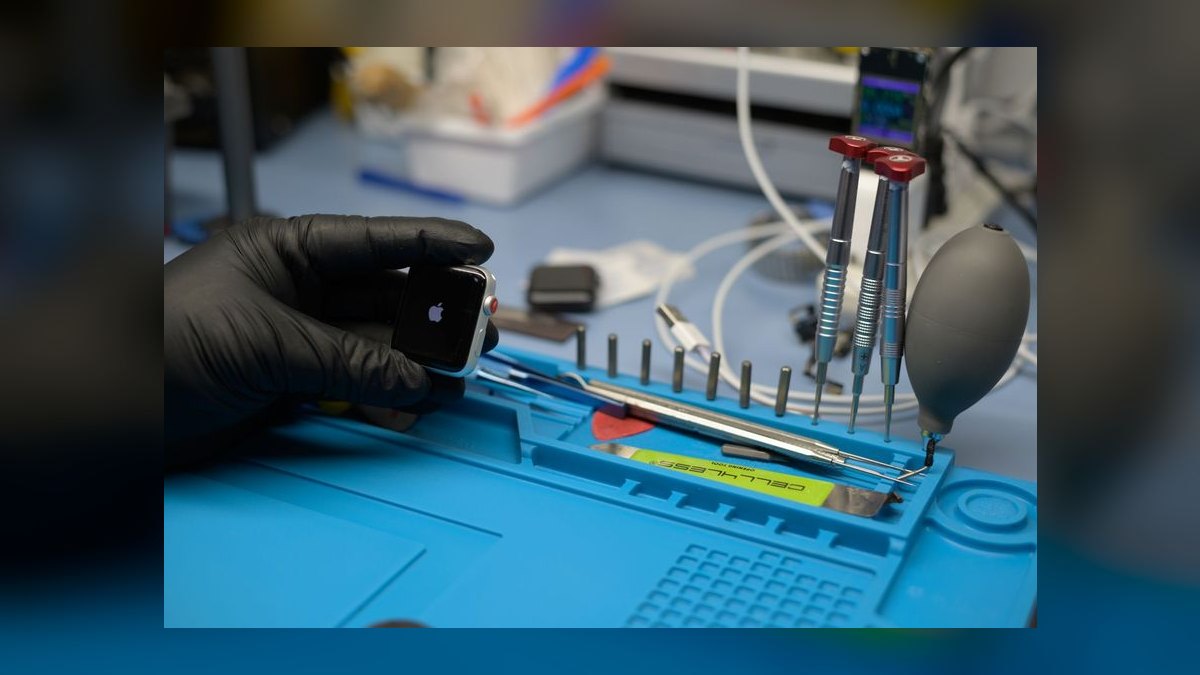
The best cellular smartwatch in 2027 is the one whose carrier bands, battery ceiling, and phone ecosystem match how you actually use it. Apple's Ultra line leads for iOS durability and standalone GPS; Samsung's Wear OS flagships lead for Android; Garmin leads for multi-day endurance; budget Wear OS models cover emergency-only needs.
What a cellular smartwatch actually is, and why the distinction matters
A cellular smartwatch is a wrist computer with its own embedded SIM (eSIM) and its own radio, provisioned as a line on a carrier account. That single sentence hides the entire buying decision, because "has cellular" describes at least four materially different products that get sold under the same label.
The first tier is true standalone: the watch holds an independent phone number or a shared number, negotiates its own attach to the tower, and can place a voice call, send an SMS, stream audio, and pull map tiles with the paired phone powered off and left at home. This is what most buyers picture. The second tier is number-sharing standalone, which is what nearly every mainstream carrier plan in the US actually sells — the watch mirrors your phone's number through a carrier-side service (a "digits" or "NumberShare" style feature), which means the watch is dependent on the carrier's provisioning being healthy, and on your phone line remaining active and in good standing. If your phone line suspends, the watch line usually dies with it. The third tier is data-only cellular, common on fitness-first devices, where the radio exists for live tracking, incident detection, and music streaming, but voice calling is either absent or routed through an app rather than the dialer. The fourth tier is satellite-or-emergency-only connectivity, which is not cellular at all but is frequently confused with it in marketing copy and in retail staff explanations.
Why this matters in dollars: the tier determines whether you pay roughly $10–$15 per month per watch line on a major US carrier, whether you can use a prepaid or MVNO plan at all (most MVNOs still do not provision watch eSIMs), and whether the watch is genuinely useful when you leave the phone behind. A buyer who wanted tier one and bought tier three ends up with a $400–$900 device plus a monthly line fee that delivers a feature they will never use.

The second thing the tier determines is band support. A watch radio is physically tiny — the antenna is usually routed through the case perimeter, the crown assembly, or the band lugs. That constrains how many bands the module can meaningfully support and how much gain it can achieve. A phone with a large PCB antenna array and a dedicated mmWave module will hold a usable signal in places where a watch on the same network drops to zero bars. This is not a defect; it is physics. Expect a cellular watch to have roughly one to two "bars" less effective sensitivity than the phone in your pocket on the same carrier, and plan for that when the use case is rural hiking, basements, parking garages, or steel-frame buildings.
The Best framing for this category, then, is not a single winner. It is a mapping from constraint to device, and that mapping is what the rest of this page builds.
The step-by-step process for choosing and provisioning one
Buying a cellular watch is one of the few consumer-electronics purchases where the *order of operations* materially changes the outcome. Do it in this sequence and you avoid nearly every common failure.
Step one: fix the phone ecosystem before anything else. An Apple Watch does not pair to Android at all. Samsung's Wear OS watches pair to Android only, and several health features are gated to Samsung phones. Wear OS watches from other vendors pair to Android and, in limited cases, to iOS with heavily reduced functionality. Garmin's cellular models pair to both platforms but route their cellular features through Garmin's own service layer. Because the ecosystem constraint is absolute and the other constraints are negotiable, resolve it first — it eliminates 60–80% of the catalog in one move.

Step two: verify the carrier will provision the specific model. Carrier watch-eSIM support is model-specific and firmware-specific, not brand-wide. Before purchase, look up the carrier's own supported-device list for the exact SKU, and confirm the plan you intend to use (postpaid, prepaid, business, or MVNO) is eligible. Prepaid and MVNO lines are the most frequent point of failure — a watch that works flawlessly on a postpaid line may be entirely unprovisionable on the same carrier's prepaid brand.
Step three: check bands against where you'll actually be. Low-band spectrum (roughly 600–850 MHz) is what propagates into buildings and across rural distance; mid-band (roughly 1.7–2.5 GHz, plus C-band around 3.7 GHz) carries the throughput; mmWave is dense-urban only and is largely irrelevant to a watch. If your use case is rural, weight low-band support heavily and treat 5G mmWave claims as noise. If your use case is a dense city, mid-band coverage is what you'll actually ride.
Step four: budget the battery honestly. Manufacturer battery figures are almost always quoted with the cellular radio in standby and the display in its lowest-power mode. Real standalone use — radio attached, GPS running, audio streaming — typically consumes battery at three to six times the quoted rate. A watch advertised at "36 hours" may deliver six to ten hours of continuous phone-free GPS-and-streaming activity. Buy for the worst day you plan, not the average.
Step five: activate and test before the return window closes. Provision the eSIM, then deliberately leave the phone at home and run your real scenario: a full-length run, a commute, a workday. Confirm inbound calls ring on the wrist, outbound calls connect, texts arrive, and that emergency features behave as documented. Only after that test should you consider the purchase complete.
Costs, timelines, and the ranges to expect

Treat a cellular watch as a subscription product with a hardware down payment, because that is how the total cost behaves over an ownership cycle.
Hardware. As of the 2026–2027 cycle, the cellular variant of a given watch typically carries a $50–$100 premium over the GPS-only version of the identical model. Budget and mid-range cellular models cluster in the $250–$450 band. Mainstream flagships land roughly $400–$650. Rugged and expedition-tier models — larger cases, titanium or reinforced polymer, deeper water ratings, larger batteries — run $600–$900. Those bands have been broadly stable across several product generations, and discounting is heavy: cellular SKUs frequently sell 15–30% below list within six to nine months of launch, and the previous generation often drops 30–40%. If you are not chasing a specific new sensor, buying one generation back is the single largest cost lever available.
The line fee. In the US, a watch line on a major postpaid carrier typically runs $10–$15 per month, sometimes discounted or waived promotionally for 12–24 months. Over a realistic three-year ownership window that is $360–$540 — often approaching or exceeding the hardware premium you paid for the cellular radio. Add it to the sticker price before comparing models. Carriers also frequently require the watch line to be attached to an existing phone line on the same account, which quietly forecloses the "watch instead of a phone" plan that some buyers arrive with.
Timelines. Provisioning a watch eSIM on a supported plan usually completes in 5–20 minutes in-app. When it fails, it typically fails at the carrier-provisioning step rather than on the device, and resolution runs from a same-day support call to several days if the account needs a plan change. Battery degradation follows normal lithium-ion behavior: expect a meaningful capacity decline over roughly two to three years of daily charging, and note that heavy cellular use accelerates it because the radio drives higher peak current draw than any other subsystem. Battery replacement, where offered, generally costs $80–$150 through official service.

The hidden costs. Proprietary bands on some models mean third-party straps can detune a band-integrated antenna — if the antenna is routed through the lugs, cheap straps are a real performance variable, not just a cosmetic one. Roaming is the second hidden cost: many watch lines do not include international roaming at all, or bill it separately, so the traveler use case needs explicit verification rather than assumption. And screen protectors or aftermarket cases on a watch with a perimeter antenna can measurably reduce signal.
The honest total. A mid-range cellular watch at $400 plus a $12/month line over three years is roughly $830 all-in. A flagship at $650 on the same line is roughly $1,080. Framing the decision at that number rather than the shelf price changes which model is genuinely the Best value for a given buyer, and it is the single most common omission in comparison shopping.
Where buyers and IT teams get this wrong
Mistake one: buying cellular for a use case that Bluetooth and Wi-Fi already cover. If the phone is in your pocket essentially all day, the cellular radio is dormant and you are paying a monthly fee for redundancy. The honest test is to count the hours per week you are genuinely phone-free and moving. Under about three, the line fee is hard to justify.
Mistake two: assuming the watch inherits the phone's coverage. It does not. Watch radios are smaller, lower-gain, and more constrained. The place this bites hardest is exactly where people most want it to work — remote trails, rural roads, and building interiors. If the scenario is genuine wilderness, the right tool may be a satellite messenger alongside the watch, not a cellular watch alone.

Mistake three: trusting the quoted battery number. The advertised figure assumes light use. Standalone cellular with GPS and streaming is the heaviest possible load. Buyers routinely discover that a watch rated for "all day" delivers a half-day marathon before dying at mile 22.
Mistake four: skipping the phone-free test. People activate the eSIM, see a signal indicator, and assume it works. Then the first real phone-free call fails because number-sharing never fully provisioned on the carrier side. Test the scenario, not the indicator.
Mistake five: MVNO and prepaid assumptions. Buyers on budget carriers frequently discover after purchase that watch eSIM provisioning is simply unavailable. Verify before you buy, not after.
Mistake six, on the deployment side: organizations issuing cellular watches to field staff often underestimate the management overhead. Watch lines usually cannot be managed by the same MDM tooling as phones, feature availability varies by pairing, and each watch adds a billable line. For a 50-person field team, that is 50 additional lines, 50 provisioning events, and a support surface most helpdesks have no runbook for. Pilot with five users for a full month before scaling.
Mistake seven: ignoring what happens at replacement. Swapping to a new watch means de-provisioning the old eSIM and provisioning the new one. Doing this out of order — wiping the old watch before transferring the line — can strand the number and require a carrier support call.
A decision framework: matching the constraint to the device

Rank your constraints in the following order, because each one eliminates more of the catalog than the one after it.
Constraint one — ecosystem. Absolute and non-negotiable. iPhone means Apple Watch. Android means Wear OS or Garmin. Mixed households buying a shared gift should verify the recipient's phone first; a returned watch is the most common outcome of skipping this.
Constraint two — battery ceiling. Decide the longest phone-free session you need. Under twelve hours, nearly any current flagship works. Twelve to thirty-six hours pushes you toward larger-case flagship or rugged tiers. Beyond that — multi-day expeditions, ultramarathons, extended field shifts — Garmin's endurance-first architecture (transflective displays, aggressive power management, solar assist on some models) is in a different class, and no AMOLED flagship competes on that axis regardless of price.
Constraint three — durability. Water ratings are stated in two incompatible systems and buyers conflate them constantly. An IP rating covers ingress under defined static conditions; a depth rating (50m, 100m) covers pressure. Neither guarantees hot-tub, high-pressure, or saltwater use. Military-standard testing covers shock, thermal cycling, and vibration, not water. If the watch will take real impacts, look for that spec explicitly rather than inferring it from the case material.
Constraint four — feature depth. Health sensing, payments, offline maps, and music streaming vary substantially and are gated by both watch and phone. Verify the specific features you care about against the specific pairing you'll have.
Constraint five — price. Last, deliberately. Optimizing price first almost always produces a watch that fails one of the four constraints above, and the return shipping is the cheapest part of that mistake.
Adjacent angles: fleets, kids, elders, and the satellite question
The cellular-watch decision looks different once you step just outside the enthusiast buyer, and these neighboring cases are where the category is quietly growing fastest.

Field and frontline deployment. Warehouse, construction, healthcare, and logistics teams increasingly issue wrist devices because a watch survives environments a phone does not and stays accessible when both hands are occupied. The cellular radio matters here specifically because these workers move through areas with no reliable enterprise Wi-Fi. The practical constraints are unglamorous: charging logistics across shifts (a watch that needs daily charging needs a charging protocol), sanitization requirements in clinical settings, glove compatibility with touchscreens, and the line-management overhead noted above. Consumer watches are frequently deployed here, but purpose-built industrial wearables exist and are often the better fit once you price the total program rather than the device.
Kids' watches. A large and often-overlooked segment. These are cellular watches by definition — the entire point is a child reachable without a smartphone. The buying criteria invert almost completely: contact allowlisting, location sharing, school-hours modes, and durability against drops matter enormously; health sensing and app ecosystems matter not at all. Carriers sell dedicated kids' watch plans, typically in the same $10–$15 monthly band. Buyers who approach this segment with flagship-watch criteria consistently overspend on features nobody will use.
Aging-in-place and medical alerting. Fall detection and emergency SOS over cellular have made watches a credible alternative to dedicated medical-alert pendants, with far better wear compliance because a watch does not read as a medical device. The caveats are real: fall detection is heuristic and produces both false positives and false negatives, and it must be explicitly enabled. Daily charging is a genuine adherence problem for older users — a device that dies overnight provides zero protection at the hour it is most needed. Long-battery models and a rigid charging routine matter more than sensor sophistication here.
The satellite overlap. Direct-to-device satellite messaging has moved from novelty to shipping feature across phones and some wearables, and it changes the calculus at the edges. For genuine backcountry use, satellite emergency messaging addresses the exact failure mode where cellular watches are weakest — no terrestrial coverage at all. It is not a replacement for cellular: satellite links are typically text-only, latency-heavy, and require open sky. The sensible posture is layered — cellular for everyday phone-free convenience, satellite for the emergency that happens where cellular does not reach.
Downstream effects worth naming. Every cellular watch is another connected endpoint with its own location history, health data, and network attachment. For individuals that is a privacy consideration; for organizations it is a compliance one, particularly where health data is involved. And on the sustainability side, a watch with an embedded eSIM and a glued battery is a difficult device to repair or resell, which is a real argument for buying the tier you will keep for three years rather than the tier you will replace in eighteen months. Across all of these adjacent cases, the same rule holds: the Best device is the one whose constraints match yours, not the one at the top of a ranking.
Related questions
Do cellular smartwatches work without a phone?
Yes, once the eSIM is provisioned — but most require a phone for initial setup, and many carrier plans require an active phone line on the same account. After setup, calls, texts, maps, and streaming work standalone. Verify by field-testing with the phone left at home.
How much does a smartwatch cellular plan cost per month?
Typically $10–$15 per month on major US postpaid carriers, often promotionally discounted or waived for the first year or two. Prepaid and MVNO support is limited and model-specific. Budget the three-year total — $360–$540 — alongside the hardware price.
Is 5G on a smartwatch actually useful?
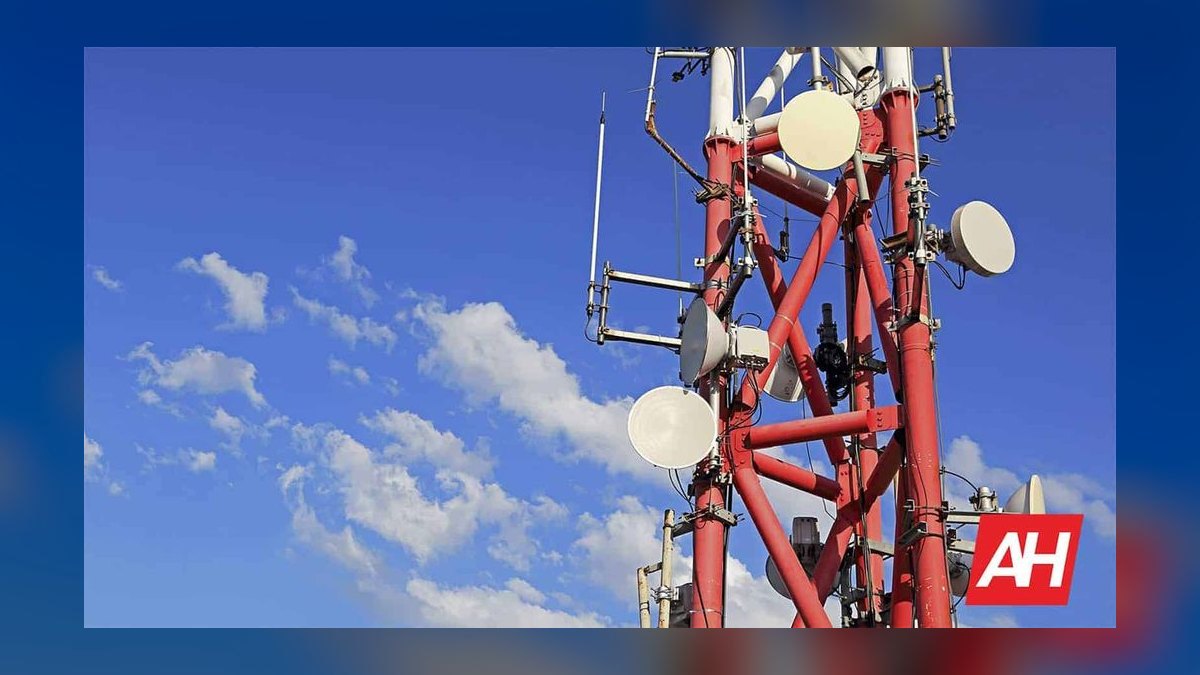
Rarely. Watch workloads are small: calls, texts, map tiles, and compressed audio. LTE handles all of it. Low-band coverage reach matters far more than 5G peak throughput, and mmWave is essentially irrelevant at watch antenna sizes.
Can I use a cellular smartwatch internationally?
Sometimes, and it needs explicit verification. Many watch lines exclude international roaming or bill it separately, and band support varies by region and SKU. Check both the carrier's roaming terms for watch lines and the model's regional band coverage before traveling.
Does cellular drain smartwatch battery significantly?
Substantially. Active cellular with GPS and streaming typically consumes three to six times the standby rate. A watch rated for 36 hours of light use may deliver six to ten hours of continuous phone-free activity. Buy for your worst day, not your average.
FAQ
What is the difference between a cellular smartwatch and a GPS-only model?
GPS-only models track location using satellite positioning but rely entirely on a paired phone's Bluetooth or a known Wi-Fi network for connectivity — no phone nearby means no calls, no texts, no live data. Cellular models add an embedded eSIM and a radio, letting them connect to a mobile network independently. The cellular variant usually costs $50–$100 more up front, plus a monthly carrier line fee.
Which carriers support smartwatch eSIM activation?
All three major US carriers support watch lines on postpaid plans, but support is model-specific rather than brand-wide, and prepaid or MVNO brands frequently do not support watch eSIMs at all. Check the carrier's published supported-device list for your exact SKU before buying, and confirm your specific plan type is eligible — this is the single most common post-purchase failure.
How long does a cellular smartwatch battery actually last in standalone use?
Far less than the advertised figure. Manufacturer numbers assume the radio is in standby and the display is dimmed. With the radio attached, GPS running, and audio streaming, expect roughly a third to a sixth of the quoted runtime. Endurance-focused platforms with transflective displays hold up dramatically better than AMOLED flagships on this specific axis.
Do I need a cellular smartwatch if I always carry my phone?
Probably not. If you are genuinely phone-free fewer than about three hours a week, the radio sits idle and the monthly fee buys redundancy. The strongest cases are running or cycling without a phone, jobs where a phone is impractical or prohibited, emergency reachability for kids and older adults, and anyone who wants to leave the phone behind on purpose.
Are cellular smartwatches waterproof enough for swimming?
Most current models with a 50-metre depth rating handle pool and open-water swimming; 100-metre-rated models add margin for surface watersports. Neither rating covers high-pressure water, hot tubs, or scuba depth. Rinse in fresh water after saltwater exposure, and note that leather and some fabric bands are not rated even when the case is.
What happens to the watch line when I upgrade my phone or watch?
The watch eSIM has to be de-provisioned from the old device and re-provisioned on the new one, and the order matters — wiping the old watch before transferring the line can strand the number and require a carrier support call. Unpair through the phone app first, which normally handles removal cleanly, then set up the new device and re-add the line.
Sources
- Apple Watch — Apple
- Apple Watch cellular setup — Apple Support
- Galaxy Watch — Samsung US
- Google Pixel Watch — Google Store
- Garmin wearables
- Verizon smartwatch plans
- T-Mobile wearable plans
- AT&T wearable plans
- Wear OS by Google
- GSMA eSIM overview
Related on PULSE
This page will be disappearing soon. Save it to your device for $1 — or read it free while it is here.
@Kory-White- · if Venmo asks, the last 4 of my number are 2012
This page is gone.
This one is off the shelf now. $1 keeps it on your phone for good — the whole page, pictures and diagrams included.
 telcoIs an unlimited data plan worth it in 2027?
 telcoShould I get a contract or no-contract phone plan in 2027?
 telcoBest Cellular and Wireless Carrier in Albuquerque in 2027
 telcoHow do I activate a new cell phone for the first time in 2027?
 telcoBest Carriers for Travel in 2027
 telcoStraight Talk vs Total Wireless: which is better in 2027?
 telcoBest Cellular and Wireless Carrier in Austin in 2027
 telcoHow does international roaming work and how do I avoid huge bills in 2027?
 telcoT-Mobile vs Visible: which is better in 2027?
 telcoBest Cellular and Wireless Carrier in Birmingham in 2027