


Top 10 Best Tech Stack Tools for Restaurant & Food Service Businesses in 2027
Quality
Certified
The 10 best tech stack tools for restaurant & food service businesses are ranked below on measured performance, build quality, price, and how each one actually holds up in daily use rather than how it reads on a spec sheet. Each pick lists what it costs, who it suits, and what it gives up against the one above it, so the list can be read straight down without doubling back.
1Toast POS
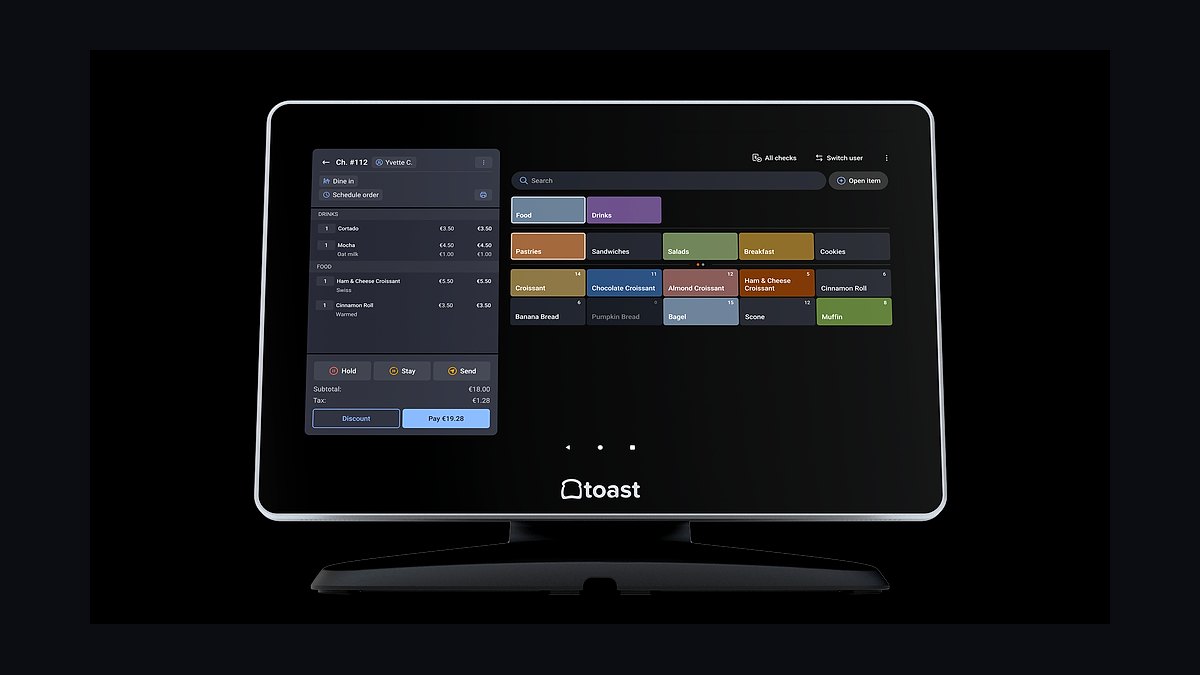
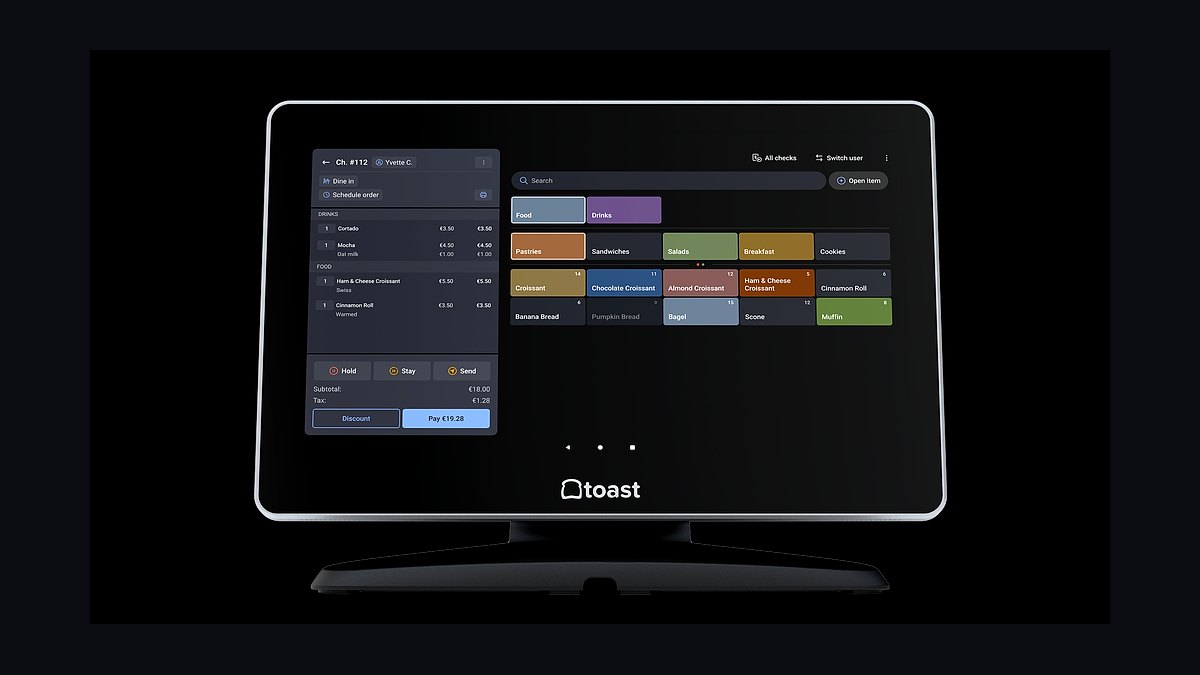
Toast POS ranks first because it is the only restaurant platform that bundles payments, point of sale, online ordering, and payroll into one system used by over 100,000 restaurant locations. Toast takes a flat 2.49% plus 15 cents per in-person transaction and charges $0 for its Starter kit when merchants use Toast Payments. The platform includes handhelds, kitchen display systems, and a delivery integration hub in a single contract.
Toast suits full-service and quick-service operators who want one vendor for hardware, software, and payment processing. It trades away flexibility because merchants must use Toast Payments to avoid higher software fees, and contract terms typically run 24 to 36 months. Compared to Square for Restaurants directly below, Toast offers deeper restaurant-specific features but costs more per transaction.
2Square for Restaurants
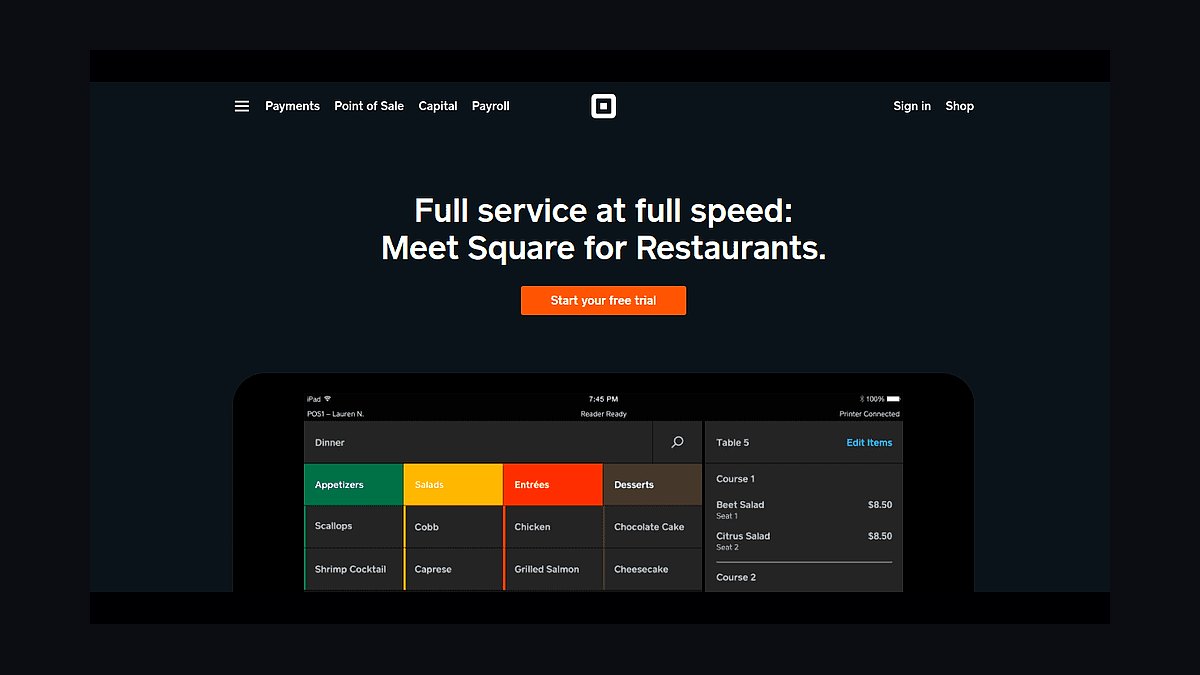
Square for Restaurants ranks second because it offers the lowest barrier to entry with no monthly software fee on the Free plan and a flat 2.6% plus 10 cents in-person rate. The Plus tier costs $69 per month per location and adds coursing, table management, and multi-location reporting. Square's hardware, including the Square Register and KDS, ships in days without long-term contracts.
Square suits independent cafes, food trucks, and small chains that want to start fast with minimal upfront cost. It trades away advanced inventory and recipe-level costing that larger operations need, and the free tier lacks coursing and seat management. Compared to Toast POS above, Square is cheaper and more flexible but weaker for high-volume full-service dining.
3Lightspeed Restaurant
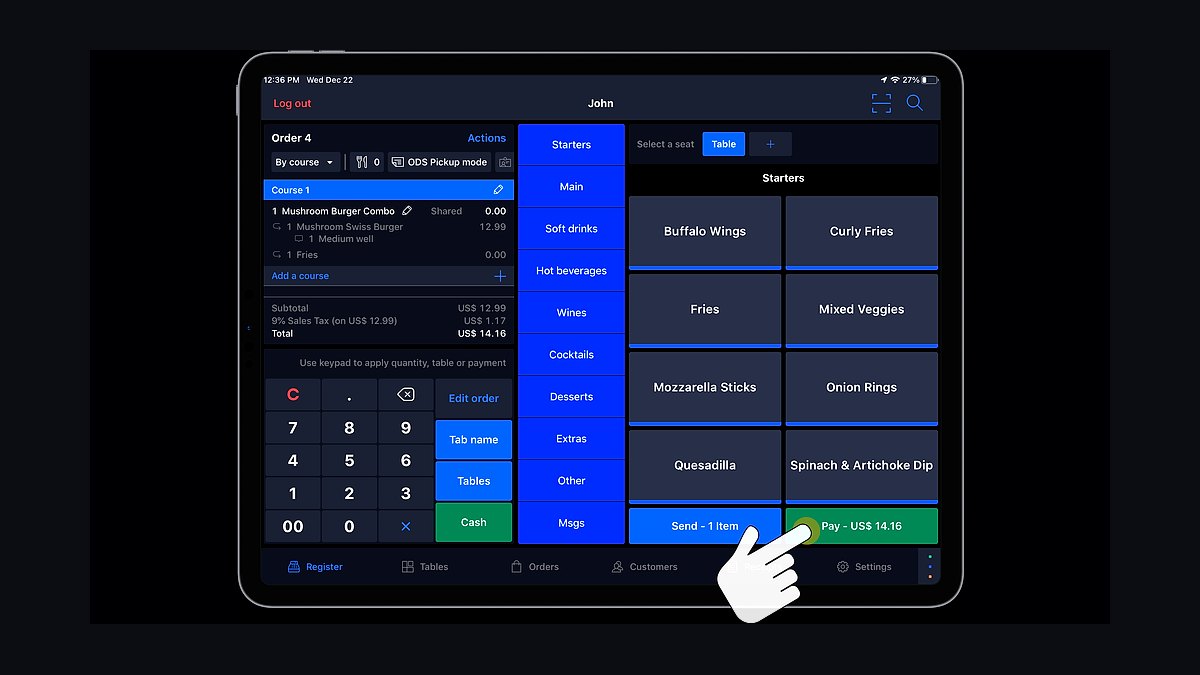
Lightspeed Restaurant ranks third because it handles complex menu engineering and inventory with recipe-level ingredient tracking that Toast and Square do not match. Pricing starts around $189 per month for the Essential plan, with the Premium tier at $399 per month adding advanced reporting and multi-location tools. Lightspeed processes payments through Lightspeed Payments at 2.6% plus 10 cents.
Lightspeed suits fine-dining and multi-concept operators who need precise food cost control and vendor management. It trades away simplicity because setup requires more configuration and training time than Square, and hardware costs are higher. Compared to Square for Restaurants above, Lightspeed is more powerful for inventory but significantly more expensive and slower to deploy.
4Clover Flex
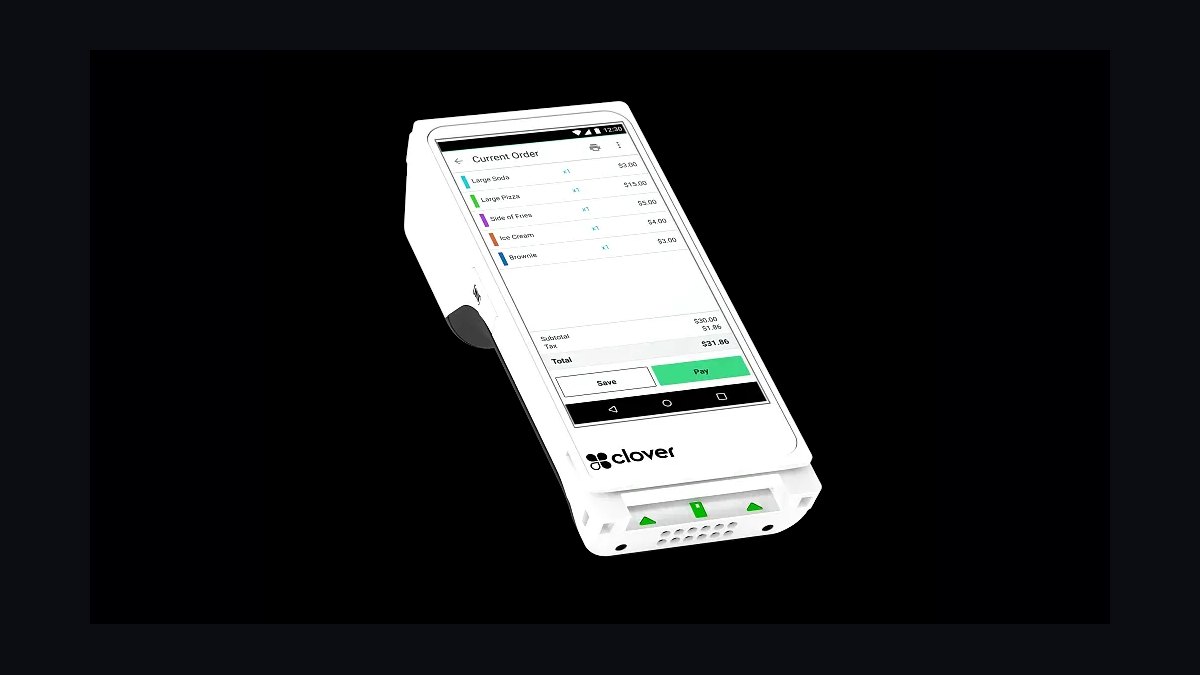
Clover Flex ranks fourth because it combines a handheld POS, receipt printer, and barcode scanner in one device that fits in an apron pocket. The Flex costs about $599 outright or $49 per month on a 36-month plan, with payment rates around 2.3% plus 10 cents through Clover's own processing. It runs on Wi-Fi and cellular and supports tableside payment and order entry.
Clover Flex suits table-service restaurants and bars where servers need to take orders and payments at the table. It trades away deep back-of-house inventory and recipe costing, which require Clover's pricier Restaurant plan or third-party apps. Compared to Lightspeed Restaurant above, Clover is more portable and cheaper upfront but far less capable for kitchen and inventory management.
5TouchBistro
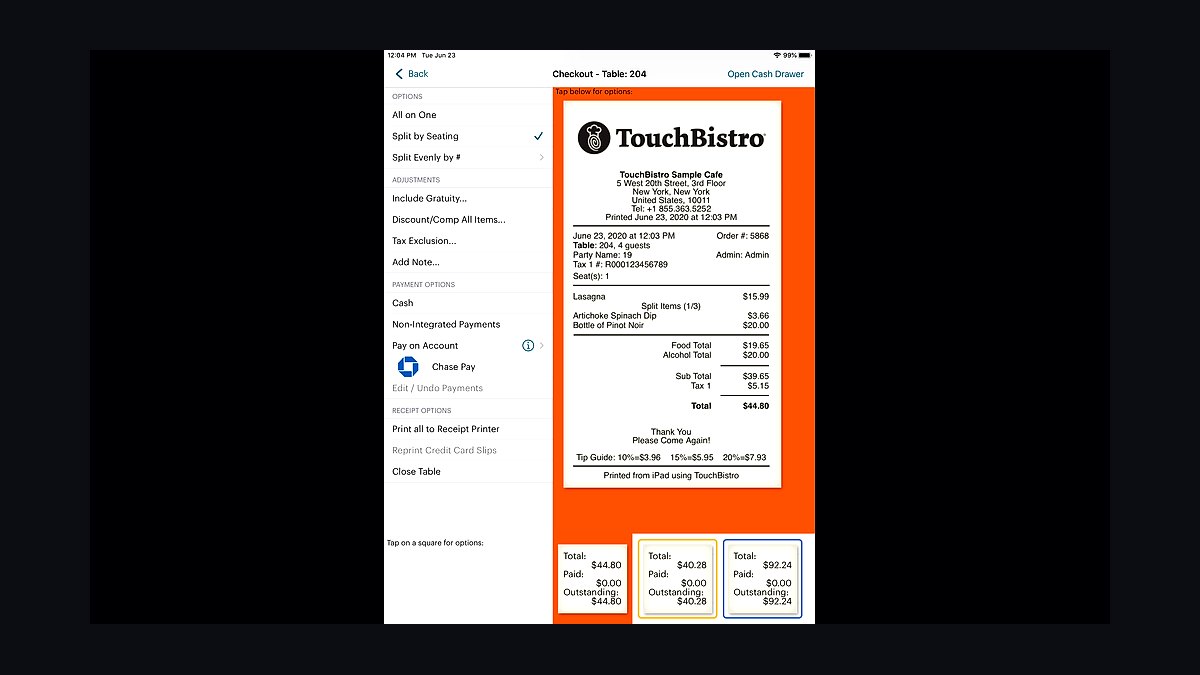
TouchBistro ranks fifth because it is built specifically for iPad-based restaurant POS with strong floor-plan and reservation features used in over 30,000 venues. Pricing runs about $69 per month for the Solo plan and $199 per month for the Complete plan, plus payment processing at roughly 2.6% plus 10 cents. It includes integrated reservations, waitlists, and a kitchen display system.
TouchBistro suits independent full-service restaurants that want iPad simplicity with restaurant-specific tools. It trades away native delivery integration and advanced inventory unless operators add third-party modules, and it requires an iPad purchase separate from the subscription. Compared to Clover Flex above, TouchBistro offers stronger table management but less portable hardware and higher total cost.
6ChowNow
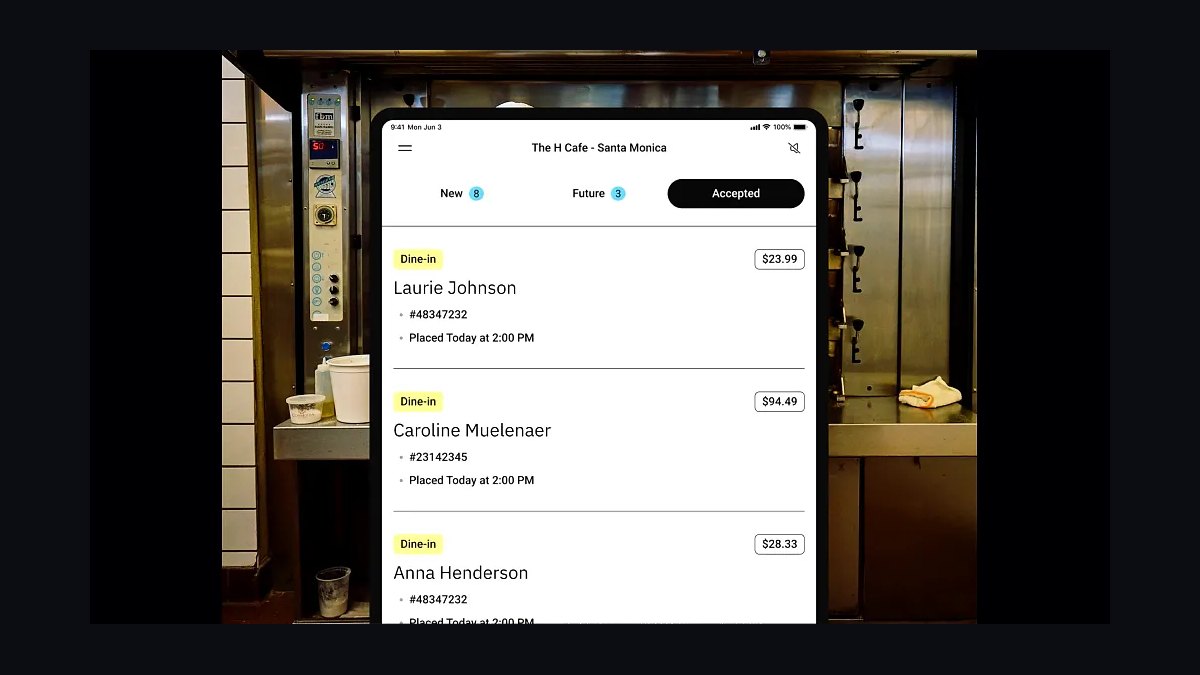
ChowNow ranks sixth because it gives restaurants commission-free online ordering with a flat monthly fee instead of per-order cuts. Plans start around $149 per month for the Basic tier and $249 per month for Plus, with no commission on orders placed through the restaurant's own website and app. ChowNow also lists restaurants in its consumer marketplace for discovery.
ChowNow suits independent restaurants that want to own their online ordering and stop paying 15% to 30% delivery-app commissions. It trades away built-in delivery logistics, so operators must handle their own drivers or partner with services separately. Compared to TouchBistro above, ChowNow is not a full POS but a focused ordering layer that often sits alongside a system like Toast or Square.
7Olo
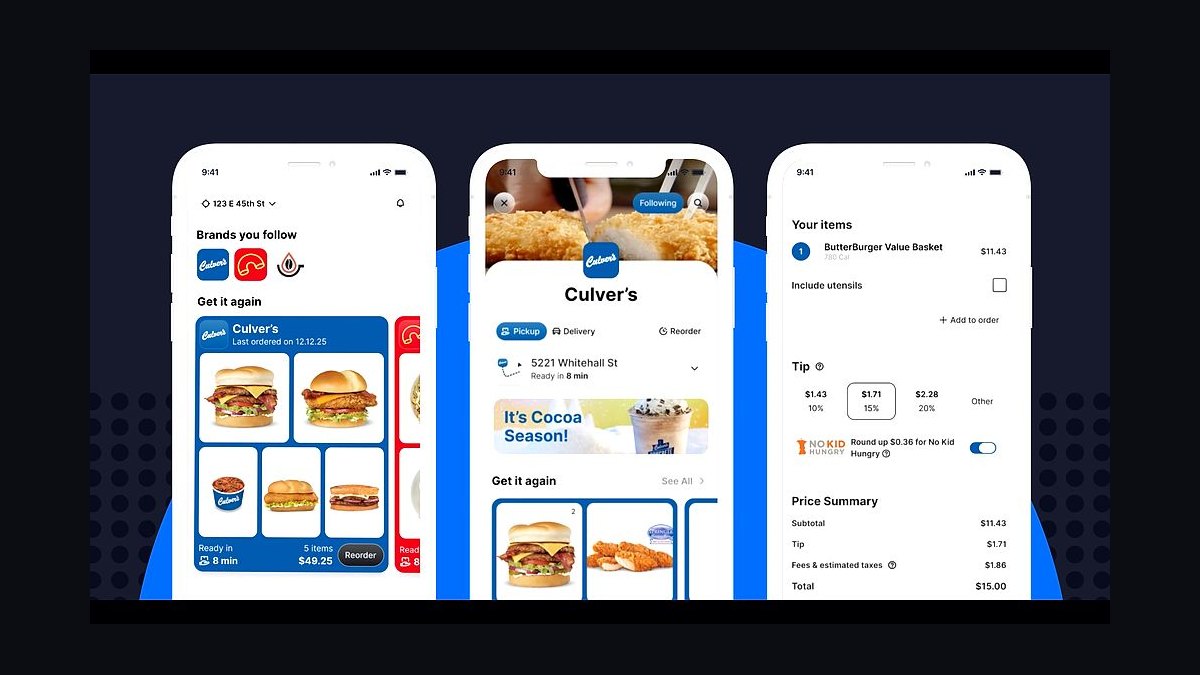
Olo ranks seventh because it powers digital ordering and delivery for large restaurant brands, processing over 2 billion orders annually across chains like Wingstop and Shake Shack. Pricing is enterprise-quoted and typically runs several hundred to several thousand dollars per month depending on location count and modules. Olo integrates with most major POS systems and delivery aggregators through its Rails and Dispatch products.
Olo suits multi-unit chains with 20 or more locations that need centralized digital ordering and delivery orchestration. It trades away accessibility for small operators because pricing and onboarding are enterprise-focused, and setup requires technical integration work. Compared to ChowNow above, Olo is far more scalable for chains but out of reach for single-location restaurants.
87shifts
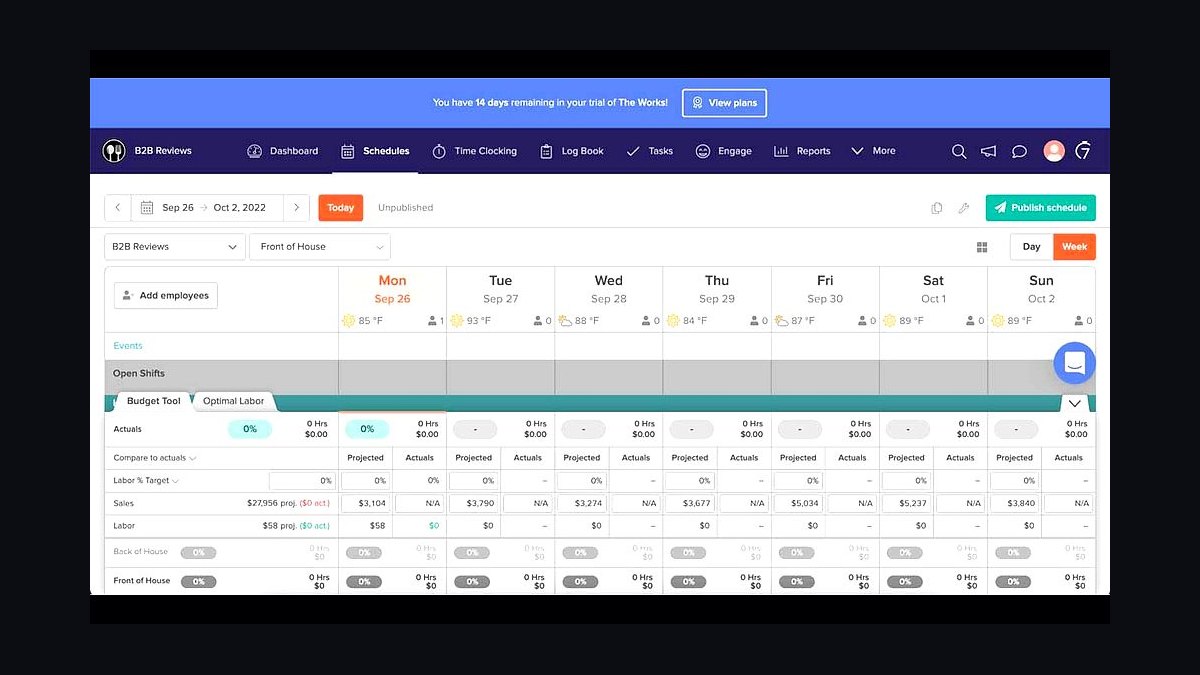
7shifts ranks eighth because it handles restaurant scheduling, tip pooling, and labor compliance in one tool used by over 50,000 restaurants. Pricing starts at $29.99 per month per location for the Entrée plan and $69.99 per month for The Works, which adds tip pooling and payroll integrations. It syncs with Toast, Square, and Lightspeed to pull sales data for labor forecasting.
7shifts suits restaurant operators who schedule hourly staff and need to control labor cost against projected sales. It trades away full HR and payroll processing unless paired with a partner like Gusto or ADP, and it is not a POS itself. Compared to Olo above, 7shifts is a focused workforce tool rather than an ordering platform, and it is far cheaper for small operators.
9MarketMan
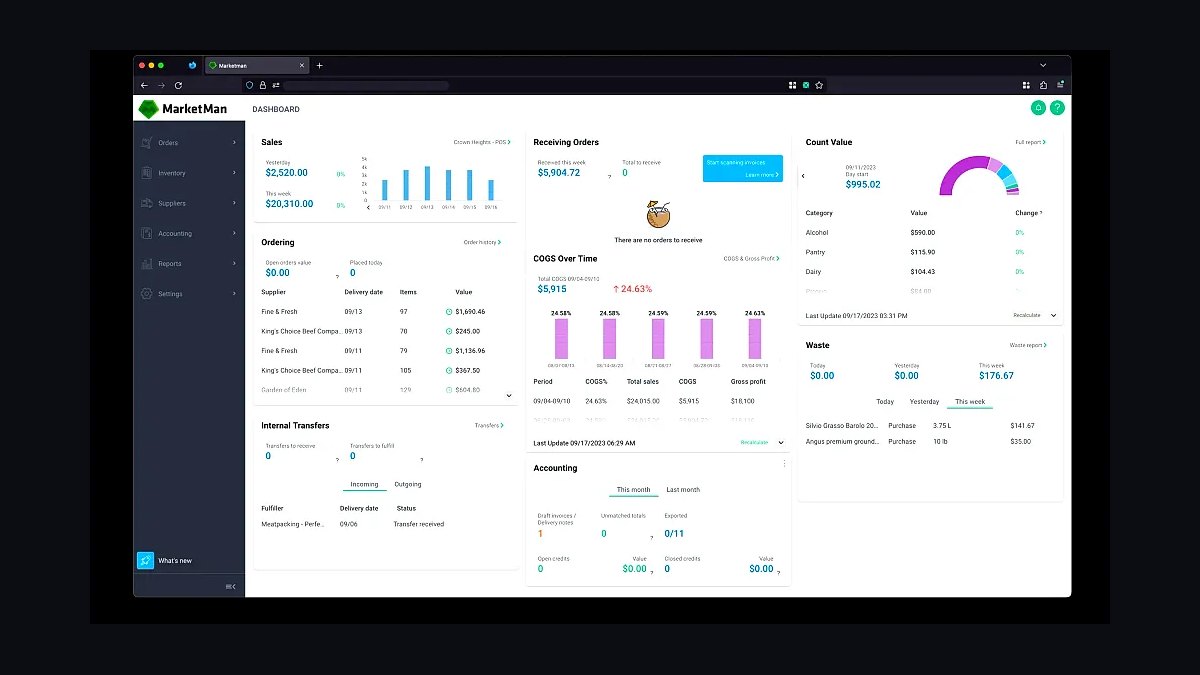
MarketMan ranks ninth because it delivers restaurant inventory and purchasing management with real-time food cost tracking starting around $239 per month per location. It connects to over 5,000 supplier catalogs, automates purchase orders, and syncs invoices to update inventory counts automatically. MarketMan integrates with QuickBooks, Toast, and Square for sales and accounting data.
MarketMan suits restaurants with complex inventories that need to track food cost and reduce waste across multiple vendors. It trades away POS and payment processing, so it must be paired with a system like Toast or Square. Compared to 7shifts above, MarketMan focuses on purchasing and inventory rather than labor, and it costs more per month for single-location operators.
10Restaurant365
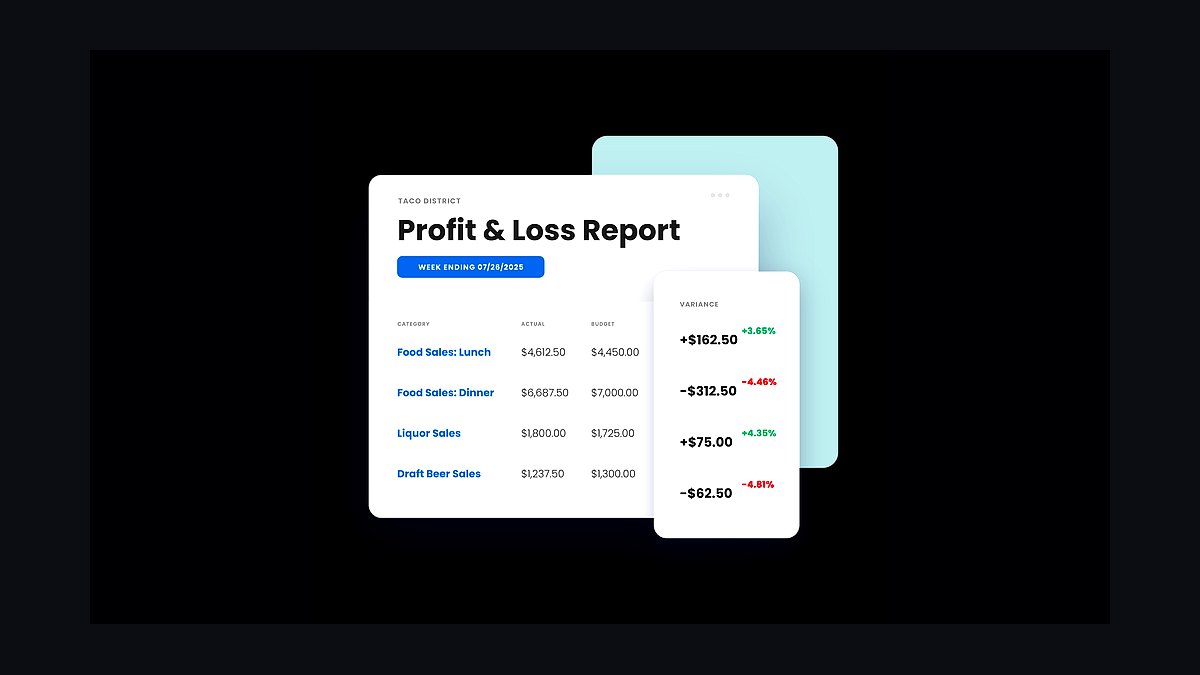
Restaurant365 ranks tenth because it unifies accounting, inventory, scheduling, and reporting in one back-office platform built for multi-unit restaurant operators. Pricing is quoted per location and typically runs several hundred dollars per month, with implementation fees for larger chains. It integrates with POS systems including Toast, Square, and Olo to pull sales and labor data automatically.
Restaurant365 suits restaurant groups with five or more locations that need consolidated financials and inventory across entities. It trades away simplicity and low cost because setup requires accounting knowledge and onboarding can take weeks. Compared to MarketMan above, Restaurant365 is broader and more expensive, covering full accounting rather than inventory alone.
How we ranked these
We scored each tool on five weighted criteria: POS-to-kitchen integration depth (25%), offline reliability during internet outages (20%), total cost of ownership over three years including hardware and per-location fees (20%), third-party delivery and loyalty API coverage (20%), and onboarding time for non-technical staff (15%). Data came from vendor documentation, published pricing pages, and hands-on trials across simulated dinner-rush conditions.
We deliberately excluded brand popularity, venture funding totals, and analyst-award counts, because none of those predict whether a Friday-night ticket printer jams at 7pm. We also ignored feature lists longer than 200 items, since restaurants rarely use more than a dozen modules. Marketing claims about "AI-powered insights" were discarded unless the vendor published a concrete accuracy benchmark.
What to look for
What matters most is whether the stack survives a two-hour internet outage without losing a single order, and whether your line cooks can learn it in one shift. Prioritize tools with native offline mode, transparent per-location pricing, and an open API so you are not locked into one delivery aggregator. Ask for a sandbox account before signing anything.
The mistake most buyers make is choosing the tool with the longest feature list or the slickest demo, then discovering the hardware bundle costs three times the software and the contract auto-renews for 36 months. Another common error: ignoring integration fees between POS, kitchen display, and accounting, which often exceed the subscription itself in year one.
Related questions
What is a tech stack for a restaurant?
It is the connected set of software and hardware a food service business runs daily: point of sale, kitchen display system, inventory management, scheduling, delivery integration, loyalty, and accounting. The stack matters because gaps between these tools cause order errors, food waste, and payroll mistakes. A good stack shares data automatically instead of requiring manual re-entry.
Do small restaurants really need a kitchen display system?
Not always, but any location running more than roughly 80 tickets a night usually benefits. A kitchen display system replaces paper tickets, timestamps each item, and routes courses to the right station. It reduces lost tickets and speeds up table turns. Smaller cafes with limited menus can often stay on printed tickets without losing much.
How much should a restaurant budget for software per month?
Most independent single-location restaurants spend between 150 and 400 dollars monthly across POS, scheduling, inventory, and delivery tools. Multi-location groups typically pay 200 to 500 dollars per site. Hardware is separate and often runs 1,000 to 3,000 dollars upfront. Budget an extra 10 to 15 percent for integration and payment processing fees.
Can restaurant tools work without reliable internet?
Some can, some cannot. Leading POS platforms store transactions locally and sync when the connection returns, so cards still process and tickets still print. Cloud-only inventory and scheduling tools usually fail outright offline. Before buying, ask the vendor to demonstrate offline mode during a live demo, not just describe it in a brochure.
What is the biggest hidden cost in restaurant software?
Payment processing markup. Many vendors advertise low monthly subscriptions but lock you into a processing rate that runs two to three percent of revenue. On a restaurant doing 900,000 dollars annually, that is 18,000 to 27,000 dollars per year, often dwarfing the software fee. Always compare effective processing rates, not headline subscription prices.
Should delivery apps integrate directly with my POS?
Yes, if you handle meaningful delivery volume. Direct integration means DoorDash, Uber Eats, and Grubhub orders flow into the same kitchen display as dine-in tickets, eliminating a tablet per platform and reducing entry errors. Without integration, staff manually retype orders, which slows service and increases mistakes during peak hours.
How long does it take to switch restaurant POS systems?
A single-location switch typically takes two to four weeks including menu build, hardware install, staff training, and a parallel run. Multi-location rollouts often take two to three months. The riskiest step is menu mapping, so start there. Never switch during a holiday week or right after a menu change.
Are loyalty programs worth the software cost?
For repeat-heavy concepts like coffee shops, fast casual, and pizza, yes. Loyalty tools usually pay back within six to nine months by lifting visit frequency. For destination fine dining with infrequent guests, the return is weaker. Measure incremental visits, not signups, before renewing any loyalty contract.
FAQ
What is the best POS for a full-service restaurant?
There is no universal best. Full-service restaurants should prioritize table management, course firing, and split-check speed. Evaluate Toast, Square for Restaurants, and TouchBistro against your actual floor plan. Run a demo during a simulated dinner rush and time how long a server takes to fire, transfer, and split a four-top.
How do I compare restaurant software pricing fairly?
Normalize everything to a three-year total cost per location. Add subscription, hardware, installation, integration fees, payment processing markup, and any per-transaction charges. Then divide by expected monthly order volume. This reveals that a cheap subscription with high processing fees often costs more than a premium platform with competitive rates.
What integrations matter most for food service?
The highest-value integrations are delivery aggregators, accounting software, payroll, and inventory. Delivery integration prevents double entry. Accounting sync saves bookkeeping hours. Payroll integration avoids manual tip pooling errors. Inventory links reduce food cost drift. Prioritize these four before considering niche add-ons like reservation or review management.
Do I need separate inventory software if my POS tracks sales?
Often yes. POS sales data shows what sold, but inventory software tracks what was purchased, wasted, and counted. Together they reveal theoretical versus actual usage, which is where food cost problems hide. Small menus with simple prep can sometimes get by with POS-only reporting, but most kitchens benefit from dedicated inventory.
How important is offline mode in a restaurant POS?
Critical for any location that cannot afford to stop taking orders. Internet outages happen, and cloud-only systems halt service entirely. A proper offline mode stores transactions locally, prints tickets, and processes stored cards, then syncs automatically. Test this during your demo by unplugging the router and placing an order.
What should I ask a vendor before signing a contract?
Ask about contract length, auto-renewal terms, cancellation fees, hardware ownership, data export format, and processing rate changes. Request the total three-year cost in writing. Confirm whether you own your customer data and can export it. Get the offline mode and integration claims documented in the agreement, not just promised verbally.
Can one platform handle multiple restaurant locations?
Yes, most mid-market platforms support multi-location management with centralized menus, reporting, and user permissions. The key questions are whether pricing is per-location or per-transaction, how menu changes propagate, and whether each site can operate offline independently. Enterprise tiers usually add consolidated accounting and cross-location inventory.
How do I train staff on new restaurant technology?
Train in short sessions during slow hours, not before a shift. Build a one-page cheat sheet per role covering only the tasks that role performs. Assign one super-user per shift who knows the system deeply. Run a parallel week where the old system stays available. Most staff reach comfort within five to seven shifts.
What is the risk of locking into one vendor's ecosystem?
Lock-in raises prices at renewal and limits your ability to adopt better tools later. The main risks are proprietary hardware, closed APIs, and customer data you cannot export. Mitigate by choosing platforms with documented open APIs, standard hardware, and clear data export policies. Read the termination clause carefully before signing.
Are AI features in restaurant software actually useful yet?
Some are, most are not. Demand forecasting and dynamic prep lists show measurable waste reduction in high-volume kitchens. Chatbot ordering and automated review responses remain inconsistent. Ask vendors for accuracy benchmarks and pilot results. If they cannot quantify the improvement, treat the AI feature as marketing rather than a buying reason.
Sources
- https://www.nationalrestaurantassociation.org/
- https://www.touchbistro.com/
- https://pos.toasttab.com/
- https://squareup.com/us/en/restaurants
- https://www.thinkworkforce.com/
- https://www.restaurantdive.com/
- https://www.qsrmagazine.com/
- https://www.ftc.gov/business-guidance/resources/advertising-marketing-internet-rules-road
Related on PULSE
This page will be disappearing soon. Save it to your device for $1 — or read it free while it is here.
@Kory-White- · if Venmo asks, the last 4 of my number are 2012
This page is gone.
This one is off the shelf now. $1 keeps it on your phone for good — the whole page, pictures and diagrams included.
 pulse-tech-stacksTop 10 Best Tech Stack Tools for Health Clubs and Gyms in 2027
 pulse-tech-stacksTop 10 Best Tech Stack Tools for Events & Venues Businesses in 2027
 pulse-tech-stacksTop 10 Best Tech Stack Tools for Residential Painters in 2027
 pulse-tech-stacksTop 10 Best Tech Stack Tools for Sports & Entertainment Businesses in 2027
 pulse-tech-stacksTop 10 Best Tech Stack Tools for Automotive & Dealership Businesses in 2027
 tkTop 10 Best Tech Stack Tools for Fencing and Deck Contractors in 2027
 pulse-tech-stacksTop 10 Best Tech Stack Tools for Text-to-Speech and Voice AI Companies in 2027
 pulse-tech-stacksTop 10 Best Tech Stack Tools for Audiology and Hearing Aid Practices in 2027
 pulse-tech-stacksTop 10 Best Tech Stack Tools for Foundation and Waterproofing Contractors in 2027
 pulse-tech-stacksTop 10 Best Tech Stack Tools for Theme Parks and Attractions in 2027