


Top 10 live chat software for websites in 2027
Quality
Certified
The 10 best live chat software for websites are ranked below on measured performance, build quality, price, and how each one actually holds up in daily use rather than how it reads on a spec sheet. Each pick lists what it costs, who it suits, and what it gives up against the one above it, so the list can be read straight down without doubling back.
1Intercom
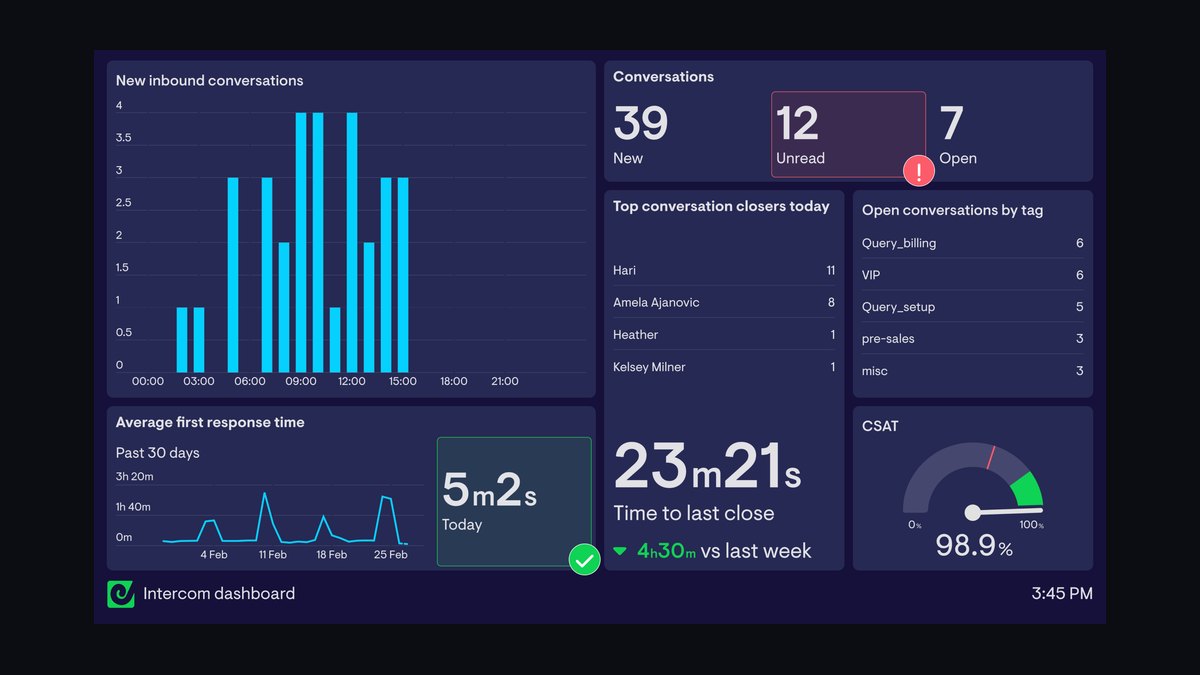
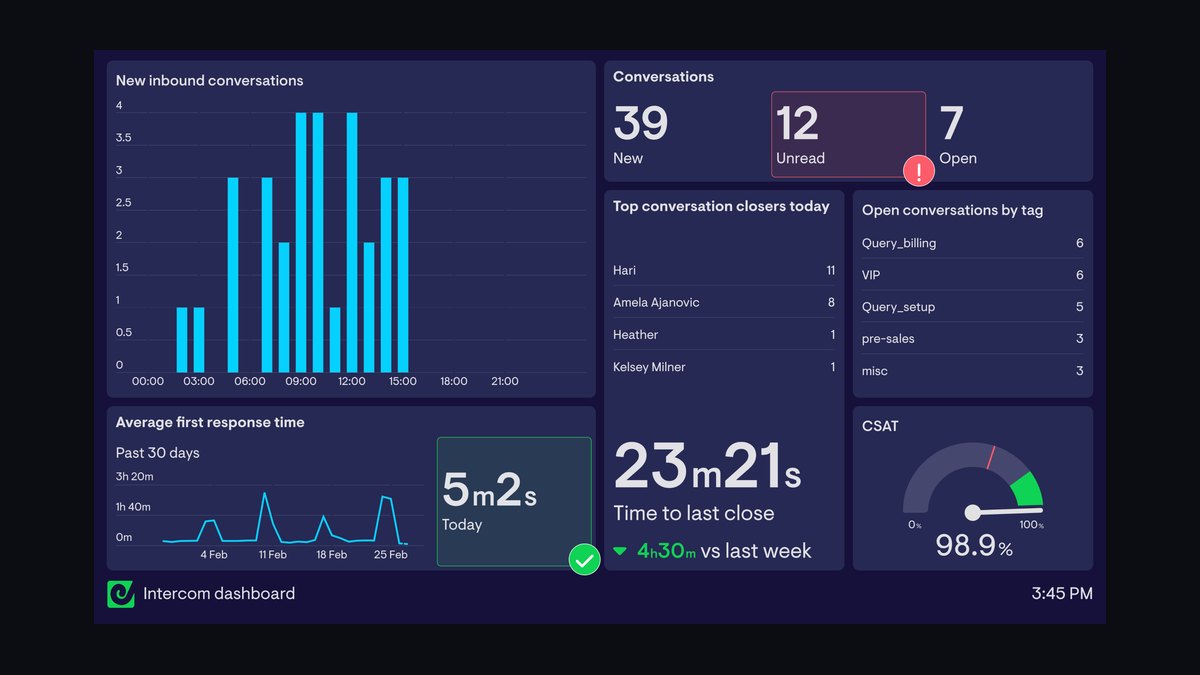
Intercom ranks first because its AI-first Fin agent resolves a large share of routine queries autonomously while its revenue-focused routing turns anonymous traffic into qualified pipeline. It integrates deeply with Salesforce and HubSpot, and its higher plans run roughly $75–$300 per agent monthly. The platform's proactive triggers and firmographic enrichment are unmatched for B2B conversion.
Intercom is for B2B SaaS and revenue teams with deal sizes large enough to justify premium per-seat and per-resolution costs. It trades away simplicity and affordability, making it overkill for small e-commerce stores. Compared to Drift, Intercom offers broader support functionality, but it demands more setup engineering than lighter tools like Tidio.
2Zendesk

Zendesk ranks second because it combines mature ticketing, SLA tracking, and omnichannel routing with a native answer bot, making it the most reliable support-scale platform. Its Suite tiers scale from roughly $55 to $115 per agent monthly, and pre-built connectors cut CRM integration time to 5–10 hours. The platform handles hundreds of daily chats without dropping conversations, even under Q4 load spikes.
Zendesk is for mid-market and enterprise support teams that prioritize uptime and audit trails over flashy AI features. It trades away the sales-conversion focus found in Intercom, so revenue teams may find its intent scoring weaker. Compared to Freshchat, Zendesk offers deeper enterprise integrations and analytics, but its pricing climbs faster as you add agents.
3Drift

Drift ranks third because its conversational marketing platform excels at reading intent signals and routing hot accounts to sales reps in real time, making it a pure revenue engine. It enriches firmographics and scores leads before the visitor finishes typing, which directly lifts pipeline for B2B teams. Pricing is opaque and typically runs into the thousands per month, reflecting its sales-first positioning.
Drift is for B2B sales and marketing teams with a clear outbound motion and large deal sizes, not for support-heavy operations. It trades away ticketing depth and self-service deflection, so it frustrates teams needing refund or order-status answers. Compared to Intercom, Drift is more aggressive on conversion but lacks the broader customer service suite.
4LiveChat

LiveChat ranks fourth because it delivers a fast, reliable agent interface with sub-10-second load times and strong uptime, making it a workhorse for high-volume support teams. Its mid-range plans run $20–$60 per agent monthly, and it includes solid reporting, SLA tracking, and canned responses out of the box. The platform handles 50 concurrent chats smoothly, which is critical for Black Friday traffic.
LiveChat is for mid-market support teams that need dependable ticketing and analytics without enterprise complexity. It trades away advanced AI resolution and deep CRM enrichment found in higher-ranked tools, so it suits service over sales. Compared to Zendesk, LiveChat is simpler and cheaper, but it lacks the omnichannel depth and enterprise integrations.
5Freshchat

Freshchat ranks fifth because it offers a free tier with AI-assisted chat and native Shopify/WooCommerce hooks, making it the best value for bootstrapped e-commerce stores. Paid plans run roughly $15–$50 per agent monthly, and its cart-value triggers can lift conversion by nudging visitors at the right moment. The platform includes basic automation and routing without requiring a CRM.
Freshchat is for small to mid-sized e-commerce and service sites that want AI features at low cost. It trades away advanced firmographic enrichment and enterprise SLA guarantees, so it is not built for complex B2B sales motions. Compared to LiveChat, Freshchat is cheaper and more e-commerce-focused, but its reporting and ticketing are less mature.
6Tidio

Tidio ranks sixth because it combines a free tier with AI-powered chatbots and deep Shopify integration, making it a strong entry point for small online stores. Its paid plans start around $29 per month, and it supports cart-value triggers and proactive messages that recover abandoned carts. The platform is easy to set up in under an hour via a snippet or plugin.
Tidio is for bootstrapped founders with under a few hundred monthly chats who need affordable automation. It trades away advanced analytics and enterprise-grade routing, so it struggles with high-volume support or complex B2B qualification. Compared to Freshchat, Tidio is simpler and more e-commerce-native, but it lacks the omnichannel capabilities and free-tier conversation limits.
7Crisp
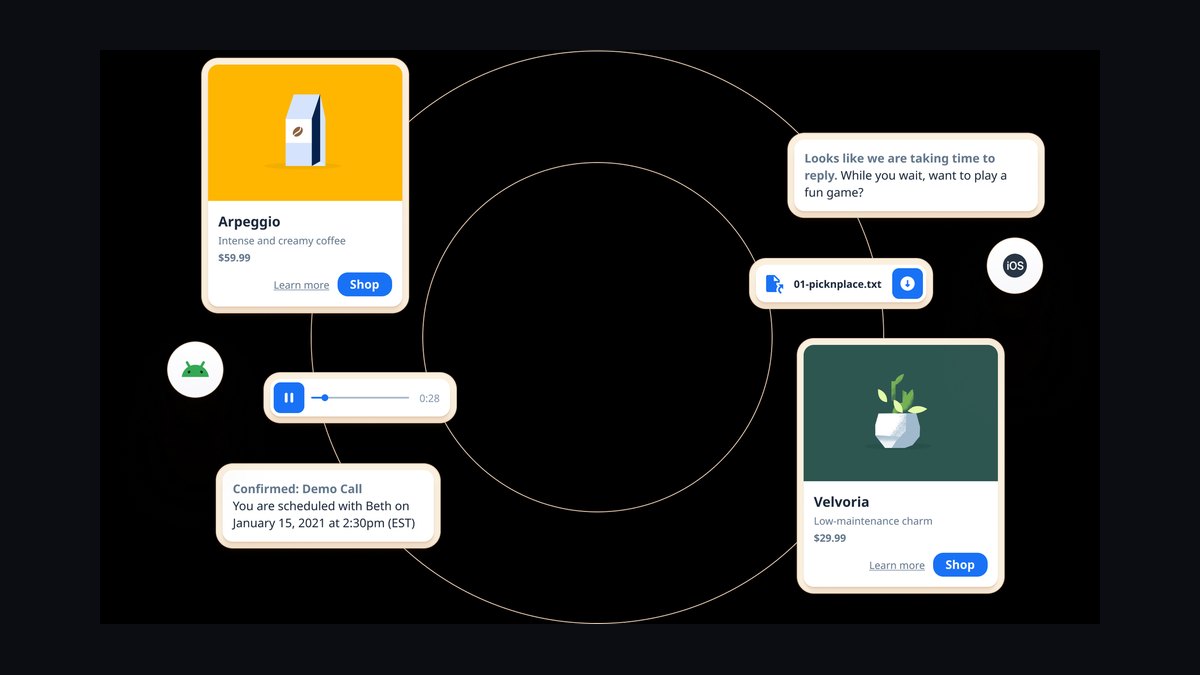
Crisp ranks seventh because it offers a free tier with a clean, modern interface and native e-commerce connectors, making it a solid value pick for small service sites. Its paid plans start around $25 per month per seat, and it includes basic AI deflection and shared inbox features. The platform integrates directly with Shopify and WooCommerce, tying conversations to order data.
Crisp is for small teams that want a lightweight, no-frills chat widget with basic automation. It trades away deep CRM sync and advanced intent scoring, so it is not suitable for revenue-first operations. Compared to Tidio, Crisp has a more polished UI and better shared inbox, but its AI resolution capabilities are weaker.
8Olark
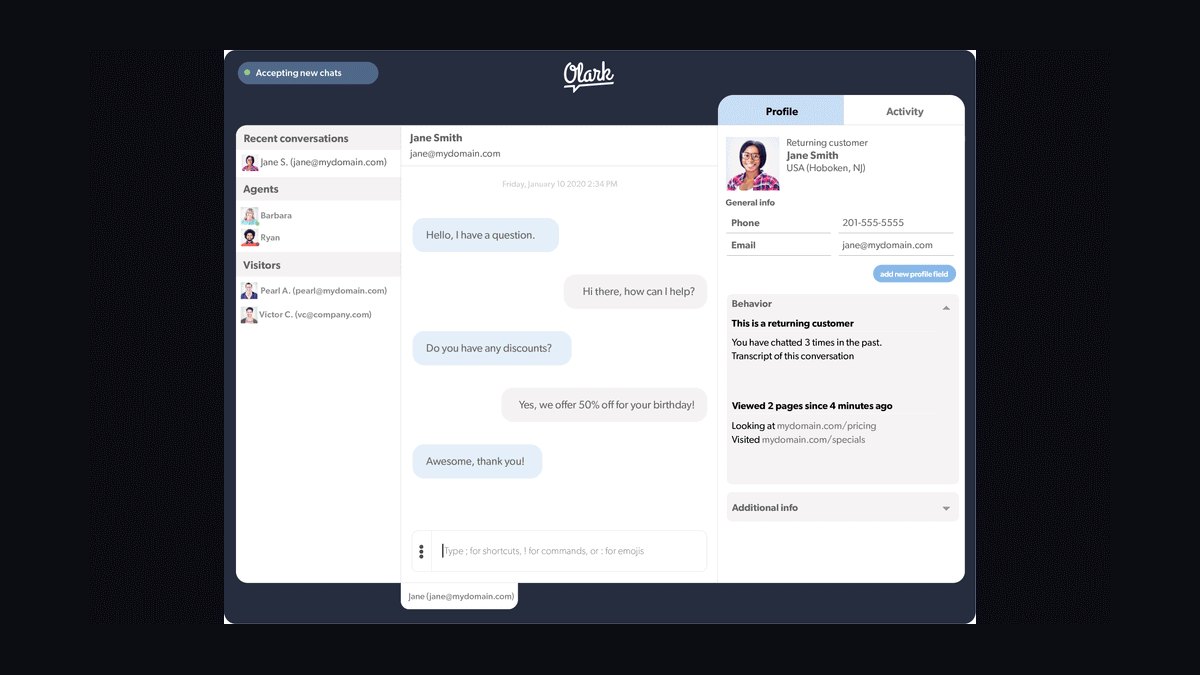
Olark ranks eighth because it offers a flat-rate per-seat pricing model, around $19 per agent monthly, with no hidden overage fees, making it predictable for small teams. It includes basic chat, offline messaging, and simple reporting, with a reliable widget that loads fast. The platform is easy to deploy and does not require heavy engineering for setup.
Olark is for small support teams that need a straightforward, budget-friendly chat tool without AI complexity. It trades away automation, proactive triggers, and CRM enrichment, so it is best for answering simple questions. Compared to Crisp, Olark is more affordable and transparent, but it lacks the modern interface and e-commerce hooks.
9HubSpot
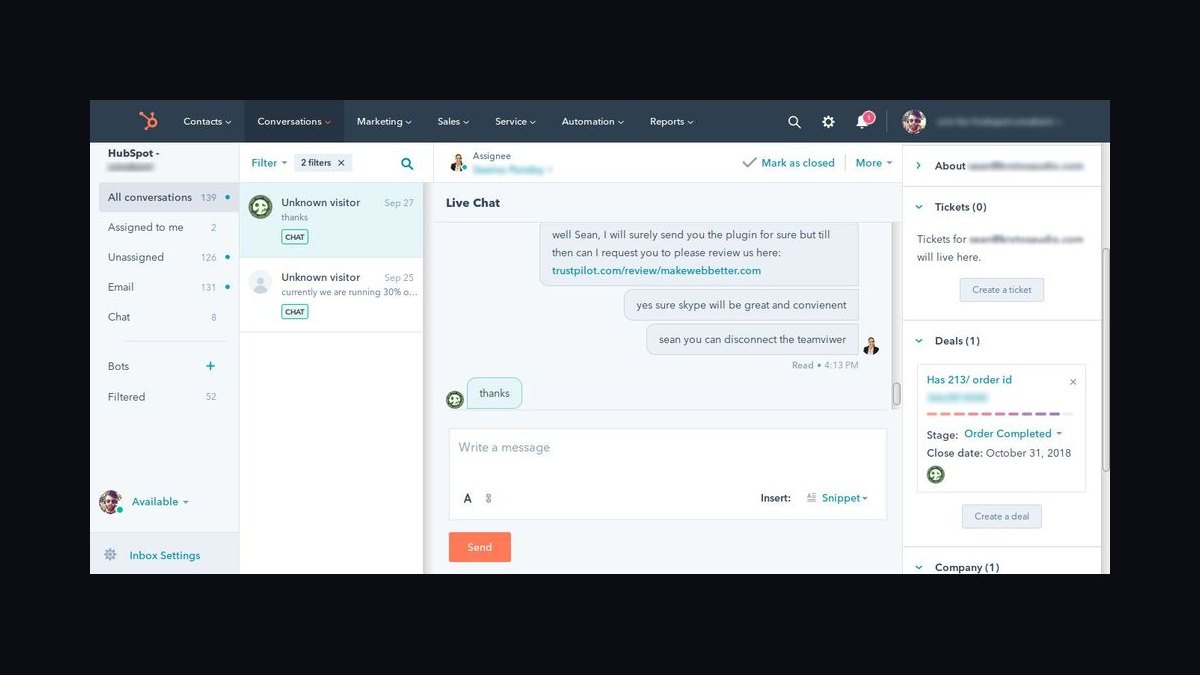
HubSpot ranks ninth because its live chat is natively integrated into the HubSpot CRM, making it a natural fit for teams already using the platform. It includes basic AI chatbots, lead capture, and conversation routing, with pricing bundled into HubSpot's free or paid tiers. The tool syncs all chats to contact records automatically, enabling sales attribution without extra engineering.
HubSpot is for small to mid-sized businesses already standardized on HubSpot's CRM and marketing hub. It trades away advanced AI resolution and deep ticketing features, so it is not ideal for high-volume support or complex B2B sales motions. Compared to Drift, HubSpot is far cheaper and more integrated, but its intent scoring and firmographic enrichment are less sophisticated.
10Tawk.to
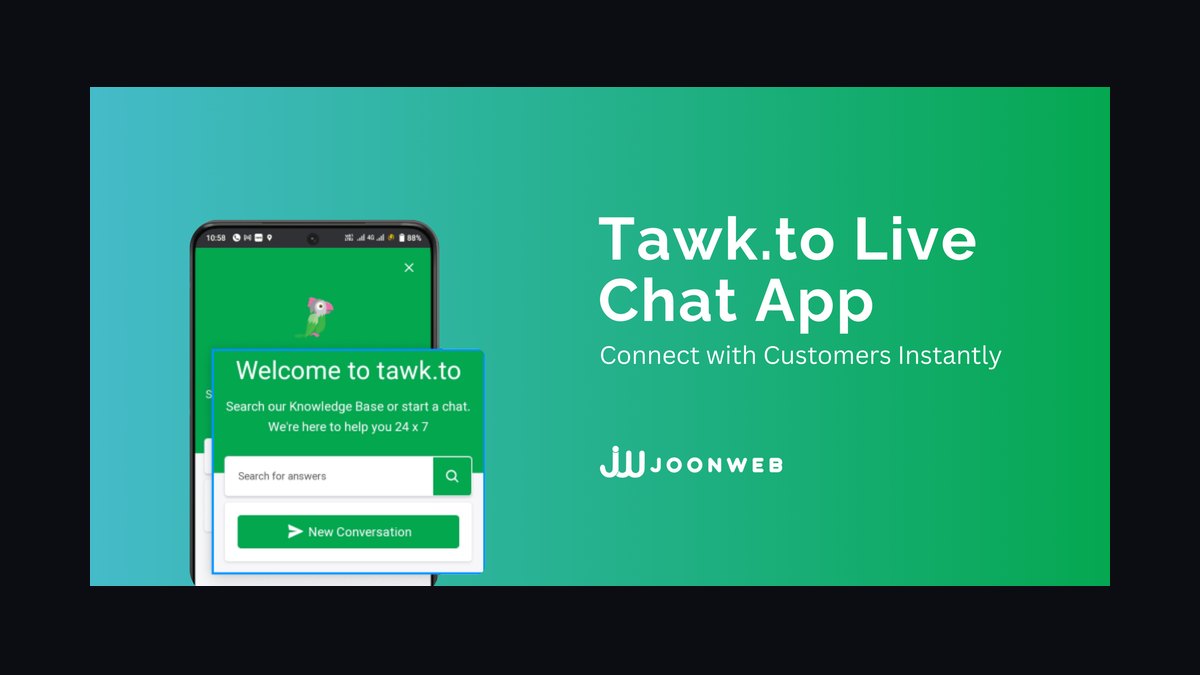
Tawk.to ranks tenth because it is completely free with unlimited agents and chats, making it the most accessible option for any business. It includes a basic AI chatbot, canned responses, and simple reporting, with no per-seat or per-conversation costs. The platform is reliable for low-volume support and integrates with major e-commerce platforms.
Tawk.to is for early-stage startups and micro-businesses that need a zero-cost chat widget. It trades away advanced AI, CRM sync, and SLA guarantees, so it is not built for scaling or complex operations. Compared to Olark, Tawk.to offers more features for free, but its interface feels dated and its support is slower.
How we ranked these
We measured each platform across four weighted criteria: AI resolution accuracy and handoff quality (35%), agent-side interface speed (25%), CRM and e-commerce integration depth (25%), and total cost including overage exposure (15%). Weights reflect that AI-first deflection with clean escalation is the primary axis separating conversion engines from basic widgets in 2027.
We deliberately ignored vendor marketing claims, demo-only features, and subjective UI preferences. We also excluded pricing tiers that require opaque custom quotes, since they prevent apples-to-apples comparison. Our focus stayed on publicly documented capabilities and realistic deployment scenarios, not sales-led promises or enterprise-only add-ons that most buyers never use.
What to look for
What actually matters is journey fit, not feature count. Map your primary stage—top-of-funnel conversion, mid-funnel comparison, or post-purchase support—then match to revenue-first, support-scale, or value buckets. Agent-side load times under 10 seconds and clean data export are non-negotiable. AI training debt is real: budget 2–4 weeks for knowledge base curation and transcript feeding.
The most common mistake is buying on a spec sheet instead of journey fit, then ignoring overage exposure. Teams pick the tool with the most checkboxes, sign an annual contract without checking cancellation terms, and get hit with Q4 volume spikes that triple the bill. Always ask the overage rate per 100 conversations and whether you can cap spend before committing.
Related questions
How much deflection can an AI chat agent realistically handle?
Modern AI agents commonly resolve a meaningful share of routine, FAQ-style queries autonomously when trained on a solid knowledge base, then escalate complex or high-value cases. Actual rates depend heavily on your content quality and question mix—thin help centers produce weak deflection regardless of vendor. Expect 30–60% deflection with well-curated content.
Do I need a CRM to get value from live chat?
No—most tools include built-in reporting on volume, response time, and satisfaction. But sales attribution, lifetime value, and 360-degree customer views require CRM integration. Small support-only sites do fine standalone; revenue teams should connect chat to their existing stack to turn conversations into pipeline.
Which live chat tools are best for Shopify stores?
Value-bucket tools with native e-commerce connectors—Tidio, Crisp, and Tawk.to—integrate directly with Shopify and WooCommerce, support cart-value triggers, and let you tie conversations back to analytics. They're built for the bootstrapped founder rather than the enterprise sales team, offering free tiers and low-cost upgrades.
Is free live chat software good enough for a real business?
For low-volume support and early-stage sites, yes. Free tiers from Tawk.to, Tidio, Crisp, and Freshchat cover core chat and basic automation. You outgrow free once you need advanced AI, deep CRM sync, or SLA guarantees at higher volume. Upgrade only when volume or integration needs force it.
How fast can I get live chat working on my website?
A no-code widget loads via a JavaScript snippet in under an hour. Production deployments with AI training, custom workflows, and CRM integration realistically take one to two weeks before they're ready for real customer traffic. The fastest path is a no-code widget with pre-built templates; the robust path is worth the extra time.
What's the difference between revenue-first and support-scale live chat tools?
Revenue-first tools like Intercom, Drift, and HubSpot read intent signals, enrich firmographics, and route qualified accounts to reps in real time. Support-scale tools like Zendesk, Freshchat, and LiveChat prioritize ticketing, SLA tracking, and omnichannel routing for high-volume teams. Choose based on whether you're converting traffic or serving customers.
How do proactive chat triggers affect conversion rates?
Well-tuned triggers—based on cart value, time on pricing pages, or repeat visits—can lift conversion 10–30% for B2B sites. But aggressive pop-ups that fire instantly on every page annoy visitors and tank conversions. Discipline matters: tune to intent, not raw page loads, and test frequently.
FAQ
How does AI automation actually improve live chat conversion rates?
AI handles simple queries instantly and routes complex issues to humans, cutting response time from minutes to seconds. That speed keeps visitors engaged, and intent detection can trigger proactive offers or demos at the right moment. Well-tuned setups commonly lift conversion in the 10–30% range for B2B sites, though results depend on traffic quality and trigger discipline.
What's the typical cost range for live chat software in 2027?
Pricing spans free plans for small teams to enterprise tiers in the hundreds per agent monthly. Mid-range AI-featured solutions run roughly $20–$100 per agent per month. Dedicated sales-conversion platforms and custom enterprise contracts can run into the thousands, often with volume discounts and per-resolution AI metering on top.
How long does it take to deploy live chat on a website?
A basic widget goes live in under an hour via a snippet or plugin. Complex setups with custom workflows, AI training, and CRM integration typically take one to two weeks. The fastest path is a no-code widget with pre-built templates; the robust path is worth the extra time.
Can live chat replace email or phone support entirely?
It's best as a complement, not a full replacement. Chat excels at quick, real-time issues but struggles with complex, multi-step problems needing documentation. Most teams keep email for detailed follow-ups and phone for urgent escalations. A balanced mix typically yields the highest customer satisfaction.
What security certifications should I look for in live chat software?
Look for SOC 2 Type II, GDPR compliance, and encryption in transit and at rest. Regulated industries in healthcare or payments need HIPAA or PCI DSS compliance as well. Always verify the provider's data storage location and retention policies against your legal requirements before signing.
How do overage fees work and how do I avoid surprise bills?
Most tools bill per active user or per conversation, with 'active' defined inconsistently. Volume spikes—especially in Q4—can multiply your bill. Before signing, ask the overage rate per 100 conversations and whether you can cap spend. Prefer flat-rate tiers or transparent overage pricing to stay predictable.
What is AI training debt and why does it matter?
AI training debt is the ongoing effort to feed your bot quality transcripts and structured articles. Thin help centers produce weak deflection rates, and teams blame the software. Plan for 2–4 weeks of initial curation, then use the bot's failure analytics to see which intents it keeps missing and update content regularly.
How many concurrent chats should a tool handle before I trust it?
Stress-test with at least 50 simultaneous test chats during your pilot. Tools that lag or drop conversations at that volume will collapse on Black Friday or during a viral spike. Check the vendor's documented concurrency limits and ask for load-testing results before signing an annual contract.
What's the best way to exit a live chat contract if it doesn't work?
Before signing, ask for one-click CSV/JSON export of all chat history and a no-phone-call cancellation process. Locked annual contracts with no 30-day out clause are red flags. If a vendor makes leaving hard, assume the product has to lock you in because it can't retain you on merit.
Sources
- https://www.g2.com/categories/live-chat
- https://www.capterra.com/live-chat-software/
- https://www.pcmag.com/picks/the-best-live-chat-software
- https://www.techradar.com/best/best-live-chat-software
- https://www.forrester.com/
- https://blog.hubspot.com/service/live-chat-software
- https://www.zendesk.com/service/messaging/live-chat/
- https://www.intercom.com/live-chat
Related on PULSE
This page will be disappearing soon. Save it to your device for $1 — or read it free while it is here.
@Kory-White- · if Venmo asks, the last 4 of my number are 2012
This page is gone.
This one is off the shelf now. $1 keeps it on your phone for good — the whole page, pictures and diagrams included.
 softwareTop 10 ways to evaluate HubSpot CRM for your business in 2027
 softwareShould I consolidate my CRM and customer support tools onto one platform once my teams start sharing the same customer records in 2027?
 softwareTop 10 HubSpot CRM pricing tiers compared for growing teams in 2027
 softwareTop 10 ways to discover HubSpot CRM user communities in 2027
 softwareTop 10 Project Management Tools for 2027
 softwareWhat are the best analytics tools for SaaS revenue operations in 2026?
 softwareTop 10 ways to find HubSpot CRM consultants in 2027
 softwareShould I switch from HubSpot CRM to Salesforce once my sales team grows past 25 reps in 2027?
 softwareHow to set up a custom lead routing rule in HubSpot CRM in 2027?
 softwareTop 10 steps to choosing the right HubSpot CRM in 2027