


What is the best RevOps software for aligning sales, marketing, and CS in 2026?
Quality
Certified

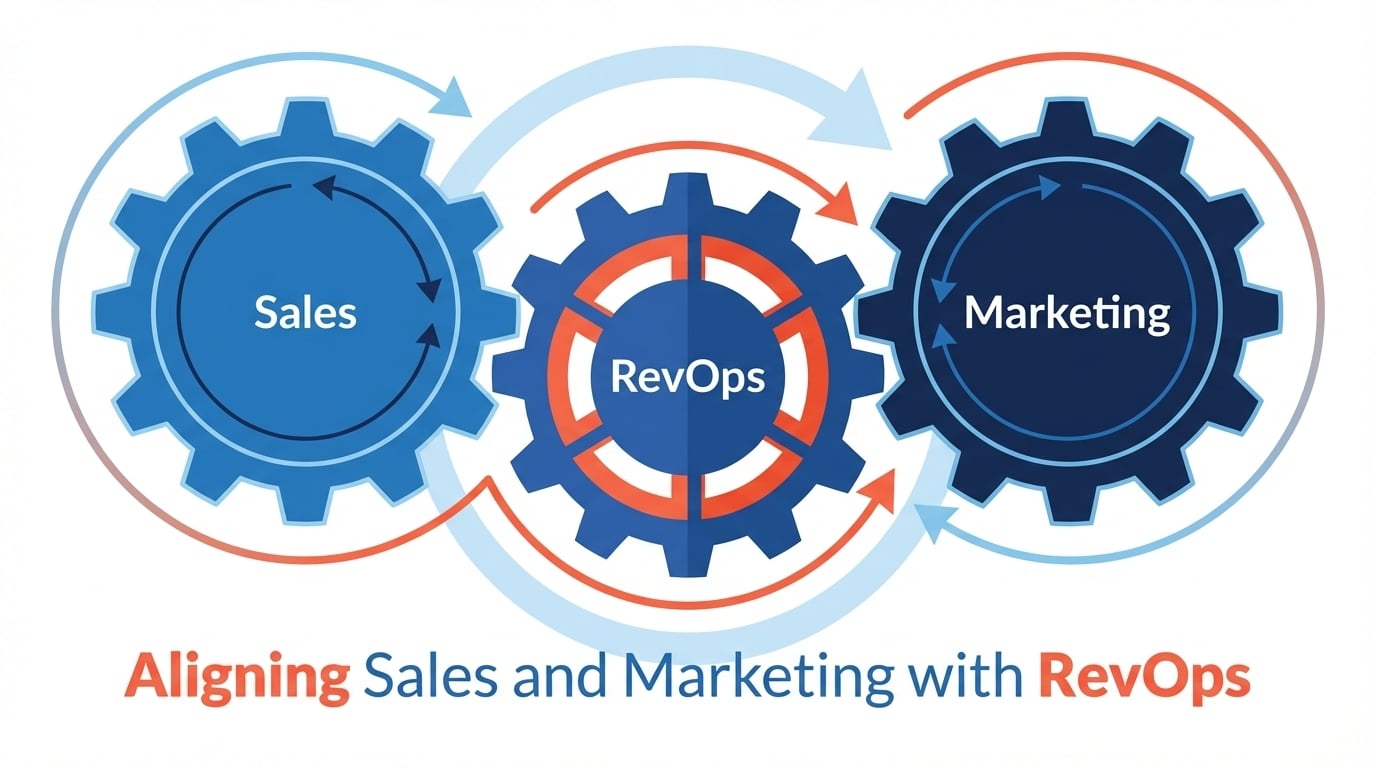
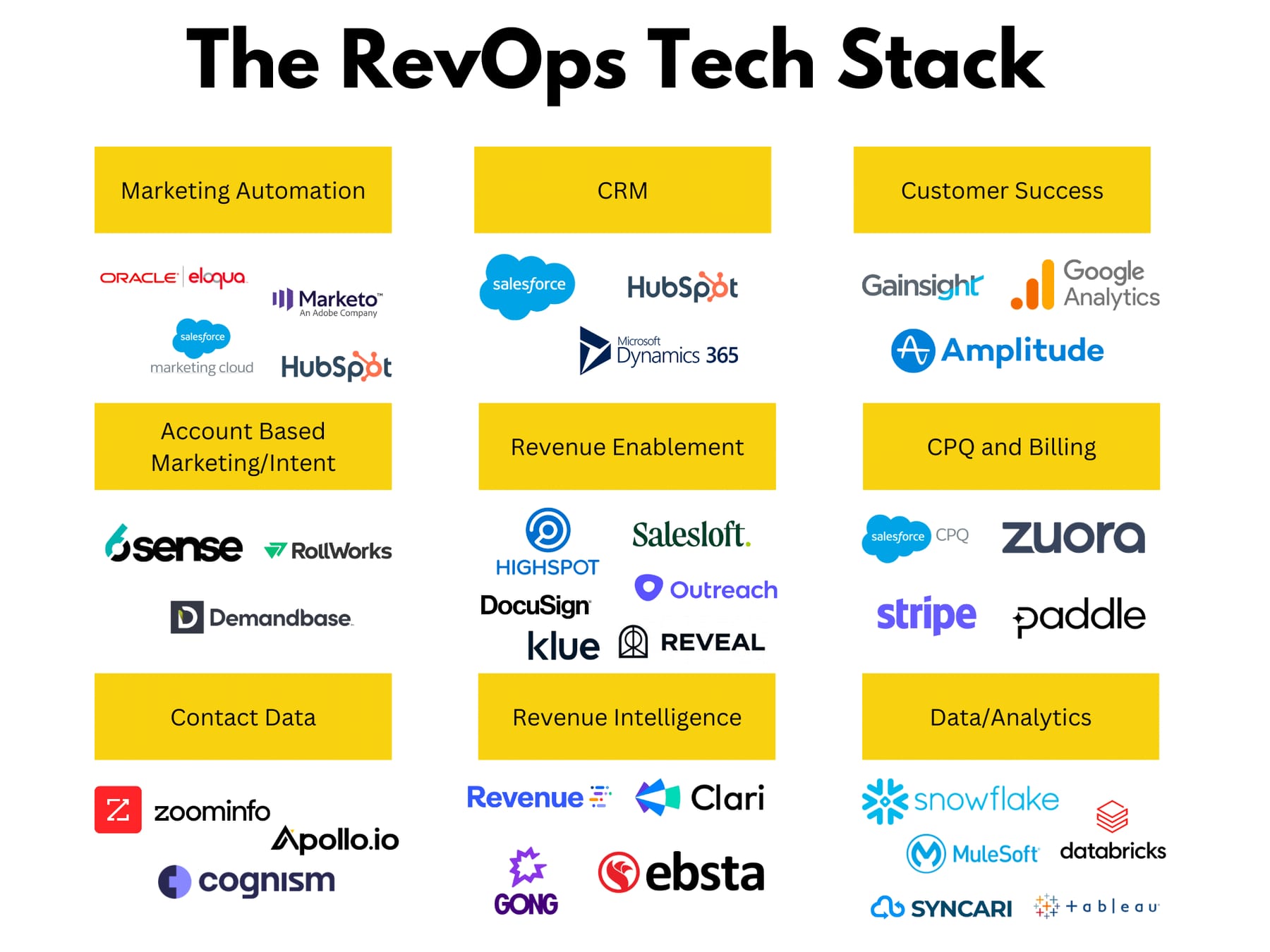
There is no single best RevOps software for aligning sales, marketing, and CS. The strongest setups pair one CRM as system of record — commonly Salesforce for complex enterprises or HubSpot for mid-market — with a revenue intelligence layer and a workflow automation layer that moves records between teams without manual exports.
The outcome you should expect
Be precise about what a tool purchase can and cannot deliver, because that gap is where most RevOps budgets die. A well-chosen stack changes three measurable things: how fast a record moves between teams, how much of that movement happens without a human retyping data, and whether all three teams read the same number when they open a dashboard. It does not change whether marketing and sales agree on what a qualified lead is. That agreement is a definition problem you settle in a meeting, and software only enforces it after you have written it down.
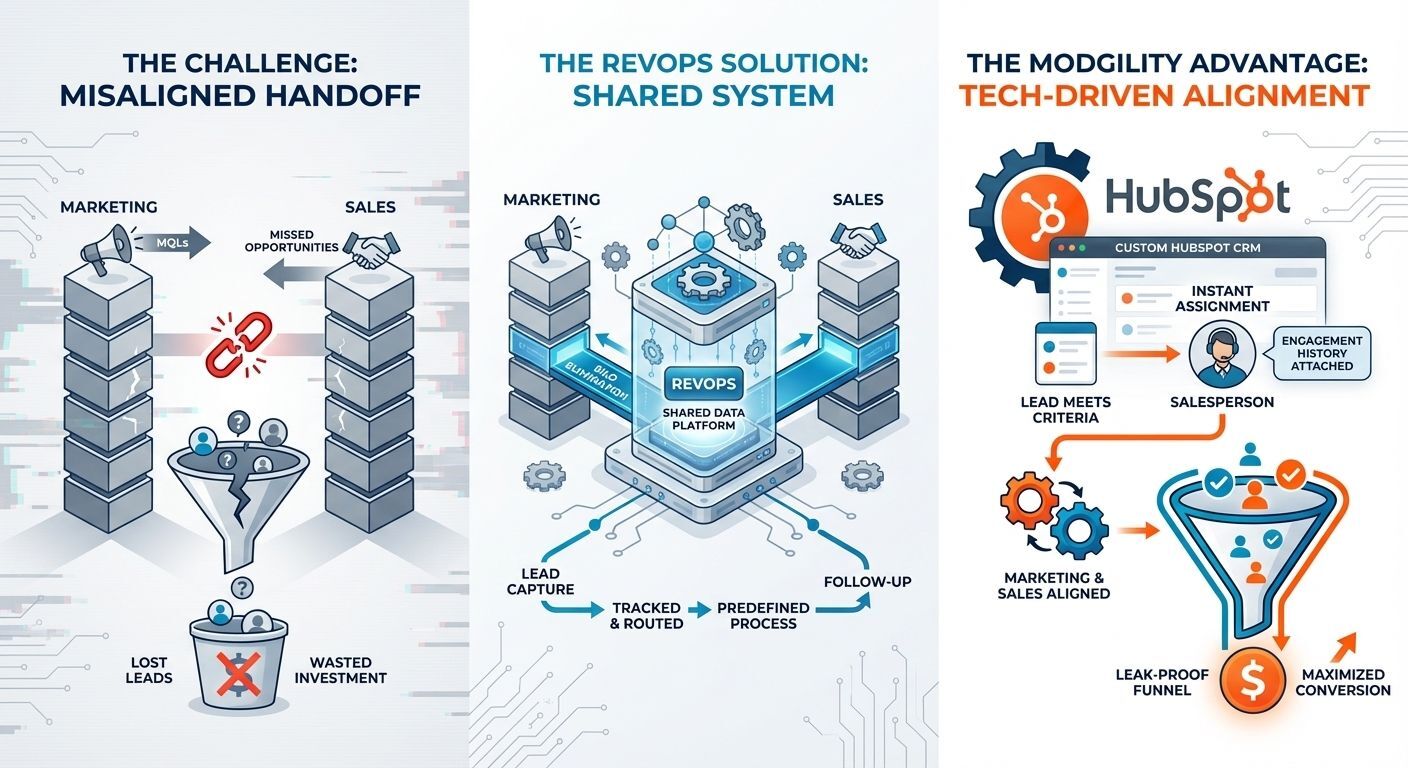
The concrete outcome to expect from a correctly implemented CRM plus automation layer is the elimination of manual handoff steps. A lead that arrives via a marketing form should become a routed, owned, timestamped record in the CRM without anyone exporting a CSV. A closed-won opportunity should create the onboarding task in the CS tool, with the deal's promised scope attached, without a sales rep pasting notes into Slack. Those two handoffs alone typically remove the largest single source of "marketing said they sent it, sales says they never got it" disputes, because both sides can now point at the same record with the same timestamp.
The second outcome is shared visibility, and it is narrower than vendors imply. Shared visibility means a CS manager can open an account and see the marketing campaigns that touched it, the sales activity that closed it, and the support tickets filed since. That is achievable in a single-platform setup natively, and in a multi-vendor setup only if the account ID is consistent across systems. If your CRM account records and your support tool's organization records are not joined on a stable key, no amount of dashboarding will produce shared visibility — you will produce two dashboards that disagree.
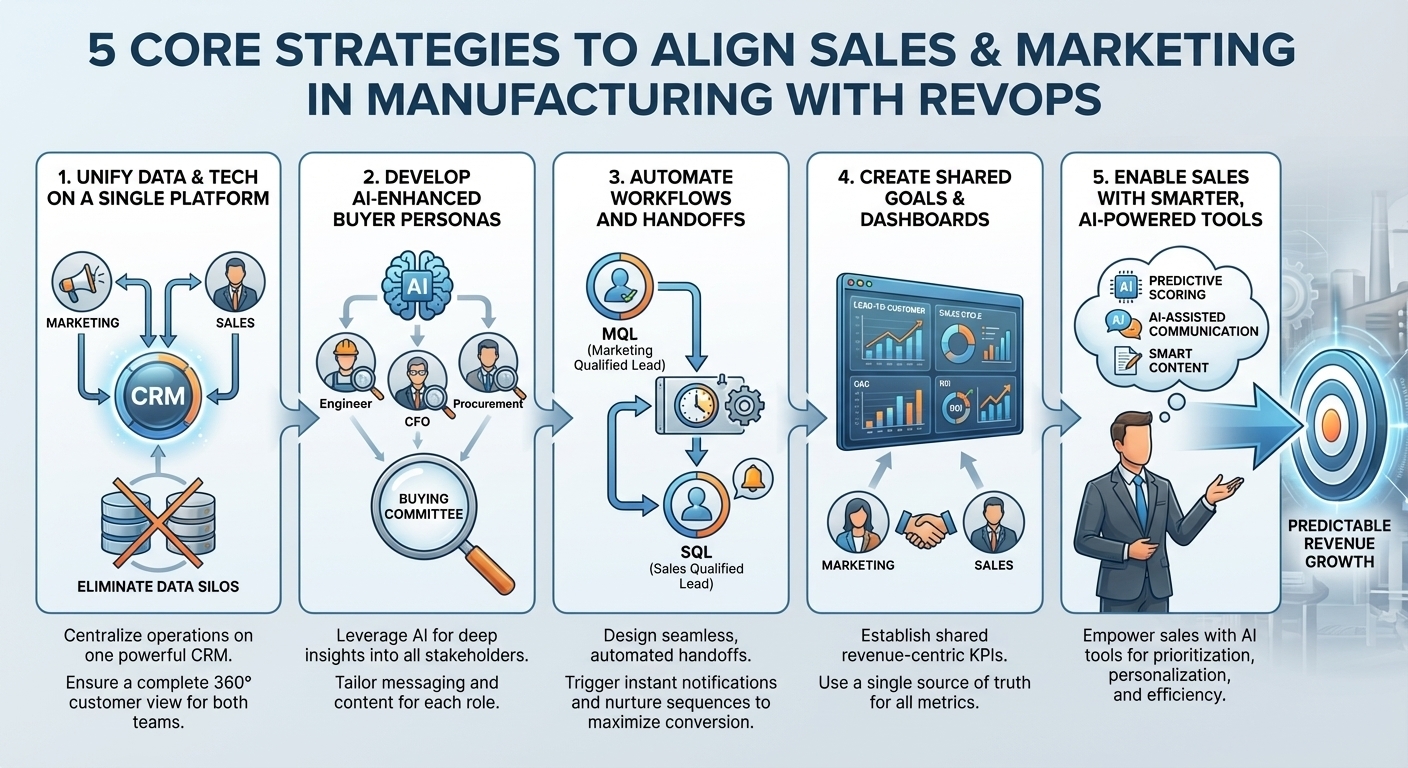
The third outcome is forecast credibility, which is the one most likely to disappoint. Revenue intelligence tools can improve a forecast by surfacing deals with no recent buyer engagement, no multi-threading, or a close date that has slipped repeatedly. What they cannot do is fix a pipeline where reps set close dates by quarter-end convention rather than by buyer evidence. Expect these tools to make bad forecasting visible before they make forecasting good. That visibility is worth paying for, but budget the several months of process correction that follows it.
What you should not expect is a reduction in headcount or in cross-functional meetings. The teams with the healthiest alignment I have seen run a standing weekly cross-functional review where the three functions look at the same pipeline and health data together. The software makes that meeting short and factual instead of long and argumentative. Remove the meeting and the tooling degrades into three groups building private reports again.
What drives that outcome
Four things drive whether an alignment stack works, and only one of them is the vendor you pick.

A single system of record with an enforced schema. Pick one CRM and make it authoritative for accounts, contacts, and opportunities. Every other tool reads from it or writes to it, and none of them owns a competing version of the account. The failure mode here is running two CRMs simultaneously — a common outcome when marketing buys one platform and a sales-led team keeps another. Each becomes half-authoritative, and reconciling them becomes a permanent staffing cost.
A shared data dictionary. Before you configure anything, write down the definition of every metric that crosses a team boundary: qualified lead, sales-accepted lead, active opportunity, churn risk, onboarding complete. Assign one owner per definition, usually inside RevOps. When five teams each define churn risk differently, the CRM stops being alignment infrastructure and becomes a source of confusion. This document costs a day to write and saves quarters of argument.
Automated handoffs at the boundaries, not everywhere. Automate the three transitions where records cross a team line, and leave the rest manual until you have watched the automated ones behave. Teams that build fifty workflows in their first quarter spend the following three quarters untangling duplicate records, conflicting owner assignments, and sequences firing on closed-lost deals.
Data hygiene ahead of any AI or scoring layer. Scoring, forecasting, and health-prediction features all consume CRM data. Duplicate accounts, blank industry fields, and orphaned contacts produce confidently wrong outputs. Dedupe and normalize before you switch on anything predictive, and re-audit quarterly.
Read that loop in one direction only: everything returns to the CRM. The moment a leg of it terminates somewhere else — a health score that lives only in the CS tool, a campaign attribution that lives only in the marketing platform — you have created a silo that will be discovered later during a quarterly review, usually in the form of two conflicting numbers.
Benchmarks and realistic ranges
Treat published pricing as a starting point and expect the real number to land higher once you add seats, sandboxes, integration platform tasks, and implementation help.
Per-seat CRM cost. Mainstream sales-CRM tiers with the automation and reporting depth a RevOps team actually needs generally sit in the mid-double-digits to low-hundreds of dollars per user per month, billed annually. The cheap entry tiers are usually excluded from consideration because they lack custom objects, sandbox environments, or API limits sufficient for integration work. Confirm current list pricing directly on the vendor's pricing page before you build a model — these tiers get renamed and repackaged frequently.
Which seats you actually pay for. A frequent budgeting error is buying full CRM seats for every CS and marketing user. Most platforms offer lower-cost read or light-use licenses. Map your user population by what they need to do — create and edit opportunities, or only view accounts and log activity — before you count seats. On a hundred-person go-to-market org this distinction routinely moves the annual number by a large fraction.
Marketing automation is priced on contacts, not users. Budget it separately and model growth, because a contact-tier jump can move your bill more than adding sales seats. Audit and suppress non-marketable contacts before renewal; paying for unengaged records is one of the most common avoidable line items in the stack.

Revenue intelligence. Conversation-intelligence and forecasting tools are typically per-seat on the reps and managers whose calls or deals are analyzed. These sit at a premium relative to basic CRM seats and are rarely worth deploying to the entire company — instrument the sales team and the managers who coach, not every marketing and CS user.
Integration platform cost. Enterprise iPaaS tools are usually priced on task or operation volume rather than seats. The trap is that a chatty sync — one that fires on every field update rather than on meaningful state changes — can multiply task consumption without adding value. Design syncs to fire on state transitions and monitor consumption monthly for the first quarter.
Implementation and timeline. For a mid-market team replacing an existing CRM, plan on a multi-month project, not a multi-week one. Data migration, field mapping, report rebuilding, permission modeling, and retraining are each substantial. I have watched organizations spend the better part of half a year on a platform migration and only then discover the new tool lacked an integration their finance team depended on. That discovery belongs in the evaluation, not the migration.
A three-point evaluation test worth running before any demo. First, a data flow audit: map how one lead moves from form to sales sequence to CS health check, and mark every step requiring a manual export. If a CSV appears anywhere in that path, the tool is adding friction, not removing it. Second, a cross-team visibility check: have each department head log in and find a specific fact about a shared account inside thirty seconds. If marketing cannot see sales activity or CS cannot see the tickets tied to a deal, the tool is siloed regardless of what the deck claims. Third, a change-management estimate: migration hours, retraining hours, and reports to rebuild, stated as a number. Ask for reference customers in your industry and at your size who will speak to all three. A vendor who cannot produce one is telling you something.
Risks, edge cases, and failure modes
Over-automation without governance. The dominant failure. Symptoms appear roughly one to two quarters after go-live: duplicate records from two workflows both creating on the same trigger, ownership thrash from overlapping assignment rules, and outbound sequences firing on deals that already closed lost. Mitigation is procedural, not technical — cap the number of active automations during the first ninety days, require every new workflow to name its owner and its trigger condition in a shared register, and review that register monthly.
Tool proliferation without a data dictionary. Each additional tool adds a place where a metric can be defined differently. Set the rule that any new tool introducing a shared metric must map that metric to the existing definition before it goes live.
Running two CRMs. Usually the result of marketing adopting a full platform while sales keeps a separate system, or of an acquisition. Both become half-authoritative. If you genuinely cannot consolidate, designate one as authoritative for accounts and opportunities and demote the other to a marketing execution tool that writes to but does not own account records.
Predictive features on dirty data. Lead scoring, churn prediction, and forecast probability all read your CRM. On a database with duplicate accounts and sparse firmographics, they produce outputs that look authoritative and are not. Worse, teams stop trusting the tool after the first few obviously wrong calls, and the license becomes shelfware. Run a dedupe and field-completeness pass first, and re-audit quarterly.
Ignoring CS in the design. Many stacks are built by marketing and sales and bolt CS on afterward. For any product-led or renewal-heavy business this is the expensive mistake, because expansion and churn signals live in product usage and support history — data the sales-and-marketing-only stack never sees. Bring the CS system into the architecture at design time, joined on the same account key.
Conversation recording and data protection. Call-recording tools carry consent obligations that vary by jurisdiction, and two-party-consent regions require explicit disclosure. Loop in legal before deployment, configure region-specific consent behavior, and confirm your data processing agreements and retention settings before the first recorded call. Treat this as a gating requirement, not a post-launch cleanup.
Vendor consolidation risk. The category consolidates steadily, and the best-of-breed tool you buy this year may be acquired and repositioned. Reduce exposure by preferring tools with documented, stable APIs and by keeping your authoritative data in the CRM rather than in the point solution, so a replacement is a re-integration rather than a migration.
Attribution disputes as a tooling problem. They are not. If marketing and sales disagree about which touch created a deal, no attribution model settles it — you settle it by agreeing in advance on the model and then not relitigating it quarterly. Pick first-touch, last-touch, or a defined multi-touch model, write it in the data dictionary, and hold it for at least a year so trends stay comparable.
A practical rollout plan
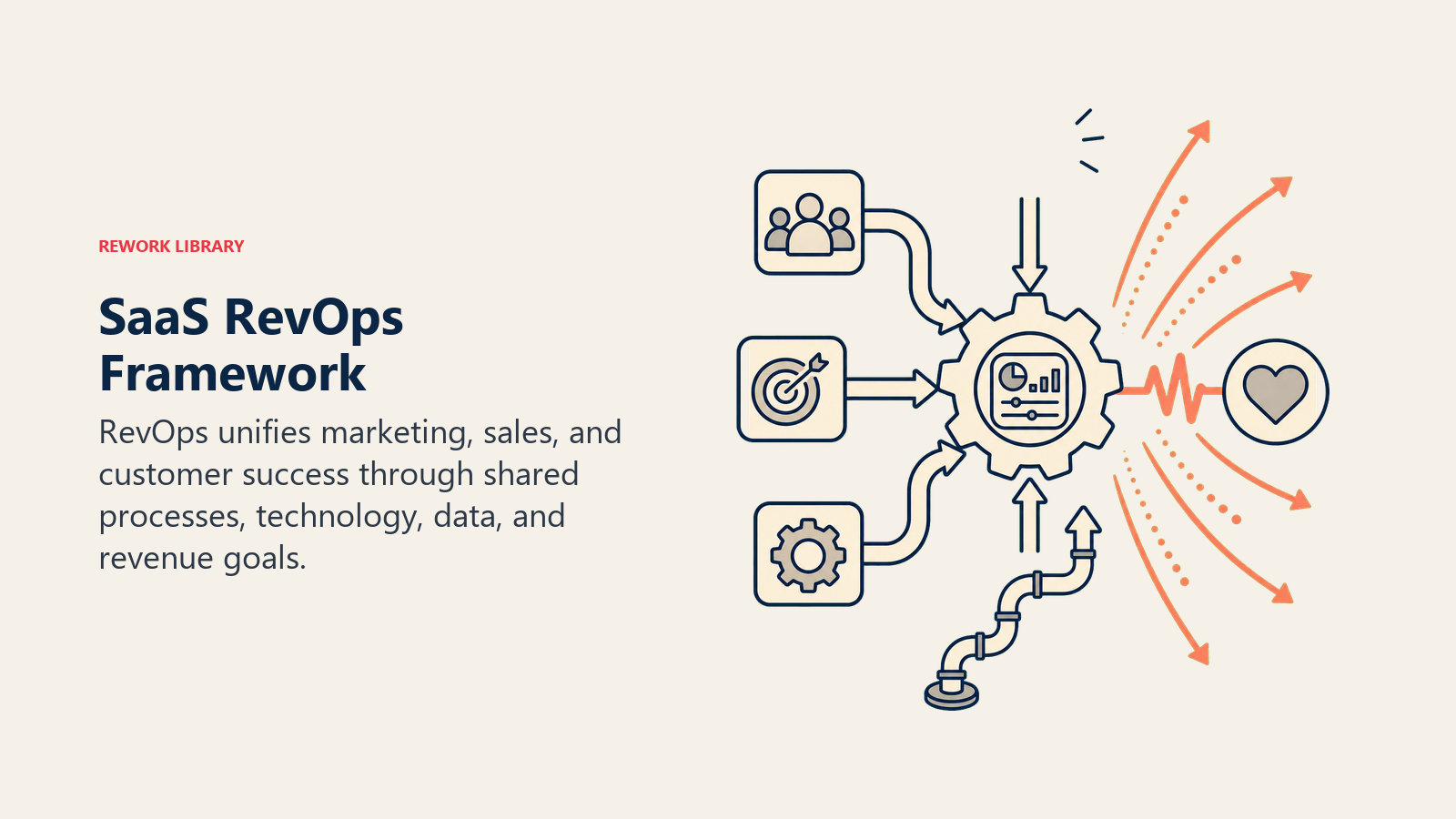
Sequence matters more than vendor choice. This ordering front-loads the cheap work that determines whether the expensive work succeeds.
Weeks 1–2: definitions and current-state map. Write the data dictionary. Map today's actual lead-to-onboarding path including every manual step. Do this before you take a single demo, because it becomes your evaluation script and your requirements list.
Weeks 3–6: evaluation. Run the three-point test on a shortlist of two or three CRMs. Insist on a hands-on trial with your own data rather than a guided demo on the vendor's. Check the specific integrations your finance and product teams depend on, and get reference calls with customers at your size in your industry.
Weeks 7–10: hygiene. Dedupe accounts and contacts, backfill required fields, retire dead custom fields, and archive non-marketable contacts. Do this before migration so you are not paying to move junk and then cleaning it in the new system.
Weeks 11–18: build and migrate. Stand up the CRM as system of record with the schema from your data dictionary. Migrate in a sandbox first. Build only the three boundary automations: lead-to-owner, opportunity-to-onboarding, onboarding-to-retention-owner. Rebuild the small number of reports each function actually uses daily, not the full historical report library.
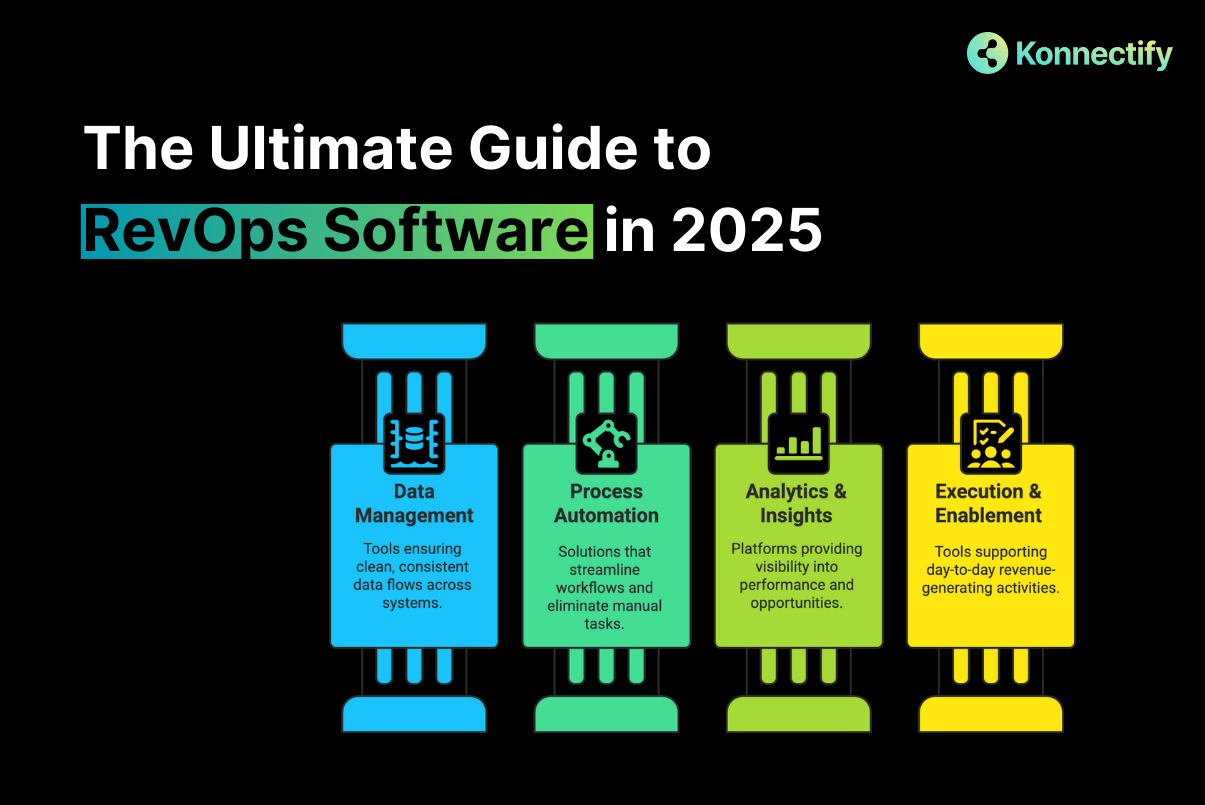
Weeks 19–22: layer in intelligence. Only now add revenue intelligence, and only for the sales and manager seats. Instrument, observe for a full sales cycle, and resist acting on its forecast until you have watched it against one closed period.
Weeks 23 onward: governance cadence. Monthly automation register review, quarterly data hygiene audit, and a standing weekly cross-functional pipeline and health review. Expand the automation footprint only when the existing set has run clean for a quarter.
The loop from the decision node back to the shortlist is the important edge. A tool that fails the three-point test on your own data fails it in production too, and the cost of restarting evaluation is a fraction of the cost of a migration you abandon in month five.
Related questions
Should marketing and CS get full CRM licenses?
Usually not. Most platforms sell lower-cost read or light-use seats. Inventory who needs to create and edit opportunities versus who only views accounts and logs activity. On a large go-to-market org this distinction moves the annual bill materially.
Is an all-in-one platform better than best-of-breed for alignment?
All-in-one wins on native data joins and lower integration cost, and suits smaller teams without dedicated RevOps staff. Best-of-breed wins when one function has requirements the suite genuinely cannot meet. The deciding factor is whether you have staff to own integrations.
Do we need a dedicated lead-routing tool?
Only at high lead volume or with genuinely complex territory, round-robin, and account-matching logic. Below that, native CRM assignment rules handle it. Buy the specialist tool when your routing rules have outgrown what one admin can reason about.
What single hire matters most for alignment tooling?
A data steward inside RevOps who owns the shared data dictionary and enforces consistent field usage across every integrated tool. Without that role, definitions drift within two quarters and the stack produces conflicting numbers no dashboard can reconcile.
FAQ
Is there one best RevOps software that works for every company?
No. The single-tool promise does not survive contact with real org structures. What works is a composable architecture: one CRM as system of record, a revenue intelligence layer for pipeline and deal risk, and a workflow automation layer for handoffs. Which specific vendors fill those roles depends on your size, sales-cycle complexity, and whether you have technical staff to own integrations.
Which CRM should be the foundation?
Salesforce is the common answer for larger organizations with complex custom objects, multi-currency requirements, or heavy configuration needs. HubSpot is the common answer for mid-market and smaller teams that value native marketing and service functionality over deep customization. Choose on budget, available admin resources, and sales-cycle complexity — not on which vendor claims to be best.
How do I choose between revenue intelligence tools?

Separate the two jobs first. Conversation intelligence analyzes calls for coaching and objection patterns. Forecasting analyzes CRM, calendar, and email signals for deal risk and pipeline accuracy. Some tools lead on one, some on the other. Trial at least two against your live pipeline and judge them on whether your sales managers change a decision based on the output.
Can workflow automation alone align teams?
It removes manual handoff work, which eliminates a large class of interteam disputes about whether a record was passed. It cannot create agreement on what a qualified lead is or what churn risk means. Automation enforces definitions; it does not author them. Write the definitions first, then automate them.
How much should I budget for the full stack?
Model it as three lines: per-seat CRM by license type, marketing automation by contact tier, and revenue intelligence by sales seat — then add integration platform consumption and implementation services. A small team on a CRM plus light automation lands in the hundreds per month; an enterprise stack with specialist tools in every layer runs to thousands monthly. Verify all pricing on current vendor pages.
What is the fastest thing I can do this quarter without buying anything?
Write the shared data dictionary and instrument the three boundary handoffs in whatever CRM you already have. Most misalignment I encounter is definitional rather than technical, and both of those changes cost staff time rather than license spend. Do them first; they also become your requirements document if you do end up buying.
Sources
- https://www.gartner.com/en/sales/topics/revenue-operations
- https://www.forrester.com/blogs/category/revenue-operations/
- https://www.salesforce.com/editions-pricing/sales-cloud/
- https://www.hubspot.com/pricing/crm
- https://www.g2.com/categories/revenue-operations-intelligence
- https://developer.salesforce.com/docs/atlas.en-us.api.meta/api/implementation_considerations.htm
- https://knowledge.hubspot.com/records/create-and-manage-custom-objects
- https://www.trustradius.com/revenue-operations
Related on PULSE
- How to build a sales pipeline dashboard in Salesforce?
- What are the real differences in email sequencing between Outreach and SalesLoft for enterprise sales?
- How to integrate Salesforce with LinkedIn Sales Navigator for prospecting?
- What is the best sales engagement platform for cold outreach in 2024?
- Top 10 sales intelligence tools in 2027
This page will be disappearing soon. Save it to your device for $1 — or read it free while it is here.
@Kory-White- · if Venmo asks, the last 4 of my number are 2012
This page is gone.
This one is off the shelf now. $1 keeps it on your phone for good — the whole page, pictures and diagrams included.
 softwareCan I use HubSpot CRM for free with more than 1,000 contacts in 2026?
 softwareTop 10 ways to choose a HubSpot CRM consultant in 2027
 softwareShould I add HubSpot's Operations Hub once I have more than 10 recurring data sync mappings to maintain in 2027?
 softwareDoes Google Analytics 4 integrate directly with HubSpot to track form submissions and ad conversions in 2026?
 softwareTop 10 HubSpot CRM agencies to hire for custom implementation in 2027
 softwareTop 10 HubSpot CRM training courses for beginners in 2027
 softwareTop 10 inventory management software for e-commerce in 2027
 softwareWhat are the best analytics tools for SaaS revenue operations in 2026?
 softwareTop 10 places to research HubSpot CRM reviews in 2027
 softwareHow to set up multi-touch attribution in Google Analytics 4 in 2026?