

How to automate lead assignment in HubSpot CRM in 2027?
 Curated byKory White · Fractional CRO · Maryland
Quality
Certified

Automate lead assignment in HubSpot CRM by building a routing layer: enrich the record first, score or segment it with a workflow, then use a rotation, weighted pool, or custom-coded action to stamp the HubSpot owner field and fire a notification. Add fallback owners, capacity caps, and an unassigned-record alert so nothing stalls.
What lead routing actually is, and why the owner field is the whole game
Lead assignment sounds like a people problem — who gets which lead — but inside HubSpot CRM it collapses into one field. The hubspot_owner_id property on a contact, company, or deal is the single source of truth for ownership. Everything downstream keys off it: the rep's task queue, the sequence enrollment, the deal-stage reporting, the territory dashboards, the commission attribution at quarter end. If that field is blank, wrong, or set late, every system built on top of it inherits the error.
That is why "automate lead assignment" is really shorthand for "make the owner field get stamped correctly, fast, every time, without a human doing it." HubSpot ships several native ways to do exactly that, and they sit at different levels of the product. Assignment can happen at form submission, on a workflow trigger, on record creation via the API, on meeting booking, on chat conversation start, or on a manual bulk action. Most teams end up using three or four of those paths simultaneously and never realize it — which is where the conflicts start.
The business case is well-worn but still holds. Speed-to-lead is the dominant variable in inbound conversion. A lead that sits unowned for two hours has materially worse odds than one contacted in the first few minutes, because the buyer is still in the research window and has usually filled out three or four competitor forms in the same session. Manual assignment — a sales manager scanning a list twice a day and dragging names around — introduces a delay measured in hours, plus the human tendency to hand the good-looking logos to the favorite rep. Automation removes both the latency and the favoritism, and it produces an audit trail you can actually argue with.
There is also a fairness dimension that shows up in rep retention. When routing is opaque, reps assume they are being shorted. When it is a documented rule — round robin within a territory, weighted by quota, capped at forty open leads per rep — the argument shifts from "you're playing favorites" to "the rule needs adjusting," which is a much more productive conversation. Publish the routing logic to the sales team. It costs nothing and it kills a whole category of friction.

One important caveat on the software side: HubSpot's native round-robin distribution in forms and workflows is a paid-tier feature. Rotation of a record to an owner in workflows requires Sales Hub or Marketing Hub at a paid seat level, and the specifics of which action is available on which tier change over time. Before you design anything, open the workflow action list in your own portal and confirm what you actually have. Designing a routing scheme around an action your subscription does not include is the single most common wasted afternoon in this project.
Finally, understand what assignment is *not*. It is not lead scoring, though scoring often feeds it. It is not enrichment, though enrichment must precede it. It is not the notification, though the notification is what makes it real to the rep. Treat those as four separate stages that hand off to each other, and the whole thing becomes debuggable. Mash them into one giant workflow and you will spend your Fridays reading enrollment history.
The step-by-step process for building the routing layer
Build this in stages and test each one in isolation. The order matters, because every stage depends on data the previous stage produced.
Stage one — define the routing dimensions on paper. Before touching the software, write down the three or four attributes that actually decide ownership at your company. For most B2B teams it is some combination of: geography or territory, company size band, product line or use case, and inbound versus outbound source. Resist the urge to add a fifth. Every additional dimension multiplies the number of branches you have to maintain and the number of edge cases that fall through. If you cannot explain your routing rule to a new rep in ninety seconds, it is too complicated.

Stage two — guarantee the input data exists. Routing on country fails silently when country is blank, which it will be on a large share of form fills. Decide for each dimension where the value comes from: a required form field, an enrichment provider, an IP-based lookup, or a derived property you calculate. Then add a step that handles blank. A common pattern is a "routing region" custom property that a workflow sets by cascading through several sources — explicit form field, then enrichment country, then email domain TLD, then a default of "Unassigned Region." The cascade is boring and it saves you constantly.
Stage three — normalize before you branch. Free-text state and country fields arrive as "CA," "Calif," "California," and "california." Run a normalization workflow that maps variants into a controlled dropdown property, and branch on the dropdown, never the raw text. The same applies to company size: convert the raw employee count into a banded dropdown (1-10, 11-50, 51-200, 201-1000, 1000+) and route on the band. When you later want to change where the SMB/mid-market line sits, you edit one mapping instead of every branch in every workflow.
Stage four — build one workflow that owns assignment. Single writer. One contact-based workflow whose entire job is to set the owner. Everything else — the Slack ping, the task creation, the sequence enrollment, the SLA timer — either lives downstream in that same workflow after the owner is set, or lives in a separate workflow that triggers off "owner is known." Do not let three workflows all try to stamp the owner field. When they race, the last write wins and you cannot tell which one did it.
Stage five — pick your distribution mechanic inside that workflow. The realistic options are: rotate the record to an owner from a defined list (HubSpot's native round robin), set the owner to a specific person via a branch (fixed assignment by territory or account), copy the owner from an associated company record (the account-based pattern), or call a custom-coded action that returns an owner ID based on your own logic. Most mature setups use the third option as the primary rule — if the company already has an owner, the contact inherits it — and fall back to rotation only for genuinely net-new accounts.

Stage six — add the safety net. Two pieces. First, a fallback branch: if none of your rules matched, assign to a named queue owner or a manager, never leave blank. Second, a monitoring workflow that enrolls any record where owner is unknown and creation date is more than fifteen minutes ago, and sends an internal alert. That second one is the piece teams skip, and it is the piece that catches every silent failure you are about to introduce.
Stage seven — layer capacity and working hours. Pure round robin ignores whether a rep is on vacation, already buried, or asleep in another time zone. HubSpot's rotation does have some deactivation handling, but the practical fix is a custom property like "accepting new leads" on the owner-mapping side, plus a periodic workflow that flips reps out of the pool when their open-lead count crosses a threshold. If you are on a plan without custom-coded actions, a simpler version works: maintain two or three rotation lists and switch between them with an active/paused toggle a manager can flip.
Stage eight — test with real records, not test records. Create ten contacts that mirror your actual traffic mix, including the ugly ones: no country, personal Gmail domain, company name spelled three ways, an existing customer resubmitting a form. Run them through and check the owner on each. Then check the workflow's enrollment history to confirm the path each one took. A rule that works on clean data and fails on half your real traffic is worse than no rule, because it produces confident-looking wrong answers.
Costs, timelines, and typical ranges

The honest cost picture has three layers, and only one of them is a line item.
Licensing. The native rotation actions live behind paid Sales Hub or Marketing Hub tiers, and the more advanced pieces — custom-coded workflow actions, multiple workflow triggers, some of the routing granularity — sit higher up the tier ladder still. HubSpot changes tier packaging and seat pricing regularly, so check current pricing directly rather than trusting a number in any article. The practical planning question is not "what does it cost" but "which of these actions does my current subscription expose," and the answer is visible in your own portal in about thirty seconds.
Implementation time. For a single-team, single-territory setup — one rotation pool, a fallback owner, a Slack notification — a competent admin builds and tests it in half a day. Add territory branching and company-owner inheritance and you are at two to three days including data normalization. A full multi-hub setup with enrichment dependencies, capacity caps, custom-coded actions, and account-based inheritance across contacts, companies, and deals is a two-to-four-week project, and most of that time is data cleanup, not workflow building. Budget accordingly: the workflows are the easy part.
Ongoing maintenance. This is the cost everyone underestimates. Every rep who joins, leaves, changes territory, or goes on leave is a routing change. Every new product line is a new branch. Expect a recurring administrative load of a few hours per month in a stable org, spiking hard during any reorg or quota reset. Teams that treat routing as a set-and-forget project discover eight months later that two departed reps are still in a rotation pool, silently absorbing a share of inbound leads into an inactive queue.
Adjacent software costs. If your routing depends on enrichment — and good routing usually does, because firmographic data is what makes segment branching meaningful — you are paying per-record or per-credit for that enrichment. That budget is separate from HubSpot and is often the larger number at volume. Similarly, if you route on intent data or product usage signals, those pipes have their own costs and their own latency, which matters because a routing decision made before the signal arrives is a routing decision made on incomplete data.

Latency expectations. Workflow actions in HubSpot are near-real-time but not instantaneous; there is queueing, and enrollment can lag under load. If your business case depends on sub-minute assignment — high-volume inbound where a five-minute delay meaningfully costs you — validate the actual observed latency in your portal before committing to an SLA you cannot hit. For most B2B teams, assignment within a minute or two is entirely sufficient and well within what workflow-based routing delivers. For genuinely real-time needs, assignment at form submission (which happens inline) beats assignment via a downstream workflow.
What good looks like in numbers. Track four metrics from day one: percentage of records assigned within your target window, percentage of records that hit the fallback branch (this should be small and should trend down), distribution variance across reps in the same pool (large gaps mean a rule is misfiring or a rep is deactivated), and median time from assignment to first rep touch. That last one is the one executives care about, and it is the one that reveals whether your notification design actually works or whether reps are ignoring it.
Where teams get this wrong
Multiple writers to the owner field. The single most common failure. A form has rotation enabled, a workflow also sets the owner, and an integration writes owner on record creation. All three fire, the record flips owners twice in ten seconds, two reps get notified, one of them starts working an account that is no longer theirs. Fix: audit every path that can write hubspot_owner_id — forms, workflows, integrations, imports, the API, meetings links, chatflows — and collapse to one authoritative writer. Everything else should be a trigger into that writer, not a competing writer.
Routing before enrichment lands. Your workflow enrolls on record creation, branches on company size, and finds it blank because the enrichment provider has not written back yet. Every record falls to the default branch. The fix is a short delay step, or better, an enrollment trigger that fires on "enrichment complete" rather than "record created." A five-second-to-two-minute delay costs you almost nothing in speed-to-lead terms and saves the entire segmentation.

Overwriting existing ownership. A current customer fills out a webinar form. Your routing workflow, which does not check for existing ownership, rotates them to a random SDR who has no idea this is an established account. The account executive finds out when the customer mentions the confusing email. Always branch on "owner is known" first and exit if so — or route to the existing owner's team rather than reassigning.
Ignoring the deactivated-rep problem. Reps leave. Their HubSpot user gets deactivated, or worse, does not. Records keep routing to a person who no longer reads the inbox. Build a monthly check: pull owner counts for the last thirty days and compare against your active roster. Anything assigned to someone not on the roster is a leak.
Notification design as an afterthought. Setting the owner field does nothing if the rep does not know. Email notifications get buried. The pattern that works is a task on the record with a due date, plus a channel notification that includes enough context to act — name, company, what they asked for, and a direct link to the record. A notification that just says "you have a new lead" forces a context switch to go look, which adds minutes and reduces the chance anyone acts immediately.
No handling for duplicates. The same person submits three forms in a week. Depending on your dedupe behavior, you either get one contact re-enrolled three times (three notifications, possibly three owners if your re-enrollment settings are loose) or three contacts routed independently. Set re-enrollment deliberately — usually off for the assignment workflow, on for the notification workflow with a suppression window.
Routing rules that encode the org chart instead of the buyer. A structure built around who reports to whom, rather than what the buyer needs, ages badly and produces bizarre outcomes at the boundaries. Route on buyer attributes. Map buyer attributes to reps in one lookup layer. When the org changes, you edit the lookup, not the rules.
No documentation. Six months later nobody remembers why enterprise EMEA leads with under fifty employees go to the mid-market pool. Keep a one-page routing document — the rules, the pools, the fallbacks, the owner of the system — and link it from the workflow description field. Future you will be grateful.
Decision framework: choosing the right mechanic

Not every team needs the sophisticated version. Match the mechanic to the actual shape of your business, and upgrade only when a specific pain forces it.
Use fixed assignment by territory when your reps own clean geographic or vertical territories and lead volume per territory is roughly balanced. It is the simplest thing that works, it is trivially explainable, and it produces zero surprises. The weakness is imbalance: if one territory suddenly produces triple the leads, one rep drowns while others idle.
Use round robin within a pool when leads inside a segment are genuinely interchangeable and you care most about even distribution and speed. It is the default for high-volume inbound SDR teams. Its weakness is that it is blind to context — it will hand a strategic enterprise inquiry to whoever is next, regardless of whether they can handle it.
Use weighted or capacity-aware rotation when reps have meaningfully different capacity — a ramping rep at fifty percent, a senior rep carrying named accounts, someone on partial leave. This requires either a paid capability or custom logic, and it requires maintaining the weights, which people forget to do.
Use account-based inheritance — the contact takes the owner of its associated company — when you sell into accounts rather than individuals, which is most B2B above a certain deal size. This should almost always be the *first* rule in your chain regardless of what else you do, because it prevents the overwriting failure described above. Rotation then only handles genuinely new logos.

Use a custom-coded action when your logic genuinely cannot be expressed in branches: real capacity lookups, external system checks, complex scoring thresholds, time-zone-aware business-hours routing. The cost is that it is code, in a workflow, that a future admin will be afraid to touch. Comment it heavily and document the inputs and outputs in the workflow description.
Use a dedicated routing tool when you have outgrown all of the above — genuinely complex multi-product, multi-region rules with real-time capacity, scheduling handoffs, and meeting booking woven together. Several vendors sell into this space and integrate with HubSpot. The threshold is roughly: when maintaining the native version consumes more admin time than the tool costs, buy the tool. Below that threshold, native is fine and one fewer system to break.
A note on the adjacent workflows. Assignment rarely lives alone. Upstream of it sits form design and enrichment; downstream sit sequence enrollment, meeting booking, and SLA escalation. The same routing logic often needs to be mirrored in your meetings links — a round-robin meetings link that ignores your CRM routing will happily book a demo with a rep who does not own the account. Check that your booking links and your assignment workflow use the same pools. The same applies to live chat: a chatflow that routes conversations by availability while your CRM routes records by territory will produce a rep who chatted with a prospect but does not own the record, which is a small awkwardness that compounds.
Reviewing on a cadence. Put a recurring calendar item on the system owner: quarterly, pull distribution by rep, fallback-branch percentage, and time-to-first-touch. Compare against last quarter. Most routing systems degrade slowly rather than breaking loudly, and a quarterly ten-minute review catches the drift before someone in a QBR does.
Related questions
How do I route leads to the company owner automatically?
Add a branch early in the workflow that checks whether the associated company has an owner. If yes, use the action that copies the associated company's owner onto the contact. Exit the workflow there so rotation never overwrites established account ownership.
What happens to lead assignment when a rep leaves?

Nothing automatic — that is the problem. Deactivating the user does not always remove them from every rotation list or reassign their existing records. Remove them from all pools manually, bulk-reassign their open records, and run a monthly audit comparing record owners against your active roster.
Can I assign leads based on lead score?
Yes. Branch on your score property inside the assignment workflow: high scores route to senior reps or a dedicated pool, low scores to a nurture owner or self-serve. Make sure scoring has actually finished calculating before the branch evaluates, or use a short delay step.
Should assignment happen on the form or in a workflow?
Form-level rotation is faster and simpler for single-pool setups. Workflow-based assignment is more flexible and easier to audit when you have branching logic. Do not run both on the same form — pick one authoritative path or you will get competing writes.
Does routing work the same for deals as for contacts?
The mechanic is similar but deals usually inherit from the contact or company rather than rotating independently. Rotating a deal separately from its contact means two people believe they own the same opportunity, which surfaces painfully at forecast review.
FAQ
Do I need a paid HubSpot tier to automate lead assignment?
For anything beyond assigning a single fixed owner, yes. The rotation actions in workflows and forms sit behind paid Sales Hub or Marketing Hub tiers, and custom-coded workflow actions sit higher still. Open your portal's workflow action list to see exactly what your subscription exposes before designing anything — packaging changes over time and the portal is the only reliable source.
How fast should assignment happen?

For most B2B inbound, assignment within a minute or two is fine and easily achievable with workflow-based routing. If your model genuinely depends on sub-minute response, assign at form submission rather than through a downstream workflow, since form-level rotation happens inline. Measure your actual observed latency before committing to any external SLA.
What should happen when no routing rule matches?
Never leave the owner blank. Route to a named fallback owner — a manager, a queue account, or a designated triage rep — and fire an alert. Then track how often the fallback fires. A fallback rate that is climbing is your early warning that a data source has broken or a new lead type has appeared that your rules do not cover.
How do I stop two workflows from fighting over the owner field?
Audit every path that can write the owner property, including forms, imports, integrations, meetings links, chatflows, and the API. Designate one workflow as the sole writer and convert the others into triggers or downstream actions. If you must keep a second writer, gate it behind an explicit "owner is unknown" condition so it can never overwrite.
Can I make routing respect rep capacity or working hours?
Native rotation is largely blind to both. The practical approaches are a manager-controlled "accepting leads" toggle that moves reps in and out of pools, a scheduled workflow that pauses reps once their open-lead count crosses a threshold, or a custom-coded action that queries capacity at assignment time. Dedicated routing software handles this natively if the complexity justifies the spend.
Should lead scoring drive assignment, or just prioritization?
Both work, but keep them separate in the build. Let scoring write a score property, then let the assignment workflow read it. Merging scoring logic into the routing workflow makes both harder to change, and you will change scoring far more often than you change routing.
Sources
- https://knowledge.hubspot.com/workflows/create-workflows
- https://knowledge.hubspot.com/records/hubspot-crm-objects
- https://developers.hubspot.com/docs/api/crm/owners
- https://developers.hubspot.com/docs/api/automation/custom-code-actions
- https://knowledge.hubspot.com/forms/create-forms
- https://knowledge.hubspot.com/properties/create-and-edit-properties
- https://www.hubspot.com/pricing/sales
- https://hbr.org/2011/03/the-short-life-of-online-sales-leads
- https://knowledge.hubspot.com/meetings-tool/create-a-scheduling-page
Related on PULSE
- How to build a lead scoring model in HubSpot
- How to design an inbound SLA between marketing and sales
- How to set up territory management for a growing sales team
- How to clean and normalize CRM data before automating workflows
- How to measure speed-to-lead and fix a slow inbound response
This page will be disappearing soon. Save it to your device for $1 — or read it free while it is here.
@Kory-White- · if Venmo asks, the last 4 of my number are 2012
This page is gone.
This one is off the shelf now. $1 keeps it on your phone for good — the whole page, pictures and diagrams included.
 softwareWhat are the best analytics tools for SaaS revenue operations in 2026?
 softwareTop 10 directories to discover HubSpot CRM agencies in 2027
 softwareTop 10 Endpoint Protection Platforms for 2027
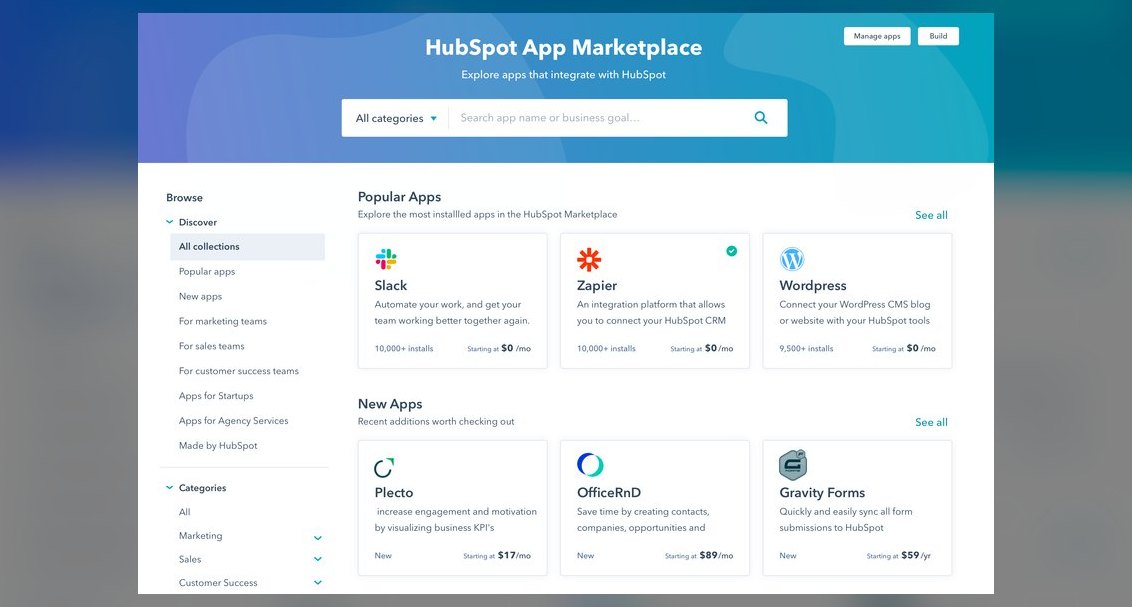 softwareTop 10 places to find HubSpot CRM templates in 2027
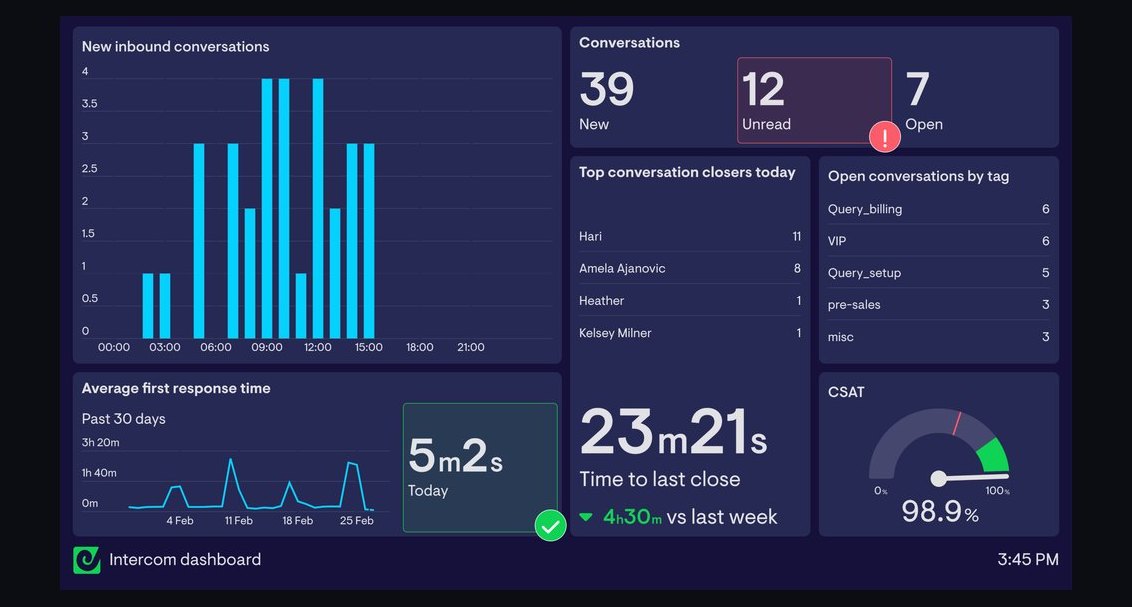 softwareTop 10 live chat software for websites in 2027
 softwareShould I upgrade off HubSpot CRM's free tier once I need more than three deal pipelines in 2027?
 softwareTop 10 ways to choose a HubSpot CRM consultant in 2027
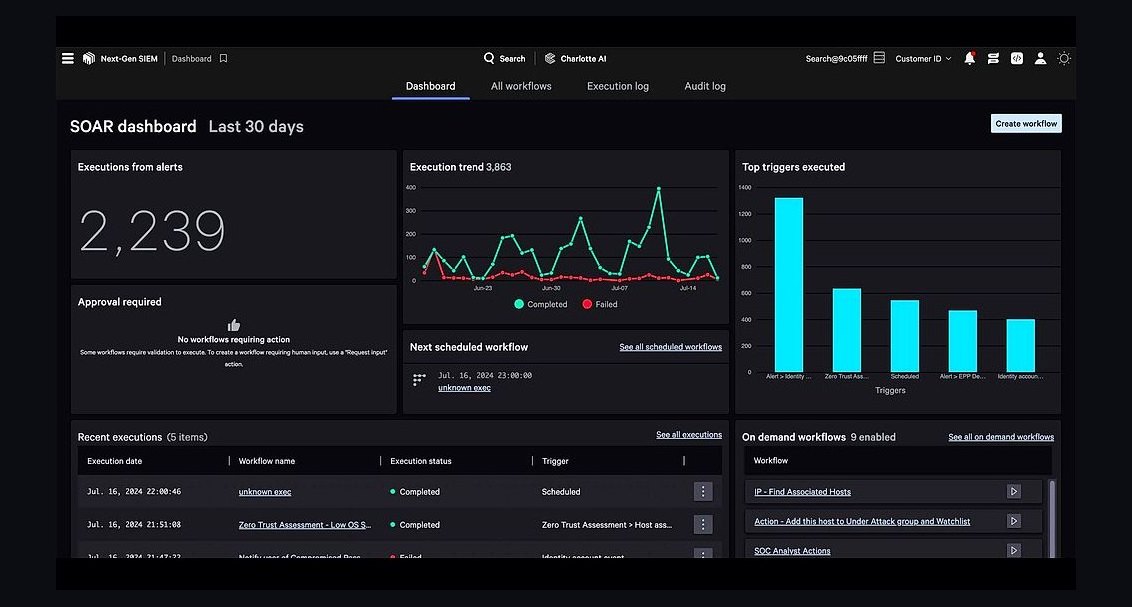 softwareTop 10 Cybersecurity Software for 2027: CrowdStrike, SentinelOne, and Palo Alto Compared
 softwareTop 10 HubSpot CRM marketplaces for finding vetted apps and integrations in 2027
 softwareTop 10 AI tools for content creation in 2027